ignition TOYOTA AVALON 2015 XX40 / 4.G Navigation Manual
[x] Cancel search | Manufacturer: TOYOTA, Model Year: 2015, Model line: AVALON, Model: TOYOTA AVALON 2015 XX40 / 4.GPages: 310, PDF Size: 4.49 MB
Page 4 of 310
4
AVA L O N _ N a v i _ U
■INFORMATION FOR HYBRID VEHICLES IS WRITTEN IN BRACKETS
NEXT TO THE INFORMATION FOR GASOLINE VEHICLES
Different writing styles for gasoline and hybrid vehicles
Example
When the engine*1
operating.
*
1: Vehicles with gasoline engine
*
2: Vehicles with hybrid system
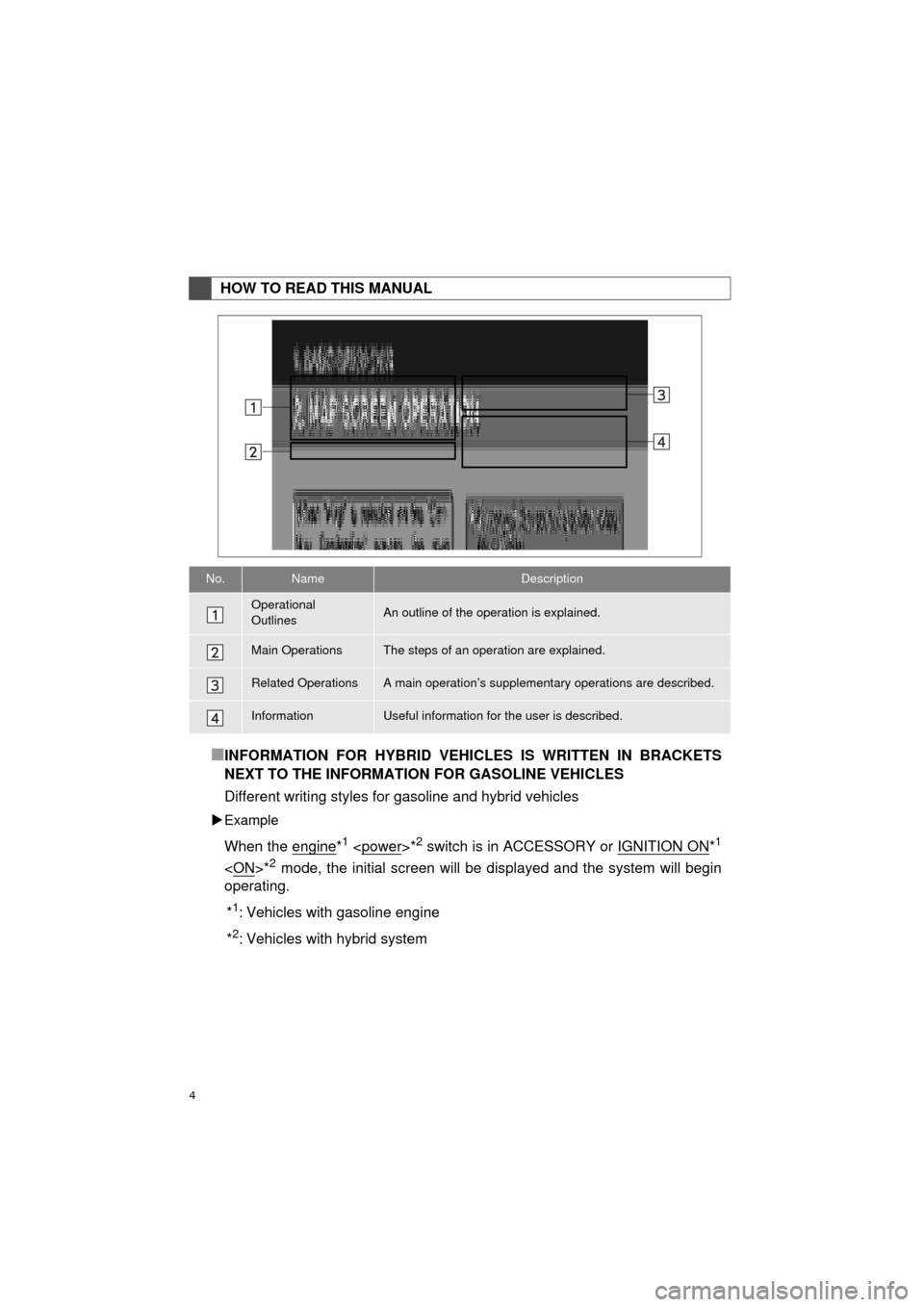
HOW TO READ THIS MANUAL
No.NameDescription
Operational
OutlinesAn outline of the operation is explained.
Main OperationsThe steps of an operation are explained.
Related OperationsA main operation’s supplement ary operations are described.
InformationUseful information for the user is described.
Page 32 of 310
32
AVA L O N _ N a v i _ U
1. BASIC INFORMATION BEFORE OPERATION
1. INITIAL SCREEN
1When the “POWER” <“ENGINE
START STOP”> switch is in ACCES-
SORY or ON
the initial screen will be displayed and
the system will begin operating.
After a few seconds, the “Caution” screen
will be displayed.
After about 5 seconds, the “Caution”
screen automatically switches to the next
screen.
CAUTION
● When the vehicle is stopped with the
hybrid system operating
brake for safety.
*: With navigation function
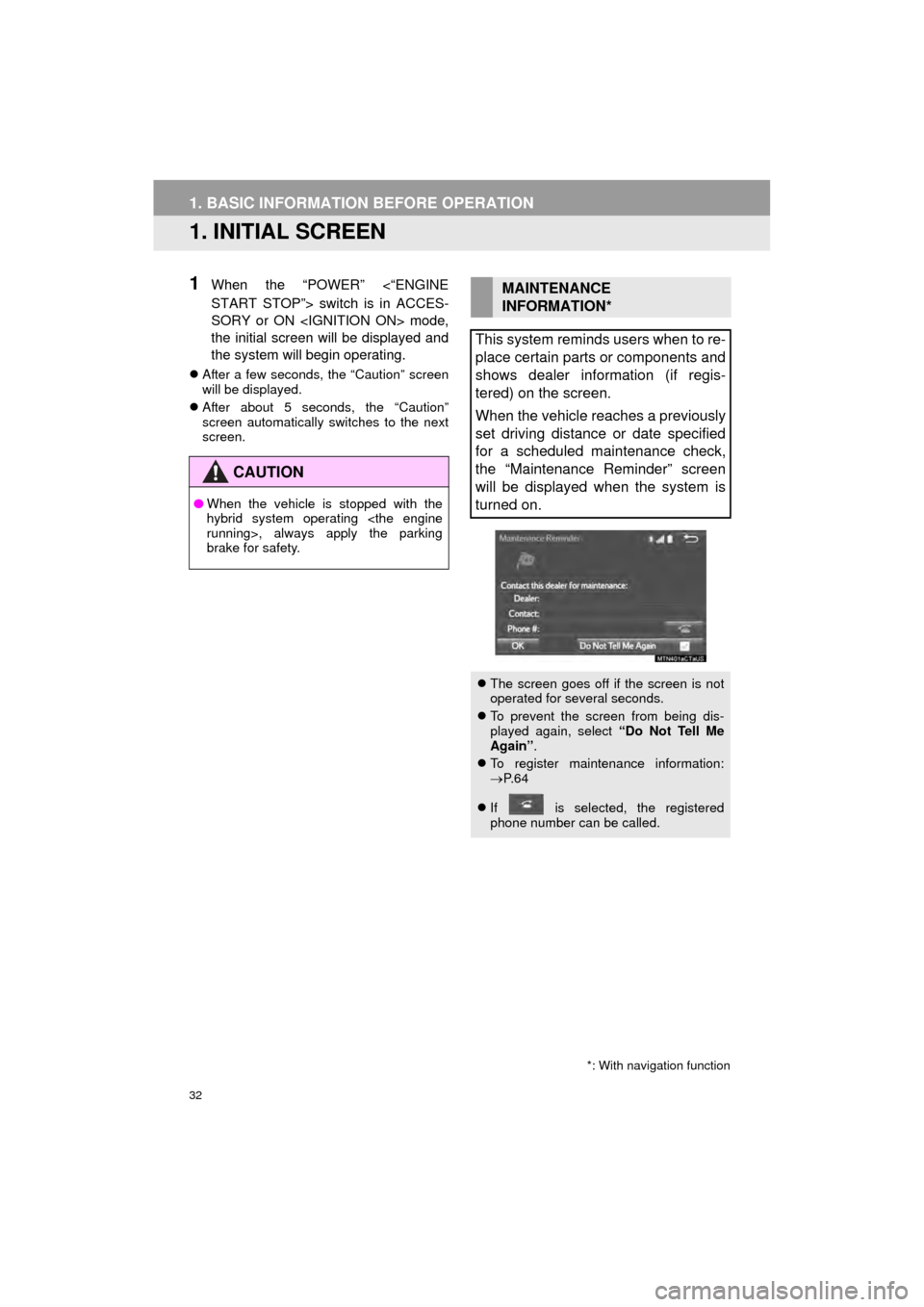
MAINTENANCE
INFORMATION*
This system reminds users when to re-
place certain parts or components and
shows dealer information (if regis-
tered) on the screen.
When the vehicle reaches a previously
set driving distance or date specified
for a scheduled maintenance check,
the “Maintenance Reminder” screen
will be displayed when the system is
turned on.
The screen goes off if the screen is not
operated for several seconds.
To prevent the screen from being dis-
played again, select “Do Not Tell Me
Again” .
To register maintenance information:
P. 6 4
If is selected, the registered
phone number can be called.
Page 52 of 310

52
2. Bluetooth® SETTINGS
AVA L O N _ N a v i _ U
■AUTO CONNECTION MODE
When the “POWER” <“ENGINE START
STOP”> switch is in ACCESSORY or ON
searches for a nearby registered device.
The system will connect with the regis-
tered device that was last connected, if it
is nearby.
■CONNECTING MANUALLY
1Press the “APPS” button and select
“Setup” .
2Select “Bluetooth*” .
3Follow the steps in “CONNECTING A
Bluetooth
® DEVICE” from “STEP 2”.
(P.51)
*: Bluetooth is a regi stered trademark of
Bluetooth SIG, Inc.
■RECONNECTING THE Bluetooth®
PHONE
If a Bluetooth® phone is disconnected on
purpose by turning it off, this does not
happen. Reconnect the Bluetooth
® phone
manually.
To turn auto connection mode on, set
“Bluetooth* Power” to on. (P.54)
Leave the Bluetooth
® device in a loca-
tion where the connection can be es-
tablished.
When the auto connection has failed or
“Bluetooth* Power” is turned off, it is
necessary to connect Bluetooth
® man-
ually.
If a Bluetooth® phone is disconnected
when the engine switch is turned to
ACCESSORY or ON
mode, the system automatically recon-
nect the Bluetooth
® phone.
Page 55 of 310
55
2. Bluetooth® SETTINGS
AVA L O N _ N a v i _ U
BASIC FUNCTION
21Select “Bluetooth* Power” .
When “Bluetooth* Power” is on :
The Bluetooth
® device is automatically
connected when the “POWER” <“ENGINE
START STOP”> switch is turned to AC-
CESSORY or ON
When “Bluetooth* Power” is off :
The Bluetooth
® device is disconnected,
and the system will not connect to it next
time.
1Select “Bluetooth* Name” .
2Enter a name and select “OK”.
1Select “Bluetooth* PIN” .
2Enter a PIN-code and select “OK”.
*: Bluetooth is a regi stered trademark of
Bluetooth SIG, Inc.
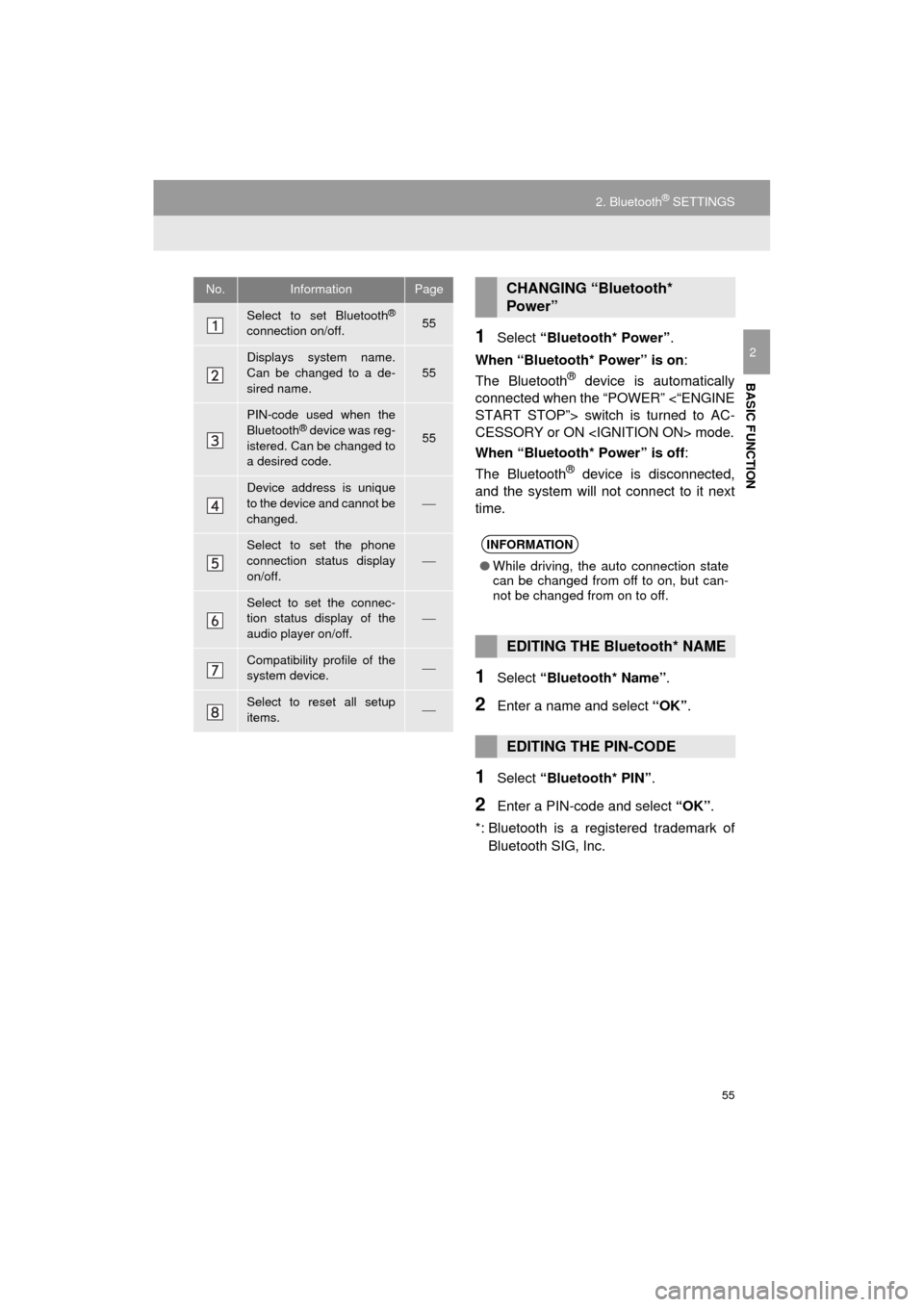
No.InformationPage
Select to set Bluetooth®
connection on/off.55
Displays system name.
Can be changed to a de-
sired name.55
PIN-code used when the
Bluetooth® device was reg-
istered. Can be changed to
a desired code.55
Device address is unique
to the device and cannot be
changed.
Select to set the phone
connection status display
on/off.
Select to set the connec-
tion status display of the
audio player on/off.
Compatibility profile of the
system device.
Select to reset all setup
items.
CHANGING “Bluetooth*
Power”
INFORMATION
● While driving, the auto connection state
can be changed from off to on, but can-
not be changed from on to off.
EDITING THE Bluetooth* NAME
EDITING THE PIN-CODE
Page 61 of 310
61
3. OTHER SETTINGS
AVA L O N _ N a v i _ U
BASIC FUNCTION
2
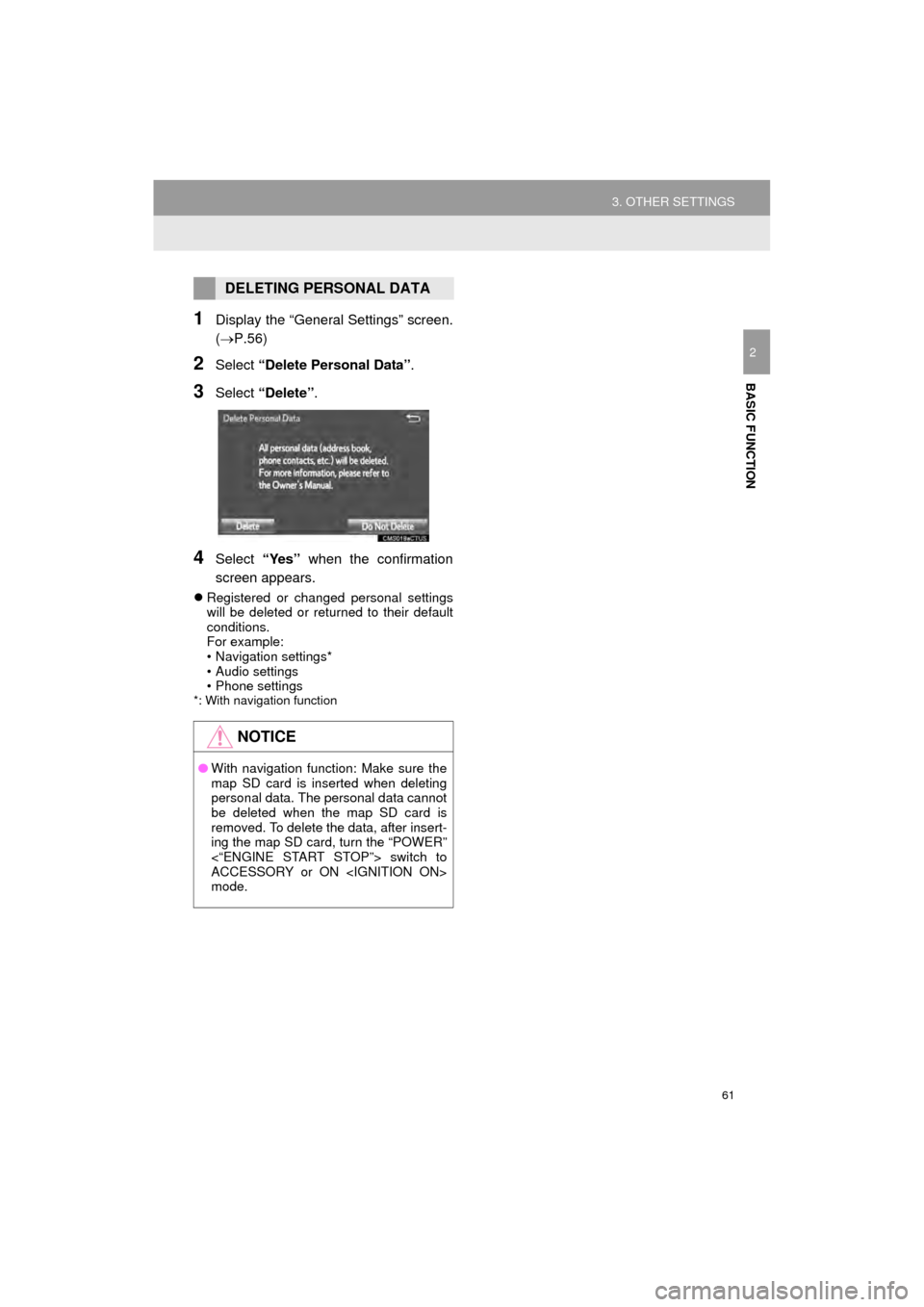
1Display the “General Settings” screen.
(P.56)
2Select “Delete Personal Data”.
3Select “Delete” .
4Select “Yes” when the confirmation
screen appears.
Registered or changed personal settings
will be deleted or returned to their default
conditions.
For example:
• Navigation settings*
• Audio settings
• Phone settings
*: With navigation function
DELETING PERSONAL DATA
NOTICE
●With navigation function: Make sure the
map SD card is inserted when deleting
personal data. The personal data cannot
be deleted when the map SD card is
removed. To delete the data, after insert-
ing the map SD card, turn the “POWER”
<“ENGINE START STOP”> switch to
ACCESSORY or ON
mode.
Page 72 of 310

72
1. BASIC OPERATION
AVA L O N _ N a v i _ U
2. SOME BASICS
This section describes some of the ba-
sic features of the audio system. Some
information may not pertain to your
system.
Your audio system works when the
“POWER” <“ENGINE START STOP”>
switch is turned to ACCESSORY or
ON
NOTICE
●To prevent the 12-volt battery from being
discharged, do not leave the audio sys-
tem on longer than necessary when the
hybrid system is off
CERTIFICATION
CAUTION:
For vehicles sold in U.S.A.:
Part 15 of the FCC Rules
FCC WARNING: Changes or modifica-
tions not expressly approved by the
party responsible for compliance could
void the user’s authority to operate the
equipment.
Laser products
Without navigation function
• USE OF CONTROL OR
ADJUSTMENT OR PERFORMANCE
OF PROCEDURES OTHER THAN
THOSE SPECIFIED HEREIN MAY
RESULT IN HAZARDOUS
RADIATION EXPOSURE.
• THE USE OF OPTICAL INSTRUMENTS WITH THIS
PRODUCT WILL INCREASE EYE
HAZARD.
With navigation function
THIS PRODUCT IS A CLASS 1 LASER
PRODUCT. USE OF CONTROLS OR
ADJUSTMENTS OR PERFORMANCE
OF PROCEDURES OTHER THAN
THOSE SPECIFIED HEREIN MAY
RESULT IN HAZARDOUS RADIATION
EXPOSURE. DO NOT OPEN COV-
ERS AND DO NOT REPAIR BY YOUR-
SELF. REFER SERVING TO
QUALIFIED PERSONNEL.
Page 110 of 310

110
3. MEDIA OPERATION
AVA L O N _ N a v i _ U
INFORMATION
●If the Bluetooth® device is disconnected due to poor reception from the Bluetooth® net-
work when the engine (power) switch is turned to ACCESSORY or ON
mode, the system will automatically reconnect to the portable player.
● If the Bluetooth
® device is disconnected on purpose, such as it was turned off, this does
not happen. Reconnect the portable player manually.
● Bluetooth
® device information is registered when the Bluetooth® device is connected to
the Bluetooth® audio system. When selling or disposing of the vehicle, remove the
Bluetooth® audio information from the system. ( P. 6 1 )
Page 141 of 310

141
1. USEFUL INFORMATION
AVA L O N _ N a v i _ U
INFORMATION
5
1Display the “Weather” screen.
(P.140)
2Select “Current Weather” .
3Select the desired tab to be displayed.
DISPLAYING THE WEATHER
OF THE CURRENT LOCATION
INFORMATION
●If weather is set to the home screen, the
weather screen of the current location
will be displayed.
● The weather might not show the closest
location when the engine
switch is in IGNITION ON
It will show the closest as data comes in.
Page 147 of 310
147
1. REAR VIEW MONITOR SYSTEM
PERIPHERAL MONITORING SYSTEM
AVA L O N _ N a v i _ U
6
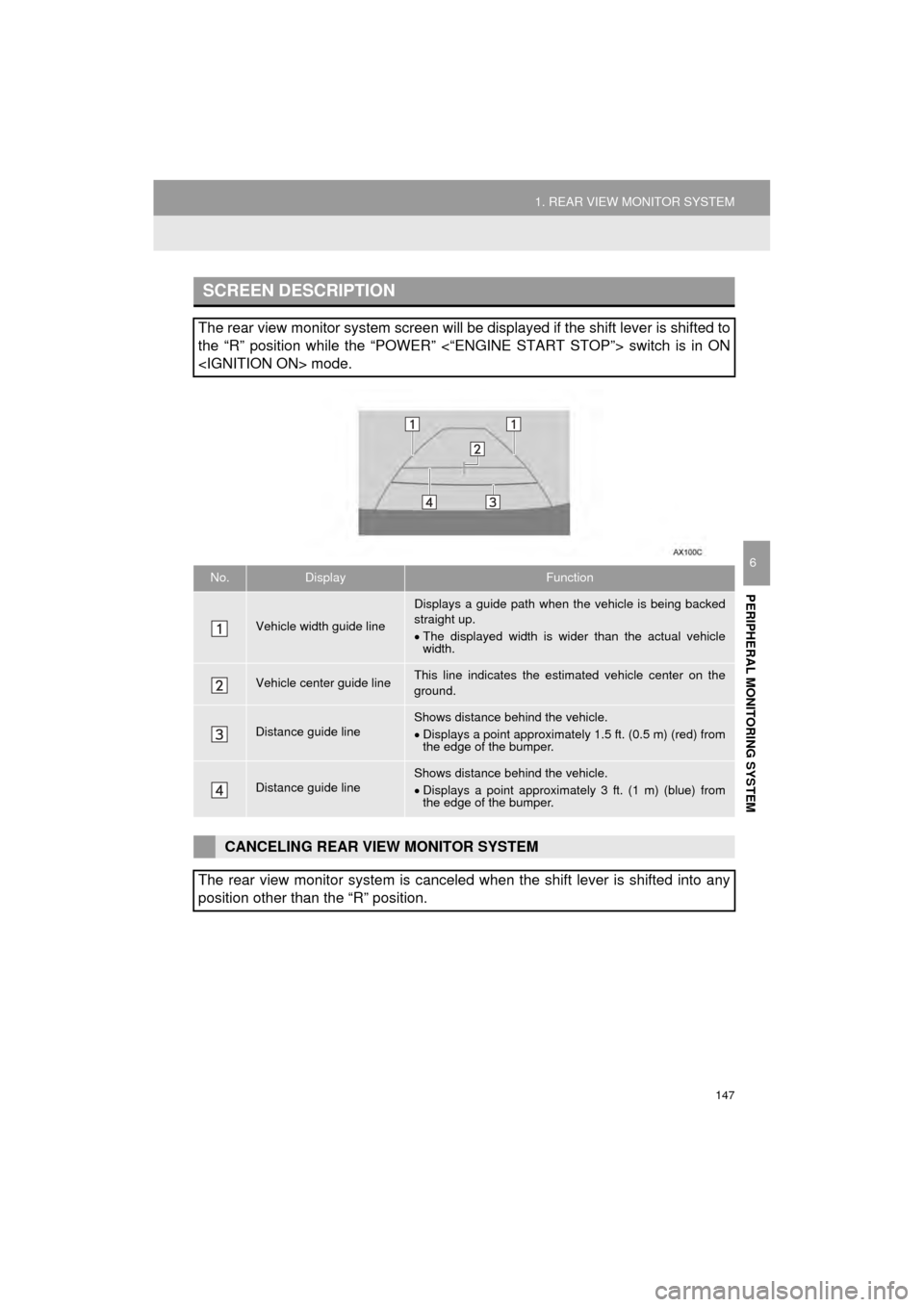
SCREEN DESCRIPTION
The rear view monitor system screen will be displayed if the shift lever is shifted to
the “R” position while the “POWER” <“ENGINE START STOP”> switch is in ON
No.DisplayFunction
Vehicle width guide line
Displays a guide path when t he vehicle is being backed
straight up.
The displayed width is wider than the actual vehicle
width.
Vehicle center guide lineThis line indicates the estimated vehicle center on the
ground.
Distance guide lineShows distance behind the vehicle.
Displays a point approximately 1.5 ft. (0.5 m) (red) from
the edge of the bumper.
Distance guide lineShows distance behind the vehicle.
Displays a point approximately 3 ft. (1 m) (blue) from
the edge of the bumper.
CANCELING REAR VIEW MONITOR SYSTEM
The rear view monitor system is canceled when the shift lever is shifted into any
position other than the “R” position.
Page 156 of 310
156
2. TOYOTA PARKING ASSIST MONITOR
AVA L O N _ N a v i _ U
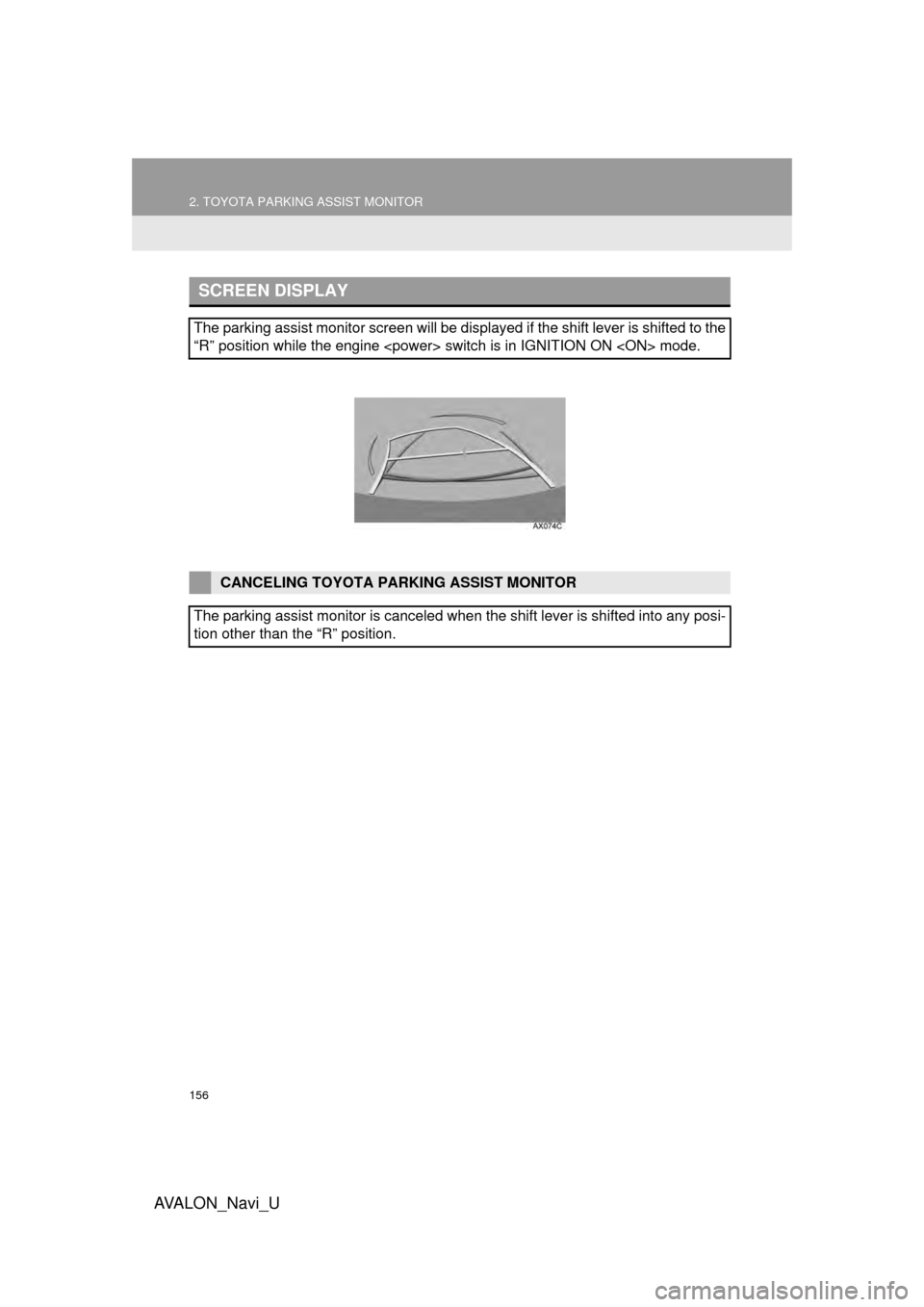
SCREEN DISPLAY
The parking assist monitor screen will be displayed if the shift lever is shifted to the
“R” position while the engine
CANCELING TOYOTA PARKING ASSIST MONITOR
The parking assist monitor is canceled when the shift lever is shifted into any posi-
tion other than the “R” position.