phone TOYOTA AVENSIS 2015 Owner's Manual
[x] Cancel search | Manufacturer: TOYOTA, Model Year: 2015, Model line: AVENSIS, Model: TOYOTA AVENSIS 2015Pages: 648, PDF Size: 39.64 MB
Page 358 of 648
3585-7. “SETUP” menu
AVENSIS_OM_OM20C20E_(EE)
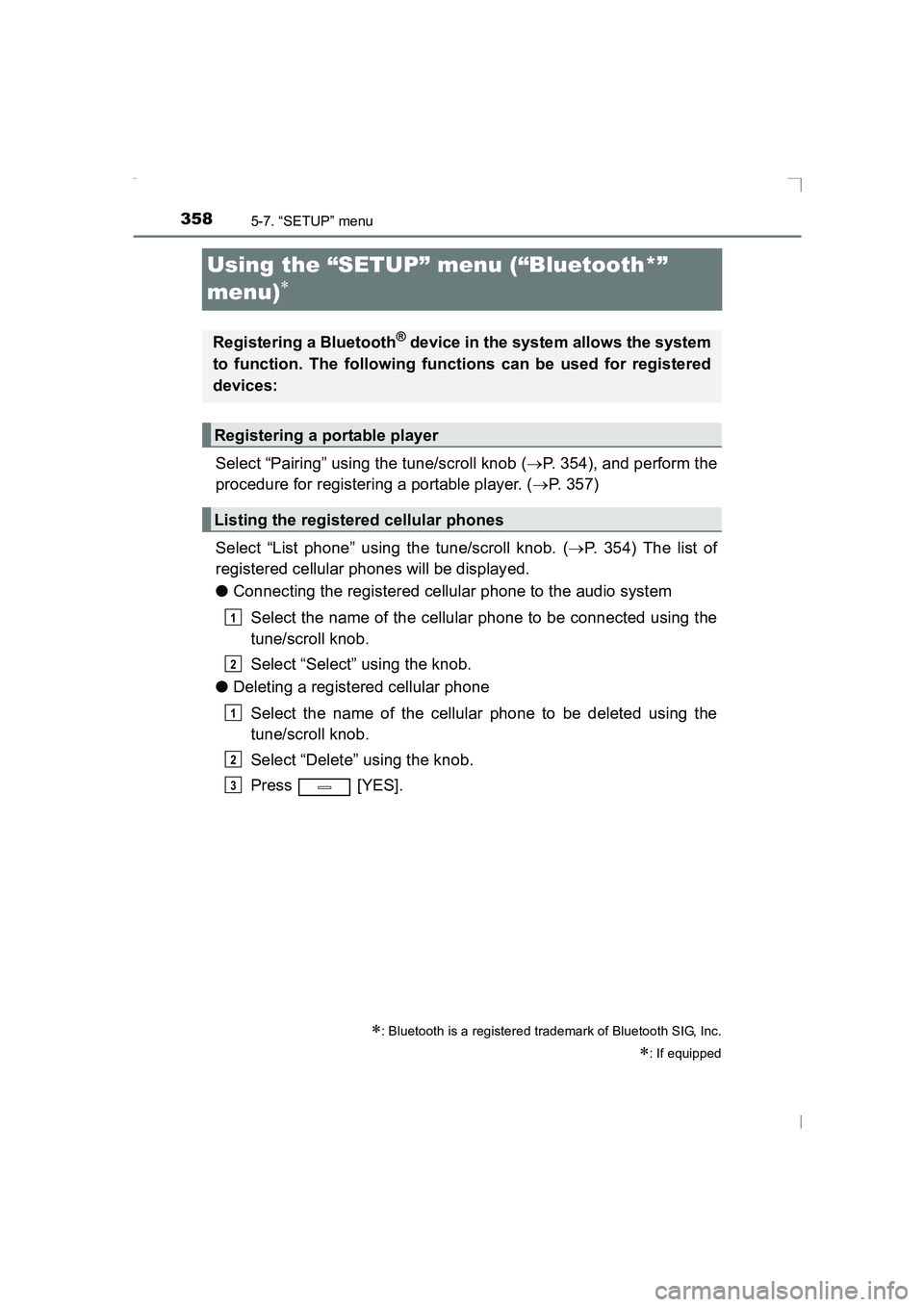
Using the “SETUP” menu (“Bluetooth*”
menu)
∗
Select “Pairing” using the tune/scroll knob (→P. 354), and perform the
procedure for registering a portable player. ( →P. 357)
Select “List phone” using the tune/scroll knob. ( →P. 354) The list of
registered cellular phones will be displayed.
● Connecting the registered cellular phone to the audio system
Select the name of the cellular phone to be connected using the
tune/scroll knob.
Select “Select” using the knob.
● Deleting a registered cellular phone
Select the name of the cellular phone to be deleted using the
tune/scroll knob.
Select “Delete” using the knob.
Press [YES].
∗: Bluetooth is a registered trademark of Bluetooth SIG, Inc.
∗: If equipped
Registering a Bluetooth® device in the system allows the system
to function. The following functions can be used for registered
devices:
Registering a portable player
Listing the registered cellular phones
1
2
1
2
3
AVENSIS_OM_OM20C20E_(EE).book Page 358 Thursday, January 29, 2015 1:47 PM
Page 361 of 648
361
5
5-7. “SETUP” menu
Audio system
AVENSIS_OM_OM20C20E_(EE)
Using the “SETUP” menu (“TEL” menu)∗
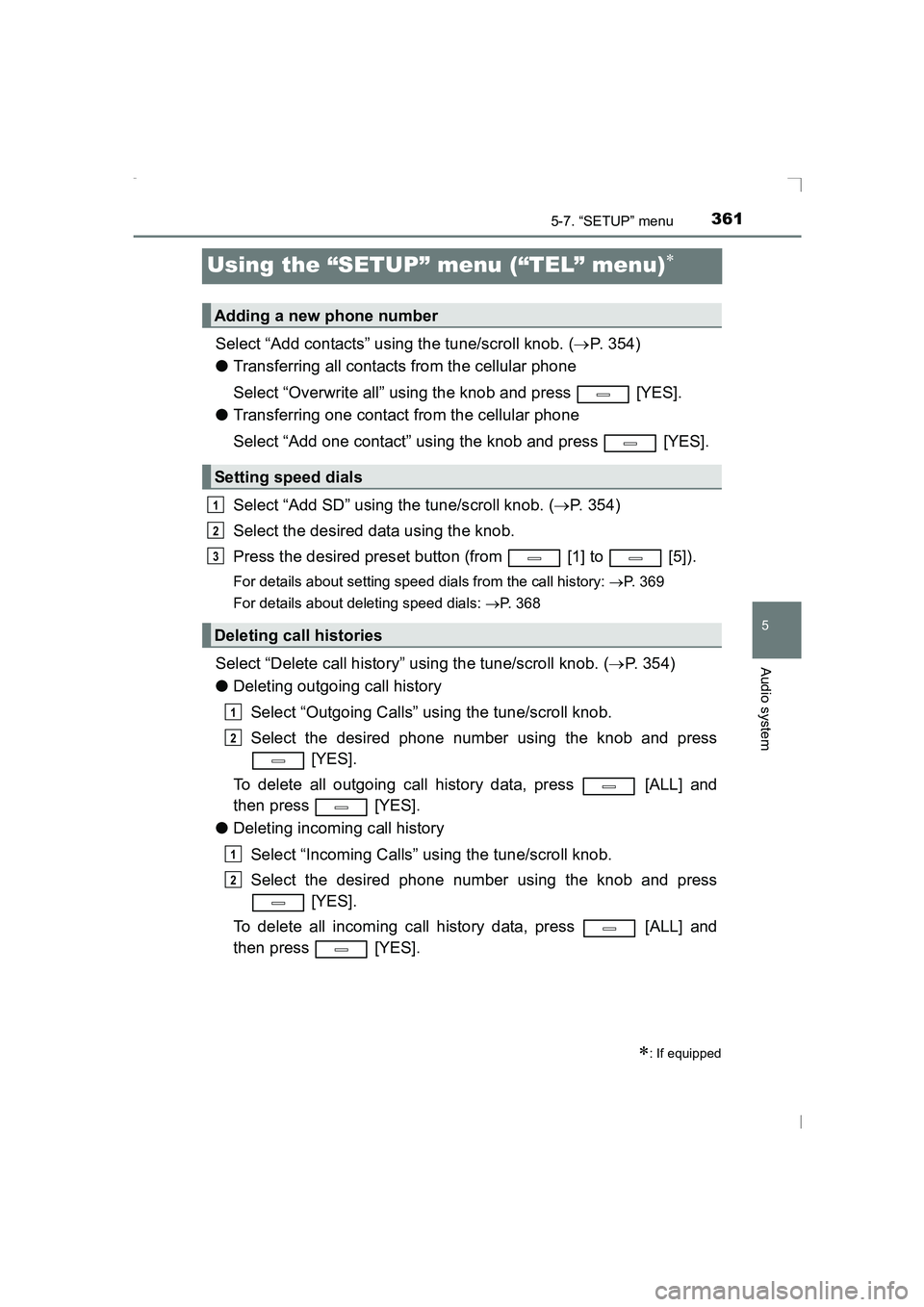
Select “Add contacts” using the tune/scroll knob. (→P. 354)
● Transferring all contacts from the cellular phone
Select “Overwrite all” using the knob and press [YES].
● Transferring one contact from the cellular phone
Select “Add one contact” using the knob and press [YES].
Select “Add SD” using the tune/scroll knob. ( →P. 354)
Select the desired data using the knob.
Press the desired preset button (from [1] to [5]).
For details about setting speed dials from the call history: →P. 369
For details about deleting speed dials: →P. 368
Select “Delete call history” using the tune/scroll knob. ( →P. 354)
● Deleting outgoing call history
Select “Outgoing Calls” using the tune/scroll knob.
Select the desired phone number using the knob and press [YES].
To delete all outgoing call history data, press [ALL] and
then press [YES].
● Deleting incoming call history
Select “Incoming Calls” using the tune/scroll knob.
Select the desired phone number using the knob and press [YES].
To delete all incoming call history data, press [ALL] and
then press [YES].
∗: If equipped
Adding a new phone number
Setting speed dials
Deleting call histories
1
2
3
1
2
1
2
AVENSIS_OM_OM20C20E_(EE).book Page 361 Thursday, January 29, 2015 1:47 PM
Page 362 of 648
![TOYOTA AVENSIS 2015 Owners Manual 3625-7. “SETUP” menu
AVENSIS_OM_OM20C20E_(EE)
●Deleting missed call history
Select “Missed Calls” using the tune/scroll knob.
Select the desired phone number using the knob and press [YES].](/img/14/59657/w960_59657-361.png "TOYOTA AVENSIS 2015 Owners Manual 3625-7. “SETUP” menu
AVENSIS_OM_OM20C20E_(EE)
●Deleting missed call history
Select “Missed Calls” using the tune/scroll knob.
Select the desired phone number using the knob and press [YES].")
3625-7. “SETUP” menu
AVENSIS_OM_OM20C20E_(EE)
●Deleting missed call history
Select “Missed Calls” using the tune/scroll knob.
Select the desired phone number using the knob and press [YES].
To delete all missed call history data, press [ALL] and then
press [YES].
● Deleting a number from all call histories (Outgoing calls, Incoming
calls and Missed calls)
Select “All Calls” using the tune/scroll knob.
Select the desired phone number using the knob and press [YES].
To delete all of the call histories data, press [ALL] and then
press [YES].
Select “Delete contacts” using the tune/scroll knob. ( →P. 354)
Select the desired phone number using the knob and press
[YES].
To delete all the registered phone numbers, select “All delete” using
the knob and press [YES].
Deleting a registered phone number
1
2
1
2
1
2
AVENSIS_OM_OM20C20E_(EE).book Page 362 Thursday, January 29, 2015 1:47 PM
Page 363 of 648
![TOYOTA AVENSIS 2015 Owners Manual 3635-7. “SETUP” menu
5
Audio system
AVENSIS_OM_OM20C20E_(EE)
Select “Delete Phonebook” using the tune/scroll knob. (→P. 354)
Select the desired phonebook using the knob and press
[YES].
Sel](/img/14/59657/w960_59657-362.png "TOYOTA AVENSIS 2015 Owners Manual 3635-7. “SETUP” menu
5
Audio system
AVENSIS_OM_OM20C20E_(EE)
Select “Delete Phonebook” using the tune/scroll knob. (→P. 354)
Select the desired phonebook using the knob and press
[YES].
Sel")
3635-7. “SETUP” menu
5
Audio system
AVENSIS_OM_OM20C20E_(EE)
Select “Delete Phonebook” using the tune/scroll knob. (→P. 354)
Select the desired phonebook using the knob and press
[YES].
Select “Call Volume” using the tune/scroll knob. ( →P. 354)
Change the call volume.
To decrease the volume: Turn the knob counterclockwise.
To increase the volume: Turn the knob clockwise.
Select “Ring tone Volume” using the tune/scroll knob. ( →P. 354)
Change the ring tone volume.
To decrease the volume: Turn the knob counterclockwise.
To increase the volume: Turn the knob clockwise.
Select “Ring tone” using the tune/scroll knob. ( →P. 354)
Using the knob, select a ring tone [1 - 3]. To set the selected ring
tone, press the knob.
Select “Transfer history” using the tune/scroll knob ( →P. 354) and
press [YES].
■ Phone number
Up to 1000 names can be stored.
■ Call history
Up to 10 numbers can be stored in each of the outgoing, incoming and
missed call history memories.
■ Limitation of number of digits
A phone number that exceeds 24 digits cannot be registered.
Deleting another cellular phone’s phonebook
Setting call volume
Setting ring tone volume
Setting ring tone
Transferring call histories
1
2
1
2
1
2
1
2
AVENSIS_OM_OM20C20E_(EE).book Page 363 Thursday, January 29, 2015 1:47 PM
Page 368 of 648
3685-9. Bluetooth® Phone
AVENSIS_OM_OM20C20E_(EE)
Making a phone call∗
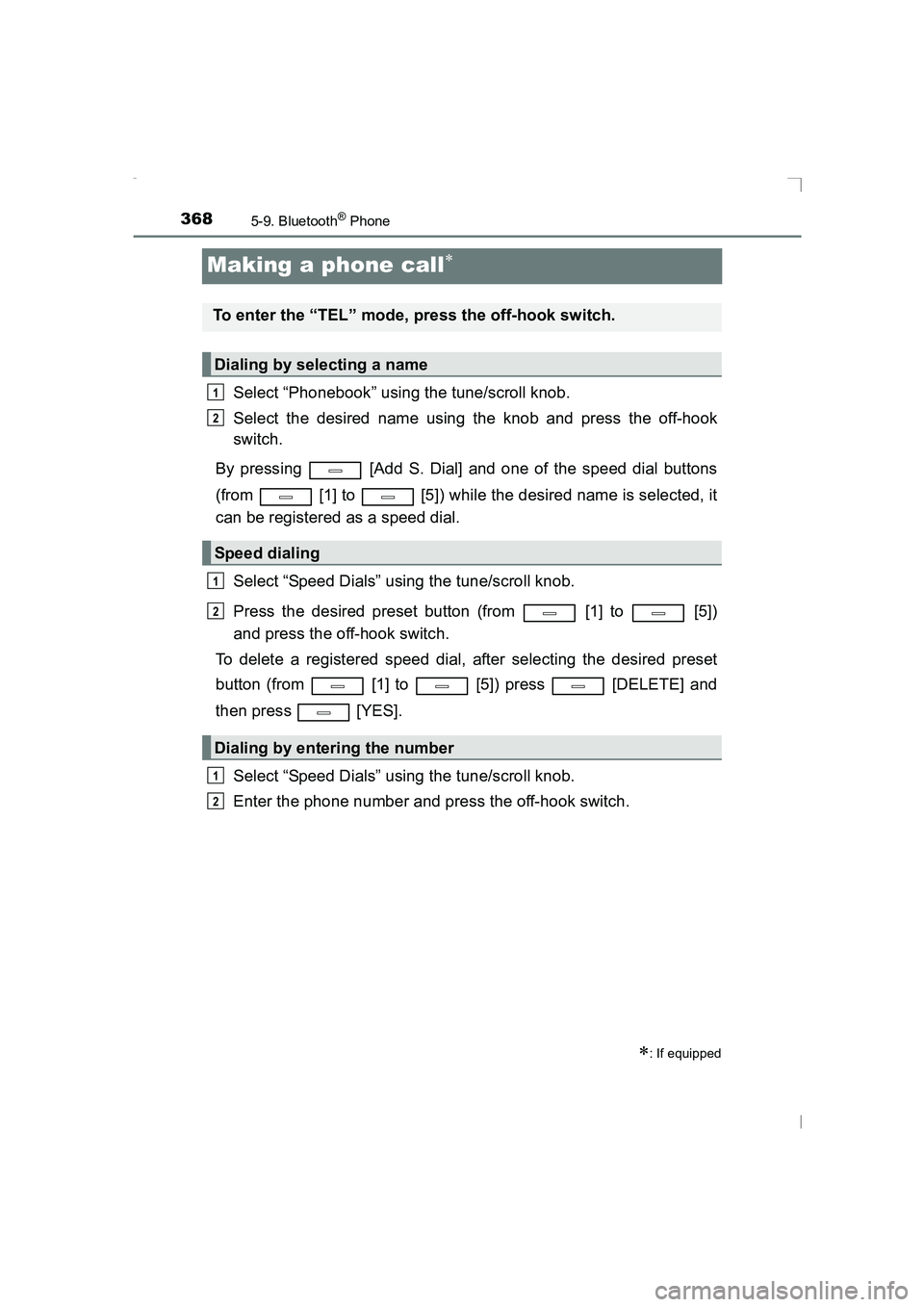
Select “Phonebook” using the tune/scroll knob.
Select the desired name using the knob and press the off-hook
switch.
By pressing [Add S. Dial] and one of the speed dial buttons
(from [1] to [5]) while the desired name is selected, it
can be registered as a speed dial.
Select “Speed Dials” using the tune/scroll knob.
Press the desired preset button (from [1] to [5])
and press the off-hook switch.
To delete a registered speed dial, after selecting the desired preset
button (from [1] to [5]) press [DELETE] and
then press [YES].
Select “Speed Dials” using the tune/scroll knob.
Enter the phone number and press the off-hook switch.
∗: If equipped
To enter the “TEL” mode, press the off-hook switch.
Dialing by selecting a name
Speed dialing
Dialing by entering the number
1
2
1
2
1
2
AVENSIS_OM_OM20C20E_(EE).book Page 368 Thursday, January 29, 2015 1:47 PM
Page 369 of 648
3695-9. Bluetooth® Phone
5
Audio system
AVENSIS_OM_OM20C20E_(EE)
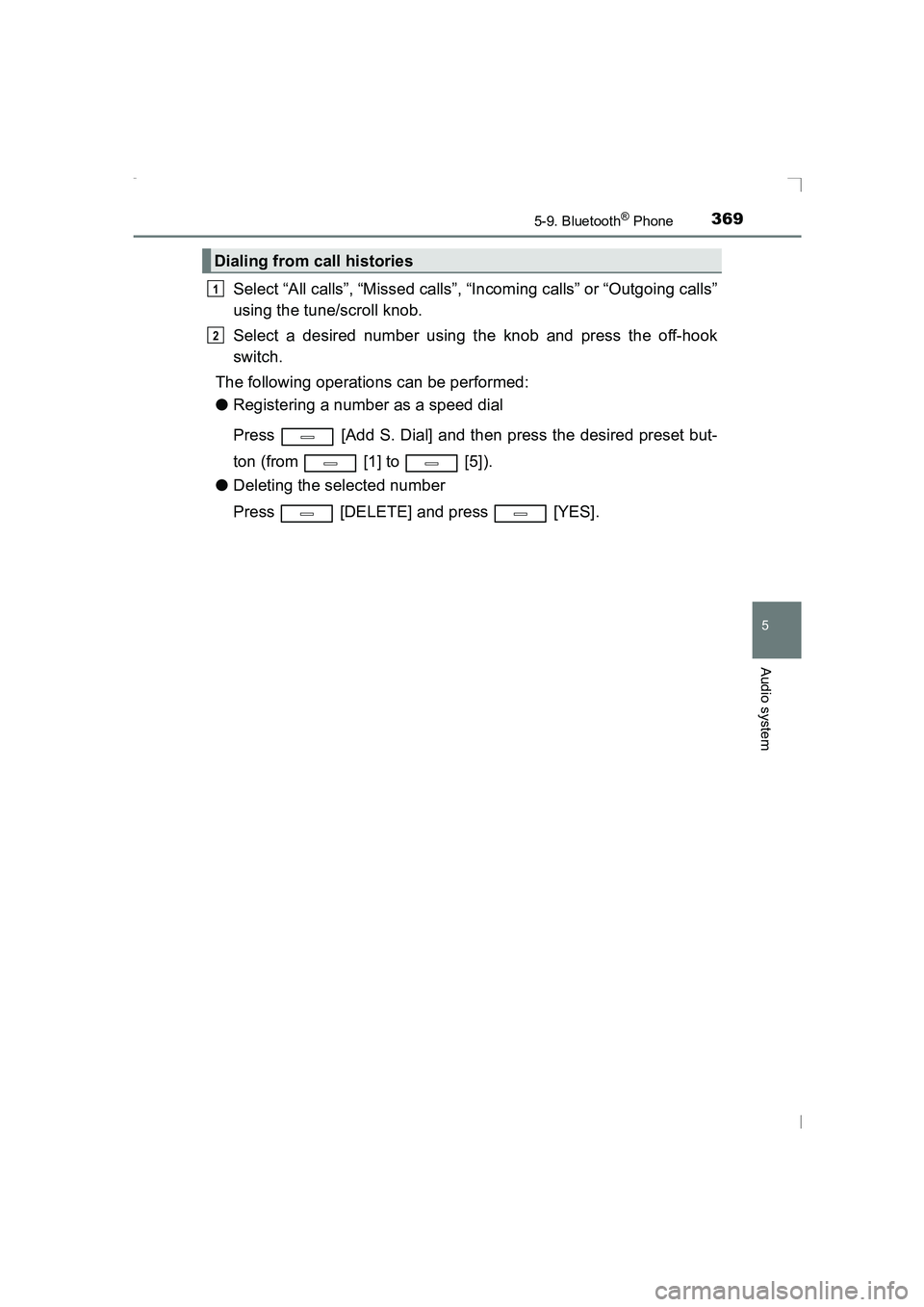
Select “All calls”, “Missed calls”, “Incoming calls” or “Outgoing calls”
using the tune/scroll knob.
Select a desired number using the knob and press the off-hook
switch.
The following operations can be performed:
● Registering a number as a speed dial
Press [Add S. Dial] and then press the desired preset but-
ton (from [1] to [5]).
● Deleting the selected number
Press [DELETE] and press [YES].
Dialing from call histories
1
2
AVENSIS_OM_OM20C20E_(EE).book Page 369 Thursday, January 29, 2015 1:47 PM
Page 370 of 648
3705-9. Bluetooth® Phone
AVENSIS_OM_OM20C20E_(EE)
Receiving a phone call
Press the off-hook switch.
Press the on-hook switch.
Press the off-hook switch.
Pressing the off-hook switch again returns you to the previous call.
To decrease the volume: Turn the power/volume knob counterclock-
wise.
To increase the volume: Turn the power/volume knob clockwise.
Answering the phone
Refusing the call
Receiving a call when on another call
Adjusting the ring tone volume when receiving a call
AVENSIS_OM_OM20C20E_(EE).book Page 370 Thursday, January 29, 2015 1:47 PM
Page 371 of 648
371
5
5-9. Bluetooth® Phone
Audio system
AVENSIS_OM_OM20C20E_(EE)
Speaking on the phone
A call can be transferred between the cellular phone and system while
dialing, receiving a call, or during a call. Use one of the following
methods:a. Operate the cellular phone.
Refer to the manual that comes with the cellular phone for the operation
of the phone.
b. Press the * [PHONE].
*: This operation can be performed only when transferring a call from the
cellular phone to the system during a call.
Press [MUTE].
Press [0-9] and using the tune/scroll knob input the desired
digits.
• To send the input digits press [SEND].
• When finished, press [EXIT] to return to the previous screen.
To decrease the volume: Turn the power/volume knob counterclock-
wise.
To increase the volume: Turn the power/volume knob clockwise.
Transferring a call
Muting your voice
Inputting digits
Setting call volume
AVENSIS_OM_OM20C20E_(EE).book Page 371 Thursday, January 29, 2015 1:47 PM
Page 372 of 648
3725-9. Bluetooth® Phone
AVENSIS_OM_OM20C20E_(EE)
■When talking on the phone
●Do not talk simultaneously with the other party.
● Keep the volume of the received voice down. Otherwise, voice echo will
increase.
■ Automatic volume adjustment
When vehicle speed is 80 km/h (50 mph) or more, the volume automatically
increases. The volume returns to the previous volume setting when vehicle
speed drops to 70 km/h (43 mph) or less.
■ Phone call system functions
Depending on the cellular phone, certai n functions may not be available.
■ Situations where the system may not recognize your voice
●When driving on a rough road
● When driving at high speeds
● When air is blowing out of the vents onto the microphone
● When the air conditioning fan emits a loud noise
AVENSIS_OM_OM20C20E_(EE).book Page 372 Thursday, January 29, 2015 1:47 PM
Page 373 of 648
373
5
5-10. Bluetooth®
Audio system
AVENSIS_OM_OM20C20E_(EE)
Bluetooth®
■When using the Bluetooth® audio/phone
● In the following situations, the system may not function.
• The portable player does not support Bluetooth
®
• The cellular phone is located outside the service area
• The Bluetooth® device is switched off
• The Bluetooth® device has a low battery
• The Bluetooth® device is not connected to the system
• The Bluetooth® device is behind the seat or in the glove box or
console box, or metal material covers or touches the device
● There may be a delay if a cellular phone connection is made dur-
ing Bluetooth
® audio play.
● Depending on the type of portable audio player that is connected
to the system, operation may differ slightly and certain functions
may not be available.
■When transferring ownership of the vehicle
Be sure to initialize the system to prevent personal data from being
improperly accessed. ( →P. 360)
AVENSIS_OM_OM20C20E_(EE).book Page 373 Thursday, January 29, 2015 1:47 PM