Hood TOYOTA BZ4X 2023 Owners Manual
[x] Cancel search | Manufacturer: TOYOTA, Model Year: 2023, Model line: BZ4X, Model: TOYOTA BZ4X 2023Pages: 628, PDF Size: 11.91 MB
Page 5 of 628
5TABLE OF CONTENTS
Owners Manual_USA_M42C01_en
1
2
3
4
5
6
8 7
9
10
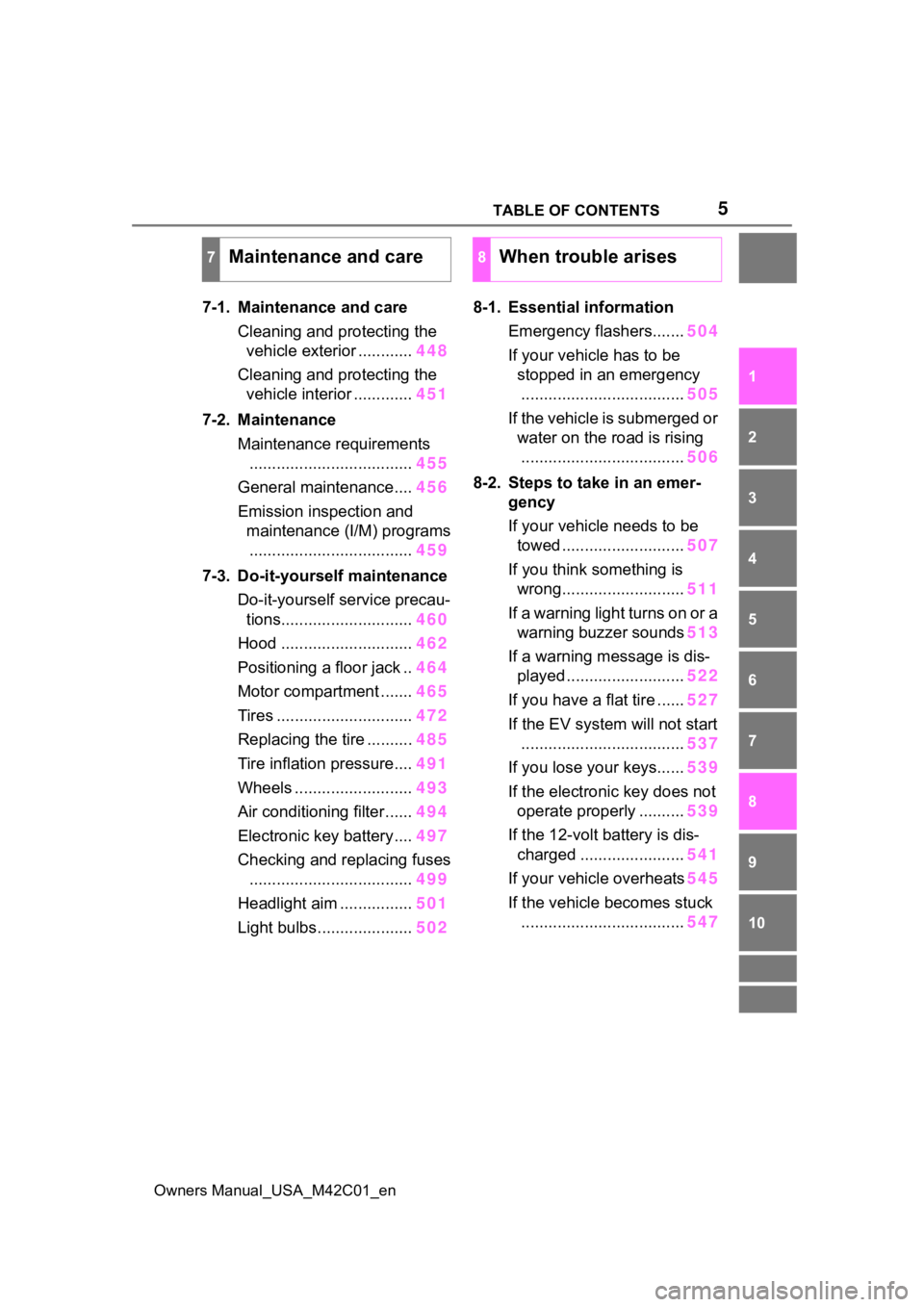
7-1. Maintenance and care Cleaning and protecting the vehicle exterior ............ 448
Cleaning and protecting the vehicle interior ............. 451
7-2. Maintenance Maintenance requirements.................................... 455
General maintenance.... 456
Emission inspection and maintenance (I/M) programs.................................... 459
7-3. Do-it-yourself maintenance Do-it-yourself service precau-tions............................. 460
Hood ............................. 462
Positioning a floor jack .. 464
Motor compartment ....... 465
Tires .............................. 472
Replacing the tire .......... 485
Tire inflation pressure.... 491
Wheels ......... .................493
Air conditioning filter ...... 494
Electronic key battery.... 497
Checking and replacing fuses .................................... 499
Headlight aim ................ 501
Light bulbs..................... 5028-1. Essential information
Emergency flashers....... 504
If your vehicle has to be stopped in an emergency.................................... 505
If the vehicle is submerged or water on the road is rising.................................... 506
8-2. Steps to take in an emer- gency
If your vehicle needs to be towed ........................... 507
If you think something is wrong........................... 511
If a warning light turns on or a warning buzzer sounds 513
If a warning message is dis- played .......................... 522
If you have a flat tire ...... 527
If the EV system will not start
.................................... 537
If you lose your keys...... 539
If the electronic key does not operate properly .......... 539
If the 12-volt battery is dis- charged ....................... 541
If your vehicle overheats 545
If the vehicle becomes stuck .................................... 547
7Maintenance and care8When trouble arises
Page 15 of 628
15Pictorial index
Owners Manual_USA_M42C01_en
Precautions against winter season .............................. ........ P.393
To prevent freezing (windshield wiper de-icer)
*.................... P.404
Precautions against car wash
(Rain-sensing windshield wipers)
*....................................... P.449
Charging port .................................................. ..................... P.85
Charging method ................................................ ................... P.98
Tires.......................................................... ........................... P.472
Tire size/inflation pressure ................................... ................ P.555
Winter tires/tire chain ........................................ ................... P.393
Checking/rotation/tire pressure warning system
*................. P.472
Coping with flat tires......................................... .................... P.527
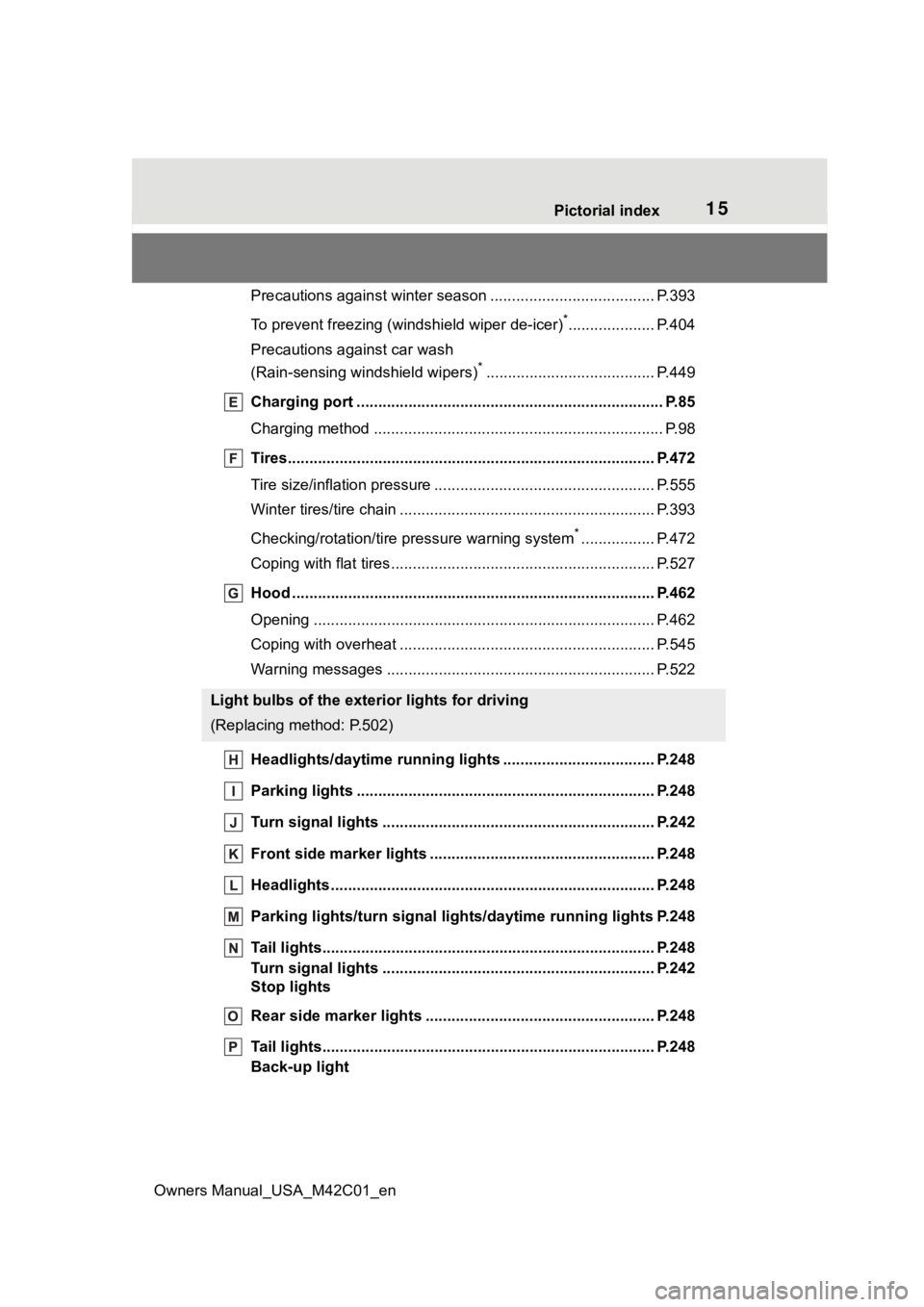
Hood ........................................................... ......................... P.462
Opening ............................................................................... P.462
Coping with overheat ........................................... ................ P.545
Warning messages ............................................... ............... P.522
Headlights/daytime running lights .............................. ..... P.248
Parking lights ................................................. .................... P.248
Turn signal lights ............................................. .................. P.242
Front side marker lights ....................................... ............. P.248
Headlights..................................................... ...................... P.248
Parking lights/turn signal ligh ts/daytime running lights P.248
Tail lights.................................................... ......................... P.248
Turn signal lights ............................................. .................. P.242
Stop lights
Rear side marker lights ........................................ ............. P.248
Tail lights.................................................... ......................... P.248
Back-up light
Light bulbs of the exterior lights for driving
(Replacing method: P.502)
Page 18 of 628
18Pictorial index
Owners Manual_USA_M42C01_en
Turn signal lever.............................................. ................... P.242
Headlight switch ............................................... ................. P.248
Headlights/parking lights/tail lig hts/license plate lights/daytime run-
ning lights .................................................... ......................... P.248
Windshield wiper and washer switch............................... P.253
Usage................................................................................... P.253
Adding washer fluid .............................................................. P.471
Warning messages ............................................... ............... P.522
Emergency flasher switch ....................................... .......... P.504
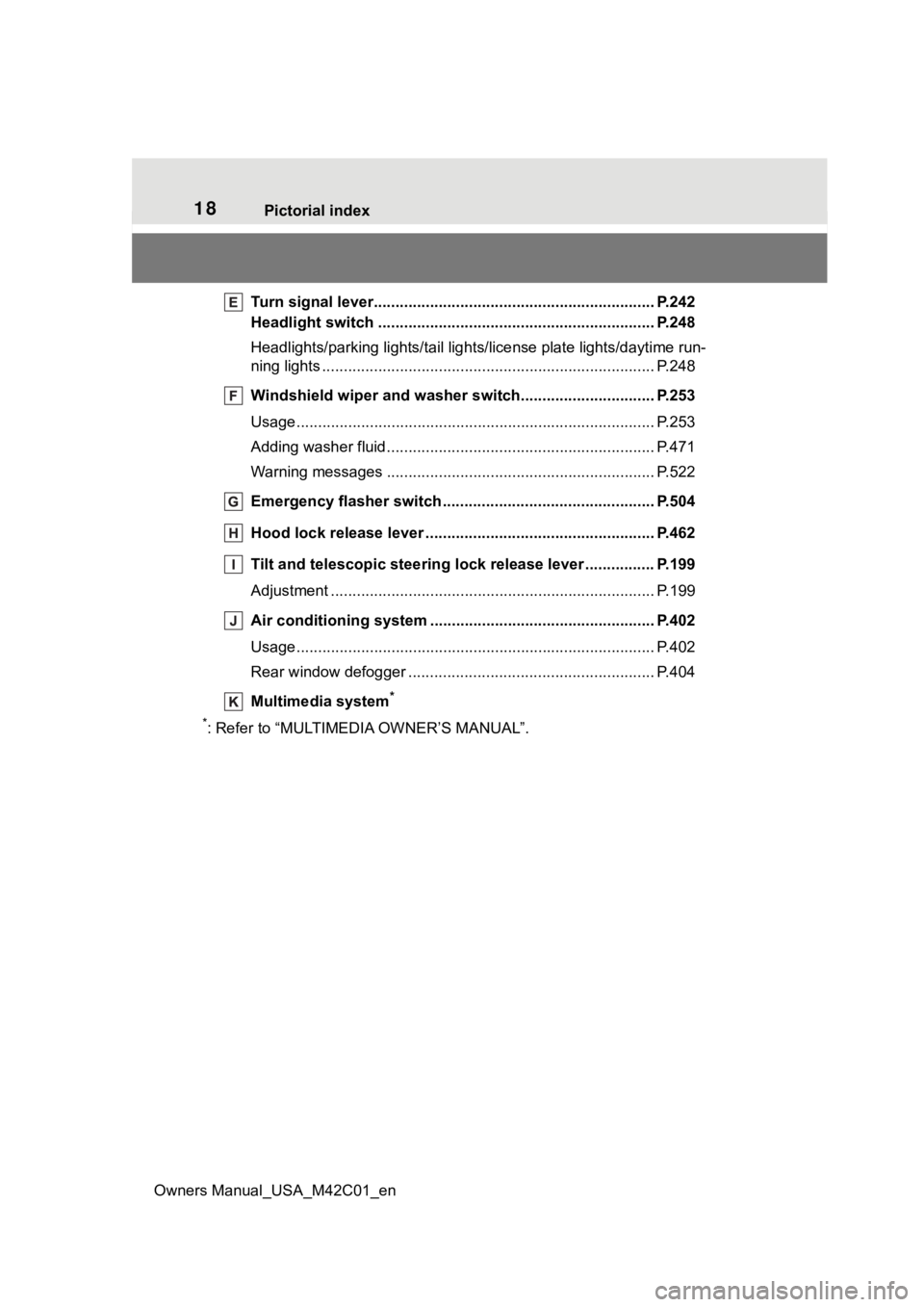
Hood lock release lever ........................................ ............. P.462
Tilt and telescopic steering lock release lever ................P. 1 9 9
Adjustment ..................................................... ...................... P.199
Air conditioning system ............................. ....................... P.402
Usage................................................................................... P.402
Rear window defogger ........................................... .............. P.404
Multimedia system
*
*
: Refer to “MULTIMEDIA OWNER’S MANUAL”.
Page 49 of 628
491-2. Child safety
Owners Manual_USA_M42C01_en
1
For safety and security
1-2.Child safety
Riding with children
Observe the following pre-
cautions when children are
in the vehicle.
Use a child restraint system
appropriate for the child,
until the child becomes
large enough to properly
wear the vehicle’s seat belt.
It is recommended that chil-
dren sit in the rear seats to
avoid accidental contact
with the steering wheel,
wiper switch, etc.
Use the rear door child-pro-
tector lock or the window
lock switch to avoid children
opening the door while driv-
ing or operating the power
window accidentally.
( P.171, 214)
Do not let small children
operate equipment which
may catch or pinch body
parts, such as the power
window, hood, back door,
seats, etc.
WARNING
■When children are in the vehi-
cle
Never leave children unattended
in the vehicle, and never allow
children to have or use the key.
Children may be able to start the
vehicle or shift the vehicle into
neutral. There is also a danger
that children ma y injure them-
selves by playing with the side
windows or other features of the
vehicle. In addition, heat build-up
or extremely cold temperatures
inside the vehicle can be fatal to
children.
Page 69 of 628
691-4. Theft deterrent system
Owners Manual_USA_M42C01_en
1
For safety and security
■Items to check before lock-
ing the vehicle
To prevent unexpected trigger-
ing of the alarm and vehicle
theft, make sure of the following:
Nobody is in the vehicle.
The side windows are closed
before the alarm is set.
No valuables or other per-
sonal items are left in the
vehicle.
■Setting
Close the doors and hood, and
lock all the doors. The system
will be set automatically after 30
seconds.
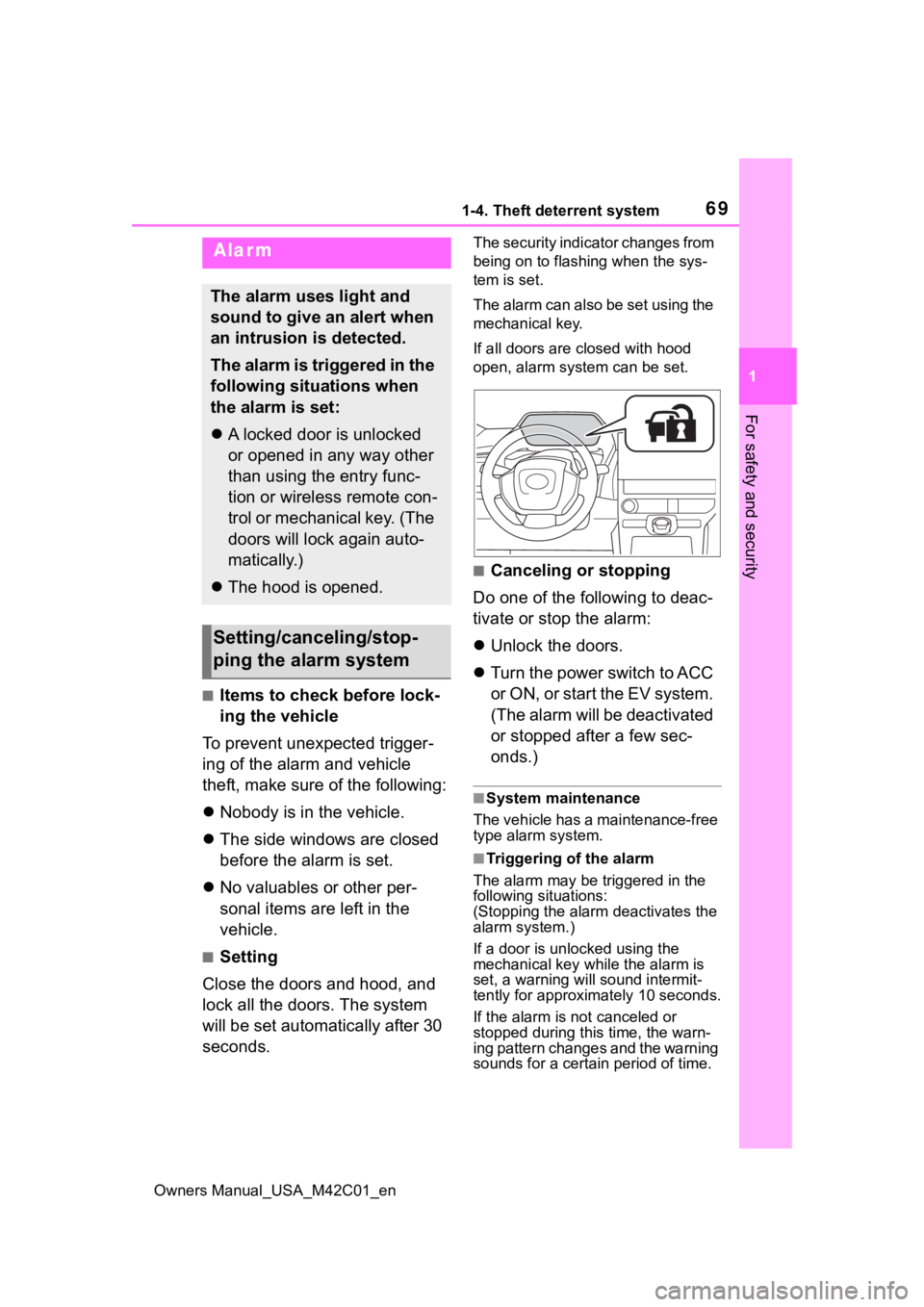
The security indicator changes from
being on to flashing when the sys-
tem is set.
The alarm can also be set using the
mechanical key.
If all doors are closed with hood
open, alarm system can be set.
■Canceling or stopping
Do one of the following to deac-
tivate or stop the alarm:
Unlock the doors.
Turn the power switch to ACC
or O N, or s tart the E V s ys tem .
(The alarm will be deactivated
or stopped after a few sec-
onds.)
■System maintenance
The vehicle has a maintenance-free
type alarm system.
■Triggering of the alarm
The alarm may be triggered in the
following situations:
(Stopping the alarm deactivates the
alarm system.)
If a door is unl ocked using the
mechanical key while the alarm is
set, a warning will sound intermit-
tently for approxi mately 10 seconds.
If the alarm is not canceled or
stopped during this time, the warn-
ing pattern changes and the warning
sounds for a certain period of time.
Alarm
The alarm uses light and
sound to give an alert when
an intrusion is detected.
The alarm is triggered in the
following situations when
the alarm is set:
A locked door is unlocked
or opened in any way other
than using the entry func-
tion or wireless remote con-
trol or mechanical key. (The
doors will lock again auto-
matically.)
The hood is opened.
Setting/canceling/stop-
ping the alarm system
Page 70 of 628
701-4. Theft deterrent system
Owners Manual_USA_M42C01_en
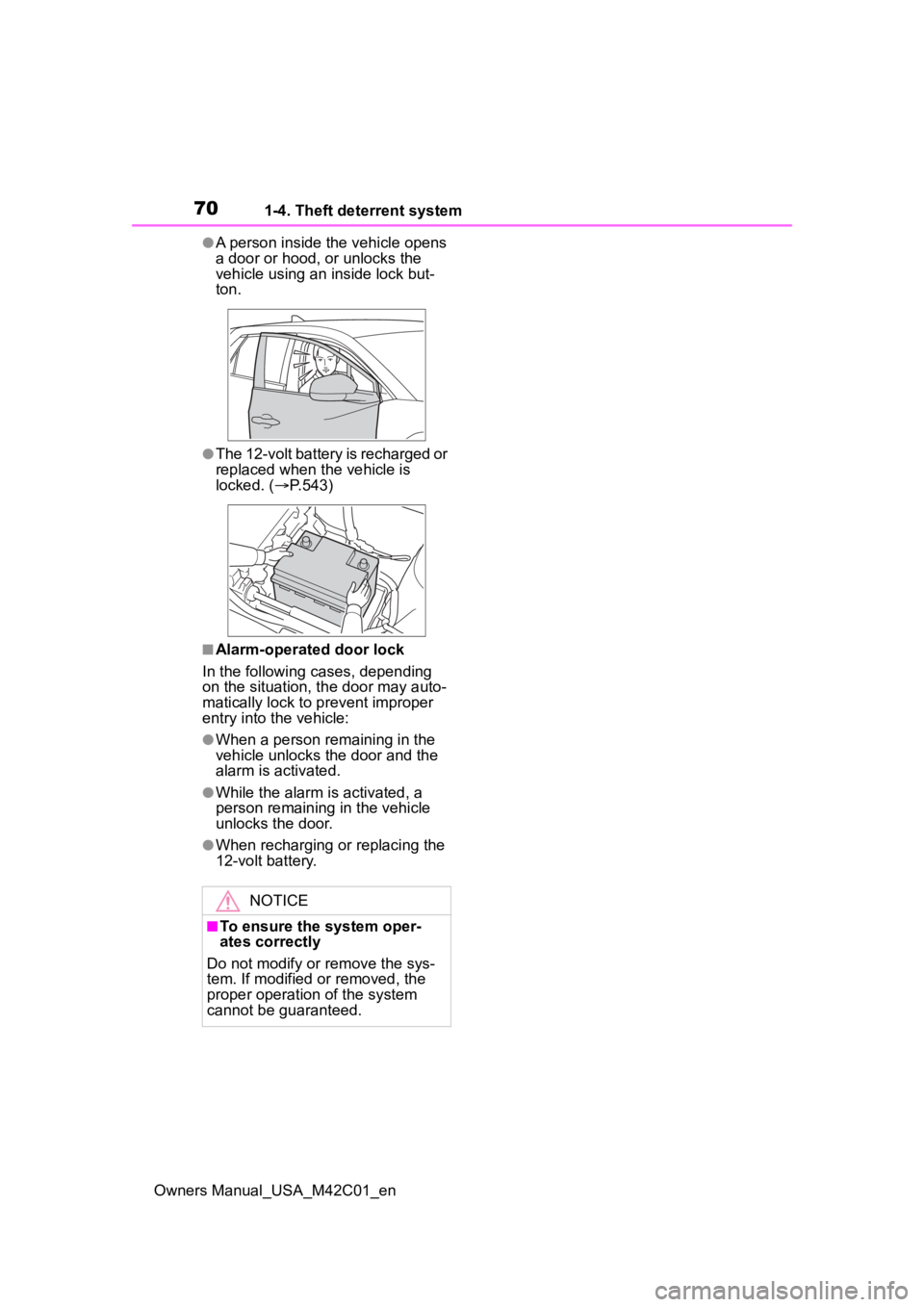
●A person inside the vehicle opens
a door or hood, or unlocks the
vehicle using an inside lock but-
ton.
●The 12-volt battery is recharged or
replaced when the vehicle is
locked. (P.543)
■Alarm-operated door lock
In the following cases, depending
on the situation, th e door may auto-
matically lock to p revent improper
entry into the vehicle:
●When a person remaining in the
vehicle unlocks the door and the
alarm is activated.
●While the alarm is activated, a
person remaining in the vehicle
unlocks the door.
●When recharging or replacing the
12-volt battery.
NOTICE
■To ensure the system oper-
ates correctly
Do not modify or remove the sys-
tem. If modified or removed, the
proper operation of the system
cannot be guaranteed.
Page 95 of 628
952-2. Charging
Owners Manual_USA_M42C01_en
2
Electric Vehicle system
■AC charging connector lock
function
If the AC charging connector is
locked/unlocked repeatedly, it may
not work temporarily due to protect
the system by AC charging system.
In this case, wait for a while before
connecting the AC charging connec-
tor to AC charging inlet again.
The AC charging connector lock
function does not guarantee that
theft of the AC charging cable will be
prevented, and is not necessarily
effective for all mischiefs.
■Security function for unlocking
If the AC charging connector is not
removed within approximately 30
seconds after the vehicle is
unlocked, the secur ity function auto-
matically locks the connector again.
■When the AC charging connec-
tor cannot be inserted into the
AC charging inlet
If the connector lock pin is
extended, the connector lock is
operating.
Unlock the doors using the smart
key system or wireless remote con-
trol and unlock the AC charging con-
nector lock and check that the
connector lock pin is not extended.
■If the AC charging connector
cannot be unlocked
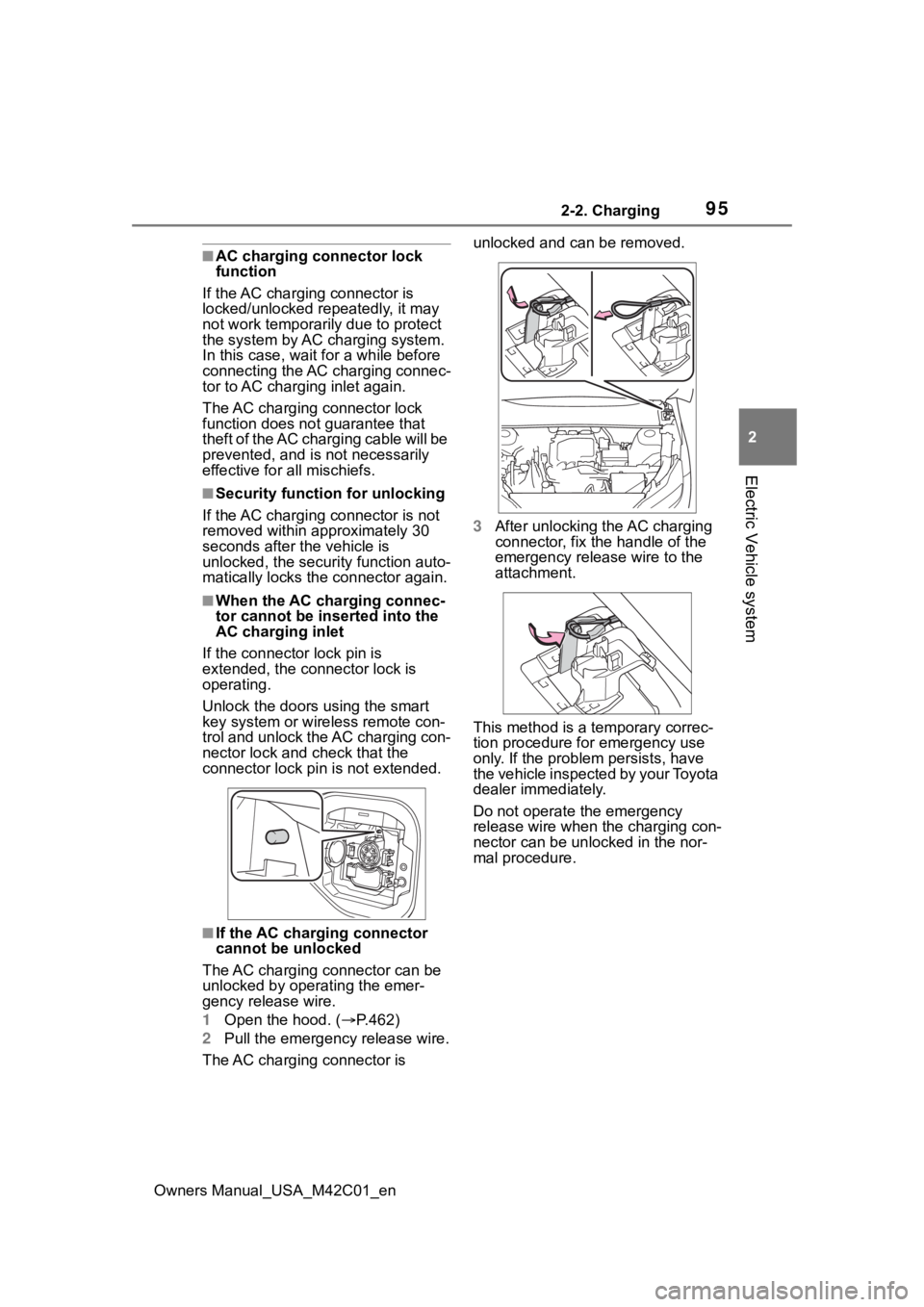
The AC charging connector can be
unlocked by operating the emer-
gency release wire.
1 Open the hood. ( P.462)
2 Pull the emergency release wire.
The AC charging connector is unlocked and can be removed.
3
After unlocking the AC charging
connector, fix the handle of the
emergency release wire to the
attachment.
This method is a temporary correc-
tion procedure for emergency use
only. If the problem persists, have
the vehicle inspected by your Toyota
dealer immediately.
Do not operate the emergency
release wire when the charging con-
nector can be unlocked in the nor-
mal procedure.
Page 100 of 628
1002-2. Charging
Owners Manual_USA_M42C01_enminate when the tr
action battery
cooler is on standby or operating.
●When the charge level of the trac-
tion battery is low, the traction bat-
tery cooler may n ot operate, even
if the temperature of the traction
battery is high.
●When the following conditions are
met while the trac tion battery
cooler is operating, the cooling
operation will stop.
• The hood is opened
• The power switch is turned to ACC or ON.
• The shift position is changed to any position other than P
• The Remote Air Conditioning Sys- tem is operated ( P.409)
• The remaining charge of the trac-
tion battery drops below a certain
amount
●The traction battery cooler oper-
ates using power s upplied by the
traction battery and an external
power source.
• While the traction battery cooler is
operating, the charge of the trac-
tion battery will increase and
decrease within a certain range,
and will not increase as during AC
charging.
• When the traction battery cooler operates, charger will recognize it
as the battery being charged. If
this function ope rates while a
charger which charges a charging
fee is connected to the vehicle,
AC charging fees will apply.
■Changing of the traction battery
cooler setting
Setting can be changed on the
multi-information display.
Use the meter control switches
( P.156) and select “Vehicle Set-
tings”, “Charging Se ttings”, “Battery
Cooler”, and change the setting.
When selecting to off, the traction
battery output may be restricted
depending on the driving situation.
To enable the use of battery
electric vehicle, we recommend
systematically charging the
vehicle.
■Before leaving home
In order to use the battery elec-
tric vehicle, charge the traction
battery at home before leaving.
■On the way to the destina-
tion or at the destination
When the remaining charge of
the traction battery gets low,
recharge the battery at the near-
est charging station.
Charging tips
This section explains meth-
ods for using the charging
function for this vehicle and
checking information
related to charging.
Systematically charging
Page 110 of 628
1102-2. Charging
Owners Manual_USA_M42C01_en
WARNING
●When charging outdoors, make
sure to connect to a weather-
proof outlet for outdoor use.
Ensure the weatherproof outlet
cover closes completely. If the
weatherproof outlet cover can-
not be closed, install a weather-
proof outlet cover that will close.
●In order to stop charging at the
charging station, follow the
instructions of the charger.
●If any heat, smoke, odors, noise
or other abnormalities are
noticed during charging, stop
charging immediately.
●Do not insert the plug if the out-
let is submerged in water or
snow.
●When charging while it is raining
or snowing, do not connect or
disconnect the plug if your
hands are wet. Also, do not get
the plug or outlet wet.
●Do not charge the vehicle
during a lightning storm.
●Prevent the AC charging cable
from being caught in the door or
back door.
●Do not let the wheels on the AC
charging cable, plug, charging
connector and CCID (Charging
Circuit Interrupting Device).
●Firmly insert the plug into the
outlet.
●Do not use an extension cord
and converting adaptor.
●Close the hood before using the
charging system.
The cooling fan may start oper-
ating suddenly. Touching or get-
ting close to rotating parts such
as the fan may cause your
hands or clothes (especially a
necktie or scarf) to become
caught and result in a serious
injury.
●After connecting the charging
cable, confirm that it is not
wound around anything.
●If the power indicator on the
CCID (Charging Circuit Inter-
rupting Device) does not illumi-
nate after plugging the AC
charging cable into the outlet,
unplug it immediately.
■If the error warn ing indicator
on the CCID (Charging Circuit
Interrupting Device) illumi-
nates or flashes during
charging
There may be an electrical leak-
age in the power source path, or
there may be a malfunction in the
AC charging cable or CCID
(Charging Circuit Interrupting
Device).
Refer to P.90 and follow the cor-
rection procedure. If the error
warning indicator does not turn off
even after performing the correc-
tion procedure, immediately stop
charging, remove the AC
charging cable and contact your
Toyota dealer. Continuing to
charge the vehicle in that condi-
tion may lead to u nforeseen acci-
dents or serious injury.
Page 116 of 628
1162-2. Charging
Owners Manual_USA_M42C01_en1
Be sure to engage the parking
brake and then turn the power
switch off.
2 Close the charging inlet cap,
close the charging port lid.
3 Check if “Checking Charging
System” is displayed on the
multi-information display when
the power switch is turned to ON.
Do not open the c harging port lid
while the charging system is check-
ing.
When the system check is com-
pleted, the power switch automati-
cally turns off.
4 Press the power switch while
depressing the brake pedal. The
“READY” indicator turns on.
Contact your Toyot a dealer if the
charging system check is done and
the message on the multi-informa-
tion display does not go off.
WARNING
■Warnings for DC charging
Be sure to observe the following
when using DC charging.
Failure to do so may cause an
accident that could lead to death
or serious injury.
●Check that the DC charger and
DC charging inlet are not dam-
aged. If there is any damage to
the DC charging inlet, do not
perform a DC charge and have
it inspected immediately at your
Toyota dealer.
●Do not touch the terminals of
the DC charging connector or
inlet with metallic sharp tips
(wires and needles), or allow a
short circuit to occur with foreign
objects.
●Do not insert anything other
than the DC charging connector
into the DC charging inlet.
●Check that the DC charging
cable is not coiled up or pinned
underneath heavy objects.
●Be sure the DC charging inlet
makes direct contact with the
DC charging connector.
Do not connect conversion
adapters, extension cords, etc.,
between the DC charging con-
nector and DC ch arging inlet.
●When DC charging is inter-
rupted, follow the handling pro-
cedures of the DC charger.
Immediately stop the DC
charging when the re is an out-
break of heat, smoke, strange
noises or smells, etc., during
charging.
●Check that the DC charging
connector and DC charging inlet
do not have foreign objects or
snow or ice attached to it. If any-
thing is attached t o the inlet, be
sure to complete ly remove the
material before connecting the
DC charging connector.
●Do not charge the vehicle when
there is a possibility of lightning.
If you notice lightning while
charging the vehicle, do not
touch the vehicle and the DC
charging cable.
●Do not get the DC charging inlet
terminals wet.
●Close the hood when using DC
charging. The cooling fan may
suddenly start to run. Keep
hands and clothing (especially a
tie, a scarf or a muffler) away
from the fan. Fa ilure to do so
may cause the hands or cloth-
ing to be caught, resulting in
serious injury.