Temperature TOYOTA C-HR 2018 1.G User Guide
[x] Cancel search | Manufacturer: TOYOTA, Model Year: 2018, Model line: C-HR, Model: TOYOTA C-HR 2018 1.GPages: 516, PDF Size: 9.32 MB
Page 193 of 516

1934-3. Operating the lights and wipers
4
Driving
C-HR_OM_USA_OM10526U●
The high beam may be turned on or off when the driver does not expect it.
● Bicycles or similar objects may not be detected.
● In the situations shown below, the system may not be able to accurately
detect surrounding brightness levels. This may cause the low beams to
remain on or the high beams to cause problems for pedestrians, vehicles
ahead or other parties. In these cases, manually switch between the high
and low beams.
• In bad weather (rain, snow, fog, sandstorms, etc.)
• The windshield is obscured by fog, mist, ice, dirt, etc.
• The windshield is cracked or damaged.
• The camera sensor is deformed or dirty.
• The camera sensor temperature is extremely high.
• Surrounding brightness levels are equal to those of headlights, tail lights
or fog lights.
• Vehicles ahead have headlights that are either switched off, dirty, are changing color, or are not aimed properly.
• When driving through an area of in termittently changing brightness and
darkness.
• When frequently and repeatedly driving ascending/descending roads, or
roads with rough, bumpy or uneven surfaces (such as stone-paved
roads, gravel tracks, etc.).
• When frequently and repeatedly taking curves or driving on a winding
road.
• There is a highly reflective object ahead of the vehicle, such as a sign or a mirror.
• The back of a vehicle ahead is highly reflective, such as a container on a truck.
• The vehicle’s headlights are damaged or dirty.
• The vehicle is listing or tilting, due to a flat tire, a trailer being towed etc.
• The high beam and low beam are repeatedly being switched between in an abnormal manner.
• The driver believes that the high beam may be causing problems or dis- tress to other drivers or pedestrians nearby.
Page 234 of 516
2344-5. Using the driving support systems
C-HR_OM_USA_OM10526U■
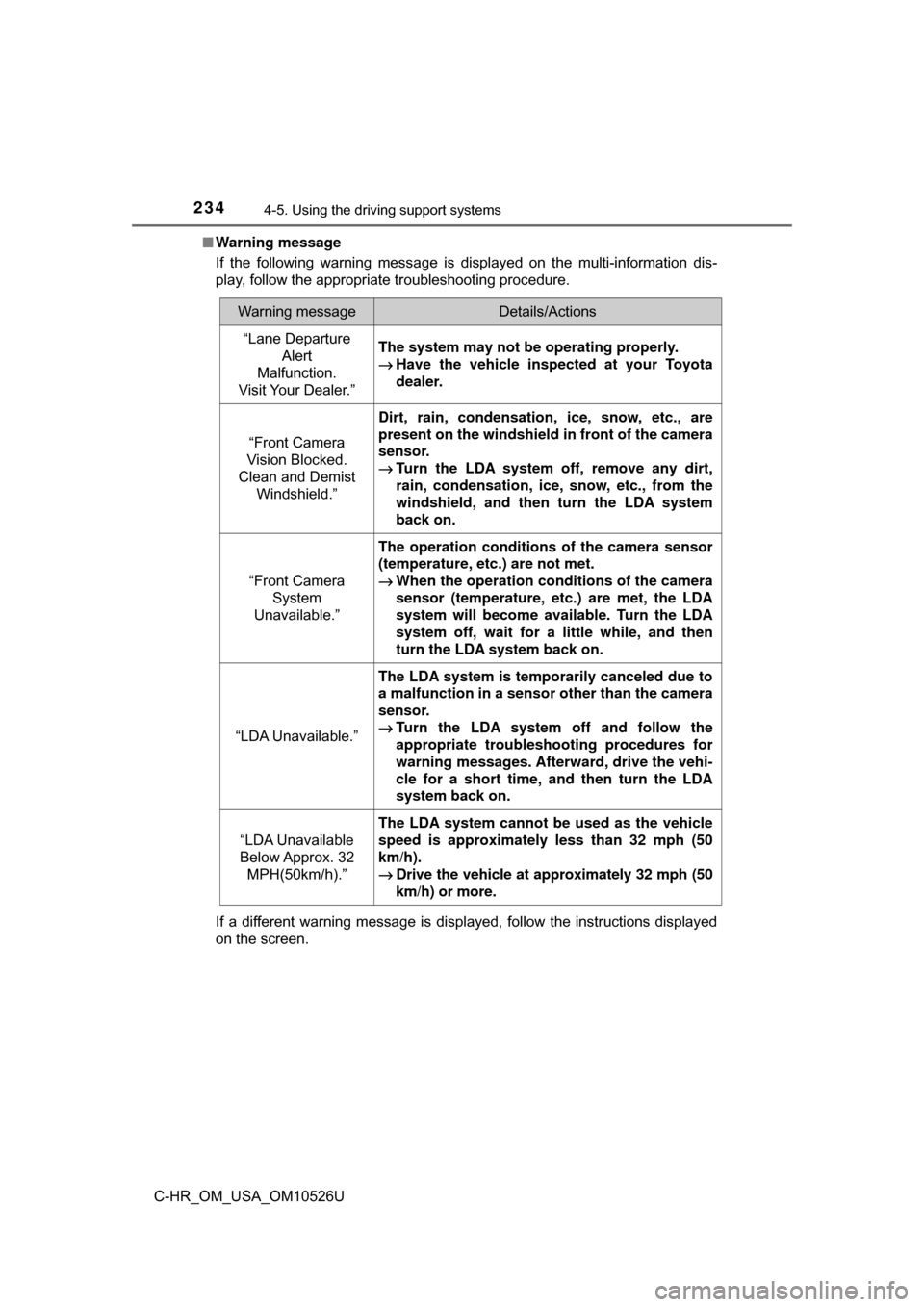
Warning message
If the following warning message is displayed on the multi-information dis-
play, follow the appropriate troubleshooting procedure.
If a different warning message is displayed, follow the instructions displayed
on the screen.
Warning messageDetails/Actions
“Lane Departure
Alert
Malfunction.
Visit Your Dealer.”The system may not be operating properly.
→ Have the vehicle inspected at your Toyota
dealer.
“Front Camera
Vision Blocked.
Clean and Demist Windshield.”
Dirt, rain, condensation, ice, snow, etc., are
present on the windshield in front of the camera
sensor.
→Turn the LDA system off, remove any dirt,
rain, condensation, ice, snow, etc., from the
windshield, and then turn the LDA system
back on.
“Front Camera System
Unavailable.”
The operation conditions of the camera sensor
(temperature, etc.) are not met.
→ When the operation conditions of the camera
sensor (temperature, etc.) are met, the LDA
system will become available. Turn the LDA
system off, wait for a little while, and then
turn the LDA system back on.
“LDA Unavailable.”
The LDA system is temporarily canceled due to
a malfunction in a sensor other than the camera
sensor.
→ Turn the LDA system off and follow the
appropriate troubleshooting procedures for
warning messages. Afterward, drive the vehi-
cle for a short time, and then turn the LDA
system back on.
“LDA Unavailable
Below Approx. 32 MPH(50km/h).”
The LDA system cannot be used as the vehicle
speed is approximately less than 32 mph (50
km/h).
→ Drive the vehicle at approximately 32 mph (50
km/h) or more.
Page 276 of 516
2764-5. Using the driving support systems
C-HR_OM_USA_OM10526U■
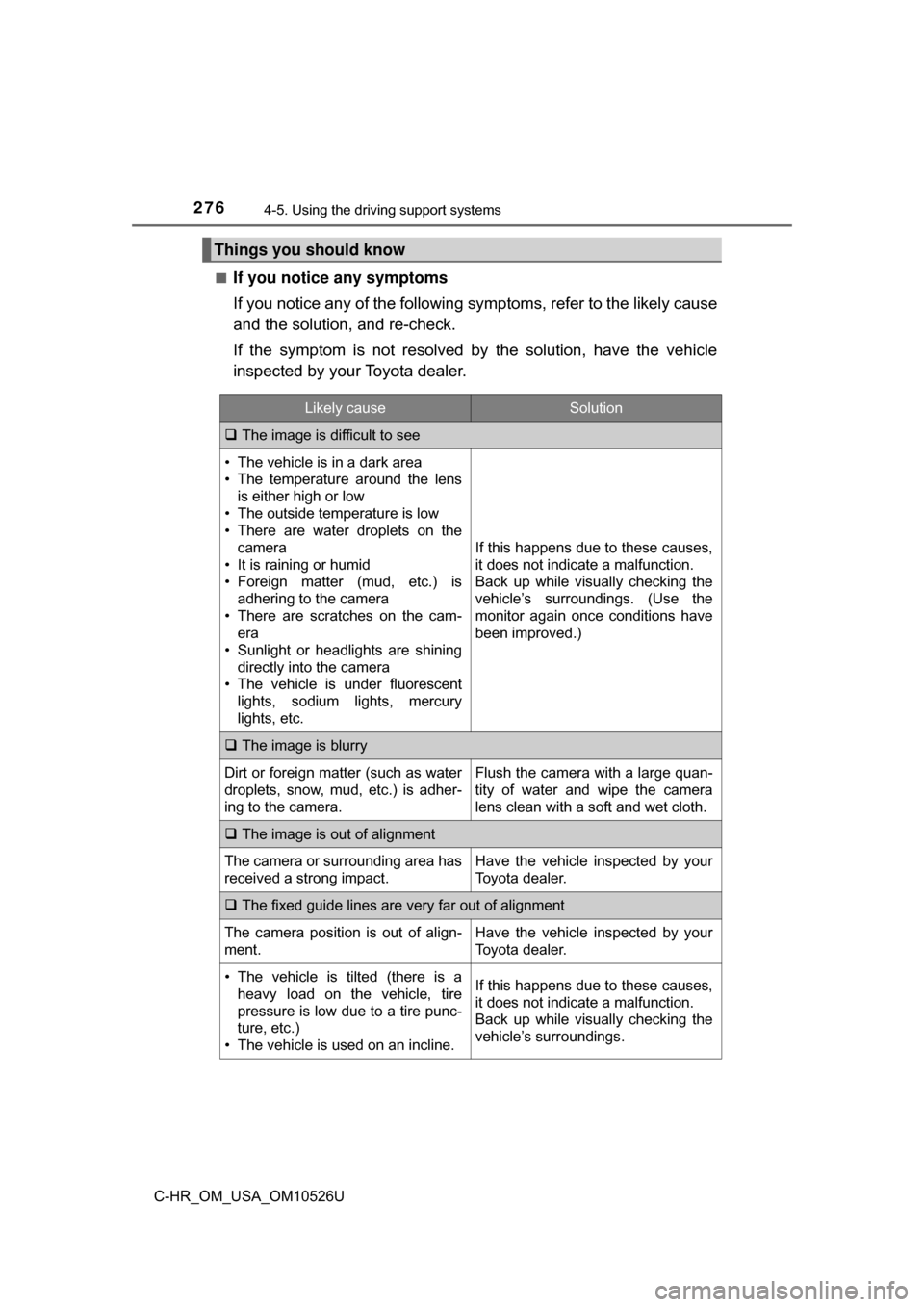
If you notice any symptoms
If you notice any of the following symptoms, refer to the likely cause
and the solution, and re-check.
If the symptom is not resolved by
the solution, have the vehicle
inspected by your Toyota dealer.
Things you should know
Likely causeSolution
The image is difficult to see
• The vehicle is in a dark area
• The temperature around the lens
is either high or low
• The outside temperature is low
• There are water droplets on the camera
• It is raining or humid
• Foreign matter (mud, etc.) is adhering to the camera
• There are scratches on the cam- era
• Sunlight or headlights are shining
directly into the camera
• The vehicle is under fluorescent
lights, sodium lights, mercury
lights, etc.
If this happens due to these causes,
it does not indicate a malfunction.
Back up while visually checking the
vehicle’s surroundings. (Use the
monitor again once conditions have
been improved.)
The image is blurry
Dirt or foreign matter (such as water
droplets, snow, mud, etc.) is adher-
ing to the camera.Flush the camera with a large quan-
tity of water and wipe the camera
lens clean with a soft and wet cloth.
The image is out of alignment
The camera or surrounding area has
received a strong impact.Have the vehicle inspected by your
Toyota dealer.
The fixed guide lines are very far out of alignment
The camera position is out of align-
ment.Have the vehicle inspected by your
Toyota dealer.
• The vehicle is tilted (there is a
heavy load on the vehicle, tire
pressure is low due to a tire punc-
ture, etc.)
• The vehicle is used on an incline.If this happens due to these causes,
it does not indicate a malfunction.
Back up while visually checking the
vehicle’s surroundings.
Page 277 of 516

2774-5. Using the driving support systems
4
Driving
C-HR_OM_USA_OM10526U
WARNING
■When using the rear view monitor system
The rear view monitor system is a supplemental device intended to assist
the driver when backing up. When backing up, be sure to check visually
behind and all around the vehicle before proceeding.
Observe the following precautions to avoid an accident that could result in
death or serious injuries.
● Never depend on the rear view monitor system entirely when backing up.
The image and the position of the guide lines displayed on the screen may
differ from the actual state.
Use caution, just as you would when backing up any vehicle.
● Be sure to back up slowly, depressing the brake pedal to control vehicle
speed.
● The instructions given are only guide lines.
When and how much to turn the steering wheel will vary according to traf-
fic conditions, road surface conditions, vehicle condition, etc. when park-
ing. It is necessary to be fully aware of this before using the rear view
monitor system.
● When parking, be sure to check that the parking space will accommodate
your vehicle before maneuvering into it.
● Do not use the rear view monitor system in the following cases:
• On icy or slick road surfaces, or in snow
• When using tire chains or the compact spare tire
• When the back door is not closed completely
• On roads that are not flat or straight, such as curves or slopes
● In low temperatures, the screen may darken or the image may become
faint. The image could distort when the vehicle is moving, or you may
become unable to see the image on the screen. Be sure to check visually
behind and all around the vehicle before proceeding.
● If the tire sizes are changed, the position of the fixed guide lines displayed
on the screen may change.
● The camera uses a special lens. The distances between objects and
pedestrians that appear in the image displayed on the screen will differ
from the actual distances. ( →P. 272)
Page 278 of 516
2784-5. Using the driving support systems
C-HR_OM_USA_OM10526U
NOTICE
■How to use the camera
● The rear view monitor system may not operate properly in the following
cases.
• If the back of the vehicle is hit, the position and mounting angle of the
camera may change.
• As the camera has a water proof construction, do not detach, disassem- ble or modify it. This may cause incorrect operation.
• When cleaning the camera lens, flush the camera with a large quantity of water and wipe it with a soft and wet cloth. Strongly rubbing the cam-
era lens may cause the camera lens to be scratched and unable to
transmit a clear image.
• Do not allow organic solvent, car wax, window cleaner or a glass coat- ing to adhere to the camera. If this happens, wipe it off as soon as pos-
sible.
• If the temperature changes rapidly, such as when hot water is poured on the vehicle in cold weather, the system may not operate normally.
• When washing the vehicle, do not apply intensive bursts of water to the camera or camera area. Doing so may result in the camera malfunc-
tioning.
● Do not expose the camera to strong impact as this could cause a malfunc-
tion. If this happens, have the vehicle inspected by your Toyota dealer as
soon as possible.
Page 290 of 516
2905-1. Using the air conditioning system and defogger
C-HR_OM_USA_OM10526U
Air conditioning system
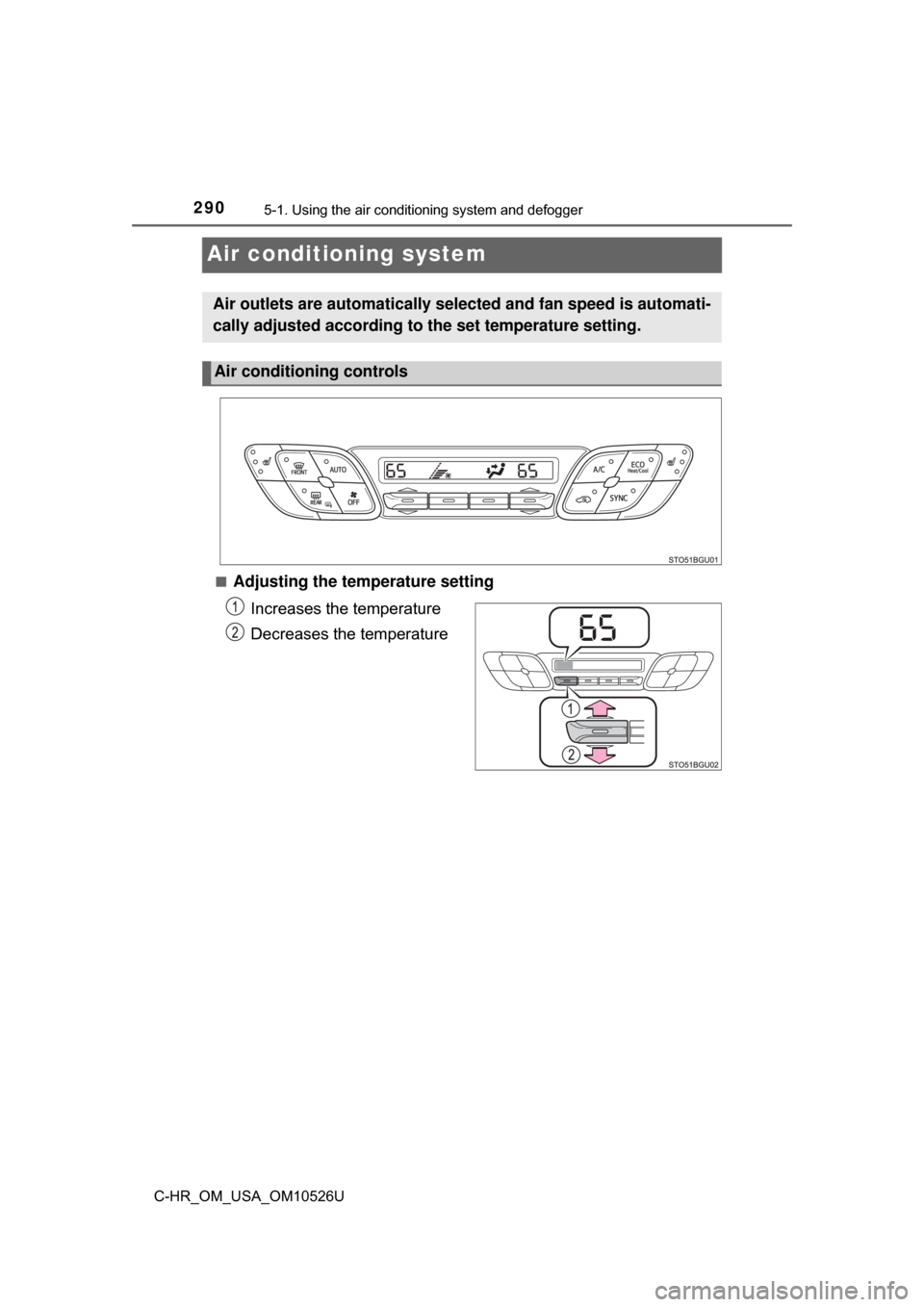
■Adjusting the temperature setting
Increases the temperature
Decreases the temperature
Air outlets are automatically selected and fan speed is automati-
cally adjusted according to the set temperature setting.
Air conditioning controls
Page 292 of 516
2925-1. Using the air conditioning system and defogger
C-HR_OM_USA_OM10526U
Press .
The dehumidification function begins to operate. Air outlets and fan
speed are automatically adjusted according to the temperature set-
ting.
Adjust the temperature setting.
To stop the operation, press .
■Automatic mode indicator
If the fan speed setting or air fl ow modes are operated, the auto-
matic mode indicator goes off. However, automatic mode for func-
tions other than that operated is maintained.
■Adjusting the temperature for driver and passenger seats sep-
arately
To turn on the dual control mode, perform any of the following pro-
cedures:
● Press .
● Adjust the passenger’s side temperature setting.
The indicator comes on when the dual control mode is on.
Using automatic mode
1
2
3
Page 293 of 516
2935-1. Using the air conditioning system and defogger
5
Interior features
C-HR_OM_USA_OM10526U■
Switching between outside air
and recirculated air modes
Press .
The mode switches between outside air mode (indicator off) and recir-
culated air mode (indicator on) each time is pressed.
■
Defogging the windshield
Defoggers are used to defog the windshield and front side win-
dows.
Press .
The dehumidification function operates and fan speed increases.
Set the outside/recirculated air mode button to the outside air mode if
the recirculated air mode is used. (It may switch automatically.)
To defog the windshield and the front side windows early, turn the air
flow and temperature up.
To return to the previous mode, press again when the windshield
is defogged.
■
Defogging the rear window and outside rear view mirrors
Defoggers are used to defog the rear window, and to remove rain-
drops, dew and frost from the outside rear view mirrors.
Press .
The defoggers will automatically turn off after a period of time.
Other functions
Page 295 of 516
2955-1. Using the air conditioning system and defogger
5
Interior features
C-HR_OM_USA_OM10526U
■Using automatic mode
Fan speed is adjusted automatically according to the temperature setting and
the ambient conditions.
Therefore, the fan may stop for a while until warm or cool air is ready to flow
immediately after is pressed.
■ Fogging up of the windows
●The windows will easily fog up when the humidity in the vehicle is high.
Turning on will dehumidify the air from the outlets and defog the
windshield effectively.
● If you turn off, the windows may fog up more easily.
● The windows may fog up if the recirculated air mode is used.
■ Outside/recirculated air mode
●When driving on dusty roads, in tunnels, or in heavy traffic set the outside/
recirculated air mode button to the recirculated air mode. This is effective in
preventing outside air from entering the vehicle interior. During cooling oper-
ation, setting the recirculated air mode will also cool the vehicle interior
effectively.
● Outside/recirculated air mode may automatically switch depending on the
temperature setting or the inside temperature.
■ Operation of the air conditio ning system in Eco drive mode
● In Eco drive mode, the air conditioning system is controlled as follows to pri-
oritize fuel efficiency:
• Engine speed and compressor operation controlled to restrict heating/
cooling capacity
• Fan speed restricted when automatic mode is selected
● To improve air conditioning performance, perform the following operations:
• Adjust the fan speed
• Adjust the temperature setting
• Turn off Eco drive mode
● Even when the drive mode is set to Eco drive mode, the air conditioning eco
mode can be turned off by pressing .
Page 296 of 516
2965-1. Using the air conditioning system and defogger
C-HR_OM_USA_OM10526U■
When the outside temperature exceeds 75°F (24°C) and the air condition-
ing system is on
● In order to reduce the air conditioning power consumption, the air condition-
ing system may switch to recirculated air mode automatically. This may also
reduce fuel consumption.
● Recirculated air mode is selected as a default mode when the engine switch
is turned to the “ON” position (vehicles without a smart key system) or
IGNITION ON mode (vehicles with a smart key system).
● It is possible to switch to outside air mode at any time by pressing .
■ When the outside temperat ure falls to nearly 32
°F (0°C)
The dehumidification function may not operate even when is pressed.
■ Ventilation and air conditioning odors
●To let fresh air in, set the air conditioning system to the outside air m\
ode.
● During use, various odors from inside and outside the vehicle may enter into
and accumulate in the air conditioning system. This may then cause odor to
be emitted from the vents.
● To reduce potential odors from occurring:
• It is recommended that the air conditioning system be set to outside air
mode prior to turning the vehicle off.
• The start timing of the blower may be delayed for a short period of time immediately after the air conditioning system is started in automatic
mode.
■ Air conditioning filter
→P. 370
■ Customization
Settings (e.g. air conditioning setting) can be changed.
(Customizable features →P. 474)