ignition TOYOTA C-HR 2018 1.G Service Manual
[x] Cancel search | Manufacturer: TOYOTA, Model Year: 2018, Model line: C-HR, Model: TOYOTA C-HR 2018 1.GPages: 516, PDF Size: 9.32 MB
Page 355 of 516
3556-3. Do-it-yourself maintenance
6
Maintenance and care
C-HR_OM_USA_OM10526U■
How to initialize the tire pressure warning system
Park the vehicle in a safe place and turn the engine switch to the
“LOCK” position (vehicles without a smart key system) or off
(vehicles with a smart key system).
Initialization cannot be performed while the vehicle is moving.
Adjust the tire inflation pressure to the specified cold tire inflation
pressure level. ( →P. 456)
Make sure to adjust the tire pressu re to the specified cold tire infla-
tion pressure level. The tire pressure warning system will operate
based on this pressure level.
Turn the engine switch to the “ON” position (vehicles without a
smart key system) or IGNITION ON mode (vehicles with a smart
key system).
Press “ <” or “> ” of the meter control switch to select .
( → P. 90)
Press “ ∧” or “ ∨” of the meter control swit ch to select the “Vehicle
Settings” and then press to display the menu.
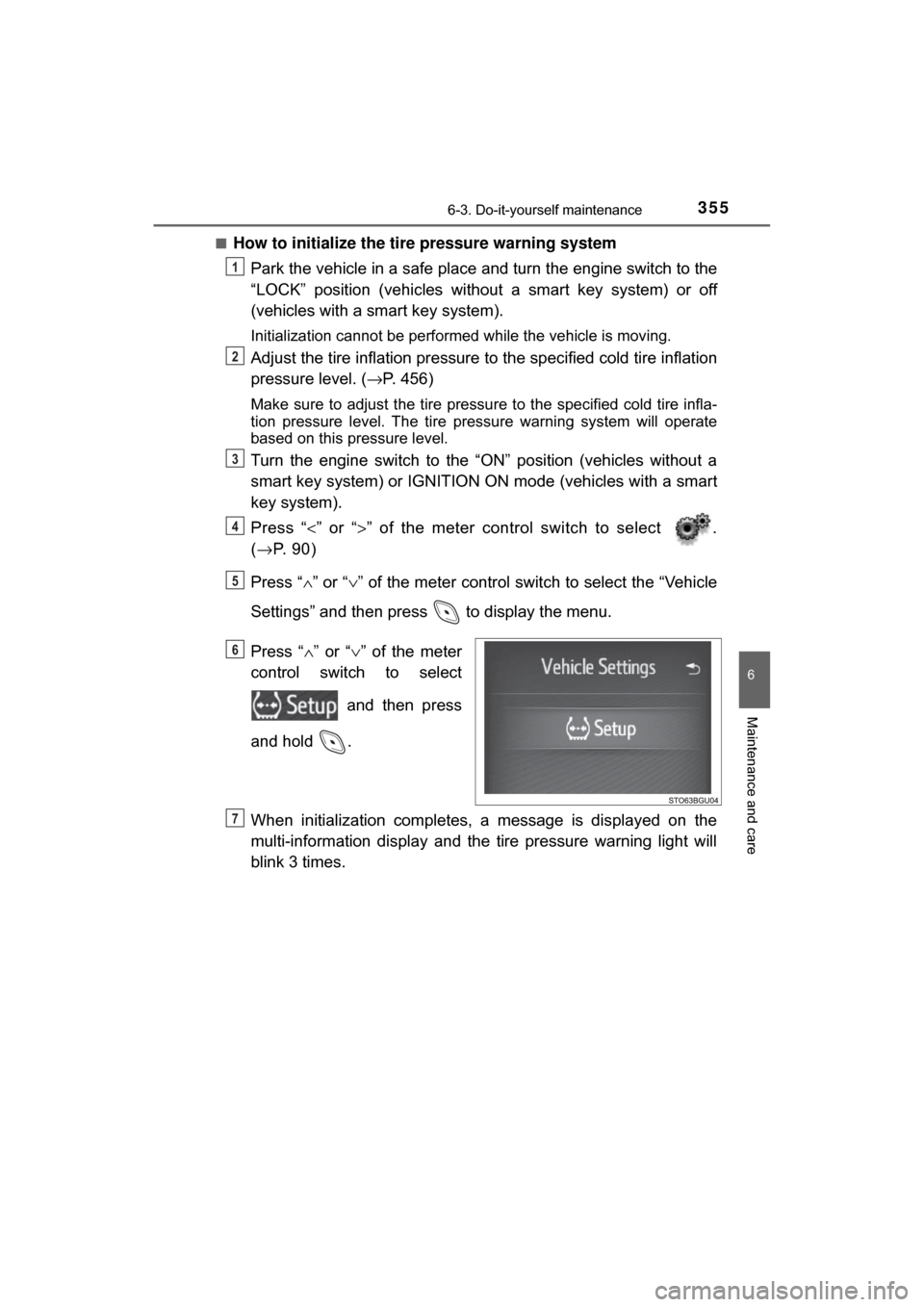
Press “ ∧” or “∨ ” of the meter
control switch to select
and then press
and hold .
When initialization comp letes, a message is displayed on the
multi-information display and the tire pressure warning light will
blink 3 times.
1
2
3
4
5
6
7
Page 359 of 516

3596-3. Do-it-yourself maintenance
6
Maintenance and care
C-HR_OM_USA_OM10526U■
The initialization operation
●Make sure to carry out in
itialization after adjusting the tire inflation pres-
sure.
Also, make sure the tires are cold be fore carrying out initialization or tire
inflation pressure adjustment.
●If you have accidentally turned the engine switch off during initialization,
it is not necessary to press the reset switch again as initialization will
restart automatically when the engine switch to the “ON” position (vehi-
cles without a smart key system) or IGNITION ON mode (vehicles with a
smart key system) for the next time.
●If you accidentally press the reset s witch when initialization is not neces-
sary, adjust the tire inflation pressu re to the specified level when the
tires are cold, and conduct initialization again.
■Warning performance of the ti re pressure warning system
The warning of the tire pressure warning system will change in accor-
dance with driving conditions. For th is reason, the system may give a
warning even if the tire pressure does not reach a low enough level, or if
the pressure is higher than the pressure that was adjusted to when the
system was initialized.
■When initialization of the tire pr essure warning system has failed
Initialization can be completed in a few minutes. However, in the following
cases, the settings have not been recorded and the system will not oper-
ate properly. If repeated attempts to record tire inflation pressure settings
are unsuccessful, have the vehicle inspected by your Toyota dealer.
●When operating the initialization of th e system, the tire pressure warning
light does not blink 3 times and the setting message does not appear on
the multi-information display.
●After driving for a certain period of time since the initialization has been
completed, the warning light comes on after blinking for 1 minute.
Page 403 of 516

4037-2. Steps to take in an emergency
7
When trouble arises
C-HR_OM_USA_OM10526U
Securely attach cables or chains to the towing eyelet.
Take care not to damage the vehicle body.
Vehicles without a smart key system: Enter the vehicle being towed
and start the engine.
If the engine does not start, turn the engine switch to the “ON” p\
osition.
Vehicles with a smart key system : Enter the vehicle being towed
and start the engine.
If the engine does not start, turn the engine switch to IGNITION ON mode\
.
Shift the shift lever to N and release the parking brake.
When the shift lever cannot be shifted: →P. 1 7 4
■While towing
If the engine is not running, the power assist for the brakes and steering will
not function, making steering and braking more difficult.
■ Wheel nut wrench
Wheel nut wrench is installed in the luggage compartment. ( →P. 424)
5
6
7
Page 412 of 516
4127-2. Steps to take in an emergency
C-HR_OM_USA_OM10526U
*1: This light illuminates on the multi-information display.
*2: Parking brake engaged warning buzzer:A buzzer will sound if the vehicle is driven at a speed of approximately
3 mph (5 km/h) or more.
*3: Driver’s seat belt warning buzzer: The driver’s seat belt warning buzzer sounds to alert the driver that his or
her seat belt is not fastened. Once the engine switch is turned to the “ON”
position (vehicles without smart key system) or IGNITION ON mode (vehi-
cles with smart key system), the buzzer sounds for 6 seconds. If the vehi-
cle reaches a speed of 12 mph (20 km/h), the buzzer sounds once. If the
seat belt is still unfastened after 24 seconds, the buzzer will sound intermit-
tently for 6 seconds. Then, if the seat belt is still unfastened, the buzzer will
sound in a different tone for 90 more seconds.
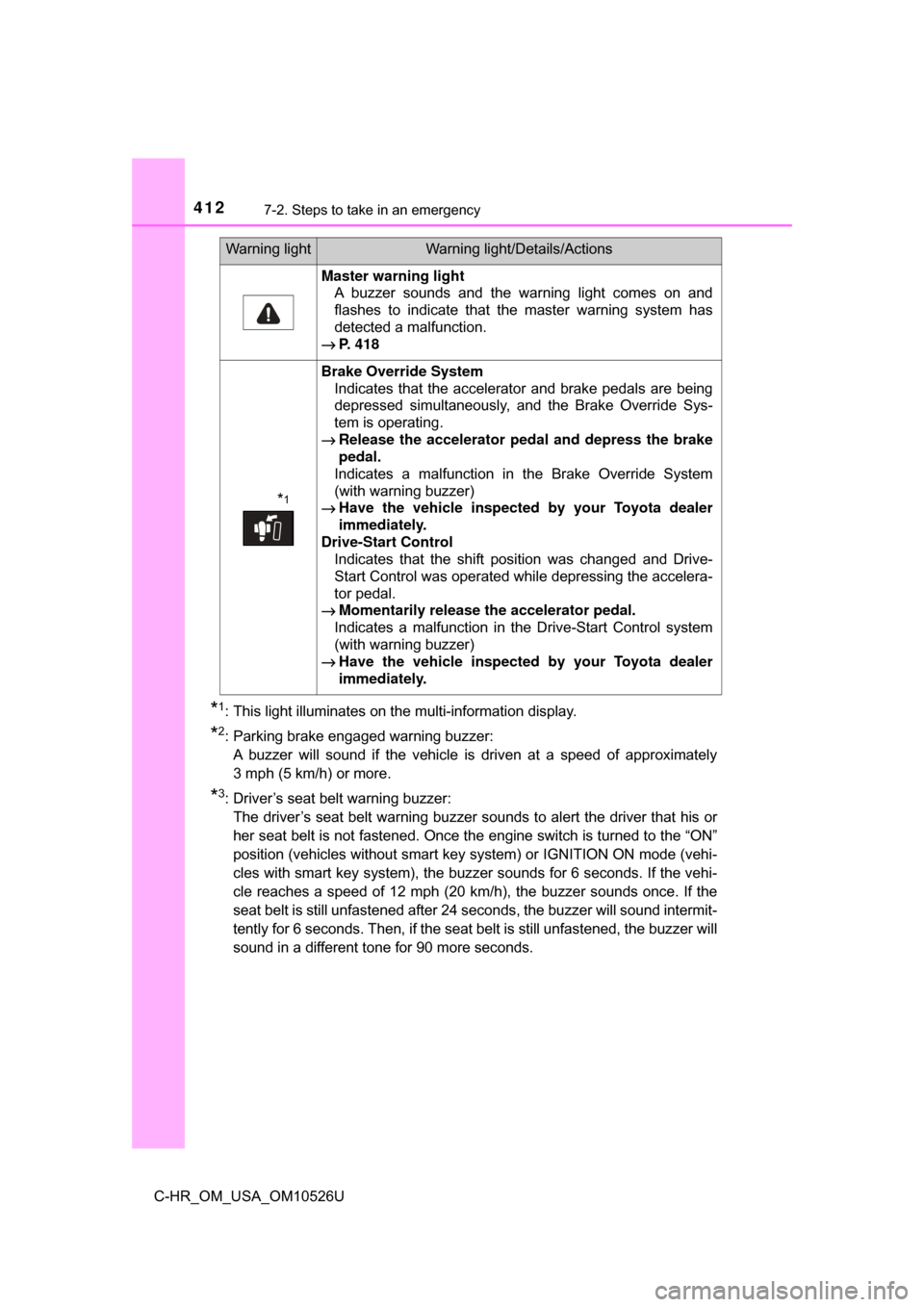
Master warning light A buzzer sounds and the warning light comes on and
flashes to indicate that the master warning system has
detected a malfunction.
→ P. 418
*1
Brake Override System
Indicates that the accelerator and brake pedals are being
depressed simultaneously, and the Brake Override Sys-
tem is operating.
→ Release the accelerator pedal and depress the brake
pedal.
Indicates a malfunction in the Brake Override System
(with warning buzzer)
→ Have the vehicle inspected by your Toyota dealer
immediately.
Drive-Start Control Indicates that the shift position was changed and Drive-
Start Control was operated while depressing the accelera-
tor pedal.
→ Momentarily release the accelerator pedal.
Indicates a malfunction in the Drive-Start Control system
(with warning buzzer)
→ Have the vehicle inspected by your Toyota dealer
immediately.
Warning lightWarning light/Details/Actions
Page 437 of 516
4377-2. Steps to take in an emergency
7
When trouble arises
C-HR_OM_USA_OM10526U
Ensure that the shift lever is in P and depress the brake pedal.
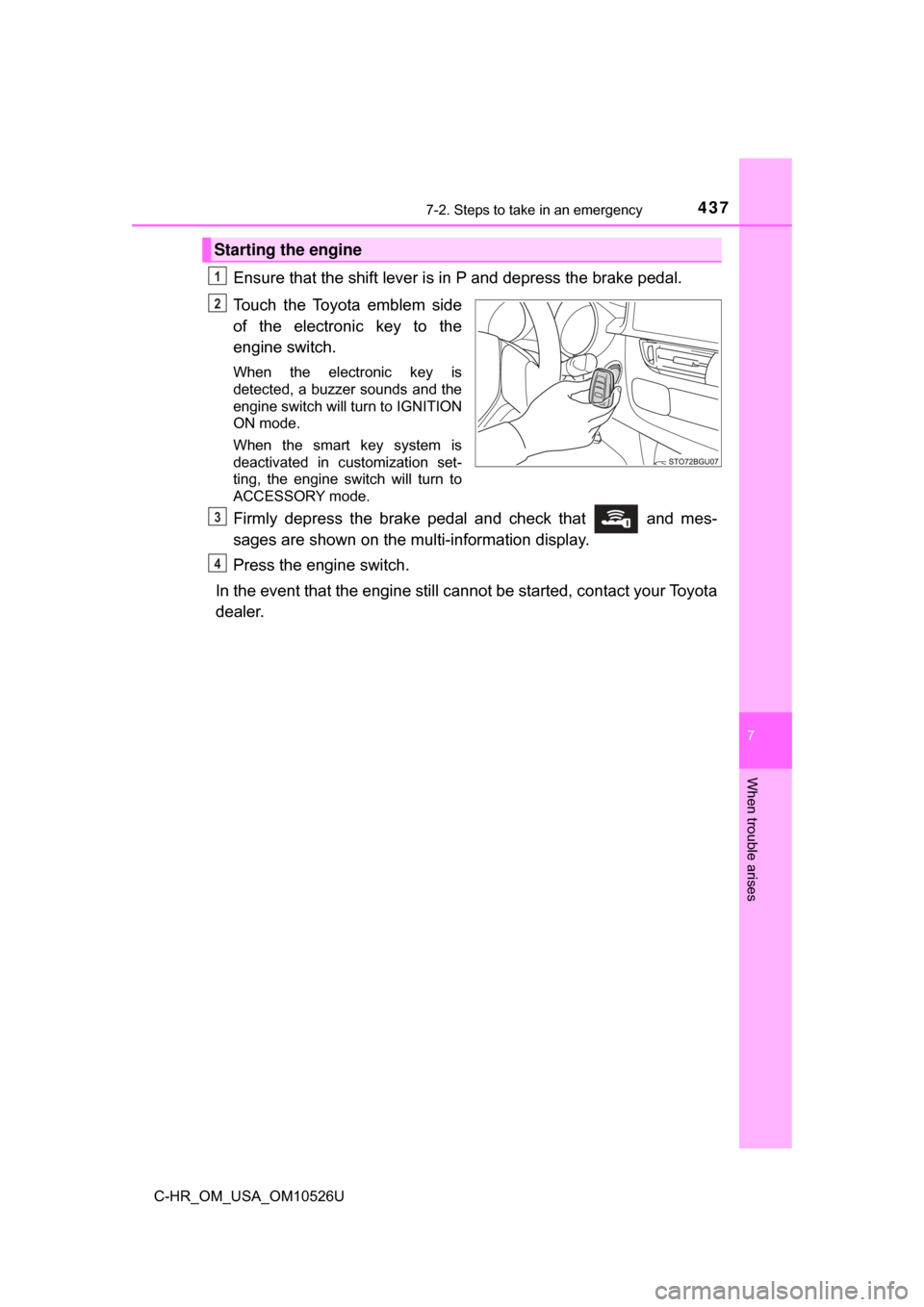
Touch the Toyota emblem side
of the electronic key to the
engine switch.
When the electronic key is
detected, a buzzer sounds and the
engine switch will turn to IGNITION
ON mode.
When the smart key system is
deactivated in customization set-
ting, the engine switch will turn to
ACCESSORY mode.
Firmly depress the brake pedal and check that and mes-
sages are shown on the multi-information display.
Press the engine switch.
In the event that the engine still ca nnot be started, contact your Toyota
dealer.
Starting the engine
1
2
3
4
Page 441 of 516

4417-2. Steps to take in an emergency
7
When trouble arises
C-HR_OM_USA_OM10526U
Vehicles without a smart key system:
Maintain the engine speed of the second vehicle and turn the
engine switch to the “ON” position, then start the vehicle’s engine.
Vehicles with a smart key system:
Maintain the engine speed of the second vehicle and turn the
engine switch to IGNITION ON mode, then start the vehicle’s
engine.
Once the vehicle’s engine has started, remove the jumper cables in
the exact reverse order from which they were connected.
To install the engine cover, conduct the removal procedure in
reverse. After installing, check that the fixed pins are inserted
securely.
Once the engine starts, have the v ehicle inspected at your Toyota
dealer as soon as possible.
■ Starting the engine when the battery is discharged
The engine cannot be started by push-starting.
■ To prevent battery discharge
●Turn off the headlights and the air conditioning system while the engine is
stopped.
● Turn off any unnecessary electrical components when the vehicle is running
at a low speed for an extended period, such as in heavy traffic.
■ Charging the battery
The electricity stored in the battery will discharge gradually even when the
vehicle is not in use, due to natural discharge and the draining effects of cer-
tain electrical appliances. If the vehicle is left for a long time, the battery may
discharge, and the engine may be unable to start. (The battery recharges
automatically during driving.)
■ When exchanging the battery
●Use a battery that conforms to European regulations.
● Use a battery that the case size is same as the previous one (LN2), 20 hour
rate capacity (20HR) is equivalent ( 60Ah) or greater, and performance rating
(CCA) is equivalent (520A) or greater.
• If the sizes differ, the battery cannot be properly secured.
• If the 20 hour rate capacity is low, even if the time period where the vehi- cle is not used is a short time, the battery may discharge and the engine
may not be able to start.
● For details, consult your Toyota dealer.
6
7
8
Page 454 of 516
4548-1. Specifications
C-HR_OM_USA_OM10526U
Cooling system
Capacity6.1 qt. (5.7 L, 5.1 Imp.qt.)
Coolant type
Use either of the following.• “Toyota Super Long Life Coolant”
• Similar high-quality ethylene glycol-based non-sili-cate, non-amine, non-nitrite, and non-borate cool-
ant with long-life hybrid organic acid technology
Do not use plain water alone.
Ignition system
Spark plug
MakeDENSO SC16HR11 or DENSO SC20HR11
Gap0.043 in. (1.1 mm)
NOTICE
■ Iridium-tipped spark plugs
Use only iridium-tipped spark plugs. Do not adjust spark plug gap.
Electrical system
Battery
Specific volt-
age reading at
68° F (20 °C):12.3 V or higher
If the specific voltage is lower than the standard value,
charge the battery. (Voltage checked 20 minutes after
the engine and all the lights are turned off)
Specific grav-
ity reading at
68° F (20 °C):1.25 or higher
If the specific gravity is lower than the standard value,
charge the battery.
Charging rates
Quick charge
Slow charge15 A max.
5 A max.
Page 498 of 516
498What to do if... (Troubleshooting)
C-HR_OM_USA_OM10526U
What to do if... (Troubleshooting)
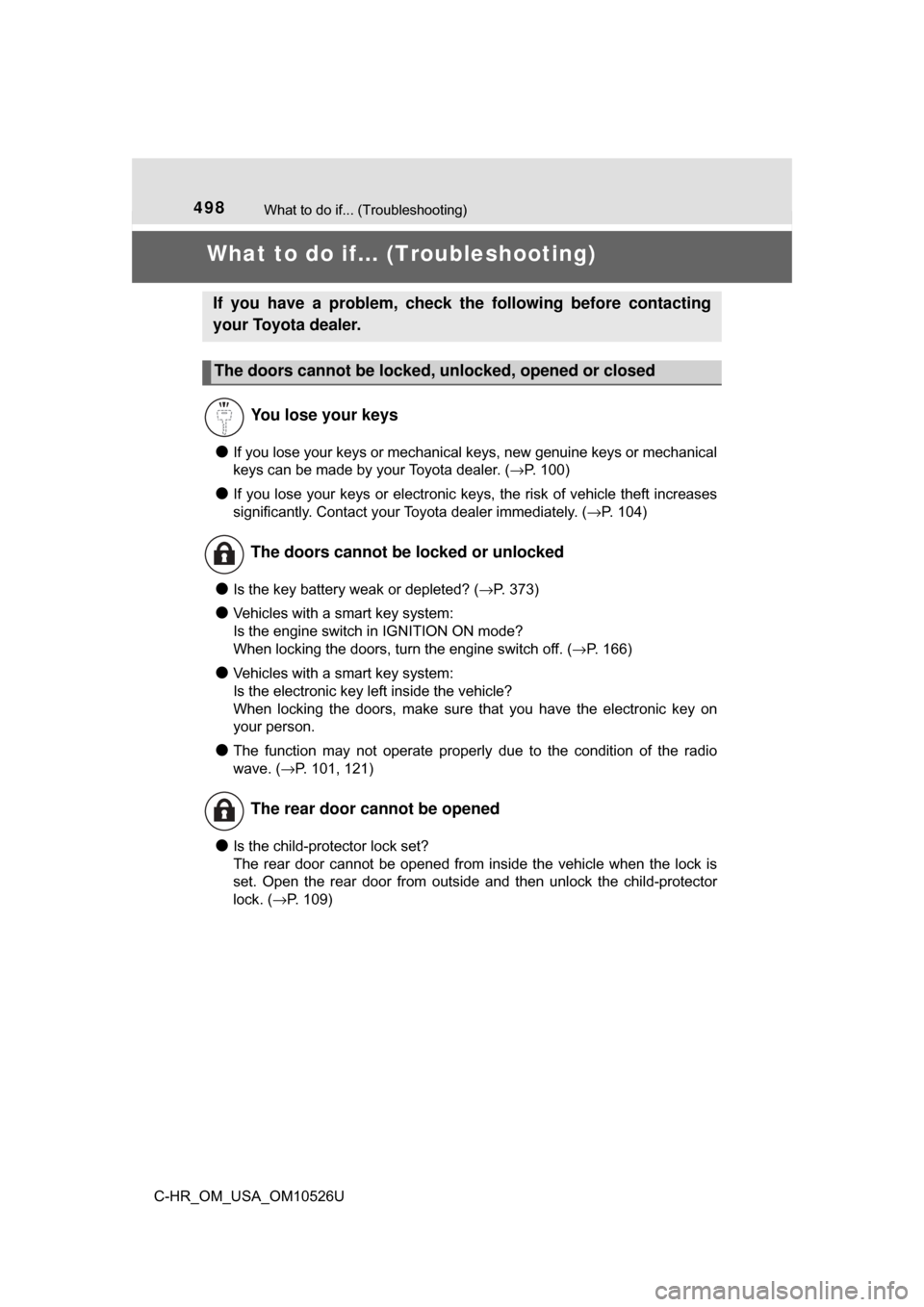
●If you lose your keys or mechanical keys, new genuine keys or mechanical
keys can be made by your Toyota dealer. ( →P. 100)
●If you lose your keys or electronic keys, the risk of vehicle theft increases
significantly. Contact your Toyota dealer immediately. (→P. 104)
●Is the key battery weak or depleted? ( →P. 373)
●Vehicles with a smart key system:
Is the engine switch in IGNITION ON mode?
When locking the doors, turn the engine switch off. ( →P. 166)
●Vehicles with a smart key system:
Is the electronic key left inside the vehicle?
When locking the doors, make sure that you have the electronic key on
your person.
●The function may not operate properly due to the condition of the radio
wave. ( →P. 101, 121)
●Is the child-protector lock set?
The rear door cannot be opened from inside the vehicle when the lock is
set. Open the rear door from outside and then unlock the child-protector
lock. (→P. 109)
If you have a problem, check the following before contacting
your Toyota dealer.
The doors cannot be locked, unlocked, opened or closed
You lose your keys
The doors cannot be locked or unlocked
The rear door cannot be opened
Page 499 of 516
499What to do if... (Troubleshooting)
C-HR_OM_USA_OM10526U
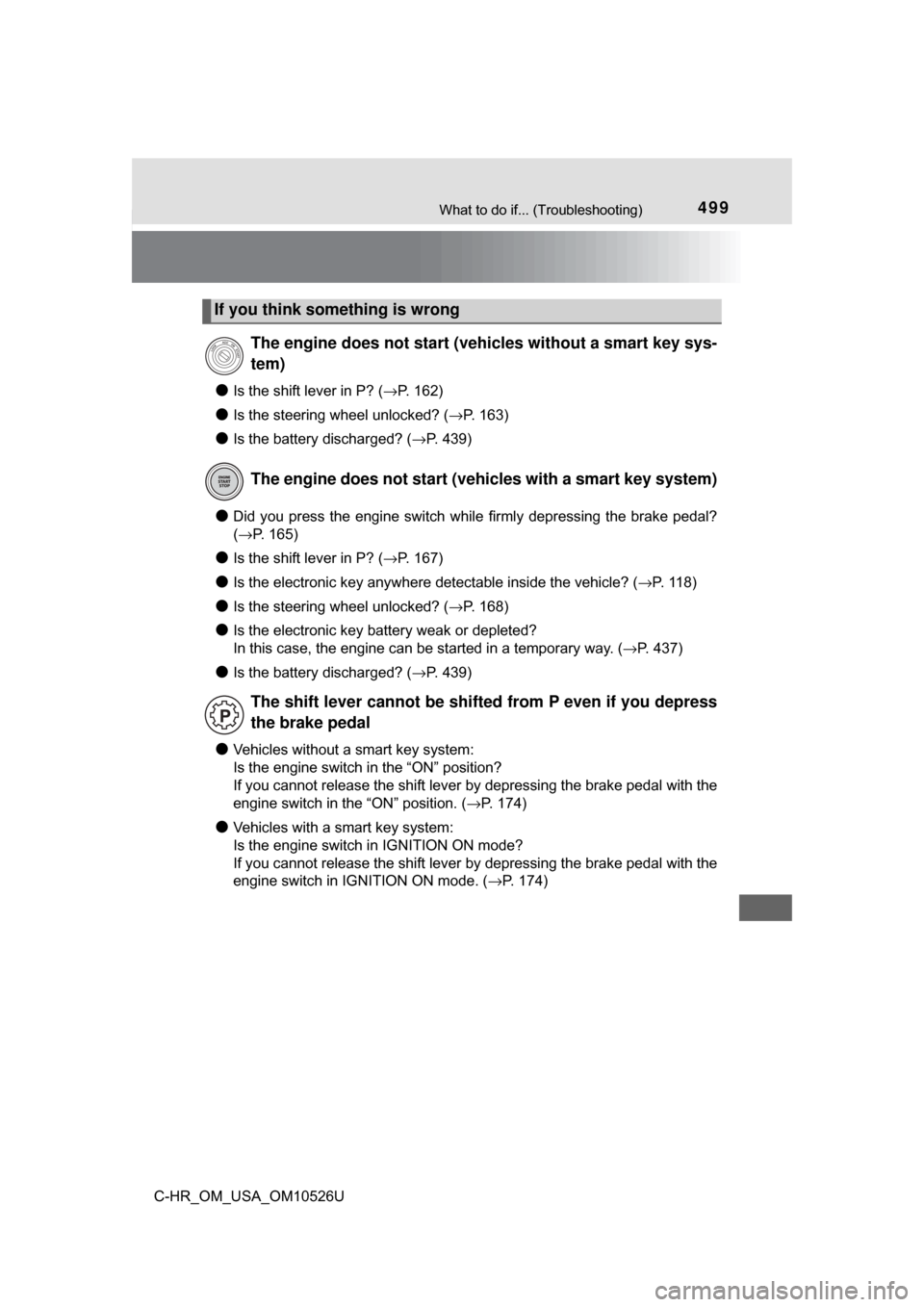
●Is the shift lever in P? (→P. 162)
●Is the steering wheel unlocked? ( →P. 163)
●Is the battery discharged? (→P. 439)
●Did you press the engine switch while firmly depressing the brake pedal?
(→P. 165)
●Is the shift lever in P? ( →P. 167)
●Is the electronic key anywhere detectable inside the vehicle? ( →P. 118)
●Is the steering wheel unlocked? (→P. 168)
●Is the electronic key battery weak or depleted?
In this case, the engine can be started in a temporary way. (→P. 437)
●Is the battery discharged? (→P. 439)
●Vehicles without a smart key system:
Is the engine switch in the “ON” position?
If you cannot release the shift lever by depressing the brake pedal with the
engine switch in the “ON” position. ( →P. 174)
●Vehicles with a smart key system:
Is the engine switch in IGNITION ON mode?
If you cannot release the shift lever by depressing the brake pedal with the
engine switch in IGNITION ON mode. ( →P. 174)
If you think something is wrong
The engine does not start (v ehicles without a smart key sys-
tem)
The engine does not start (vehicles with a smart key system)
The shift lever cannot be shifted from P even if you depress
the brake pedal
Page 500 of 516
500What to do if... (Troubleshooting)
C-HR_OM_USA_OM10526U
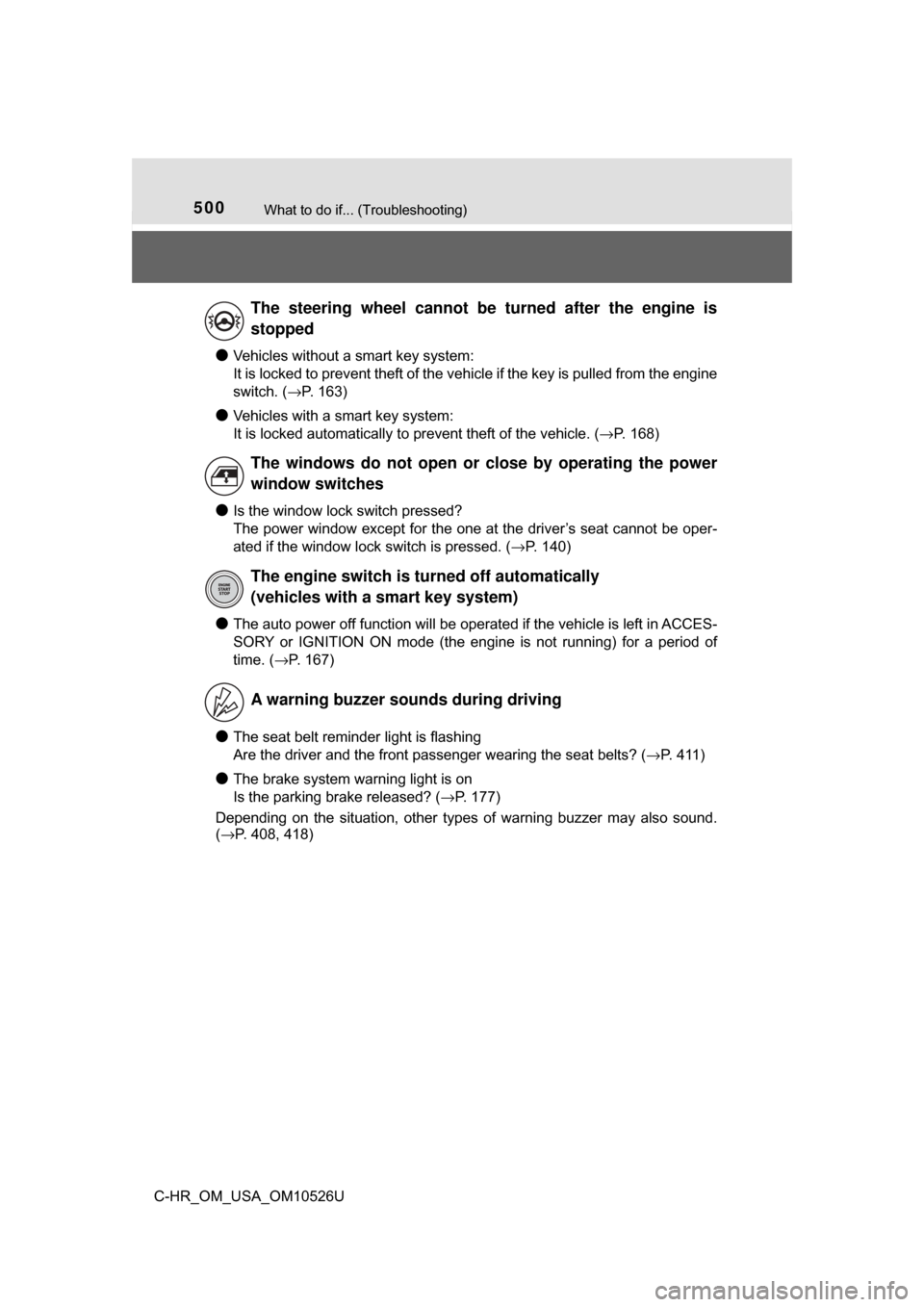
●Vehicles without a smart key system:
It is locked to prevent theft of the vehicle if the key is pulled from the engine
switch. (→P. 163)
●Vehicles with a smart key system:
It is locked automatically to prevent theft of the vehicle. ( →P. 168)
●Is the window lock switch pressed?
The power window except for the one at the driver’s seat cannot be oper-
ated if the window lock switch is pressed. ( →P. 140)
●The auto power off function will be operated if the vehicle is left in ACCES-
SORY or IGNITION ON mode (the engine is not running) for a period of
time. ( →P. 167)
●The seat belt reminder light is flashing
Are the driver and the front passenger wearing the seat belts? ( →P. 411)
●The brake system warning light is on
Is the parking brake released? (→P. 177)
Depending on the situation, other types of warning buzzer may also sound.
( →P. 408, 418)
The steering wheel cannot be turned after the engine is
stopped
The windows do not open or close by operating the power
window switches
The engine switch is tu rned off automatically
(vehicles with a smart key system)
A warning buzzer sounds during driving