horn TOYOTA C-HR 2022 Owners Manual
[x] Cancel search | Manufacturer: TOYOTA, Model Year: 2022, Model line: C-HR, Model: TOYOTA C-HR 2022Pages: 818, PDF Size: 113.75 MB
Page 272 of 818
2703-4. Adjusting the steering wheel and mirrors
C-HR_HV_OM_Europe_OM10720E
Steering wheel
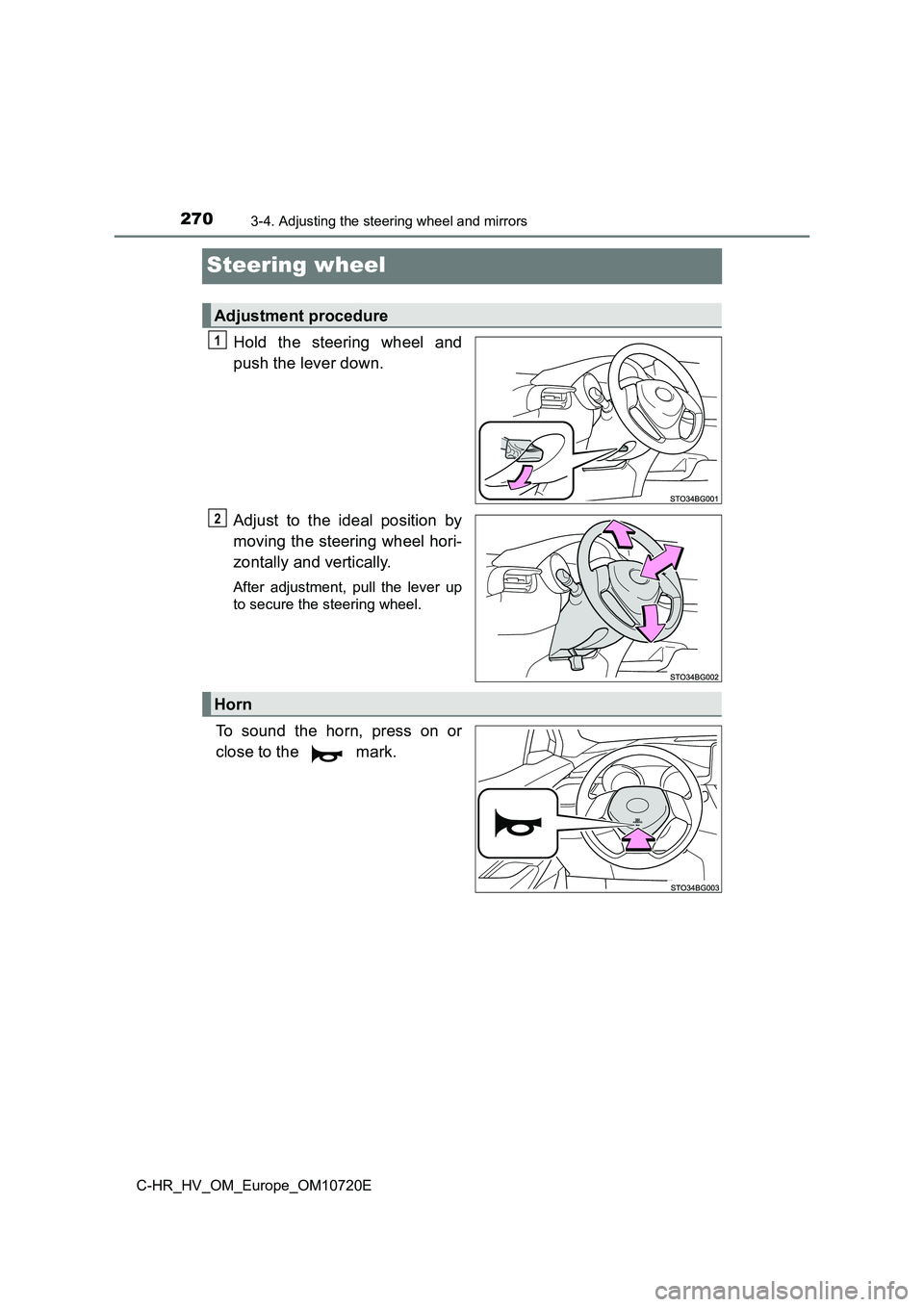
Hold the steering wheel and
push the lever down.
Adjust to the ideal position by
moving the steering wheel hori-
zontally and vertically.
After adjustment, pull the lever up
to secure the steering wheel.
To sound the horn, press on or
close to the mark.
Adjustment procedure
1
2
Horn
Page 273 of 818
2713-4. Adjusting the steering wheel and mirrors
3
Operation of each component
C-HR_HV_OM_Europe_OM10720E
■After adjusting the steering wheel
Make sure that the steering wheel is securely locked.
The horn may not sound if the steering wheel is not securely lo cked.
WARNING
■Caution while driving
Do not adjust the steering wheel while driving.
Doing so may cause the driver to mishandle the vehicle and caus e an acci-
dent, resulting in death or serious injury.
■ After adjusting the steering wheel
Make sure that the steering wheel is securely locked.
Otherwise, the steering wheel may move suddenly, possibly causi ng an
accident, resulting in death or serious injury. Also, the horn may not sound if
the steering wheel is not securely locked.
Page 466 of 818

4644-5. Using the driving support systems
C-HR_HV_OM_Europe_OM10720E
● On an extremely bumpy road, on an incline, on gravel, or on grass.
● When vehicle horns, vehicle detectors, motorcycle engines, air brakes of
large vehicles, the clearance sonar of other vehicles or other devices which
produce ultrasonic waves are near the vehicle
● A sensor is coated with a sheet of spray or heavy rain.
● If objects draw too close to the sensor.
● When a pedestrian is wearing clothing that does not reflect ultrasonic waves
(ex. skirts with gathers or frills).
● When objects that are not perpendicular to the ground, not perpendicular to
the vehicle traveling direction, uneven, or waving are in the d etection range.
● Strong wind is blowing
● When driving in inclement weather such as fog, snow or a sandstorm
● When an object that cannot be detected is between the vehicle and a
detected object
● If an object such as a vehicle, motorcycle, bicycle or pedestrian cuts in front
of the vehicle or runs out from the side of the vehicle
● If the orientation of a sensor has been changed due to a collision or other
impact
● When equipment that may obstruct a sensor is installed, such as a towing
eyelet, bumper protector (an additional trim strip, etc.), bicy cle carrier, or
snow plow
● If the front of the vehicle is raised or lowered due to the carried load
● If the vehicle cannot be driven in a stable manner, such as when the vehicle
has been in an accident or is malfunctioning
● When a tire chains, compact spare tire or an emergency tire puncture repair
kit is used
● When a sensor or the area around a
sensor is extremely hot or cold.
Page 467 of 818
4654-5. Using the driving support systems
4
Driving
C-HR_HV_OM_Europe_OM10720E
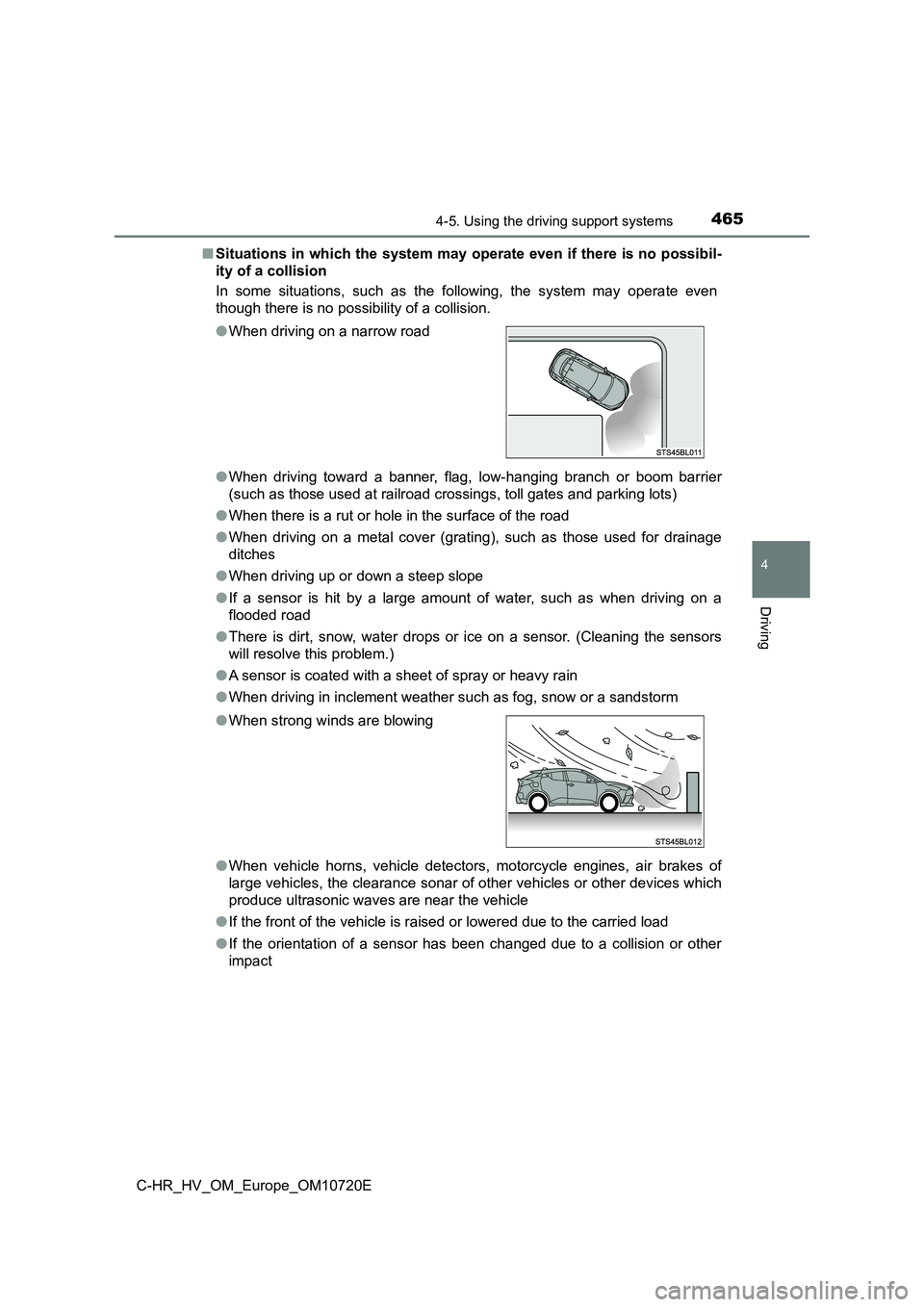
■ Situations in which the system may operate even if there is no possibil-
ity of a collision
In some situations, such as the following, the system may opera te even
though there is no possibility of a collision.
● When driving toward a banner, flag, low-hanging branch or boom barrier
(such as those used at railroad crossings, toll gates and parki ng lots)
● When there is a rut or hole in the surface of the road
● When driving on a metal cover (grating), such as those used for drainage
ditches
● When driving up or down a steep slope
● If a sensor is hit by a large amount of water, such as when driving on a
flooded road
● There is dirt, snow, water drops or ice on a sensor. (Cleaning the sensors
will resolve this problem.)
● A sensor is coated with a sheet of spray or heavy rain
● When driving in inclement weather such as fog, snow or a sandstorm
● When vehicle horns, vehicle detectors, motorcycle engines, air brakes of
large vehicles, the clearance sonar of other vehicles or other devices which
produce ultrasonic waves are near the vehicle
● If the front of the vehicle is raised or lowered due to the carried load
● If the orientation of a sensor has been changed due to a collision or other
impact
● When driving on a narrow road
●When strong winds are blowing
Page 532 of 818
5304-5. Using the driving support systems
C-HR_HV_OM_Europe_OM10720E
WARNING
●In the following situations, the sensors may not operate normally and may
lead to an accident. Drive carefully.
• Obstacles cannot be detected in the side areas until a scan of the side
areas is completed. ( P. 463)
• Even after the scan of the side areas is completed, obstacles such as
other vehicles, people or animals that approach from the sides cannot
be detected.
• The sensor is frozen (if it thaws, the system returns to norma l).
A warning message may display at particularly low temperatures due to
the sensor freezing and it may not detect parked vehicles.
• The sensor is blocked by someone’s hand.
• The vehicle is tilted a large amount.
• The temperature is extremely hot or cold.
• The vehicle is driven on undulating roads, slopes, gravel road s, in areas
with tall grass, etc.
• An ultrasonic wave source is nearby, such as the horn or senso rs of
another vehicle, a motorcycle engine or the air brake of a larg e vehicle.
• Heavy rain or a water strikes the vehicle.
• The angle of the sensor may be deviated when assist control st arts
even if there is a parked vehicle in the target parking spot. H ave the
vehicle inspected at any authorized Toyota retailer or Toyota a uthorized
repairer, or any reliable repairer.
• Do not install any accessories within the sensor detection ran ge.
Page 746 of 818
7447-2. Steps to take in an emergency
C-HR_HV_OM_Europe_OM10720E
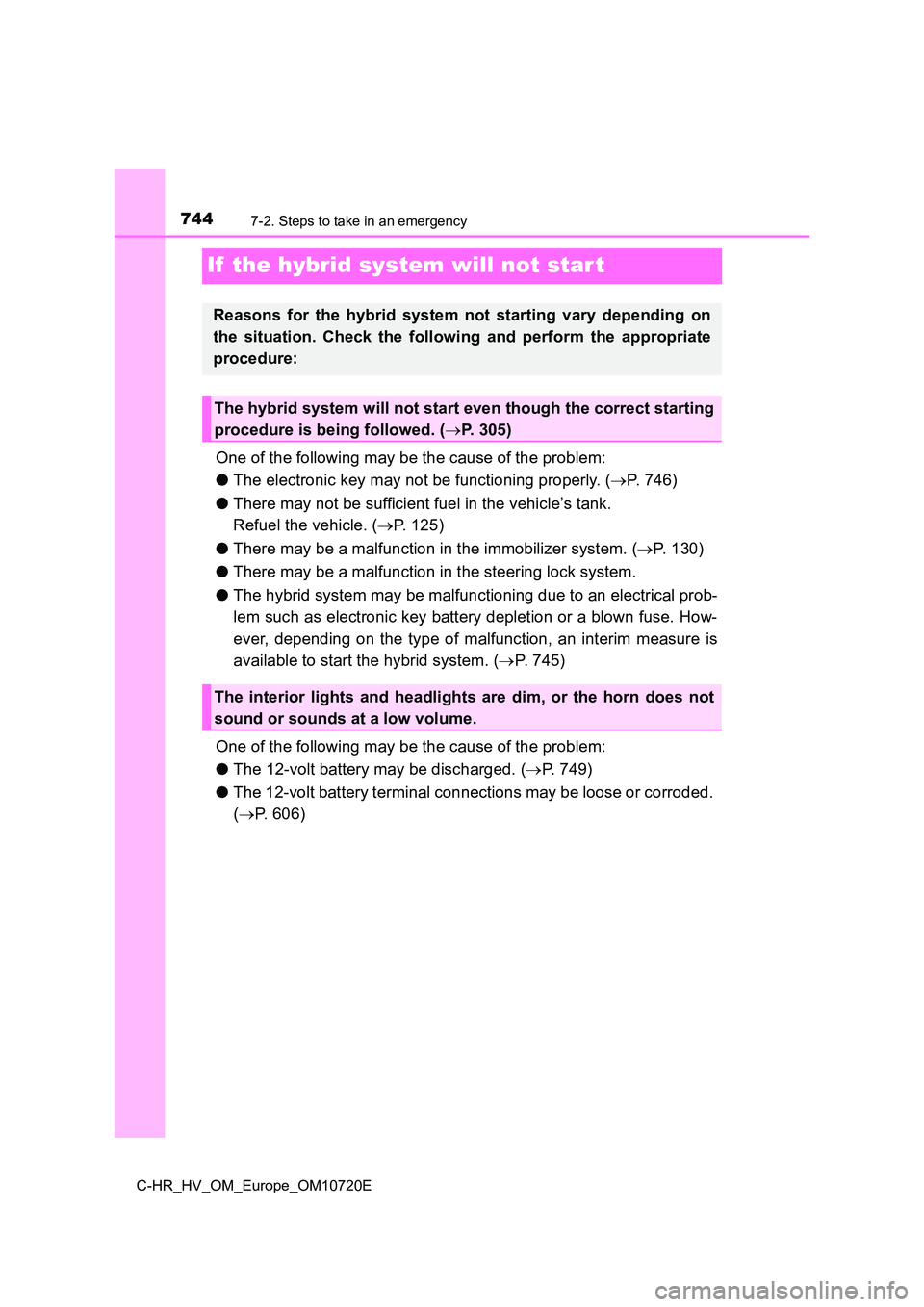
If the hybrid system will not star t
One of the following may be the cause of the problem:
● The electronic key may not be functioning properly. (P. 746)
● There may not be sufficient fuel in the vehicle’s tank.
Refuel the vehicle. ( P. 125)
● There may be a malfunction in the immobilizer system. (P. 1 3 0 )
● There may be a malfunction in the steering lock system.
● The hybrid system may be malfunctioning due to an electrical prob-
lem such as electronic key battery depletion or a blown fuse. H ow-
ever, depending on the type of malfunction, an interim measure is
available to start the hybrid system. ( P. 745)
One of the following may be the cause of the problem:
● The 12-volt battery may be discharged. (P. 749)
● The 12-volt battery terminal connections may be loose or corroded.
( P. 606)
Reasons for the hybrid system not starting vary depending on
the situation. Check the following and perform the appropriate
procedure:
The hybrid system will not start even though the correct starti ng
procedure is being followed. ( P. 305)
The interior lights and headlights are dim, or the horn does not
sound or sounds at a low volume.
Page 747 of 818
7457-2. Steps to take in an emergency
C-HR_HV_OM_Europe_OM10720E
7
When trouble arises
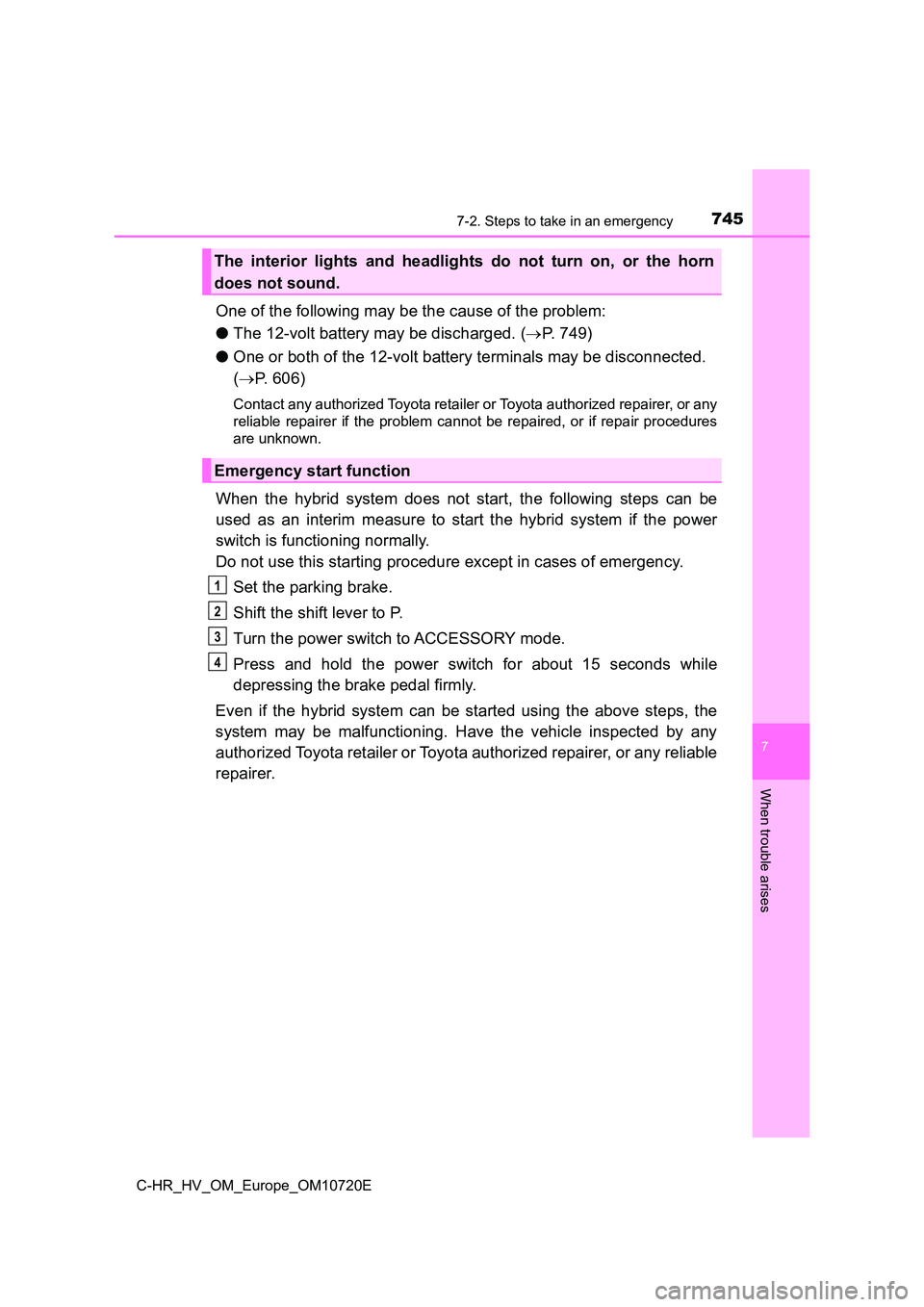
One of the following may be the cause of the problem:
● The 12-volt battery may be discharged. (P. 749)
● One or both of the 12-volt battery terminals may be disconnected.
( P. 606)
Contact any authorized Toyota retailer or Toyota authorized repairer, or any
reliable repairer if the problem cannot be repaired, or if repa ir procedures
are unknown.
When the hybrid system does not start, the following steps can be
used as an interim measure to start the hybrid system if the po wer
switch is functioning normally.
Do not use this starting procedure except in cases of emergency .
Set the parking brake.
Shift the shift lever to P.
Turn the power switch to ACCESSORY mode.
Press and hold the power switch for about 15 seconds while
depressing the brake pedal firmly.
Even if the hybrid system can be started using the above steps, the
system may be malfunctioning. Have the vehicle inspected by any
authorized Toyota retailer or Toyota authorized repairer, or an y reliable
repairer.
The interior lights and headlights do not turn on, or the horn
does not sound.
Emergency start function
1
2
3
4
Page 800 of 818
798What to do if... (Troubleshooting)
C-HR_HV_OM_Europe_OM10720E
●The seat belt reminder light is flashing
Are the driver and the front passenger wearing the seat belts? (P. 685)
●The parking brake indicator is on
Is the parking brake released? ( P. 325)
Depending on the situation, other types of warning buzzer may a lso sound.
( P. 681, 692)
●Did anyone inside the vehicle open a door during setting the alarm?
The sensor detects it and the alarm sounds. ( P. 147)
Do one of the following to deactivate or stop the alarms:
●Unlock the doors using the entry function (if equipped) or wire less remote
control.
●Start the hybrid system. (The alarm will be deactivated or stop ped after a
few seconds.)
●Is the electronic key left inside the vehicle?
Check the message on the multi-information display. ( P. 692)
●When a warning light turns on or a warning message is displayed, refer to
P. 681, 692.
A warning buzzer sounds during driving
An alarm is activated and the horn sounds
(vehicles with alarm)
A warning buzzer sounds when leaving the vehicle
A warning light turns on or a warning message is displayed
Page 809 of 818
807Alphabetical index
C-HR_HV_OM_Europe_OM10720E
Hooks
Cargo hooks.......................... 566
Grocery bag hook ................. 566
Retaining hooks (floor mat) ..... 32
Horn .......................................... 270
Hybrid battery
(traction battery)
Location ................................ 123
Specification.......................... 770
Hybrid battery
(traction battery)
air intake vent ................ 124, 640
Hybrid system .......................... 118
Acoustic vehicle alerting
system ................................ 119
Brake Override System ......... 286
Drive-Start Control ................ 286
Emergency shut off
system ................................ 124
Energy monitor/
consumption screen ........... 179
EV drive mode ...................... 312
High voltage components ..... 123
Hybrid Electric Vehicle
driving tips .......................... 540
Hybrid System Indicator ........ 168
Hybrid system precautions.... 123
If the hybrid system will not
start..................................... 744
Overheating .......................... 757
Power switch ......................... 305
Regenerative braking ............ 120
Starting the hybrid system .... 305
Hybrid System Indicator ......... 168
Hybrid transmission ................ 315
Identification
Engine................................... 768
Vehicle .................................. 767
Ignition switch
(Power switch) ....................... 305
Auto power off function ......... 307
Changing the
power switch modes........... 306
If your vehicle has to be
stopped in an emergency ... 671
Starting the
hybrid system ..................... 305
Illuminated entry system ........ 561
Immobilizer system ................. 130
Indicators ................................. 161
Initialization
Items to initialize ................... 793
PKSB
(Parking Support Brake)..... 483
Power windows ..................... 279
S-IPA (Simple Intelligent
Parking Assist System) ...... 492
Tire pressure warning
system ................................ 619
Inside rear view mirror ............ 272
Instrument cluster light
control .................................... 173
Interior lights............................ 559
Switch ................................... 560
Wattage ................................ 778
Intrusion sensor ...................... 151
ISOFIX lower anchorages ......... 93
I
*: For vehicles with navigation/multimedia system, refer to
“Navigation and multimedia system Owner’s manual” or
“Multimedia owner’s manual”.