audio TOYOTA CAMRY 2010 XV40 / 8.G User Guide
[x] Cancel search | Manufacturer: TOYOTA, Model Year: 2010, Model line: CAMRY, Model: TOYOTA CAMRY 2010 XV40 / 8.GPages: 538, PDF Size: 9.22 MB
Page 214 of 538
212 3-2. Using the audio system
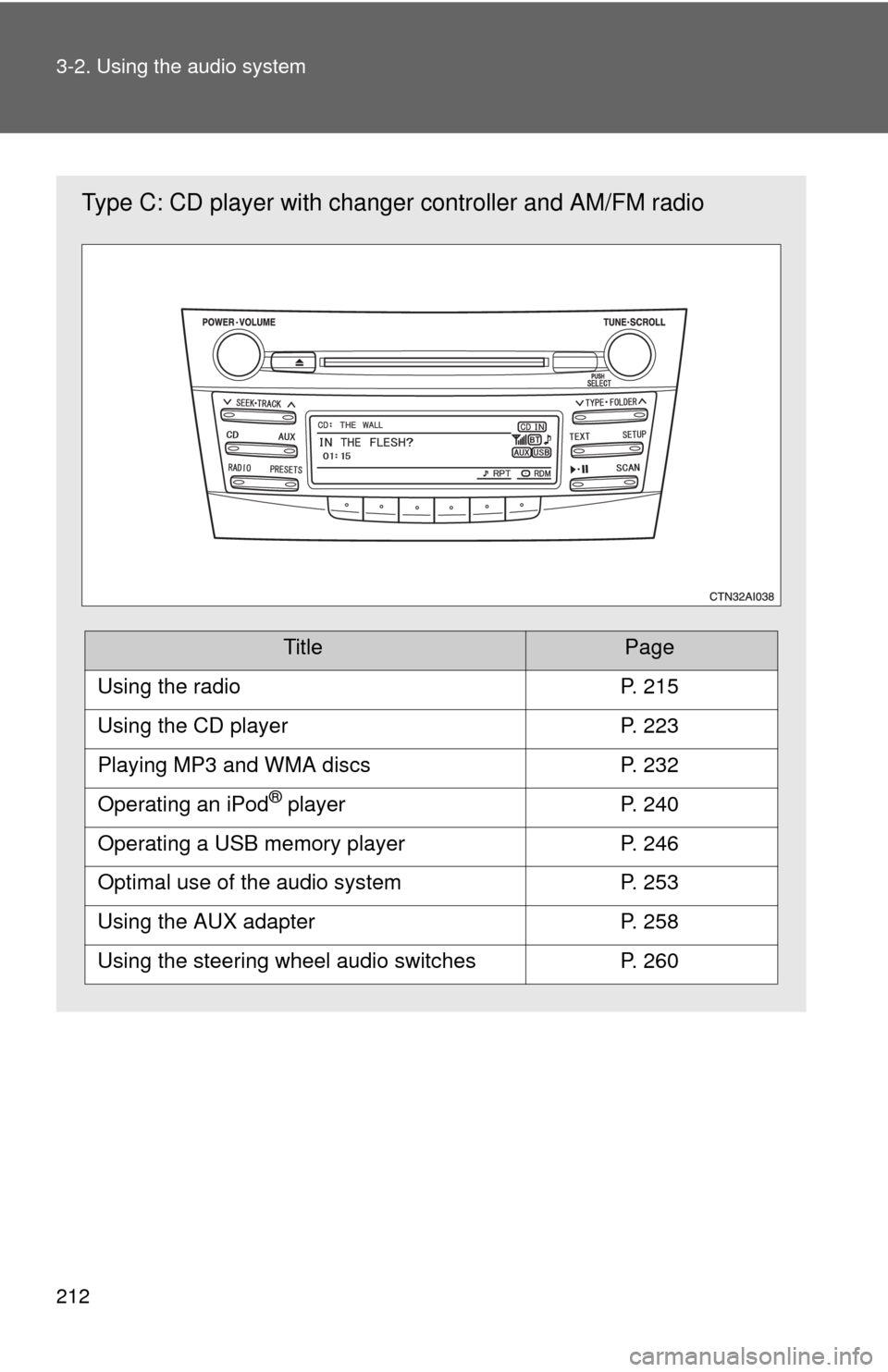
Type C: CD player with changer controller and AM/FM radio
TitlePage
Using the radioP. 215
Using the CD playerP. 223
Playing MP3 and WMA discsP. 232
Operating an iPod® playerP. 240
Operating a USB memory playerP. 246
Optimal use of the audio systemP. 253
Using the AUX adapterP. 258
Using the steering wheel audio switchesP. 260
Page 215 of 538
213
3-2. Using the audio system
3
Interior features
Language settings (type B and C)
The language used for all voice guidance, voice recognition and mes-
sages may be changed.
Press .
Press that corresponds to “MORE”.
Press that corresponds to “LANG”.
Press that corresponds to the desired language.
For vehicles sold in the U.S.A.
“ENG” (English) or “ESP” (Spanish)
For vehicles sold in Canada
“ENG” (English) or “FRAN” (French)
■ Using cellular phones
Interference may be heard through the audio system's speakers if a cellular
phone is being used inside or close to the vehicle while the audio syste\
m is
operating.
STEP1
STEP2
STEP3
STEP4
Page 216 of 538
214 3-2. Using the audio system
CAUTION
■For vehicles sold in U.S.A. and Canada
●Part 15 of the FCC Rules
FCC Warning:
Any unauthorized changes or modifications to this equipment will void the
user’s authority to operate this device.
● Laser products
• Do not take this unit apart or attempt to make any changes yourself.
This is an intricate unit that uses a laser pickup to retrieve information
from the surface of compact discs. The laser is carefully shielded so
that its rays remain inside the cabinet. Therefore, never try to disas-
semble the player or alter any of its parts since you may be exposed to
laser rays and dangerous voltages.
• This product utilizes a laser. Use of controls or adjustments or performance of procedures other
than those specified herein may result in hazardous radiation expo-
sure.
NOTICE
■ To prevent battery discharge
Do not leave the audio system on longer than necessary with the engine o\
ff.
■ To avoid damaging the audio system
Take care not to spill drinks or other fluids over the audio system.
Page 217 of 538
215
3-2. Using the audio system
3
Interior features
Using the radio
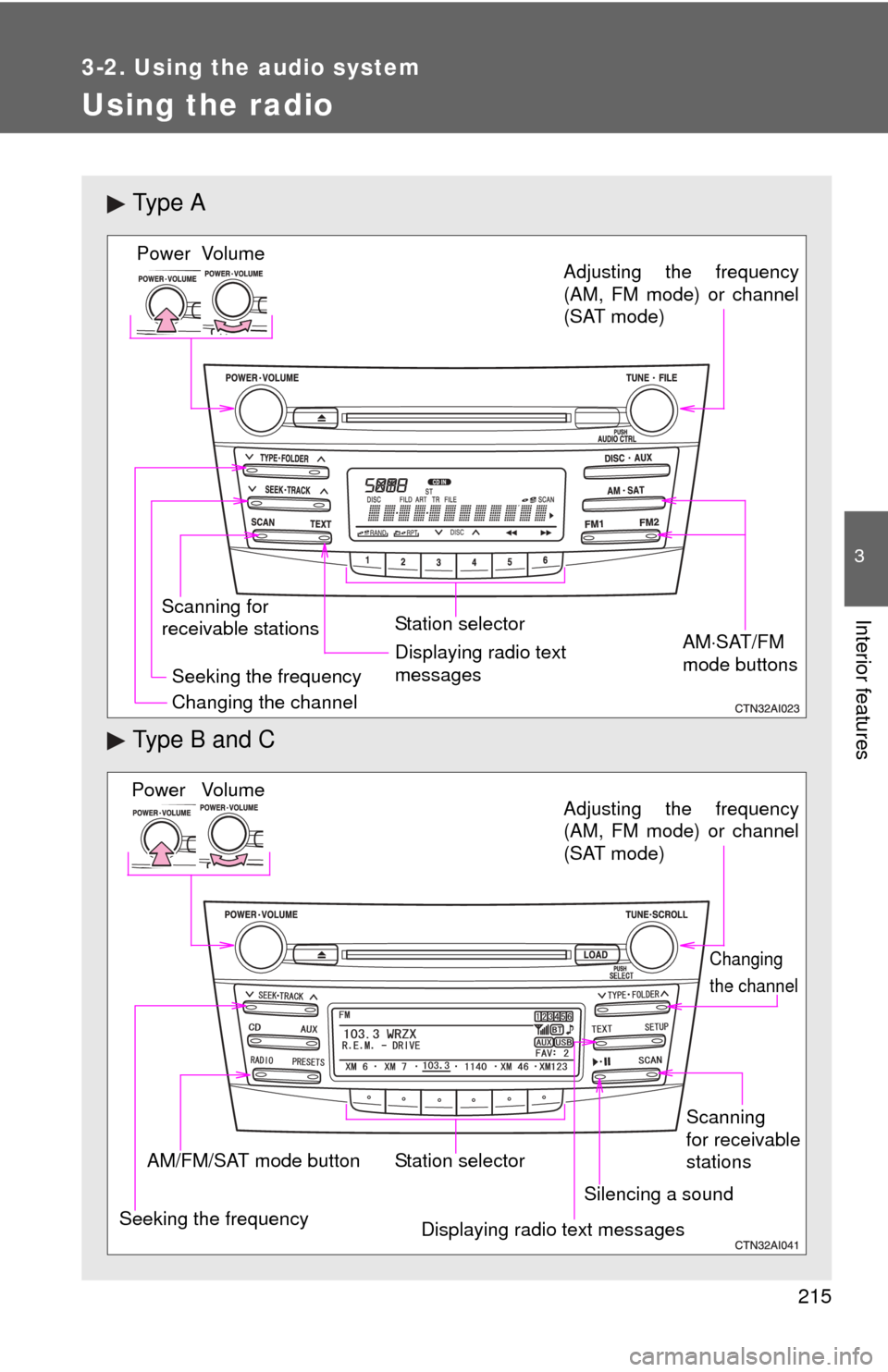
Ty p e A
Type B and C
Vo lu m e
Scanning for
receivable stations Station selector
Seeking the frequency Adjusting the frequency
(AM, FM mode) or channel
(SAT mode)
AMSAT/FM
mode buttonsPower
Displaying radio text
messages
Changing the channel
AM/FM/SAT mode button Station selector
Seeking the frequency Adjusting the frequency
(AM, FM mode) or channel
(SAT mode)
Displaying radio text messages
Changing
the channel
Scanning
for receivable
stations
Vo lu m e
Power
Silencing a sound
Page 218 of 538
216 3-2. Using the audio system
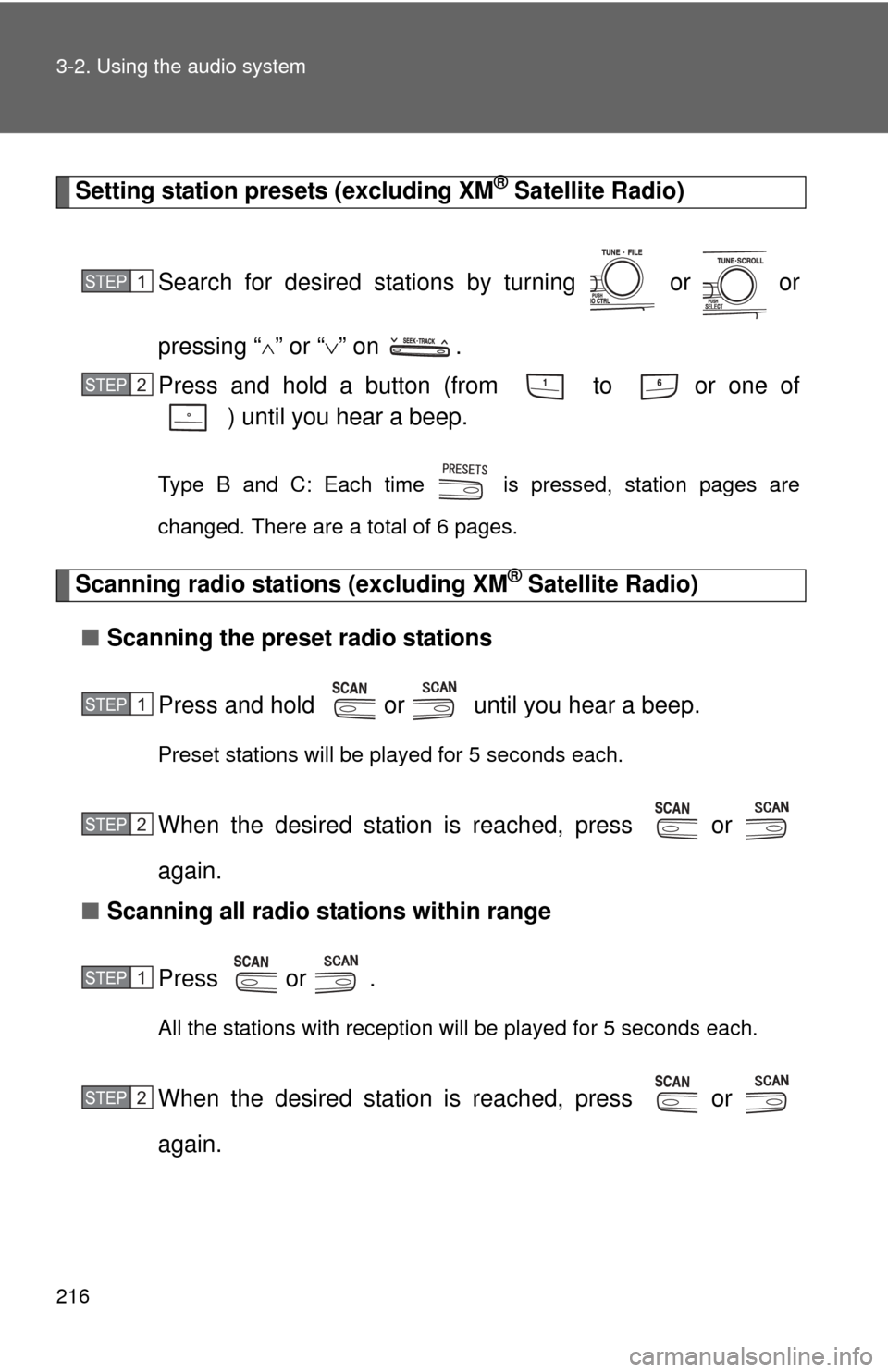
Setting station presets (excluding XM® Satellite Radio)
Search for desired stations by turning or or
pressing “
” or “ ” on .
Press and hold a button (from to or one of ) until you hear a beep.
Type B and C: Each time is pressed, station pages are
changed. There are a total of 6 pages.
Scanning radio stations (excluding XM® Satellite Radio)
■ Scanning the preset radio stations
Press and hold or until you hear a beep.
Preset stations will be played for 5 seconds each.
When the desired station is reached, press or
again.
■ Scanning all radio stations within range
Press
or .
All the stations with reception will be played for 5 seconds each.
When the desired station is reached, press or
again.
STEP1
STEP2
STEP1
STEP2
STEP1
STEP2
Page 219 of 538
217
3-2. Using the audio system
3
Interior features
■
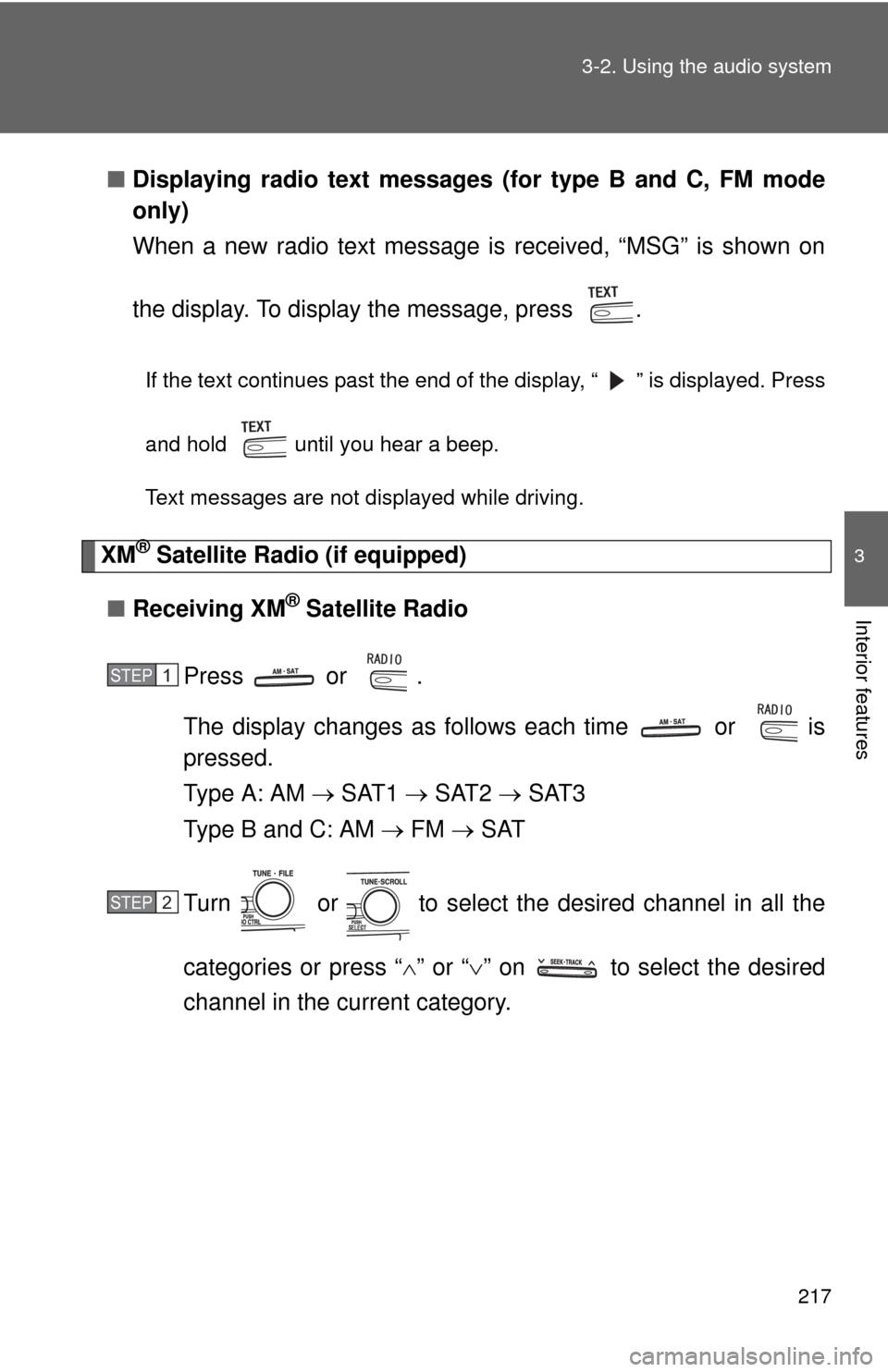
Displaying radio text messages (for type B and C, FM mode
only)
When a new radio text message is received, “MSG” is shown on
the display. To display the message, press .
If the text continues past the end of the display, “ ” is displayed. Press
and hold until you hear a beep.
Text messages are not displayed while driving.
XM® Satellite Radio (if equipped)
■ Receiving XM
® Satellite Radio
Press or .
The display changes as follows each time or is
pressed.
Type A: AM SAT1 SAT2 SAT3
Type B and C: AM FM SAT
Turn or to select the desired channel in all the
categories or press “ ” or “ ” on to select the desired
channel in the current category.
STEP1
STEP2
Page 220 of 538
218 3-2. Using the audio system
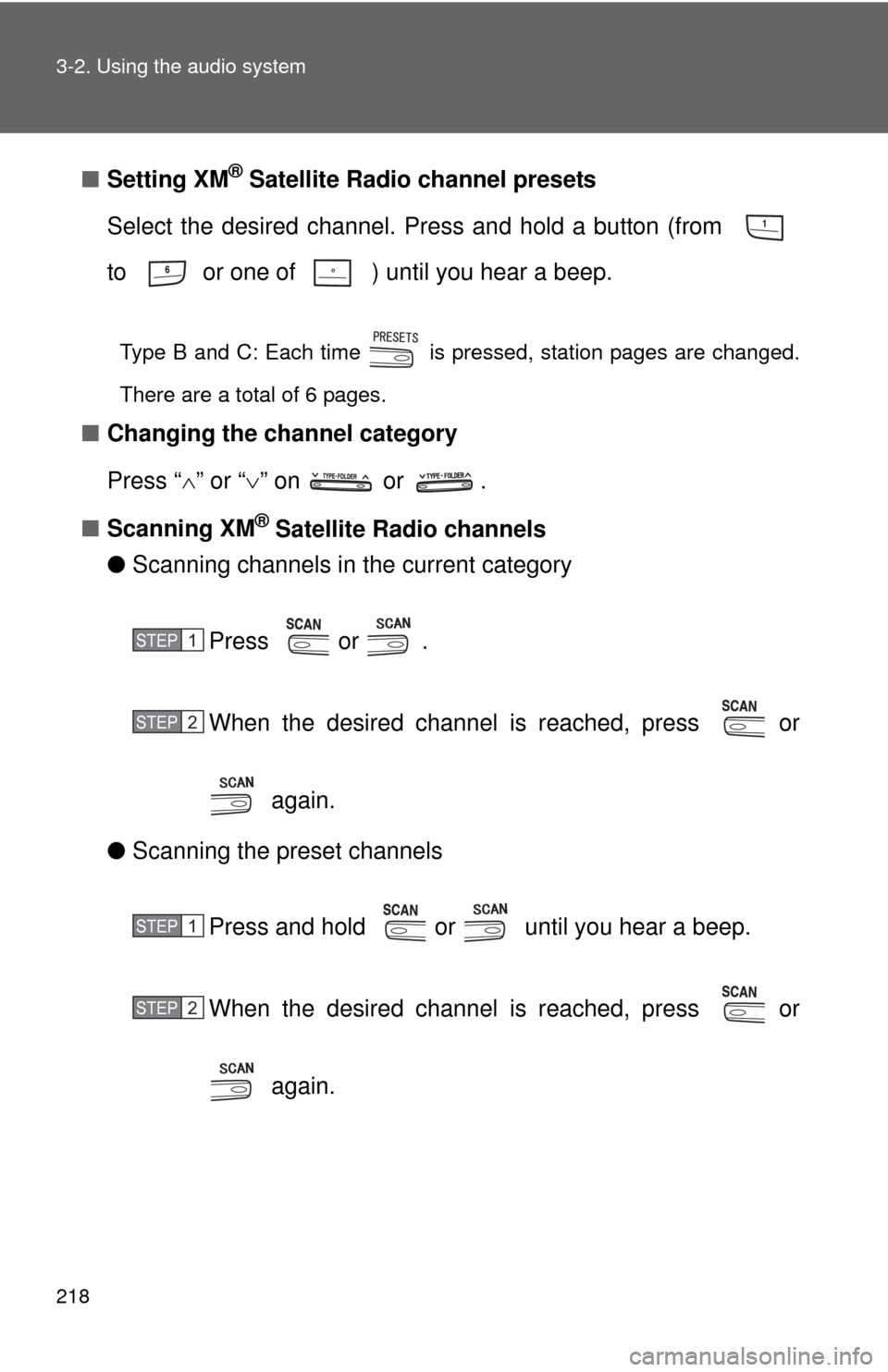
■Setting XM® Satellite Radio channel presets
Select the desired channel. Press and hold a button (from
to or one of ) until you hear a beep.
Type B and C: Each time is pressed, station pages are changed.
There are a total of 6 pages.
■ Changing the channel category
Press “ ” or “ ” on or .
■ Scanning XM
® Satellite Radio channels
● Scanning channels in the current category
Press or .
When the desired channel is reached, press or
again.
● Scanning the preset channels
Press and hold or until you hear a beep.
When the desired channel is reached, press or
again.
STEP1
STEP2
STEP1
STEP2
Page 221 of 538
219
3-2. Using the audio system
3
Interior features
■
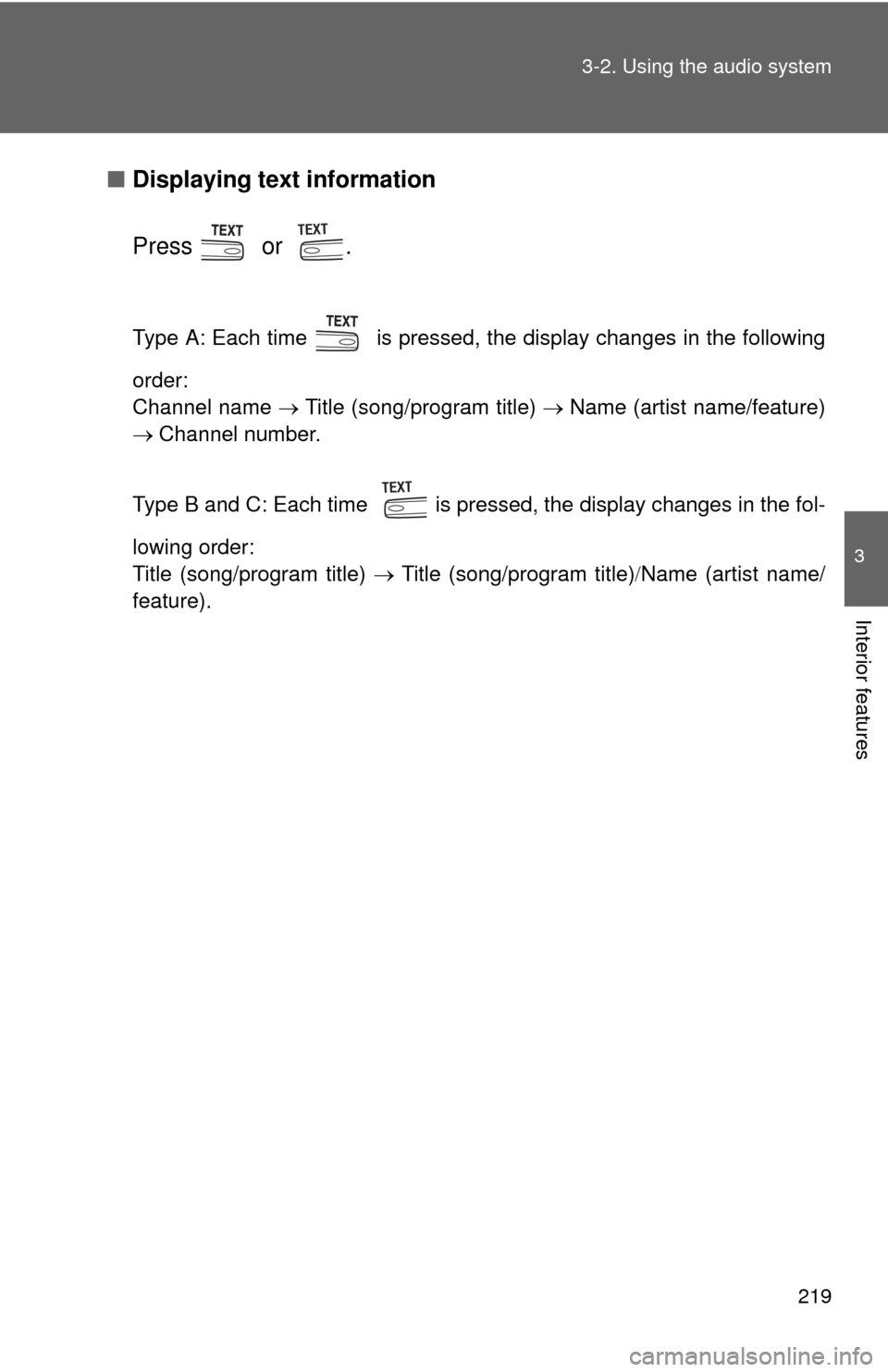
Displaying text information
Press or .
Type A: Each time is pressed, the display changes in the following
order:
Channel name Title (song/program title) Name (artist name/feature)
Channel number.
Type B and C: Each time is pressed, the display changes in the fol-
lowing order:
Title (song/program title) Title (song/program title) Name (artist name/
feature).
Page 222 of 538
220 3-2. Using the audio system
■When the battery is disconnected
All preset stations are erased. (type A only)
■ Reception sensitivity
●Maintaining perfect radio reception at all times is difficult due to the con-
tinually changing position of the antenna, differences in signal strength
and surrounding objects, such as trains, transmitters, etc.
● The radio antenna is mounted inside the rear window. To maintain clear
radio reception, do not attach metallic window tinting or other metallic
objects to the antenna wire mounted inside the rear window.
■ XM
® Satellite Radio
An XM
® Satellite Radio is a tuner designed exclusively to receive broadcasts
provided under a separate subscription. Availability is limited to the 48 con-
tiguous states and 10 Canadian provinces.
● XM
® subscriptions
For detailed information about XM® Satellite Radio or to subscribe:
U.S.A.
Visit on the web at www.xmradio.com
or call 1-800-967-2346.
Canada
Visit on the web at www.xmradio.ca
or call 1-877-438-9677.
● Radio ID
You will need the radio ID when activating XM
® service or reporting a
problem. Select “CH000” using or , and the receiver's 8-
character ID number will appear.
● Satellite tuner
The tuner supports only Audio Services (Music and Talk) and the accom-
panying Text Information of XM
® Satellite Radio.
Page 223 of 538
221
3-2. Using the audio system
3
Interior features
■
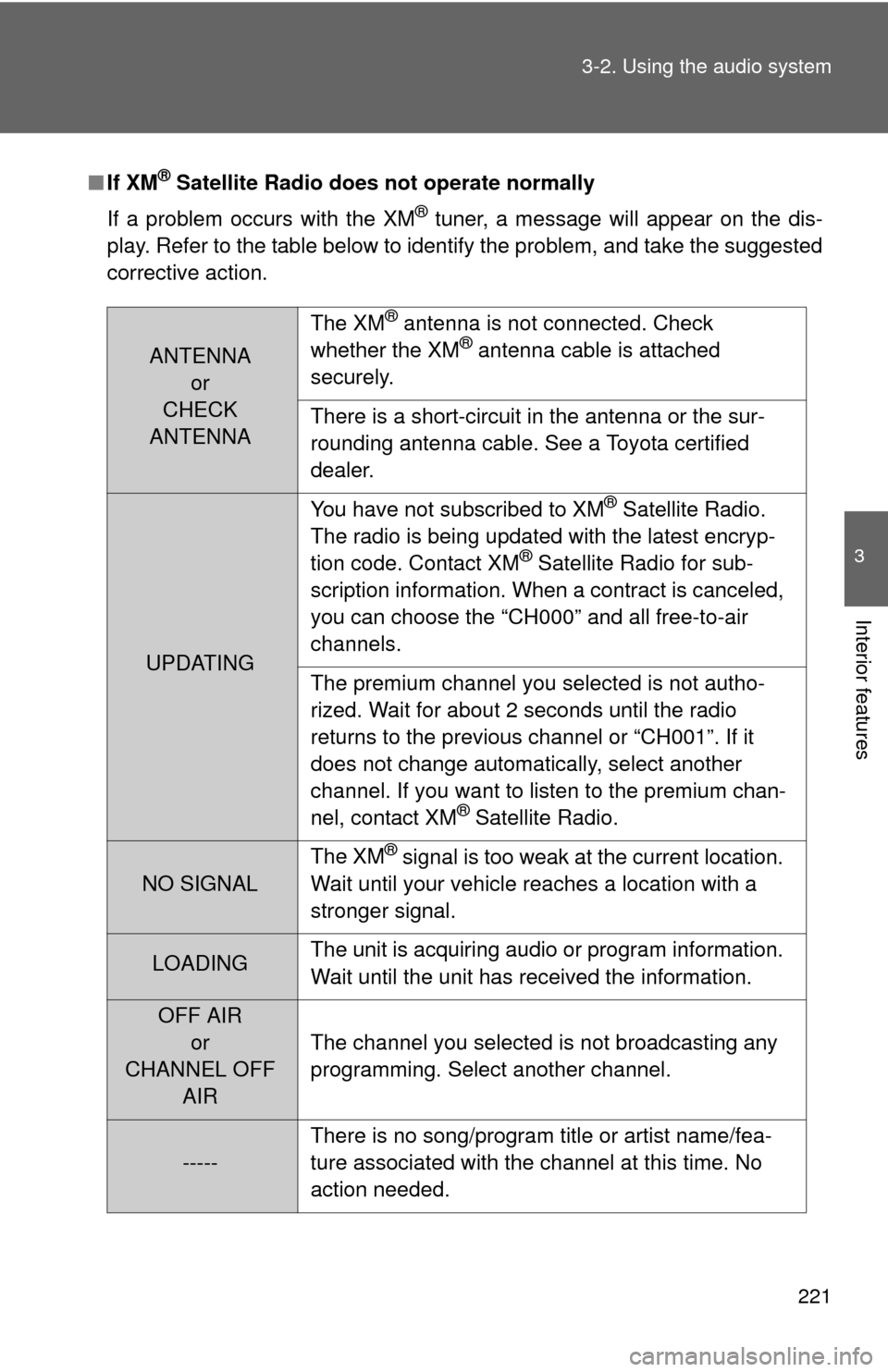
If XM® Satellite Radio does not operate normally
If a problem occurs with the XM
® tuner, a message will appear on the dis-
play. Refer to the table below to identify the problem, and take the suggested
corrective action.
ANTENNA or
CHECK
ANTENNA The XM
® antenna is not connected. Check
whether the XM® antenna cable is attached
securely.
There is a short-circuit in the antenna or the sur-
rounding antenna cable. See a Toyota certified
dealer.
UPDATING You have not subscribed to XM
® Satellite Radio.
The radio is being updated with the latest encryp-
tion code. Contact XM
® Satellite Radio for sub-
scription information. When a contract is canceled,
you can choose the “CH000” and all free-to-air
channels.
The premium channel you selected is not autho-
rized. Wait for about 2 seconds until the radio
returns to the previous channel or “CH001”. If it
does not change automatically, select another
channel. If you want to listen to the premium chan-
nel, contact XM
® Satellite Radio.
NO SIGNAL The XM
® signal is too weak at the current location.
Wait until your vehicle reaches a location with a
stronger signal.
LOADING The unit is acquiring audio or program information.
Wait until the unit has received the information.
OFF AIR
or
CHANNEL OFF AIR The channel you selected is not broadcasting any
programming. Select another channel.
-----
There is no song/program title or artist name/fea-
ture associated with the channel at this time. No
action needed.