manual transmission TOYOTA CAMRY 2010 XV40 / 8.G Owners Manual
[x] Cancel search | Manufacturer: TOYOTA, Model Year: 2010, Model line: CAMRY, Model: TOYOTA CAMRY 2010 XV40 / 8.GPages: 538, PDF Size: 9.22 MB
Page 2 of 538

TABLE OF CONTENTSIndex
2
1-1. Key informationKeys ..................................... 24
1-2. Opening, closing and locking the doors
and trunk
Smart key system................. 27
Wireless remote control ....... 38
Doors.................................... 42
Trunk .................................... 47
1-3. Adjustable components (seats, mirrors,
steering wheel)
Front seats ........................... 51
Rear seats ............................ 53
Head restraints ..................... 55
Seat belts ............................. 57
Steering wheel ..................... 65
Anti-glare inside rear view mirror .................................. 66
Outside rear view mirrors ................................ 68
1-4. Opening and closing the windows
Power windows .................... 70
Moon roof ............................. 72
1-5. Refueling Opening the fuel tank cap ..................................... 76 1-6. Theft deterrent system
Engine immobilizer system ................................ 80
Alarm .................................... 82
Theft prevention labels (for U.S.A.) ......................... 84
1-7. Safety information Correct driving posture ......... 85
SRS airbags ......................... 87
Front passenger occupant classification system ........... 99
Child restraint systems ....... 104
Installing child restraints ..... 108
2-1. Driving procedures Driving the vehicle .............. 120
Engine (ignition) switch (vehicles with smart
key system) ...................... 131
Engine (ignition) switch (vehicles without smart
key system) ...................... 135
Automatic transmission ...... 138
Manual transmission........... 142
Turn signal lever ................. 144
Parking brake ..................... 145
Horn .................................... 146
2-2. Instrument cluster Gauges and meters ............ 147
Indicators and warning lights ................................. 151
Multi-information display ..... 155
1Before driving
2When driving
Page 3 of 538

1
2
3
4
5
6
7
3
2-3. Operating the lights and wipers
Headlight switch .................. 159
Fog light switch ................... 163
Windshield wipers and washer .............................. 164
2-4. Using other driving systems Cruise control ...................... 166
Driving assist systems ........ 170
2-5. Driving information Cargo and luggage ............. 175
Vehicle load limits ............... 178
Winter driving tips ............... 179
Trailer towing ...................... 183
Dinghy towing (automatic transmission) .................... 191
Dinghy towing (manual transmission) .................... 192
3-1. Using the air conditioning system and defogger
Automatic air conditioning system .............................. 196
Manual air conditioning system .............................. 204
Rear window and outside rear view mirror
defoggers .......................... 209
3-2. Using the audio system Audio system types ............. 211
Using the radio .................... 215 Using the CD player ........... 223
Playing MP3 and WMA
discs ................................. 232
Operating an iPod
®
player ............................... 240
Operating a USB memory player ............................... 246
Optimal use of the audio system .............................. 253
Using the AUX adapter....... 258
Using the steering wheel audio switches.................. 260
3-3. Using the Bluetooth
®
audio system
Bluetooth
® audio system .... 263
Using the Bluetooth®
audio system .................... 266
Operating a Bluetooth
®
enabled portable player.... 271
Setting up a Bluetooth
®
enabled portable player.... 273
Bluetooth
® audio system
setup ................................ 278
3-4. Using the hands-free phone system
(for cellular phone)
Hands-free phone system (for cellular phone)
features ............................ 279
Using the hands-free phone system
(for cellular phone) ........... 283
Making a phone call ........... 292
Setting a cellular phone ...... 296
Security and system setup ................................ 301
Using the phone book ........ 3053Interior features
Page 12 of 538
12
C
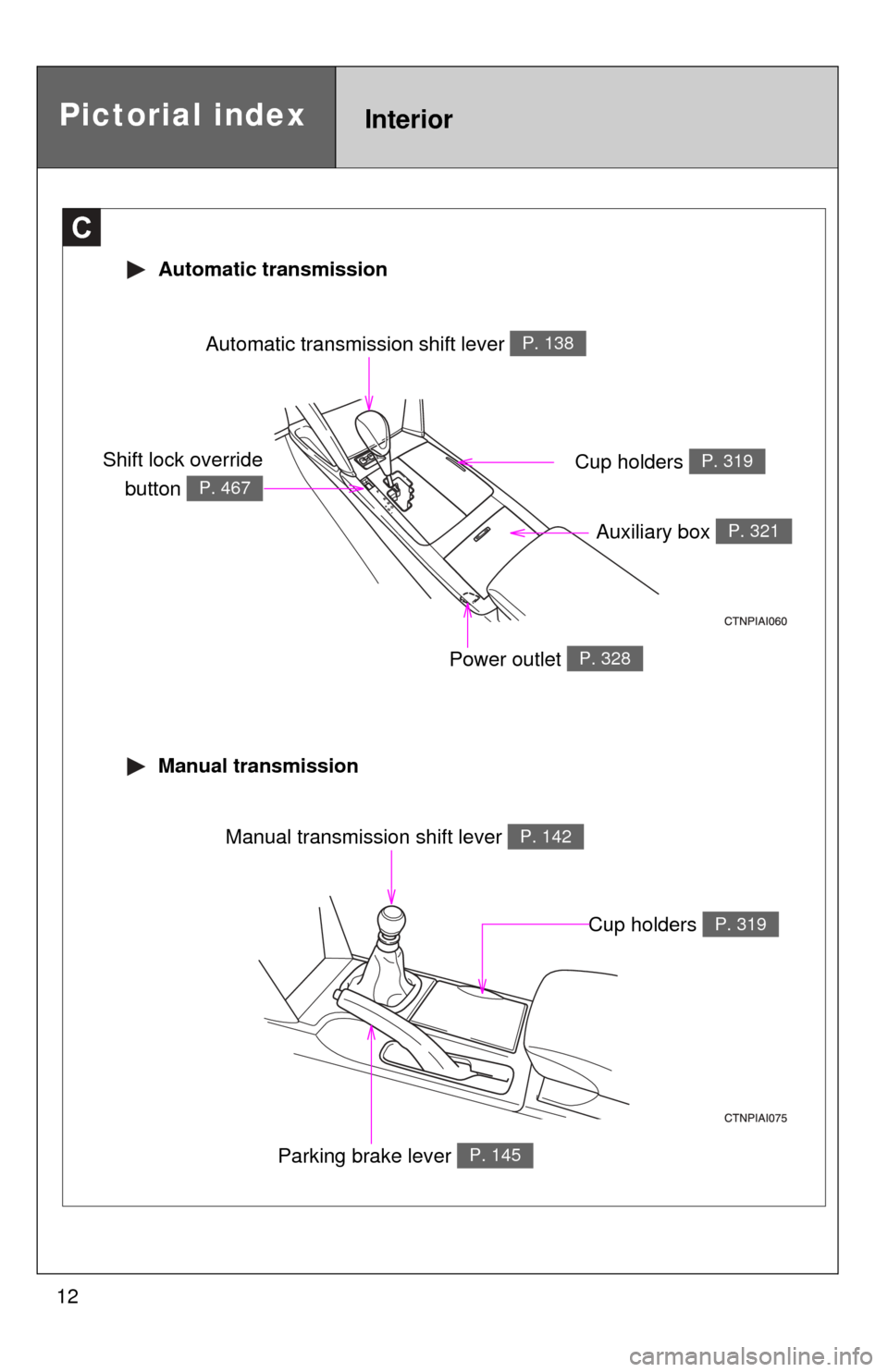
Automatic transmission shift lever P. 138
Cup holders P. 319
Automatic transmission
Manual transmission
Pictorial indexInterior
Auxiliary box P. 321
Power outlet P. 328
Parking brake lever P. 145
Manual transmission shift lever P. 142
Cup holders P. 319
Shift lock overridebutton
P. 467
Page 119 of 538
When driving2
119
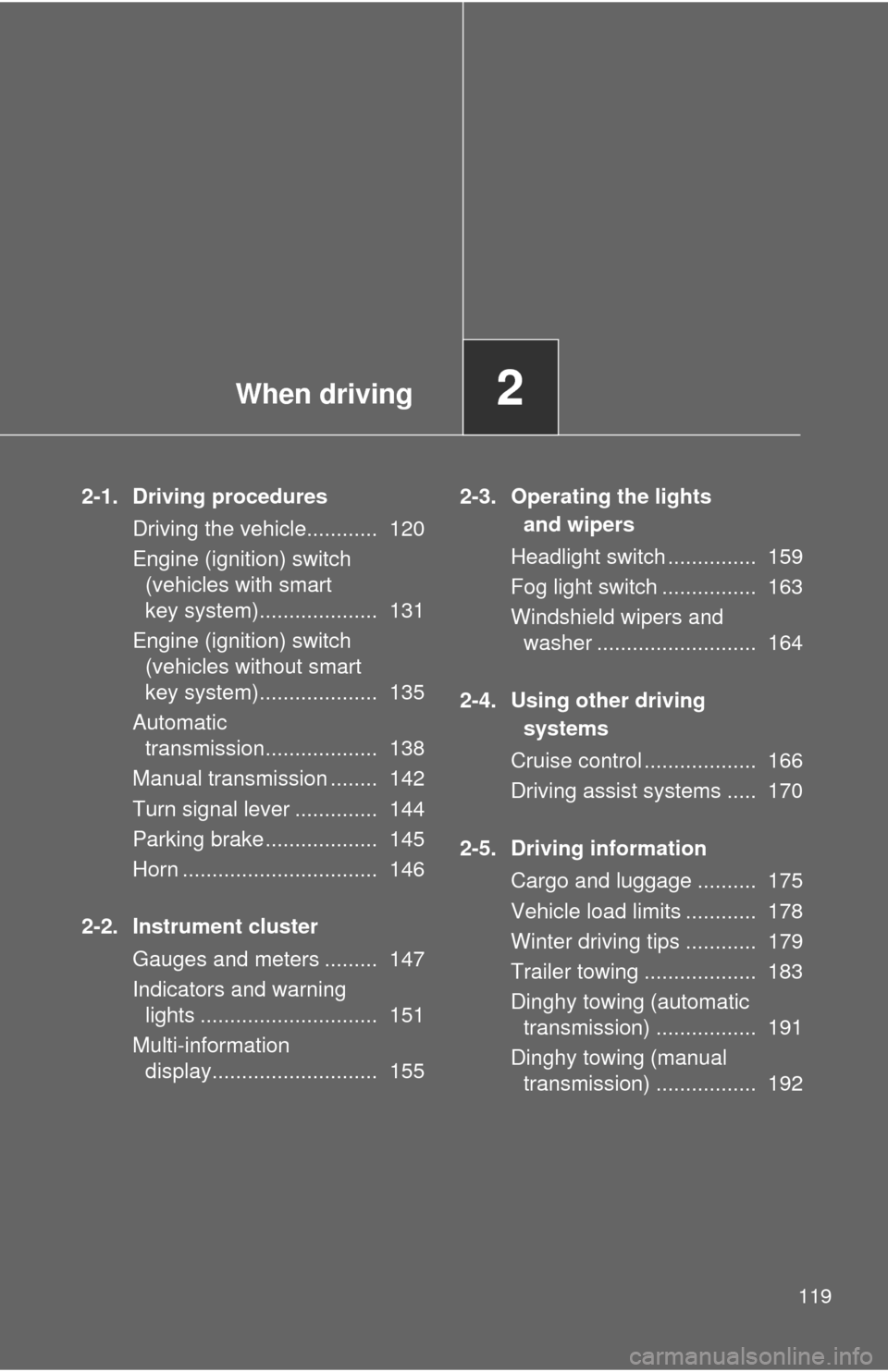
2-1. Driving proceduresDriving the vehicle............ 120
Engine (ignition) switch (vehicles with smart
key system).................... 131
Engine (ignition) switch (vehicles without smart
key system).................... 135
Automatic transmission................... 138
Manual transmission ........ 142
Turn signal lever .............. 144
Parking brake ................... 145
Horn ................................. 146
2-2. Instrument cluster Gauges and meters ......... 147
Indicators and warning lights .............................. 151
Multi-information display............................ 155 2-3. Operating the lights
and wipers
Headlight switch ............... 159
Fog light switch ................ 163
Windshield wipers and washer ........................... 164
2-4. Using other driving systems
Cruise control ................... 166
Driving assist systems ..... 170
2-5. Driving information Cargo and luggage .......... 175
Vehicle load limits ............ 178
Winter driving tips ............ 179
Trailer towing ................... 183
Dinghy towing (automatic transmission) ................. 191
Dinghy towing (manual transmission) ................. 192
Page 120 of 538
120
2-1. Driving procedures
Driving the vehicle
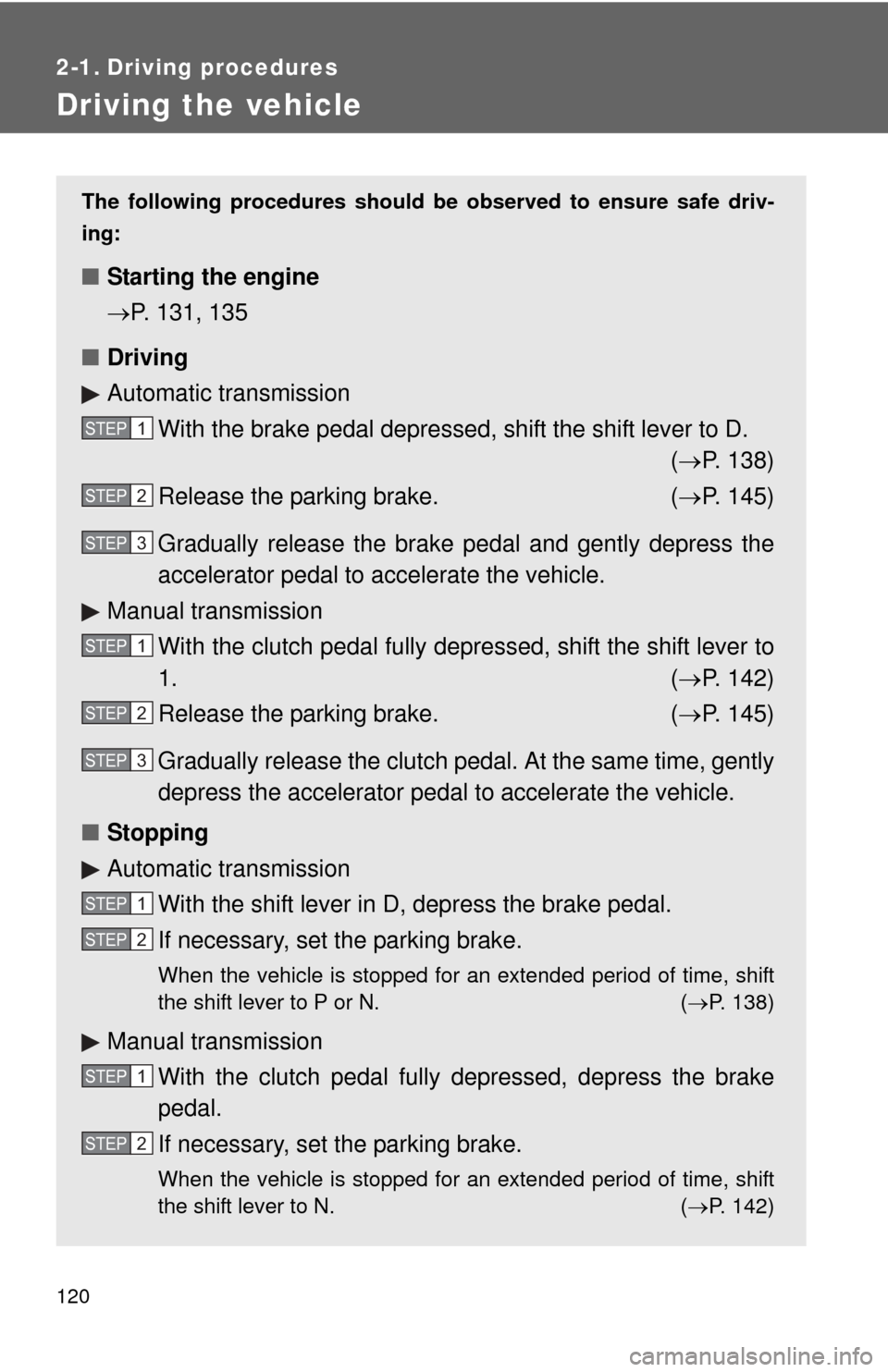
The following procedures should be observed to ensure safe driv-
ing:
■ Starting the engine
P. 131, 135
■ Driving
Automatic transmission
With the brake pedal depressed, shift the shift lever to D. ( P. 138)
Release the parking brake. ( P. 145)
Gradually release the brake pedal and gently depress the
accelerator pedal to accelerate the vehicle.
Manual transmission With the clutch pedal fully depressed, shift the shift lever to
1. ( P. 142)
Release the parking brake. ( P. 145)
Gradually release the clutch pedal. At the same time, gently
depress the accelerator pedal to accelerate the vehicle.
■ Stopping
Automatic transmission
With the shift lever in D, depress the brake pedal.
If necessary, set the parking brake.
When the vehicle is stopped for an extended period of time, shift
the shift lever to P or N. ( P. 138)
Manual transmission
With the clutch pedal fully depressed, depress the brake
pedal.
If necessary, set the parking brake.
When the vehicle is stopped for an extended period of time, shift
the shift lever to N. ( P. 142)
STEP1
STEP2
STEP3
STEP1
STEP2
STEP3
STEP1
STEP2
STEP1
STEP2
Page 121 of 538
121
2-1. Driving procedures
2
When driving
■
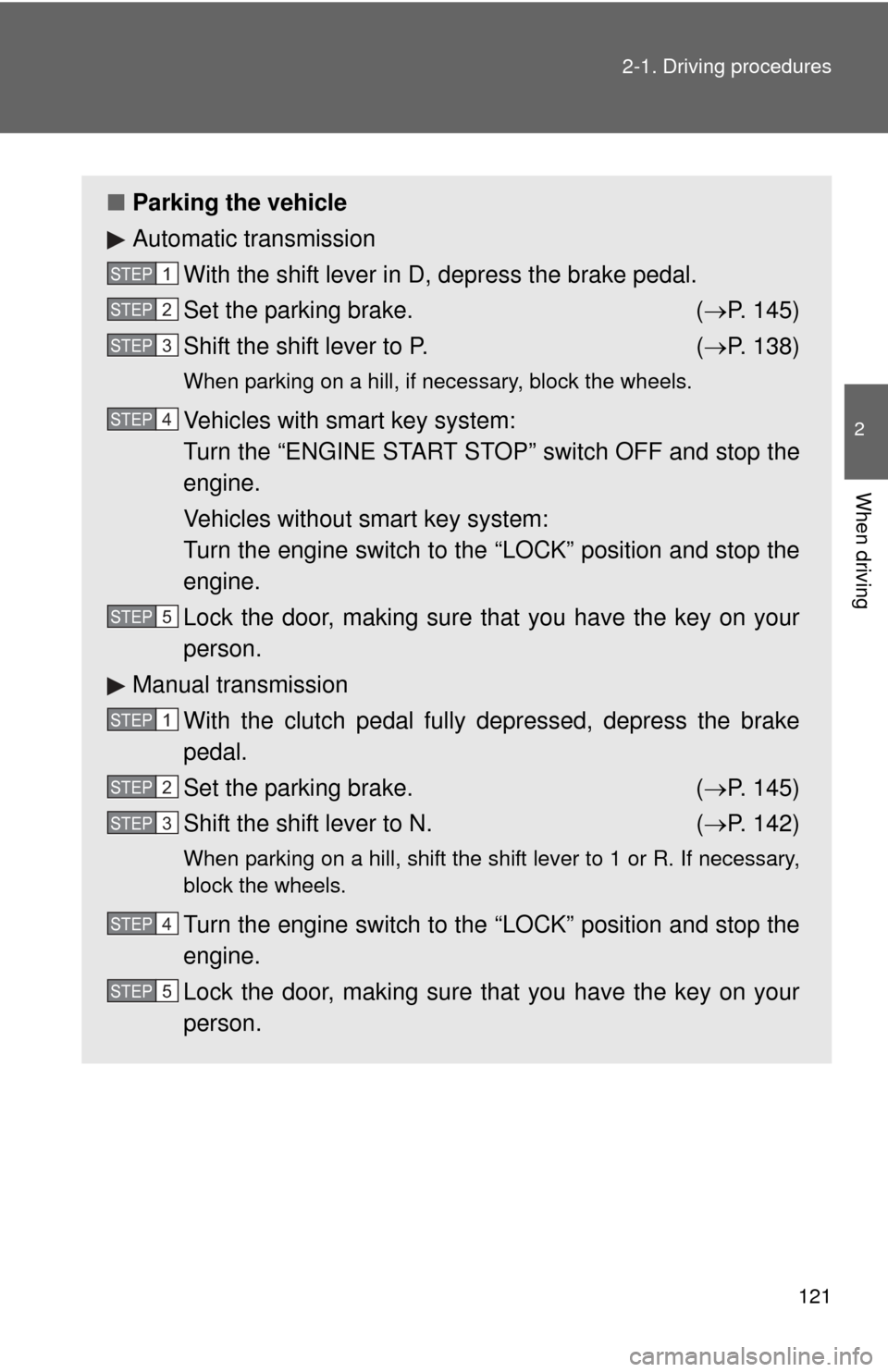
Parking the vehicle
Automatic transmission
With the shift lever in D, depress the brake pedal.
Set the parking brake. ( P. 145)
Shift the shift lever to P. ( P. 138)
When parking on a hill, if necessary, block the wheels.
Vehicles with smart key system:
Turn the “ENGINE START STOP” switch OFF and stop the
engine.
Vehicles without smart key system:
Turn the engine switch to the “LOCK” position and stop the
engine.
Lock the door, making sure that you have the key on your
person.
Manual transmission
With the clutch pedal fully depressed, depress the brake
pedal.
Set the parking brake. ( P. 145)
Shift the shift lever to N. ( P. 142)
When parking on a hill, shift the shift lever to 1 or R. If necessary,
block the wheels.
Turn the engine switch to the “LOCK” position and stop the
engine.
Lock the door, making sure that you have the key on your
person.
STEP1
STEP2
STEP3
STEP4
STEP5
STEP1
STEP2
STEP3
STEP4
STEP5
Page 122 of 538
122 2-1. Driving procedures
Starting on a steep uphillAutomatic transmission Firmly set the parking brake and shift the shift lever to D.
Gently depress the accelerator pedal.
Release the parking brake.
Manual transmission
With the parking brake firmly set and the clutch pedal fully
depressed, shift the shift lever to 1.
Lightly depress the accelerator pedal at the same time as
gradually releasing the clutch pedal.
Release the parking brake.
■Driving in the rain
●Drive carefully when it is raining, because visibility will be reduced, the
windows may become fogged-up, and the road will be slippery.
● Drive carefully when it starts to rain, because the road surface will be
especially slippery.
● Refrain from high speeds when driving on an expressway in the rain,
because there may be a layer of water between the tires and the road
surface, preventing the steering and brakes from operating properly.
■ Breaking in your new Toyota
To extend the life of the vehicle, the following precautions are recommended
to observe:
●For the first 186 miles (300 km):
Avoid sudden stops.
● For the first 994 miles (1600 km):
• Do not drive at extremely high speeds.
• Avoid sudden acceleration.
• Do not drive continuously in the low gears.
• Do not drive at a constant speed for extended periods.
STEP1
STEP2
STEP3
STEP1
STEP2
STEP3
Page 124 of 538

124 2-1. Driving procedures
CAUTION
●If the smell of exhaust is noticed inside the vehicle, open the windows and
check that the trunk is closed. Large amounts of exhaust in the vehicle can
cause driver drowsiness and an accident, resulting in death or a serious
health hazard. Have the vehicle inspected by your Toyota dealer immedi-
ately.
● On vehicles with an automatic transmission, do not shift the shift lever to P
while the vehicle is moving.
Doing so can damage the transmission and may result in a loss of vehicle\
control.
● Do not shift the shift lever to R while the vehicle is moving forward.
Doing so can damage the transmission and may result in a loss of vehicle\
control.
● Do not shift the shift lever to D (vehicles with an automatic transmission) or
1 (vehicles with a manual transmission) while the vehicle is moving back-
ward.
Doing so can damage the transmission and may result in a loss of vehicle\
control.
● Moving the shift lever to N while the vehicle is moving will disengage the
engine from the transmission. Engine braking is not available when N is
selected.
● During normal driving, do not turn off the engine. Turning the engine off
while driving will not cause loss of steering or braking control, but the
power assist to these systems will be lost. This will make it more difficult to
steer and brake, so you should pull over and stop the vehicle as soon as it
is safe to do so.
However, in the event of an emergency, such as if it becomes impossible
to stop the vehicle in the normal way: P. 432
● Use engine braking (downshift) to maintain a safe speed when driving
down a steep hill.
Using the brakes continuously may cause the brakes to overheat and lose
effectiveness. ( P. 139)
Page 129 of 538

129
2-1. Driving procedures
2
When driving
NOTICE
■
When driving the vehicle
Manual transmission
● Do not shift gears unless the clutch pedal is fully depressed. After shifting,
do not release the clutch abruptly. Doing so may damage the clutch, trans-
mission and gears.
● Do not rest your foot on the clutch pedal while driving.
Doing so may cause clutch trouble.
● Do not use any gears other than the first gear when starting off and mov-
ing forward.
Doing so may damage the clutch.
● Do not use the clutch to hold the vehicle when stopping on an uphill grade.
Doing so may damage the clutch.
● Do not shift into reverse when the vehicle is still moving. Doing so may
damage the clutch, transmission and gears.
Automatic transmission
Do not use the accelerator pedal or depress the accelerator and brake ped-
als together to hold the vehicle on a hill.
■ When parking the vehicle
Vehicles with an automatic transmission: Always put the shift lever in P. Fail-
ure to do so may cause the vehicle to move or the vehicle may accelerate
suddenly if the accelerator pedal is accidentally depressed.
■ Avoiding damage to vehicle parts
●Do not turn the steering wheel fully in either direction and hold it there for a
long time.
Doing so may damage the power steering motor.
● When driving over bumps in the road, drive as slowly as possible to avoid
damaging the wheels, underside of the vehicle, etc.
Page 135 of 538
135
2-1. Driving procedures
2
When driving
Engine (ignition) switch (vehicles without smart key system)
■Starting the engine
Automatic transmission
Check that the parking brake is set.
Check that the shift lever is set in P.
Sit in the driver’s seat and firmly depress the brake pedal.
Turn the engine switch to the “START” position and start
the engine.
Manual transmission Check that the parking brake is set.
Check that the shift lever is set in N.
Firmly depress the clutch pedal.
Turn the engine switch to the “START” position and start
the engine.
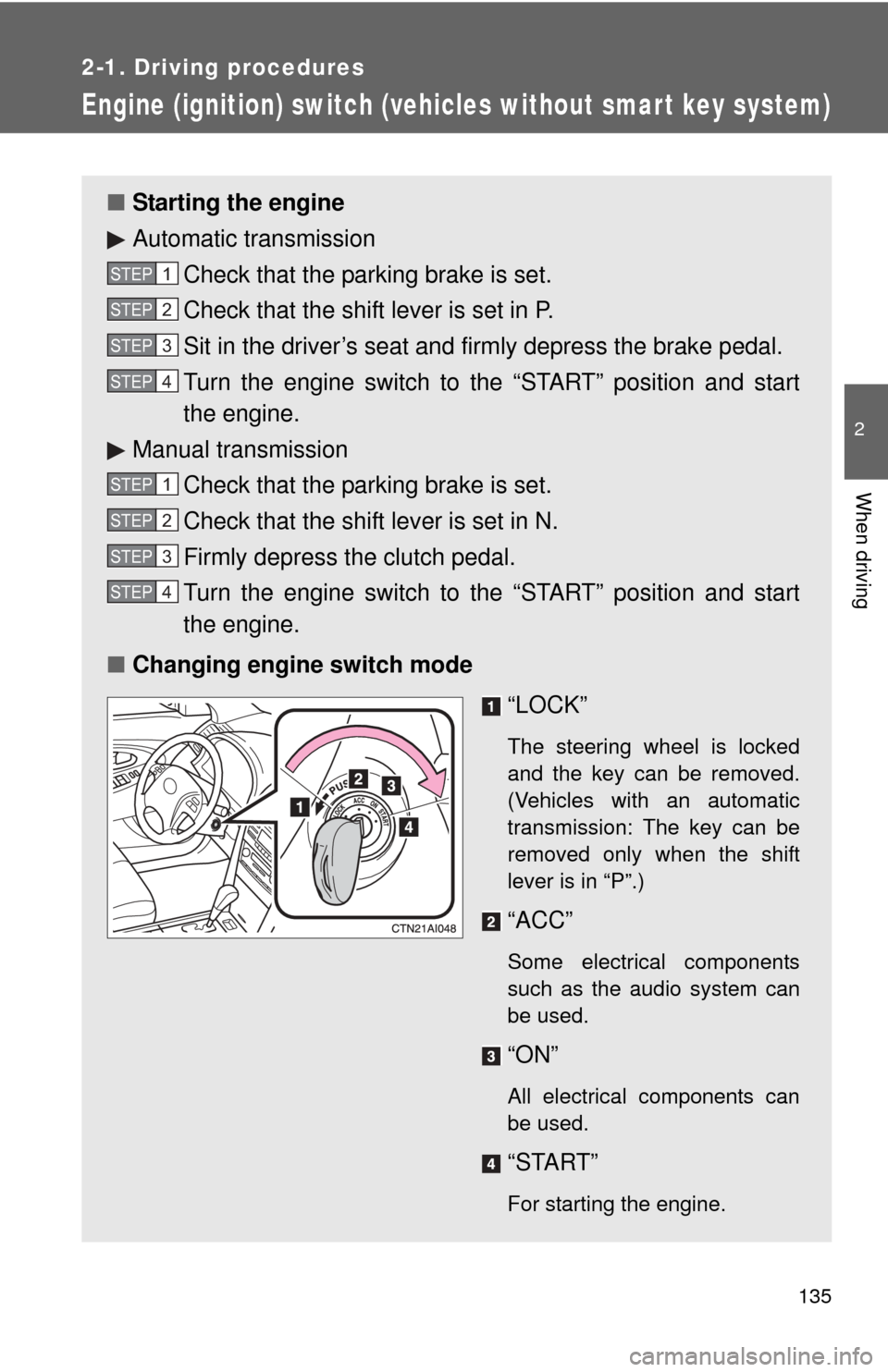
■ Changing engine switch mode
“LOCK”
The steering wheel is locked
and the key can be removed.
(Vehicles with an automatic
transmission: The key can be
removed only when the shift
lever is in “P”.)
“ACC”
Some electrical components
such as the audio system can
be used.
“ON”
All electrical components can
be used.
“START”
For starting the engine.
STEP1
STEP2
STEP3
STEP4
STEP1
STEP2
STEP3
STEP4