reset TOYOTA CAMRY HV 2011 User Guide
[x] Cancel search | Manufacturer: TOYOTA, Model Year: 2011, Model line: CAMRY HV, Model: TOYOTA CAMRY HV 2011Pages: 508, PDF Size: 8.76 MB
Page 222 of 508
222 3-2. Using the audio system
Switching the displayPress .
Each time is pressed, the display changes in the following order:
Track title Track title/Artist name Track title/Album name Track
title/Elapsed time
■ About iPod
●Apple is not responsible for the operation of this device or its compliance
with safety and regulatory standards.
● iPod is a trademark of Apple Inc., registered in the U.S. and other coun-
tries.
■ iPod functions
●When an iPod is connected and the audio source is changed to iPod
mode, the iPod will resume play from the same point in which it was last
used.
● Depending on the iPod that is connected to the system, certain functions
may not be available. Disconnecting the device and reconnecting it once
again may resolve some malfunctions.
■ iPod problems
To resolve most problems encountered when using your iPod, disconnect
your iPod from the vehicle iPod connection and reset it.
For instructions on how to reset your iPod, refer to your iPod Owner's Man-
ual.
■ Cable pass-through
P. 300
Page 235 of 508
235
3-2. Using the audio system
3
Interior features
Type B
Press .
Press that corresponds to “MORE”.
Press that corresponds to “ASL”.
Press that corresponds to “ON” or “OFF”.
ASL automatically adjusts the volume and tone quality according to vehi-
cle speed.
■Setting the number of preset pages (type B only)
The number of preset pages desired c an be set from 1 to 6. The initial
setting is 6 pages.
Press .
Press that corresponds to “MORE”.
Press that corresponds to “PRESET”.
Press that corresponds to the desired number of preset
pages.
■ Language settings (type B only)
P. 1 9 3
STEP1
STEP2
STEP3
STEP4
STEP1
STEP2
STEP3
STEP4
Page 240 of 508
240 3-2. Using the audio system
Turning the power onPress when the audio system is turned off.
The audio system can be turned off by holding the switch down until you
hear a beep.
Changing the audio sourcePress when the audio system is turned on. The audio source
changes as follows each time the switch is pressed.
Type A:
FM1 FM2 CD AUXAM SAT1 SAT2SAT3
Type B:
FMSAT CDCD changer Bluetooth® AudioAUX
USB/iPodAM
Adjusting the volume
Press “+” on to increase the vo lume and “-” to decrease the
volume.
Press and hold the switch to continue increasing or decreasing the vol-
ume.
Selecting a radio station
Press to select the radio mode.
Press “” or “ ” on to select a preset station.
To scan for receivable stations, press and hold “ ” or “ ” on
until you hear a beep.
STEP1
STEP2
Page 271 of 508
271
3-4. Using the hand
s-free phone system (for cellular phone)
3
Interior features
Dialing by inputting a name
Press the talk switch and say “Dial by name”.
Select a registered name to be input by either of the following
methods:
a. Press the talk switch and say a registered name.
b. Press the talk switch and sa y “List names”. Press the talk
switch while the desired name is being read aloud.
Dial by one of the following methods:
a. Press the off-hook switch.
b. Press the talk switch and say “Dial”.
c. Select “Dial” by using .
Speed dialing
Press the off-hook switch.
Press the preset button in which the desired number is regis-
tered.
Press the off-hook switch.
When receiving a phone call■ Answering the phone
Press the off-hook switch.
■ Refusing the call
Press the on-hook switch.
STEP1
STEP2
STEP3
STEP1
STEP2
STEP3
Page 287 of 508
287
3-4. Using the hand
s-free phone system (for cellular phone)
3
Interior features
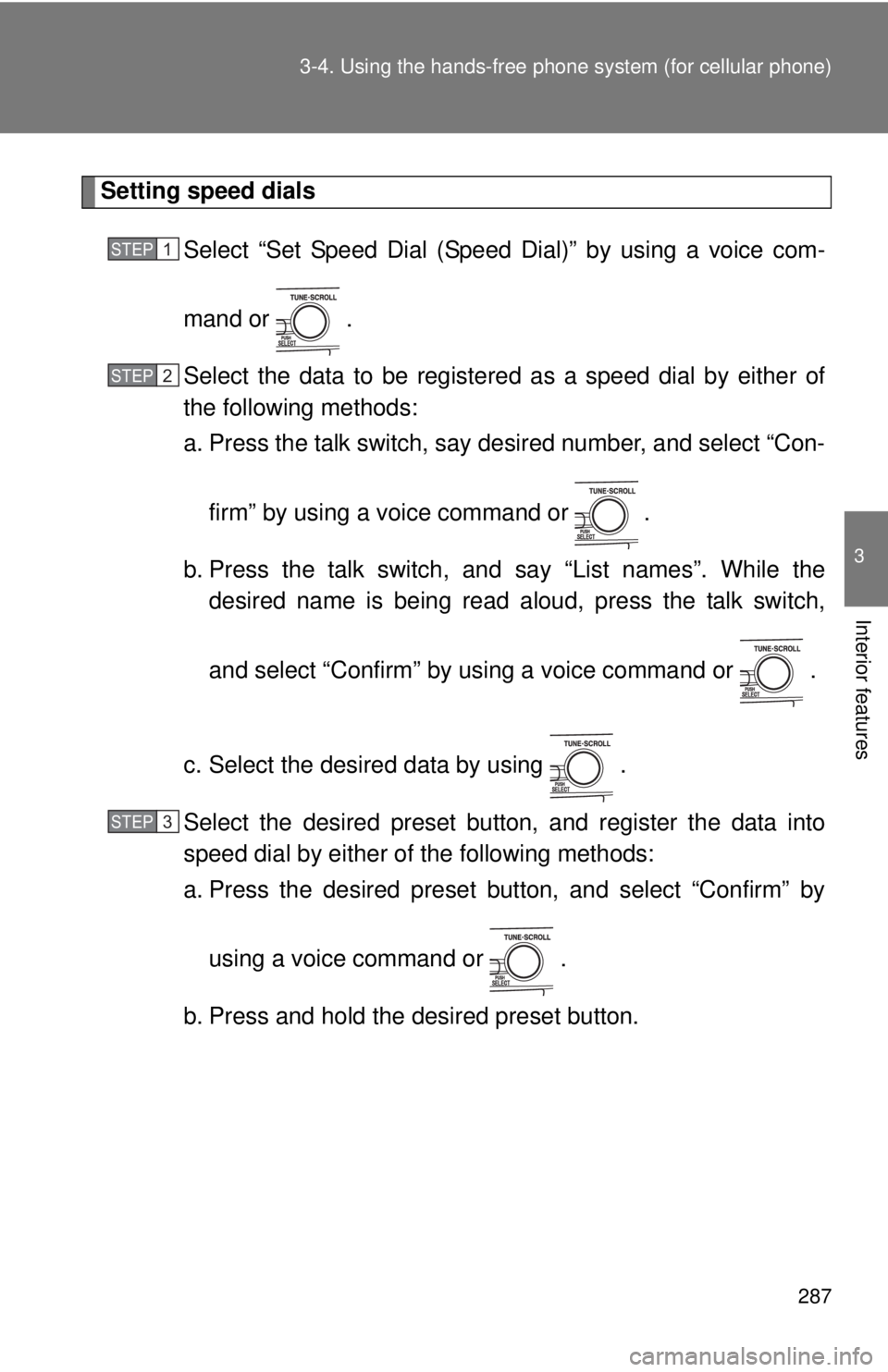
Setting speed dials
Select “Set Speed Dial (Speed Dial)” by using a voice com-
mand or .
Select the data to be registered as a speed dial by either of
the following methods:
a. Press the talk switch, say desired number, and select “Con-
firm” by using a voice command or
.
b. Press the talk switch, and say “List names”. While the desired name is being read aloud, press the talk switch,
and select “Confirm” by using a voice command or .
c. Select the desired data by using .
Select the desired preset butt on, and register the data into
speed dial by either of the following methods:
a. Press the desired preset button, and select “Confirm” by
using a voice command or .
b. Press and hold the desired preset button.
STEP1
STEP2
STEP3
Page 289 of 508
289
3-4. Using the hand
s-free phone system (for cellular phone)
3
Interior features
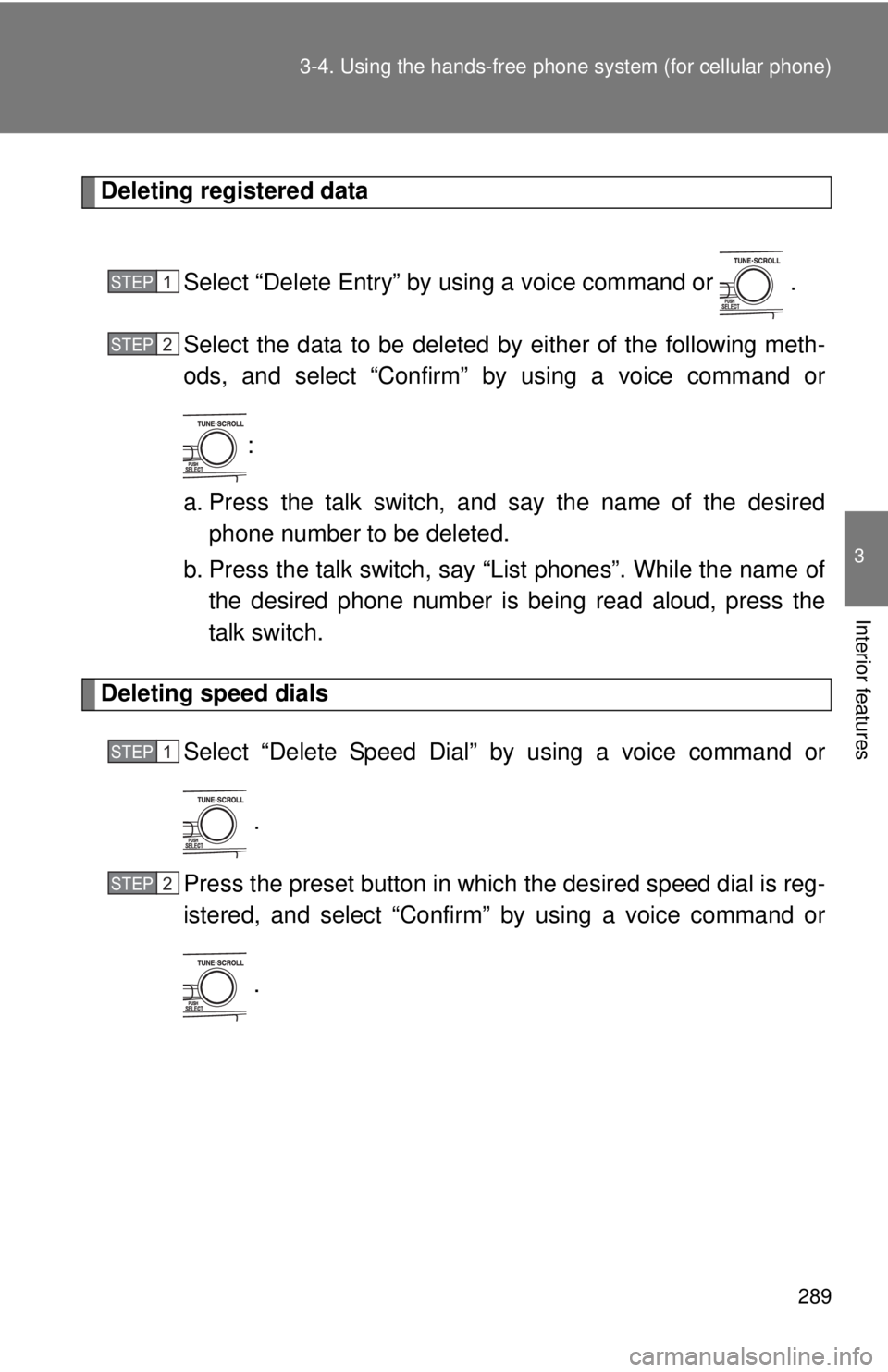
Deleting registered data
Select “Delete Entry” by using a voice command or .
Select the data to be deleted by either of the following meth-
ods, and select “Confirm” by using a voice command or:
a. Press the talk switch, and say the name of the desired phone number to be deleted.
b. Press the talk switch, say “List phones”. While the name of the desired phone number is bein g read aloud, press the
talk switch.
Deleting speed dials
Select “Delete Speed Dial” by using a voice command or
.
Press the preset button in which the desired speed dial is reg-
istered, and select “Confirm” by using a voice command or
.
STEP1
STEP2
STEP1
STEP2
Page 344 of 508

344 4-3. Do-it-yourself maintenance
■Engine oil consumption
●The amount of engine oil consumed depends on the oil viscosity, the
quality of the oil and the way the vehicle is driven.
● More oil is consumed under driving conditions such as high speeds and
frequent acceleration and deceleration.
● A new engine consumes more oil.
● When judging the amount of oil consumption, keep in mind that the oil
may have become diluted, making it difficult to judge the true level accu-
rately.
● Oil consumption: Max. 1.1 qt./600 miles, 0.9 Imp. qt./600 miles (1.0 L per
1000 km)
● If you consume more than 1.1 qt. (1.0 L, 0.9 Imp. qt.) every 600 miles
(1000 km), contact your Toyota dealer.
■ After changing the engine oil (U.S.A. only)
To reset the oil change system, follow the procedure below:
Turn off the hybrid system with the trip meter A reading shown.
(P. 150)
The “POWER” switch must be set in ON mode while holding down
the trip meter reset knob. A message “OIL MILEAGE RESET
MODE” will appear on the display.
Hold down the knob for at least 5 seconds. A message “COM-
PLETE” will appear and the message “OIL MILEAGE RESET
MODE” goes off.
STEP1
STEP2
STEP3
Page 356 of 508
356 4-3. Do-it-yourself maintenance
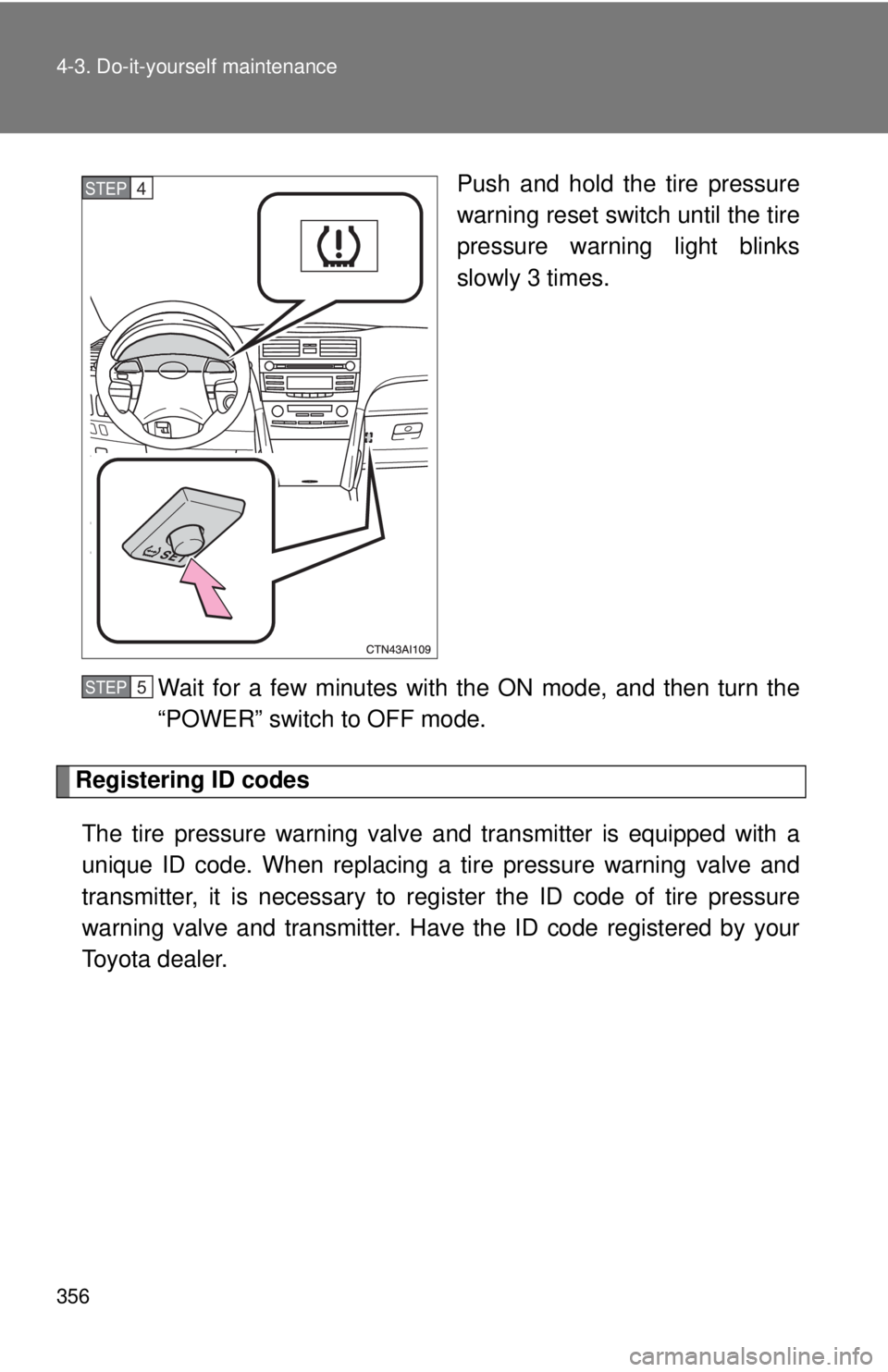
Push and hold the tire pressure
warning reset switch until the tire
pressure warning light blinks
slowly 3 times.
Wait for a few minutes with the ON mode, and then turn the
“POWER” switch to OFF mode.
Registering ID codes The tire pressure warning valve and transmitter is equipped with a
unique ID code. When replacing a tire pressure warning valve and
transmitter, it is necessary to regi ster the ID code of tire pressure
warning valve and transmitter. Have the ID code registered by your
Toyota dealer.
STEP4
STEP5
Page 357 of 508
357
4-3. Do-it-yourself maintenance
4
Maintenance and care
■When to replace your vehicle’s tires
Tires should be replaced if:
●You have tire damage such as cuts, splits, cracks deep enough to
expose the fabric or bulges indicating internal damage
●A tire goes flat repeatedly or c
annot be properly repaired due to the
size or location of a cut or other damage
If you are not sure, consult with your Toyota dealer.
■Replacing tires and wheels
If the ID code of the tire pressure warning valve and transmitter is not
registered, the tire pre ssure warning system will not work properly. After
about 20 minutes, the tire pressure warning light comes on after blinking
for 1 minute to indicate a system malfunction.
■Tire life
Any tire over 6 years old must be checked by a qualified technician even
if they have seldom or never been used or damage is not obvious.
■If the tread wears down below 0.16 in. (4 mm) on snow tires
The effectiveness of snow tires is lost.
■If you press the tire pressure warning reset switch accidentally
If initialization is performed, adjust t he tire inflation pressure to the speci-
fied level and initialize the tire pressure warning system again.
Page 358 of 508
358 4-3. Do-it-yourself maintenance
■When the initialization of the tire pressure warning system has
failed
Initialization can be completed in a few minutes. However, in the follow-
ing cases, the settings has not be en recorded and the system will not
operate properly. If repeated attempts to record tire inflation pressure
settings are unsuccessful, have the vehicle inspected by your Toyota
dealer.
●When operating the tire pressure warning reset switch, the tire pres-
sure warning light does not flash 3 times.
●After carrying out the initialization procedure, the tire pressure warn-
ing light blinks for 1 minute then stays on after driving for about 20
minutes.
■Routine tire inflation pressure checks
The tire pressure warning system doe s not replace routine tire inflation
pressure checks. Make sure to check tire inflation pressure as part of
your routine of daily vehicle checks.
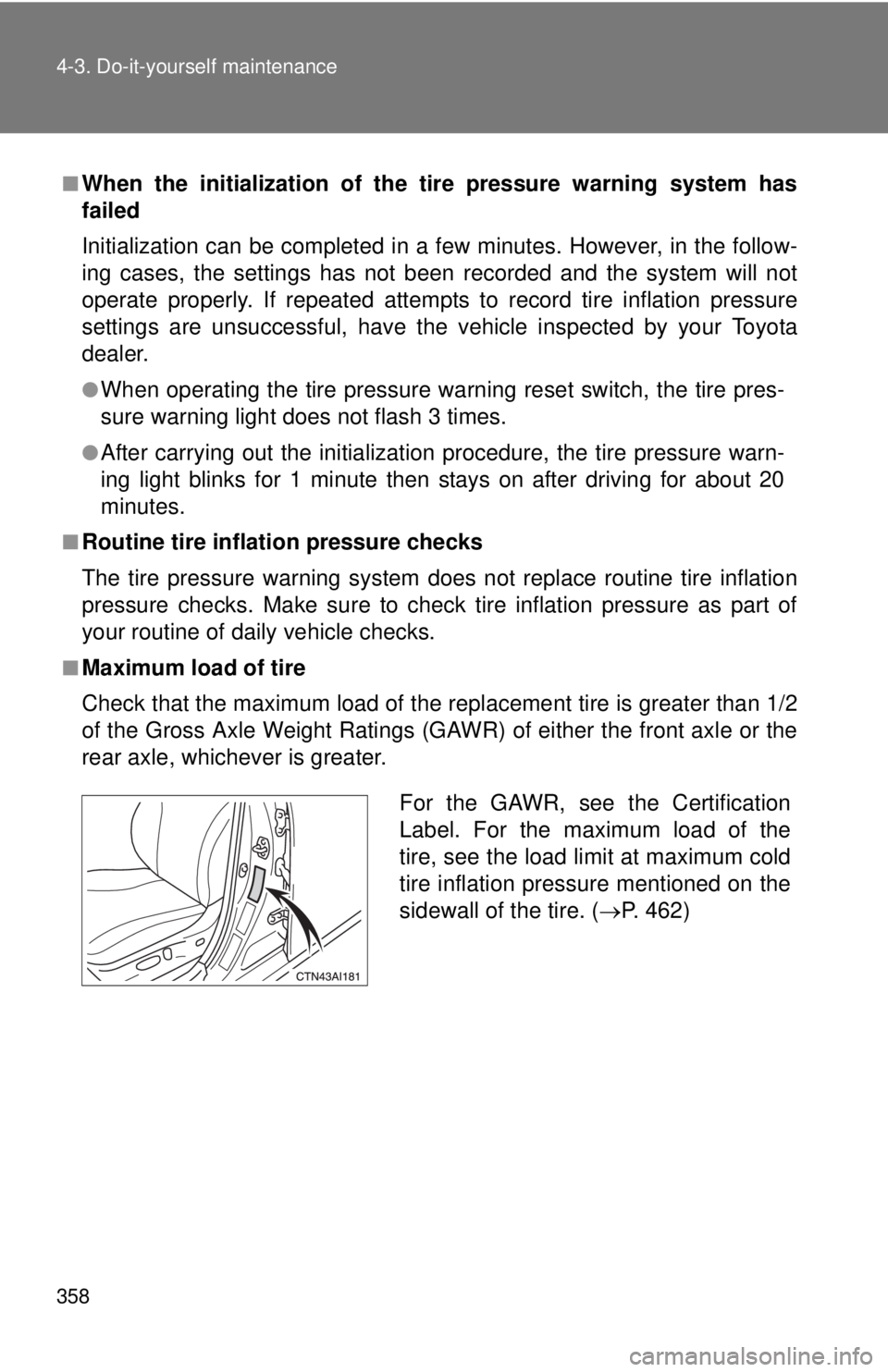
■Maximum load of tire
Check that the maximum load of the replacement tire is greater than 1/2
of the Gross Axle Weight Ratings (GAW R) of either the front axle or the
rear axle, whichever is greater.
For the GAWR, see the Certification
Label. For the maximum load of the
tire, see the load limit at maximum cold
tire inflation pressure mentioned on the
sidewall of the tire. ( P. 462)