display TOYOTA CAMRY HV 2012 Owner's Manual
[x] Cancel search | Manufacturer: TOYOTA, Model Year: 2012, Model line: CAMRY HV, Model: TOYOTA CAMRY HV 2012Pages: 536, PDF Size: 6.29 MB
Page 57 of 536
57
1-3. Opening, closing and locking the doors and trunk
1
Before driving
■
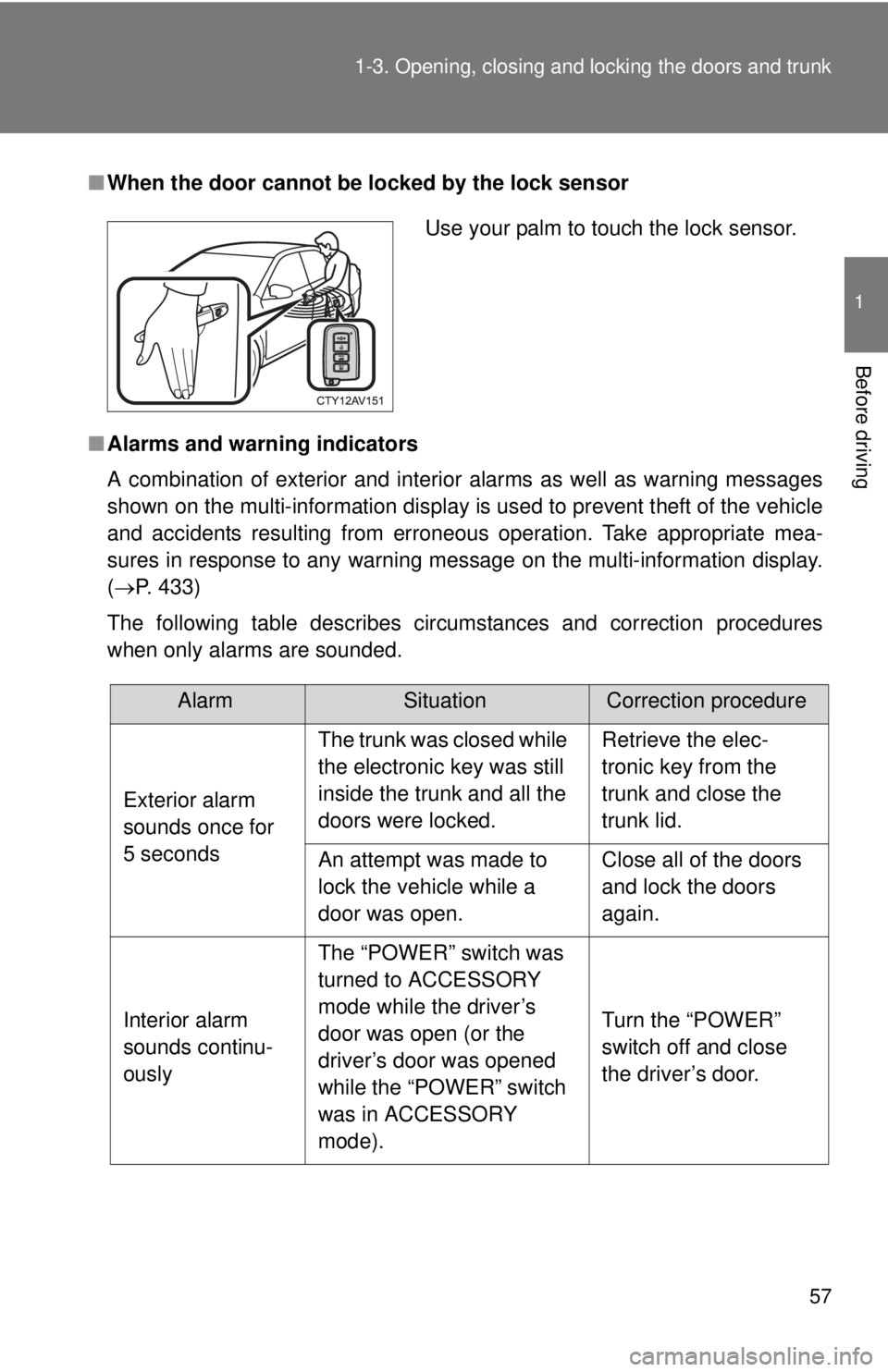
When the door cannot be locked by the lock sensor
■ Alarms and warning indicators
A combination of exterior and interior alarms as well as warning messages
shown on the multi-information display is used to prevent theft of the vehicle
and accidents resulting from erroneous operation. Take appropriate mea-
sures in response to any warning message on the multi-information display.
(P. 433)
The following table describes circumstances and correction procedures
when only alarms are sounded.
Use your palm to touch the lock sensor.
AlarmSituationCorrection procedure
Exterior alarm
sounds once for
5 seconds The trunk was closed while
the electronic key was still
inside the trunk and all the
doors were locked.
Retrieve the elec-
tronic key from the
trunk and close the
trunk lid.
An attempt was made to
lock the vehicle while a
door was open. Close all of the doors
and lock the doors
again.
Interior alarm
sounds continu-
ously The “POWER” switch was
turned to ACCESSORY
mode while the driver’s
door was open (or the
driver’s door was opened
while the “POWER” switch
was in ACCESSORY
mode). Turn the “POWER”
switch off and close
the driver’s door.
Page 58 of 536
58 1-3. Opening, closing and locking the doors and trunk
■Security feature
If a door is not opened within approximately 60 seconds after the vehicle is
unlocked, the security feature automatically locks the vehicle again. (How-
ever, depending on the location of the electronic key, the key may be
detected as being in the vehicle. In this case, vehicle may be unlocked.\
)
■ Switching the door unlock function
It is possible to set which doors the entry function unlocks using the wireless
remote control.
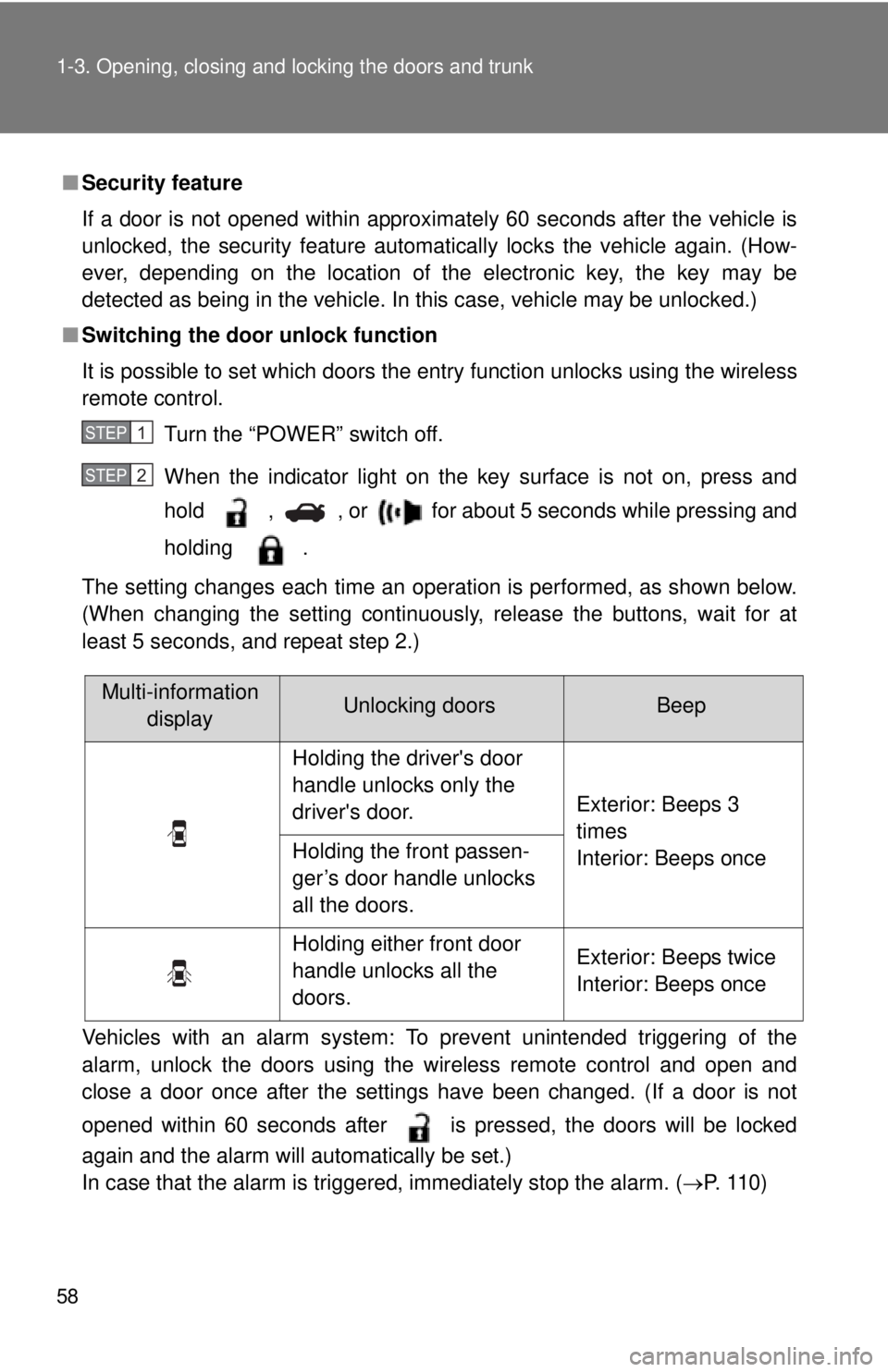
Turn the “POWER” switch off.
When the indicator light on the key surface is not on, press and
hold , , or for about 5 seconds while pressing and
holding .
The setting changes each time an operation is performed, as shown below.
(When changing the setting continuously, release the buttons, wait for at
least 5 seconds, and repeat step 2.)
Vehicles with an alarm system: To prevent unintended triggering of the
alarm, unlock the doors using the wireless remote control and open and
close a door once after the settings have been changed. (If a door is not
opened within 60 seconds after is pressed, the doors will be locked
again and the alarm will automatically be set.)
In case that the alarm is triggered, immediately stop the alarm. (P. 1 1 0 )
STEP1
STEP2
Multi-information displayUnlocking doorsBeep
Holding the driver's door
handle unlocks only the
driver's door. Exterior: Beeps 3
times
Interior: Beeps once
Holding the front passen-
ger’s door handle unlocks
all the doors.
Holding either front door
handle unlocks all the
doors. Exterior: Beeps twice
Interior: Beeps once
Page 62 of 536

62 1-3. Opening, closing and locking the doors and trunk
■Notes for locking the doors
●Touching the door lock sensor while wearing gloves may delay or prevent
lock operation. Remove the gloves and touch the lock sensor again.
● When the lock operation is performed using the lock sensor, recognition
signals will be shown up to two consecutive times. After this, no recogni-
tion signals will be given.
● If the door handle becomes wet while the electronic key is within the
effective range, the door may lock and unlock repeatedly. In that case,
follow the following correction procedures to wash the vehicle:
• Place the electronic key in a location 6 ft. (2 m) or more away from the
vehicle. (Take care to ensure that the key is not stolen.)
• Set the electronic key to battery-saving mode to disable the smart key system. ( P. 59)
● If the electronic key is inside the vehicle and a door handle becomes wet
during a car wash, a message may be shown on the multi-information
display and a buzzer will sound outside the vehicle. To turn off the alarm,
lock all the doors.
● The lock sensor may not work properly if it comes into contact with ice,
snow, mud, etc. Clean the lock sensor and attempt to operate it again.
■ Notes for the unlocking function
●A sudden approach to the effective range or door handle may prevent the
doors from being unlocked. In this case, return the door handle to the
original position and check that the doors unlock before pulling the door
handle again.
● Gripping the door handle when wearing a glove may not unlock the door.
Remove the gloves and touch the sensor on the back of the handle
again.
● If the door handle becomes wet while the electronic key is within the
effective range, the door may lock and unlock repeatedly. In that case,
follow the following correction procedures to wash the vehicle:
• Place the electronic key in a location 6 ft. (2 m) or more away from the
vehicle. (Take care to ensure that the key is not stolen.)
• Set the electronic key to battery-saving mode to disable the smart key system. ( P. 59)
● If there is another electronic key in the detection area, it may take slightly
longer to unlock the doors after the door handle is gripped.
Page 71 of 536
71
1-3. Opening, closing and locking the doors and trunk
1
Before driving
Automatic door locking and unlocking systems
The following functions can be set or cancelled:
■ Setting and canceling the functions (vehicles without naviga-
tion system and Display Audio system)
To switch between setting and canceling, follow the procedure
below.
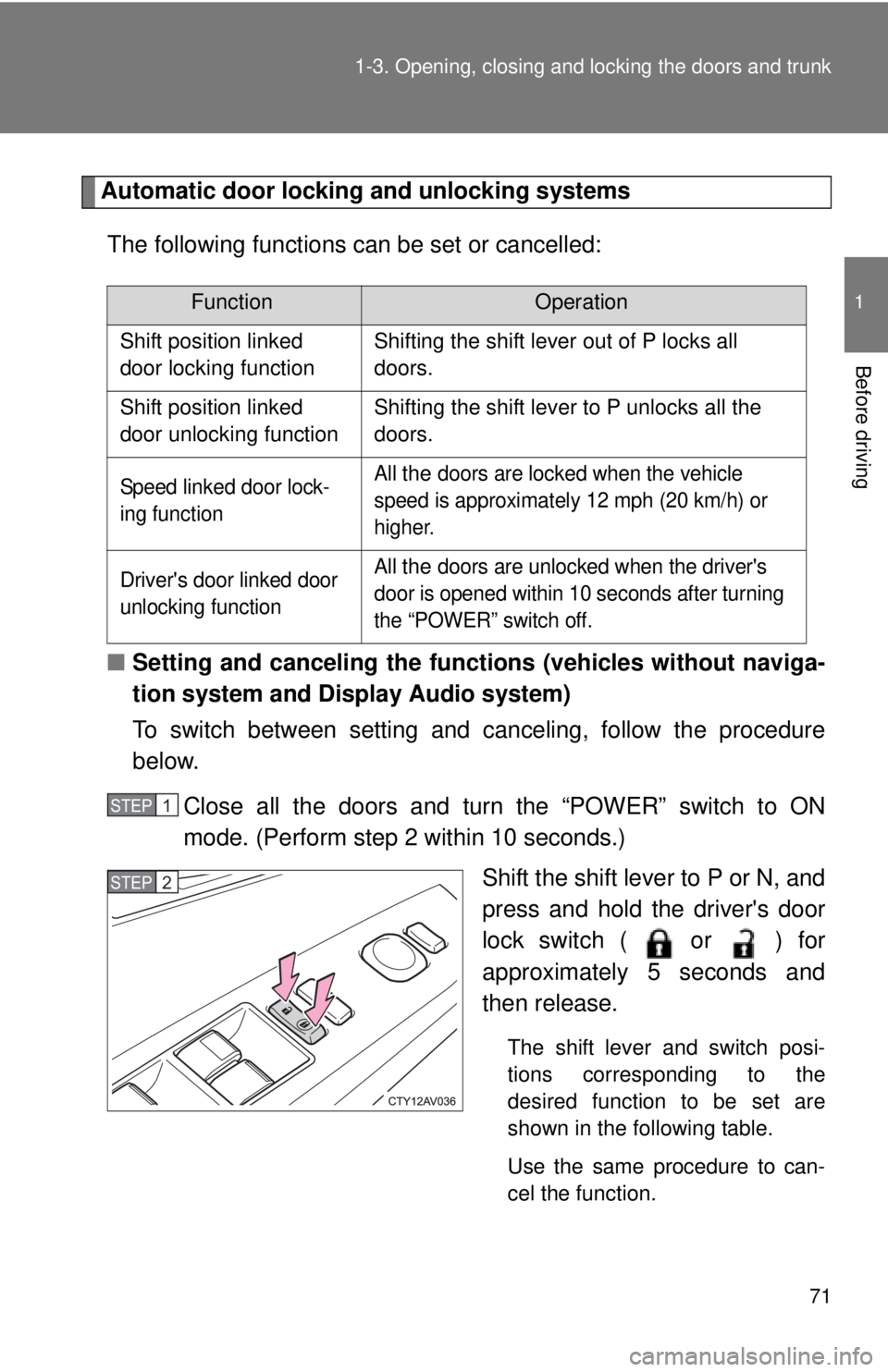
Close all the doors and turn the “POWER” switch to ON
mode. (Perform step 2 within 10 seconds.) Shift the shift lever to P or N, and
press and hold the driver's door
lock switch ( or ) for
approximately 5 seconds and
then release.
The shift lever and switch posi-
tions corresponding to the
desired function to be set are
shown in the following table.
Use the same procedure to can-
cel the function.
FunctionOperation
Shift position linked
door locking function Shifting the shift lever out of P locks all
doors.
Shift position linked
door unlocking function Shifting the shift lever to P unlocks all the
doors.
Speed linked door lock-
ing function All the doors are locked when the vehicle
speed is approximately 12 mph (20 km/h) or
higher.
Driver's door linked door
unlocking function All
the doors are unlocked when the driver's
door is opened within 10 seconds after turning
the “POWER” switch off.
STEP1
STEP2
Page 103 of 536

103
1-5. Opening and closing the windows and moon roof
1
Before driving
■
Moon roof open reminder function
The buzzer sounds and a message is shown on the multi-information display
in the instrument cluster when the “POWER” switch is turned off and the
driver's door is opened with the moon roof open.
■ Customization that can be co nfigured at Toyota dealer
Settings (e.g. key linked operation) can be changed.
(Customizable features: P. 498)
CAUTION
■Opening the moon roof
Observe the following precautions.
Failure to do so may cause death or serious injury.
●Do not allow any passengers to put their hands or heads outside the vehi-
cle while it is moving.
● Do not sit on top of the moon roof.
■ Closing the moon roof
Observe the following precautions.
Failure to do so may result in death or serious injury.
●Check to make sure that all passengers do not have any part of their bod-
ies in a position where they could be caught when the moon roof is being
operated.
● Do not allow children to operate the moon roof.
Closing the moon roof on someone can cause death or serious injury.
■ Jam protection function
●Never use any part of your body to intentionally activate the jam protection
function.
● The jam protection function may not work if something gets caught just
before the moon roof fully closes.
Page 137 of 536
137
1
1-8. Safety information
Before driving
Installing child restraints
Follow the child restraint system manufacturer's instructions. Firmly
secure child restraints to the seat s using the LATCH anchors or a
seat belt. Attach the top tether stra p when installing a child restraint.
The lap/shoulder belt can be used if your child restraint system is
not compatible with the LATCH (Low er Anchors and Tethers for Chil-
dren) system.
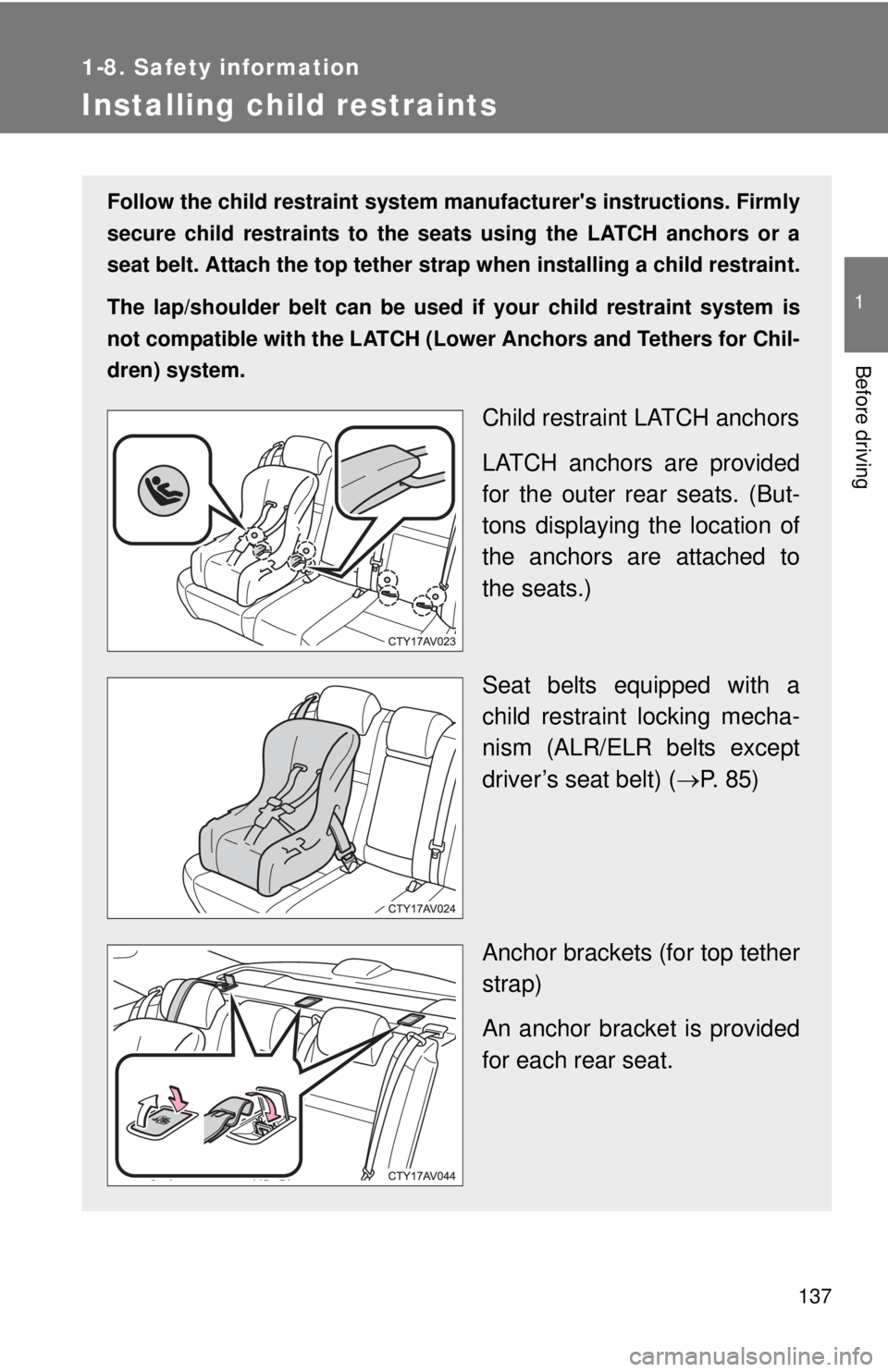
Child restraint LATCH anchors
LATCH anchors are provided
for the outer rear seats. (But-
tons displaying the location of
the anchors are attached to
the seats.)
Seat belts equipped with a
child restraint locking mecha-
nism (ALR/ELR belts except
driver’s seat belt) ( P. 85)
Anchor brackets (for top tether
strap)
An anchor bracket is provided
for each rear seat.
Page 147 of 536
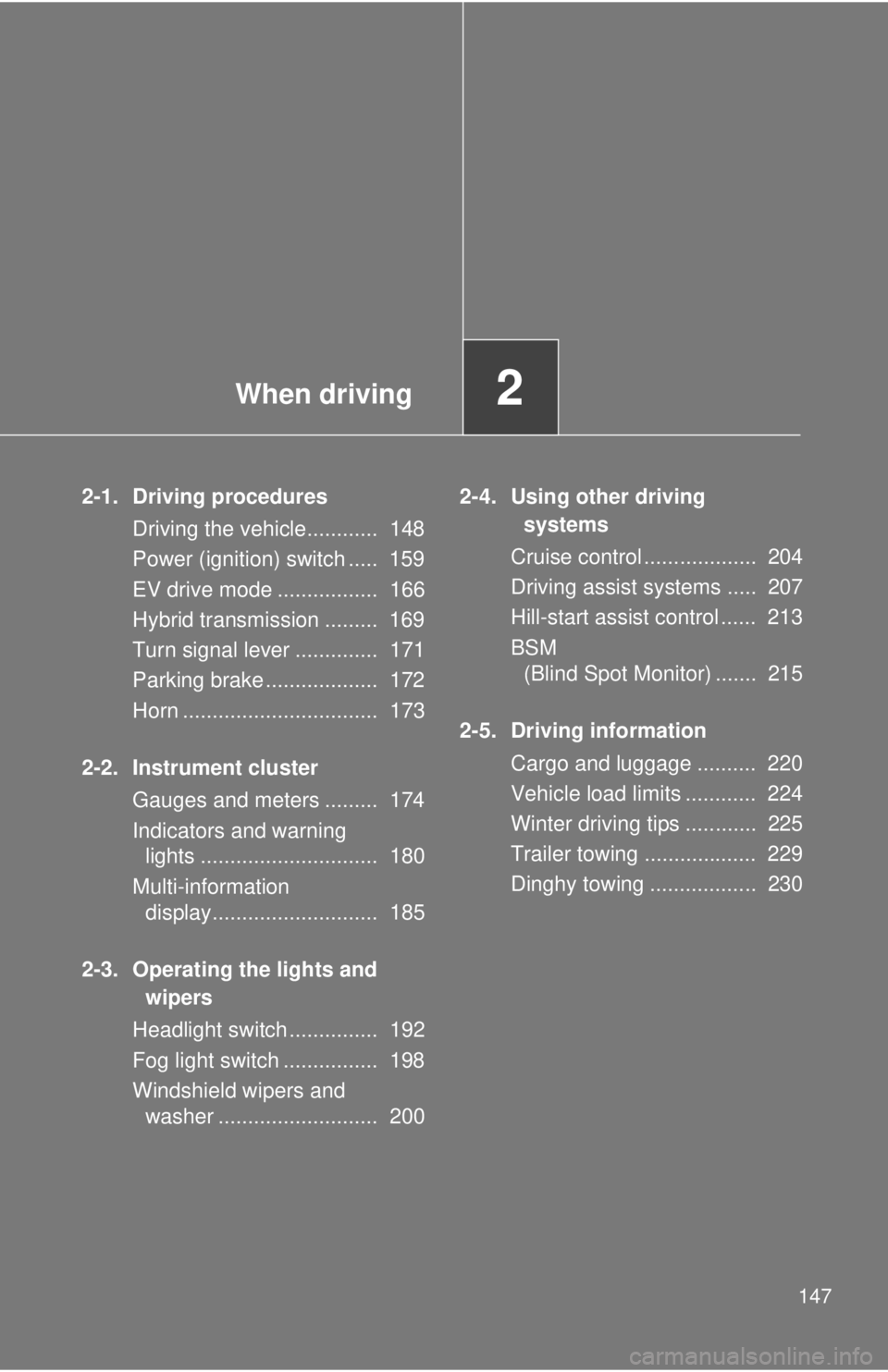
When driving2
147
2-1. Driving proceduresDriving the vehicle............ 148
Power (ignition) switch ..... 159
EV drive mode ................. 166
Hybrid transmission ......... 169
Turn signal lever .............. 171
Parking brake ................... 172
Horn ................................. 173
2-2. Instrument cluster Gauges and meters ......... 174
Indicators and warning lights .............................. 180
Multi-information display............................ 185
2-3. Operating the lights and wipers
Headlight switch ............... 192
Fog light switch ................ 198
Windshield wipers and washer ........................... 200 2-4. Using other driving
systems
Cruise control ................... 204
Driving assist systems ..... 207
Hill-start assist control ...... 213
BSM (Blind Spot Monitor) ....... 215
2-5. Driving information Cargo and luggage .......... 220
Vehicle load limits ............ 224
Winter driving tips ............ 225
Trailer towing ................... 229
Dinghy towing .................. 230
Page 150 of 536

150 2-1. Driving procedures
■Drum-in-disc type parking brake system
Your vehicle has a drum-in-disc type parking brake system. This type of
brake system needs bedding-down of the brake shoes periodically or when-
ever the parking brake shoes and/or drum are replaced. Have your Toyota
dealer perform the bedding down operation.
■ Operating your vehicle in a foreign country
Comply with the relevant vehicle registration laws and confirm the availability
of the correct fuel. ( P. 474)
■ For efficient use
●Shift the shift lever to D when driving.
In the N position, the gasoline engine operates but electricity cannot be
generated. The hybrid battery (traction battery) will discharge, requiring
unnecessary engine power to recharge.
● Drive your vehicle smoothly.
Avoid abrupt acceleration and deceleration. Gradual acceleration and
deceleration will make more effective use of the electric motor (traction
motor) without having to use gasoline engine power.
● Avoid repeated acceleration.
Repeated acceleration consumes hybrid battery (traction battery) power,
resulting in poor acceleration. Battery power can be restored by driving
with the accelerator pedal slightly released.
● Shift the shift lever to P when parking.
In the N position, the hybrid battery (traction battery) does not recharge.
Leaving the shift lever in the N position for an extended period of time
may discharge the hybrid battery. The vehicle cannot run if the hybrid
battery is discharged.
■ When “DRIVING FORCE LIMITED” is displayed on the multi-informa-
tion display
Driving force is being limited. This is not a malfunction.
Page 159 of 536
159
2-1. Driving procedures
2
When driving
Power (ignition) switch
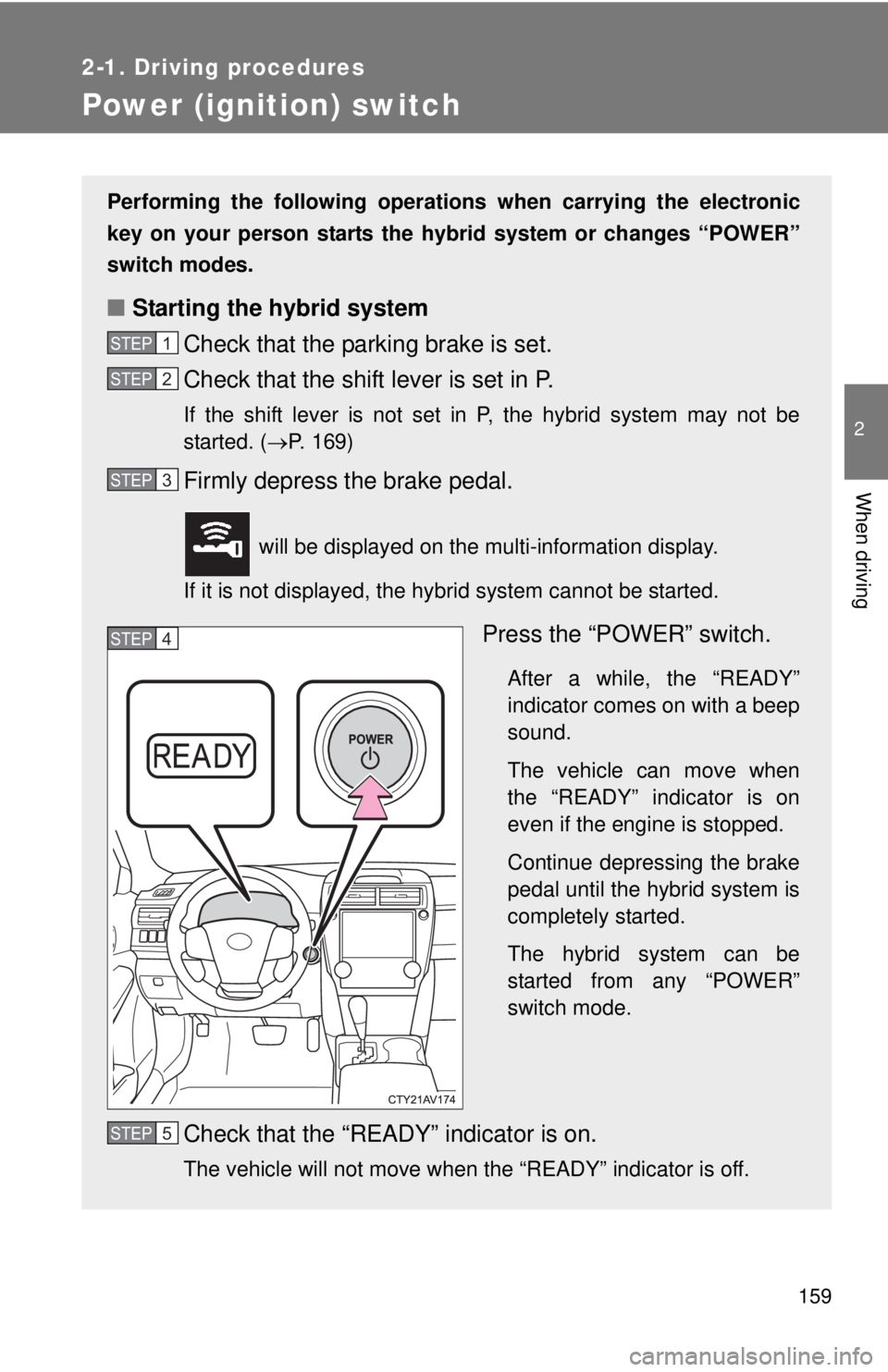
Performing the following operations when carrying the electronic
key on your person starts the hybr id system or changes “POWER”
switch modes.
■ Starting the hybrid system
Check that the parking brake is set.
Check that the shift lever is set in P.
If the shift lever is not set in P, the hybrid system may not be
started. ( P. 169)
Firmly depress the brake pedal.
will be displayed on the multi-information display.
If it is not displayed, the hybrid system cannot be started.
Press the “POWER” switch.
After a while, the “READY”
indicator comes on with a beep
sound.
The vehicle can move when
the “READY” indicator is on
even if the engine is stopped.
Continue depressing the brake
pedal until the hybrid system is
completely started.
The hybrid system can be
started from any “POWER”
switch mode.
Check that the “READY” indicator is on.
The vehicle will not move when the “READY” indicator is off.
STEP1
STEP2
STEP3
STEP4
STEP5
Page 160 of 536
160 2-1. Driving procedures
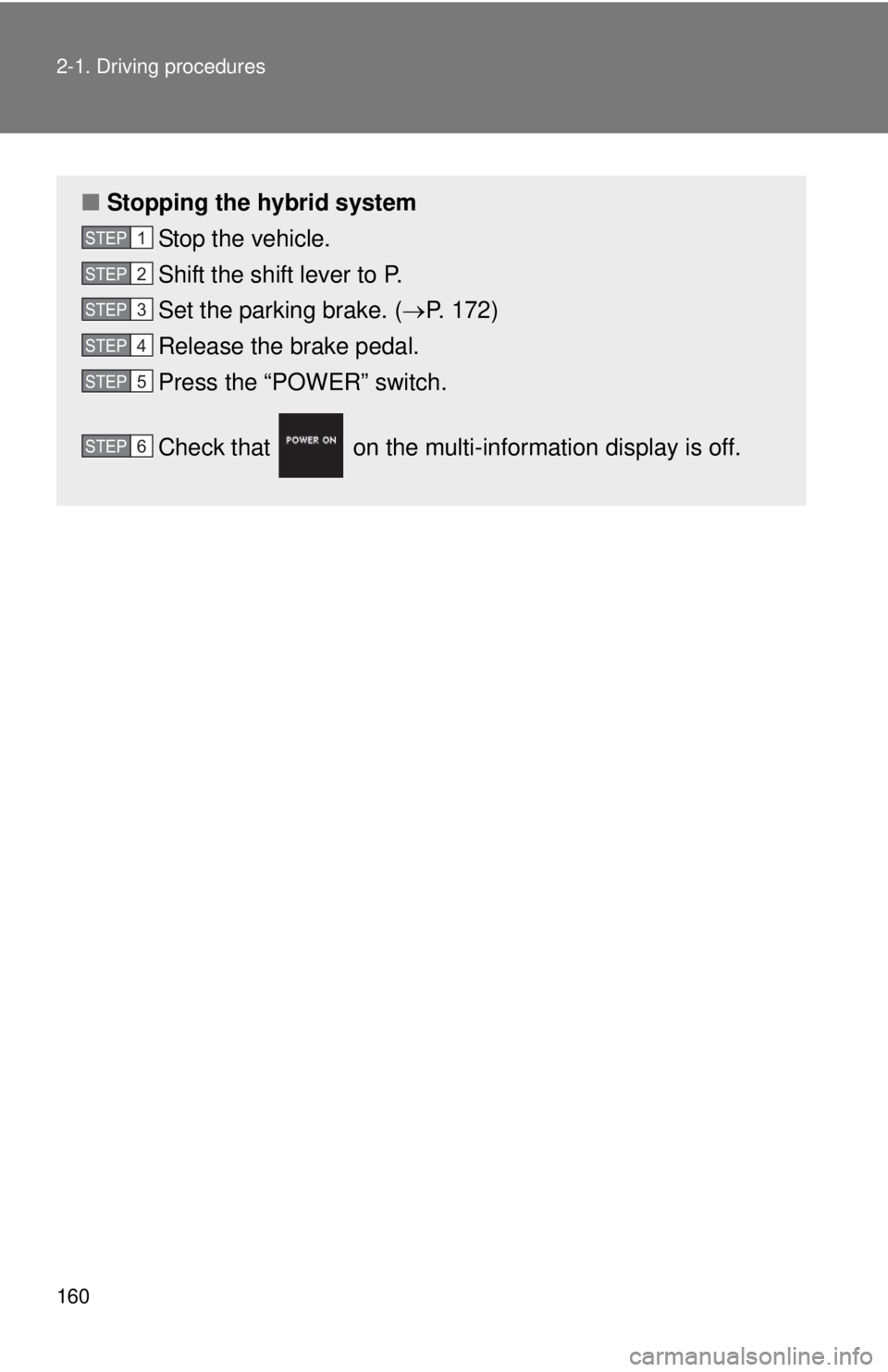
■Stopping the hybrid system
Stop the vehicle.
Shift the shift lever to P.
Set the parking brake. ( P. 172)
Release the brake pedal.
Press the “POWER” switch.
Check that on the multi- information display is off.
STEP1
STEP2
STEP3
STEP4
STEP5
STEP6