phone TOYOTA CAMRY HYBRID 2010 XV40 / 8.G User Guide
[x] Cancel search | Manufacturer: TOYOTA, Model Year: 2010, Model line: CAMRY HYBRID, Model: TOYOTA CAMRY HYBRID 2010 XV40 / 8.GPages: 497, PDF Size: 9.63 MB
Page 244 of 497
243
3-3. Using the hand
s-free phone system (for cellular phone)
3
Interior features
CAUTION
■FCC WARNING
Changes or modifications in construction not expressly approved by the
party responsible for compliance could void the user's authority to operate
the equipment.
Radio frequency exposure. This device is approved for Mobile Application
only and, to comply with applicable FCC radio frequency exposure regula-
tions, must be used with a distance of at least 7.9in. (20cm) between the
antenna and the body of any person at all time during use.
■ Caution while driving
Do not connect portable players or operate the controls.
NOTICE
■To prevent damage to portable players
Do not leave portable players in the vehicle. The temperature inside the
vehicle may become high, resulting in damage to the player.
Page 245 of 497
244
3-3. Using the hands-free phone system (for cellular phone)
Using the Bluetooth® audio system
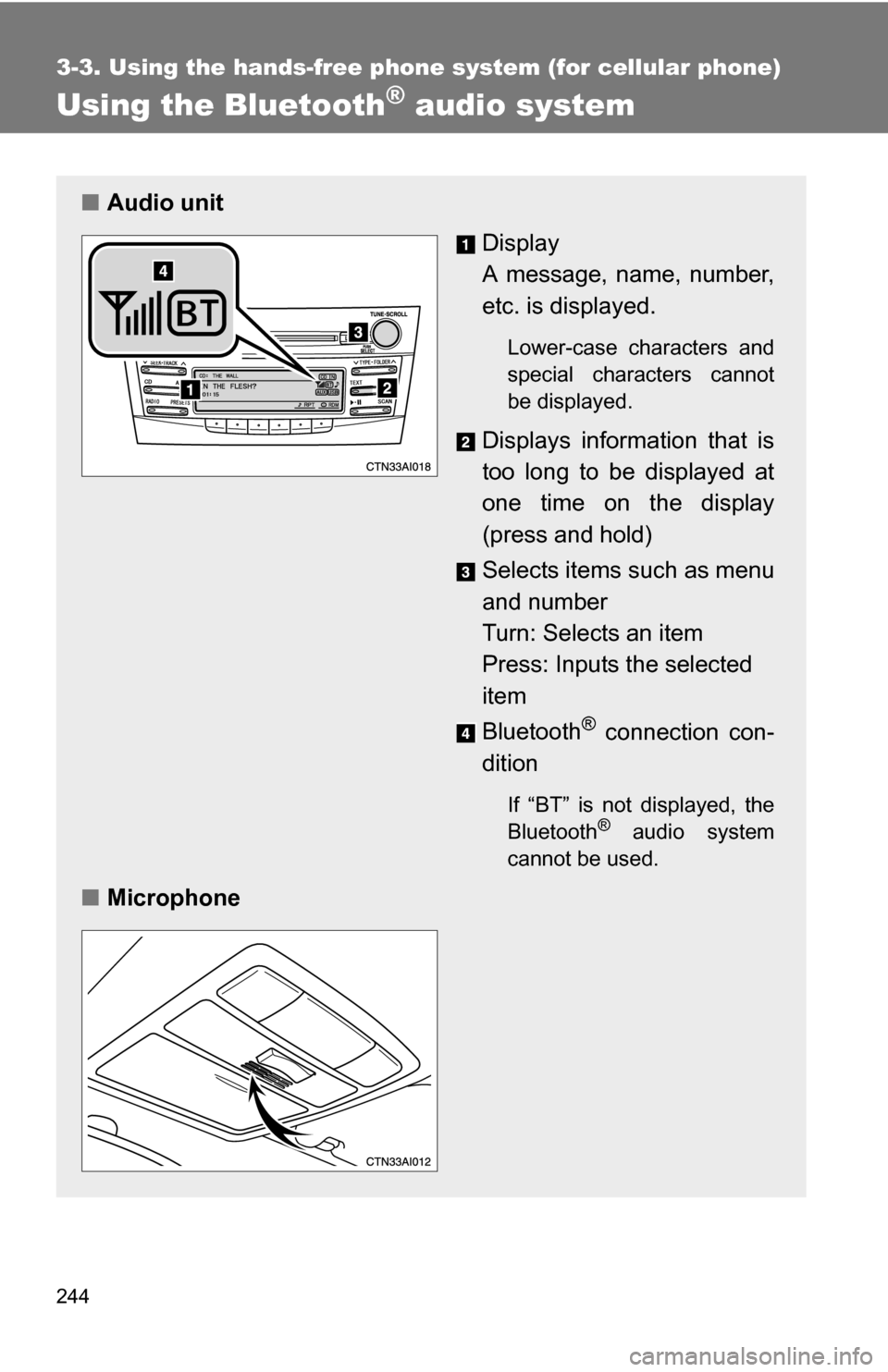
■Audio unit
Display
A message, name, number,
etc. is displayed.
Lower-case characters and
special characters cannot
be displayed.
Displays information that is
too long to be displayed at
one time on the display
(press and hold)
Selects items such as menu
and number
Turn: Selects an item
Press: Inputs the selected
item
Bluetooth
® connection con-
dition
If “BT” is not displayed, the
Bluetooth® audio system
cannot be used.
■ Microphone
Page 246 of 497
245
3-3. Using the hand
s-free phone system (for cellular phone)
3
Interior features
Operating the system using voice commands
By following voice guidance inst ructions output from the speaker,
voice commands enable to the operation of the Bluetooth
® audio sys-
tem without the need to check the display or operate .
■ Operation procedure when using voice commands
Press the talk switch and follo w voice guidance instructions.
■ Auxiliary commands when using voice commands
The following auxiliary commands can be used when operating the
system using a voice command:
“Cancel”: Exits the Bluetooth
® audio system
“Repeat”: Repeats the previous voice guidance instruction
“Go back”: Returns to the previous procedure
“Help”: Reads aloud the function summary if a help comment is
registered for the selected function
Page 247 of 497
246 3-3. Using the hands-free phone system (for cellular phone)
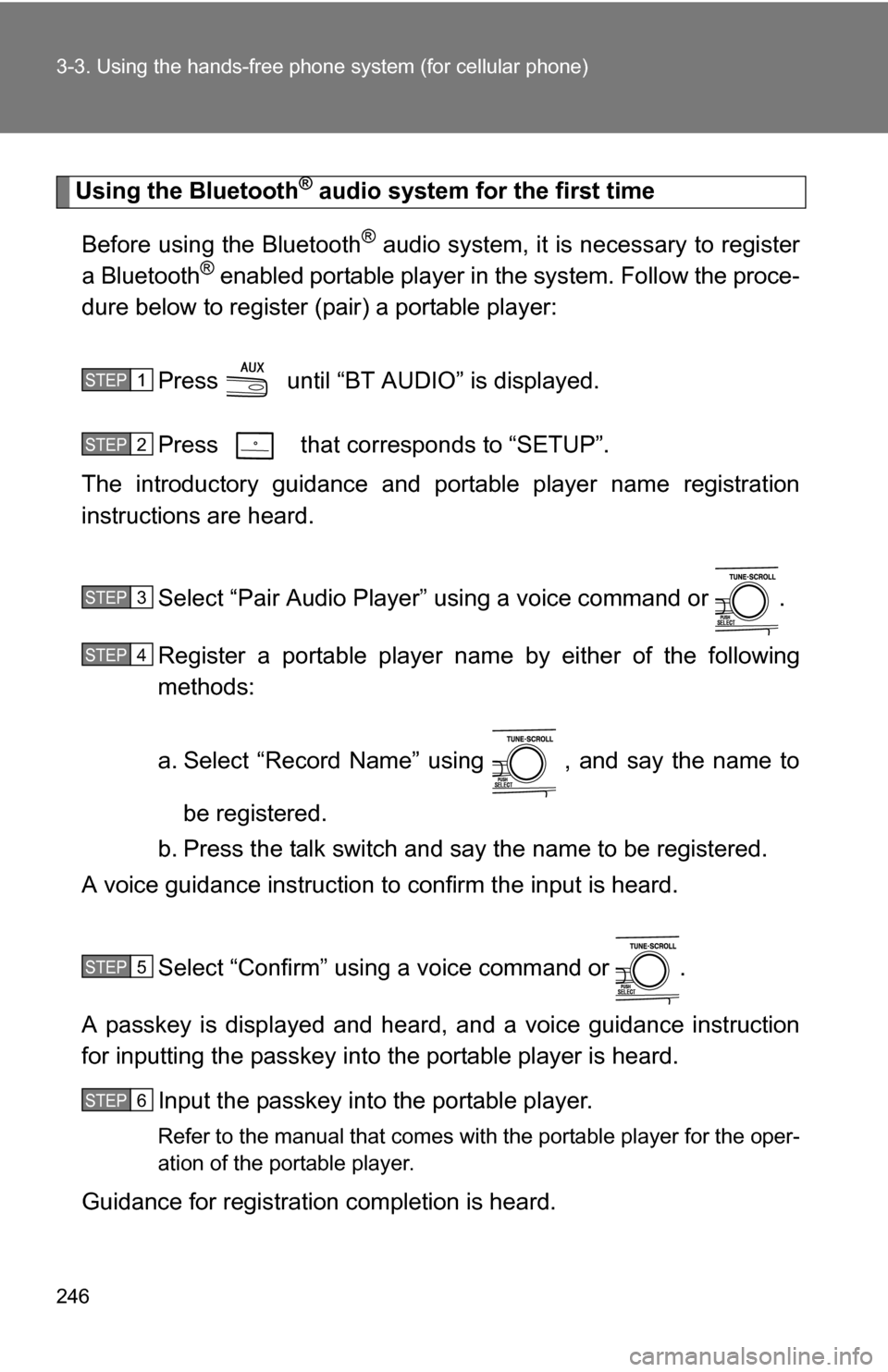
Using the Bluetooth® audio system for the first time
Before using the Bluetooth
® audio system, it is necessary to register
a Bluetooth® enabled portable player in the system. Follow the proce-
dure below to register (pair) a portable player:
Press until “BT AUDIO” is displayed.
Press that corresponds to “SETUP”.
The introductory guidance and port able player name registration
instructions are heard.
Select “Pair Audio Player” using a voice command or .
Register a portable player nam e by either of the following
methods:
a. Select “Record Name” using , and say the name to
be registered.
b. Press the talk switch and say the name to be registered.
A voice guidance instruction to confirm the input is heard.
Select “Confirm” using a voice command or .
A passkey is displayed and heard, and a voice guidance instruction
for inputting the passkey into the portable player is heard. Input the passkey into the portable player.
Refer to the manual that comes with the portable player for the oper-
ation of the portable player.
Guidance for registration completion is heard.
STEP1
STEP2
STEP3
STEP4
STEP5
STEP6
Page 248 of 497
247
3-3. Using the hand
s-free phone system (for cellular phone)
3
Interior features
If the portable player has a Bluetooth® phone, the phone can be reg-
istered at the same time. ( P. 263)
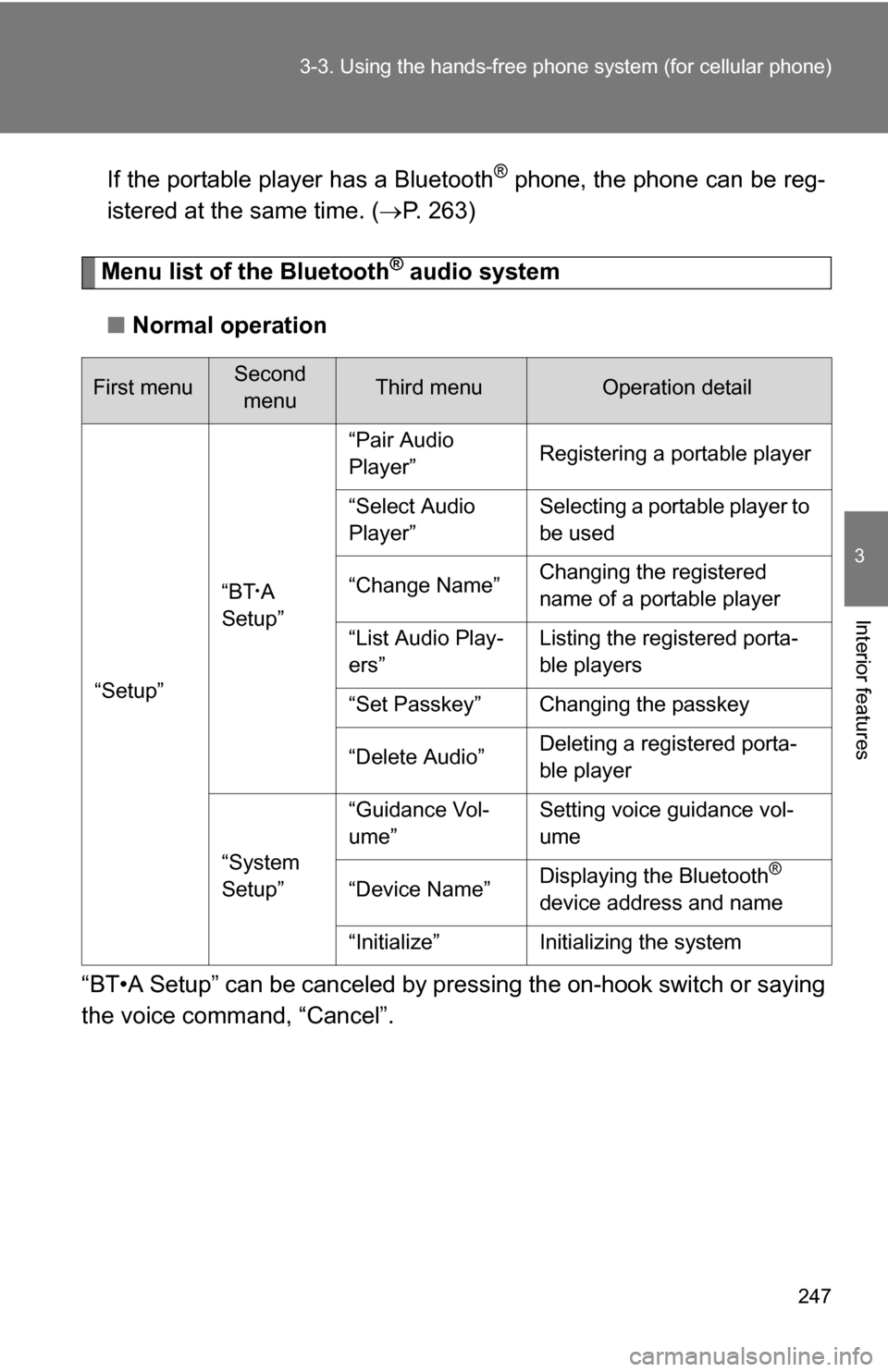
Menu list of the Bluetooth® audio system
■ Normal operation
“BT•A Setup” can be canceled by pres sing the on-hook switch or saying
the voice comm and, “Cancel”.
First menuSecond
menuThird menuOperation detail
“Setup” “BT
•A
Setup” “Pair Audio
Player”
Registering a portable player
“Select Audio
Player” Selecting a portable player to
be used
“Change Name” Changing the registered
name of a portable player
“List Audio Play-
ers” Listing the registered porta-
ble players
“Set Passkey” Changing the passkey
“Delete Audio” Deleting a registered porta-
ble player
“System
Setup” “Guidance Vol-
ume”
Setting voice guidance vol-
ume
“Device Name” Displaying the Bluetooth
®
device address and name
“Initialize” Initializing the system
Page 249 of 497
248 3-3. Using the hands-free phone system (for cellular phone)
■When using a voice command
For numbers, say a combination of single digits from zero to nine.
Say the command correctly and clearly.
■ Situations that the system ma y not recognize your voice
● When driving on rough roads
● When driving at high speeds
● When air is blowing out of the vents onto the microphone
● When the air conditioning fan emits a loud noise
■ Operations that cannot be performed while driving
● Operating the system with
● Registering a portable player to the system
■ Changing the passkey
P. 254
Page 250 of 497
249
3-3. Using the hands-free phone system (for cellular phone)
3
Interior features
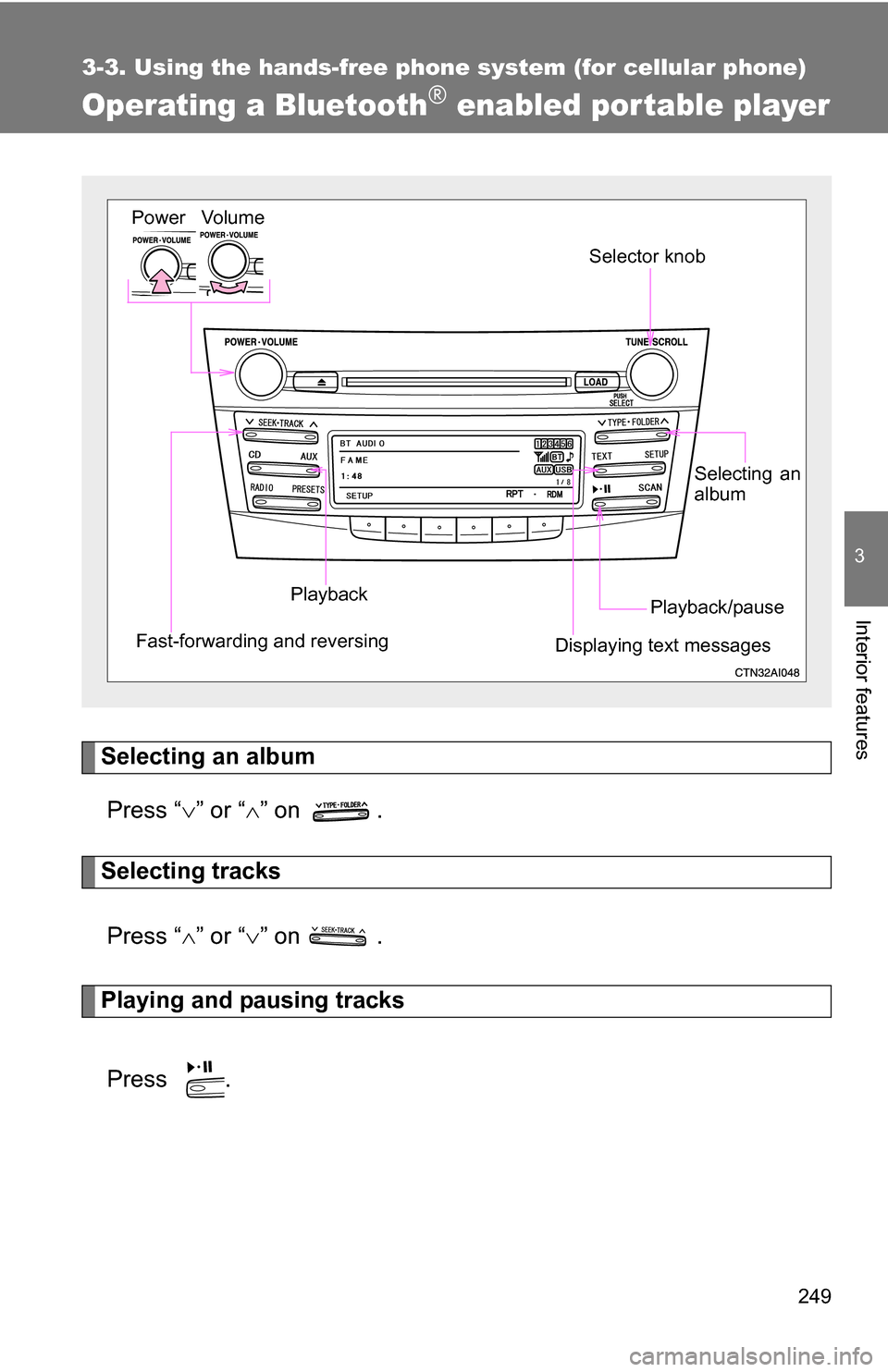
Operating a Bluetooth® enabled por table player
Selecting an albumPress “ ” or “ ” on .
Selecting tracks
Press “ ” or “ ” on .
Playing and pausing tracks
Press .
Vo lu m e
Power
Playback/pause
Displaying text messages Selector knob
Selecting an
album
Fast-forwarding and reversing
Playback
Page 251 of 497
250 3-3. Using the hands-free phone system (for cellular phone)
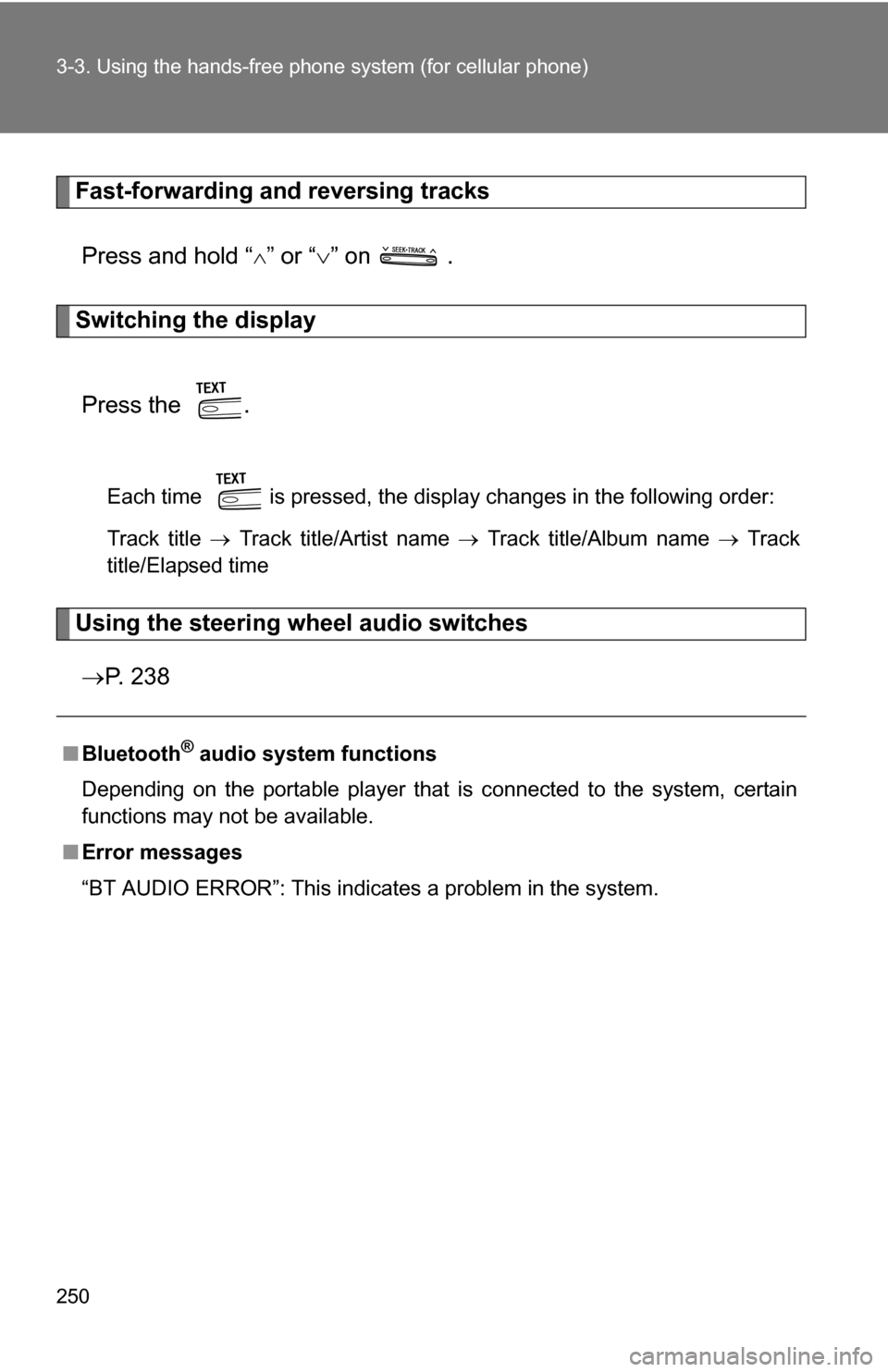
Fast-forwarding and reversing tracks
Press and hold “
” or “ ” on .
Switching the display
Press the .
Each time is pressed, the display changes in the following order:
Track title Track title/Artist name Track title/Album name Track
title/Elapsed time
Using the steering wheel audio switches
P. 2 3 8
■Bluetooth® audio system functions
Depending on the portable player that is connected to the system, certain
functions may not be available.
■ Error messages
“BT AUDIO ERROR”: This indicates a problem in the system.
Page 252 of 497
251
3-3. Using the hands-free phone system (for cellular phone)
3
Interior features
Setting up a Bluetooth® enabled por table player
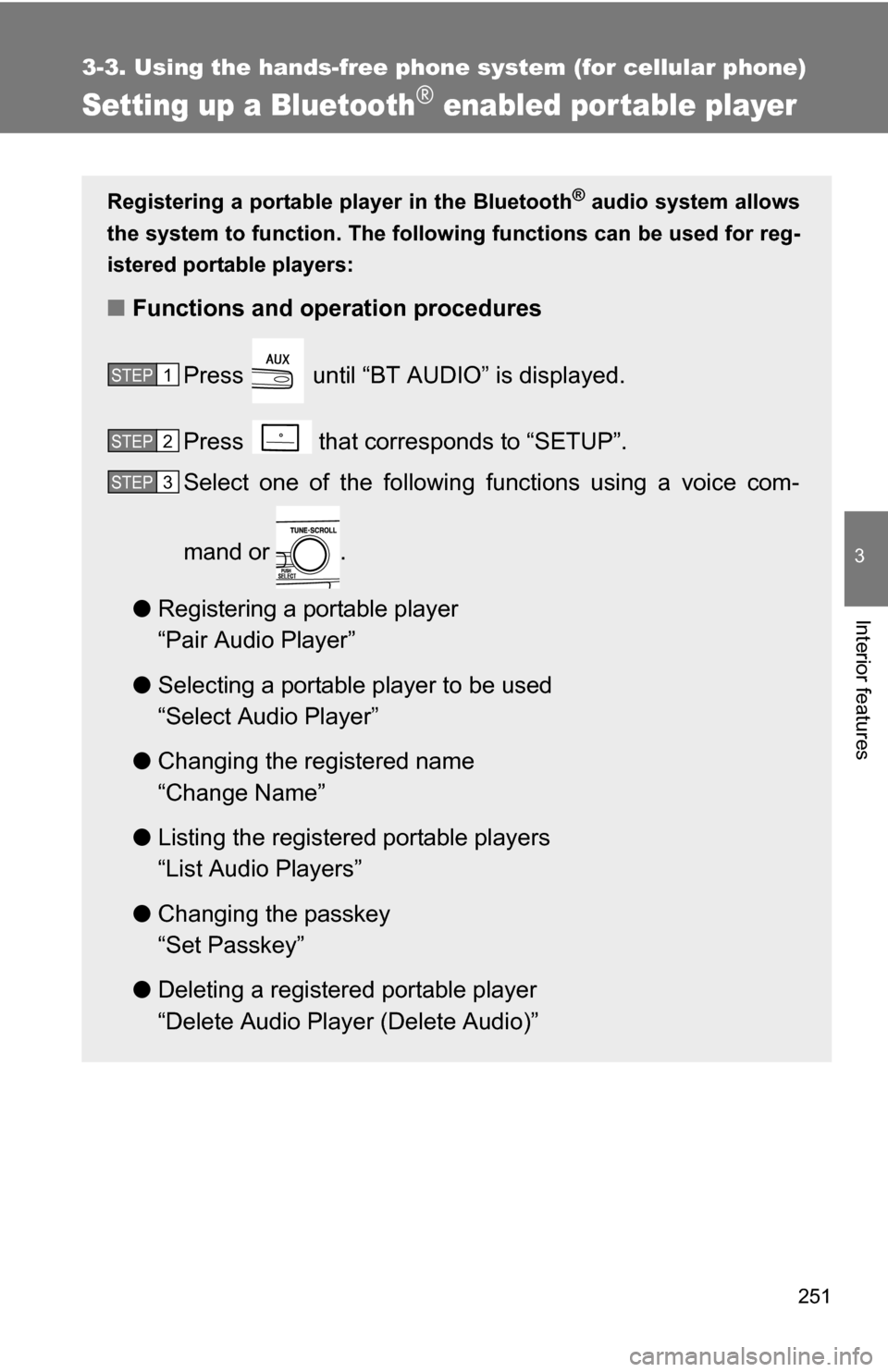
Registering a portable player in the Bluetooth® audio system allows
the system to function. The following functions can be used for reg-
istered portable players:
■ Functions and operation procedures
Press until “BT AUDIO” is displayed.
Press that corresponds to “SETUP”.
Select one of the following functions using a voice com-
mand or .
● Registering a portable player
“Pair Audio Player”
● Selecting a portable player to be used
“Select Audio Player”
● Changing the registered name
“Change Name”
● Listing the registered portable players
“List Audio Players”
● Changing the passkey
“Set Passkey”
● Deleting a registered portable player
“Delete Audio Player (Delete Audio)”
STEP1
STEP2
STEP3
Page 253 of 497
252 3-3. Using the hands-free phone system (for cellular phone)
Registering a portable player
Select “Pair Audio Player” using a voice command or , and
perform the procedure for registering a portable player. ( P. 246)
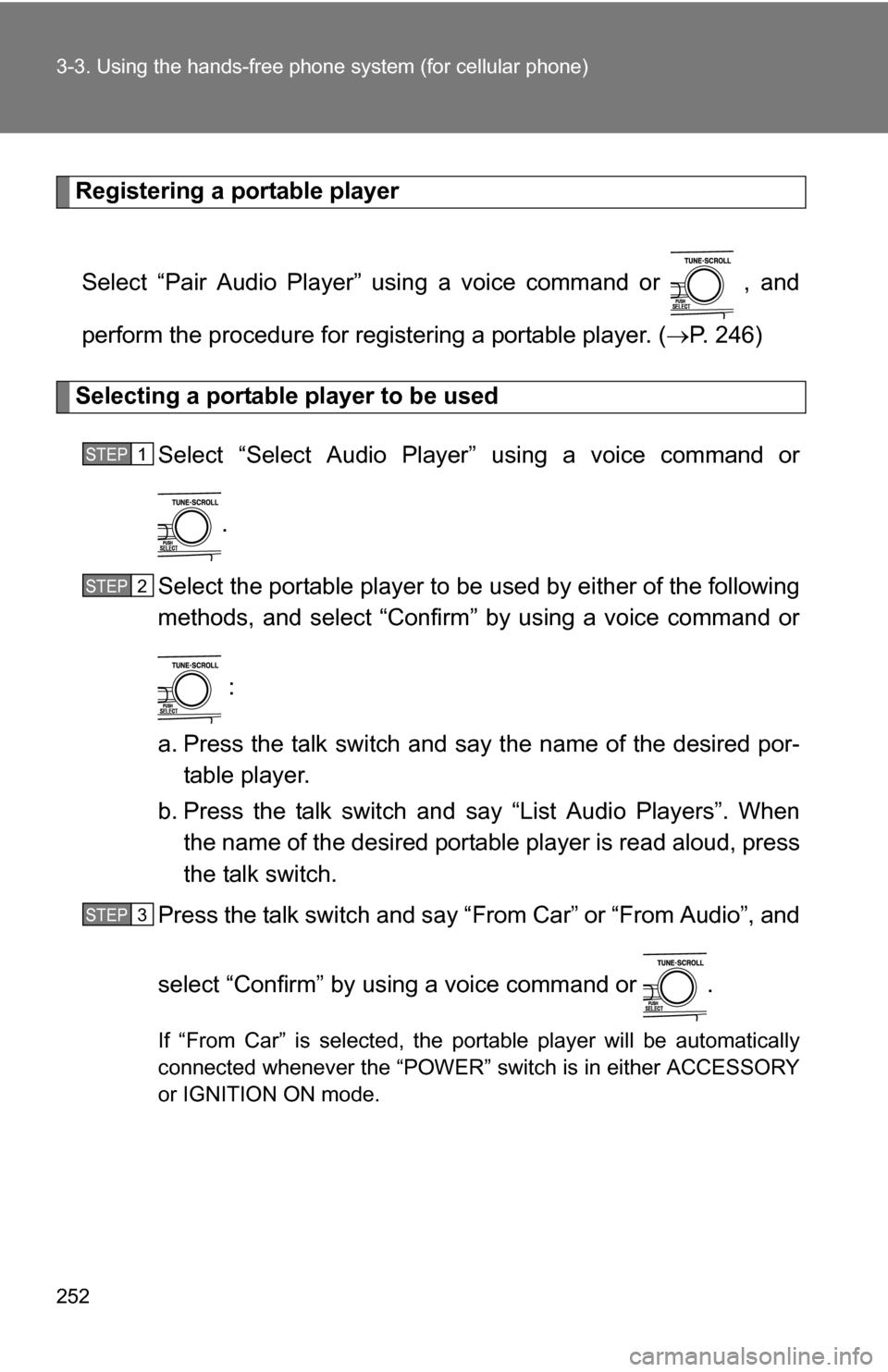
Selecting a portable player to be used
Select “Select Audio Player” using a voice command or
.
Select the portable player to be used by either of the following
methods, and select “Confirm” by using a voice command or
:
a. Press the talk switch and say the name of the desired por- table player.
b. Press the talk switch and say “List Audio Players”. When
the name of the desired portable player is read aloud, press
the talk switch.
Press the talk switch and say “From Car” or “From Audio”, and
select “Confirm” by using a voice command or .
If “From Car” is selected, the portable player will be automatically
connected whenever the “POWER” switch is in either ACCESSORY
or IGNITION ON mode.
STEP1
STEP2
STEP3