audio TOYOTA COROLLA 2011 10.G Repair Manual
[x] Cancel search | Manufacturer: TOYOTA, Model Year: 2011, Model line: COROLLA, Model: TOYOTA COROLLA 2011 10.GPages: 529, PDF Size: 9.69 MB
Page 255 of 529
255
3-2. Using the audio system
3
Interior features
Using the steering wheel audio switches
: If equipped
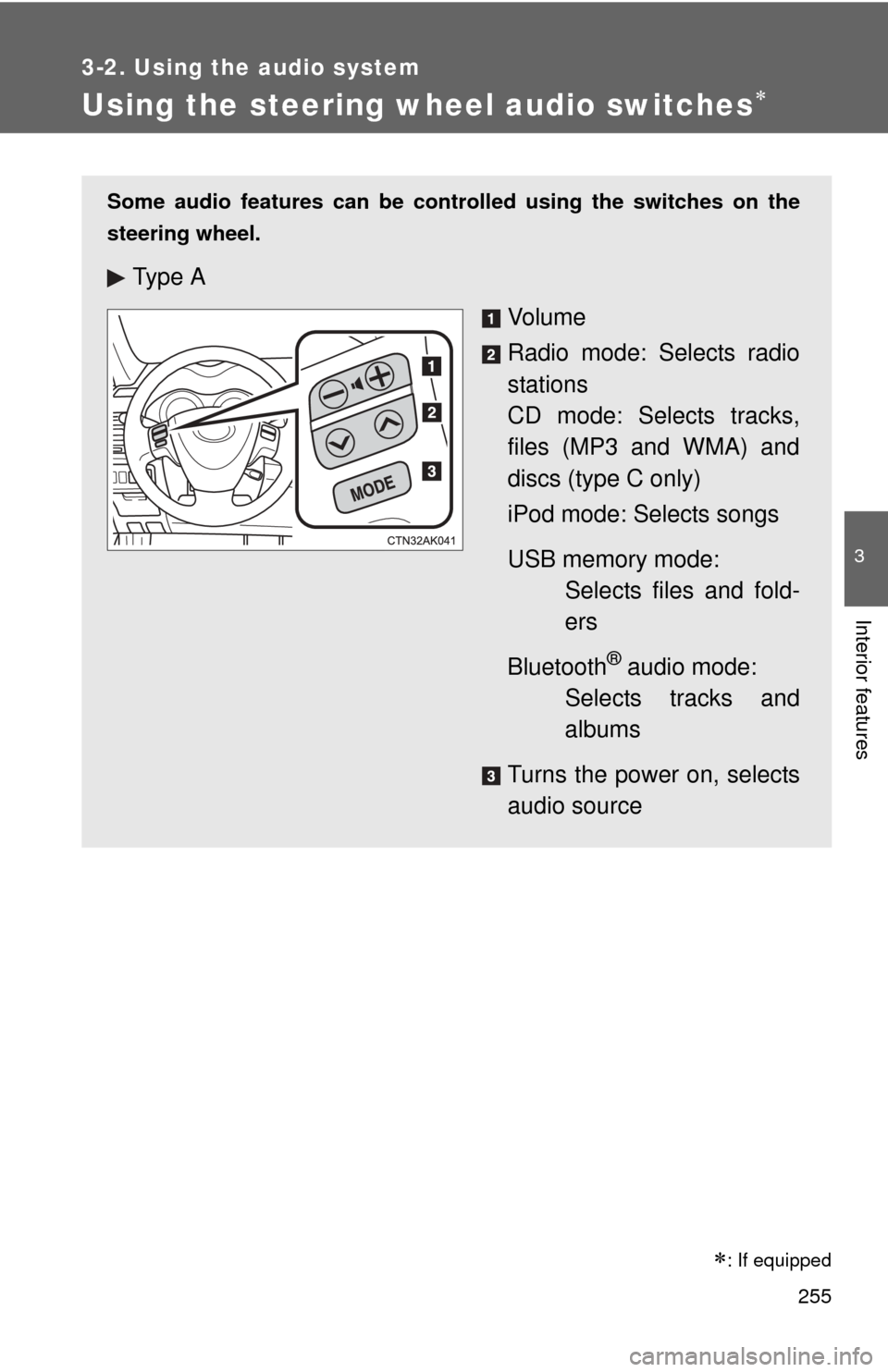
Some audio features can be controlled using the switches on the
steering wheel.
Ty p e A
Vo l u m e
Radio mode: Selects radio
stations
CD mode: Selects tracks,
files (MP3 and WMA) and
discs (type C only)
iPod mode: Selects songs
USB memory mode: Selects files and fold-
ers
Bluetooth
® audio mode:
Selects tracks and
albums
Turns the power on, selects
audio source
Page 256 of 529
256 3-2. Using the audio system
Turning on the powerPress or when the audio system is turned off.
The audio system can be turned off by holding or down
until you hear a beep.
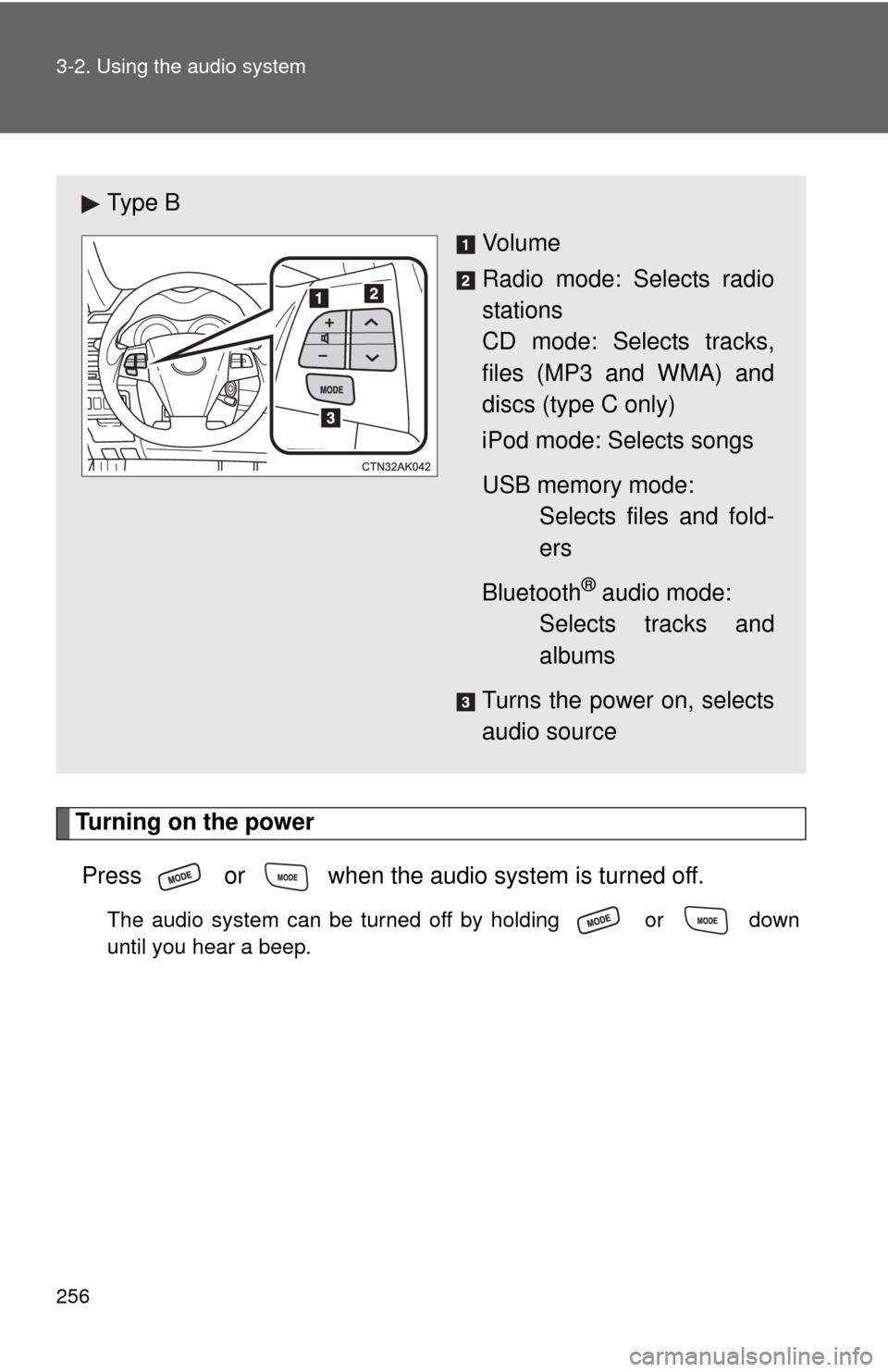
Ty p e B Vo l u m e
Radio mode: Selects radio
stations
CD mode: Selects tracks,
files (MP3 and WMA) and
discs (type C only)
iPod mode: Selects songs
USB memory mode: Selects files and fold-
ers
Bluetooth
® audio mode:
Selects tracks and
albums
Turns the power on, selects
audio source
Page 257 of 529
257
3-2. Using the audio system
3
Interior features
Changing the audio source
Press or when the audio system is turned on. The
audio source changes as follows each time or is
pressed. Type A
FM CD AUX AM
Type B and C
FMSAT CD (type B) CD changer (type C)
Bluetooth® Audio AUX USB/iPod AM
Adjusting the volume
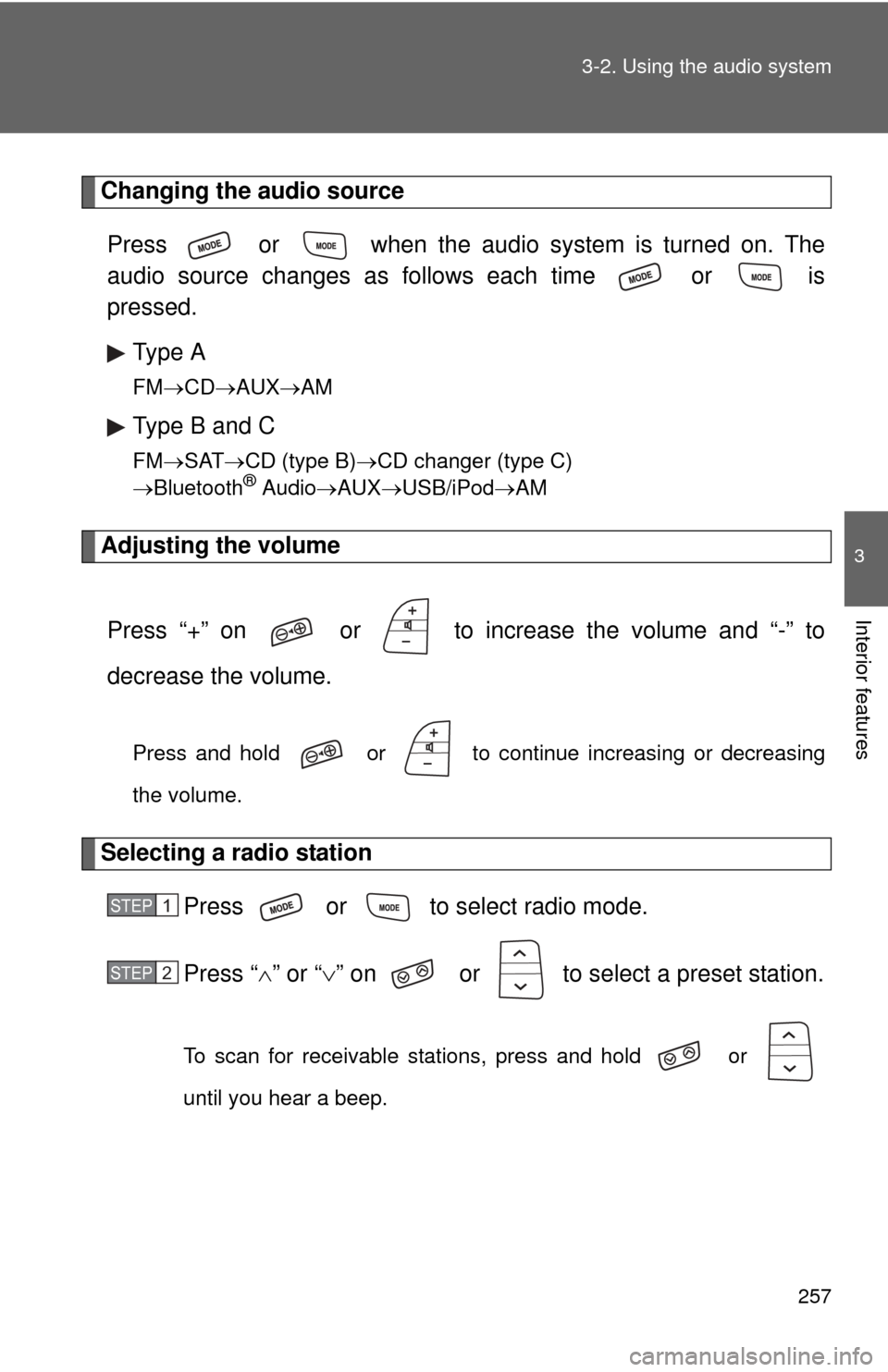
Press “+” on or to increase the volume and “-” to
decrease the volume.
Press and hold or to continue increasing or decreasing
the volume.
Selecting a radio station Press or to select radio mode.
Press “” or “ ” on or to select a preset station.
To scan for receivable stations, press and hold or
until you hear a beep.
STEP 1
STEP 2
Page 258 of 529
258 3-2. Using the audio system
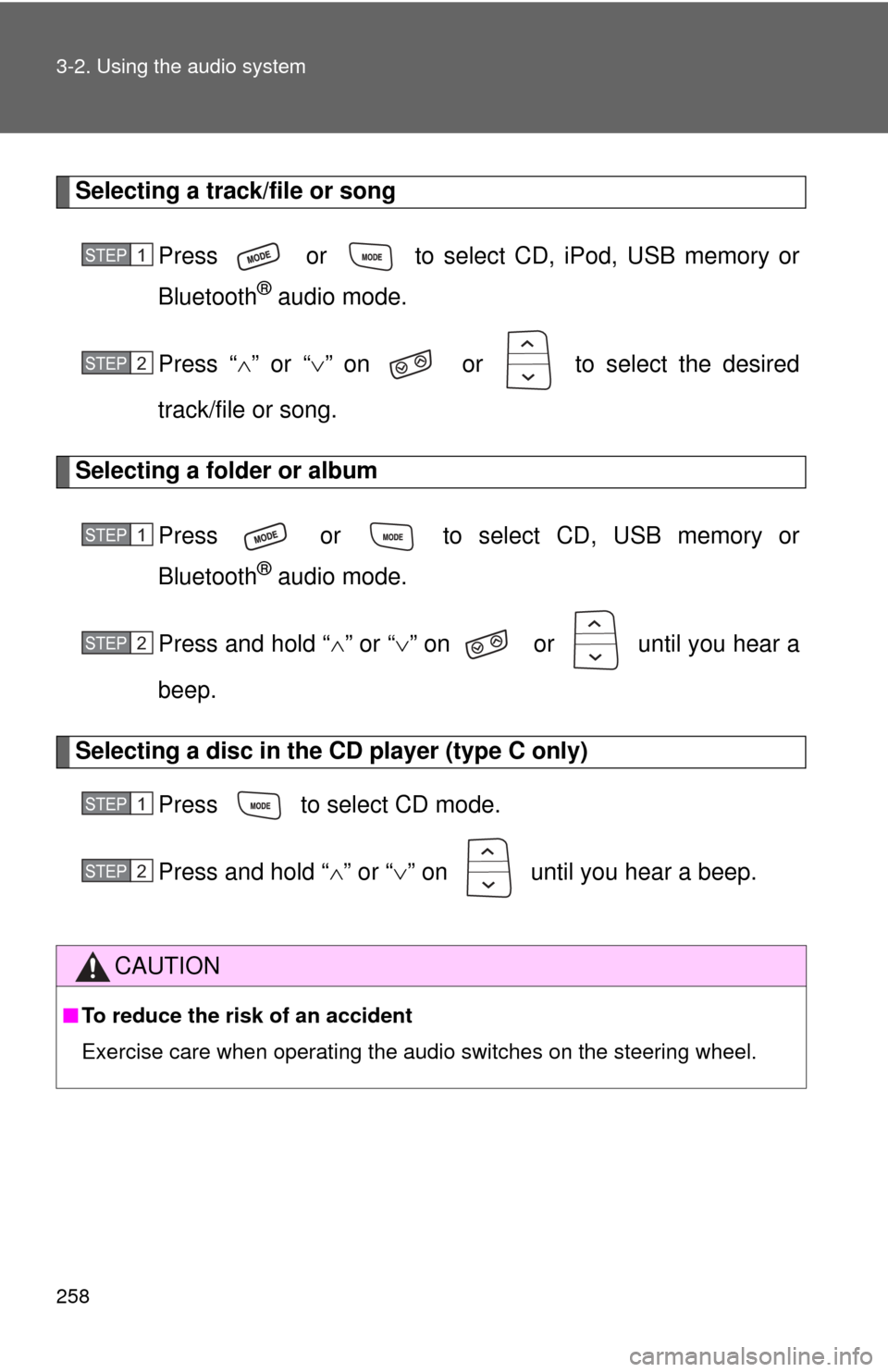
Selecting a track/file or songPress or to select CD, iPod, USB memory or
Bluetooth
® audio mode.
Press “ ” or “ ” on or to select the desired
track/file or song.
Selecting a folder or album
Press or to select CD, USB memory or
Bluetooth
® audio mode.
Press and hold “ ” or “ ” on or until you hear a
beep.
Selecting a disc in the CD player (type C only)
Press to select CD mode.
Press and hold “ ” or “ ” on until you hear a beep.
CAUTION
■ To reduce the risk of an accident
Exercise care when operating the audio switches on the steering wheel.
STEP 1
STEP 2
STEP 1
STEP 2
STEP 1
STEP 2
Page 259 of 529
259
3
Interior features
3-3. Using the Bluetooth® audio system
Bluetooth® audio system
■Conditions under which th e system will not operate
● If using a portable player that does not support Bluetooth
®
●If the portable player is switched off
● If the portable player is not connected
● If the portable player’s battery is low
● If the portable player is behind the seat or in the glove box or console box
● If metal is covering or touching the portable player
The Bluetooth® audio system enables you to enjoy music played on
a portable digital audio player (portable player) from the vehicle
speakers via wireless communication.
This audio system supports Bluetooth
®, a wireless data system
capable of playing portable audio music without cables. If your por-
table player does not support Bluetooth
®, the Bluetooth® audio sys-
tem will not function.
TitlePage
Using the Bluetooth
® audio system P. 262
Operating a Bluetooth
® enabled portable player P. 267
Setting up a Bluetooth
® enabled portable player P. 269
Bluetooth
® audio system setup P. 274
: If equipped
Page 260 of 529
260 3-3. Using the Bluetooth
® audio system
■When transferring ownership of the vehicle
Be sure to initialize the system to prevent personal data from being improp-
erly accessed. ( P. 300)
■ About Bluetooth
®
■Compatible models
●Bluetooth
® specifications:
Ve r. 1 . 2
● Following Profiles:
• A2DP (Advanced Audio Distribution Profile) Ver. 1.0
• AVRCP (Audio/Video Remote Control Profile) Ver. 1.0 or higher (Ver.
1.3 or higher recommended)
Portable players must correspond to the above specifications in order to be
connected to the Bluetooth
® audio system. However, please note that some
functions may be limited depending on the type of portable player.
■ Certification for the Bluetooth
® audio system
FCC ID: ACJ932C5ZZZ035
IC ID: 216J-C5ZZZ035
This device complies with Part 15 of the FCC Rules and RSS-Gen of IC
Rules. Operation is subject to the following two conditions: (1) this device
may not cause harmful interference, and (2) this device must accept an\
y
interference received, including interference that may cause undesired oper-
ation.
Bluetooth is a registered trademark of
Bluetooth SIG. Inc.
Page 261 of 529
261
3-3. Using the Bluetooth
® audio system
3
Interior features
CAUTION
■
FCC WARNING
Changes or modifications not expressly approved by the party responsible
for compliance could void the user's authority to operate the equipment.
Radio Frequency Radiation Exposure. This equipment complies with FCC/
IC radiation exposure limits set forth for uncontrolled equipment and meets
the FCC radio frequency (RF) Exposure Guidelines in Supplement C to
OET65 and RSS-102 of the IC radio frequency (RF) Exposure rules. This
equipment has very low levels of RF energy that it deemed to comply with-
out maximum permissive exposure evaluation (MPE). But it is desirable that
it should be installed and operated with at least 7.9 in. (20 cm) and more
between the radiator and person’s body (excluding extremities: hands,
wrists, feet and ankles).
This transmitter must not be co-located or operated in conjunction with any
other antenna or transmitter.
■ Caution while driving
Do not connect portable players or operate the controls.
NOTICE
■To prevent damage to portable players
Do not leave portable players in the vehicle. The temperature inside the
vehicle may become high, resulting in damage to the player.
Page 262 of 529
262
3-3. Using the Bluetooth® audio system
Using the Bluetooth® audio system
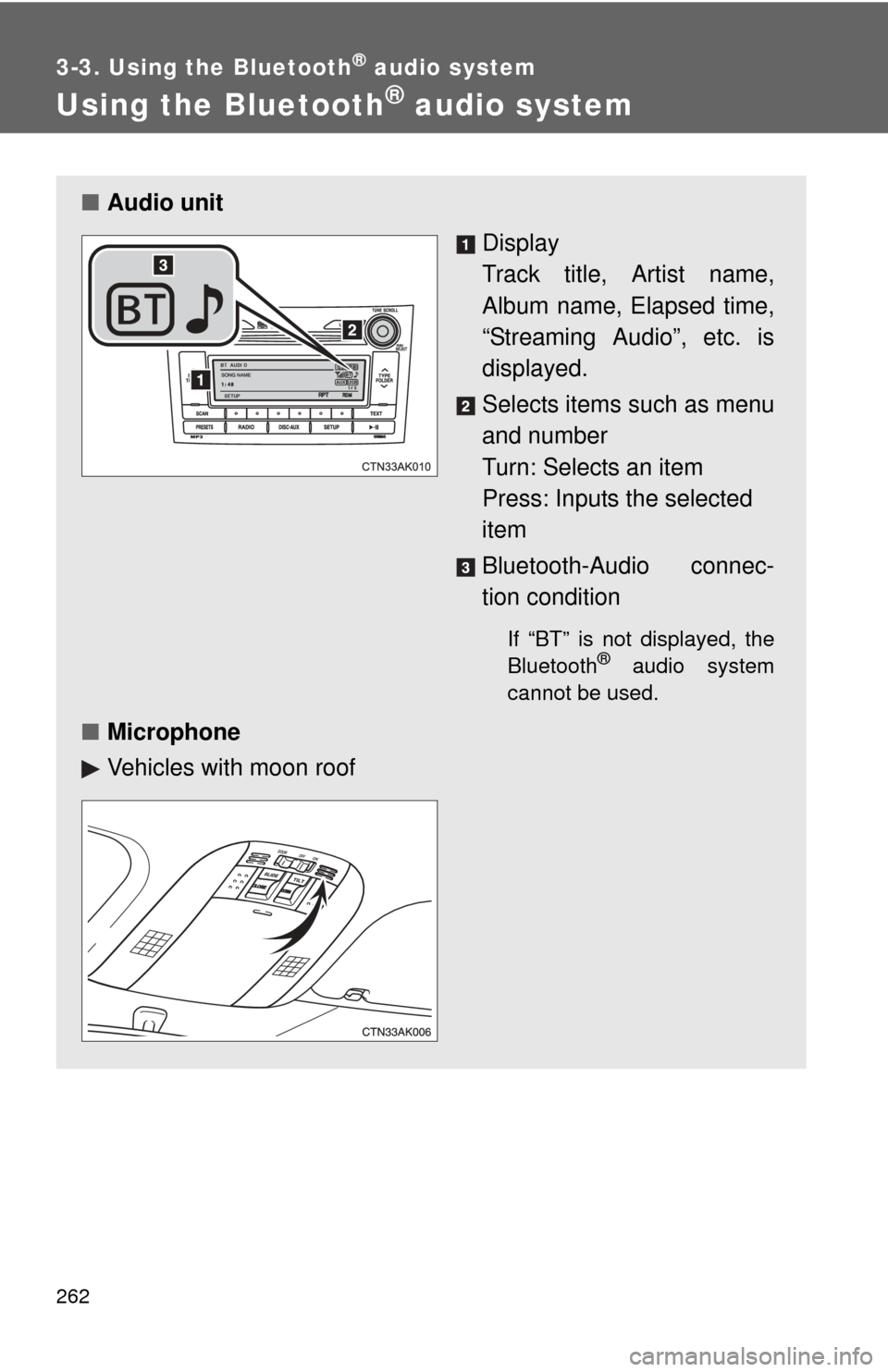
■Audio unit
Display
Track title, Artist name,
Album name, Elapsed time,
“Streaming Audio”, etc. is
displayed.
Selects items such as menu
and number
Turn: Selects an item
Press: Inputs the selected
item
Bluetooth-Audio connec-
tion condition
If “BT” is not displayed, the
Bluetooth® audio system
cannot be used.
■ Microphone
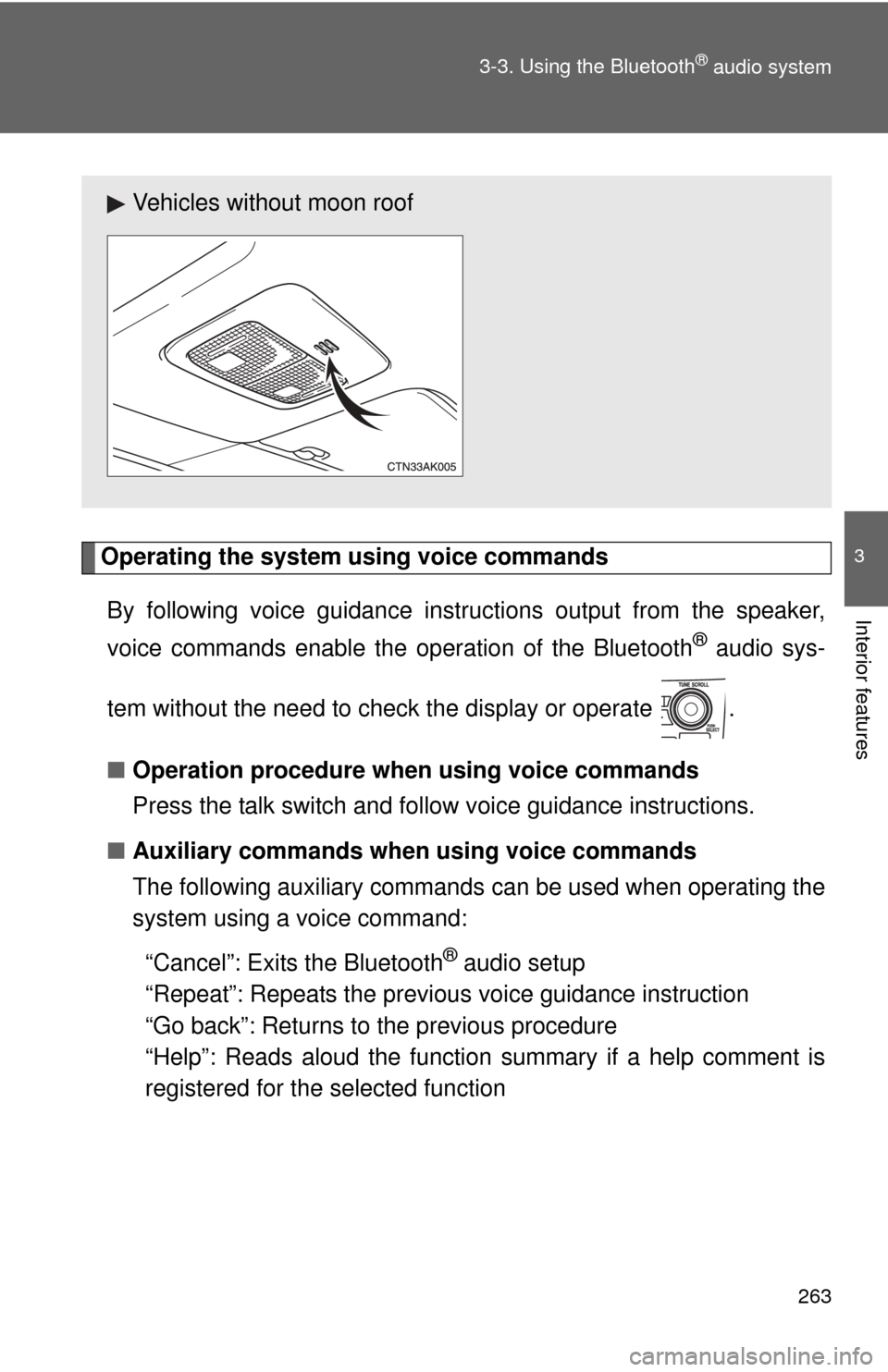
Vehicles with moon roof
Page 263 of 529
263
3-3. Using the Bluetooth
® audio system
3
Interior features
Operating the system using voice commands
By following voice guidance inst ructions output from the speaker,
voice commands enable the operation of the Bluetooth
® audio sys-
tem without the need to check the display or operate .
■ Operation procedure when using voice commands
Press the talk switch and follo w voice guidance instructions.
■ Auxiliary commands when using voice commands
The following auxiliary commands can be used when operating the
system using a voice command:
“Cancel”: Exits the Bluetooth
® audio setup
“Repeat”: Repeats the previous voice guidance instruction
“Go back”: Returns to the previous procedure
“Help”: Reads aloud the function summary if a help comment is
registered for the selected function
Vehicles without moon roof
Page 264 of 529
264 3-3. Using the Bluetooth
® audio system
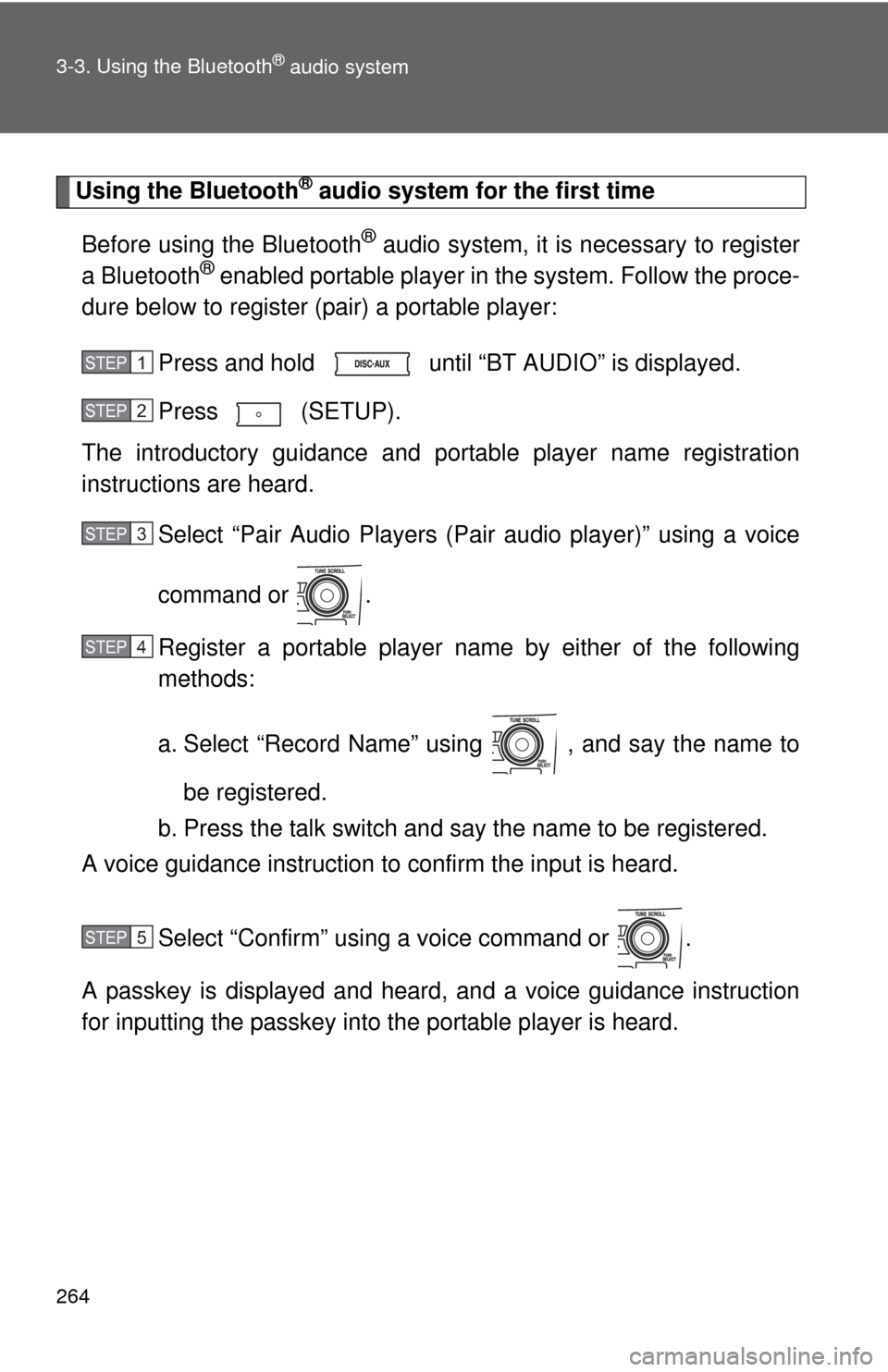
Using the Bluetooth® audio system for the first time
Before using the Bluetooth
® audio system, it is necessary to register
a Bluetooth® enabled portable player in the system. Follow the proce-
dure below to register (pair) a portable player:
Press and hold until “BT AUDIO” is displayed.
Press (SETUP).
The introductory guidance and port able player name registration
instructions are heard.
Select “Pair Audio Players (Pair audio player)” using a voice
command or .
Register a portable player nam e by either of the following
methods:
a. Select “Record Name” using , and say the name to
be registered.
b. Press the talk switch and say the name to be registered.
A voice guidance instruction to confirm the input is heard.
Select “Confirm” using a voice command or .
A passkey is displayed and heard, and a voice guidance instruction
for inputting the passkey into the portable player is heard.
STEP 1
STEP 2
STEP 3
STEP 4
STEP 5