wheel TOYOTA COROLLA 2015 11.G Owner's Manual
[x] Cancel search | Manufacturer: TOYOTA, Model Year: 2015, Model line: COROLLA, Model: TOYOTA COROLLA 2015 11.GPages: 612, PDF Size: 8.48 MB
Page 151 of 612
1514-1. Before driving
4
Driving
COROLLA_TMMMS_TMMC_U (OM12F00U)
NOTICE
■When driving the vehicle (vehic les with a manual transmission)
● Do not depress the accelerator and brake pedals at the same time during
driving, as this may restrain driving torque.
● Do not shift gears unless the clutch pedal is fully depressed. After shifting,
do not release the clutch pedal abruptly. Doing so may damage the clutch,
transmission and gears.
● Observe the following to prevent the clutch from being damaged.
• Do not rest your foot on the clutch pedal while driving.
Doing so may cause clutch trouble.
• Do not use any gear other than the 1st gear when starting off and mov-
ing forward.
Doing so may damage the clutch.
• Do not use the clutch to hold the vehicle when stopping on an uphill
grade.
Doing so may damage the clutch.
● Do not shift the shift lever to R when the vehicle is still moving. Doing so
may damage the clutch, transmission and gears.
■ When parking the vehicle (except vehicles with a manual transmission)
Always shift the shift lever to P. Failure to do so may cause the vehicle to
move or the vehicle may accelerate suddenly if the accelerator pedal is
accidentally depressed.
■ Avoiding damage to vehicle parts
● Do not turn the steering wheel fully in either direction and hold it there for
an extended period of time.
Doing so may damage the power steering motor.
● When driving over bumps in the road, drive as slowly as possible to avoid
damaging the wheels, underside of the vehicle, etc.
Page 152 of 612

1524-1. Before driving
COROLLA_TMMMS_TMMC_U (OM12F00U)
NOTICE
■If you get a flat tire while driving
A flat or damaged tire may cause the following situations. Hold the steering
wheel firmly and gradually depress the brake pedal to slow down the vehi-
cle.
● It may be difficult to control your vehicle.
● The vehicle will make abnormal sounds or vibrations.
● The vehicle will lean abnormally.
Information on what to do in case of a flat tire ( P. 513)
■ When encounterin g flooded roads
Do not drive on a road that has flooded after heavy rain etc. Doing so may
cause the following serious damage to the vehicle:
● Engine stalling
● Short in electrical components
● Engine damage caused by water immersion
In the event that you drive on a flooded road and the vehicle is flooded, be
sure to have your Toyota dealer check the following:
● Brake function
● Changes in quantity and quality of engine oil, transaxle fluid, etc.
● Lubricant condition for the bearings and suspension joints (where possi-
ble), and the function of all joints, bearings, etc.
Page 157 of 612
1574-1. Before driving
4
Driving
COROLLA_TMMMS_TMMC_U (OM12F00U)
Trailer towing
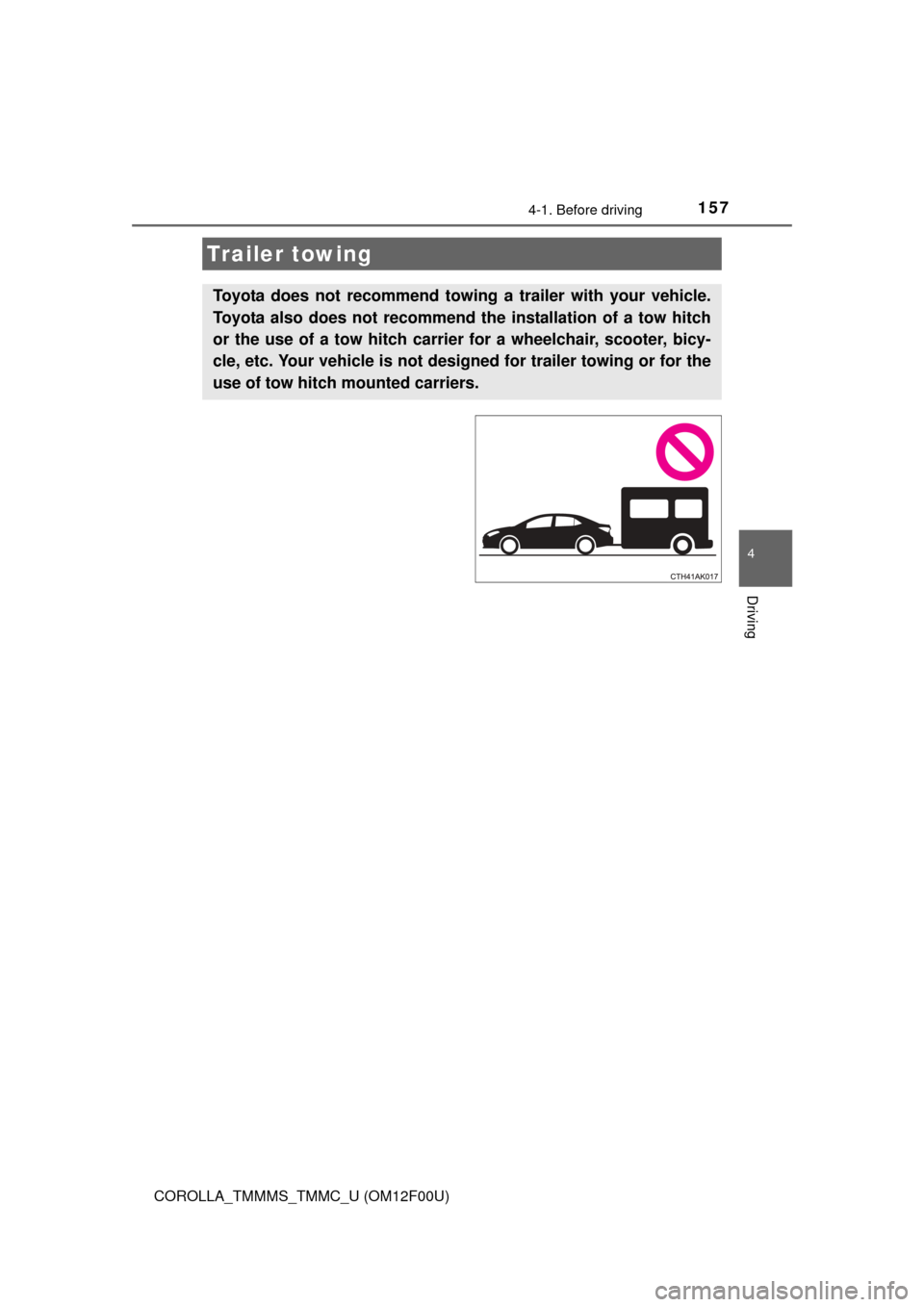
Toyota does not recommend towing a trailer with your vehicle.
Toyota also does not recommend th e installation of a tow hitch
or the use of a tow hitch carrier for a wheelchair, scooter, bicy-
cle, etc. Your vehicle is not designed for trailer towing or for the
use of tow hitch mounted carriers.
Page 158 of 612
1584-1. Before driving
COROLLA_TMMMS_TMMC_U (OM12F00U)
Dinghy towing (except vehicles with a man-
ual transmission)
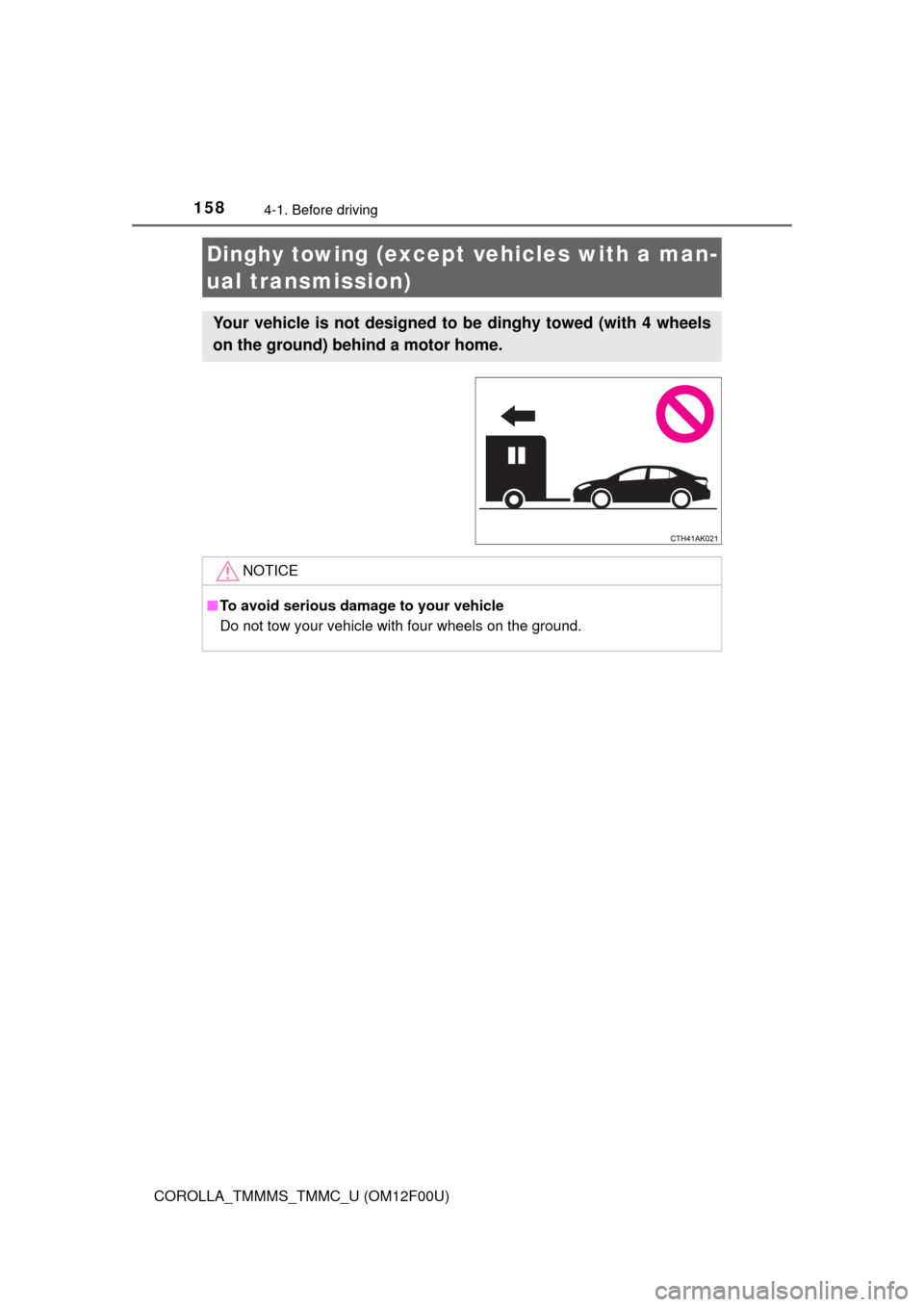
Your vehicle is not designed to be dinghy towed (with 4 wheels
on the ground) behind a motor home.
NOTICE
■ To avoid serious damage to your vehicle
Do not tow your vehicle with four wheels on the ground.
Page 159 of 612
1594-1. Before driving
4
Driving
COROLLA_TMMMS_TMMC_U (OM12F00U)
To prevent damage to your vehicle, perform the following procedures
before towing. Shift the shift lever to N.
Turn the engine switch to the “ACC” position (without a smart key
system) or ACCESSORY mode (w ith a smart key system).
( P. 161, 166)
Ensure that the audio system and other powered devices are turned off.
Release the parking brake.
After towing, leave the engine in idle for at least 3 minutes before drivi\
ng
the vehicle.
■Necessary equipment and accessories
Specialized equipment and accessories are required for dinghy towing. Con-
tact the service branch of the motor home manufacturer regarding recom-
mended equipment.
Dinghy towing (vehicles with a manual
transmission)
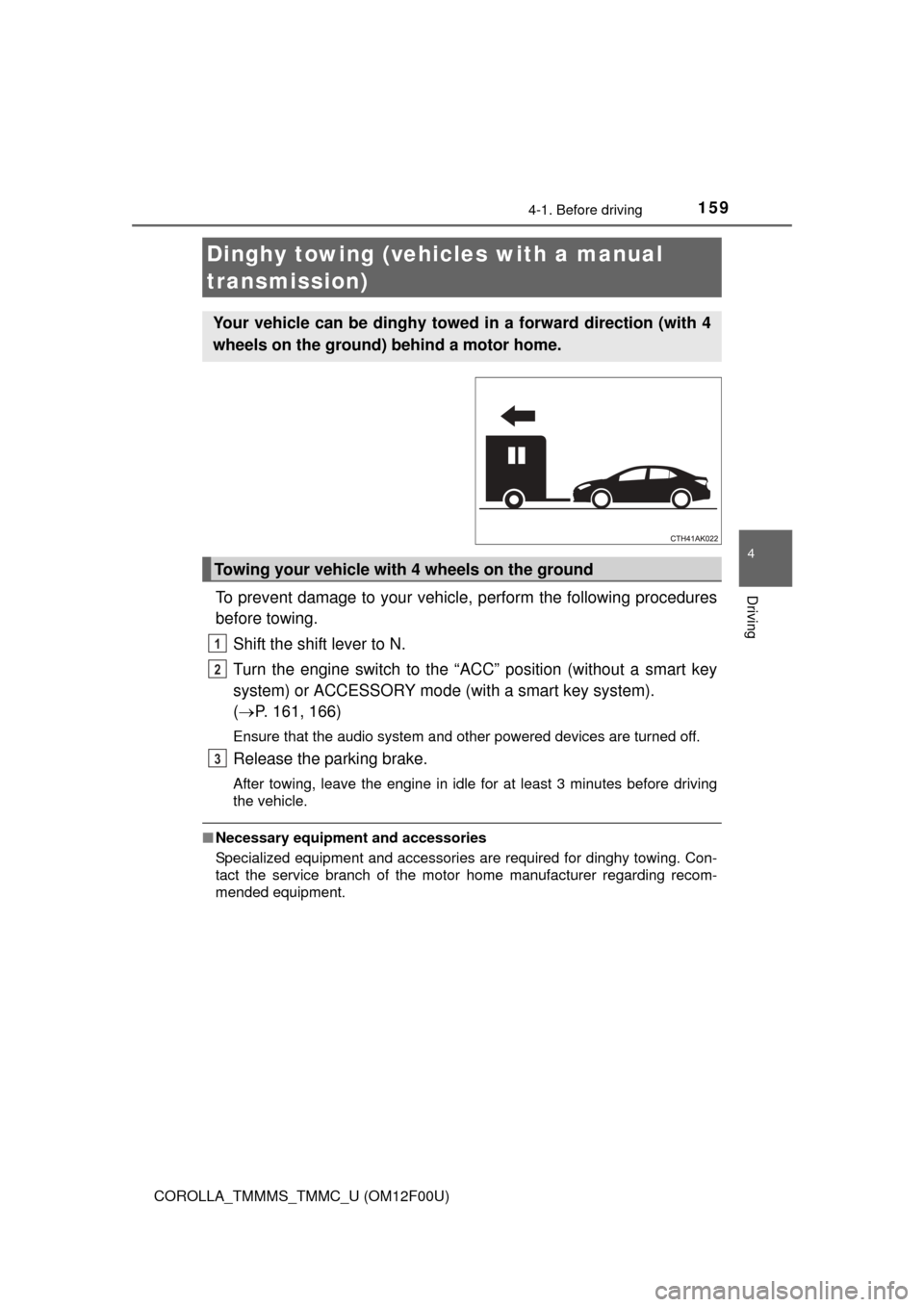
Your vehicle can be dinghy towed in a forward direction (with 4
wheels on the ground) behind a motor home.
Towing your vehicle with 4 wheels on the ground
1
2
3
Page 161 of 612
161
4
Driving
COROLLA_TMMMS_TMMC_U (OM12F00U)
4-2. Driving procedures
Automatic transmission or continuously variable transmission
Check that the parking brake is set.
Check that the shift lever is set in P.
Firmly depress the brake pedal.
Turn the engine switch to the “START” position and start the
engine.
Manual transmission
Check that the parking brake is set.
Check that the shift lever is set in N.
Firmly depress the clutch pedal.
Turn the engine switch to the “START” position and start the
engine.
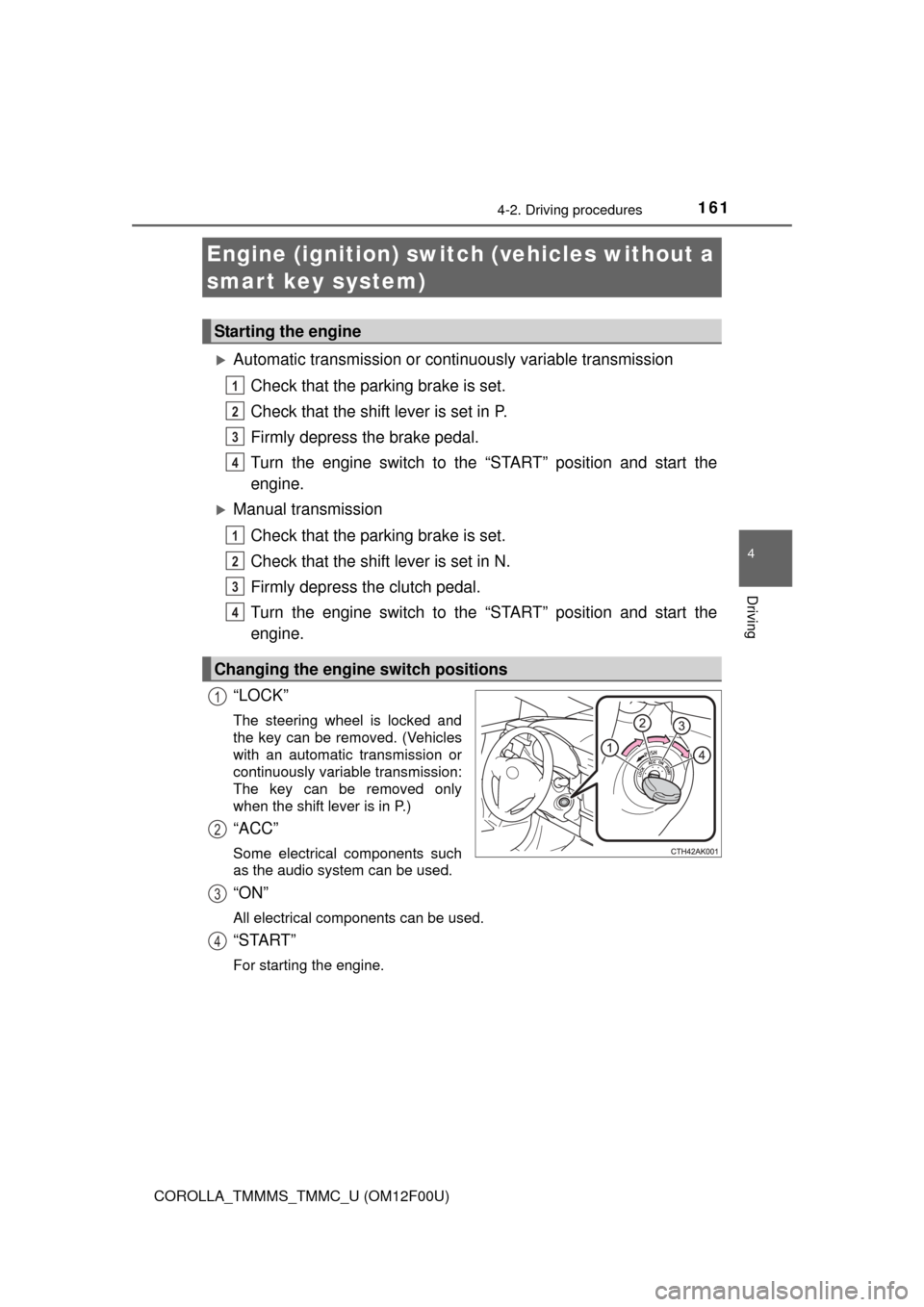
“LOCK”
The steering wheel is locked and
the key can be removed. (Vehicles
with an automatic transmission or
continuously variable transmission:
The key can be removed only
when the shift lever is in P.)
“ACC”
Some electrical components such
as the audio system can be used.
“ON”
All electrical components can be used.
“START”
For starting the engine.
Engine (ignition) switch (vehicles without a
smart key system)
Starting the engine
Changing the engine switch positions
1
2
3
4
1
2
3
4
1
2
3
4
Page 162 of 612
1624-2. Driving procedures
COROLLA_TMMMS_TMMC_U (OM12F00U)
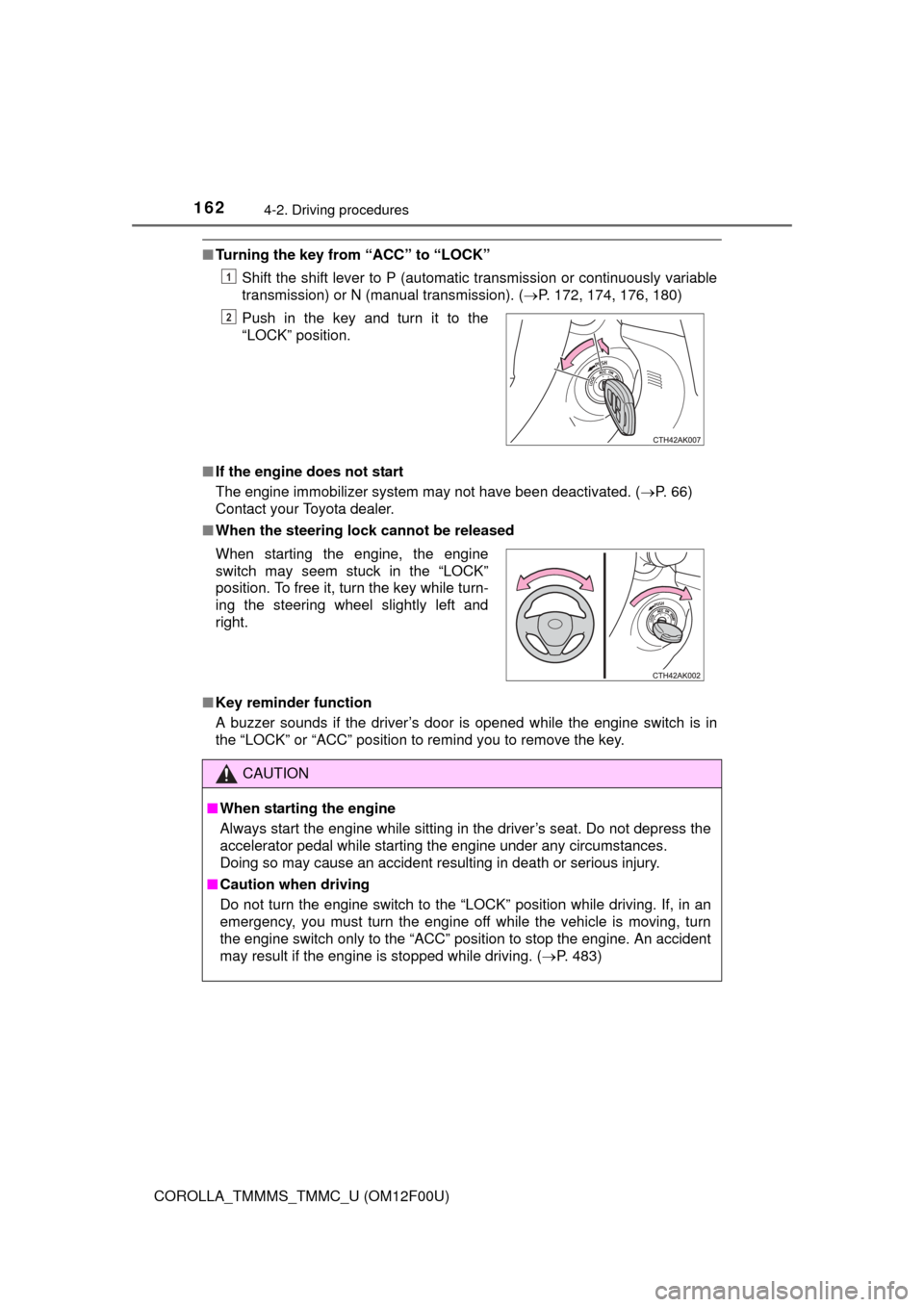
■Turning the key from “ACC” to “LOCK”
Shift the shift lever to P (automatic transmission or continuously variable
transmission) or N (manual transmission). ( P. 172, 174, 176, 180)
■ If the engine does not start
The engine immobilizer system may not have been deactivated. ( P. 66)
Contact your Toyota dealer.
■ When the steering lock cannot be released
■ Key reminder function
A buzzer sounds if the driver’s door is opened while the engine switch is in
the “LOCK” or “ACC” position to remind you to remove the key. Push in the key and turn it to the
“LOCK” position.
1
2
When starting the engine, the engine
switch may seem stuck in the “LOCK”
position. To free it, turn the key while turn-
ing the steering wheel slightly left and
right.
CAUTION
■
When starting the engine
Always start the engine while sitting in the driver’s seat. Do not depress the
accelerator pedal while starting the engine under any circumstances.
Doing so may cause an accident resulting in death or serious injury.
■ Caution when driving
Do not turn the engine switch to the “LOCK” position while driving. If, in an
emergency, you must turn the engine off while the vehicle is moving, turn
the engine switch only to the “ACC” position to stop the engine. A\
n accident
may result if the engine is stopped while driving. ( P. 483)
Page 169 of 612
1694-2. Driving procedures
4
Driving
COROLLA_TMMMS_TMMC_U (OM12F00U)■
Electronic key battery depletion
P. 9 5
■ Conditions affecting operation
P. 1 1 5
■ Notes for the entry function
P. 1 1 6
■ If the engine does not start
●The engine immobilizer system may not have been deactivated. ( P. 66)
Contact your Toyota dealer.
● Vehicles with a continuously variable transmission: Check that the shift lever
is securely set in P. The engine may not start if the shift lever is displaced
out of P.
Vehicles with a drive monitor display
The smart key system indicator light (green) will flash quickly.
Vehicles with a multi-information display
“SHIFT TO P POSITION TO START” will be displayed on the multi-informa-
tion display.
■ Steering lock
After turning the engine switch off and opening and closing the doors, the
steering wheel will be locked due to the steering lock function. Operating the
engine switch again automatically cancels the steering lock.
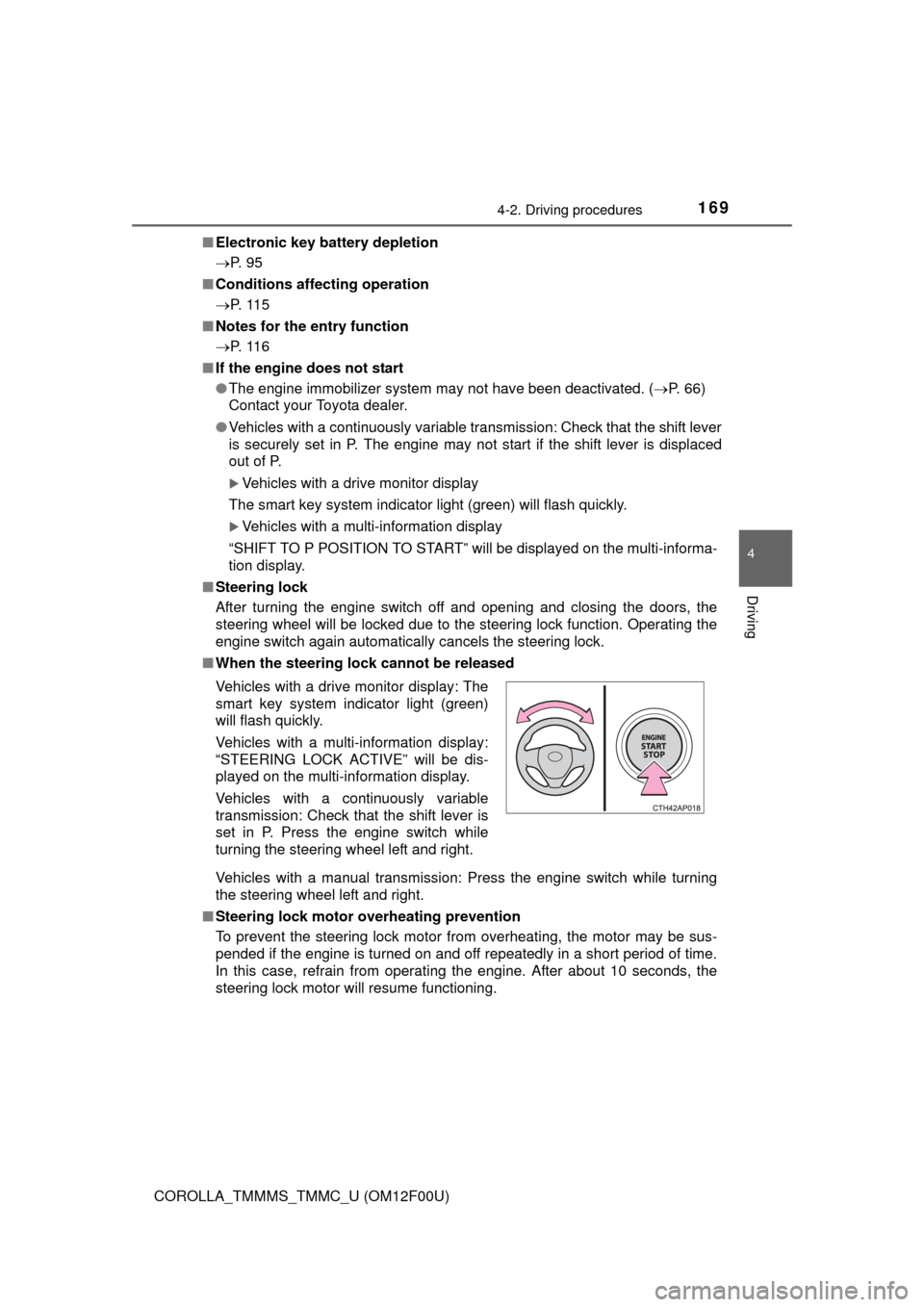
■ When the steering lock cannot be released
Vehicles with a manual transmission: Press the engine switch while turning
the steering wheel left and right.
■ Steering lock motor overheating prevention
To prevent the steering lock motor from overheating, the motor may be sus-
pended if the engine is turned on and off repeatedly in a short period of time.
In this case, refrain from operating the engine. After about 10 seconds, the
steering lock motor will resume functioning. Vehicles with a drive monitor display: The
smart key system indicator light (green)
will flash quickly.
Vehicles with a multi-information display:
“STEERING LOCK ACTIVE” will be dis-
played on the multi-information display.
Vehicles with a continuously variable
transmission: Check that the shift lever is
set in P. Press the engine switch while
turning the steering wheel left and right.
Page 209 of 612

2094-5. Using the driving support systems
4
Driving
COROLLA_TMMMS_TMMC_U (OM12F00U)
CAUTION
■When using the rear view monitor system
The rear view monitor system is a supplemental device intended to assist
the driver when backing up. When backing up, be sure to check visually
behind and all around the vehicle before proceeding.
Observe the following precautions to avoid an accident that could result in
death or serious injuries.
● Never depend on the rear view monitor system entirely when backing up.
The image and the position of the guide lines displayed on the screen may
differ from the actual state.
Use caution, just as you would when backing up any vehicle.
● Be sure to back up slowly, depressing the brake pedal to control vehicle
speed.
● The instructions given are only guidelines.
When and how much to turn the steering wheel will vary according to traf-
fic conditions, road surface conditions, vehicle condition, etc. when park-
ing. It is necessary to be fully aware of this before using the rear view
monitor system.
● When parking, be sure to check that the parking space will accommodate
your vehicle before maneuvering into it.
● Do not use the rear view monitor system in the following cases:
• On icy or slick road surfaces, or in snow
• When using tire chains or the compact spare tire
• When the trunk lid is not closed completely
• On roads that are not flat or straight, such as curves or slopes.
● In low temperatures, the screen may darken or the image may become
faint. The image could distort when the vehicle is moving, or you may
become unable to see the image on the screen. Be sure to check direct
visually and with the mirrors all around the vehicle before proceeding.
● If the tire sizes are changed, the position of the fixed guide lines displayed
on the screen may change.
● The camera uses a special lens. The distances between objects and
pedestrians that appear in the image displayed on the screen will differ
from the actual distances. ( P. 204)
Page 211 of 612
2114-5. Using the driving support systems
4
Driving
COROLLA_TMMMS_TMMC_U (OM12F00U)
◆ABS (Anti-lock Brake System)
Helps to prevent wheel lock when the brakes are applied suddenly,
or if the brakes are applied while driving on a slippery road surface
◆Brake assist
Generates an increased level of braking force after the brake pedal
is depressed when the system detects a panic stop situation
◆VSC (Vehicle Stability Control)
Helps the driver to control skidding when swerving suddenly or
turning on slippery road surfaces
◆TRAC (Traction Control)
Helps to maintain drive power and prevent the drive wheels from
spinning when starting the vehicle or accelerating on slippery roads
◆EPS (Electric Power Steering)
Employs an electric motor to redu ce the amount of effort needed to
turn the steering wheel
Driving assist systems
To help enhance driving safety and performance, the following
systems operate automatically in response to various driving
situations. Be aware, however, that these systems are supple-
mentary and should not be relied upon too heavily when operat-
ing the vehicle.