troubleshooting TOYOTA COROLLA 2015 11.G Owners Manual
[x] Cancel search | Manufacturer: TOYOTA, Model Year: 2015, Model line: COROLLA, Model: TOYOTA COROLLA 2015 11.GPages: 612, PDF Size: 8.48 MB
Page 5 of 612
5
1
9 8 6 5
4
3
2
COROLLA_TMMMS_TMMC_U (OM12F00U)
10
7
5-18. Bluetooth® Audio
(Multimedia system)
Listening to Bluetooth
®
Audio ............................... 336
5-19. Bluetooth
® phone
(Multimedia system)
Using a Bluetooth
®
Phone.............................. 338
Making a call ..................... 341
Receiving a call ................. 344
Speaking on the phone ..... 345
Bluetooth
® phone
message function ............ 349
Using the steering wheel switches ................ 354
Bluetooth
® phone
settings............................ 355
Contact/Call History Settings ........................... 357
What to do if... (Troubleshooting) ............ 367
5-20. Bluetooth
®
(Multimedia system)
Bluetooth
®......................... 371
5-21. Using the voice command system
(Multimedia system)
Voice command system............................. 376 6-1. Using the air
conditioning system
and defogger
Manual air conditioning system ............................. 380
Automatic air conditioning system ......... 386
6-2. Using the interior lights Interior lights list................. 395
• Front interior light/personal lights ............... 396
• Rear interior light ........... 397
6-3. Using the storage features
List of storage features ...... 398
• Glove box ...................... 399
• Console box .................. 399
• Bottle holders ................ 400
• Cup holders ................... 401
6-4. Other interior features Other interior features........ 403
• Sun visors ..................... 403
• Vanity mirrors ................ 403
• Clock ............................. 403
• Outside temperature display ........................... 404
• Power outlet .................. 405
• Assist grips .................... 406
Compass ........................... 407
Seat heaters ...................... 411
6Interior features
Page 7 of 612
7
1
9 8 6 5
4
3
2
COROLLA_TMMMS_TMMC_U (OM12F00U)
10
7
9-1. SpecificationsMaintenance data (fuel, oil level, etc.) .......... 544
Fuel information ................ 554
Tire information ................. 557
9-2. Customization Customizable features ...... 570
9-3. Items to initialize Items to initialize................ 577
Reporting safety defects for U.S. owners ........................ 580
Seat belt instructions for Canadian owners
(in French) ............................... 581
SRS airbag instructions for Canadian owners
(in French) ............................... 583 What to do if...
(Troubleshooting) ..................... 594
Alphabetical index ...................... 600
9Vehicle specifications
10For owners
Index
For vehicles with a navigation sy stem, refer to the “Navigation Sys-
tem Owner’s Manual” for information regarding the navigation sys-
tem.
Page 13 of 612
13
COROLLA_TMMMS_TMMC_U (OM12F00U)■
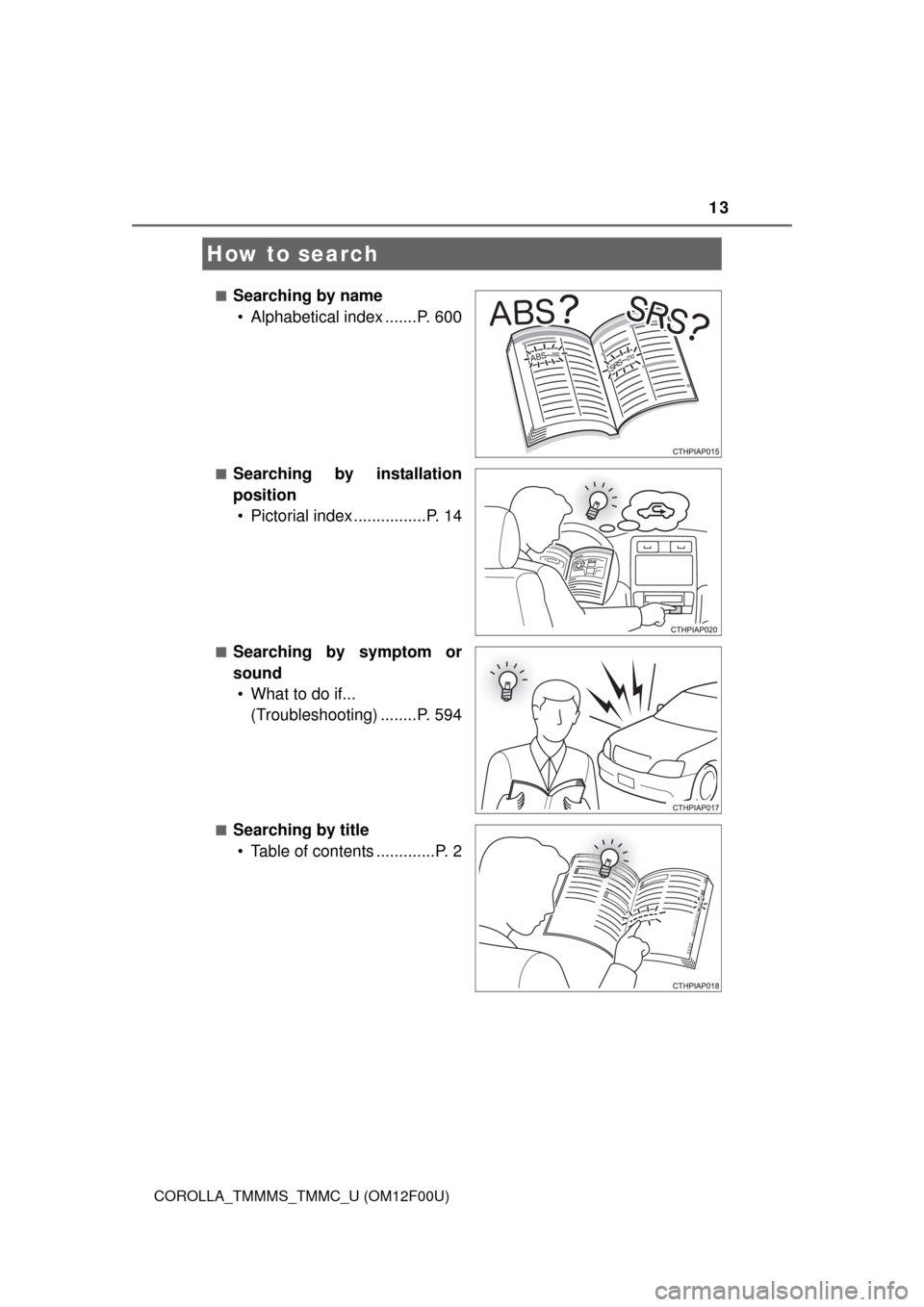
Searching by name
• Alphabetical index .......P. 600
■Searching by installation
position• Pictorial index ................P. 14
■Searching by symptom or
sound• What to do if... (Troubleshooting) ........P. 594
■Searching by title• Table of contents .............P. 2
How to search
Page 221 of 612

221
5Audio system
COROLLA_TMMMS_TMMC_U (OM12F00U)5-17. Connecting Bluetooth
®
(Multimedia system)
Preparations to use wireless
communication ................ 320
Registering a Bluetooth
®
audio player for
the first time .................... 324
Registering a Bluetooth
®
phone for the
first time .......................... 325
Registering a Bluetooth
®
device.............................. 326
Connecting a Bluetooth
®
device.............................. 329
Displaying a Bluetooth
®
device details .................. 332
Detailed Bluetooth
®
system settings ............... 334
5-18. Bluetooth
® Audio
(Multimedia system)
Listening to Bluetooth
®
Audio ............................... 336 5-19. Bluetooth
® phone
(Multimedia system)
Using a Bluetooth
®
Phone ............................. 338
Making a call ..................... 341
Receiving a call ................. 344
Speaking on the phone ..... 345
Bluetooth
® phone
message function ............ 349
Using the steering wheel switches ................ 354
Bluetooth
® phone
settings ........................... 355
Contact/Call History Settings ........................... 357
What to do if... (Troubleshooting) ............ 367
5-20. Bluetooth
®
(Multimedia system)
Bluetooth
®......................... 371
5-21. Using the voice command system
(Multimedia system)
Voice command system ............................ 376
Page 367 of 612
3675-19. Bluetooth® phone (Multimedia system)
5
Audio system
COROLLA_TMMMS_TMMC_U (OM12F00U)
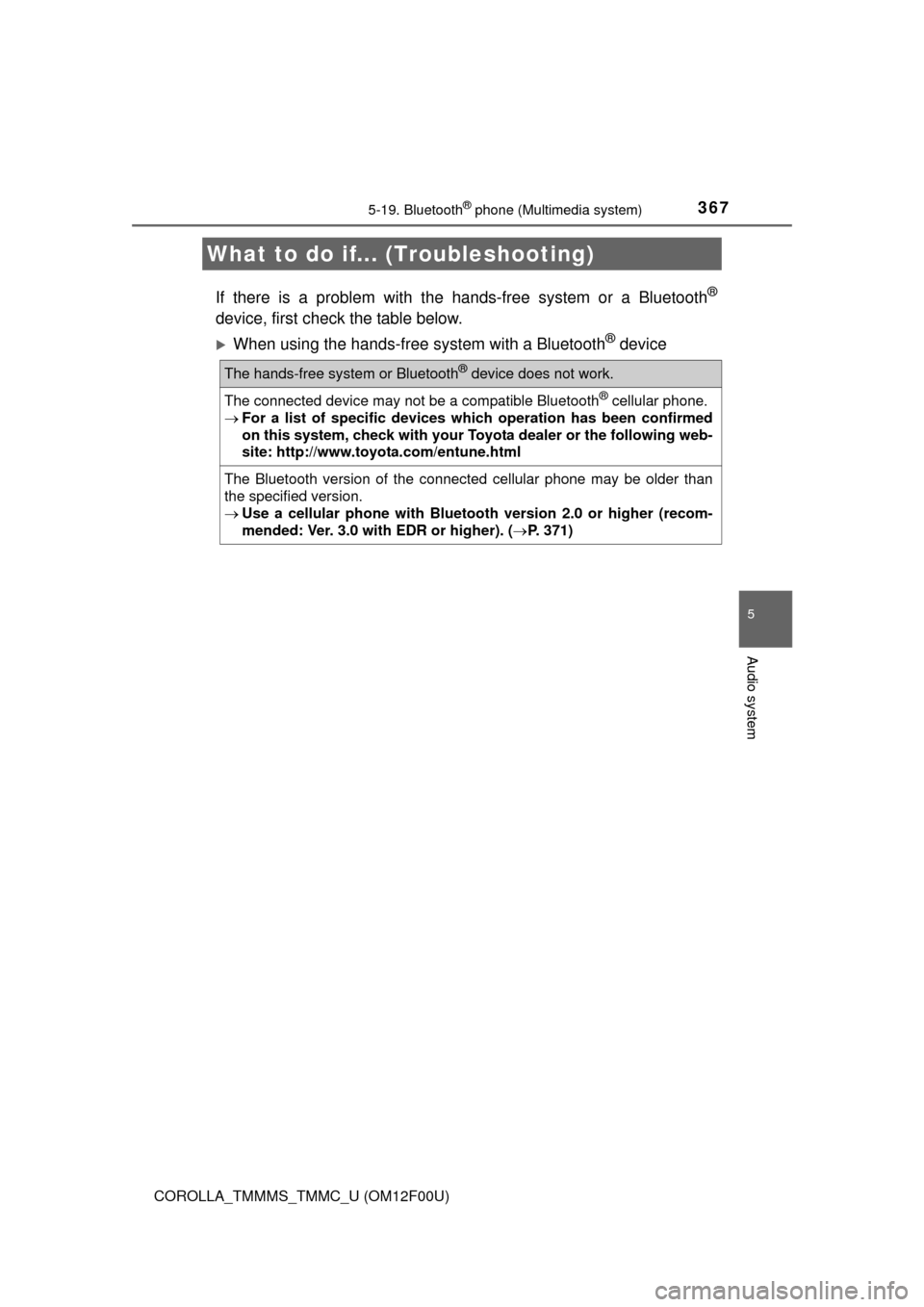
If there is a problem with the hands-free system or a Bluetooth®
device, first check the table below.
When using the hands-free system with a Bluetooth® device
What to do if... (Troubleshooting)
The hands-free system or Bluetooth® device does not work.
The connected device may not be a compatible Bluetooth® cellular phone.
For a list of specific devices whic h operation has been confirmed
on this system, check with your Toyo ta dealer or the following web-
site: http://www.toyota.com/entune.html
The Bluetooth version of the connected cellular phone may be older than
the specified version.
Use a cellular phone with Bluetooth version 2.0 or higher (recom-
mended: Ver. 3.0 with EDR or higher). ( P. 371)
Page 593 of 612

593
Index
COROLLA_TMMMS_TMMC_U (OM12F00U)What to do if...
(Troubleshooting) .................... 594
Alphabetical index ..................... 600
Vehicles with a navigation system:
For details of equipment re lated to the navigation sys-
tem, such as the audio system, refer to the “Navigation
System Owner's Manual”.
Page 594 of 612
594
COROLLA_TMMMS_TMMC_U (OM12F00U)
What to do if... (Troubleshooting)
What to do if... (Troubleshooting)
●If you lose your keys or mechanical keys, new genuine keys or mechanical
keys can be made by your Toyota dealer. (P. 94)
●If you lose your keys or electronic keys, the risk of vehicle theft increases
significantly. Contact your Toyota dealer immediately. ( P. 96)
●Is the key battery weak or depleted? (P. 463)
●Vehicles with a smart key system:
Is the engine switch in IGNITION ON mode?
When locking the doors, turn the engine switch off. ( P. 166)
●Vehicles with a smart key system:
Is the electronic key left inside the vehicle?
When locking the doors, make sure that you have the electronic key on
your person.
●The function may not operate properly due to the condition of the radio
wave. ( P. 115)
If you have a problem, check the following before contacting
your Toyota dealer.
The doors cannot be locked, unlocked, opened or closed
You lose your keys
The doors cannot be locked or unlocked
Page 595 of 612
595What to do if... (Troubleshooting)
COROLLA_TMMMS_TMMC_U (OM12F00U)
●Is the child-protector lock set?
The rear door cannot be opened from inside the vehicle when the lock is
set. Open the rear door from outside and then unlock the child-protector
lock. (P. 101)
●The function to prevent the electronic key from being left inside the trunk
will operate and you can open the trunk as usual. Take the key out from the
trunk. ( P. 108)
The rear door cannot be opened
The trunk lid is closed with the electronic key left inside
(vehicles with a smart key system)
Page 596 of 612
596What to do if... (Troubleshooting)
COROLLA_TMMMS_TMMC_U (OM12F00U)
●Vehicles with a manual transmission:
Do you turn the key with the clutch pedal depressed firmly?
(P. 161)
●Except vehicles with a manual transmission:
Is the shift lever in P? ( P. 161)
●Is the steering wheel unlocked? ( P. 161)
●Is the battery discharged? (P. 531)
●Except vehicles with a manual transmission:
Did you press the engine switch while firmly depressing the brake pedal?
(P. 164)
●Vehicles with a manual transmission:
Did you press the engine switch while firmly depressing the clutch pedal?
(P. 164)
●Except vehicles with a manual transmission:
Is the shift lever in P? ( P. 169)
●Is the electronic key anywhere detectable inside the vehicle?
(P. 112)
●Is the steering wheel unlocked? ( P. 169)
●Is the electronic key battery weak or depleted?
In this case, the engine can be started in a temporary way.
(P. 529)
●Is the battery discharged? ( P. 531)
If you think something is wrong
The engine does not start
(vehicles without a smart key system)
The engine does not start
(vehicles with a smart key system)
Page 597 of 612
597What to do if... (Troubleshooting)
COROLLA_TMMMS_TMMC_U (OM12F00U)
●Vehicles without a smart key system:
Is the engine switch in the “ON” position?
If you cannot release the shift lever by depressing the brake pedal with the
engine switch in the “ON” position. (P. 527)
●Vehicles with a smart key system:
Is the engine switch in IGNITION ON mode?
If you cannot release the shift lever by depressing the brake pedal with the
engine switch in IGNITION ON mode. ( P. 527)
●Vehicles without a smart key system:
It is locked to prevent theft of the vehicle if the key is pulled from the engine
switch. (P. 162)
●Vehicles with a smart key system:
It is locked automatically to prevent theft of the vehicle. ( P. 169)
●Is the window lock switch pressed?
The power window except for the one at the driver’s seat cannot be oper-
ated if the window lock switch is pressed. (P. 133)
The shift lever cannot be shifted from P even if you
depress the brake pedal (vehicles with an automatic
transmission or continuously variable transmission)
The steering wheel cannot be turned after the engine is
stopped
The windows do not open or cl ose by operating the power
window switches