phone TOYOTA COROLLA 2016 11.G Owner's Manual
[x] Cancel search | Manufacturer: TOYOTA, Model Year: 2016, Model line: COROLLA, Model: TOYOTA COROLLA 2016 11.GPages: 620, PDF Size: 9.12 MB
Page 268 of 620
2685-6. Using Bluetooth® devices
COROLLA_TMMMS_TMMC_U (OM12J84U)
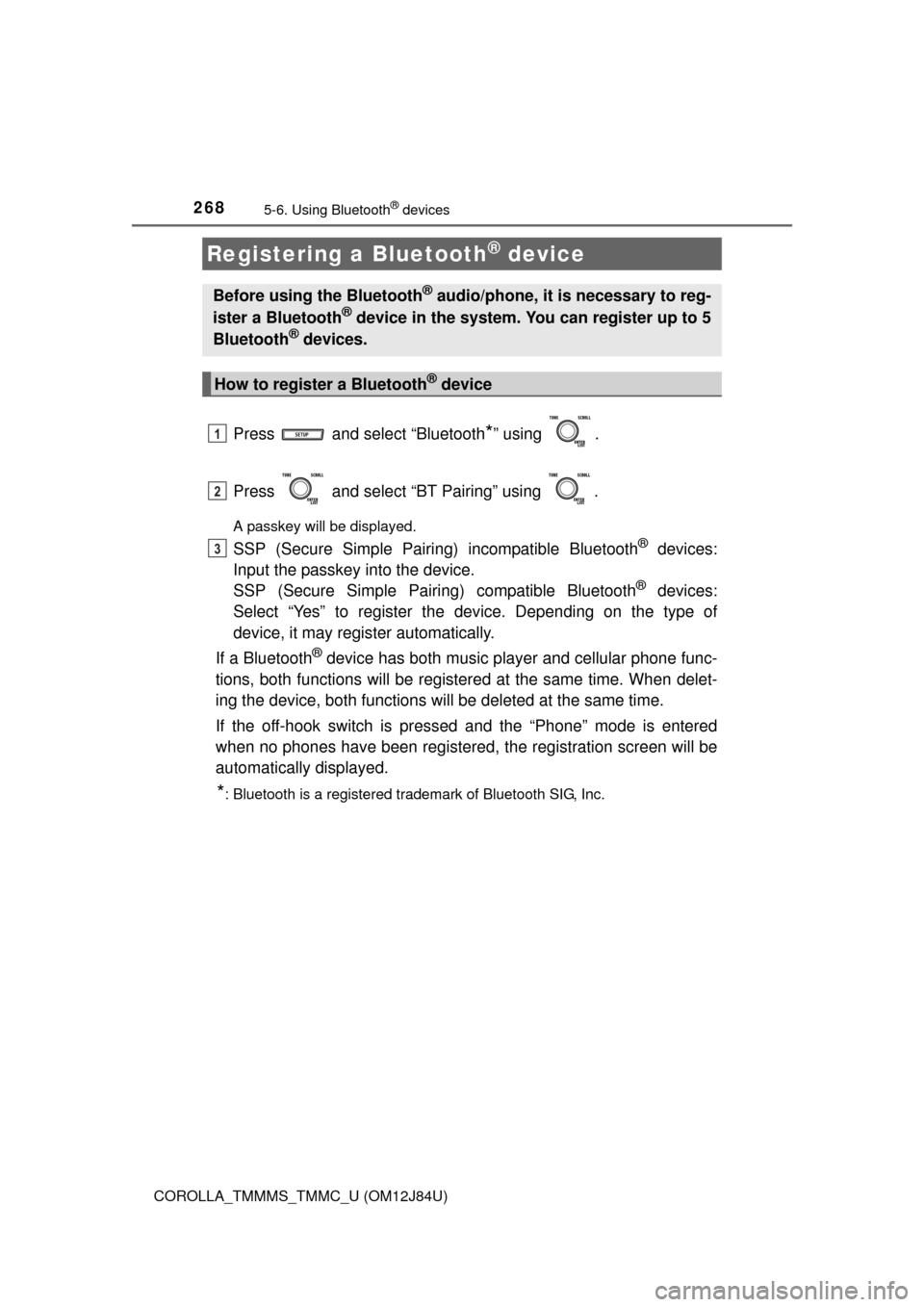
Press and select “Bluetooth*” using .
Press and select “BT Pairing” using .
A passkey will be displayed.
SSP (Secure Simple Pairing) incompatible Bluetooth® devices:
Input the passkey into the device.
SSP (Secure Simple Pairin g) compatible Bluetooth
® devices:
Select “Yes” to register the device. Depending on the type of
device, it may register automatically.
If a Bluetooth
® device has both music player and cellular phone func-
tions, both functions will be register ed at the same time. When delet-
ing the device, both functions will be deleted at the same time.
If the off-hook switch is pressed and the “Phone” mode is entered
when no phones have been registered, the registration screen will be
automatically displayed.
*: Bluetooth is a registered trademark of Bluetooth SIG, Inc.
Registering a Bluetooth® device
Before using the Bluetooth® audio/phone, it is necessary to reg-
ister a Bluetooth® device in the system. You can register up to 5
Bluetooth® devices.
How to register a Bluetooth® device
1
2
3
Page 269 of 620
269
5
Audio system
COROLLA_TMMMS_TMMC_U (OM12J84U)
5-7. “SET UP” menu
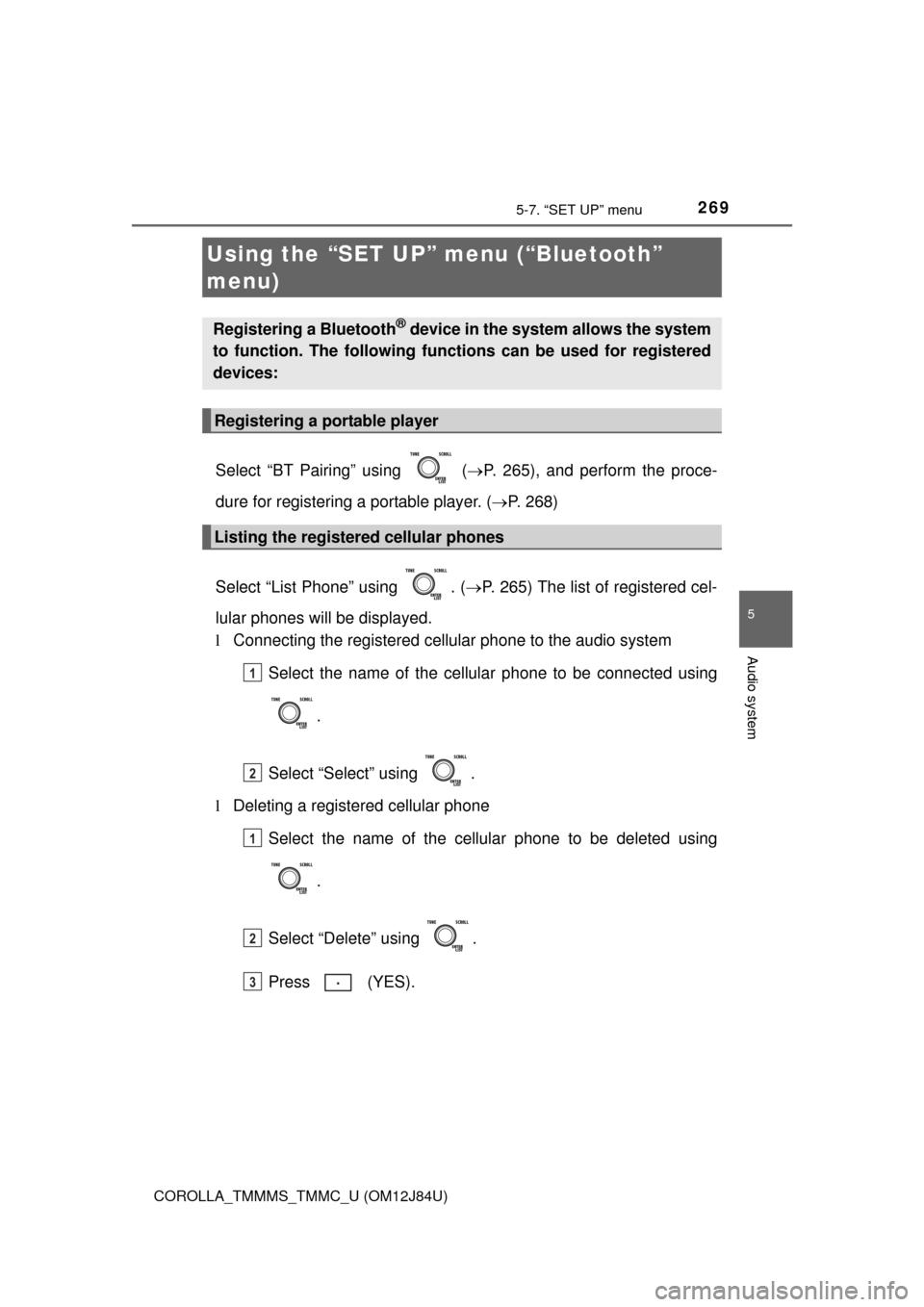
Select “BT Pairing” using ( P. 265), and perform the proce-
dure for registering a portable player. ( P. 268)
Select “List Phone” using . ( P. 265) The list of registered cel-
lular phones will be displayed.
l Connecting the registered cellular phone to the audio system
Select the name of the cellular phone to be connected using
.
Select “Select” using .
l Deleting a registered cellular phone
Select the name of the cellular phone to be deleted using
.
Select “Delete” using .
Press (YES).
Using the “SET UP” menu (“Bluetooth”
menu)
Registering a Bluetooth® device in the system allows the system
to function. The following functi ons can be used for registered
devices:
Registering a portable player
Listing the registered cellular phones
1
2
1
2
3
Page 274 of 620
2745-7. “SET UP” menu
COROLLA_TMMMS_TMMC_U (OM12J84U)
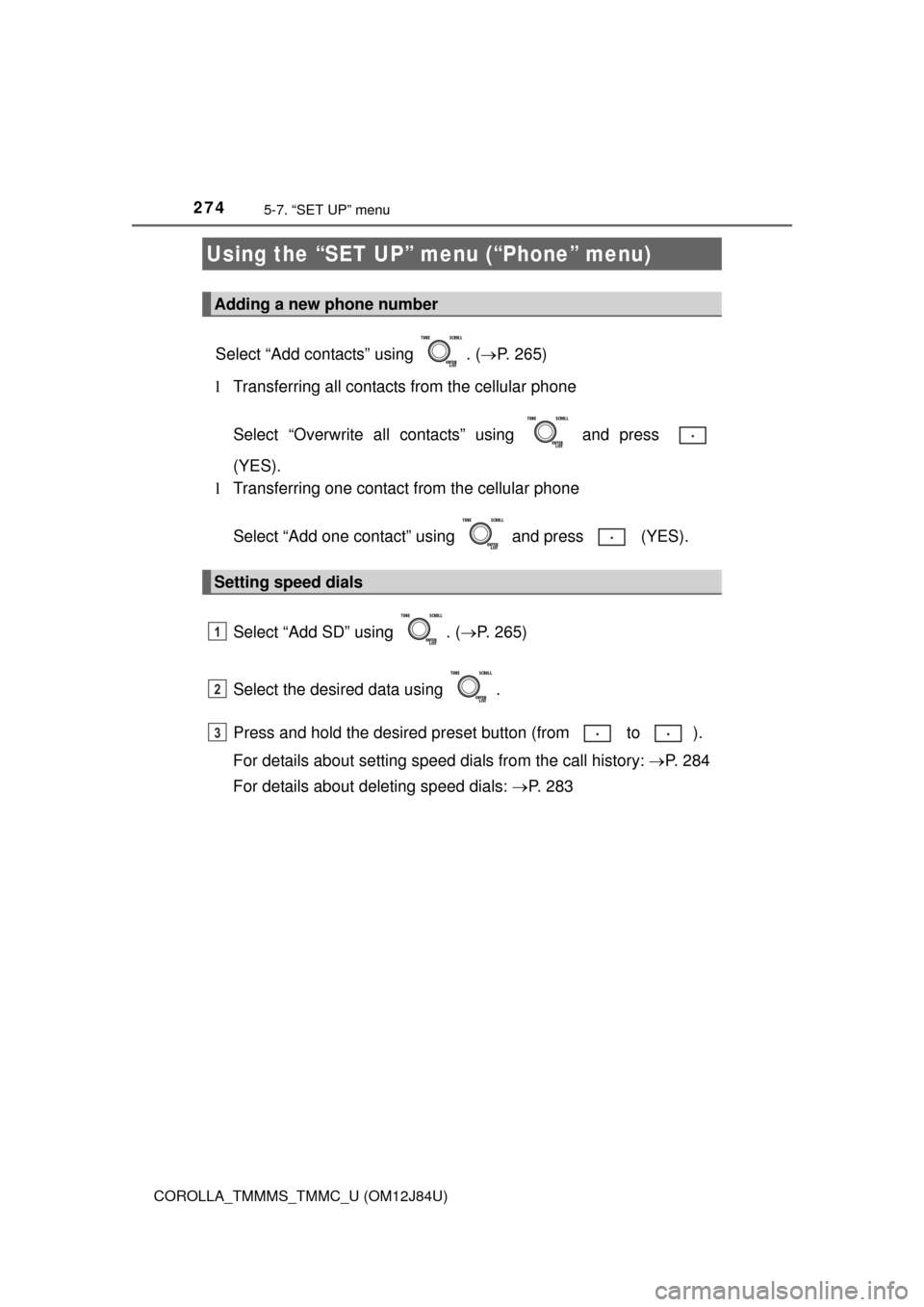
Select “Add contacts” using . (P. 265)
l Transferring all contacts from the cellular phone
Select “Overwrite all contacts” using and press
(YES).
l Transferring one contact from the cellular phone
Select “Add one contact” using and press (YES).
Select “Add SD” using . ( P. 265)
Select the desired data using .
Press and hold the desired pr eset button (from to ).
For details about setting speed dials from the call history: P. 284
For details about deleting speed dials: P. 2 8 3
Using the “SET UP” menu (“Phone” menu)
Adding a new phone number
Setting speed dials
1
2
3
Page 275 of 620
2755-7. “SET UP” menu
5
Audio system
COROLLA_TMMMS_TMMC_U (OM12J84U)
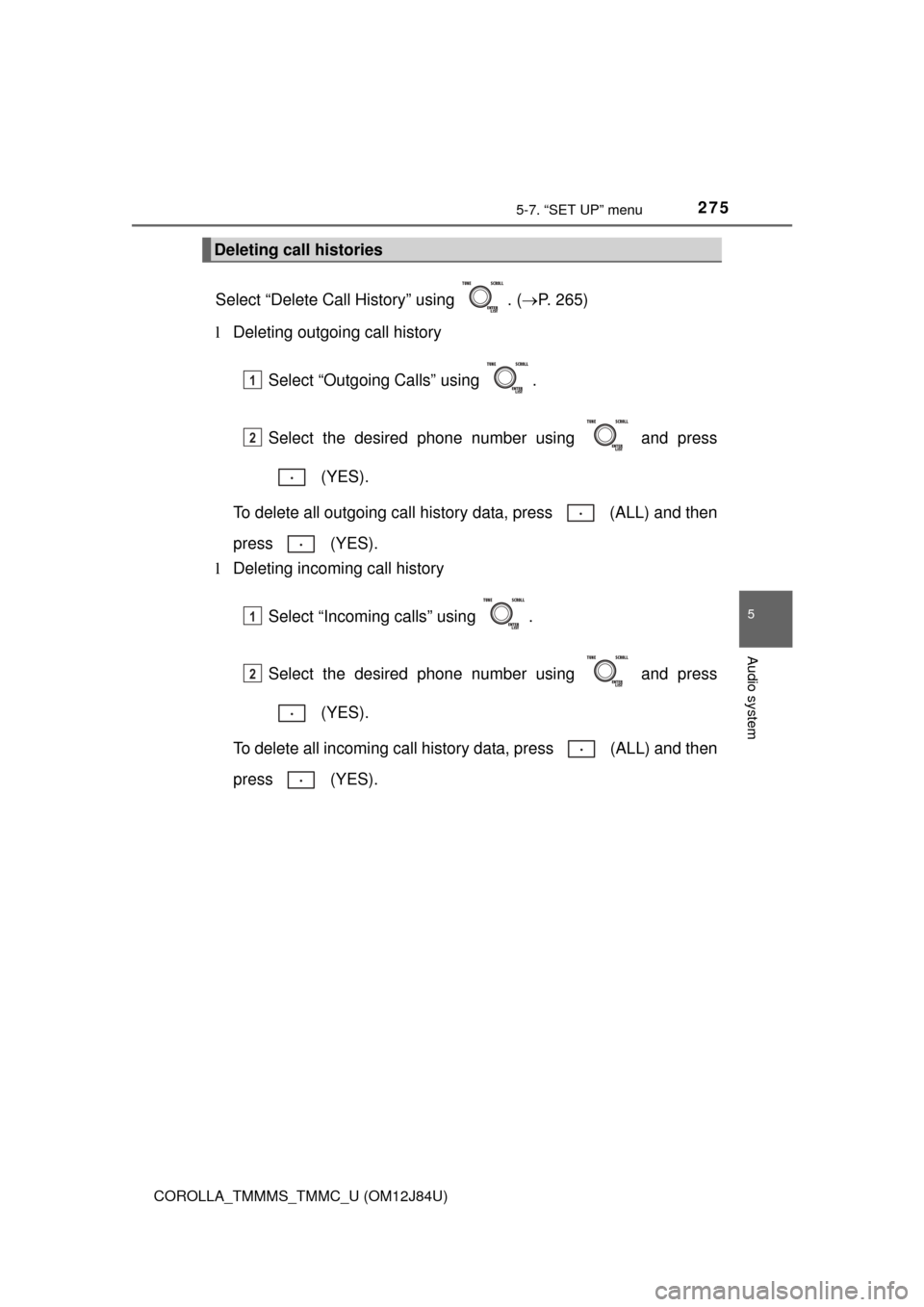
Select “Delete Call History” using . (P. 265)
l Deleting outgoing call history
Select “Outgoing Calls” using .
Select the desired phone number using and press (YES).
To delete all outgoing call history data, press (ALL) and then
press (YES).
l Deleting incoming call history
Select “Incoming calls” using .
Select the desired phone number using and press (YES).
To delete all incoming call history data, press (ALL) and then
press (YES).
Deleting call histories
1
2
1
2
Page 276 of 620
2765-7. “SET UP” menu
COROLLA_TMMMS_TMMC_U (OM12J84U)
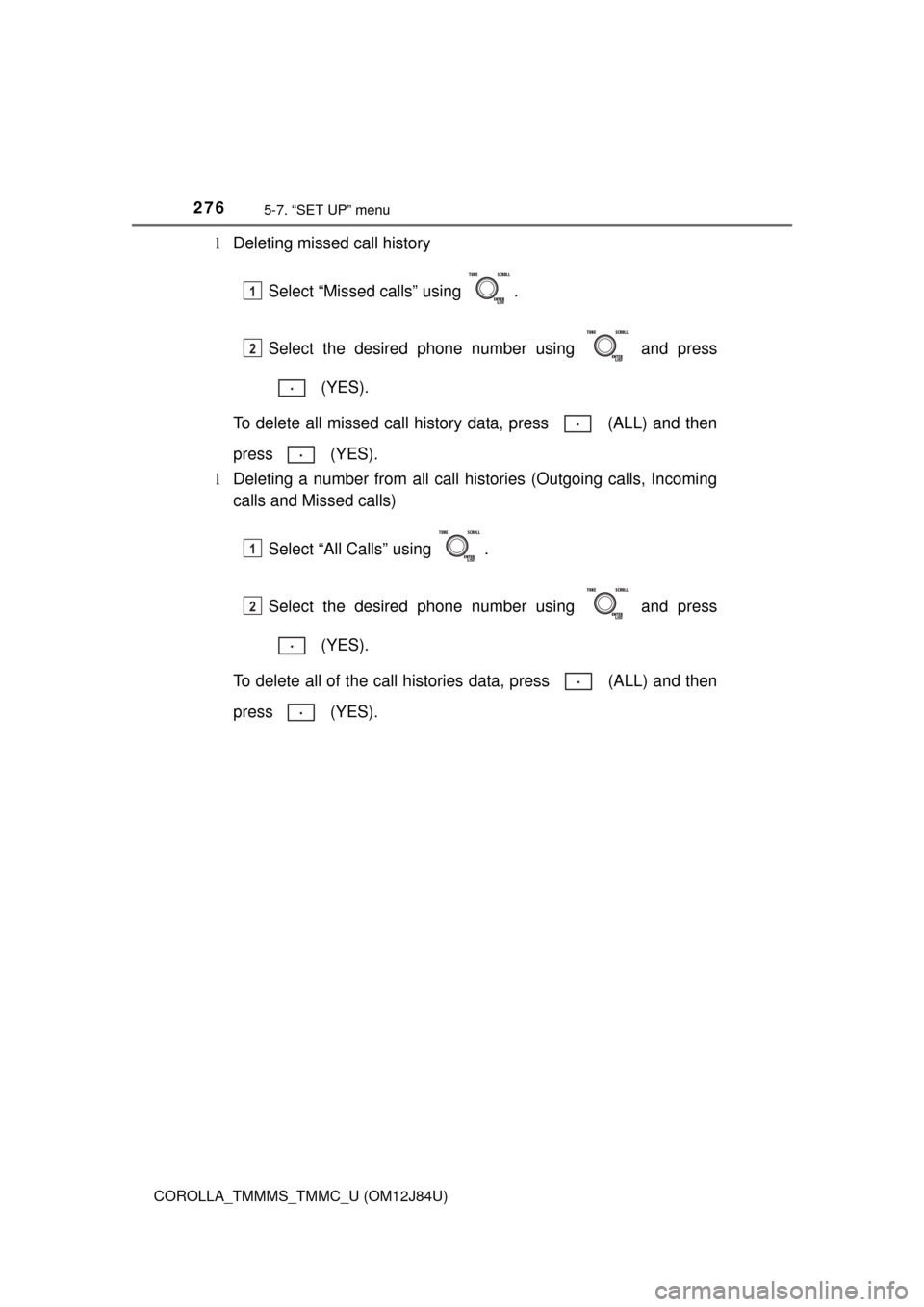
lDeleting missed call history
Select “Missed calls” using .
Select the desired phone number using and press (YES).
To delete all missed call history data, press (ALL) and then
press (YES).
l Deleting a number from all call histories (Outgoing calls, Incoming
calls and Missed calls)
Select “All Calls” using .
Select the desired phone number using and press (YES).
To delete all of the call histories data, press (ALL) and then
press (YES).
1
2
1
2
Page 277 of 620
2775-7. “SET UP” menu
5
Audio system
COROLLA_TMMMS_TMMC_U (OM12J84U)
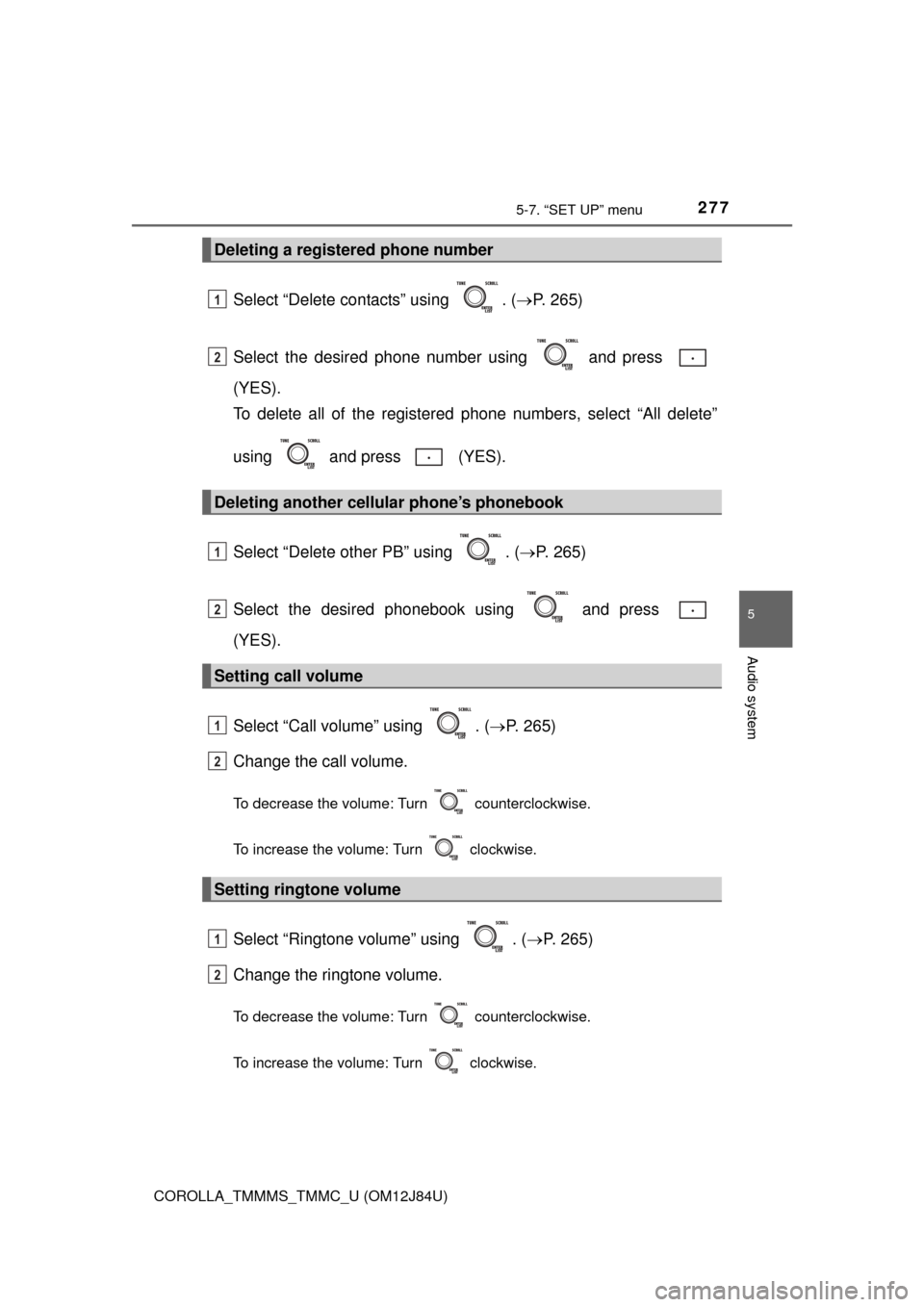
Select “Delete contacts” using . (P. 265)
Select the desired phone number using and press
(YES).
To delete all of the registered phone numbers, select “All delete”
using and press (YES).
Select “Delete other PB” using . ( P. 265)
Select the desired phonebook using and press
(YES).
Select “Call volume” using . ( P. 265)
Change the call volume.
To decrease the volume: Turn counterclockwise.
To increase the volume: Turn clockwise.
Select “Ringtone volume” using . ( P. 265)
Change the ringtone volume.
To decrease the volume: Turn counterclockwise.
To increase the volume: Turn clockwise.
Deleting a registered phone number
Deleting another cellular phone’s phonebook
Setting call volume
Setting ringtone volume
1
2
1
2
1
2
1
2
Page 278 of 620
2785-7. “SET UP” menu
COROLLA_TMMMS_TMMC_U (OM12J84U)
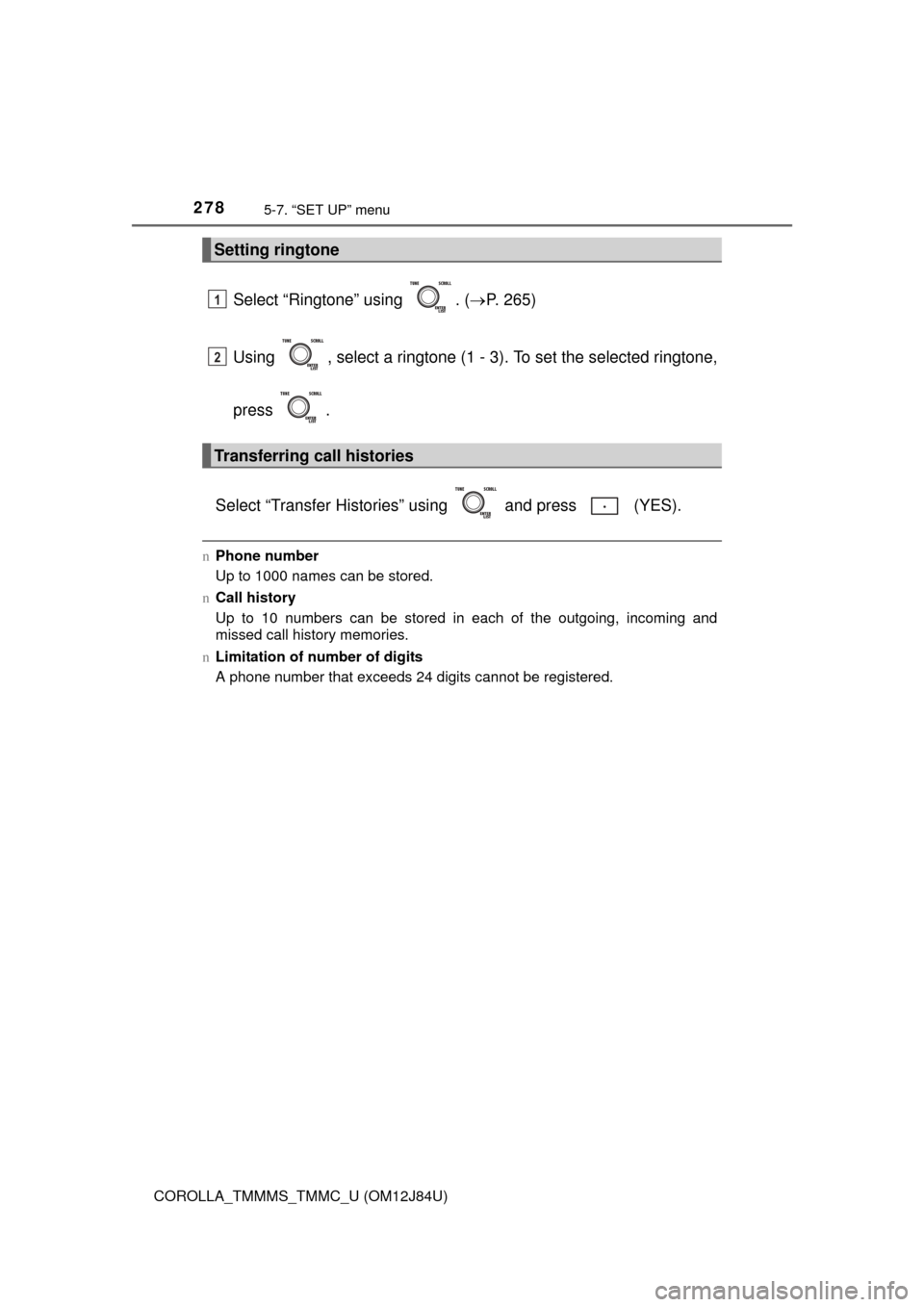
Select “Ringtone” using . (P. 265)
Using , select a ringtone (1 - 3). To set the selected ringtone,
press .
Select “Transfer Histories” using and press (YES).
n Phone number
Up to 1000 names can be stored.
n Call history
Up to 10 numbers can be stored in each of the outgoing, incoming and
missed call history memories.
n Limitation of number of digits
A phone number that exceeds 24 digits cannot be registered.
Setting ringtone
Transferring call histories
1
2
Page 282 of 620
282
COROLLA_TMMMS_TMMC_U (OM12J84U)
5-9. Bluetooth® Phone
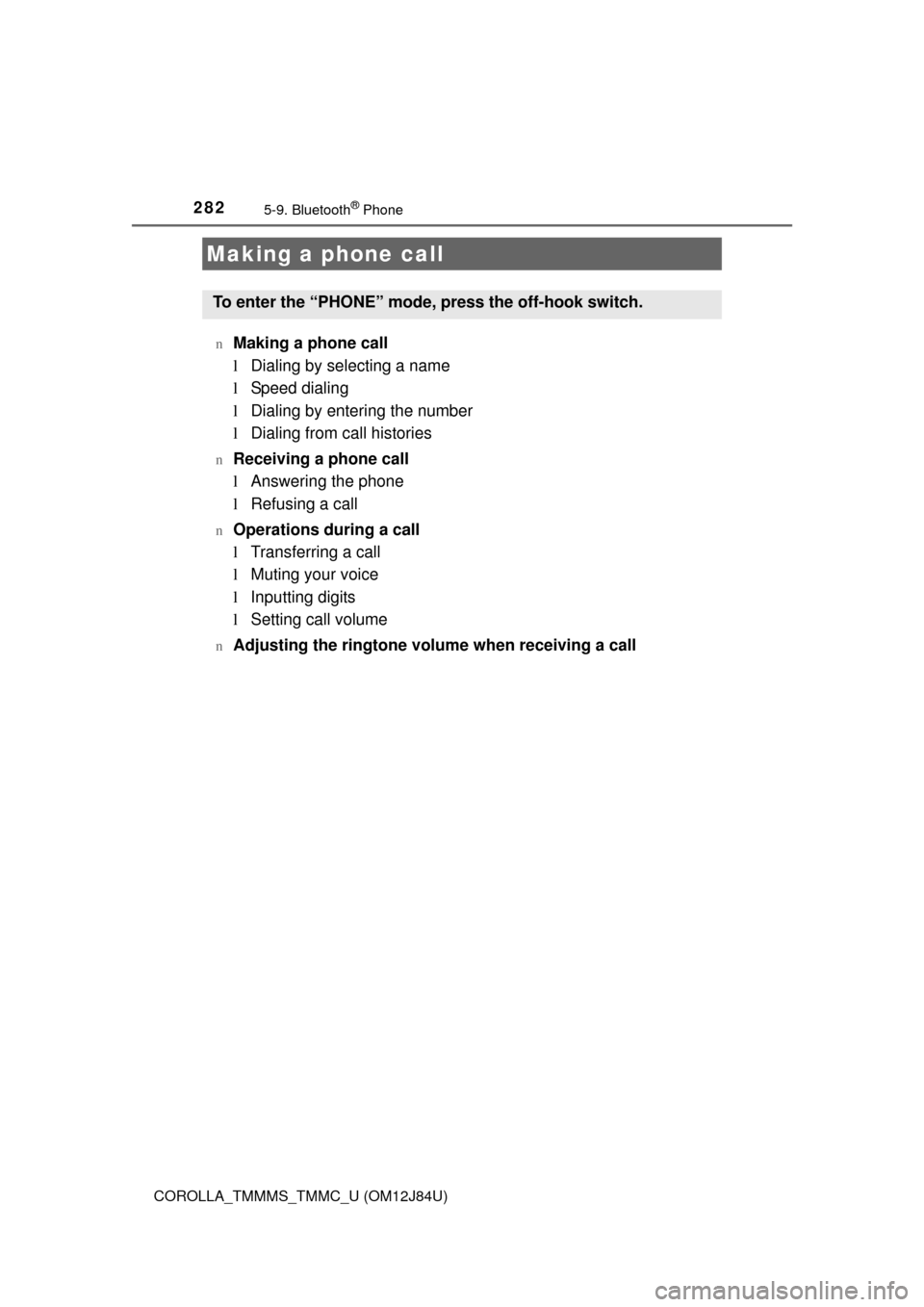
nMaking a phone call
lDialing by selecting a name
l Speed dialing
l Dialing by entering the number
l Dialing from call histories
nReceiving a phone call
lAnswering the phone
l Refusing a call
nOperations during a call
lTransferring a call
l Muting your voice
l Inputting digits
l Setting call volume
nAdjusting the ringtone volume when receiving a call
Making a phone call
To enter the “PHONE” mode, press the off-hook switch.
Page 283 of 620
2835-9. Bluetooth® Phone
5
Audio system
COROLLA_TMMMS_TMMC_U (OM12J84U)
Select “Phonebook” using .
Select the desired name using and press the off-hook
switch.
By pressing (Add S. Dial) and then one of the speed dial but-
tons (from to ) while the desired name is selected, it can
be registered as a speed dial.
Select “Speed dials” using .
Press the desired preset butto n (from to ) and press
the off-hook switch.
Select “Dial by number” using .
Enter the phone number and press the off-hook switch.
Dialing by selecting a name
Speed dialing
Dialing by entering the number
1
2
1
2
1
2
Page 284 of 620
2845-9. Bluetooth® Phone
COROLLA_TMMMS_TMMC_U (OM12J84U)
Select “All calls”, “Missed calls”, “Incoming calls” or “Outgoing calls”
using .
Select the desired number using and press the off-hook
switch.
The following operations can be performed:
l Registering a number as a speed dial
Press (Add S. Dial) and then press and hold the desired pre-
set button (from to ).
l Deleting the selected number
Press (DELETE) and press (YES).
Dialing from call histories
1
2