Audio TOYOTA COROLLA 2016 11.G Workshop Manual
[x] Cancel search | Manufacturer: TOYOTA, Model Year: 2016, Model line: COROLLA, Model: TOYOTA COROLLA 2016 11.GPages: 620, PDF Size: 9.12 MB
Page 266 of 620
2665-6. Using Bluetooth® devices
COROLLA_TMMMS_TMMC_U (OM12J84U)
*: Bluetooth is a registered trademark of Bluetooth SIG, Inc.
nBluetooth® audio/phone system functions
Depending on the Bluetooth® device, certain functions may not be available.
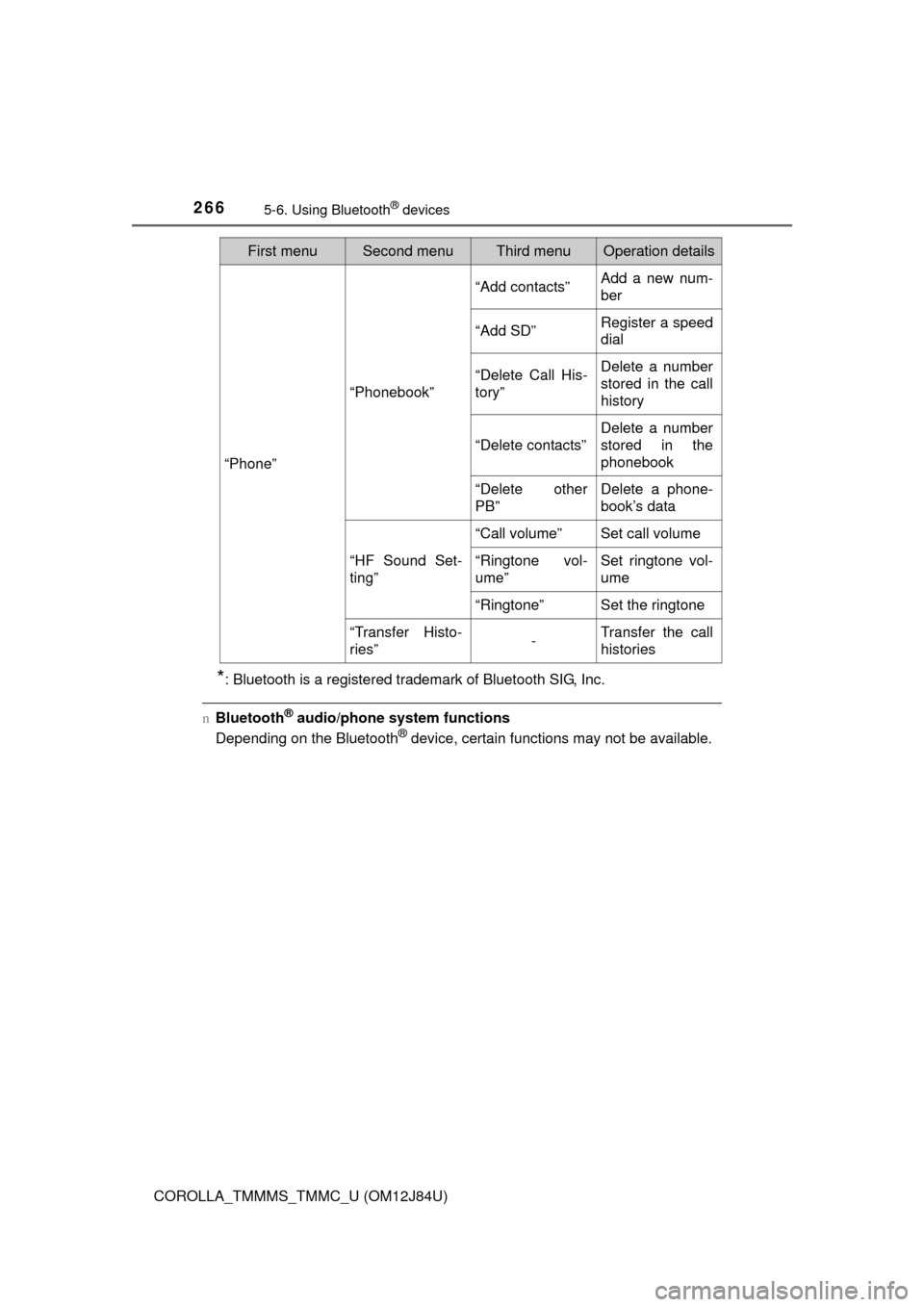
“Phone”
“Phonebook”
“Add contacts”Add a new num-
ber
“Add SD”Register a speed
dial
“Delete Call His-
tory”Delete a number
stored in the call
history
“Delete contacts”
Delete a number
stored in the
phonebook
“Delete other
PB”Delete a phone-
book’s data
“HF Sound Set-
ting”
“Call volume”Set call volume
“Ringtone vol-
ume”Set ringtone vol-
ume
“Ringtone”Set the ringtone
“Transfer Histo-
ries”-Transfer the call
histories
First menuSecond menuThird menuOperation details
Page 267 of 620
2675-6. Using Bluetooth® devices
5
Audio system
COROLLA_TMMMS_TMMC_U (OM12J84U)
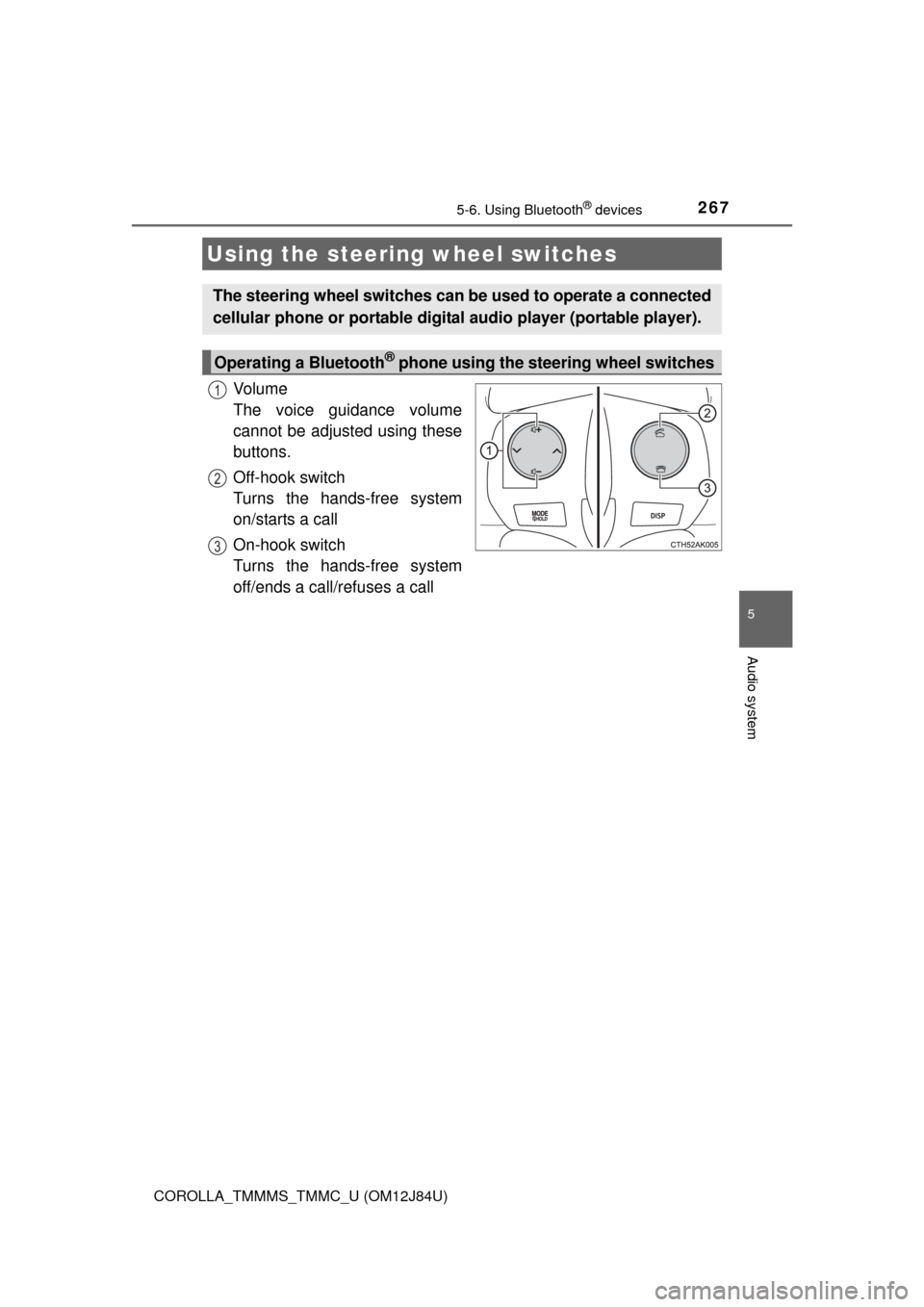
Vo l u m e
The voice guidance volume
cannot be adjusted using these
buttons.
Off-hook switch
Turns the hands-free system
on/starts a call
On-hook switch
Turns the hands-free system
off/ends a call/refuses a call
Using the steering wheel switches
The steering wheel switches can be used to operate a connected
cellular phone or portable digita l audio player (portable player).
Operating a Bluetooth® phone using the steering wheel switches
1
2
3
Page 268 of 620
2685-6. Using Bluetooth® devices
COROLLA_TMMMS_TMMC_U (OM12J84U)
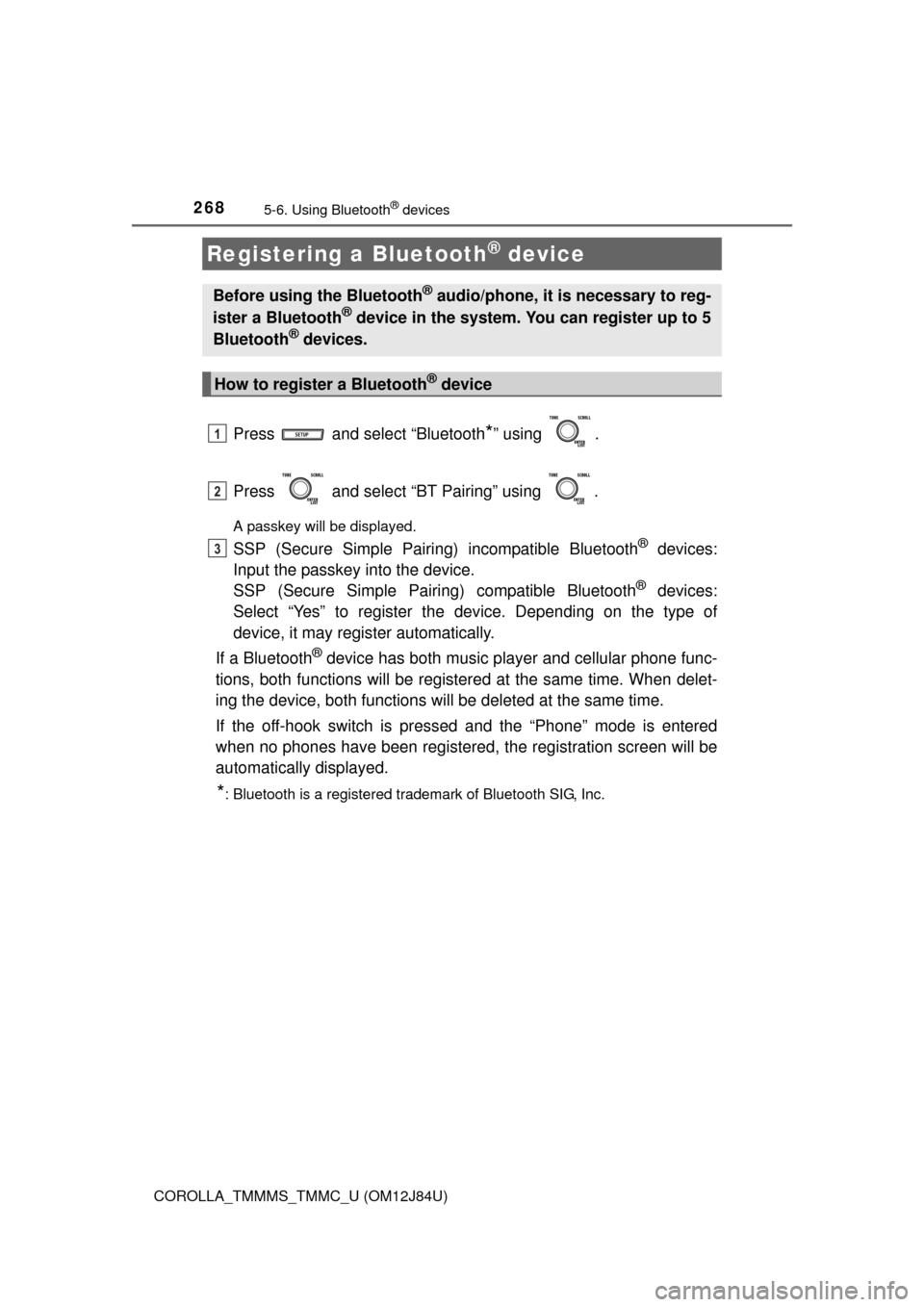
Press and select “Bluetooth*” using .
Press and select “BT Pairing” using .
A passkey will be displayed.
SSP (Secure Simple Pairing) incompatible Bluetooth® devices:
Input the passkey into the device.
SSP (Secure Simple Pairin g) compatible Bluetooth
® devices:
Select “Yes” to register the device. Depending on the type of
device, it may register automatically.
If a Bluetooth
® device has both music player and cellular phone func-
tions, both functions will be register ed at the same time. When delet-
ing the device, both functions will be deleted at the same time.
If the off-hook switch is pressed and the “Phone” mode is entered
when no phones have been registered, the registration screen will be
automatically displayed.
*: Bluetooth is a registered trademark of Bluetooth SIG, Inc.
Registering a Bluetooth® device
Before using the Bluetooth® audio/phone, it is necessary to reg-
ister a Bluetooth® device in the system. You can register up to 5
Bluetooth® devices.
How to register a Bluetooth® device
1
2
3
Page 269 of 620
269
5
Audio system
COROLLA_TMMMS_TMMC_U (OM12J84U)
5-7. “SET UP” menu
Select “BT Pairing” using ( P. 265), and perform the proce-
dure for registering a portable player. ( P. 268)
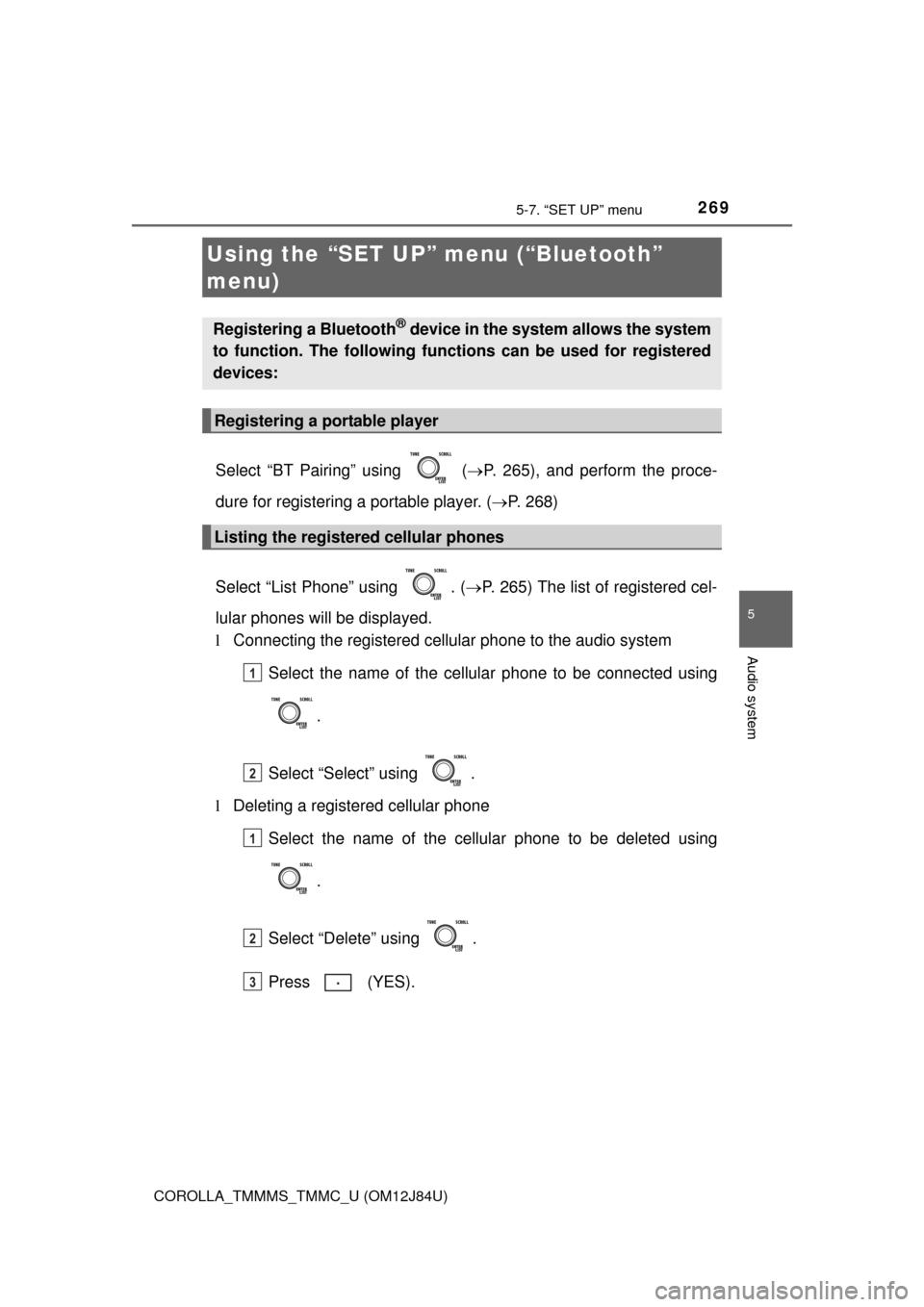
Select “List Phone” using . ( P. 265) The list of registered cel-
lular phones will be displayed.
l Connecting the registered cellular phone to the audio system
Select the name of the cellular phone to be connected using
.
Select “Select” using .
l Deleting a registered cellular phone
Select the name of the cellular phone to be deleted using
.
Select “Delete” using .
Press (YES).
Using the “SET UP” menu (“Bluetooth”
menu)
Registering a Bluetooth® device in the system allows the system
to function. The following functi ons can be used for registered
devices:
Registering a portable player
Listing the registered cellular phones
1
2
1
2
3
Page 270 of 620
2705-7. “SET UP” menu
COROLLA_TMMMS_TMMC_U (OM12J84U)
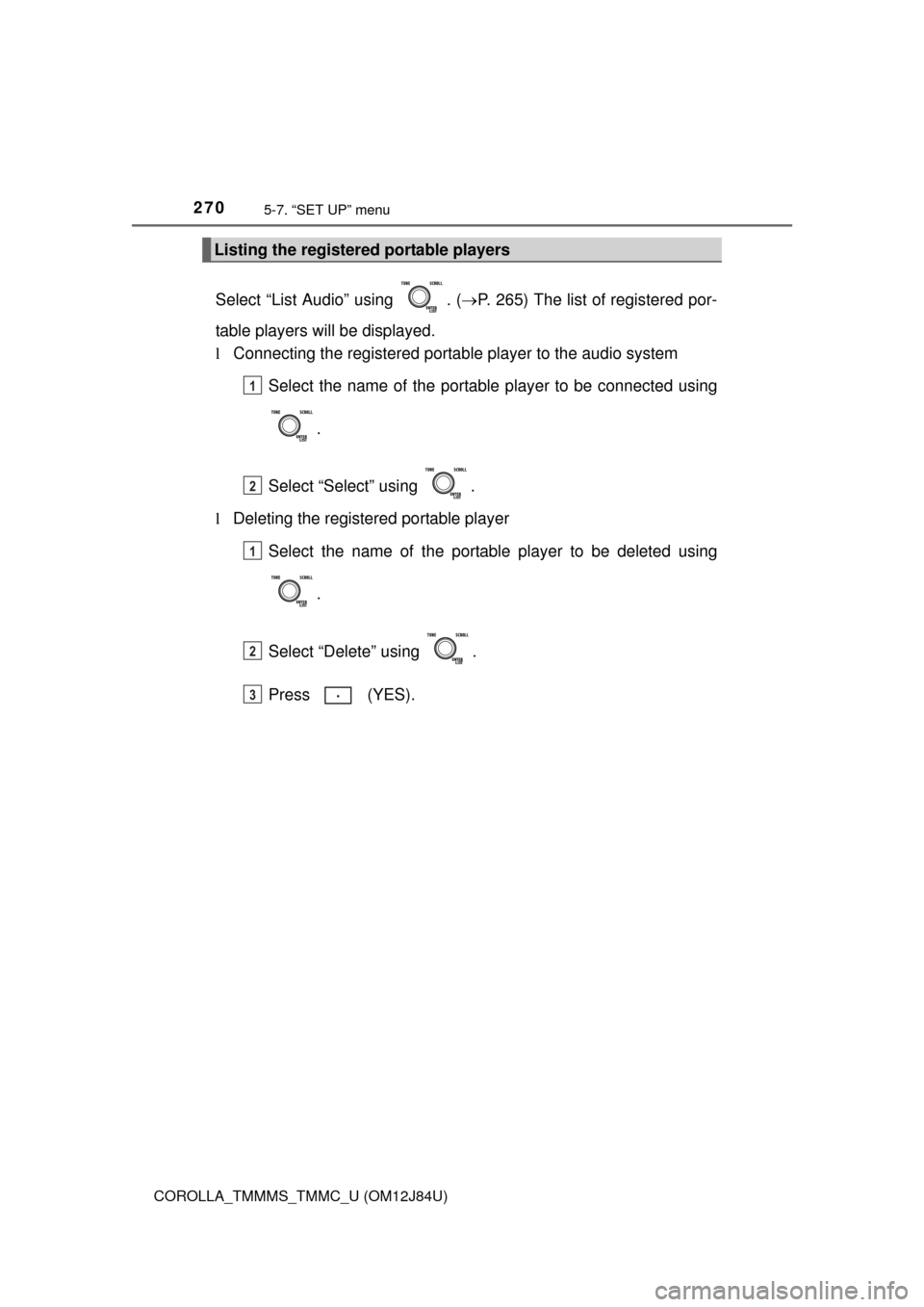
Select “List Audio” using . (P. 265) The list of registered por-
table players will be displayed.
l Connecting the registered portab le player to the audio system
Select the name of the portable player to be connected using
.
Select “Select” using .
l Deleting the registered portable player
Select the name of the portable player to be deleted using
.
Select “Delete” using .
Press (YES).
Listing the registered portable players
1
2
1
2
3
Page 271 of 620
2715-7. “SET UP” menu
5
Audio system
COROLLA_TMMMS_TMMC_U (OM12J84U)
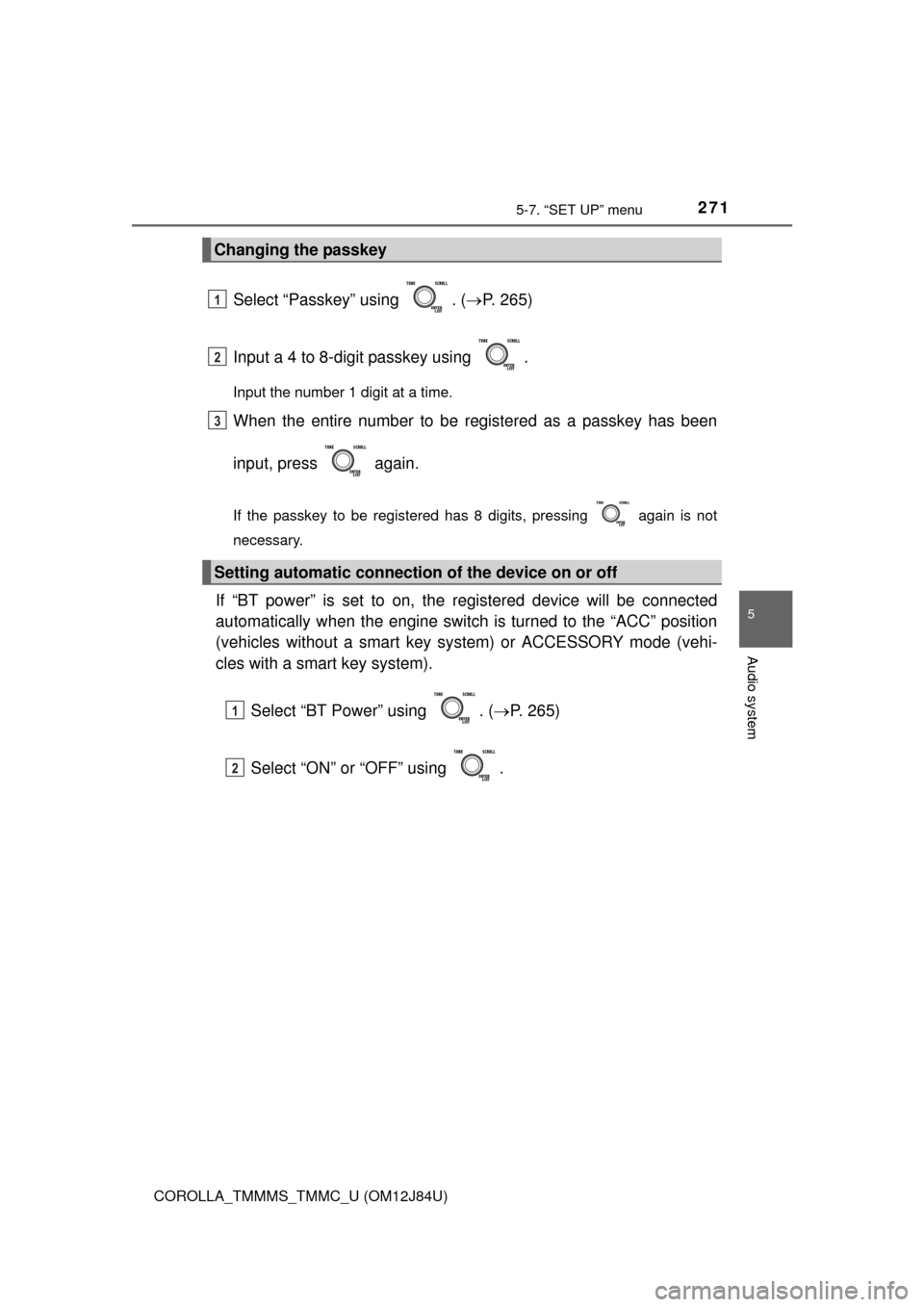
Select “Passkey” using . (P. 265)
Input a 4 to 8-digit passkey using .
Input the number 1 digit at a time.
When the entire number to be registered as a passkey has been
input, press again.
If the passkey to be registered has 8 digits, pressing again is not
necessary.
If “BT power” is set to on, the registered device will be connected
automatically when the engine switch is turned to the “ACC” position
(vehicles without a smart key sy stem) or ACCESSORY mode (vehi-
cles with a smart key system).
Select “BT Power” using . ( P. 265)
Select “ON” or “OFF” using .
Changing the passkey
Setting automatic connection of the device on or off
1
2
3
1
2
Page 273 of 620
2735-7. “SET UP” menu
5
Audio system
COROLLA_TMMMS_TMMC_U (OM12J84U)
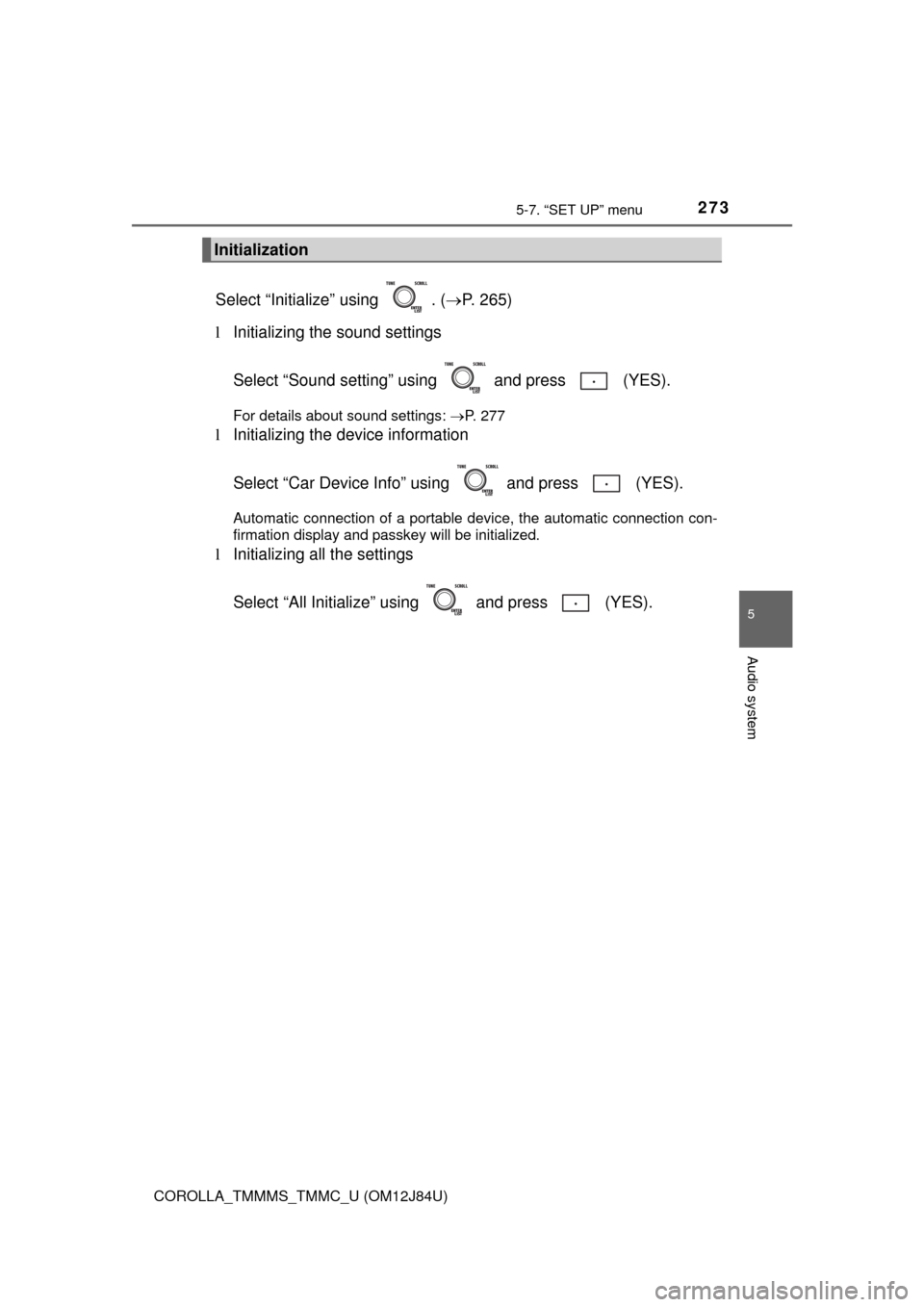
Select “Initialize” using . (P. 265)
l Initializing the sound settings
Select “Sound setting” using and press (YES).
For details about sound settings: P. 277
lInitializing the device information
Select “Car Device Info” using and press (YES).
Automatic connection of a portable device, the automatic connection con-
firmation display and passkey will be initialized.
lInitializing all the settings
Select “All Initialize” us ing and press (YES).
Initialization
Page 275 of 620
2755-7. “SET UP” menu
5
Audio system
COROLLA_TMMMS_TMMC_U (OM12J84U)
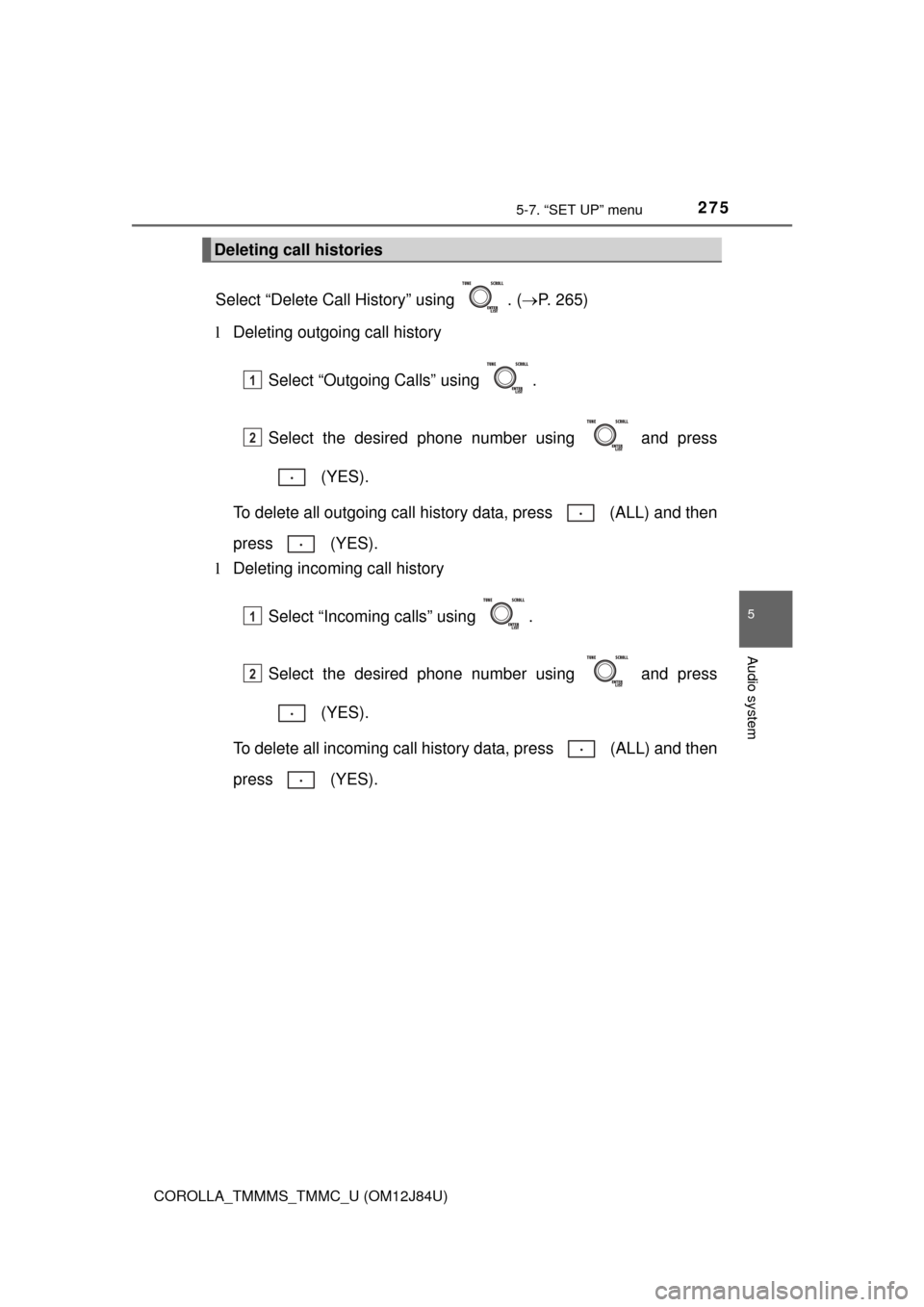
Select “Delete Call History” using . (P. 265)
l Deleting outgoing call history
Select “Outgoing Calls” using .
Select the desired phone number using and press (YES).
To delete all outgoing call history data, press (ALL) and then
press (YES).
l Deleting incoming call history
Select “Incoming calls” using .
Select the desired phone number using and press (YES).
To delete all incoming call history data, press (ALL) and then
press (YES).
Deleting call histories
1
2
1
2
Page 277 of 620
2775-7. “SET UP” menu
5
Audio system
COROLLA_TMMMS_TMMC_U (OM12J84U)
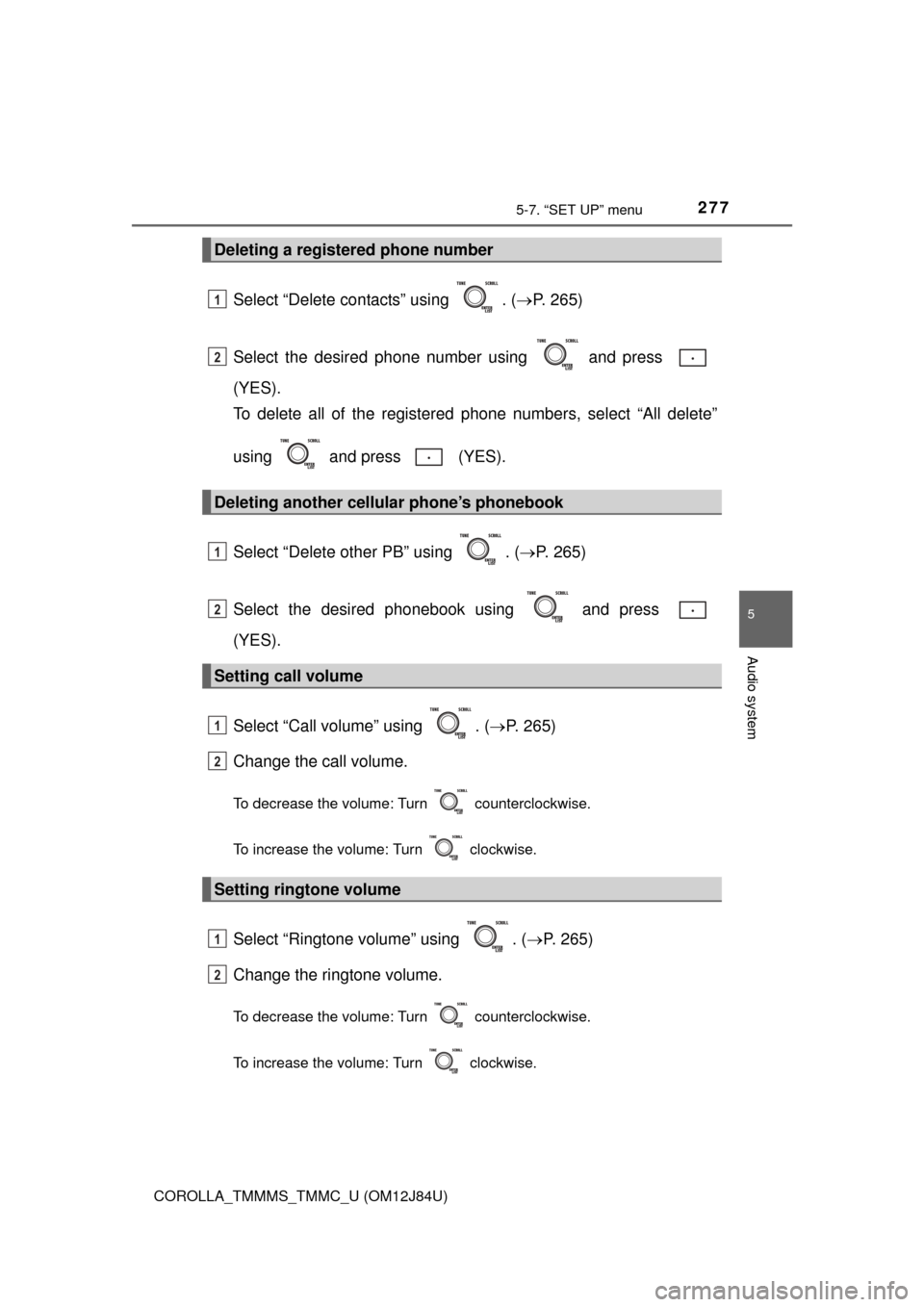
Select “Delete contacts” using . (P. 265)
Select the desired phone number using and press
(YES).
To delete all of the registered phone numbers, select “All delete”
using and press (YES).
Select “Delete other PB” using . ( P. 265)
Select the desired phonebook using and press
(YES).
Select “Call volume” using . ( P. 265)
Change the call volume.
To decrease the volume: Turn counterclockwise.
To increase the volume: Turn clockwise.
Select “Ringtone volume” using . ( P. 265)
Change the ringtone volume.
To decrease the volume: Turn counterclockwise.
To increase the volume: Turn clockwise.
Deleting a registered phone number
Deleting another cellular phone’s phonebook
Setting call volume
Setting ringtone volume
1
2
1
2
1
2
1
2
Page 279 of 620
279
5
Audio system
COROLLA_TMMMS_TMMC_U (OM12J84U)
5-8. Bluetooth® Audio
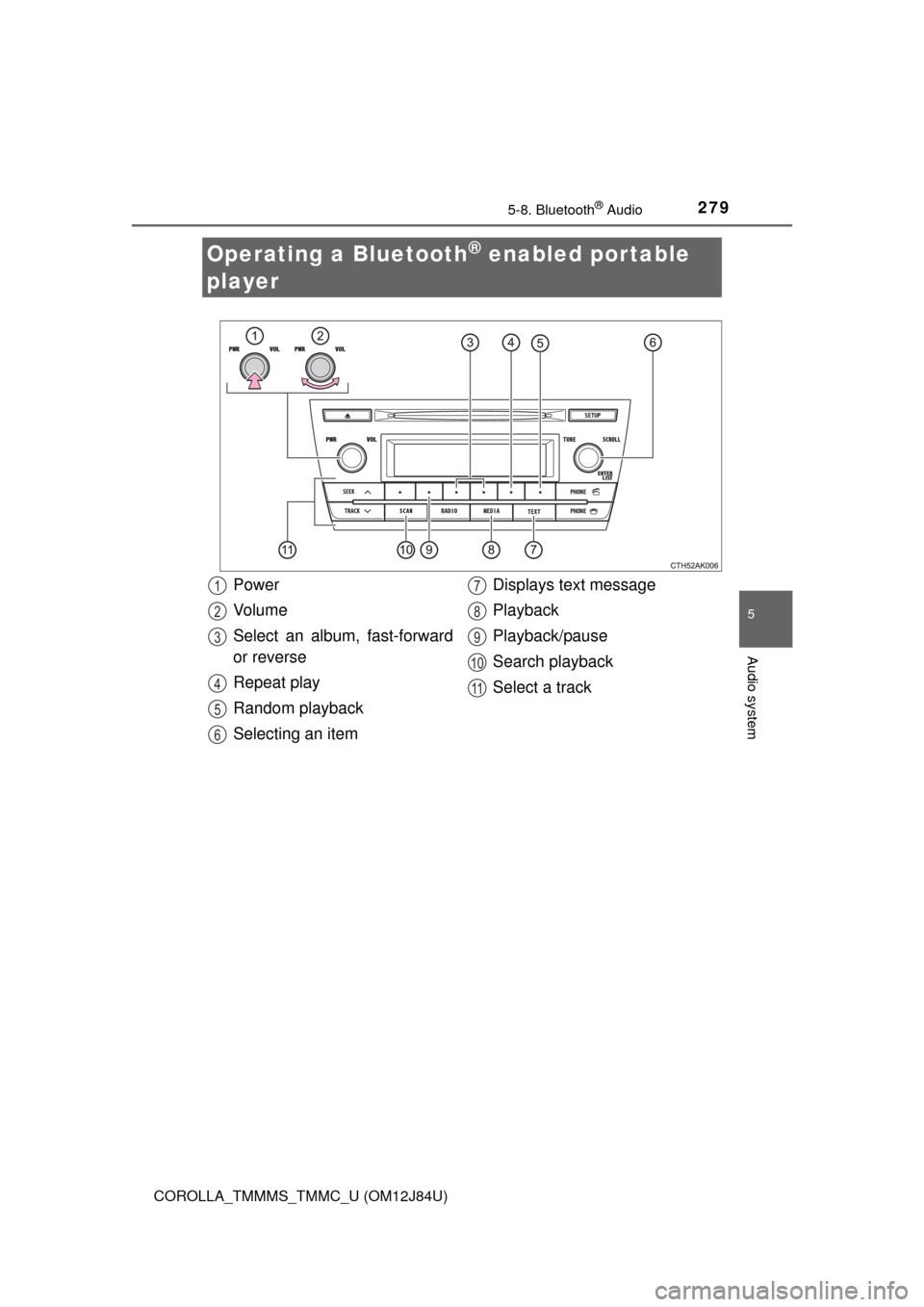
Operating a Bluetooth® enabled portable
player
Power
Vo l u m e
Select an album, fast-forward
or reverse
Repeat play
Random playback
Selecting an item Displays text message
Playback
Playback/pause
Search playback
Select a track1
2
3
4
5
6
7
8
9
10
11