Motor TOYOTA COROLLA CROSS 2022 User Guide
[x] Cancel search | Manufacturer: TOYOTA, Model Year: 2022, Model line: COROLLA CROSS, Model: TOYOTA COROLLA CROSS 2022Pages: 612, PDF Size: 17.18 MB
Page 254 of 612
2544-5. Using the driving support systems
determines that it is normal, the sys-
tem will return to normal.
■Sensor detection information
●The sensors may be able to only
detect objects near the front and
rear bumpers.
●The following situations may occur
during use.
• Depending on the shape of the object and other factors, the
detection distance may shorten, or
detection may be impossible.
• Detection may be impossible if static objects draw too close to the
sensor.
• After the static object detection, there will be a short delay before a
graphic is shown on displays, and
warning buzzer sounds. Even at
low speeds, there is a possibility
that the object will come within the
sensor’s detection areas before
the display is shown and the warn-
ing beep sounds.
• It might be difficult to hear the buzzer due to the volume of the
audio system or air flow noise of
the air conditioning system.
• It may be difficult to hear the
buzzer if buzzers for other sys-
tems are sounding.
■Objects which the system may
not be properly detected
The shape of the object may pre-
vent the sensor from detecting it.
Pay particular attention to the follow-
ing objects:
●Wires, fences, ropes, etc.
●Cotton, snow and other materials
that absorb sound waves
●Sharply-angled objects
●Low objects
●Tall objects with upper sections
projecting outwards in the direc-
tion of your vehicle
●People may not be detected if
they are wearing certain types of
clothing.
■Situations in which the system
may not operate properly
Certain vehicle conditions and the
surrounding environment may affect
the ability of a sens or to correctly
detect objects. Pa rticular instances
where this may occur are listed
below.
●There is dirt, snow, water drops or
ice on a sensor. (Cleaning the
sensors will resolv e this problem.)
●A sensor is frozen. (Thawing the
area will resolve this problem.)
In especially cold weather, if a
sensor is frozen the sensor dis-
play may be displayed abnormally,
or objects, such as a wall, may not
be detected.
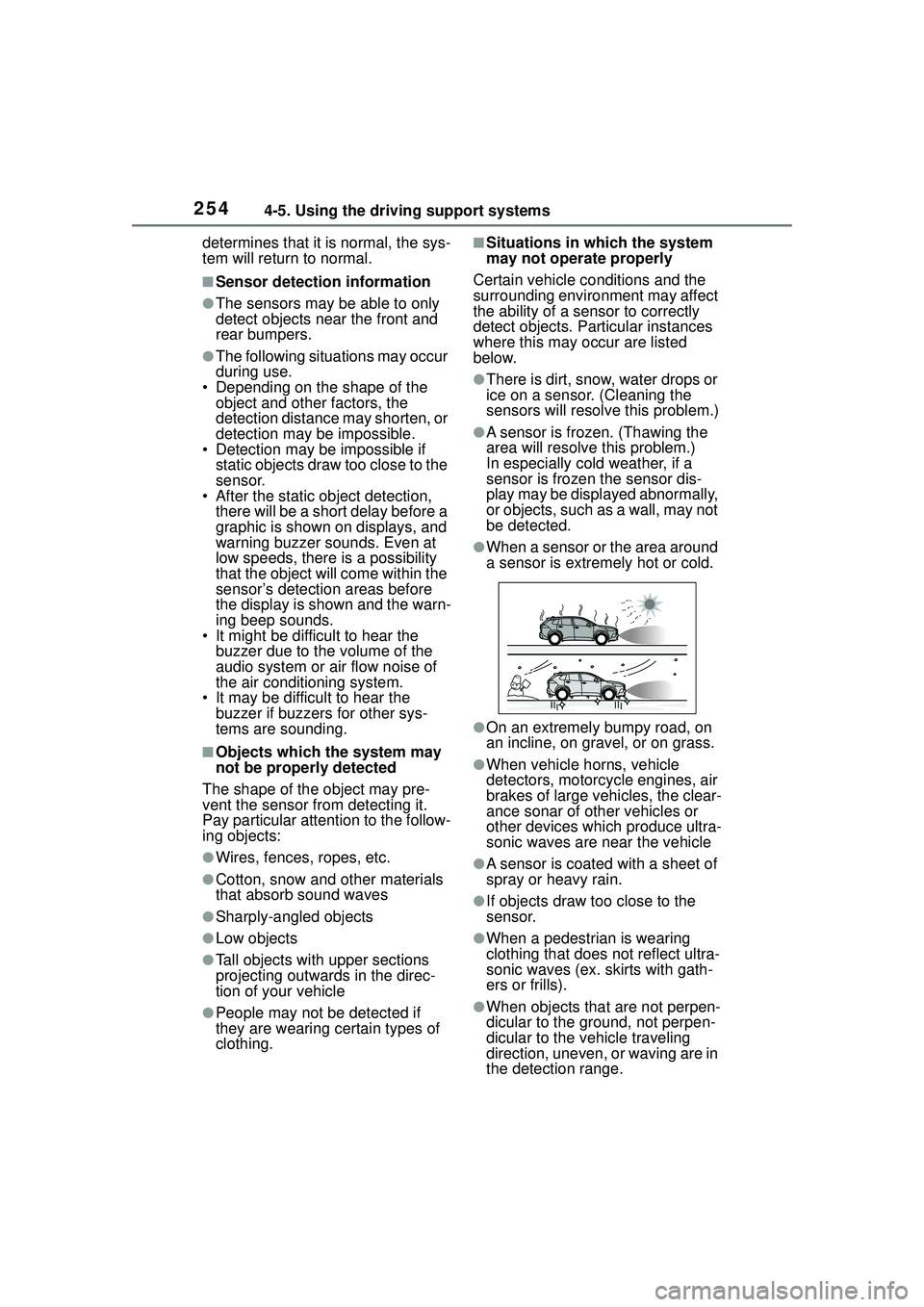
●When a sensor or the area around
a sensor is extremely hot or cold.
●On an extremely bumpy road, on
an incline, on gravel, or on grass.
●When vehicle horns, vehicle
detectors, motorcycle engines, air
brakes of large vehicles, the clear-
ance sonar of other vehicles or
other devices which produce ultra-
sonic waves are near the vehicle
●A sensor is coated with a sheet of
spray or heavy rain.
●If objects draw too close to the
sensor.
●When a pedestrian is wearing
clothing that does not reflect ultra-
sonic waves (ex. skirts with gath-
ers or frills).
●When objects that are not perpen-
dicular to the ground, not perpen-
dicular to the vehicle traveling
direction, uneven, or waving are in
the detection range.
Page 255 of 612
2554-5. Using the driving support systems
4
Driving
●Strong wind is blowing
●When driving in inclement weather
such as fog, snow or a sandstorm
●When an object that cannot be
detected is between the vehicle
and a detected object
●If an object such as a vehicle,
motorcycle, bicycle or pedestrian
cuts in front of th e vehicle or runs
out from the side of the vehicle
●If the orientation of a sensor has
been changed due to a collision or
other impact
●When equipment that may
obstruct a sensor is installed, such
as a towing eyelet, bumper pro-
tector (an additional trim strip,
etc.), bicycle carrier, or snow plow
●If the front of the vehicle is raised
or lowered due to the carried load
●If the vehicle cannot be driven in a
stable manner, such as when the
vehicle has been in an accident or
is malfunctioning
●When a tire chains, compact
spare tire or an emergency tire
puncture repair kit is used
■Situations in which the system
may operate even if there is no
possibility of a collision
In some situations, such as the fol-
lowing, the system may operate
even though there is no possibility of
a collision.
●When driving on a narrow road
●When driving toward a banner,
flag, low-hanging branch or boom
barrier (such as those used at rail-
road crossings, toll gates and
parking lots)
●When there is a ru t or hole in the
surface of the road
●When driving on a metal cover
(grating), such as those used for
drainage ditches
●When driving up or down a steep
slope
●If a sensor is hit by a large amount
of water, such as when driving on
a flooded road
●There is dirt, snow, water drops or
ice on a sensor. (Cleaning the
sensors will resolv e this problem.)
●A sensor is coated with a sheet of
spray or heavy rain
●When driving in inclement weather
such as fog, snow or a sandstorm
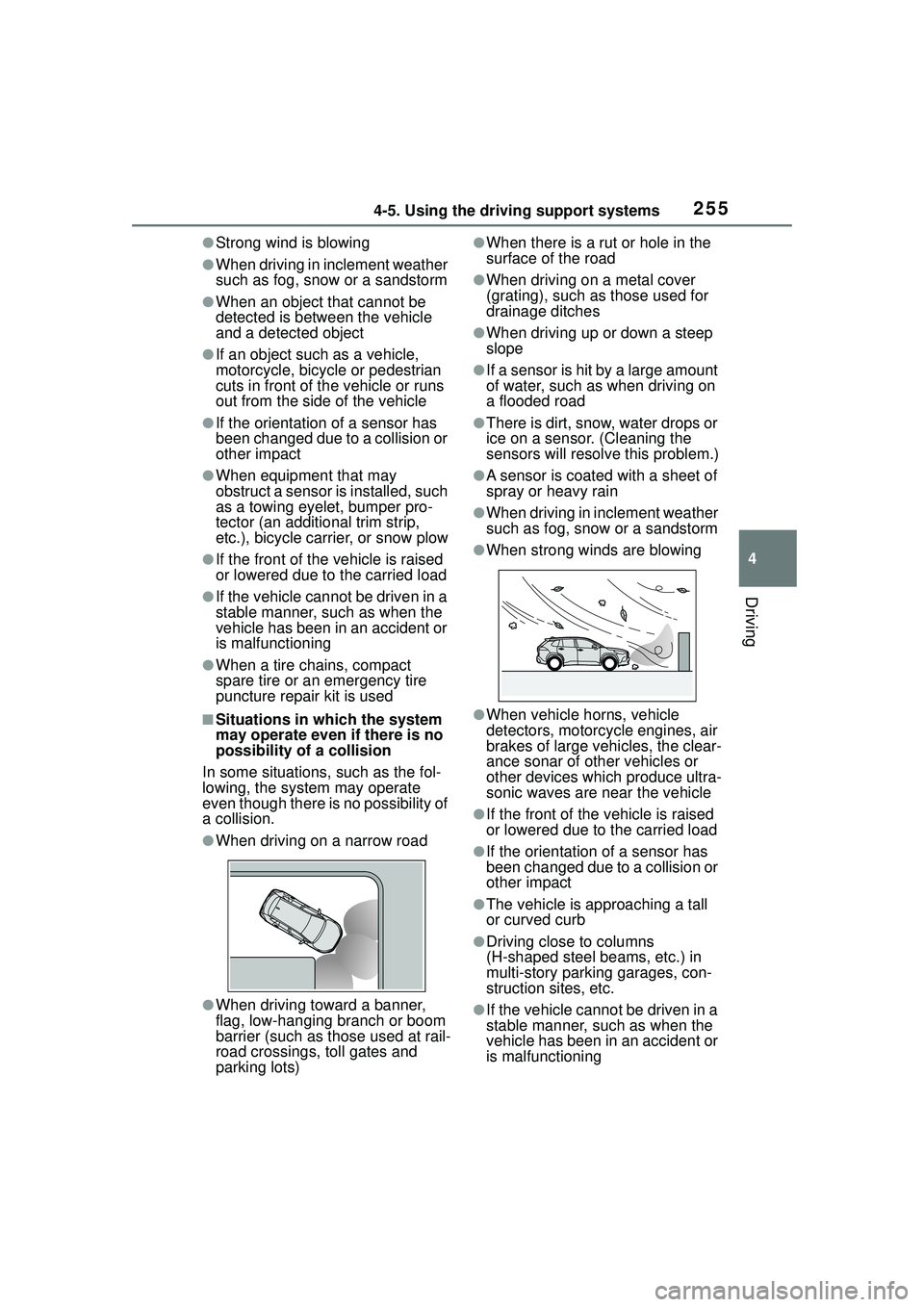
●When strong winds are blowing
●When vehicle horns, vehicle
detectors, motorcycle engines, air
brakes of large vehicles, the clear-
ance sonar of other vehicles or
other devices which produce ultra-
sonic waves are near the vehicle
●If the front of the vehicle is raised
or lowered due to the carried load
●If the orientation of a sensor has
been changed due to a collision or
other impact
●The vehicle is approaching a tall
or curved curb
●Driving close to columns
(H-shaped steel beams, etc.) in
multi-story parking garages, con-
struction sites, etc.
●If the vehicle cannot be driven in a
stable manner, such as when the
vehicle has been in an accident or
is malfunctioning
Page 269 of 612
2694-5. Using the driving support systems
4
Driving■ABS (Anti-lock Brake Sys-
tem)
Helps to prevent wheel lock
when the brakes are applied
suddenly, or if the brakes are
applied while driving on a slip-
pery road surface
■Brake assist
Generates an increased level of
braking force after the brake
pedal is depressed when the
system detects a panic stop sit-
uation
■VSC (Vehicle Stability Con-
trol)
Helps the driver to control skid-
ding when swerving suddenly or
turning on slippery road sur-
faces.
■Enhanced VSC (Enhanced
Vehicle Stability Control)
Provides cooperative control of
the ABS, TRAC, VSC and EPS.
Helps to maintain directional
stability when swerving on slip-
pery road surfaces by con-
trolling steering performance.
■TRAC (Traction Control)
Helps to maintain drive power
and prevent the drive wheels
from spinning when starting the
vehicle or accelerating on slip-
pery roads
■Active Cornering Assist
(ACA)
Helps to prevent the vehicle
from drifting to the outer side by
performing inner wheel brake
control when attempting to
accelerate while turning
■Hill-start assist control
Helps to reduce the backward
movement of the vehicle when
starting on an uphill
■EPS (Electric Power Steer-
ing)
Employs an electric motor to
reduce the amount of effort
needed to turn the steering
wheel.
■Dynamic Torque Control
AWD system (AWD models)
Automatically controls the drive
system such as to front-wheel
drive or AWD (all wheel drive)
according to various running
Driving assist systems
To keep driving safety and
performance, the following
systems operate automati-
cally in response to various
driving situations. Be
aware, however, that these
systems are supplementary
and should not be relied
upon too heavily when oper-
ating the vehicle.
Summary of the driving
assist systems
Page 271 of 612
2714-5. Using the driving support systems
4
Driving
will operate:
●The shift lever is in a position
other than P or N (when starting
off forward/backward on an
upward incline)
●The vehicle is stopped
●The accelerator pedal is not
depressed
●The parking brake is not engaged
■Automatic system cancelation
of hill-start assist control
The hill-start assist control will turn
off in any of the following situations:
●The shift lever is shifted to P or N.
●The accelerator pedal is
depressed
●The parking brake is engaged
●2 seconds at maximum elapsed
after the brake pedal is released
■Sounds and vibrations caused
by the ABS, brake assist, VSC,
TRAC and hill-start assist con-
trol systems
●A sound may be heard from the
engine compartment when the
brake pedal is depressed repeat-
edly, when the engine is started or
just after the vehicle begins to
move. This sound does not indi-
cate that a malfunction has
occurred in any of these systems.
●Any of the following conditions
may occur when the above sys-
tems are operating.
None of these indicates that a
malfunction has occurred.
• Vibrations may be felt through the vehicle body and steering.
• A motor sound may be heard also
after the vehicle comes to a stop.
• The brake pedal may pulsate slightly after th e ABS is activated.
• The brake pedal may move down
slightly after th e ABS is activated.
■Active Cornering Assist opera-
tion sounds and vibrations
When the Active Cornering Assist is
operated, operation sounds and vibrations may be generated from
the brake system, but this is not a
malfunction.
■EPS operation sound
When the steering wheel is oper-
ated, a motor sound (whirring
sound) may be heard. This does not
indicate a malfunction.
■Automatic reactivation of TRAC
and VSC systems
After turning the TRAC and VSC
systems off, the systems will be
automatically re-enabled in the fol-
lowing situations:
●When the engine switch is turned
off
●If only the TRAC system is turned
off, the TRAC will turn on when
vehicle speed increases
If both the TRAC and VSC sys-
tems are turned off, automatic
re-enabling will not occur when
vehicle speed increases.
■Operating conditions of Active
Cornering Assist
The system operates when the fol-
lowing occurs.
●TRAC/VSC can operate
●The driver is attempting to accel-
erate while turning
●The system detects that the vehi-
cle is drifting to the outer side
●The brake pedal is released
■Reduced effectiveness of the
EPS system
The effectiveness of the EPS sys-
tem is reduced to prevent the sys-
tem from overheating when there is
frequent steering input over an
extended period of time. The steer-
ing wheel may feel heavy as a
result. Should this occur, refrain
from excessive steering input or
stop the vehicle and turn the engine
off. The EPS syste m should return
to normal within 10 minutes.
Page 277 of 612
2774-6. Driving tips
4
Driving
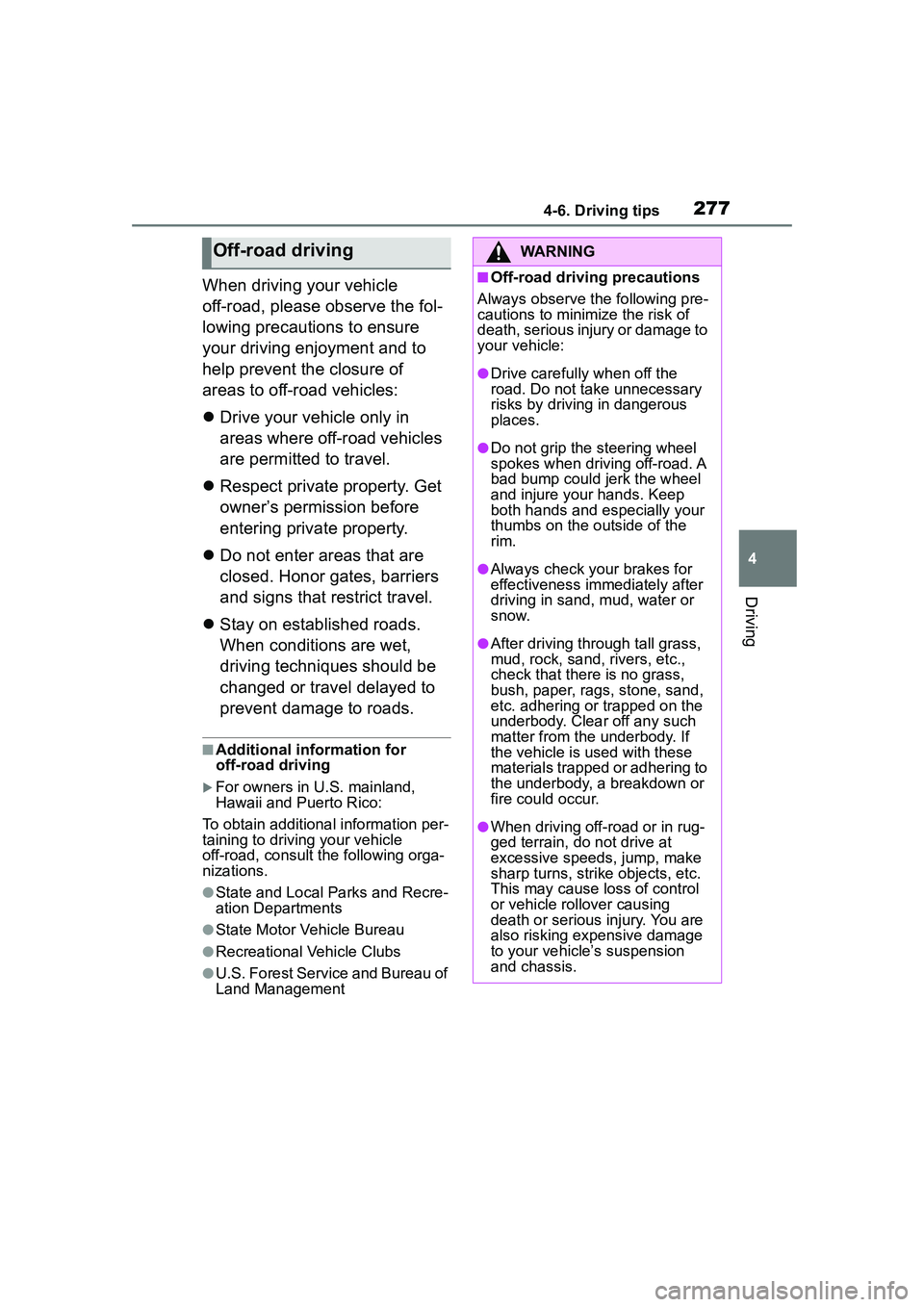
When driving your vehicle
off-road, please observe the fol-
lowing precautions to ensure
your driving enjoyment and to
help prevent the closure of
areas to off-road vehicles:
Drive your vehicle only in
areas where off-road vehicles
are permitted to travel.
Respect private property. Get
owner’s permission before
entering private property.
Do not enter areas that are
closed. Honor gates, barriers
and signs that restrict travel.
Stay on established roads.
When conditions are wet,
driving techniques should be
changed or travel delayed to
prevent damage to roads.
■Additional information for
off-road driving
For owners in U.S. mainland,
Hawaii and Puerto Rico:
To obtain additional information per-
taining to driving your vehicle
off-road, consult the following orga-
nizations.
●State and Local Parks and Recre-
ation Departments
●State Motor Vehicle Bureau
●Recreational Vehicle Clubs
●U.S. Forest Service and Bureau of
Land Management
Off-road drivingWARNING
■Off-road driving precautions
Always observe the following pre-
cautions to minimize the risk of
death, serious injury or damage to
your vehicle:
●Drive carefully when off the
road. Do not take unnecessary
risks by driving in dangerous
places.
●Do not grip the steering wheel
spokes when driving off-road. A
bad bump could jerk the wheel
and injure your hands. Keep
both hands and especially your
thumbs on the outside of the
rim.
●Always check your brakes for
effectiveness immediately after
driving in sand, mud, water or
snow.
●After driving through tall grass,
mud, rock, sand, rivers, etc.,
check that there is no grass,
bush, paper, rags, stone, sand,
etc. adhering or trapped on the
underbody. Clear off any such
matter from the underbody. If
the vehicle is used with these
materials trapped or adhering to
the underbody, a breakdown or
fire could occur.
●When driving off-road or in rug-
ged terrain, do not drive at
excessive speeds, jump, make
sharp turns, strike objects, etc.
This may cause loss of control
or vehicle rollover causing
death or serious injury. You are
also risking expensive damage
to your vehicle’s suspension
and chassis.
Page 351 of 612
3515-10. Tips for operating the audio/visual system
5
Audio
Station interference: When a
reflected signal and a signal
received directly from a radio
station are very nearly the same
frequency, they can interfere
with each other, making it diffi-
cult to hear the broadcast.
Static: AM is easily affected by
external sources of electrical
noise, such as high tension
power lines, lightening or electri-
cal motors. This results in static.
■SiriusXM
Cargo loaded on the roof lug-
gage carrier, especially metal
objects, may adversely affect
the reception of SiriusXM Sat-
ellite Radio.
Alternation or modifications
carried out without appropri-
ate authorization may invali-
date the user’s right to
operate the equipment.
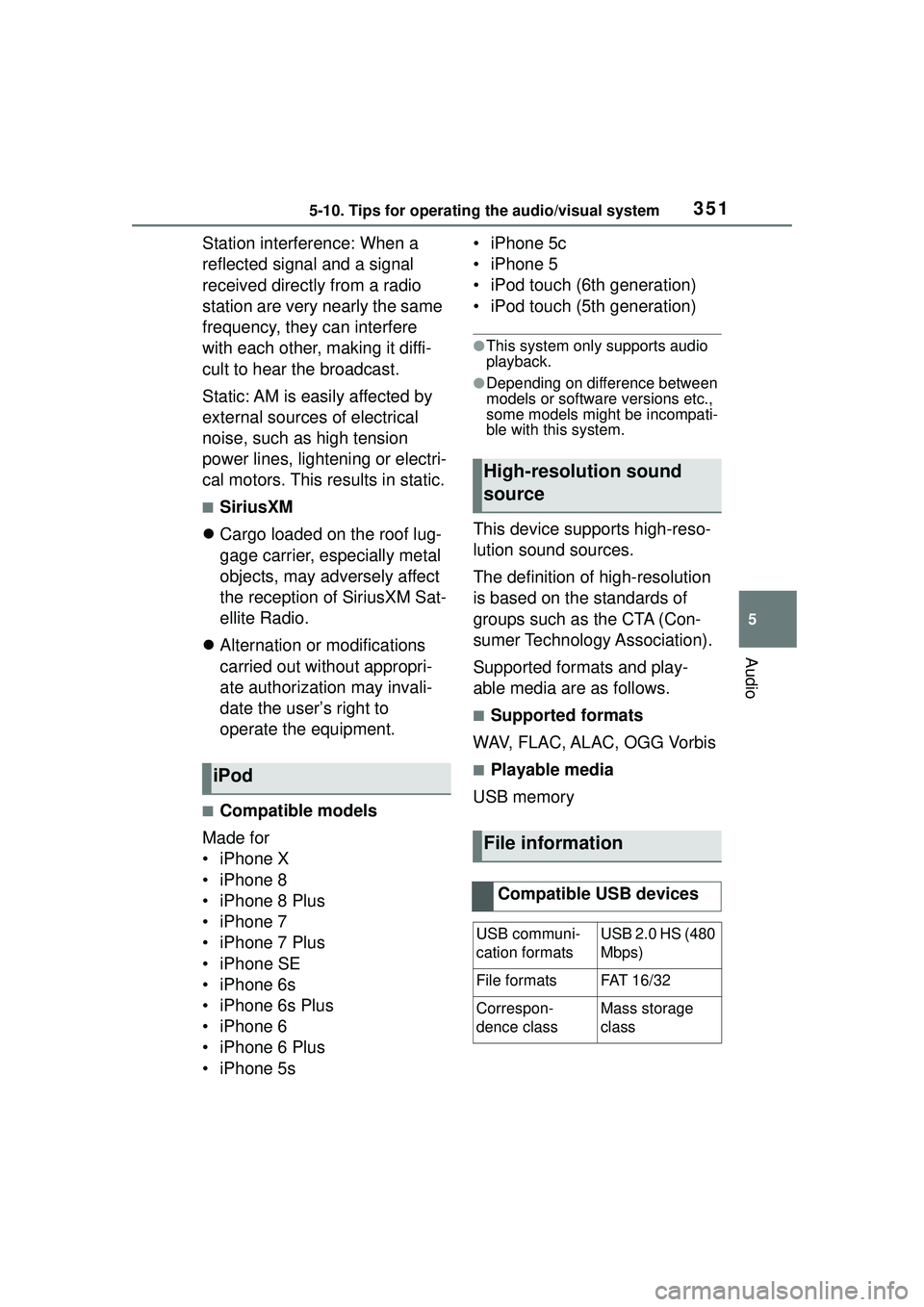
■Compatible models
Made for
• iPhone X
• iPhone 8
• iPhone 8 Plus
• iPhone 7
• iPhone 7 Plus
• iPhone SE
• iPhone 6s
• iPhone 6s Plus
• iPhone 6
• iPhone 6 Plus
• iPhone 5s • iPhone 5c
• iPhone 5
• iPod touch (6th generation)
• iPod touch (5th generation)
●This system only supports audio
playback.
●Depending on difference between
models or software versions etc.,
some models might be incompati-
ble with this system.
This device supports high-reso-
lution sound sources.
The definition of high-resolution
is based on the standards of
groups such as the CTA (Con-
sumer Technology Association).
Supported formats and play-
able media are as follows.
■Supported formats
WAV, FLAC, ALAC, OGG Vorbis
■Playable media
USB memoryiPod
High-resolution sound
source
File information
Compatible USB devices
USB communi-
cation formatsUSB 2.0 HS (480
Mbps)
File formatsFAT 16 /3 2
Correspon-
dence classMass storage
class
Page 457 of 612
4577-3. Do-it-yourself maintenance
7
Maintenance and care
7-3.Do-it-yourself maintenance
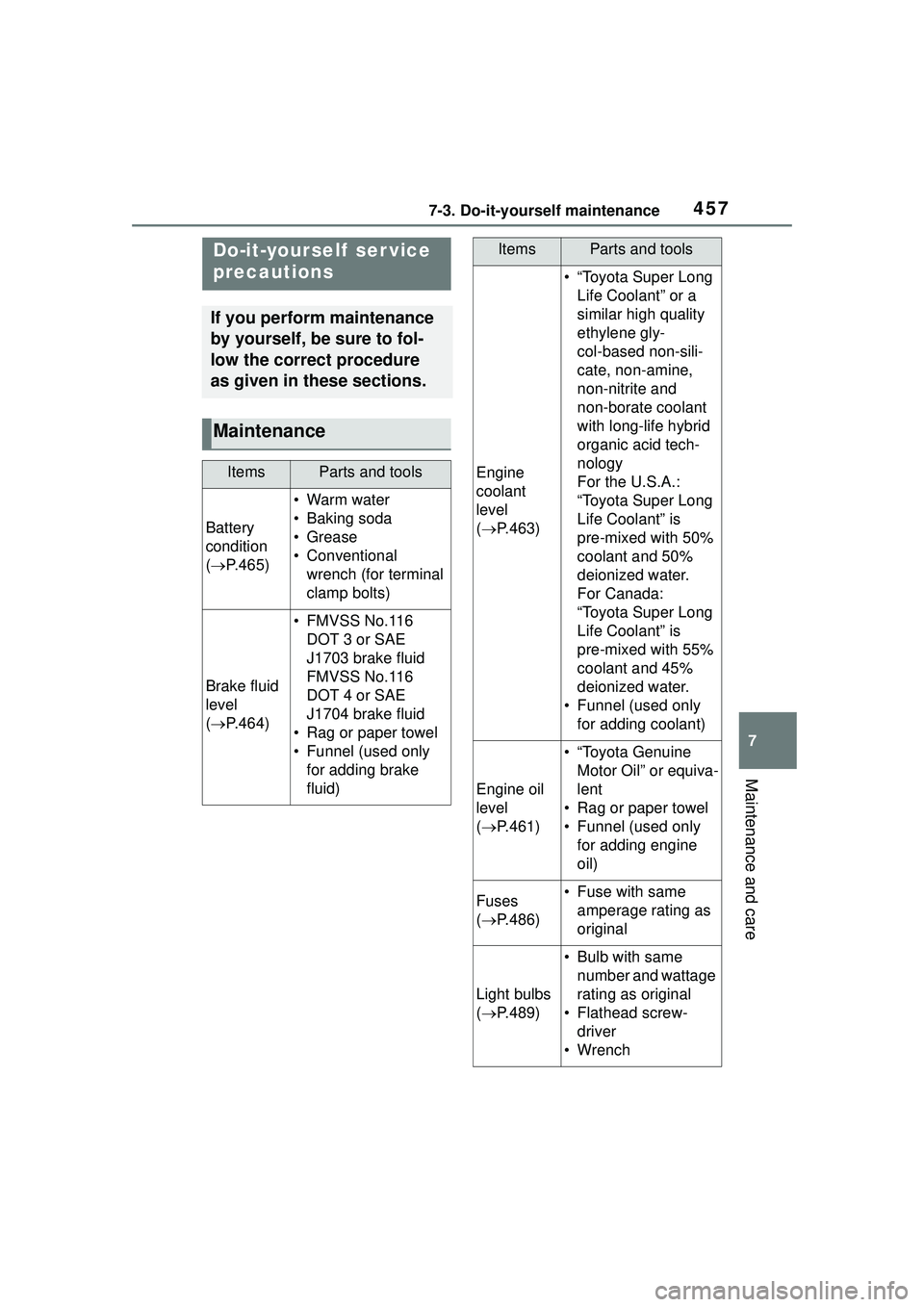
Do-it-yourself ser vice
precautions
If you perform maintenance
by yourself, be sure to fol-
low the correct procedure
as given in these sections.
Maintenance
ItemsParts and tools
Battery
condition
( P.465)
•Warm water
• Baking soda
•Grease
• Conventional
wrench (for terminal
clamp bolts)
Brake fluid
level
( P.464)
• FMVSS No.116
DOT 3 or SAE
J1703 brake fluid
FMVSS No.116
DOT 4 or SAE
J1704 brake fluid
• Rag or paper towel
• Funnel (used only for adding brake
fluid)
Engine
coolant
level
( P.463)
• “Toyota Super Long
Life Coolant” or a
similar high quality
ethylene gly-
col-based non-sili-
cate, non-amine,
non-nitrite and
non-borate coolant
with long-life hybrid
organic acid tech-
nology
For the U.S.A.:
“Toyota Super Long
Life Coolant” is
pre-mixed with 50%
coolant and 50%
deionized water.
For Canada:
“Toyota Super Long
Life Coolant” is
pre-mixed with 55%
coolant and 45%
deionized water.
• Funnel (used only for adding coolant)
Engine oil
level
( P.461)
• “Toyota Genuine
Motor Oil” or equiva-
lent
• Rag or paper towel
• Funnel (used only for adding engine
oil)
Fuses
( P.486)• Fuse with same
amperage rating as
original
Light bulbs
( P.489)
• Bulb with same
number and wattage
rating as original
• Flathead screw- driver
•Wrench
ItemsParts and tools
Page 528 of 612
5288-2. Steps to take in an emergency
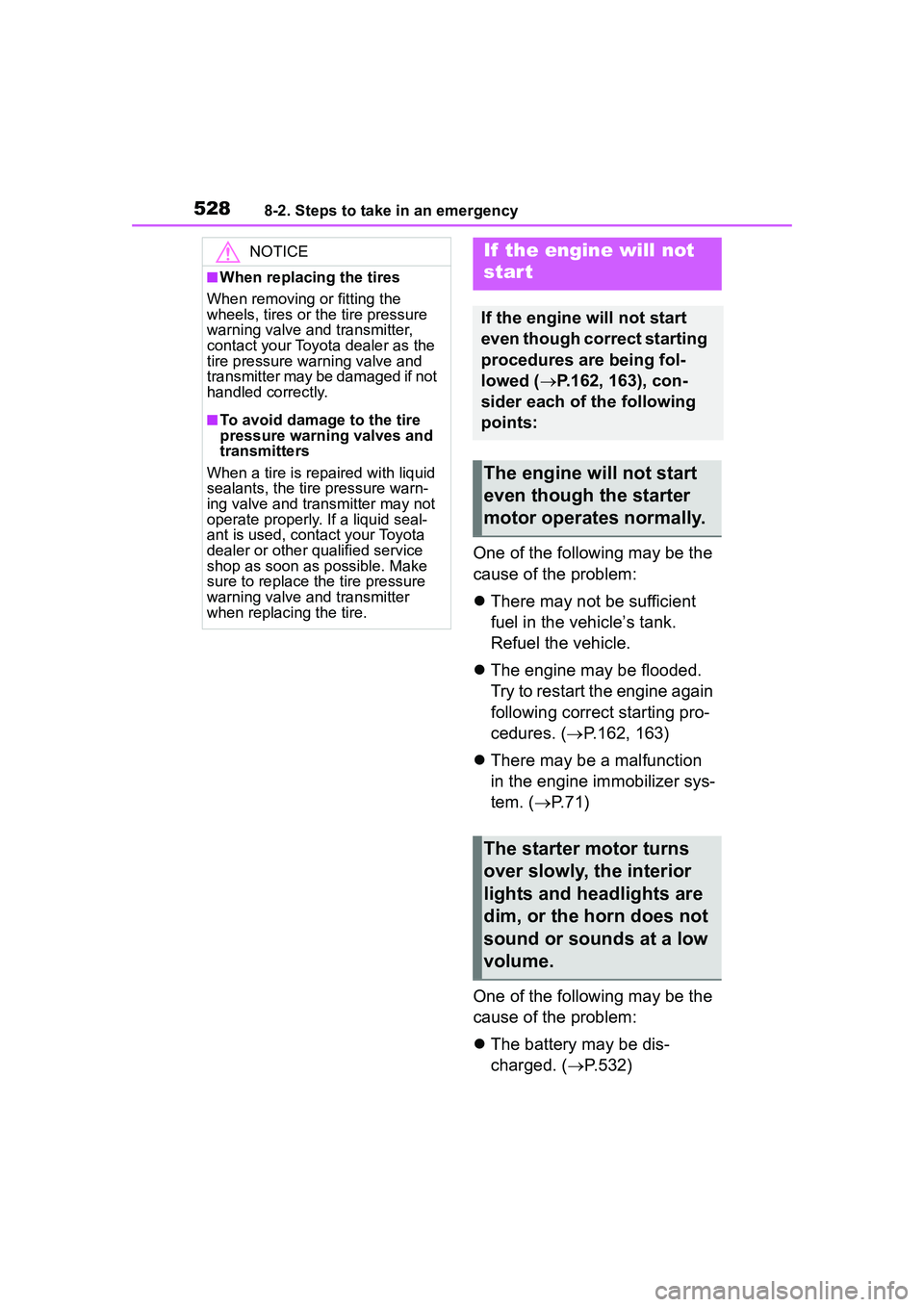
One of the following may be the
cause of the problem:
There may not be sufficient
fuel in the vehicle’s tank.
Refuel the vehicle.
The engine may be flooded.
Try to restart the engine again
following correct starting pro-
cedures. ( P.162, 163)
There may be a malfunction
in the engine immobilizer sys-
tem. ( P.71)
One of the following may be the
cause of the problem:
The battery may be dis-
charged. ( P.532)
NOTICE
■When replacing the tires
When removing or fitting the
wheels, tires or t he tire pressure
warning valve and transmitter,
contact your Toyota dealer as the
tire pressure warning valve and
transmitter may be damaged if not
handled correctly.
■To avoid damage to the tire
pressure warning valves and
transmitters
When a tire is repaired with liquid
sealants, the tire pressure warn-
ing valve and transmitter may not
operate properly. If a liquid seal-
ant is used, contact your Toyota
dealer or other qualified service
shop as soon as possible. Make
sure to replace the tire pressure
warning valve and transmitter
when replacing the tire.
If the engine will not
star t
If the engine will not start
even though correct starting
procedures are being fol-
lowed ( P.162, 163), con-
sider each of the following
points:
The engine will not start
even though the starter
motor operates normally.
The starter motor turns
over slowly, the interior
lights and headlights are
dim, or the horn does not
sound or sounds at a low
volume.
Page 529 of 612
5298-2. Steps to take in an emergency
8
When trouble arises
The battery terminal connec-
tions may be loose or cor-
roded. ( P.465)
The engine starting system may
be malfunctioning due to an
electrical problem such as elec-
tronic key battery depletion or a
blown fuse. However, an interim
measure is available to start the
engine. ( P.529)
One of the following may be the
cause of the problem:
The battery may be dis-
charged. ( P.532)
One or both of the battery ter-
minals may be disconnected.
( P.465)
Contact your Toyota dealer if the
problem cannot be repaired, or if
repair procedures are unknown.
When the engine does not start,
the following steps can be used as an interim measure to start
the engine if the engine switch is
functioning normally.
Do not use this starting proce-
dure except in case of emer-
gency.
1
Set the parking brake.
( P.171)
2 Check that the shift lever is in
P.
3 Turn the engine switch to
ACC.
4 Press and hold the engine
switch for about 15 seconds
while depressing the brake
pedal firmly.
Even if the engine can be started
using the above steps, the system
may be malfunctioning. Have the
vehicle inspected by your Toyota
dealer.
The starter motor does
not turn over (vehicles
with a smart key system)
The starter motor does
not turn over, the interior
lights and headlights do
not turn on, or the horn
does not sound.
Emergency start function
(vehicles with a smart key
system)
Page 544 of 612
![TOYOTA COROLLA CROSS 2022 User Guide 5449-1. Specifications
■Oil capacity (Drain and refill
[Reference
*])
*: The engine oil capacity is a refer-ence quantity to be used when
changing the engine oil. Warm up
and turn off the engine,](/img/14/66990/w960_66990-543.png "TOYOTA COROLLA CROSS 2022 User Guide 5449-1. Specifications
■Oil capacity (Drain and refill
[Reference
*])
*: The engine oil capacity is a refer-ence quantity to be used when
changing the engine oil. Warm up
and turn off the engine,")
5449-1. Specifications
■Oil capacity (Drain and refill
[Reference
*])
*: The engine oil capacity is a refer-ence quantity to be used when
changing the engine oil. Warm up
and turn off the engine, wait more
than 5 minutes, and check the oil
level on the dipstick.
■Engine oil selection
“Toyota Genuine Motor Oil” is
used in your Toyota vehicle. Use
Toyota approved “Toyota Genu-
ine Motor Oil” or equivalent to
satisfy the following grade and
viscosity.
Oil grade: ILSAC GF-6B multi-
grade engine oil
Recommended viscosity: SAE
0W-16 Outside temperature
SAE 0W-16 is the best choice
for good fuel economy and good
starting in cold weather.
If SAE 0W-16 is not available,
SAE 0W-20 oil may be used.
However, it must be replaced
with SAE 0W-16 at the next oil
change.
Oil viscosity (0W-16 is explained
here as an example):
• The 0W in 0W-16 indicates the characteristic of the oil
which allows cold startability.
Oils with a lower value before
the W allow for easier starting
of the engine in cold weather.
• The 16 in 0W-16 indicates the viscosity characteristic of the
Fuel
Fuel typeUnleaded gasoline only
Octane Rating87 (Research Octane Number 91) or
higher
Fuel tank capacity
(Reference)
2WD models
12.4 gal. (47.0 L, 10.3 Imp. gal.)
AWD models
13.2 gal. (50.0 L, 11.0 Imp. gal.)
Lubrication system
With filter4.9 qt. (4.6 L, 4.0 Imp.
qt.)
Without filter4.5 qt. (4.3 L, 3.8 Imp.
qt.)