tires TOYOTA COROLLA HATCHBACK 2022 Owners Manual (in English)
[x] Cancel search | Manufacturer: TOYOTA, Model Year: 2022, Model line: COROLLA HATCHBACK, Model: TOYOTA COROLLA HATCHBACK 2022Pages: 758, PDF Size: 155.26 MB
Page 6 of 758
4TABLE OF CONTENTS
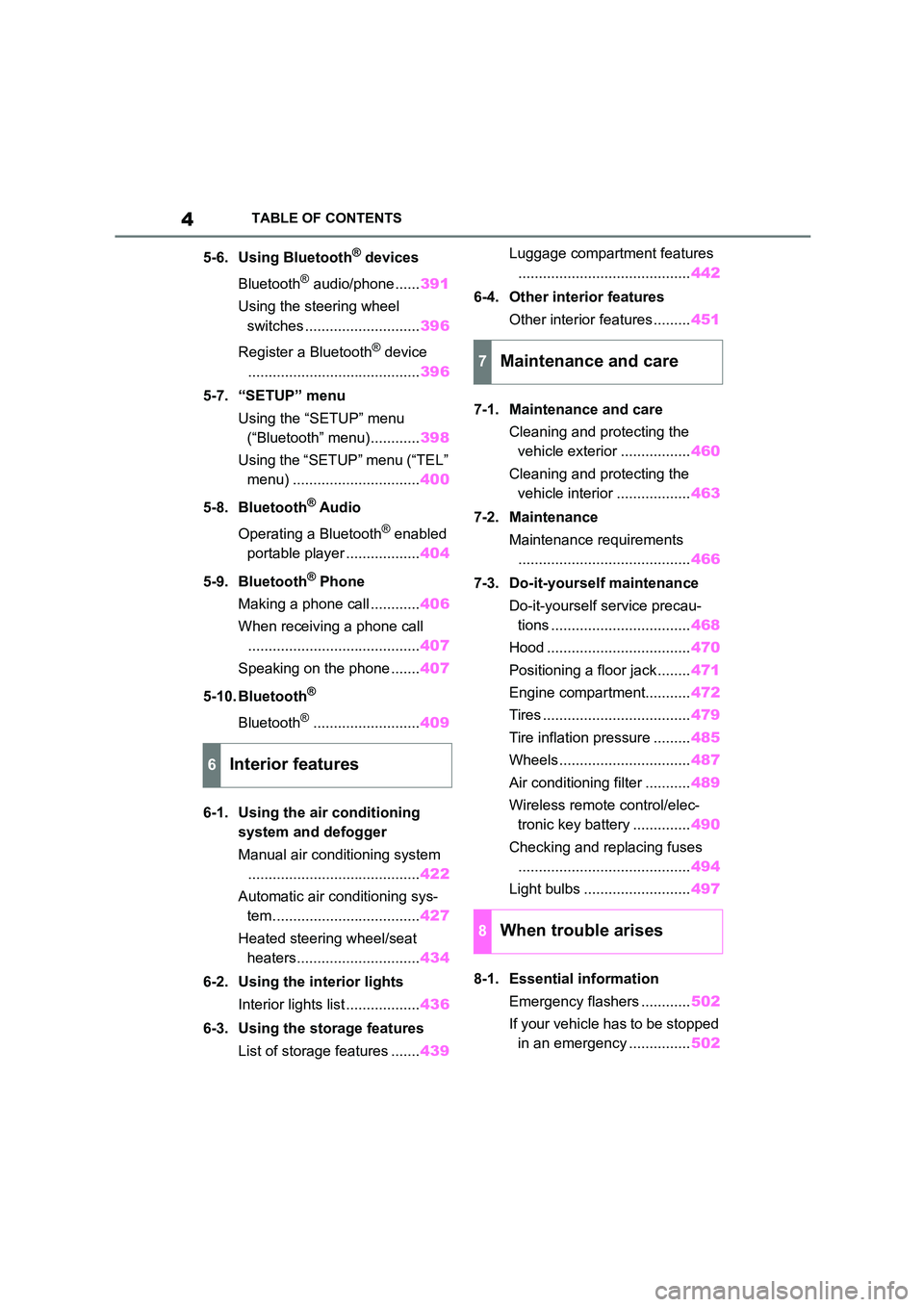
5-6. Using Bluetooth® devices
Bluetooth® audio/phone...... 391
Using the steering wheel
switches ............................ 396
Register a Bluetooth® device
.......................................... 396
5-7. “SETUP” menu
Using the “SETUP” menu
(“Bluetooth” menu)............ 398
Using the “SETUP” menu (“TEL”
menu) ............................... 400
5-8. Bluetooth® Audio
Operating a Bluetooth® enabled
portable player .................. 404
5-9. Bluetooth® Phone
Making a phone call ............ 406
When receiving a phone call
.......................................... 407
Speaking on the phone ....... 407
5-10. Bluetooth®
Bluetooth®.......................... 409
6-1. Using the air conditioning
system and defogger
Manual air conditioning system
.......................................... 422
Automatic air conditioning sys-
tem.................................... 427
Heated steering wheel/seat
heaters.............................. 434
6-2. Using the interior lights
Interior lights list .................. 436
6-3. Using the storage features
List of storage features ....... 439
Luggage compartment features
.......................................... 442
6-4. Other interior features
Other interior features ......... 451
7-1. Maintenance and care
Cleaning and protecting the
vehicle exterior ................. 460
Cleaning and protecting the
vehicle interior .................. 463
7-2. Maintenance
Maintenance requirements
.......................................... 466
7-3. Do-it-yourself maintenance
Do-it-yourself service precau-
tions .................................. 468
Hood ................................... 470
Positioning a floor jack ........ 471
Engine compartment........... 472
Tires .................................... 479
Tire inflation pressure ......... 485
Wheels ................................ 487
Air conditioning filter ........... 489
Wireless remote control/elec-
tronic key battery .............. 490
Checking and replacing fuses
.......................................... 494
Light bulbs .......................... 497
8-1. Essential information
Emergency flashers ............ 502
If your vehicle has to be stopped
in an emergency ............... 502
6Interior features
7Maintenance and care
8When trouble arises
Page 14 of 758
12Pictorial index
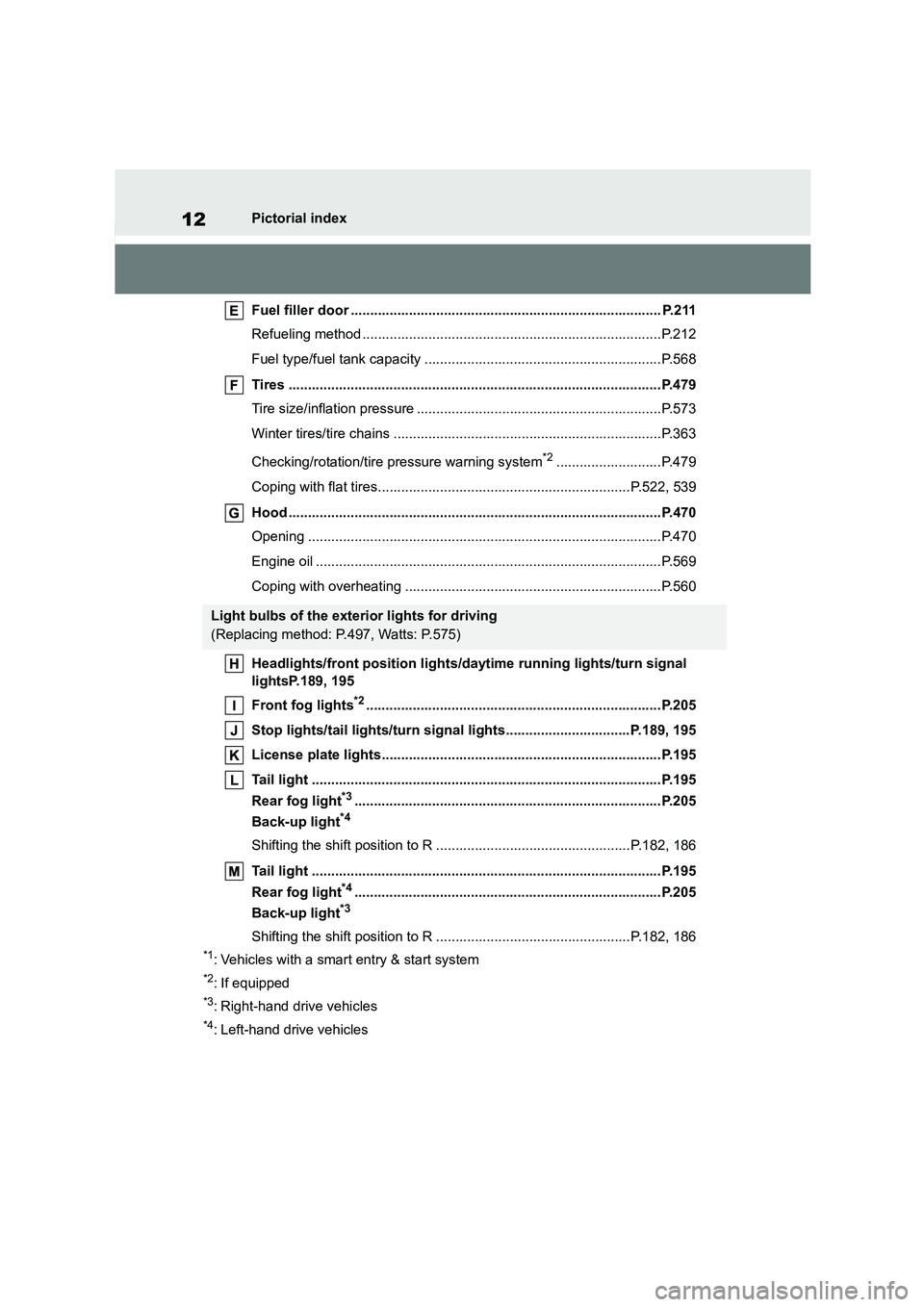
Fuel filler door ................................................................................ P.211
Refueling method .............................................................................P.212
Fuel type/fuel tank capacity .............................................................P.568
Tires ................................................................................................P.479
Tire size/inflation pressure ...............................................................P.573
Winter tires/tire chains .....................................................................P.363
Checking/rotation/tire pressure warning system*2...........................P.479
Coping with flat tires.................................................................P.522, 539
Hood ................................................................................................P.470
Opening ...........................................................................................P.470
Engine oil .........................................................................................P.569
Coping with overheating ..................................................................P.560
Headlights/front position lights/daytime running lights/turn signal
lightsP.189, 195
Front fog lights*2............................................................................P.205
Stop lights/tail lights/turn signal lights................................P.189, 195
License plate lights........................................................................P.195
Tail light ..........................................................................................P.195
Rear fog light*3...............................................................................P.205
Back-up light*4
Shifting the shift position to R ..................................................P.182, 186
Tail light ..........................................................................................P.195
Rear fog light*4...............................................................................P.205
Back-up light*3
Shifting the shift position to R ..................................................P.182, 186
*1: Vehicles with a smart entry & start system
*2: If equipped
*3: Right-hand drive vehicles
*4: Left-hand drive vehicles
Light bulbs of the exterior lights for driving
(Replacing method: P.497, Watts: P.575)
Page 16 of 758
14Pictorial index
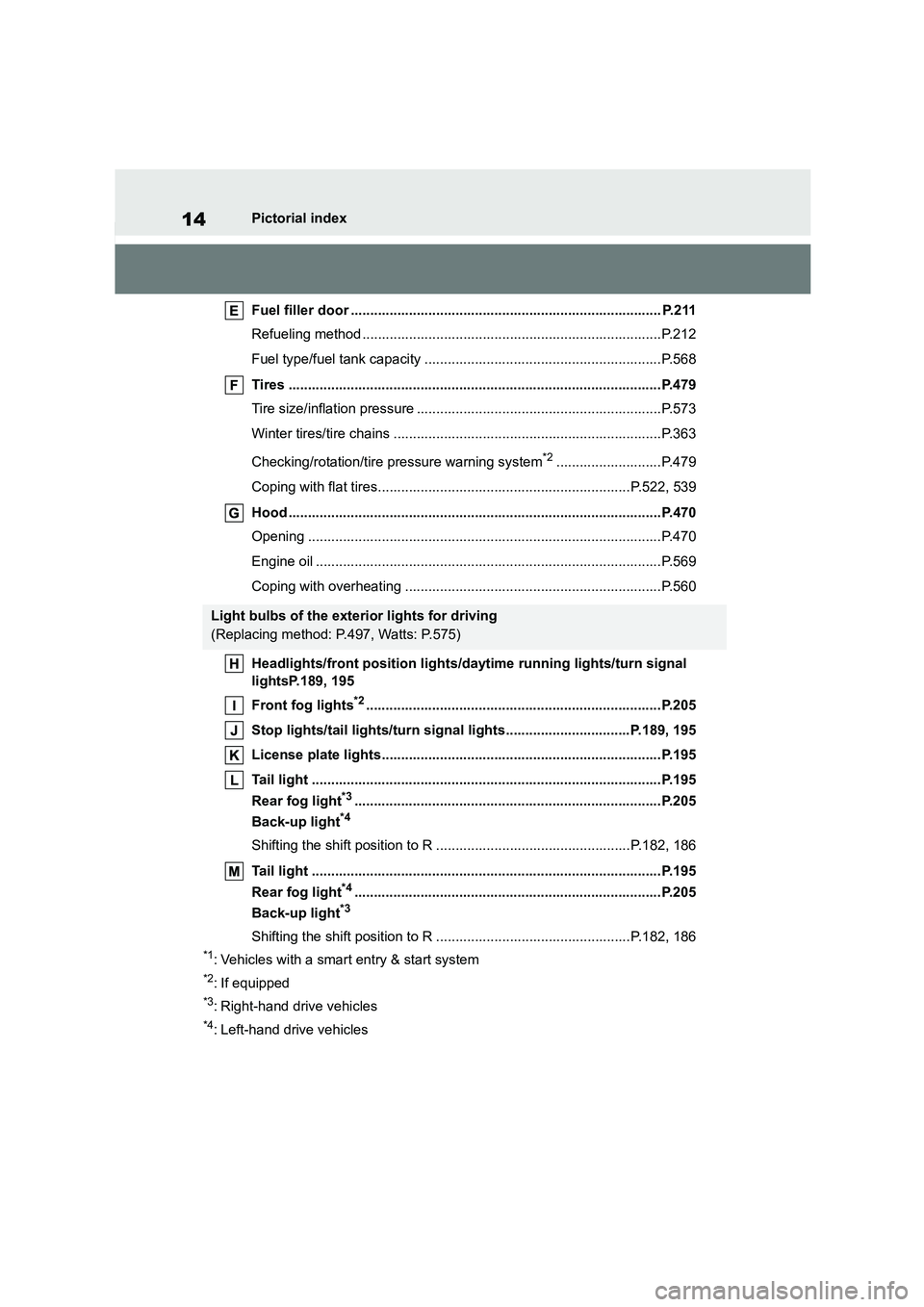
Fuel filler door ................................................................................ P.211
Refueling method .............................................................................P.212
Fuel type/fuel tank capacity .............................................................P.568
Tires ................................................................................................P.479
Tire size/inflation pressure ...............................................................P.573
Winter tires/tire chains .....................................................................P.363
Checking/rotation/tire pressure warning system*2...........................P.479
Coping with flat tires.................................................................P.522, 539
Hood ................................................................................................P.470
Opening ...........................................................................................P.470
Engine oil .........................................................................................P.569
Coping with overheating ..................................................................P.560
Headlights/front position lights/daytime running lights/turn signal
lightsP.189, 195
Front fog lights*2............................................................................P.205
Stop lights/tail lights/turn signal lights................................P.189, 195
License plate lights........................................................................P.195
Tail light ..........................................................................................P.195
Rear fog light*3...............................................................................P.205
Back-up light*4
Shifting the shift position to R ..................................................P.182, 186
Tail light ..........................................................................................P.195
Rear fog light*4...............................................................................P.205
Back-up light*3
Shifting the shift position to R ..................................................P.182, 186
*1: Vehicles with a smart entry & start system
*2: If equipped
*3: Right-hand drive vehicles
*4: Left-hand drive vehicles
Light bulbs of the exterior lights for driving
(Replacing method: P.497, Watts: P.575)
Page 164 of 758
1624-1. Before driving
Vehicles with a smart entry &
start system: Press the engine
switch to stop the engine.
4 Slowly release the brake pedal.
5 Lock the door, making sure that
you have the key on your per-
son.
If parking on a hill, block the wheels as
needed.
Manual transmission
1 While depressing the clutch
pedal, depress the brake pedal.
2 If the parking brake is in manual
mode, set the parking brake.
( P.189)
Check that the parking brake indicator
is illuminated.
3 Shift the shift lever to N.
( P.186)
If parking on a hill, shift the shift lever to
1 or R and block the wheels as needed.
4 Vehicles without a smart entry &
start system: Turn the engine
switch to OFF to stop the
engine.
Vehicles with a smart entry &
start system: Press the engine
switch to stop the engine.
5 Slowly release the brake pedal.
6 Lock the door, making sure that
you have the key on your per-
son.
■Starting off on a steep uphill
Multidrive
1 Make sure that the parking
brake is set and shift the shift
lever to D.
2 Gently depress the accelerator
pedal.
3 Release the parking brake.
Manual transmission
1 Make sure that the parking
brake is set and shift the shift
lever to 1.
2 Lightly depress the accelerator
pedal at the same time as grad-
ually releasing the clutch pedal.
3 Release the parking brake.
■Driving in the rain
●Drive carefully when it is raining,
because visibility will be reduced, the
windows may become fogged-up, and the road will be slippery.
●Drive carefully when it starts to rain, because the road surface will be
especially slippery.
●Refrain from high speeds when driv-
ing on an expressway in the rain,
because there may be a layer of water between the tires and the road sur-
face, preventing the steering and
brakes from operating properly.
■Engine speed while driving (vehi-
cles with a Multidrive)
In the following conditions, the engine
speed may become high while driving.
This is due to automatic up-shifting con- trol or down-shifting implementation to
meet driving conditions. It does not indi-
cate sudden acceleration.
●The vehicle is judged to be driving
uphill or downhill
●When the accelerator pedal is
released
●When the brake pedal is depressed
while Sport mode is selected
■Restraining the engine output (Brake Override System)
●When the accelerator and brake ped-
Page 176 of 758
1744-1. Before driving
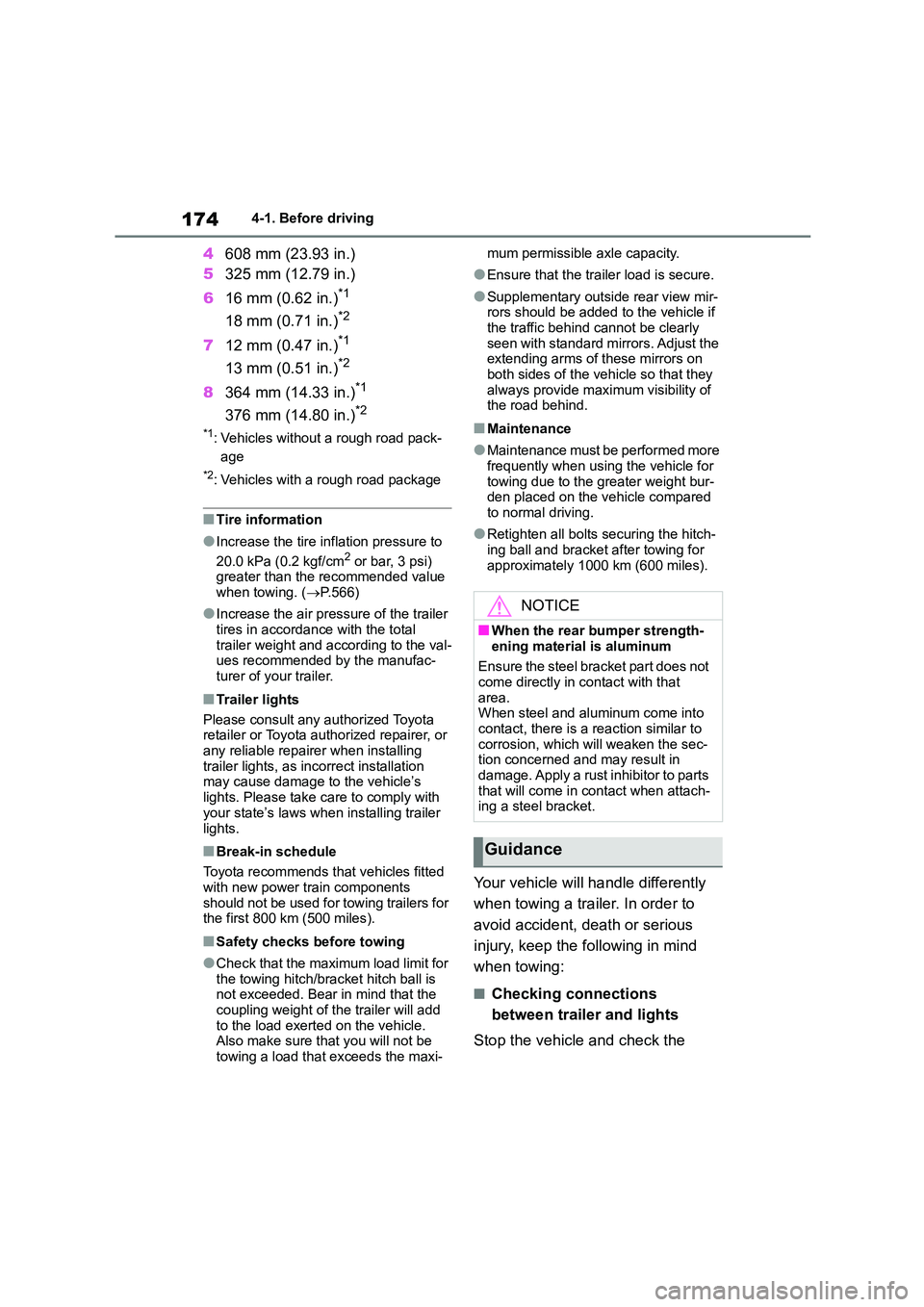
4608 mm (23.93 in.)
5 325 mm (12.79 in.)
6 16 mm (0.62 in.)*1
18 mm (0.71 in.)*2
712 mm (0.47 in.)*1
13 mm (0.51 in.)*2
8364 mm (14.33 in.)*1
376 mm (14.80 in.)*2
*1: Vehicles without a rough road pack-
age
*2: Vehicles with a rough road package
■Tire information
●Increase the tire inflation pressure to
20.0 kPa (0.2 kgf/cm2 or bar, 3 psi) greater than the recommended value
when towing. ( P.566)
●Increase the air pressure of the trailer
tires in accordance with the total
trailer weight and according to the val- ues recommended by the manufac-
turer of your trailer.
■Trailer lights
Please consult any authorized Toyota retailer or Toyota authorized repairer, or
any reliable repairer when installing
trailer lights, as in correct installation may cause damage to the vehicle’s
lights. Please take care to comply with
your state’s laws when installing trailer
lights.
■Break-in schedule
Toyota recommends that vehicles fitted
with new power train components
should not be used for towing trailers for the first 800 km (500 miles).
■Safety checks before towing
●Check that the maximum load limit for the towing hitch/bracket hitch ball is
not exceeded. Bear in mind that the
coupling weight of the trailer will add to the load exerted on the vehicle.
Also make sure that you will not be
towing a load that exceeds the maxi-
mum permissible axle capacity.
●Ensure that the trailer load is secure.
●Supplementary outside rear view mir- rors should be added to the vehicle if
the traffic behind cannot be clearly
seen with standard mirrors. Adjust the extending arms of these mirrors on
both sides of the vehicle so that they
always provide maximum visibility of the road behind.
■Maintenance
●Maintenance must be performed more frequently when using the vehicle for
towing due to the greater weight bur-
den placed on the vehicle compared to normal driving.
●Retighten all bolts securing the hitch-ing ball and bracket after towing for
approximately 1000 km (600 miles).
Your vehicle will handle differently
when towing a trailer. In order to
avoid accident, death or serious
injury, keep the following in mind
when towing:
■Checking connections
between trailer and lights
Stop the vehicle and check the
NOTICE
■When the rear bumper strength-
ening material is aluminum
Ensure the steel bracket part does not
come directly in contact with that
area. When steel and aluminum come into
contact, there is a reaction similar to
corrosion, which will weaken the sec- tion concerned and may result in
damage. Apply a rust inhibitor to parts
that will come in contact when attach- ing a steel bracket.
Guidance
Page 196 of 758
1944-2. Driving procedures
WA R N I N G
■When the vehicle is on a steep
incline
When using the brake hold system on a steep incline exercise caution. The
brake hold function may not hold the
vehicle in such a situation.
■When stopped on a slippery road
The system cannot stop the vehicle
when the gripping ability of the tires has been exceeded. Do not use the
system when stopped on a slippery
road.
NOTICE
■When parking the vehicle
The brake hold system is not designed for use when parking the
vehicle for a long period of time. Turn-
ing the engine switch off while the system is holding the brake may
release the brake, which would cause
the vehicle to move. When operating
the engine switch, depress the brake pedal, shift the shift lever to P
(Multidrive) or N (manual transmis-
sion) and set the parking brake.
Page 227 of 758
225
4
4-5. Using the driving support systems
Driving
WA R N I N G
■Limitations of the pre-collision
system
●The driver is solely responsible for safe driving. Always drive safely,
taking care to observe your
surroundings. Do not use the pre-collision system
instead of normal braking opera-
tions under any circumstances.
This system will not prevent colli- sions or lessen collision damage or
injury in every situation. Do not
overly rely on this system. Failure to do so may lead to an accident,
resulting in death or serious injury.
●Although this system is designed to
help avoid a collision or help reduce
the impact of the collision, its effec- tiveness may change according to
various conditions, therefore the
system may not always be able to achieve the same level of perfor-
mance.
Read the following conditions care- fully. Do not overly rely on this sys-
tem and always drive carefully.
• Conditions under which the system may operate even if there is no pos-
sibility of a collision: P.228
• Conditions under which the system
may not operate properly: P. 2 2 9
●Do not attempt to test the operation
of the pre-collision system yourself.
Depending on the objects used for testing (dummies, cardboard
objects imitating detectable objects,
etc.), the system may not operate properly, possibly leading to an
accident.
■Pre-collision braking
●When the pre-collision braking
function is operating, a large amount of braking force will be
applied.
●If the vehicle is stopped by the operation of the pre-collision brak-
ing function, the pre-collision brak-
ing function operation will be canceled after approximately 2 sec-
onds. Depress the brake pedal as
necessary.
●The pre-collision braking function
may not operate if certain opera- tions are performed by the driver. If
the accelerator pedal is being
depressed strongly or the steering wheel is being turned, the system
may determine that the driver is tak-
ing evasive action and possibly pre- vent the pre-collision braking
function from operating.
●In some situations, while the
pre-collision braking function is
operating, operation of the function may be canceled if the accelerator
pedal is depressed strongly or the
steering wheel is turned and the system determines that the driver is
taking evasive action.
●If the brake pedal is being
depressed, the system may deter-
mine that the driver is taking eva- sive action and possibly delay the
operation timing of the pre-collision
braking function.
■When to disable the pre-colli-
sion system
In the following situations, disable the
system, as it may not operate prop-
erly, possibly leading to an accident resulting in death or serious injury:
●When the vehicle is being towed
●When your vehicle is towing
another vehicle
●When transporting the vehicle via
truck, boat, train or similar means of
transportation
●When the vehicle is raised on a lift
with the engine running and the tires are allowed to rotate freely
Page 228 of 758
2264-5. Using the driving support systems
■Enabling/disabling the pre-col-
lision system
The pre-collisio n system can be
enabled/disabled on ( P.577)
of the multi-information display.
The system is auto matically enabled
each time the engine switch is turned to
ON.
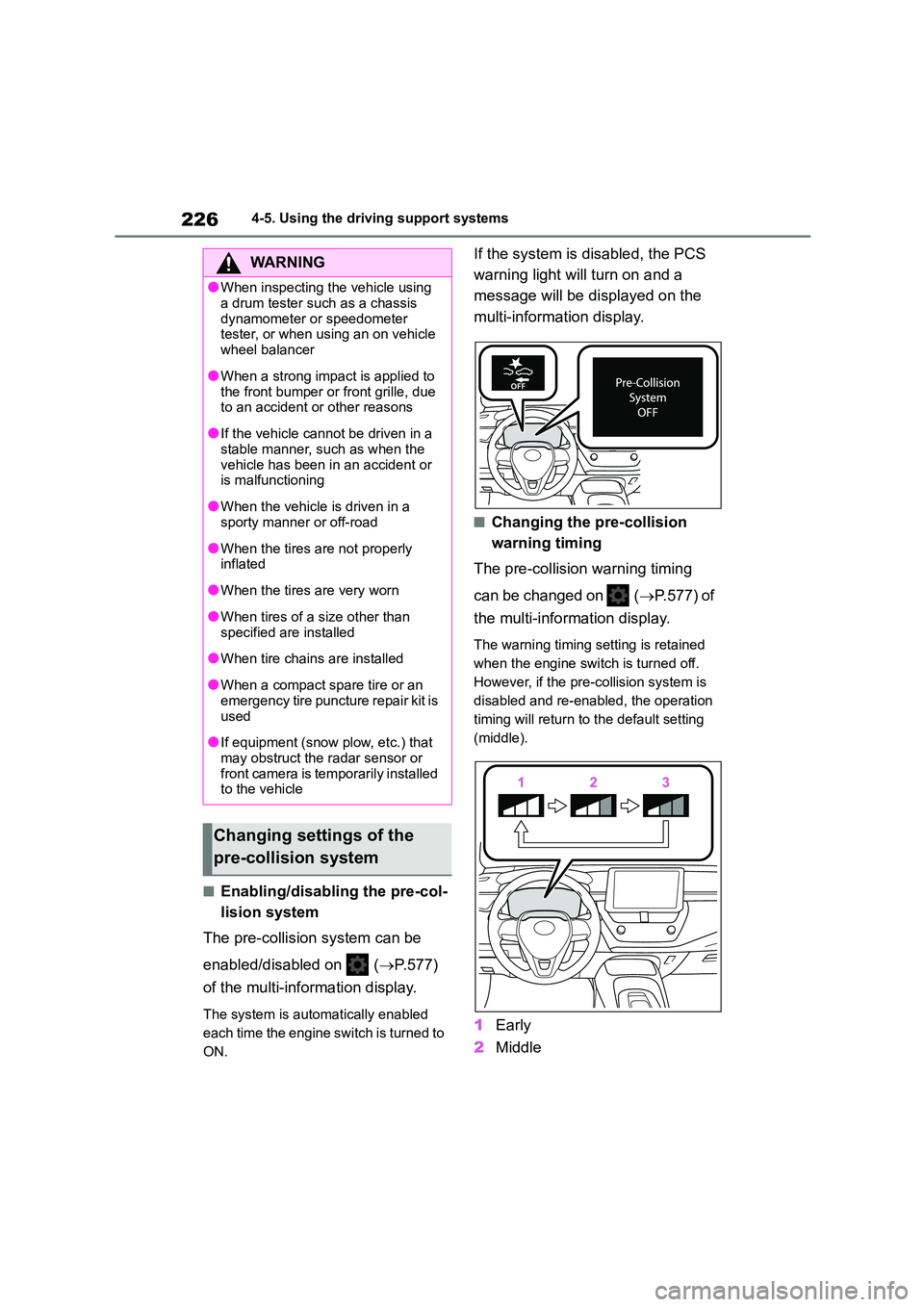
If the system is disabled, the PCS
warning light will turn on and a
message will be di splayed on the
multi-information display.
■Changing the pre-collision
warning timing
The pre-collision warning timing
can be changed on ( P.577) of
the multi-information display.
The warning timing setting is retained
when the engine switch is turned off.
However, if the pr e-collision system is
disabled and re-enabled, the operation
timing will return to the default setting
(middle).
1 Early
2 Middle
WA R N I N G
●When inspecting the vehicle using
a drum tester such as a chassis
dynamometer or speedometer tester, or when using an on vehicle
wheel balancer
●When a strong impact is applied to
the front bumper or front grille, due
to an accident or other reasons
●If the vehicle cannot be driven in a
stable manner, such as when the
vehicle has been in an accident or is malfunctioning
●When the vehicle is driven in a sporty manner or off-road
●When the tires are not properly inflated
●When the tires are very worn
●When tires of a size other than
specified are installed
●When tire chains are installed
●When a compact spare tire or an
emergency tire puncture repair kit is
used
●If equipment (snow plow, etc.) that
may obstruct the radar sensor or front camera is temporarily installed
to the vehicle
Changing settings of the
pre-collision system
Page 234 of 758
2324-5. Using the driving support systems
WA R N I N G
■Before using LTA system
●Do not rely solely upon the LTA sys-
tem. The LTA system does not automatically drive the vehicle or
reduce the amount of attention that
must be paid to the area in front of the vehicle. The driver must always
assume full responsibility for driving
safely by paying careful attention to
the surrounding conditions and operating the steering wheel to cor-
rect the path of the vehicle. Also,
the driver must take adequate breaks when fatigued, such as from
driving for a long period of time.
●Failure to perform appropriate driv-
ing operations and pay careful
attention may lead to an accident, resulting in death or serious injury.
●When not using the LTA system, use the LTA switch to turn the sys-
tem off.
■Situations unsuitable for LTA
system
In the following situations, use the LTA switch to turn the system off. Fail-
ure to do so may lead to an accident,
resulting in death or serious injury.
●Vehicle is driven on a road surface
which is slippery due to rainy weather, fallen snow, freezing, etc.
●Vehicle is driven on a snow-cov-ered road.
●White (yellow) lines are difficult to see due to rain, snow, fog, dust,
etc.
●Vehicle is driven in a temporary
lane or restricted lane due to con-
struction work.
●Vehicle is driven in a construction
zone.
●A spare tire, tire chains, etc. are
equipped.
●When the tires have been exces- sively worn, or when the tire infla-
tion pressure is low.
●When tires of a size other than
specified are installed.
●Vehicle is driven in traffic lanes
other than that highways and free-
ways.
●When your vehicle is towing a
trailer or during emergency towing
■Preventing LTA system malfunc-
tions and operations performed by mistake
●Do not modify the headlights or
place stickers, etc. on the surface of the lights.
●Do not modify the suspension etc. If the suspension etc. needs to be
replaced, contact any authorized
Toyota retailer or Toyota authorized repairer, or any reliable repairer.
●Do not install or place anything on the hood or grille. Also, do not
install a grille guar d (bull bars, kan-
garoo bar, etc.).
●If your windshield needs repairs,
contact any authorized Toyota retailer or Toyota authorized
repairer, or any reliable repairer.
■Conditions in which functions
may not operate properly
In the following situations, the func- tions may not operate properly and
the vehicle may depart from its lane.
Drive safely by always paying careful attention to your surroundings and
operate the steering wheel to correct
the path of the vehicle without relying
solely on the functions.
Page 236 of 758
2344-5. Using the driving support systems
■Lane departure alert function
When the system determines that
the vehicle might depart from its
lane or course*, a warning is dis-
played on the multi-information dis-
play, and a warning buzzer will
sound to alert the driver.
When the warning buzzer sounds,
check the area around your vehicle and
carefully operate the steering wheel to
move the vehicle back to the center of
WA R N I N G
●The vehicle is driven in an area
without white (yellow) lines, such as
in front of a tollgate or checkpoint, or at an intersection, etc.
●The white (yellow) lines are cracked, “Raised pavement
marker” or stones are present.
●The white (yellow) lines cannot be seen or are difficult to see due to
sand, etc.
●The vehicle is driven on a road sur-
face that is wet due to rain, pud-
dles, etc.
●The traffic lines are yellow (which
may be more difficult to recognize than lines that are white).
●The white (yellow) lines cross over a curb, etc.
●The vehicle is driven on a bright surface, such as concrete.
●If the edge of the road is not clear or straight.
●The vehicle is driven on a surface that is bright due to reflected light,
etc.
●The vehicle is driven in an area
where the brightness changes sud-
denly, such as at the entrances and exits of tunnels, etc.
●Light from the headlights of an oncoming vehicle, the sun, etc.
enters the camera.
●The vehicle is driven on a slope.
●The vehicle is driven on a road which tilts left or right, or a winding
road.
●The vehicle is driven on an
unpaved or rough road.
●The traffic lane is excessively nar-
row or wide.
●The vehicle is extremely tilted due to carrying heavy luggage or having
improper tire pressure.
●The distance to the preceding vehi-
cle is extremely short.
●The vehicle is moving up and down
a large amount due to road condi-
tions during driving (poor roads or road seams).
●When driving in a tunnel or at night with the headlights off or when a
headlight is dim due to its lens
being dirty or it being misaligned.
●The vehicle is struck by a cross-
wind.
●The vehicle is affected by wind from
a vehicle driven in a nearby lane.
●The vehicle has just changed lanes
or crossed an intersection.
●Tires which differ by structure, man-
ufacturer, brand or tread pattern are used.
●Snow tires, etc. are equipped.
●The vehicle is being driven at
extremely high speeds.
Functions included in LTA
system