maintenance TOYOTA COROLLA HYBRID 2020 Owners Manual (in English)
[x] Cancel search | Manufacturer: TOYOTA, Model Year: 2020, Model line: COROLLA HYBRID, Model: TOYOTA COROLLA HYBRID 2020Pages: 556, PDF Size: 19.28 MB
Page 1 of 556

1
2
3
4
5
6
7
8
9
9
10
COROLLA HV_U
Pictorial indexSearch by illustration
For safety
and securityMake sure to read through them
(Main topics: Child seat, theft deterrent system)
Vehicle status
information and
indicatorsReading driving-related information
(Main topics: Meters, multi-information display)
Before driving
Opening and closing the doors and windows,
adjustment before driving
(Main topics: Keys, doors, seats)
Driving
Operations and advice which are necessary for
driving
(Main topics: Starting hybrid system, refueling)
Entune audioOperating the Entune Audio
(Main topics: Audio/visual, phone, Toyota Entune)
Interior featuresUsage of the interior features
(Main topics: Air conditioner, storage features)
Maintenance
and careCaring for your vehicle and maintenance
procedures
(Main topics: Interior and exterior, light bulbs)
When trouble
arisesWhat to do in case of malfunction and emergency
(Main topics: 12-volt battery discharge, flat tire)
Vehicle
specificationsVehicle specifications, customizable features
(Main topics: Fuel, oil, tire inflation pressure)
For ownersReporting safety defects for U.S. owners, and seat
belt and SRS airbag instructions for Canadian
owners
IndexSearch by symptom
Search alphabetically
Page 4 of 556
4TABLE OF CONTENTS
COROLLA HV_U
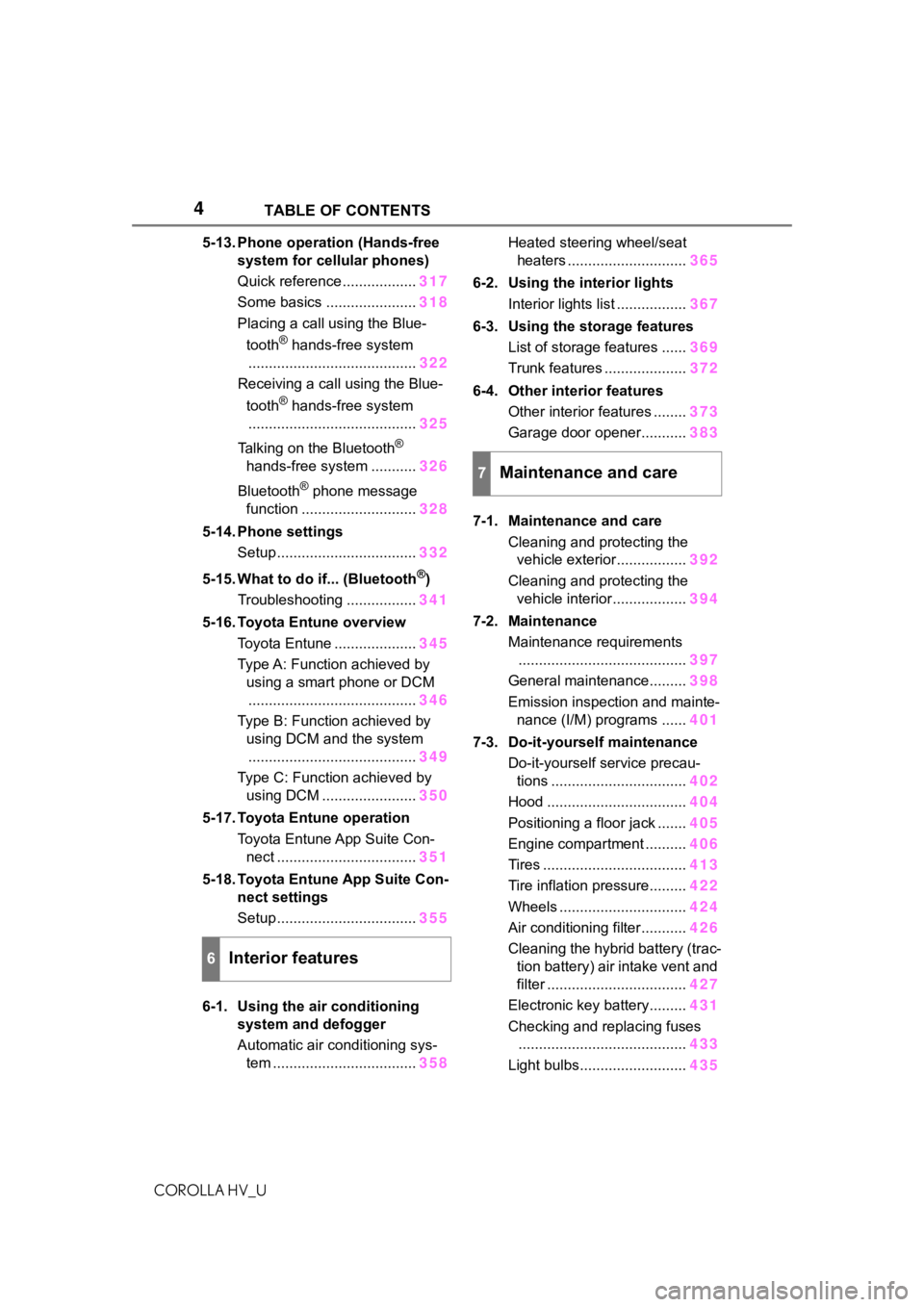
5-13. Phone operation (Hands-free system for cellular phones)
Quick reference .................. 317
Some basics ...................... 318
Placing a call using the Blue-
tooth
® hands-free system
......................................... 322
Receiving a call using the Blue-
tooth
® hands-free system
......................................... 325
Talking on the Bluetooth
®
hands-free system ........... 326
Bluetooth
® phone message
function ............................ 328
5-14. Phone settings Setup .................................. 332
5-15. What to do if... (Bluetooth
®)
Troubleshooting ................. 341
5-16. Toyota Entune overview Toyota Entune .................... 345
Type A: Function achieved by using a smart phone or DCM......................................... 346
Type B: Function achieved by using DCM and the system
......................................... 349
Type C: Function achieved by using DCM ....................... 350
5-17. Toyota Entune operation Toyota Entune App Suite Con-nect .................................. 351
5-18. Toyota Entune App Suite Con- nect settings
Setup .................................. 355
6-1. Using the air conditioning system and defogger
Automatic air conditioning sys-tem ................................... 358Heated steering wheel/seat
heaters ............................. 365
6-2. Using the interior lights Interior lights list ................. 367
6-3. Using the storage features List of storage features ...... 369
Trunk features .................... 372
6-4. Other interior features Other interior features ........ 373
Garage door opener........... 383
7-1. Maintenance and care Cleaning and protecting the vehicle exterior................. 392
Cleaning and protecting the vehicle interior.................. 394
7-2. Maintenance Maintenance requirements......................................... 397
General maintenance......... 398
Emission inspection and mainte- nance (I/M) programs ...... 401
7-3. Do-it-yourself maintenance Do-it-yourself service precau-tions ................................. 402
Hood .................................. 404
Positioning a floor jack ....... 405
Engine compartment .......... 406
Tires ................................... 413
Tire inflation pressure......... 422
Wheels ............................... 424
Air conditioning filter........... 426
Cleaning the hybrid battery (trac- tion battery) air intake vent and
filter .................................. 427
Electronic key battery......... 431
Checking and replacing fuses ......................................... 433
Light bulbs.......................... 435
6Interior features
7Maintenance and care
Page 5 of 556
5TABLE OF CONTENTS
COROLLA HV_U
1
2
3
4
5
6
7
8
9
10
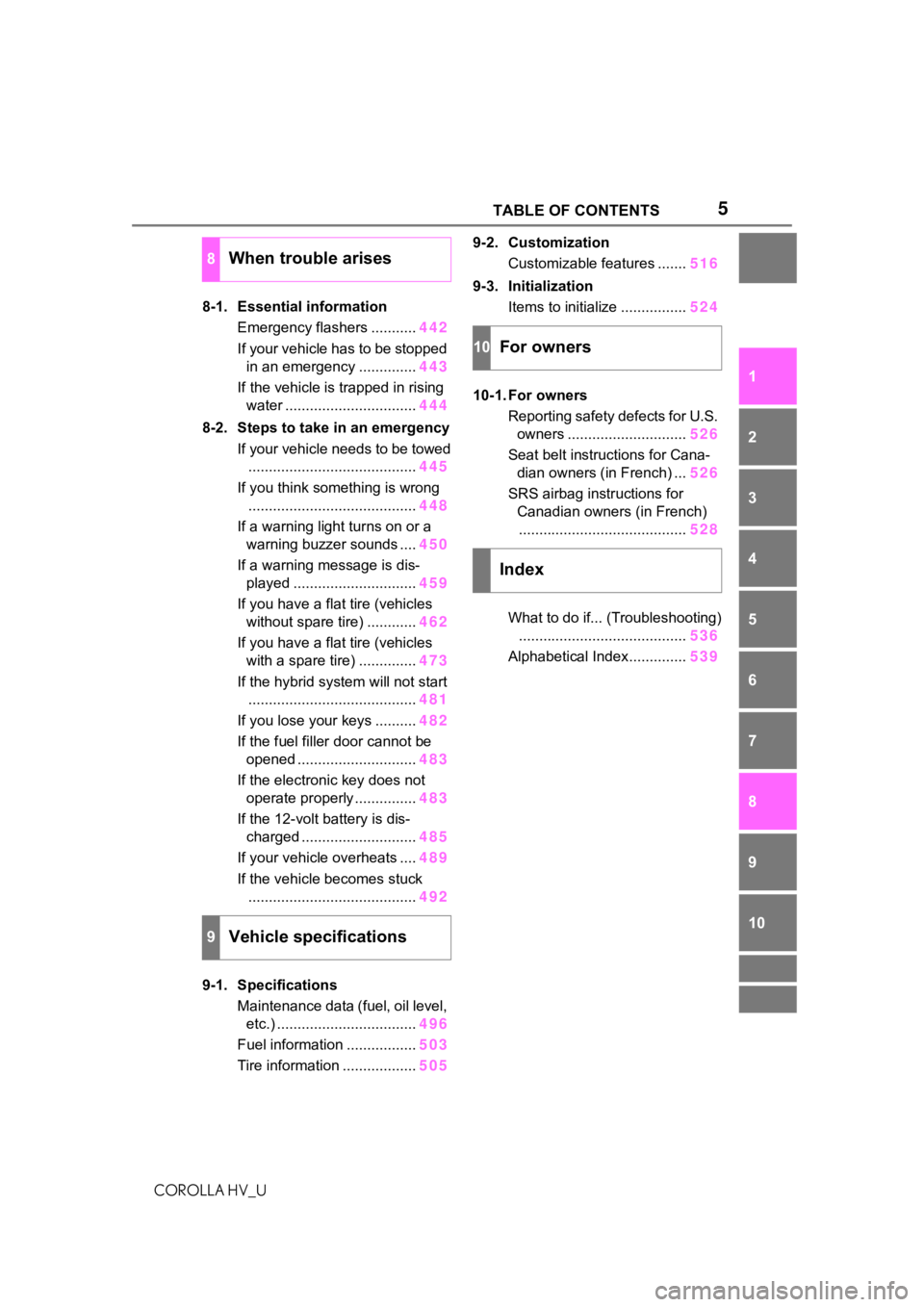
8-1. Essential information Emergency flashers ........... 442
If your vehicle has to be stopped in an emergency .............. 443
If the vehicle is trapped in rising water ................................ 444
8-2. Steps to take in an emergency If your vehicle needs to be towed......................................... 445
If you think something is wrong ......................................... 448
If a warning light turns on or a warning buzzer sounds .... 450
If a warning message is dis- played .............................. 459
If you have a flat tire (vehicles without spare tire) ............ 462
If you have a flat tire (vehicles with a spare tire) .............. 473
If the hybrid system will not start ......................................... 481
If you lose your keys .......... 482
If the fuel filler door cannot be opened ............................. 483
If the electronic key does not operate properly ............... 483
If the 12-volt battery is dis- charged ............................ 485
If your vehicle overheats .... 489
If the vehicle becomes stuck ......................................... 492
9-1. Specifications Maintenance data (fuel, oil level, etc.) .................................. 496
Fuel information ................. 503
Tire information .................. 5059-2. Customization
Customizable features ....... 516
9-3. Initialization Items to initialize ................ 524
10-1. For owners Reporting safety defects for U.S. owners ............................. 526
Seat belt instructions for Cana- dian owners (in French) ... 526
SRS airbag instructions for Canadian owners (in French)......................................... 528
What to do if... (Troubleshooting) ......................................... 536
Alphabetical Index.............. 539
8When trouble arises
9Vehicle specifications
10For owners
Index
Page 70 of 556
701-4. Hybrid system
COROLLA HV_U
■After the 12-volt battery has dis-
charged or when the terminal
has been removed and installed
during exchange, etc.
The gasoline engine may not stop
even if the vehicle is being driven by
the hybrid battery (traction battery).
If this continues for a few days, con-
tact your Toyota dealer.
■Sounds and vibrations specific
to a hybrid vehicle
There may be no engine sound or
vibration even though the vehicle is
able to move with the “READY” indi-
cator is illuminated. For safety, apply
the parking brake and make sure to
shift the shift lever to P when
parked.
The following sounds or vibrations
may occur when the hybrid system
is operating and are not a malfunc-
tion:
●Motor sounds may be heard from
the engine compartment.
●Sounds may be heard from the
hybrid battery (traction battery)
under the rear seats when the
hybrid system starts or stops.
●Relay operating sounds such as a
snap or soft clank will be emitted
from the hybrid battery (traction
battery), under the rear seats,
when the hybrid system is started
or stopped.
●Sounds from the hybrid system
may be heard when the trunk lid is
open.
●Sounds may be heard from the
transmission when the gasoline
engine starts or stops, when driv-
ing at low speeds, or during idling.
●Engine sounds may be heard
when accelerating sharply.
●Sounds may be heard due to
regenerative braking when the
brake pedal is dep ressed or as
the accelerator pedal is released.
●Vibration may be felt when the
gasoline engine starts or stops.
●Cooling fan sounds may be heard
from the air intake vent on the side
of the lower part of the rear right
seat.
■Maintenance, repair, recycling,
and disposal
Contact your Toyota dealer regard-
ing maintenance, repair, recycling
and disposal. Do n ot dispose of the
vehicle yourself.
■Customization
Some functions can be customized.
( P.516)
When driving with the gasoline
engine stopped, a sound, which
changes in accordance with the
driving speed, will be played in
order to warn people nearby of
the vehicle’s approach. The
sound will stop when the vehicle
speed exceeds approximately
22 mph (35 km/h).
■Vehicle proximity notification
system
In the following ca ses, the vehicle
proximity notification system may be
difficult for surrounding people to
hear.
●In very noisy areas
●In the wind or the rain
Also, as the vehicle proximity notifi-
cation system is installed on the
front of the vehicle, it may be more
difficult to hear fr om the rear of the
vehicle compared to the front.
Vehicle proximity notifica-
tion system
Page 75 of 556
751-5. Theft deterrent system
COROLLA HV_U
1
For safety and security
1-5.Theft deterrent system
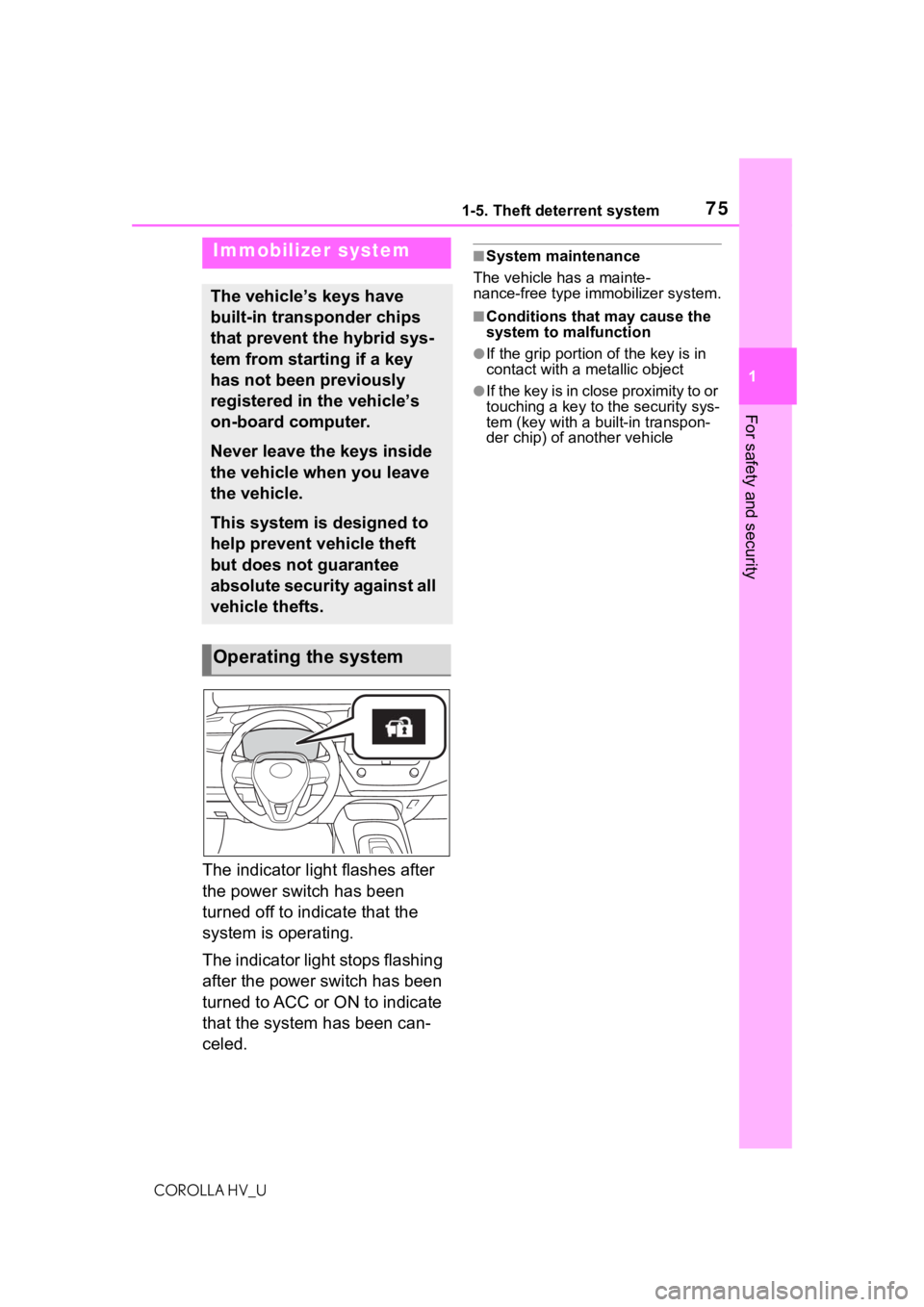
The indicator light flashes after
the power switch has been
turned off to indicate that the
system is operating.
The indicator light stops flashing
after the power switch has been
turned to ACC or ON to indicate
that the system has been can-
celed.
■System maintenance
The vehicle has a mainte-
nance-free type immobilizer system.
■Conditions that may cause the
system to malfunction
●If the grip portion of the key is in
contact with a metallic object
●If the key is in close proximity to or
touching a key to the security sys-
tem (key with a built-in transpon-
der chip) of another vehicle
Immobilizer system
The vehicle’s keys have
built-in transponder chips
that prevent the hybrid sys-
tem from starting if a key
has not been previously
registered in the vehicle’s
on-board computer.
Never leave the keys inside
the vehicle when you leave
the vehicle.
This system is designed to
help prevent vehicle theft
but does not guarantee
absolute security against all
vehicle thefts.
Operating the system
Page 78 of 556
781-5. Theft deterrent system
COROLLA HV_Ubeing on to flashing when the sys-
tem is set.
■Canceling or stopping
Do one of the following to deac-
tivate or stop the alarms:
Unlock the doors.
Turn the power switch to ACC
or ON, or start the hybrid sys-
tem. (The alarm will be deacti-
vated or stopped after a few
seconds.)
■System maintenance
The vehicle has a mainte-
nance-free type alarm system.
■Triggering of the alarm
The alarm may be triggered in the
following situations:
(Stopping the alarm deactivates the
alarm system.)
●A person inside the vehicle opens
a door, the trunk or hood, or
unlocks the vehicle using a door
lock switch or inside lock button.
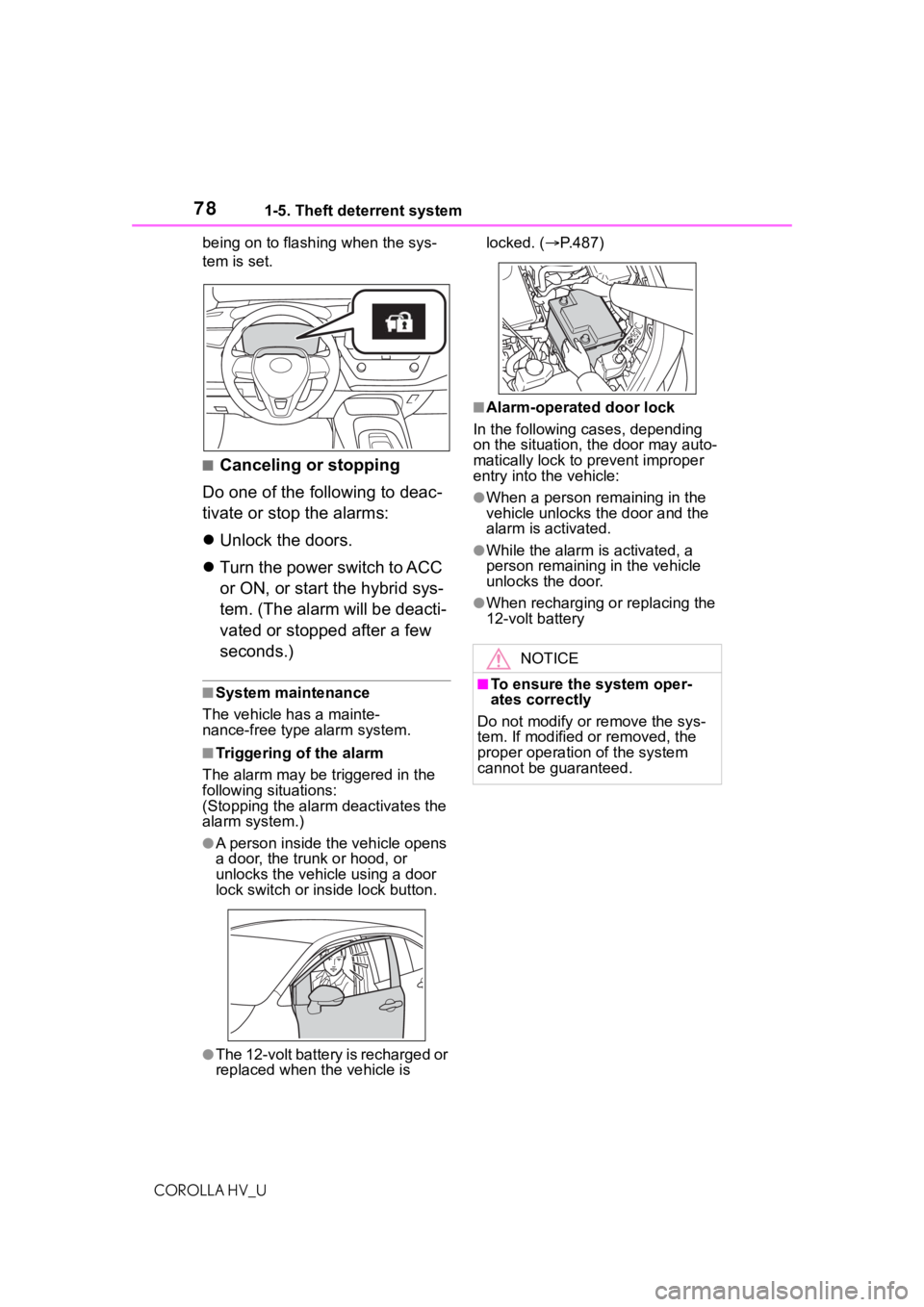
●The 12-volt battery is recharged or
replaced when the vehicle is locked. (
P.487)
■Alarm-operated door lock
In the following cases, depending
on the situation, the door may auto-
matically lock to prevent improper
entry into the vehicle:
●When a person remaining in the
vehicle unlocks the door and the
alarm is activated.
●While the alarm i s activated, a
person remaining in the vehicle
unlocks the door.
●When recharging or replacing the
12-volt battery
NOTICE
■To ensure the system oper-
ates correctly
Do not modify or remove the sys-
tem. If modified or removed, the
proper operation of the system
cannot be guaranteed.
Page 391 of 556
391
COROLLA HV_U
7
7
Maintenance and care
Maintenance and care
.7-1. Maintenance and careCleaning and protecting the vehicle exterior .......... 392
Cleaning and protecting the vehicle interior ........... 394
7-2. Maintenance Maintenance requirements.................................. 397
General maintenance.. 398
Emission inspection and maintenance (I/M) pro-
grams ........................ 401
7-3. Do-it-yourself mainte- nance
Do-it-yourself service pre- cautions ..................... 402
Hood ........................... 404
Positioning a floor jack .................................. 405
Engine compartment ... 406
Tires ............................ 413
Tire inflation pressure.. 422
Wheels ......... ...............424
Air conditioning filter .... 426
Cleaning the hybrid battery (traction battery) air intake
vent and filter............. 427
Electronic key battery.. 431
Checking and replacing fuses.......................... 433
Light bulbs................... 435
Page 392 of 556
3927-1. Maintenance and care
COROLLA HV_U
7-1.Maintenance and care
Working from top to bottom,
liberally apply water to the
vehicle body, wheel wells and
underside of the vehicle to
remove any dirt and dust.
Wash the vehicle body using
a sponge or soft cloth, such
as a chamois.
For hard-to-remove marks,
use car wash soap and rinse
thoroughly with water.
Wipe away any water.
Wax the vehicle when the
waterproof coating deterio-
rates.
If water does not bead on a clean
surface, apply wax when the vehi-
cle body is cool.
■Automatic car washes
●Fold the mirrors before washing
the vehicle. Start washing from the
front of the vehicle. Make sure to
extend the mirrors before driving.
●Brushes used in automatic car
washes may scratch the vehicle
surface and harm your vehicle’s
paint.
■High pressure car washes
As water may ent er the cabin, do not bring the nozzle tip near the
gaps around the doors or perimeter
of the windows, or spray these
areas continuously.
■When using a car wash
If the door handle becomes wet
while the electronic key is within the
effective range, the door may lock
and unlock repeatedly. In that case,
follow the following correction pro-
cedures to wash the vehicle:
●Place the key in a position 6 ft. (2
m) or more separate from the
vehicle while the vehicle is being
washed. (Take care to ensure that
the key is not stolen.)
●Set the electronic key to bat-
tery-saving mode to disable the
smart key system. ( P.112)
■Aluminum wheels
●Remove any dirt immediately by
using a neutral detergent.
●Wash detergent off with water
immediately after use.
●To protect the paint from damage,
make sure to obs erve the follow-
ing precautions.
• Do not use acidic, alkaline or abrasive detergent
• Do not use hard brushes
• Do not use detergent on the wheels when they are hot, such
as after driving or parking in hot
weather
■Bumpers
Do not scrub with abrasive cleaners.
Cleaning and protect-
ing the vehicle exte-
rior
Perform cleaning in a man-
ner appropriate to each
component and its material.
Cleaning instructions
WA R N I N G
■When washing the vehicle
Do not apply water to the inside of
the engine compartment. Doing
so may cause the electrical com-
ponents, etc. to catch fire.
Page 393 of 556
3937-1. Maintenance and care
COROLLA HV_U
7
Maintenance and care
WA R N I N G
■Precautions regarding the
exhaust pipe
Exhaust gasses cause the
exhaust pipe to become quite hot.
When washing the vehicle, be
careful not to touch the pipe until it
has cooled sufficiently, as touch-
ing a hot exhaust pipe can cause
burns.
■Precaution regarding the rear
bumper with Blind Spot Moni-
tor (if equipped)
If the paint of the rear bumper is
chipped or scratched, the system
may malfunction. If this occurs,
consult your Toyota dealer.
NOTICE
■To prevent paint deteriora-
tion and corrosion on the
body and components (alumi-
num wheels, etc.)
●Wash the vehicle immediately in
the following cases:
• After driving near the sea coast
• After driving on salted roads
• If coal tar or tre e sap is present
on the paint surface
• If dead insects, insect droppings or bird droppings are present on
the paint surface
• After driving in an area contami- nated with soot, oily smoke,
mine dust, iron powder or chem-
ical substances
• If the vehicle becomes heavily soiled with dust or mud
• If liquids such as benzene and gasoline are spilled on the paint
surface
●If the paint is chipped or
scratched, have it repaired
immediately.
●To prevent the wheels from cor-
roding, remove any dirt and
store in a place with low humid-
ity when storing the wheels.
■Cleaning the exterior lights
●Wash carefully. Do not use
organic substances or scrub
with a hard brush.
This may damage the surfaces
of the lights.
●Do not apply wax to the sur-
faces of the lights.
Wax may cause damage to the
lenses.
■To prevent damage to the
windshield wiper arms
When lifting the wiper arms away
from the windshield, pull the driver
side wiper arm upward first, and
repeat for the passenger side.
When returning the wipers to their
original position , do so from the
passenger side first.
■When using a high pressure
car wash
●When washing the vehicle, do
not spray the camera or its sur-
rounding area directly with a
high pressure washer. Shock
applied from high pressure
water may cause the device to
not operate normally.
●Do not bring the nozzle tip close
to boots (rubber or resin manu-
factured cover), connectors or
the following parts. The parts
may be damaged if they come
into contact with high-pressure
water.
• Traction related parts
• Steering parts
• Suspension parts
Page 394 of 556
3947-1. Maintenance and care
COROLLA HV_U
Remove dirt and dust using a
vacuum cleaner. Wipe dirty
surfaces with a cloth damp-
ened with lukewarm water.
If dirt cannot be removed,
wipe it off with a soft cloth
dampened with neutral deter-
gent diluted to approximately
1%.
Wring out any excess water
from the cloth and thoroughly
wipe off remaining traces of
detergent and water.
■Shampooing the carpets
There are several commercial foam-
ing-type cleaners available. Use a
sponge or brush to apply the foam.
Rub in overlapping circles. Do not
use water. Wipe dirty surfaces and
let them dry. Excellent results are
obtained by keeping the carpet as
dry as possible.
■Handling the seat belts
Clean with mild soap and lukewarm
water using a cloth or sponge. Also
check the belts periodically for
excessive wear, fraying or cuts.
NOTICE
• Brake parts
●Keep the cleaning nozzle at
least 11.9 in. (30 cm) away from
the vehicles bod y. Otherwise
resin section, such as moldings
and bumpers, may be deformed
and damaged. Also, do not con-
tinuously hold the nozzle in the
same place.
●Do not spray the lower part of
the windshield continuously. If
water enters the air conditioning
system intake located near the
lower part of the windshield, the
air conditioning system may not
operate correctly.
●Do not wash the underside of
the vehicle usin g a high pres-
sure car washer.
Cleaning and protect-
ing the vehicle interior
Perform cleaning in a man-
ner appropriate to each
component and its material.
Protecting the vehicle
interior