air conditioning TOYOTA FR-S 2013 Owners Manual (in English)
[x] Cancel search | Manufacturer: TOYOTA, Model Year: 2013, Model line: FR-S, Model: TOYOTA FR-S 2013Pages: 412, PDF Size: 5.3 MB
Page 1 of 412
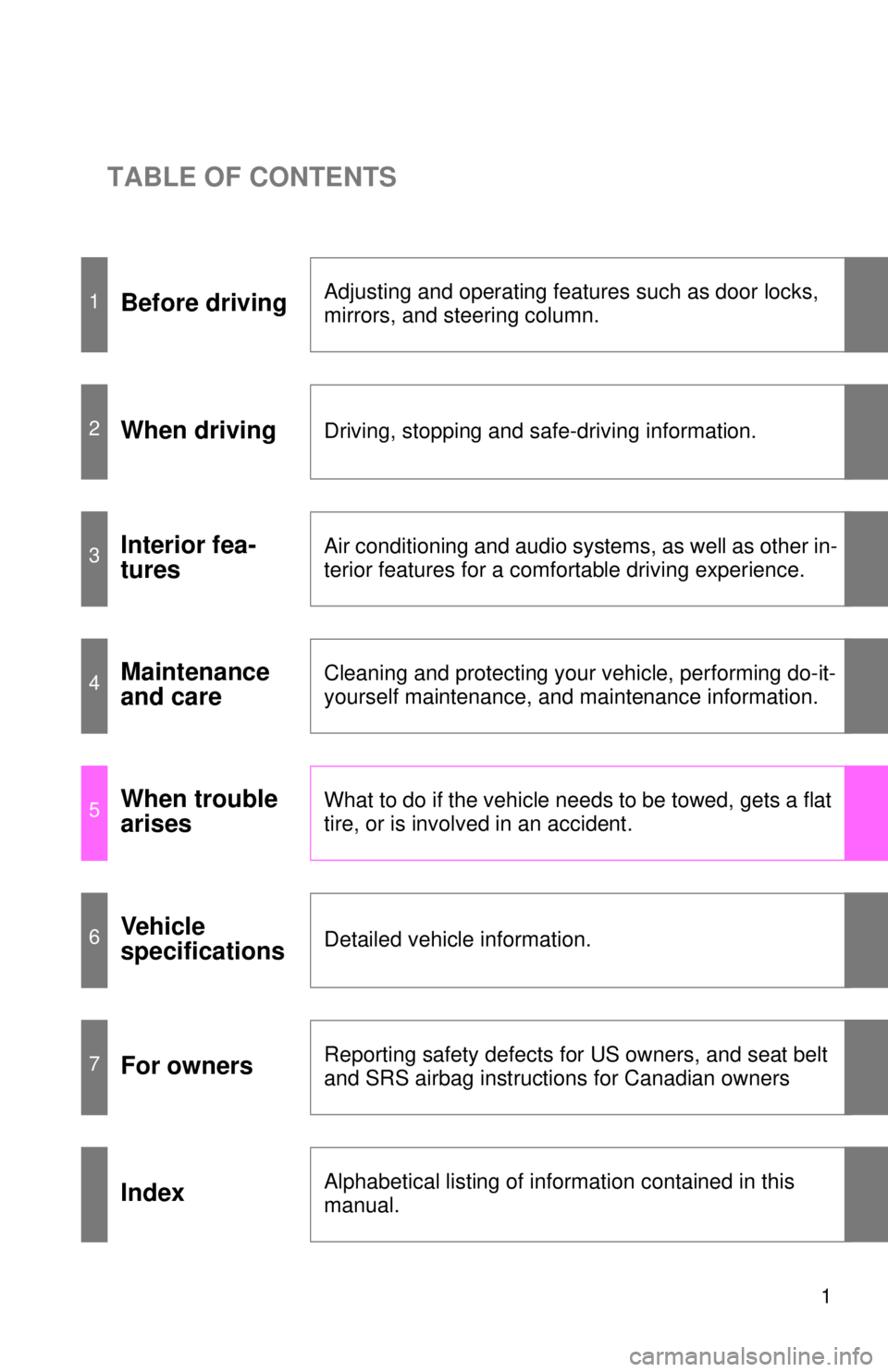
TABLE OF CONTENTS
1
1Before drivingAdjusting and operating features such as door locks,
mirrors, and steering column.
2When drivingDriving, stopping and safe-driving information.
3Interior fea-
turesAir conditioning and audio systems, as well as other in-
terior features for a comfortable driving experience.
4Maintenance
and careCleaning and protecting your vehicle, performing do-it-
yourself maintenance, and maintenance information.
5When trouble
arisesWhat to do if the vehicle needs to be towed, gets a flat
tire, or is involved in an accident.
6Vehicle
specificationsDetailed vehicle information.
7For ownersReporting safety defects for US owners, and seat belt
and SRS airbag instructions for Canadian owners
IndexAlphabetical listing of information contained in this
manual.
Page 3 of 412

1
2
3
4
5
6
7
3
2-5. Driving informationCargo and luggage ............. 179
Vehicle load limits ............... 183
Winter driving tips ............... 184
Trailer towing ...................... 187
Dinghy towing (vehicles with an automatic
transmission) .................... 188
Dinghy towing (vehicles with a manual
transmission) .................... 189
3-1. Using the air conditioning system and defogger
Manual air conditioning system .............................. 192
Rear window and outside rear view mirror
defoggers .......................... 199
3-2. Using the audio system Using the AUX/USB port ..... 201
3-3. Using the interior lights Interior lights list .................. 202
• Interior light ....................... 203
3-4. Using the storage features List of storage features ....... 204
• Glove box.......................... 205
• Bottle holders .................... 206
• Cup holders/console tray .................................... 207 3-5. Other interior features
Sun visors........................... 209
Vanity mirrors ..................... 210
Clock .................................. 211
Outside temperature display .............................. 212
Power outlets...................... 213
Floor mat ............................ 215
4-1. Maintenance and care Cleaning and protecting the vehicle exterior ........... 220
Cleaning and protecting the vehicle interior ............ 224
4-2. Maintenance Maintenance requirements .................... 228
General maintenance ......... 230
Emission inspection and maintenance (I/M)
programs .......................... 233
3Interior features
4Maintenance and care
Page 4 of 412

TABLE OF CONTENTSIndex
4
4-3. Do-it-yourself maintenanceDo-it-yourself service precautions ...................... 234
Hood................................... 237
Positioning a floor jack ....... 239
Engine compartment .......... 241
Tires ................................... 254
Tire inflation pressure......... 261
Wheels ............................... 265
Air conditioning filter ........... 268
Wireless remote control key battery ....................... 270
Checking and replacing fuses ................................ 273
Light bulbs .......................... 281
5-1. Essential information Emergency flashers ........... 294
If your vehicle needs to be towed .......................... 295
If you think something is wrong ............................... 302
Fuel pump shut off system .............................. 303 5-2. Steps to take in an
emergency
If a warning light turns on or a warning buzzer
sounds... .......................... 304
If you have a flat tire ........... 314
If the engine will not start .... 325
If the shift lever cannot be shifted from P (vehicles
with an automatic
transmission) .................... 326
If you lose your keys ........... 327
If the battery is discharged ........................ 328
If your vehicle overheats..... 332
If the vehicle becomes stuck ................................. 335
If your vehicle has to be stopped in an
emergency........................ 337
6-1. Specifications Maintenance data (fuel, oil level, etc.) ........... 340
Fuel information .................. 352
Tire information................... 356
6-2. Customization Customizable features ........ 369
5When trouble arises
6Vehicle specifications
Page 12 of 412
12
A
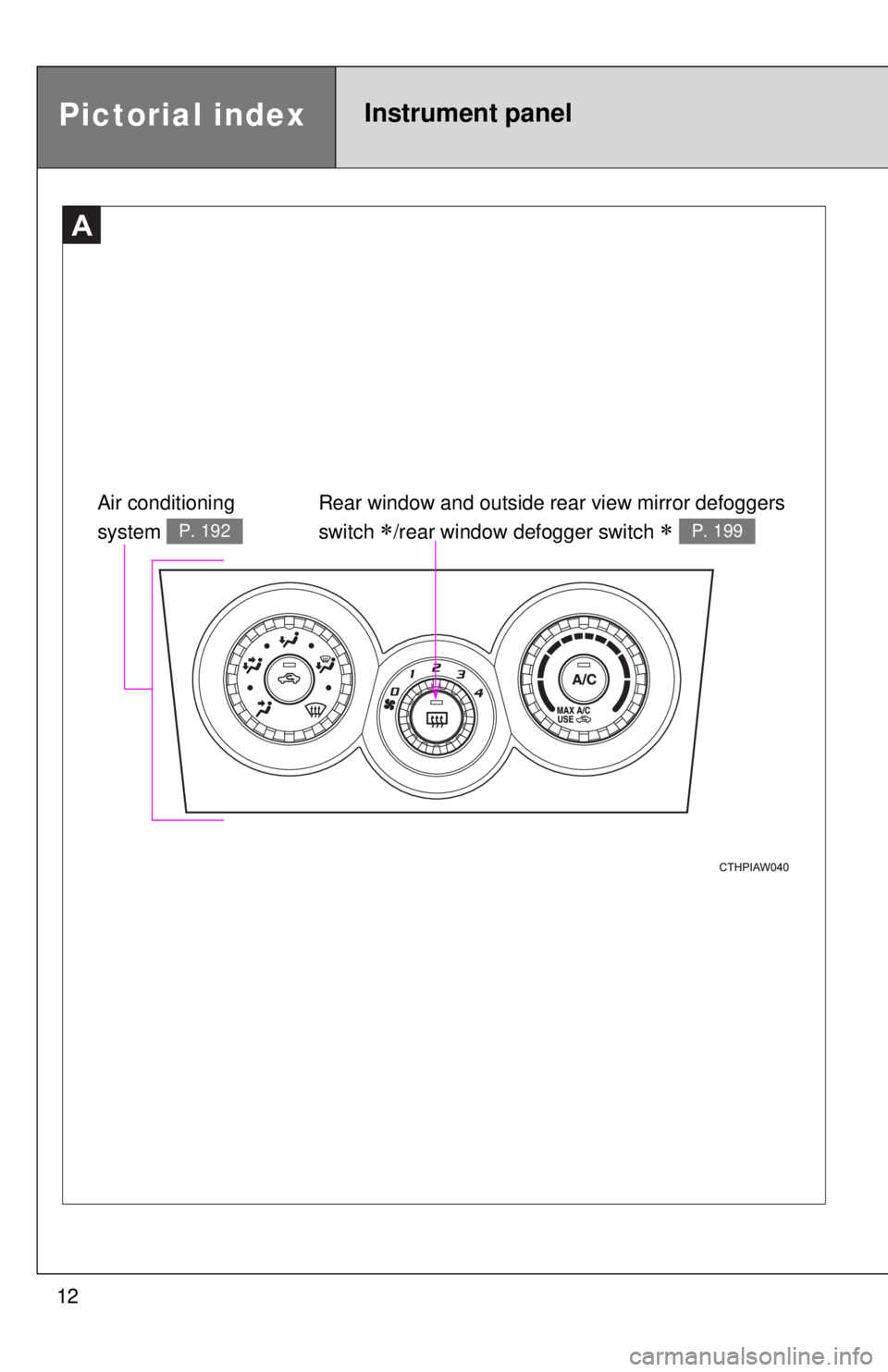
Air conditioning
system
P. 192
Rear window and outside rear view mirror defoggers
switch
/rear window defogger switch P. 199
Pictorial indexInstrument panel
Page 126 of 412

126 2-1. Driving procedures
CAUTION
■When starting the vehicle (vehicl es with an automatic transmission)
● Always keep your foot on the brake pedal while stopped with the engine
running. This prevents the vehicle from creeping.
● Firmly depress the brake pedal because engine speed may increase
immediately after starting the engine, when the air conditioning system is
operating, when turning the steering wheel, etc., thereby causing creeping
to become stronger. Apply the parking brake as necessary.
■ When driving the vehicle
●Do not drive if you are unfamiliar with the location of the brake and accel-
erator pedals to avoid depressing the wrong pedal.
• Accidentally depressing the accelerator pedal instead of the brake
pedal will result in sudden acceleration that may lead to an accident
that could result in death or serious injury.
• When backing up, you may twist your body around, leading to a diffi- culty in operating the pedals. Make sure to operate the pedals properly.
• Make sure to keep a correct driving posture even when moving the vehicle only slightly. This allows you to depress the brake and acceler-
ator pedals properly.
• Depress the brake pedal using your right foot. Depressing the brake pedal using your left foot may delay response in an emergency, result-
ing in an accident.
● Do not drive the vehicle over or stop the vehicle near flammable materials.
The exhaust system and exhaust gases can be extremely hot. These hot
parts may cause a fire if there is any flammable material nearby.
● On vehicles with an automatic transmission, do not let the vehicle roll
backward while the shift lever is in a driving position, or roll forward while
the shift lever is in R.
Doing so may cause the engine to stall or lead to poor brake and steering
performance, resulting in an accident or damage to the vehicle.
● If the smell of exhaust is noticed inside the vehicle, open the windows and
check that the trunk is closed. Large amounts of exhaust in the vehicle can
cause driver drowsiness and an accident, resulting in death or a serious
health hazard. Have the vehicle inspected by your Scion dealer immedi-
ately.
Page 191 of 412
Interior features3
191
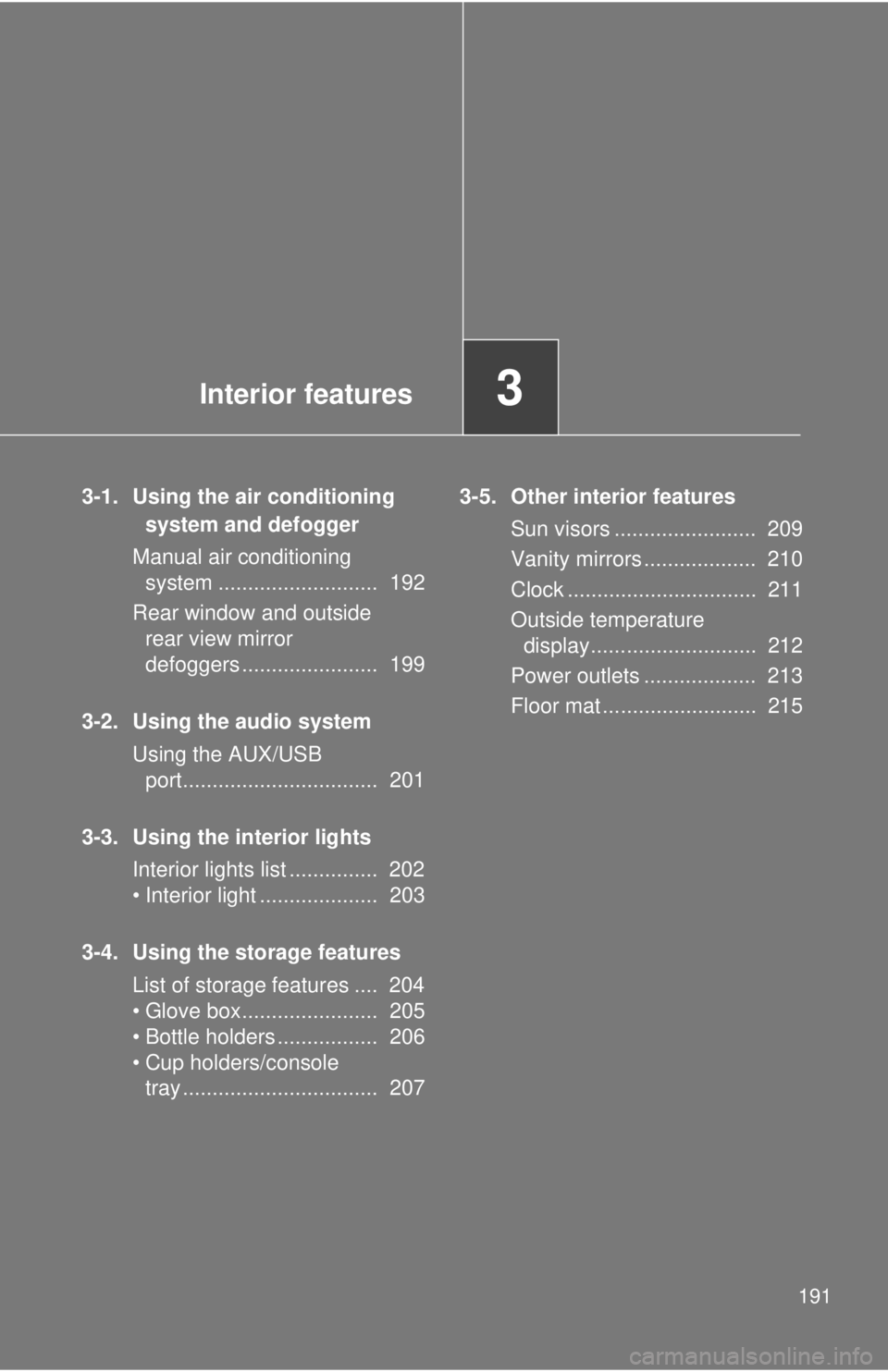
3-1. Using the air conditioning system and defogger
Manual air conditioning system ........................... 192
Rear window and outside rear view mirror
defoggers ....................... 199
3-2. Using the audio system Using the AUX/USB port................................. 201
3-3. Using the interior lights Interior lights list ............... 202
• Interior light .................... 203
3-4. Using the storage features List of storage features .... 204
• Glove box....................... 205
• Bottle holders ................. 206
• Cup holders/console tray ................................. 207 3-5. Other interior features
Sun visors ........................ 209
Vanity mirrors ................... 210
Clock ................................ 211
Outside temperature display............................ 212
Power outlets ................... 213
Floor mat .......................... 215
Page 192 of 412
192
3-1. Using the air conditioning system and defogger
Manual air conditioning system
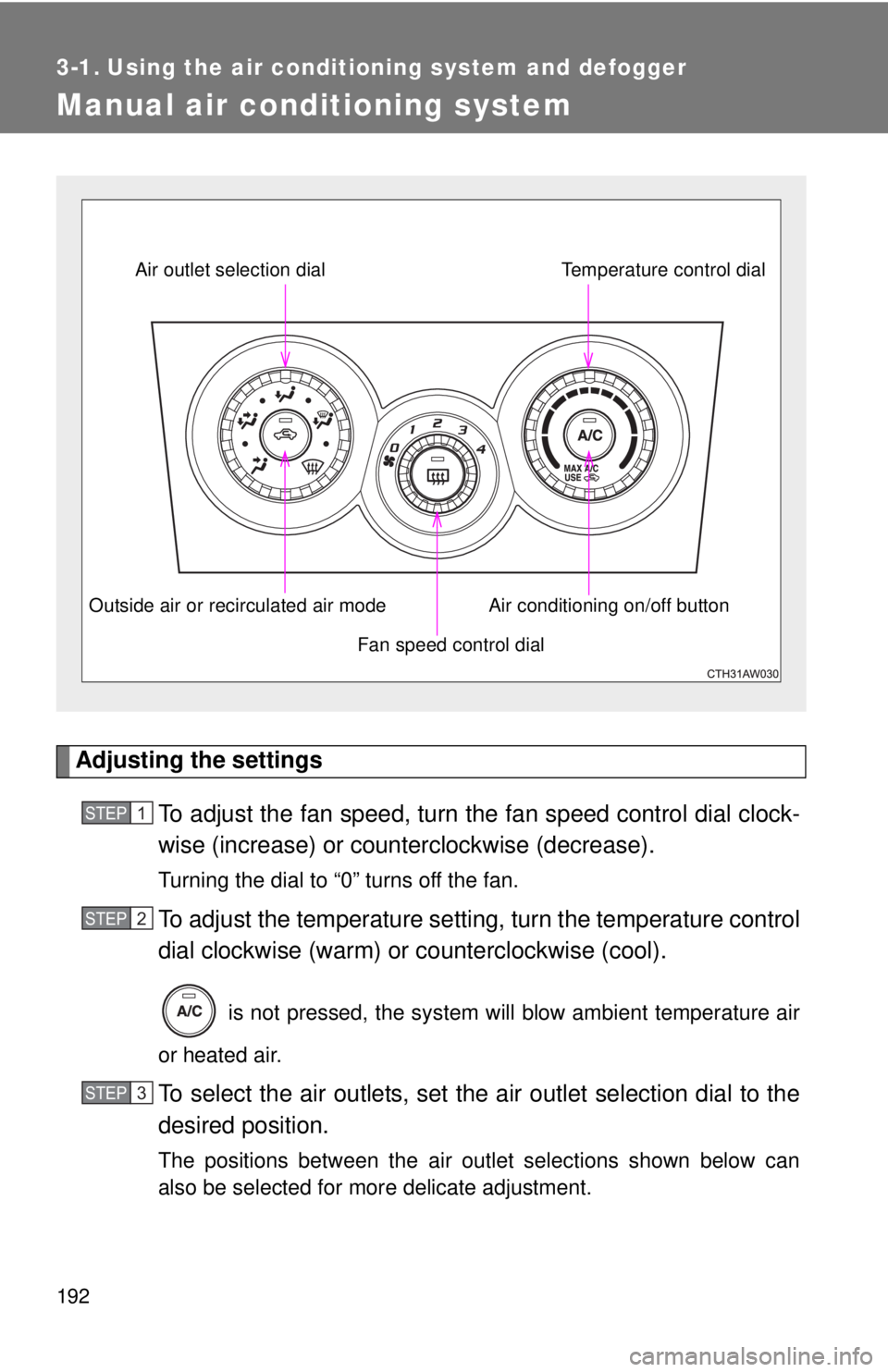
Adjusting the settingsTo adjust the fan speed, turn the fan speed control dial clock-
wise (increase) or count erclockwise (decrease).
Turning the dial to “0” turns off the fan.
To adjust the temperature setting, turn the temperature control
dial clockwise (warm) or counterclockwise (cool).
is not pressed, the system will blow ambient temperature air
or heated air.
To select the air outlets, set the air outlet selection dial to the
desired position.
The positions between the air outlet selections shown below can
also be selected for more delicate adjustment.
Fan speed control dial
Air outlet selection dial
Air conditioning on/off buttonTemperature control dial
Outside air or recirculated air mode
STEP 1
STEP 2
STEP 3
Page 193 of 412
193
3-1. Using the air conditioning system
and defogger
3
Interior features
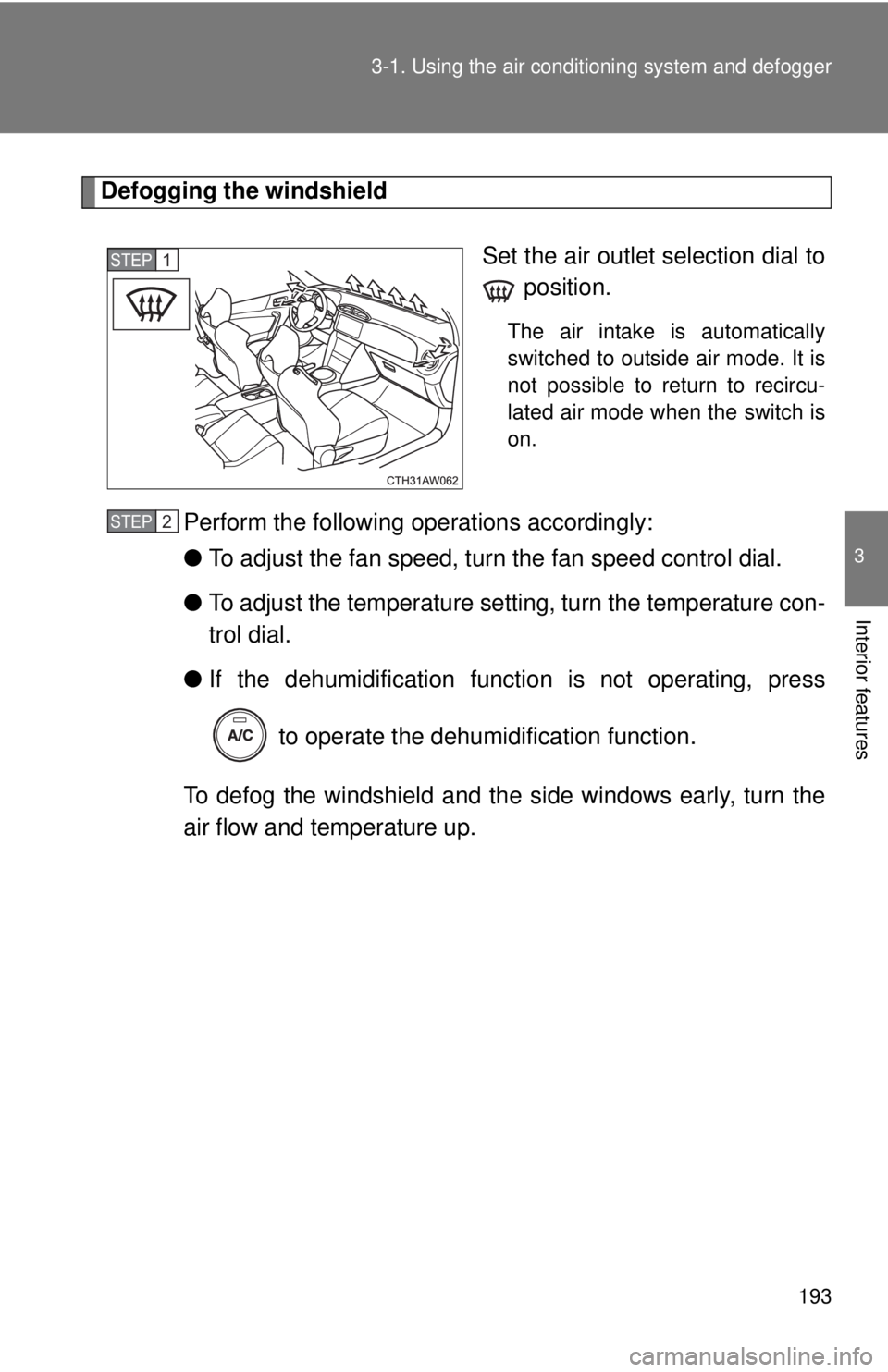
Defogging the windshield
Set the air outlet selection dial to position.
The air intake is automatically
switched to outside air mode. It is
not possible to return to recircu-
lated air mode when the switch is
on.
Perform the following operations accordingly:
●To adjust the fan speed, turn the fan speed control dial.
● To adjust the temperature setting, turn the temperature con-
trol dial.
● If the dehumidificat ion function is not operating, press
to operate the dehumidification function.
To defog the windshield and the side windows early, turn the
air flow and temperature up.
STEP 1
STEP 2
Page 194 of 412
194 3-1. Using the air conditioning system and defogger
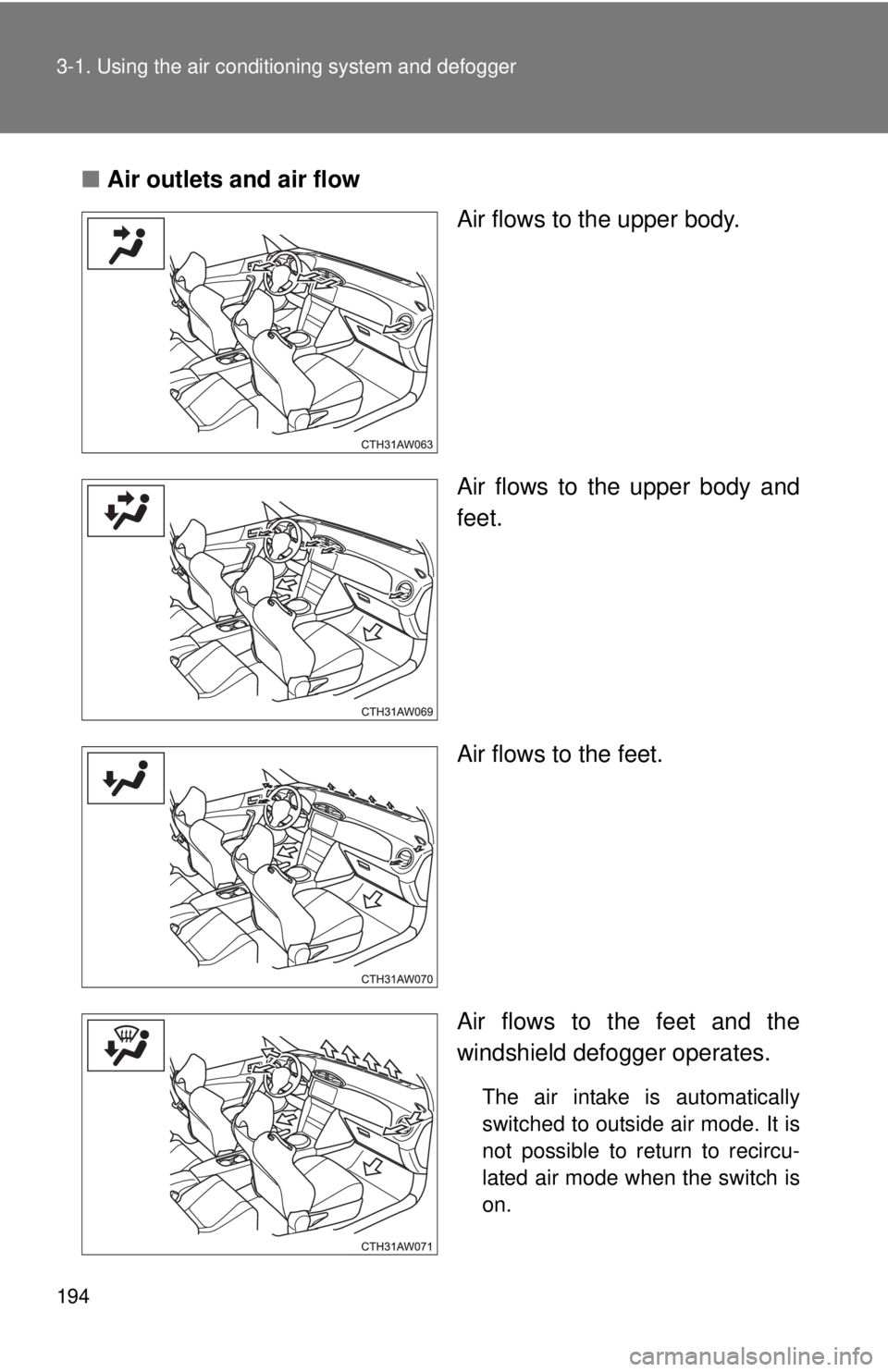
■Air outlets and air flow
Air flows to the upper body.
Air flows to the upper body and
feet.
Air flows to the feet.
Air flows to the feet and the
windshield defogger operates.
The air intake is automatically
switched to outside air mode. It is
not possible to return to recircu-
lated air mode when the switch is
on.
Page 195 of 412
195
3-1. Using the air conditioning system
and defogger
3
Interior features
Switching between outside air and recirculated air modes
Press .
The mode switches between outside air mode (introduces air from out-
side the vehicle) (indicator off) and recirculated air mode (recycles air
inside the vehicle) (indicator on) each time the button is pressed.
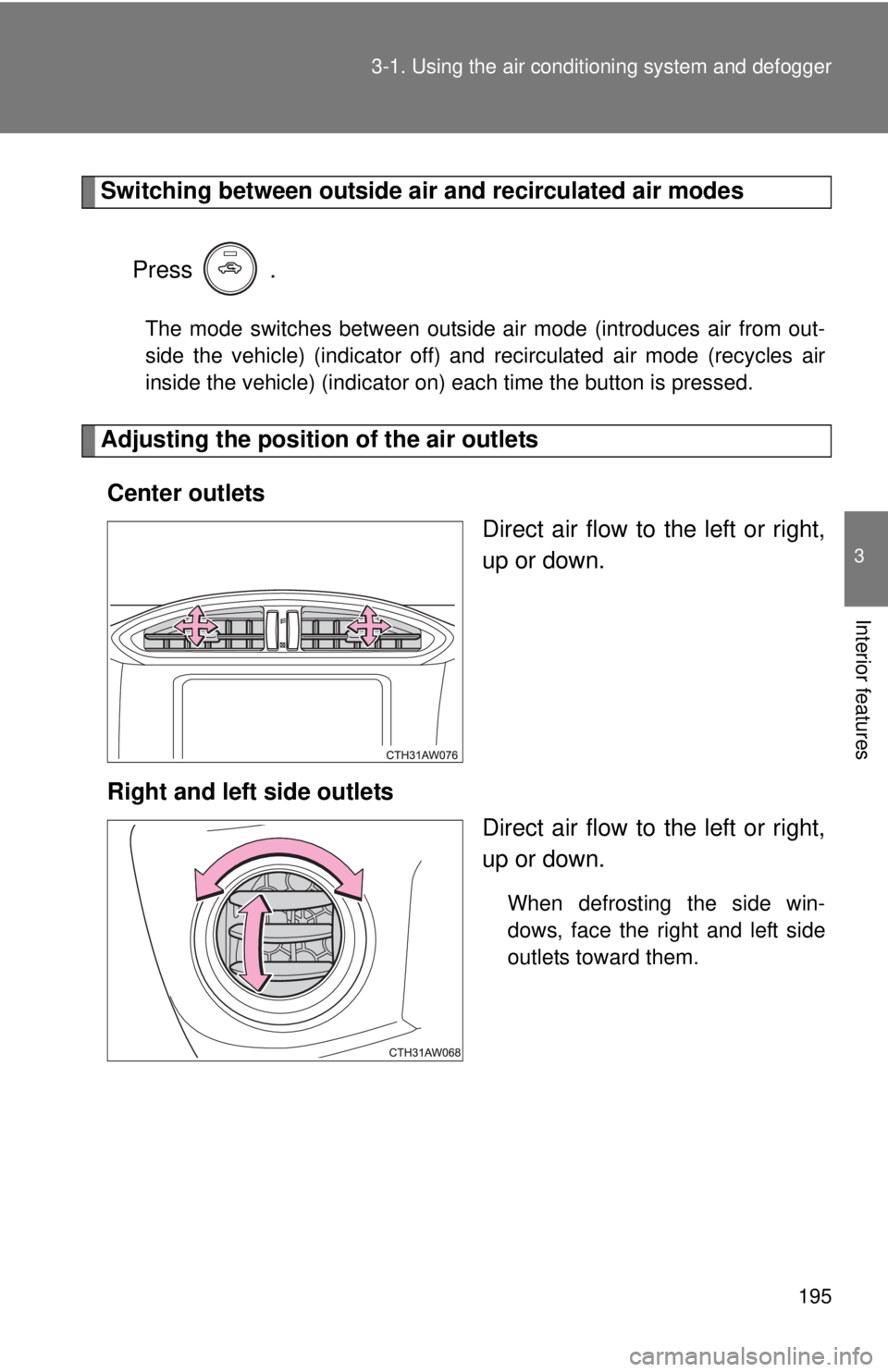
Adjusting the position of the air outlets Center outlets Direct air flow to the left or right,
up or down.
Right and left side outlets Direct air flow to the left or right,
up or down.
When defrosting the side win-
dows, face the right and left side
outlets toward them.