engine TOYOTA GR SUPRA 2022 User Guide
[x] Cancel search | Manufacturer: TOYOTA, Model Year: 2022, Model line: GR SUPRA, Model: TOYOTA GR SUPRA 2022Pages: 356, PDF Size: 39.14 MB
Page 33 of 356
332-1. QUICK REFERENCE
2
QUICK REFERENCE
WARNING
When taking a nap in the vehicle
is unavoidable, park the vehicle in
a safe place, turn the engine
switch off, and if possible, sleep in
the passenger seat. If the engine
is left running, the accelerator
pedal may be depressed or selec-
tor lever may be operated unin-
tentionally, possibly leading to an
accident. Also, if the engine is run
at a high speed for a long time,
the exhaust system and engine
may become extremely hot, pos-
sibly causing to a fire.
WARNING
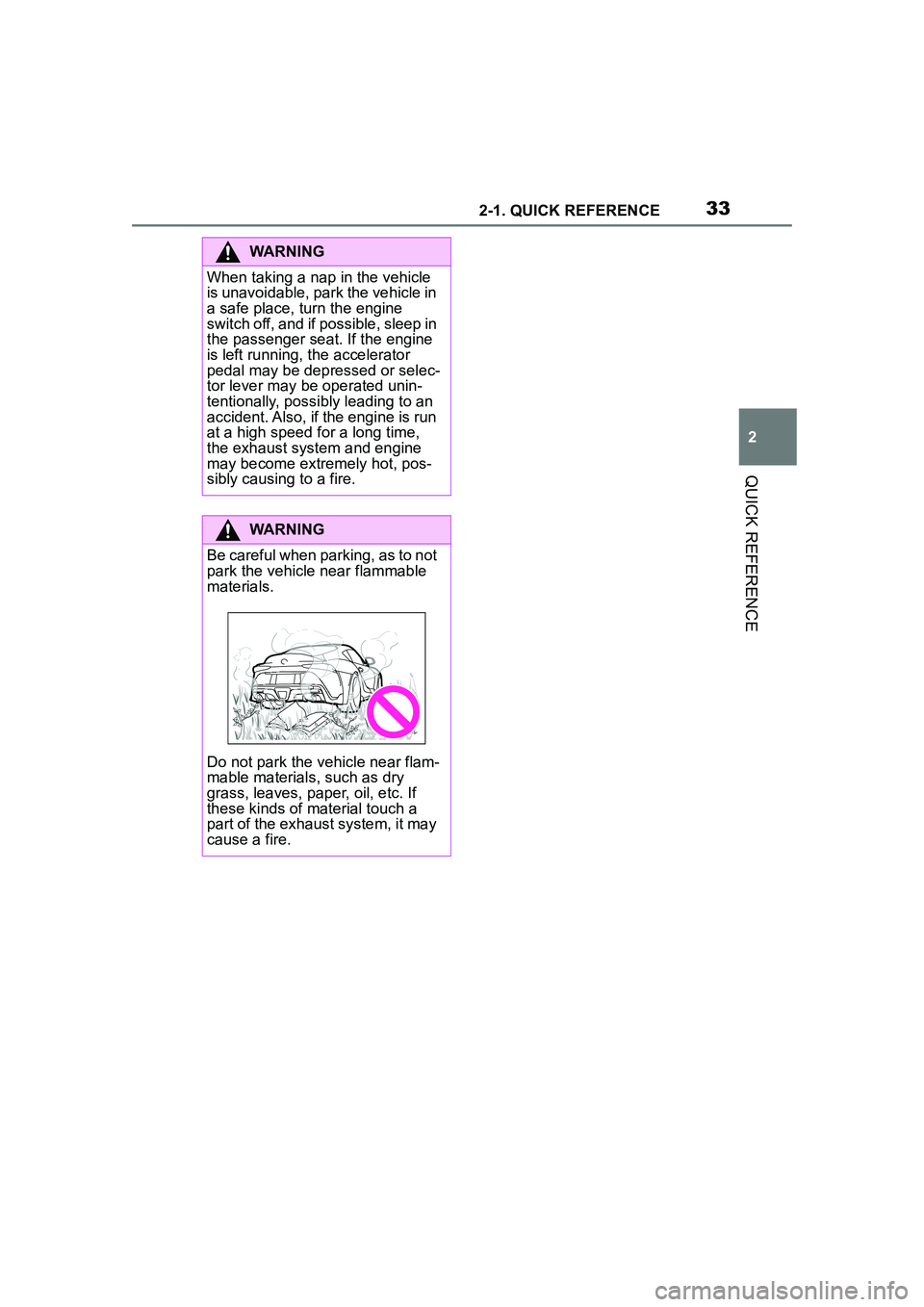
Be careful when parking, as to not
park the vehicle near flammable
materials.
Do not park the vehicle near flam-
mable materials, such as dry
grass, leaves, paper, oil, etc. If
these kinds of material touch a
part of the exhaust system, it may
cause a fire.
Page 44 of 356
443-1. CONTROLS
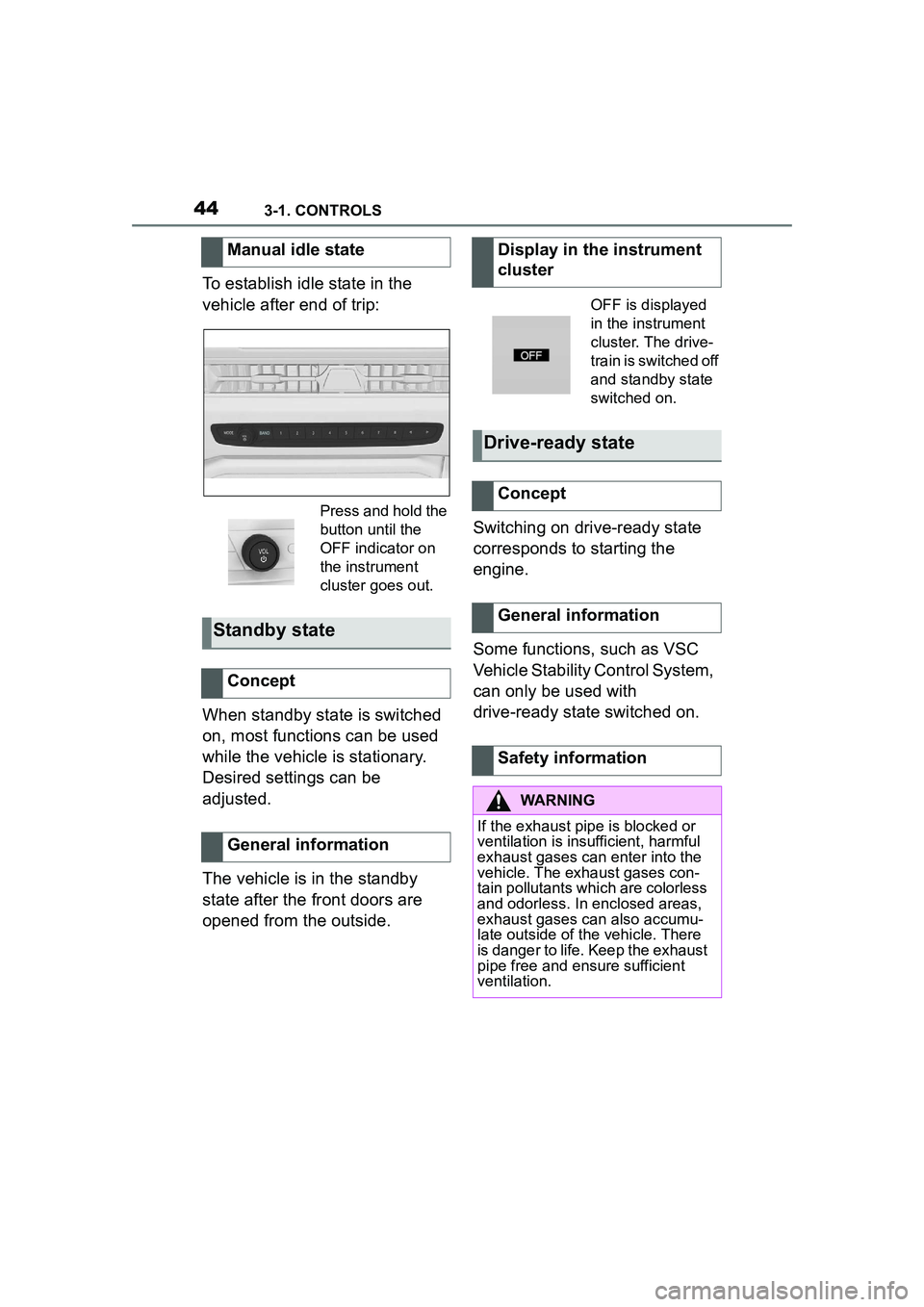
To establish idle state in the
vehicle after end of trip:
When standby state is switched
on, most functions can be used
while the vehicle is stationary.
Desired settings can be
adjusted.
The vehicle is in the standby
state after the front doors are
opened from the outside.Switching on drive-ready state
corresponds to starting the
engine.
Some functions, such as VSC
Vehicle Stability Control System,
can only be used with
drive-ready state switched on.
Manual idle state
Press and hold the
button until the
OFF indicator on
the instrument
cluster goes out.
Standby state
Concept
General information
Display in the instrument
cluster
OFF is displayed
in the instrument
cluster. The drive-
train is switched off
and standby state
switched on.
Drive-ready state
Concept
General information
Safety information
WARNING
If the exhaust pipe is blocked or
ventilation is insufficient, harmful
exhaust gases can enter into the
vehicle. The exhaust gases con-
tain pollutants which are colorless
and odorless. In enclosed areas,
exhaust gases can also accumu-
late outside of the vehicle. There
is danger to life. Keep the exhaust
pipe free and ensure sufficient
ventilation.
Page 45 of 356
453-1. CONTROLS
3
CONTROLS
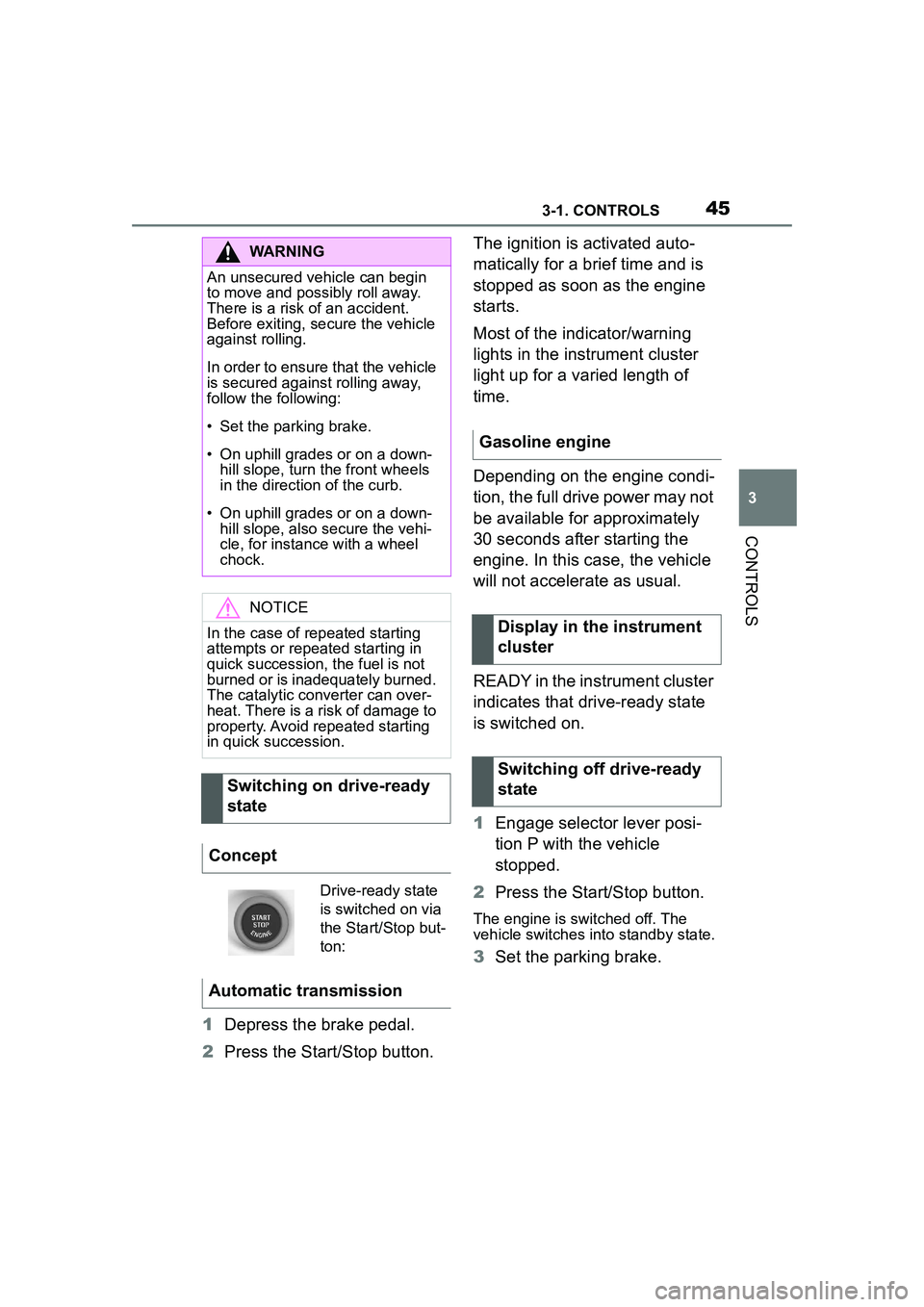
1Depress the brake pedal.
2 Press the Start/Stop button. The ignition is activated auto-
matically for a brief time and is
stopped as soon as the engine
starts.
Most of the indicator/warning
lights in the instrument cluster
light up for a varied length of
time.
Depending on the engine condi-
tion, the full drive power may not
be available for approximately
30 seconds after starting the
engine. In this case, the vehicle
will not accelerate as usual.
READY in the instrument cluster
indicates that drive-ready state
is switched on.
1
Engage selector lever posi-
tion P with the vehicle
stopped.
2 Press the Start/Stop button.
The engine is switched off. The
vehicle switches into standby state.
3Set the parking brake.
WARNING
An unsecured vehicle can begin
to move and possibly roll away.
There is a risk of an accident.
Before exiting, secure the vehicle
against rolling.
In order to ensure that the vehicle
is secured against rolling away,
follow the following:
• Set the parking brake.
• On uphill grades or on a down-
hill slope, turn the front wheels
in the direction of the curb.
• On uphill grades or on a down- hill slope, also secure the vehi-
cle, for instance with a wheel
chock.
NOTICE
In the case of repeated starting
attempts or repeated starting in
quick succession, the fuel is not
burned or is inadequately burned.
The catalytic converter can over-
heat. There is a risk of damage to
property. Avoid repeated starting
in quick succession.
Switching on drive-ready
state
Concept
Drive-ready state
is switched on via
the Start/Stop but-
ton:
Automatic transmission
Gasoline engine
Display in the instrument
cluster
Switching off drive-ready
state
Page 65 of 356
653-1. CONTROLS
3
CONTROLS
In the driver profiles, individual
settings for several drivers can
be stored and called up again
when required.
There are three driver profiles
with which personal vehicle set-
tings can be stored. Every
remote control has one of these
driver profiles assigned.
If the vehicle is unlocked using a
remote control, the assigned
personal driver profile will be
activated. All settings stored in
the driver profile are automati-
cally applied.
If several drivers use their own
remote control, the vehicle will
adjust the personal settings
during unlocking. These settings
are also restored, if the vehicle
has been used in the meantime
by a person with a different
remote control.
Changes to the settings are
automatically stored in the driver
profile currently activated.
If another driver profile is
selected via Toyota Supra Com-
mand, the settings stored in it
will be applied automatically.
The new driver profile is
assigned to the vehicle key that is currently in use.
There is an additional guest pro-
file available that is not assigned
to any vehicle key. It can be
used to apply settings in the
vehicle without changing the
personal driver profiles.
For the system to be able to
identify the driver profile associ-
ated to a particular driver, the
detected remote control must be
clearly allocated to the driver.
This is the case when:
• The driver is only carrying his
or her own remote control.
• The driver unlocks the vehi- cle.
• The driver gets into the vehi- cle through the driver's door.
After switching on the Control
Display, the name of the active
driver profile is displayed.
Select driver profile, refer to
page 66.
As soon as the engine is started
or any key is pressed, the last
selected display is shown on the
Control Display.
To exit the welcome screen via
Toyota Supra Command: "OK"
Driver profile
Concept
General information
Functional requirements
Active driver profile
Page 86 of 356
863-1. CONTROLS
after approx. 2 seconds.
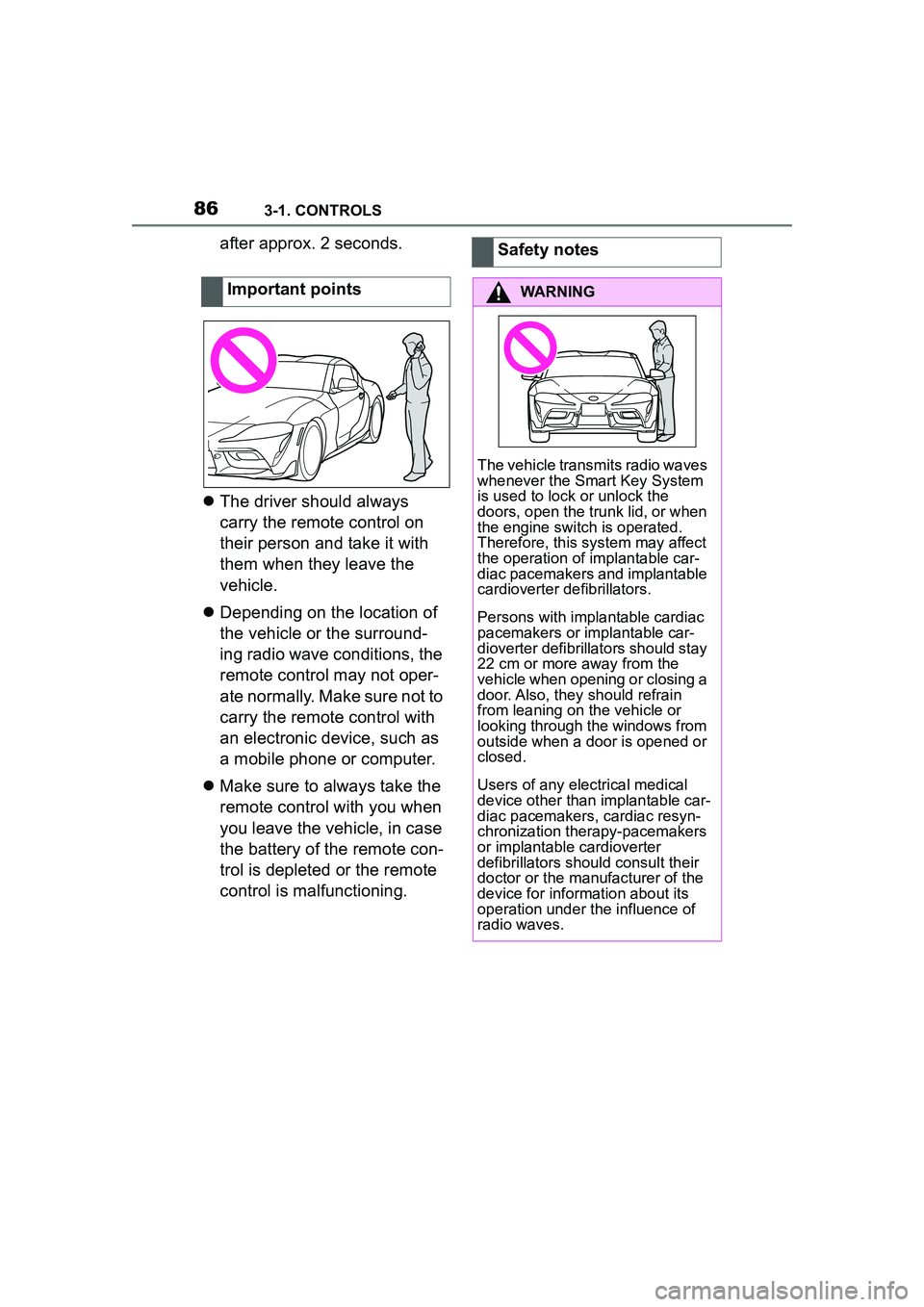
The driver should always
carry the remote control on
their person and take it with
them when they leave the
vehicle.
Depending on the location of
the vehicle or the surround-
ing radio wave conditions, the
remote control may not oper-
ate normally. Make sure not to
carry the remote control with
an electronic device, such as
a mobile phone or computer.
Make sure to always take the
remote control with you when
you leave the vehicle, in case
the battery of the remote con-
trol is depleted or the remote
control is malfunctioning.Important pointsSafety notes
WARNING
The vehicle transmits radio waves
whenever the Smart Key System
is used to lock or unlock the
doors, open the trunk lid, or when
the engine switch is operated.
Therefore, this system may affect
the operation of implantable car-
diac pacemakers and implantable
cardioverter defibrillators.
Persons with implantable cardiac
pacemakers or implantable car-
dioverter defibrillato
rs should stay
22 cm or more away from the
vehicle when opening or closing a
door. Also, they should refrain
from leaning on the vehicle or
looking through the windows from
outside when a door is opened or
closed.
Users of any electrical medical
device other than implantable car-
diac pacemakers, cardiac resyn-
chronization therapy-pacemakers
or implantable cardioverter
defibrillators should consult their
doctor or the manufacturer of the
device for information about its
operation under the influence of
radio waves.
Page 116 of 356
1163-1. CONTROLS
2Apply drive mode.
3 Release the parking brake.
4 Drive away.
The Auto Start/Stop function
helps save fuel. The system
switches off the engine during a
stop, for instance in traffic jam or
at traffic lights. Drive-ready state
remains switched on. The
engine starts automatically for
driving off.
After each engine start using the
Start/Stop button, the Auto
Start/Stop function is ready. The
function is activated from
speeds of approx. 3 mph/5
km/h.
Depending on the selected driv-
ing mode, refer to page 131, the
system is automatically acti-
vated or deactivated.
The engine is switched off auto-
matically during a stop under the
following conditions:
The selector lever is in selec-
tor lever position D.
The brake pedal remains
pressed while the vehicle is
stationary.
The driver's safety belt is
buckled or the driver's door is
closed.
If the engine was not switched
off automatically when the vehi-
cle stopped, the engine can be
switched off manually:
Press the brake pedal force-
fully again from the current
pedal position.
Engage selector lever posi-
tion P.
If all functional preconditions are
fulfilled, the engine switches off.
The air flow from the air condi-
tioner is reduced when the
engine is switched off.
Auto Start/Stop function
Concept
General information
Engine stop
Functional requirementsManual engine stop
Air conditioner when the
engine is switched off
Page 117 of 356
1173-1. CONTROLS
3
CONTROLS
■General information
The engine is not switched off
automatically in the following sit-
uations:
In case of a steep downhill
grade.
Brake not engaged strongly
enough.
The external temperature is
high and automatic air condi-
tioning is running.
The car's interior has not yet
been heated or cooled to the
required level.
Where there is a risk of win-
dow condensation when the
automatic air conditioning is
switched on.
Engine or other parts not at
operating temperature.
Engine cooling is required.
The wheels are at a sharp angle or the steering wheel is
being turned.
Vehicle battery is heavily dis-
charged.
At higher elevations.
The hood is unlocked.
The parking assistant is acti-
vated.
Stop-and-go traffic.
Selector lever position in N or
R.
After driving in reverse.
Use of fuel with high ethanol
content.
The engine starts automatically
under the following precondi-
tions:
By releasing the brake pedal.
After the engine starts, acceler-
ate as usual.
After the engine switches off
automatically, it will not start
again automatically if any one of
the following conditions are met:
The driver's safety belt is
unbuckled and the driver's
Displays in the instrument
cluster
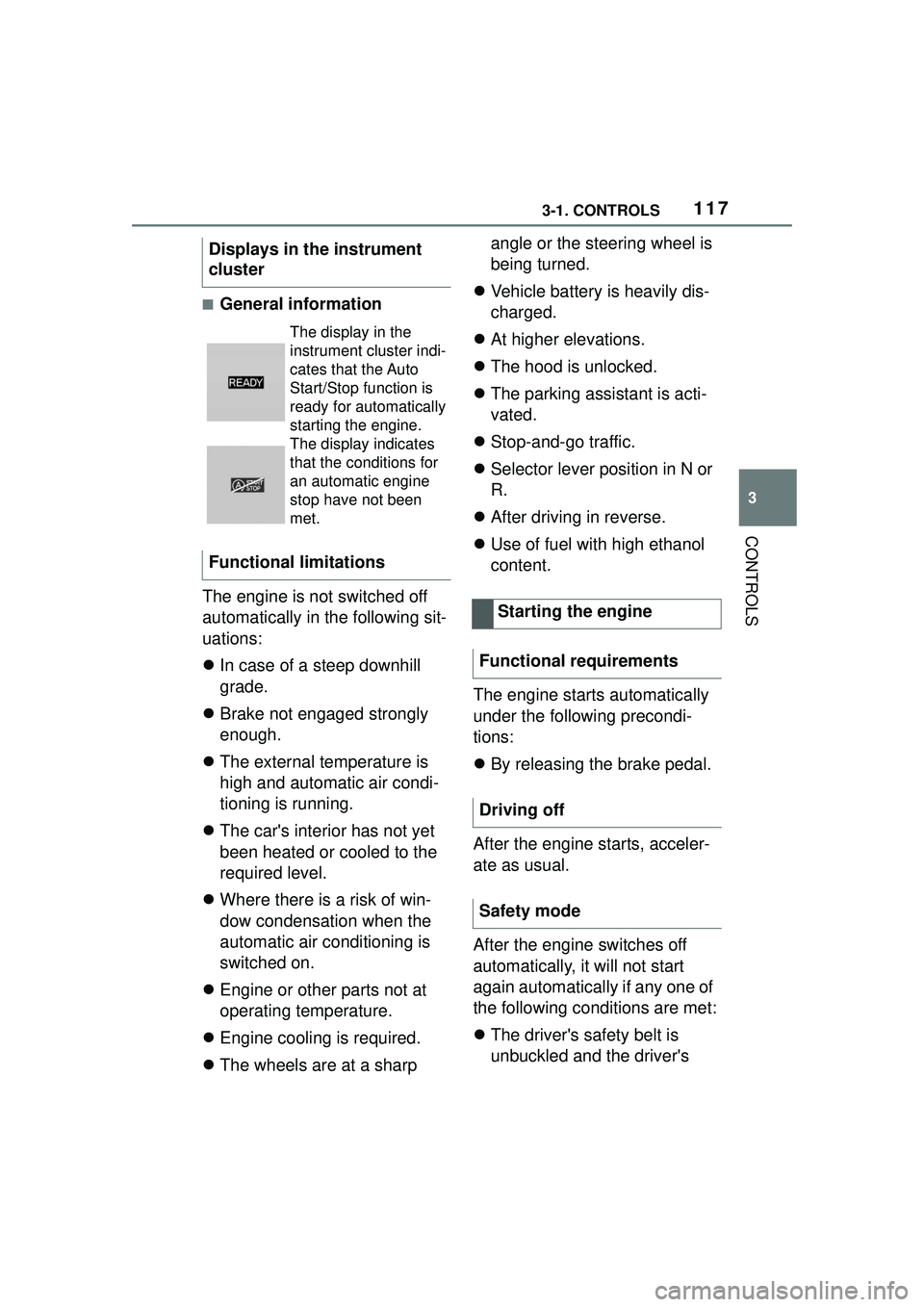
The display in the
instrument cluster indi-
cates that the Auto
Start/Stop function is
ready for automatically
starting the engine.
The display indicates
that the conditions for
an automatic engine
stop have not been
met.
Functional limitations
Starting the engine
Functional requirements
Driving off
Safety mode
Page 118 of 356
1183-1. CONTROLS
door is open.
The hood was unlocked.
Some indicator lights light up for
a varied length of time.
The engine can only be started
via the Start/Stop button.
Even if driving off was not
intended, the deactivated
engine starts up automatically in
the following situations:
Excessive warming of the
car's interior when the air con-
ditioning is switched on.
Excessive cooling of the car's
interior when the heating is
switched on.
Where there is a risk of win-
dow condensation when the
automatic air conditioning is
switched on.
The steering wheel is turned.
Change from selector lever
position D to N or R.
Change from selector lever
position P to N, D, or R.
Vehicle battery is heavily dis-
charged.
Start of an oil level measure-
ment.
Depending on the vehicle equip- ment and country-specific ver-
sion, the vehicle features a
variety of sensors for assessing
the traffic situation. The Auto
Start/Stop function uses this
information to adapt to various
traffic situations in a proactive
manner.
For instance, this applies to the
following situations:
If a situation is detected in
which the stopping time is
expected to be very short, the
engine is not switched off
automatically. A message
appears on the Control Dis-
play, depending on the situa-
tion.
If a situation is detected in
which the vehicle needs to
drive off immediately, the
engine is started automati-
cally.
The function may be restricted if
the navigation data is invalid,
outdated or not available, for
example.
The engine is not automatically
switched off.
The engine is started during an
automatic engine stop.
System limits
Additional functions Auto
Start/Stop
Activating/deactivating the
system manually
Concept
Page 119 of 356
1193-1. CONTROLS
3
CONTROLS
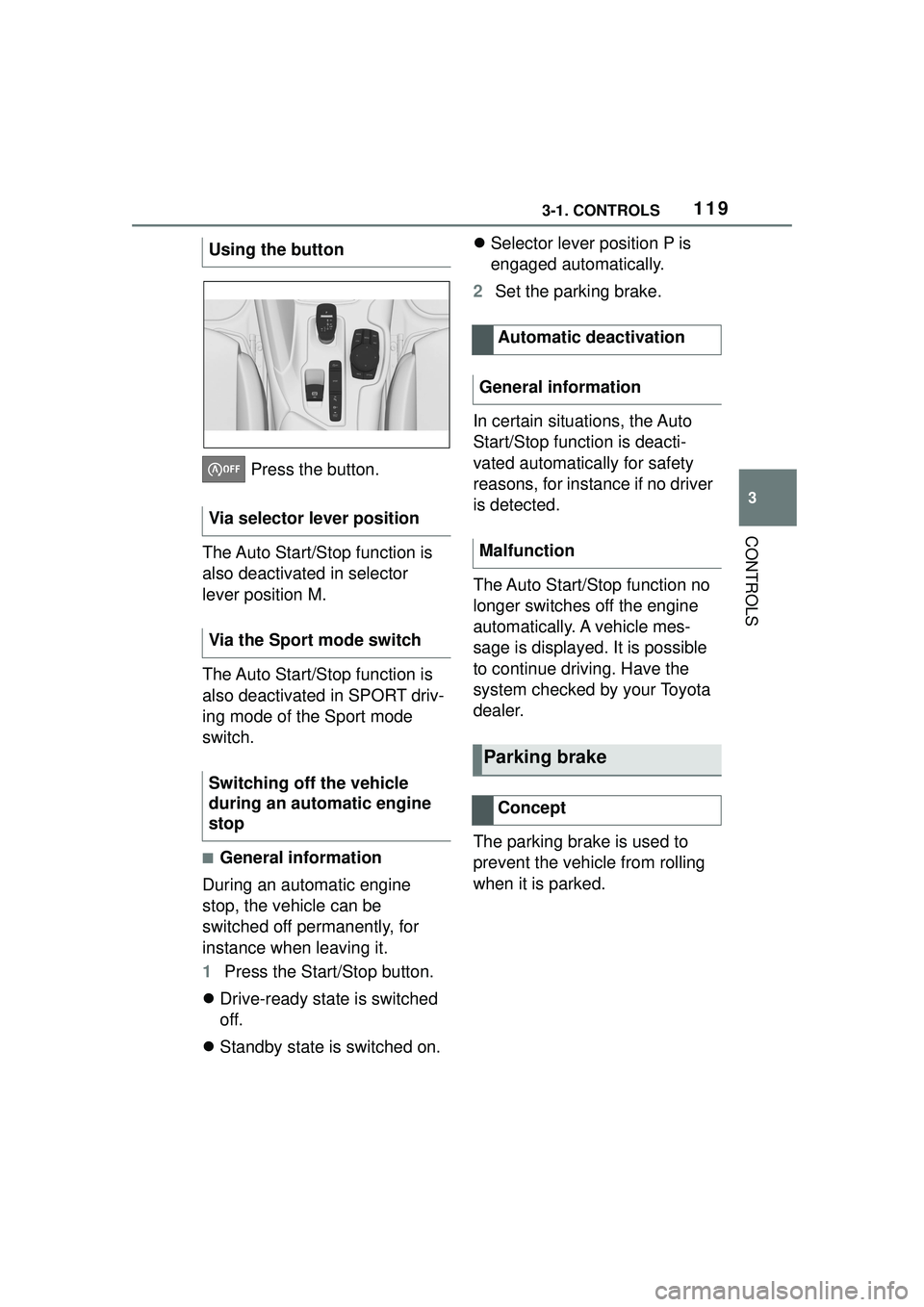
Press the button.
The Auto Start/Stop function is
also deactivated in selector
lever position M.
The Auto Start/Stop function is
also deactivated in SPORT driv-
ing mode of the Sport mode
switch.
■General information
During an automatic engine
stop, the vehicle can be
switched off permanently, for
instance when leaving it.
1 Press the Start/Stop button.
Drive-ready state is switched
off.
Standby state is switched on.
Selector lever position P is
engaged automatically.
2 Set the parking brake.
In certain situations, the Auto
Start/Stop function is deacti-
vated automatically for safety
reasons, for instance if no driver
is detected.
The Auto Start/Stop function no
longer switches off the engine
automatically. A vehicle mes-
sage is displayed. It is possible
to continue driving. Have the
system checked by your Toyota
dealer.
The parking brake is used to
prevent the vehicle from rolling
when it is parked.
Using the button
Via selector lever position
Via the Sport mode switch
Switching off the vehicle
during an automatic engine
stop
Automatic deactivation
General information
Malfunction
Parking brake
Concept
Page 129 of 356
1293-1. CONTROLS
3
CONTROLS
To shift down: press the
selector lever forward.
To shift up: pull the selector
lever rearwards.
Push the selector lever to the
right.
D is displayed in the instrument
cluster.
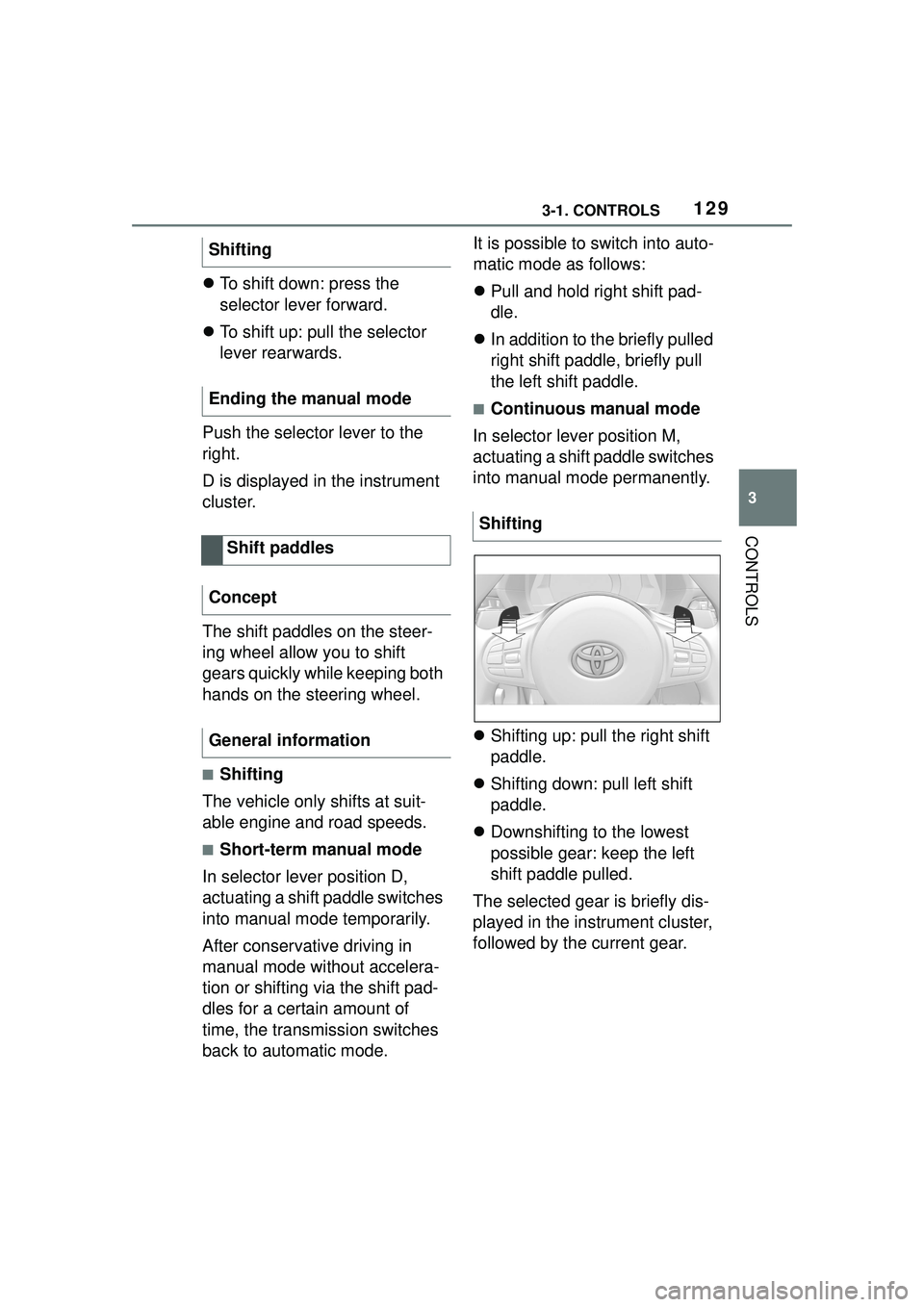
The shift paddles on the steer-
ing wheel allow you to shift
gears quickly while keeping both
hands on the steering wheel.
■Shifting
The vehicle only shifts at suit-
able engine and road speeds.
■Short-term manual mode
In selector lever position D,
actuating a shift paddle switches
into manual mode temporarily.
After conservative driving in
manual mode without accelera-
tion or shifting via the shift pad-
dles for a certain amount of
time, the transmission switches
back to automatic mode. It is possible to switch into auto-
matic mode as follows:
Pull and hold right shift pad-
dle.
In addition to the briefly pulled
right shift paddle, briefly pull
the left shift paddle.
■Continuous manual mode
In selector lever position M,
actuating a shift paddle switches
into manual mode permanently.
Shifting up: pull the right shift
paddle.
Shifting down: pull left shift
paddle.
Downshifting to the lowest
possible gear: keep the left
shift paddle pulled.
The selected gear is briefly dis-
played in the instrument cluster,
followed by the current gear.
Shifting
Ending the manual mode
Shift paddles
Concept
General information
Shifting