engine TOYOTA GR SUPRA 2022 Owner's Manual
[x] Cancel search | Manufacturer: TOYOTA, Model Year: 2022, Model line: GR SUPRA, Model: TOYOTA GR SUPRA 2022Pages: 356, PDF Size: 39.14 MB
Page 130 of 356
1303-1. CONTROLS
Electronically unlock the trans-
mission lock to maneuver vehi-
cle from a danger area.
Unlocking is possible, if the
starter can spin the engine.
Before unlocking the transmis-
sion lock, set the parking brake
to prevent the vehicle from roll-
ing away.
1Press and hold down brake
pedal.
2 Press the Start/Stop button.
The starter must audibly
start. Hold the Start/Stop but-
ton pressed.
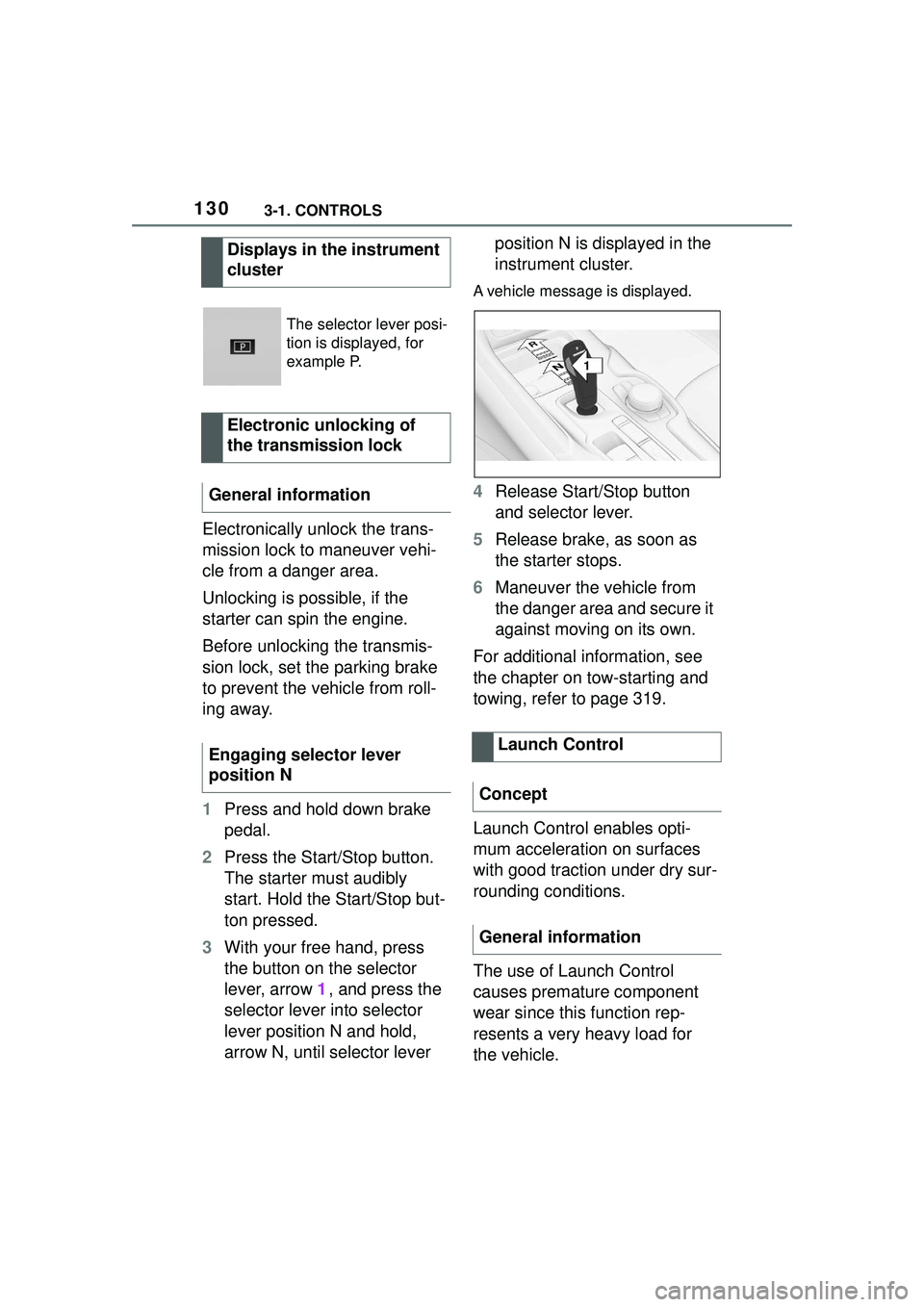
3 With your free hand, press
the button on the selector
lever, arrow 1, and press the
selector lever into selector
lever position N and hold,
arrow N, until selector lever position N is displayed in the
instrument cluster.
A vehicle message is displayed.
4
Release Start/Stop button
and selector lever.
5 Release brake, as soon as
the starter stops.
6 Maneuver the vehicle from
the danger area and secure it
against moving on its own.
For additional information, see
the chapter on tow-starting and
towing, refer to page 319.
Launch Control enables opti-
mum acceleration on surfaces
with good traction under dry sur-
rounding conditions.
The use of Launch Control
causes premature component
wear since this function rep-
resents a very heavy load for
the vehicle.
Displays in the instrument
cluster
The selector lever posi-
tion is displayed, for
example P.
Electronic unlocking of
the transmission lock
General information
Engaging selector lever
position N
Launch Control
Concept
General information
1
R
N
Page 131 of 356
1313-1. CONTROLS
3
CONTROLS
Do not use Launch Control
during the break-in, refer to
page 252, period.
Do not steer the steering wheel
when driving off with Launch
Control.
Launch Control is available
when the engine is at operating
temperature. The engine is at
operating temperature after an
uninterrupted trip of at least 6
miles/10 km.
1Switch on drive-ready state.
2 Press the sport button.
SPORT will be displayed on the
instrument cluster, indicating sport
mode has been selected.
3 Press the button.
TRACTION will be displayed on the
instrument cluster and the VSC
OFF indicator la mp will illuminate.
4Select the D selector lever
position.
5 Firmly depress the brake
pedal with your left foot.
6 Fully depress and hold the
accelerator pedal at the kick-
down position.
A flag symbol will be shown in the
instrument cluster.
7The engine speed will be
adjusted for launching. Release the brake pedal
within 3 seconds.
After Launch Control has been
used, the transmission must
cool down for approx. 5 minutes
before Launch Control can be
used again. Launch Control
adjusts to the surrounding con-
ditions, when used again.
To increase vehicle stability,
activate VSC Vehicle Stability
Control System again as soon
as possible.
An experienced driver may be
able to achieve better accelera-
tion values in VSC OFF mode.
The Sport mode button influ-
ences the driving dynamics
properties of the vehicle.
The following systems are
affected, for instance:
Engine characteristics.
Automatic transmission.
Functional requirements
Start with launch control
Repeated use during a trip
After using Launch Control
System limits
Sport mode button
Concept
General information
Page 133 of 356

1333-1. CONTROLS
3
CONTROLS
This chapter describes all stan-
dard, country-specific and
optional features offered with
the series. It also describes fea-
tures and functions that are not
necessarily available in your
vehicle, e.g., due to the selected
options or country versions. This
also applies to safety-related
functions and systems. When
using these functions and sys-
tems, the applicable laws and
regulations must be observed.
The instrument cluster is a vari-
able display. When the sport
mode switch is used to change
the driving mode, the instrument
cluster displays change to
match the driving mode.
The display change in the instru-
ment cluster can be deactivated
via Toyota Supra Command.
Some of the displays in the
instrument cluster may differ
from the illustrations in this
Owner's Manual.1
Fuel gauge P.139
2 Speedometer
3 Tachometer P.139
Status, Sport mode switch
P. 1 3 1
4 Time P.60
5 Variable displays P.133
6 External temperature P.141
7 Engine coolant temperature
P. 1 4 0
8 Vehicle messages P.134
Range P.141
9 Transmission display P.126
10Variable displays P.133 Speed Limit Info P.143
In some areas of the instrument
cluster, various assistance sys-
tems, for example the cruise
control, can be displayed. The
displays may vary depending on
the equipment version and
country variant.
Displays
Vehicle features and
options
Instrument cluster
Concept
General information
Overview
Variable displays
Page 138 of 356
1383-1. CONTROLS
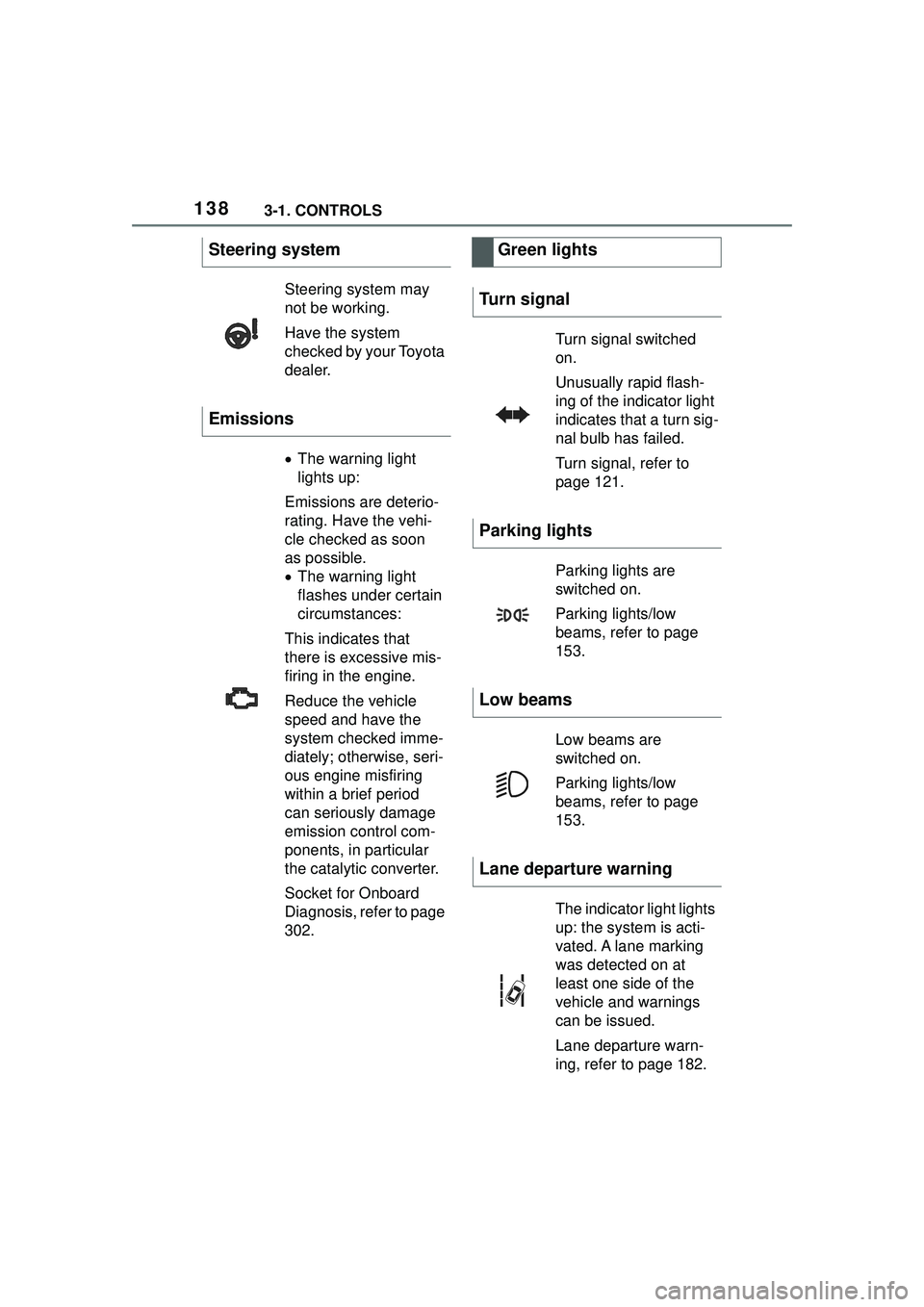
Steering system
Steering system may
not be working.
Have the system
checked by your Toyota
dealer.
Emissions
The warning light
lights up:
Emissions are deterio-
rating. Have the vehi-
cle checked as soon
as possible.
The warning light
flashes under certain
circumstances:
This indicates that
there is excessive mis-
firing in the engine.
Reduce the vehicle
speed and have the
system checked imme-
diately; otherwise, seri-
ous engine misfiring
within a brief period
can seriously damage
emission control com-
ponents, in particular
the catalytic converter.
Socket for Onboard
Diagnosis, refer to page
302.
Green lights
Turn signal
Turn signal switched
on.
Unusually rapid flash-
ing of the indicator light
indicates that a turn sig-
nal bulb has failed.
Turn signal, refer to
page 121.
Parking lights
Parking lights are
switched on.
Parking lights/low
beams, refer to page
153.
Low beams
Low beams are
switched on.
Parking lights/low
beams, refer to page
153.
Lane departure warning
The indicator light lights
up: the system is acti-
vated. A lane marking
was detected on at
least one side of the
vehicle and warnings
can be issued.
Lane departure warn-
ing, refer to page 182.
Page 139 of 356
1393-1. CONTROLS
3
CONTROLS
The current fill level of the fuel
tank is displayed.
Vehicle tilt position may cause
the display to vary.
Information on refueling, refer to
page 262.Always avoid engine speeds in
the red warning field. In this
range, the fuel supply is reduced
to protect the engine.
Depending on the vehicle equip-
ment, the shift position indica-
tors on the instrument cluster
indicates the maximum shift
point at which the best possible
acceleration can be achieved.
When the selected driving mode
is sport mode, a shift light will be
displayed.
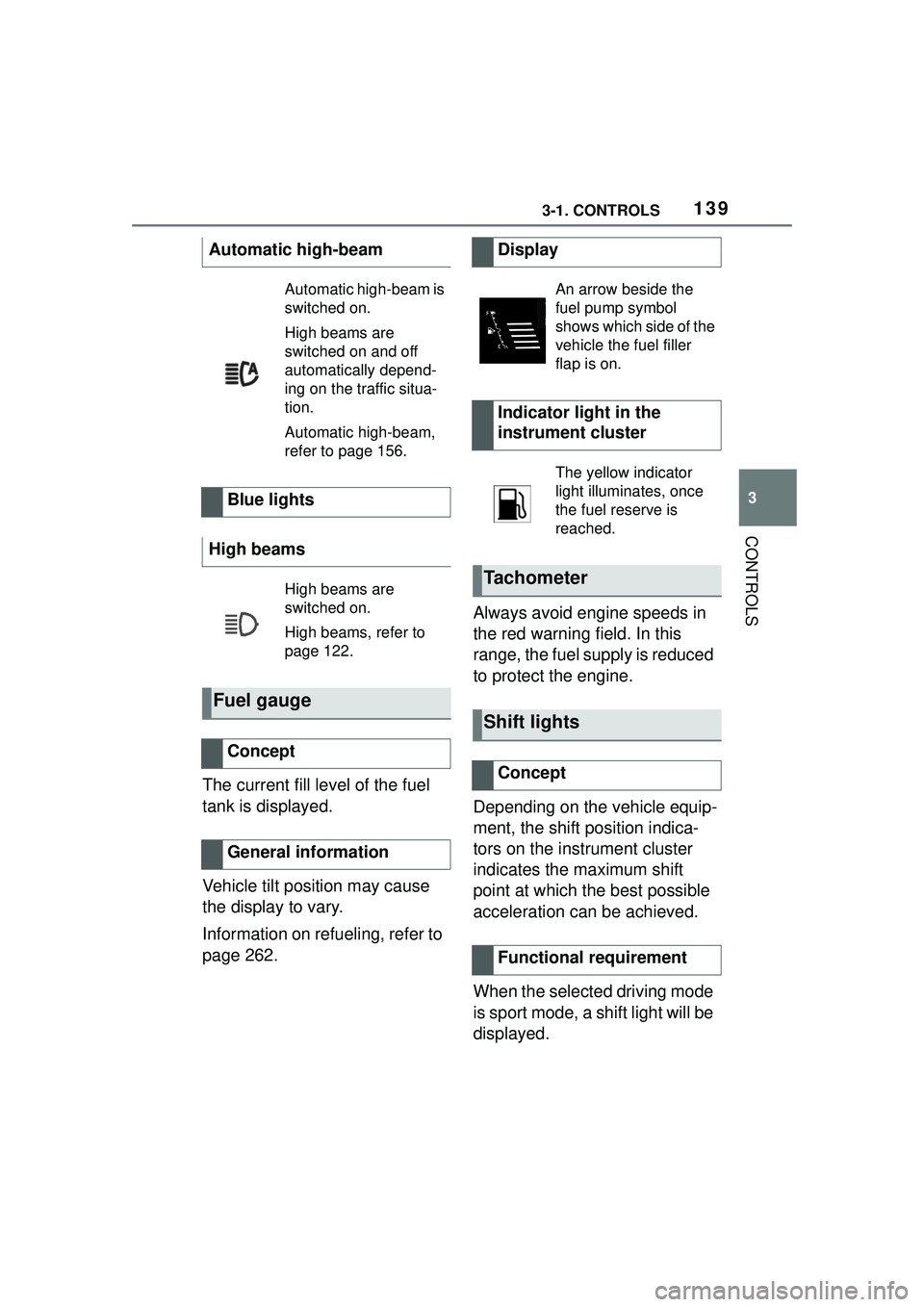
Automatic high-beam
Automatic high-beam is
switched on.
High beams are
switched on and off
automatically depend-
ing on the traffic situa-
tion.
Automatic high-beam,
refer to page 156.
Blue lights
High beams
High beams are
switched on.
High beams, refer to
page 122.
Fuel gauge
Concept
General information
Display
An arrow beside the
fuel pump symbol
shows which side of the
vehicle the fuel filler
flap is on.
Indicator light in the
instrument cluster
The yellow indicator
light illuminates, once
the fuel reserve is
reached.
Tachometer
Shift lights
Concept
Functional requirement
Page 140 of 356
1403-1. CONTROLS
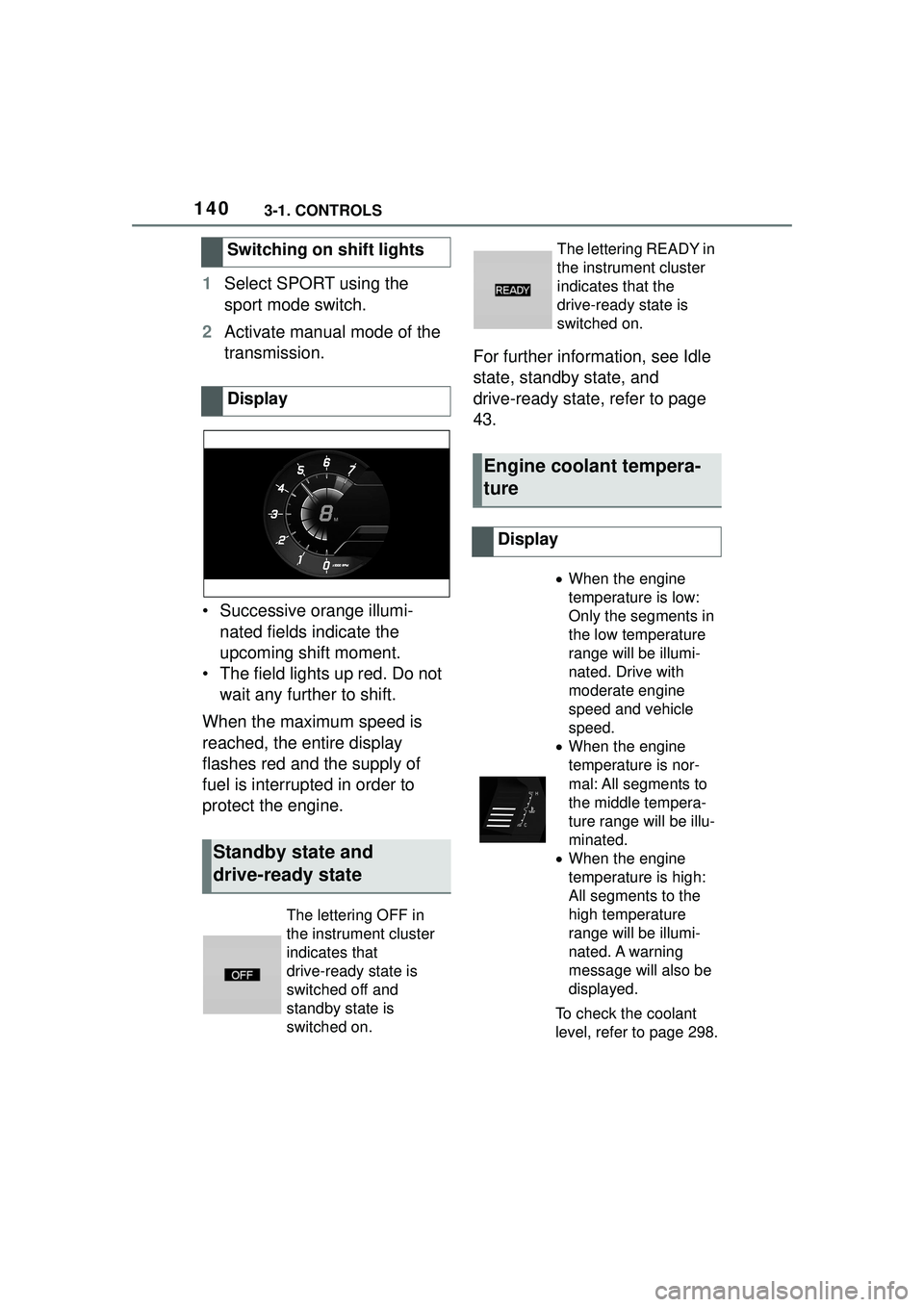
1Select SPORT using the
sport mode switch.
2 Activate manual mode of the
transmission.
• Successive orange illumi- nated fields indicate the
upcoming shift moment.
• The field lights up red. Do not wait any further to shift.
When the maximum speed is
reached, the entire display
flashes red and the supply of
fuel is interrupted in order to
protect the engine. For further information, see Idle
state, standby state, and
drive-ready state, refer to page
43.
Switching on shift lights
Display
Standby state and
drive-ready state
The lettering OFF in
the instrument cluster
indicates that
drive-ready state is
switched off and
standby state is
switched on.
The lettering READY in
the instrument cluster
indicates that the
drive-ready state is
switched on.
Engine coolant tempera-
ture
Display
When the engine
temperature is low:
Only the segments in
the low temperature
range will be illumi-
nated. Drive with
moderate engine
speed and vehicle
speed.
When the engine
temperature is nor-
mal: All segments to
the middle tempera-
ture range will be illu-
minated.
When the engine
temperature is high:
All segments to the
high temperature
range will be illumi-
nated. A warning
message will also be
displayed.
To check the coolant
level, refer to page 298.
Page 141 of 356
1413-1. CONTROLS
3
CONTROLS
If the indicator drops to
+37°F/+3°C or lower, a signal
sounds.
A vehicle message is displayed.
There is an increased risk of ice
on roads.
The time is displayed in the
instrument cluster. Setting the
time and time format, refer to
page 60.
The range indicates the dis-tance that can still be covered
with the current fuel level.
The estimated range available
with the remaining fuel is perma-
nently displayed in the instru-
ment cluster.
With a low remaining range, a
vehicle message is briefly dis-
played. With a sporty driving
style, for instance fast cornering,
the engine function is not always
ensured.
The vehicle message appears
continuously below a range of
approx. 30 miles/50 km.
The function displays the ser-
vice notifications and the corre-
sponding maintenance scopes.
After switching on drive-ready
Indicator light in the
instrument cluster
A red indicator light is
displayed.
External temperature
General information
Safety information
WARNING
Even at temperatures above
+37°F/+3°C there can be a risk of
icy roads, for inst
ance on bridges
or shady sections of road. There
is a risk of an accident. Modify
your driving style to the weather
conditions at low temperatures.
Time
Range
Concept
General information
Safety information
NOTICE
With a driving range of less than
30 miles/50 km the engine may
no longer have sufficient fuel.
Engine functions are not ensured
anymore. There is a risk of dam-
age to property. Refuel promptly.
Service notifications
Concept
General information
Page 147 of 356
1473-1. CONTROLS
3
CONTROLS
style, for instance taking curves
aggressively, the engine func-
tion is not always ensured.
The vehicle message appears
continuously below a range of
approx. 30 miles/50 km.
■Safety information
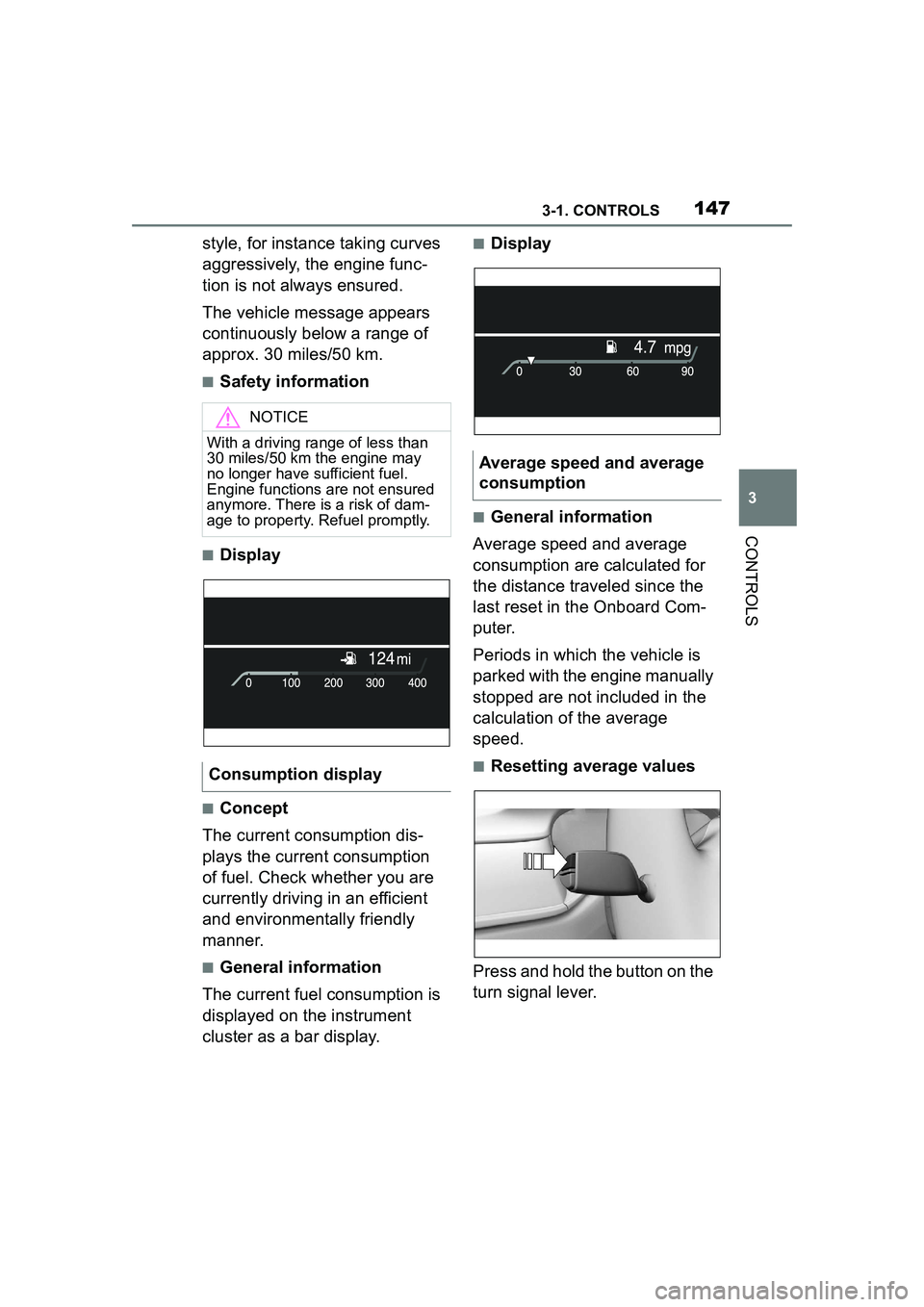
■Display
■Concept
The current consumption dis-
plays the current consumption
of fuel. Check whether you are
currently driving in an efficient
and environmentally friendly
manner.
■General information
The current fuel consumption is
displayed on the instrument
cluster as a bar display.
■Display
■General information
Average speed and average
consumption are calculated for
the distance traveled since the
last reset in the Onboard Com-
puter.
Periods in which the vehicle is
parked with the engine manually
stopped are not included in the
calculation of the average
speed.
■Resetting average values
Press and hold the button on the
turn signal lever.
NOTICE
With a driving range of less than
30 miles/50 km the engine may
no longer have sufficient fuel.
Engine functions are not ensured
anymore. There is a risk of dam-
age to property. Refuel promptly.
Consumption display
Average speed and average
consumption
Page 150 of 356
1503-1. CONTROLS
actions performed for several
systems.
Via Toyota Supra Command:
1"My vehicle"
2 "Vehicle status"
"Tire Pressure Monitor":
Status of the Tire Pressure
Monitor, refer to page 280.
"Engine oil level": Elec-
tronic engine oil level check,
refer to page 295.
"Vehicle messages": Vehi-
cle messages are stored in
the background and can be
displayed on the Control Dis-
play. Displaying stored vehi-
cle messages, refer to page
134.
"Service required": Dis-
playing service notifications,
refer to page 141.
"Remote maintenance
Call": service request.
*: if equipped
This system projects important
information into the driver's field
of vision, for instance the speed. The driver can get information
without averting his or her eyes
from the road.
Follow the information on clean-
ing the Head-up Display, refer to
page 327.
Via Toyota Supra Command:
1
"My vehicle"
2 "System settings"
3 "Displays"
4 "Head-up display"
5 "Head-up display"
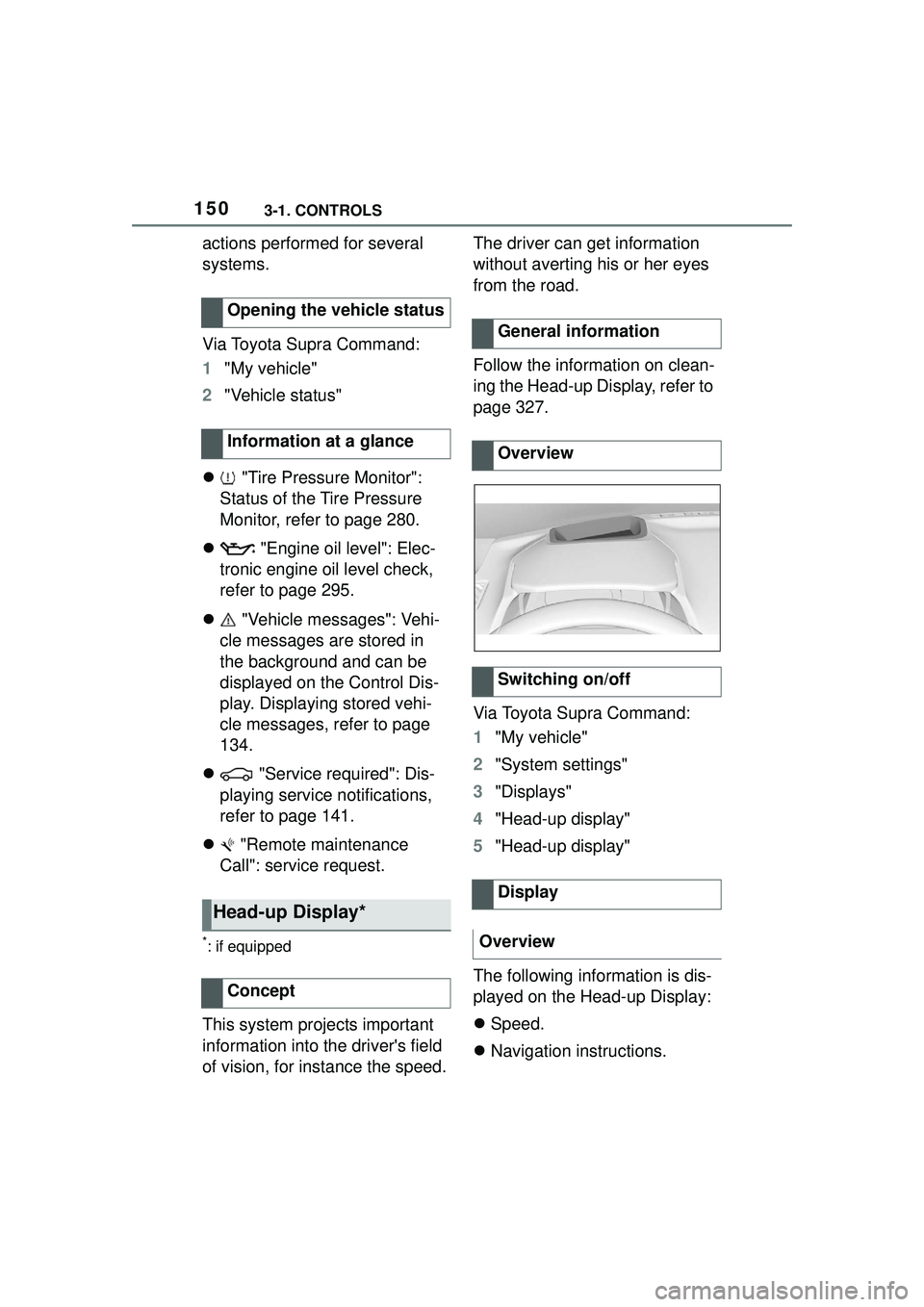
The following information is dis-
played on the Head-up Display:
Speed.
Navigation instructions.
Opening the vehicle status
Information at a glance
Head-up Display*
Concept
General information
Overview
Switching on/off
Display
Overview
Page 169 of 356
1693-1. CONTROLS
3
CONTROLS
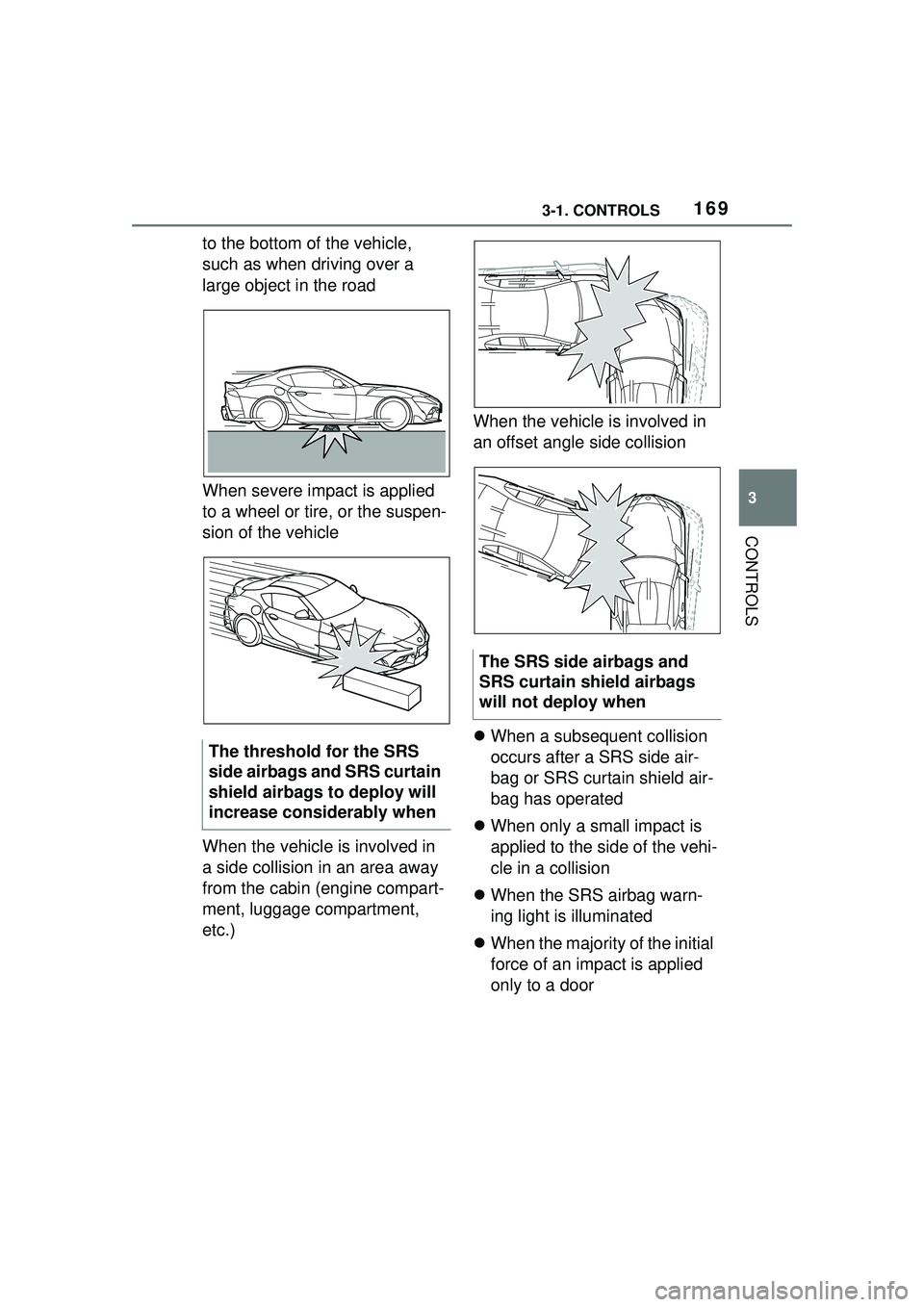
to the bottom of the vehicle,
such as when driving over a
large object in the road
When severe impact is applied
to a wheel or tire, or the suspen-
sion of the vehicle
When the vehicle is involved in
a side collision in an area away
from the cabin (engine compart-
ment, luggage compartment,
etc.)When the vehicle is involved in
an offset angle side collision
When a subsequent collision
occurs after a SRS side air-
bag or SRS curtain shield air-
bag has operated
When only a small impact is
applied to the side of the vehi-
cle in a collision
When the SRS airbag warn-
ing light is illuminated
When the majority of the initial
force of an impact is applied
only to a door
The threshold for the SRS
side airbags and SRS curtain
shield airbags to deploy will
increase considerably when
The SRS side airbags and
SRS curtain shield airbags
will not deploy when