air condition TOYOTA HIGHLANDER HYBRID 2008 XU40 / 2.G Owners Manual
[x] Cancel search | Manufacturer: TOYOTA, Model Year: 2008, Model line: HIGHLANDER HYBRID, Model: TOYOTA HIGHLANDER HYBRID 2008 XU40 / 2.GPages: 580, PDF Size: 13.29 MB
Page 1 of 580
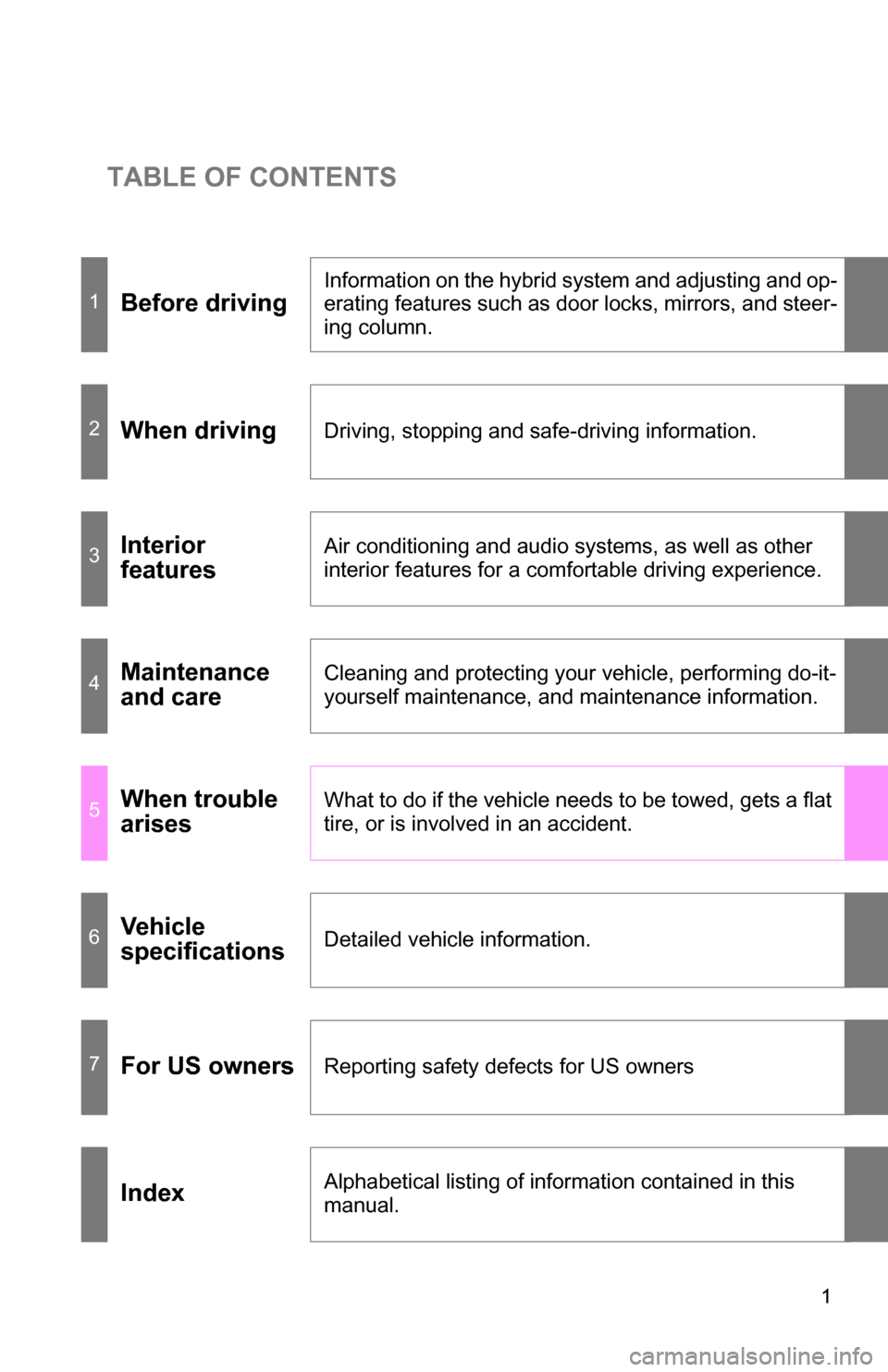
TABLE OF CONTENTS
1
1Before driving
Information on the hybrid system and adjusting and op-
erating features such as door locks, mirrors, and steer-
ing column.
2When drivingDriving, stopping and safe-driving information.
3Interior
featuresAir conditioning and audio systems, as well as other
interior features for a comfortable driving experience.
4Maintenance
and careCleaning and protecting your vehicle, performing do-it-
yourself maintenance, and maintenance information.
5When trouble
arisesWhat to do if the vehicle needs to be towed, gets a flat
tire, or is involved in an accident.
6Vehicle
specificationsDetailed vehicle information.
7For US ownersReporting safety defects for US owners
IndexAlphabetical listing of information contained in this
manual.
Page 3 of 580
1
2
3
4
5
6
7
3
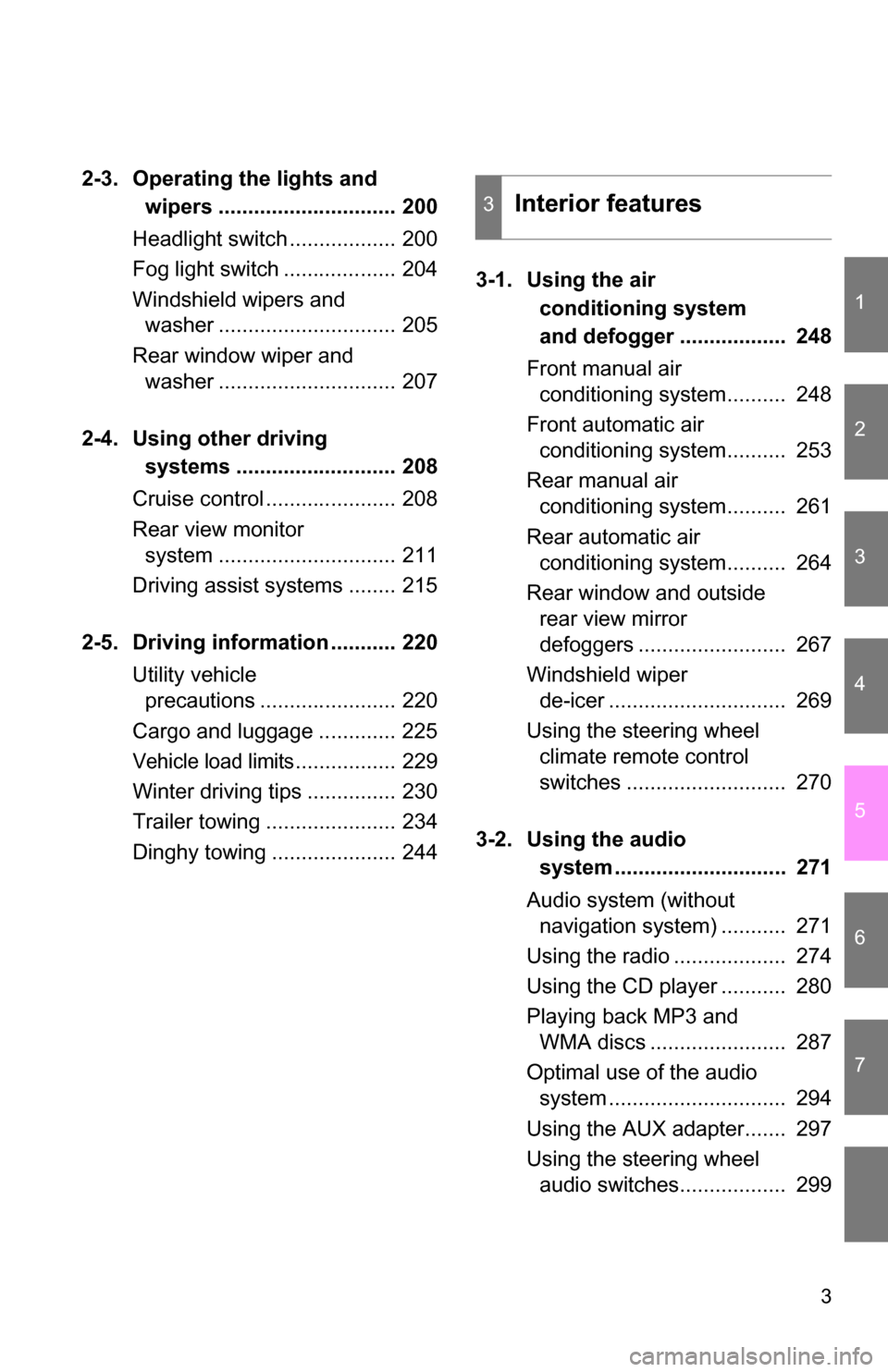
2-3. Operating the lights and wipers .............................. 200
Headlight switch .................. 200
Fog light switch ................... 204
Windshield wipers and washer .............................. 205
Rear window wiper and washer .............................. 207
2-4. Using other driving systems ........................... 208
Cruise control ...................... 208
Rear view monitor system .............................. 211
Driving assist systems ........ 215
2-5. Driving information ........... 220 Utility vehicle precautions ....................... 220
Cargo and luggage ............. 225
Vehicle load limits................. 229
Winter driving tips ............... 230
Trailer towing ...................... 234
Dinghy towing ..................... 244 3-1. Using the air
conditioning system
and defogger .................. 248
Front manual air conditioning system.......... 248
Front automatic air conditioning system.......... 253
Rear manual air conditioning system.......... 261
Rear automatic air conditioning system.......... 264
Rear window and outside rear view mirror
defoggers ......................... 267
Windshield wiper de-icer .............................. 269
Using the steering wheel climate remote control
switches ........................... 270
3-2. Using the audio system ............................. 271
Audio system (without navigation system) ........... 271
Using the radio ................... 274
Using the CD player ........... 280
Playing back MP3 and WMA discs ....................... 287
Optimal use of the audio system .............................. 294
Using the AUX adapter....... 297
Using the steering wheel audio switches.................. 299
3Interior features
Page 5 of 580
1
2
3
4
5
6
7
5
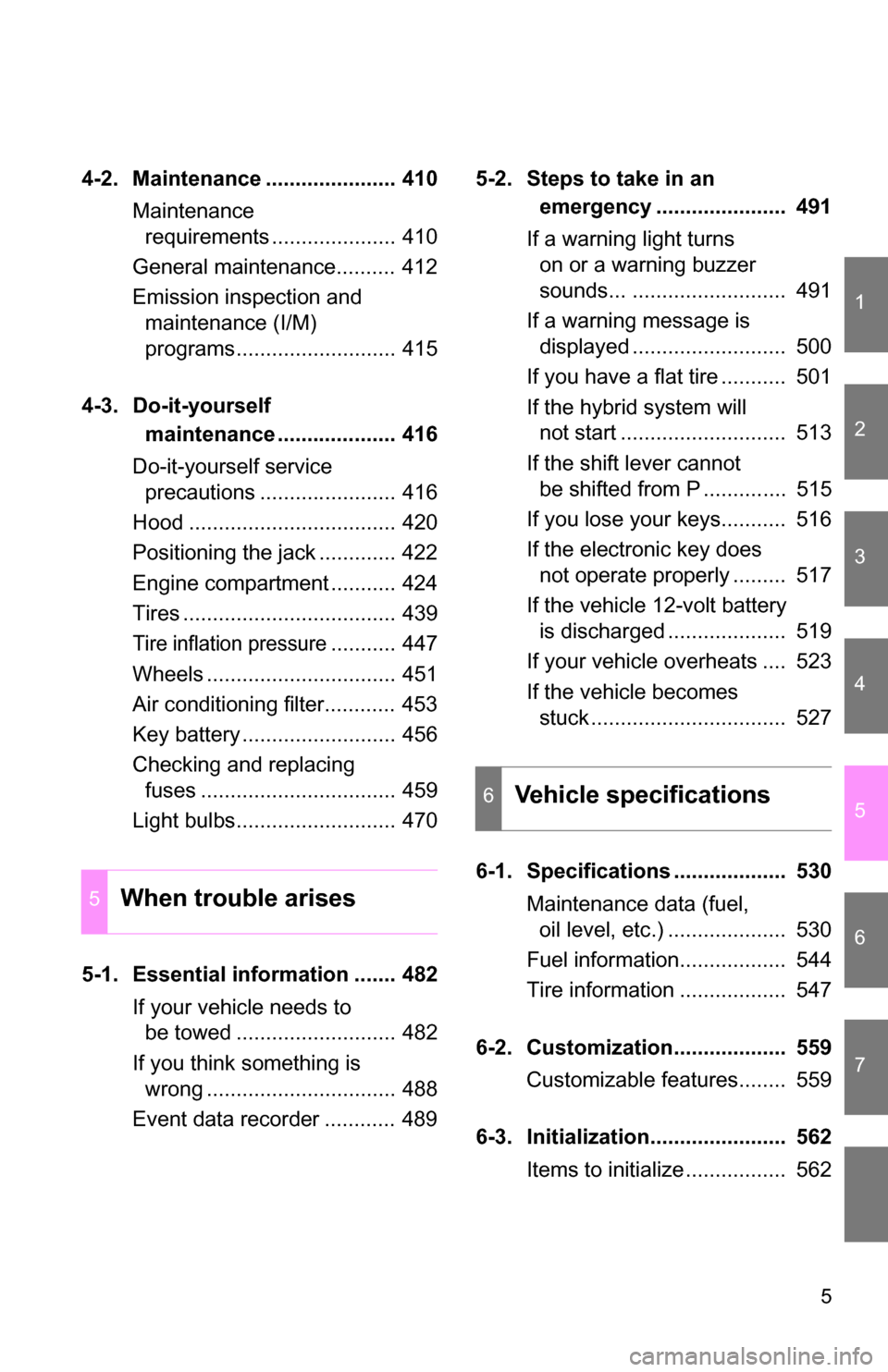
4-2. Maintenance ...................... 410Maintenance requirements ..................... 410
General maintenance.......... 412
Emission inspection and maintenance (I/M)
programs........................... 415
4-3. Do-it-yourself maintenance .................... 416
Do-it-yourself service precautions ....................... 416
Hood ................................... 420
Positioning the jack ............. 422
Engine compartment ........... 424
Tires .................................... 439
Tire inflation pressure........... 447
Wheels ................................ 451
Air conditioning filter............ 453
Key battery .......................... 456
Checking and replacing fuses ................................. 459
Light bulbs........................... 470
5-1. Essential information ....... 482 If your vehicle needs to be towed ........................... 482
If you think something is wrong ................................ 488
Event data recorder ............ 489 5-2. Steps to take in an
emergency ...................... 491
If a warning light turns on or a warning buzzer
sounds... .......................... 491
If a warning message is displayed .......................... 500
If you have a flat tire ........... 501
If the hybrid system will not start ............................ 513
If the shift lever cannot be shifted from P .............. 515
If you lose your keys........... 516
If the electronic key does not operate properly ......... 517
If the vehicle 12-volt battery is discharged .................... 519
If your vehicle overheats .... 523
If the vehicle becomes stuck ................................. 527
6-1. Specifications ................... 530 Maintenance data (fuel, oil level, etc.) .................... 530
Fuel information.................. 544
Tire information .................. 547
6-2. Customization................... 559 Customizable features........ 559
6-3. Initialization....................... 562 Items to initialize ................. 562
5When trouble arises
6Vehicle specifications
Page 14 of 580
14
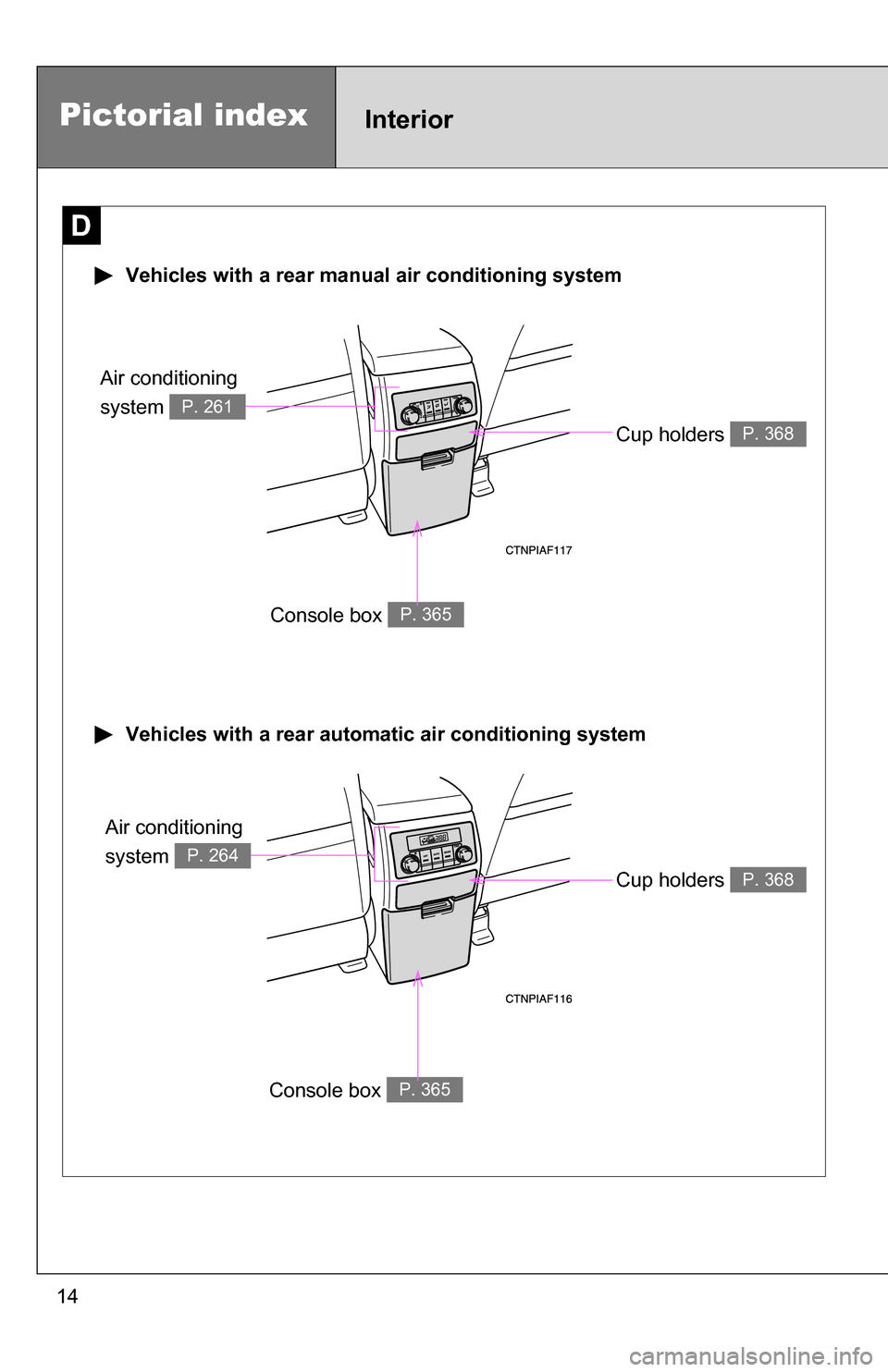
Pictorial indexInterior
Cup holders P. 368
Console box P. 365
D
Vehicles with a rear automatic air conditioning system
Vehicles with a rear manual air conditioning system
Console box P. 365
Cup holders P. 368
Air conditioning
system
P. 264
Air conditioning
system
P. 261
Page 20 of 580
20
Pictorial indexInstrument panel
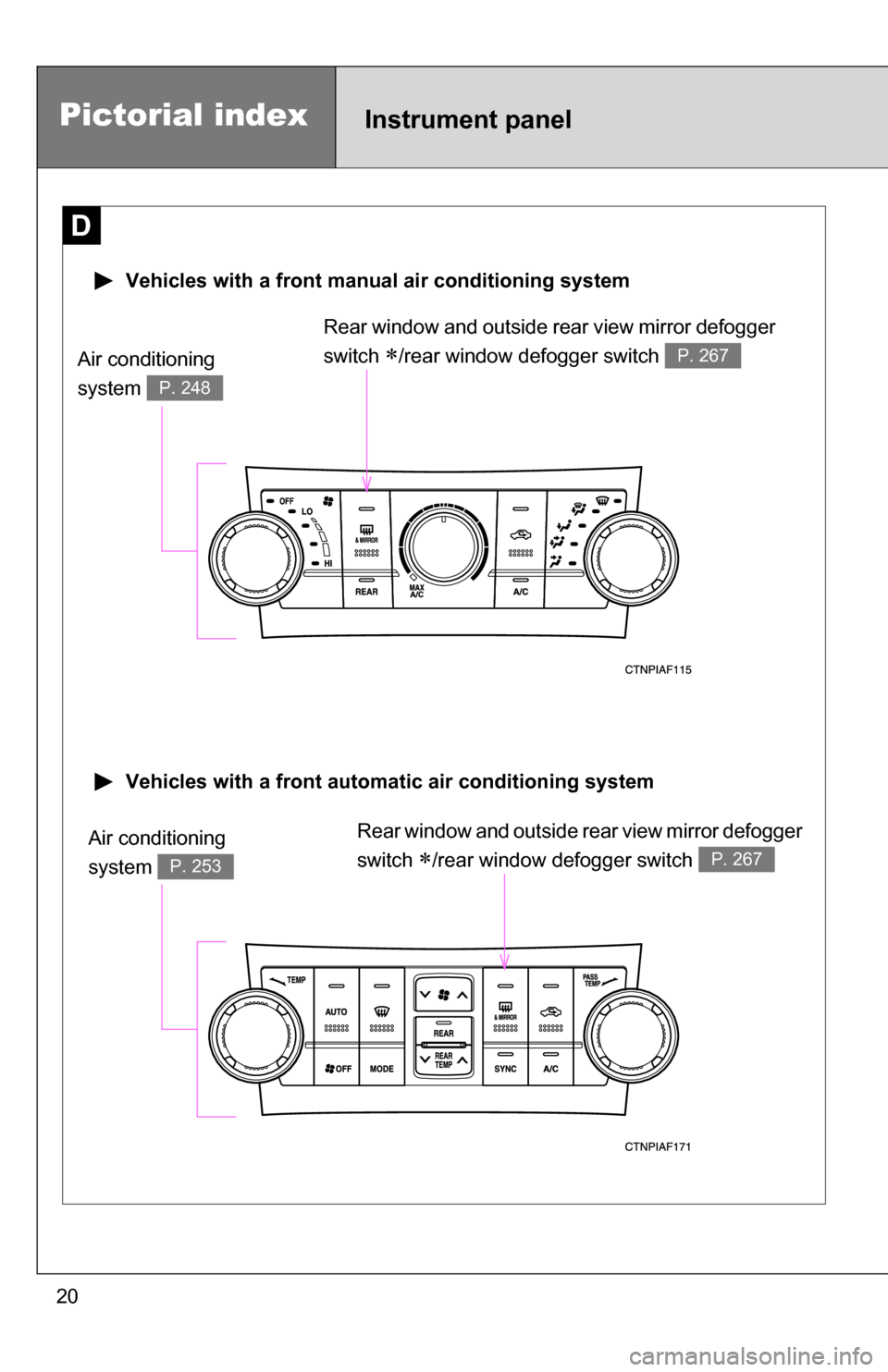
Rear window and outside rear view mirror defogger
switch
/rear window defogger switch P. 267
D
Vehicles with a front automatic air conditioning system
Vehicles with a front manual air conditioning system
Rear window and outside rear view mirror defogger
switch
/rear window defogger switch P. 267
Air conditioning
system
P. 253
Air conditioning
system
P. 248
Page 33 of 580

33
1-1. Hybrid system
1
Before driving
High voltage components
Take care when handling the hybrid sy stem, as it contains a high volt-
age system (about 650 V at maximum) as well as parts that become
extremely hot when the hybrid system is operating. Obey the caution
labels attached to the vehicle. Air conditioning compressor
Power control unit and DC/
DC converter
Hybrid battery (traction bat-
tery)
Rear electric motor (traction
motor)
Service plug
High voltage cables
Front electric motor (traction
motor), transaxle and motor
generator
Caution label
Page 34 of 580
34 1-1. Hybrid system
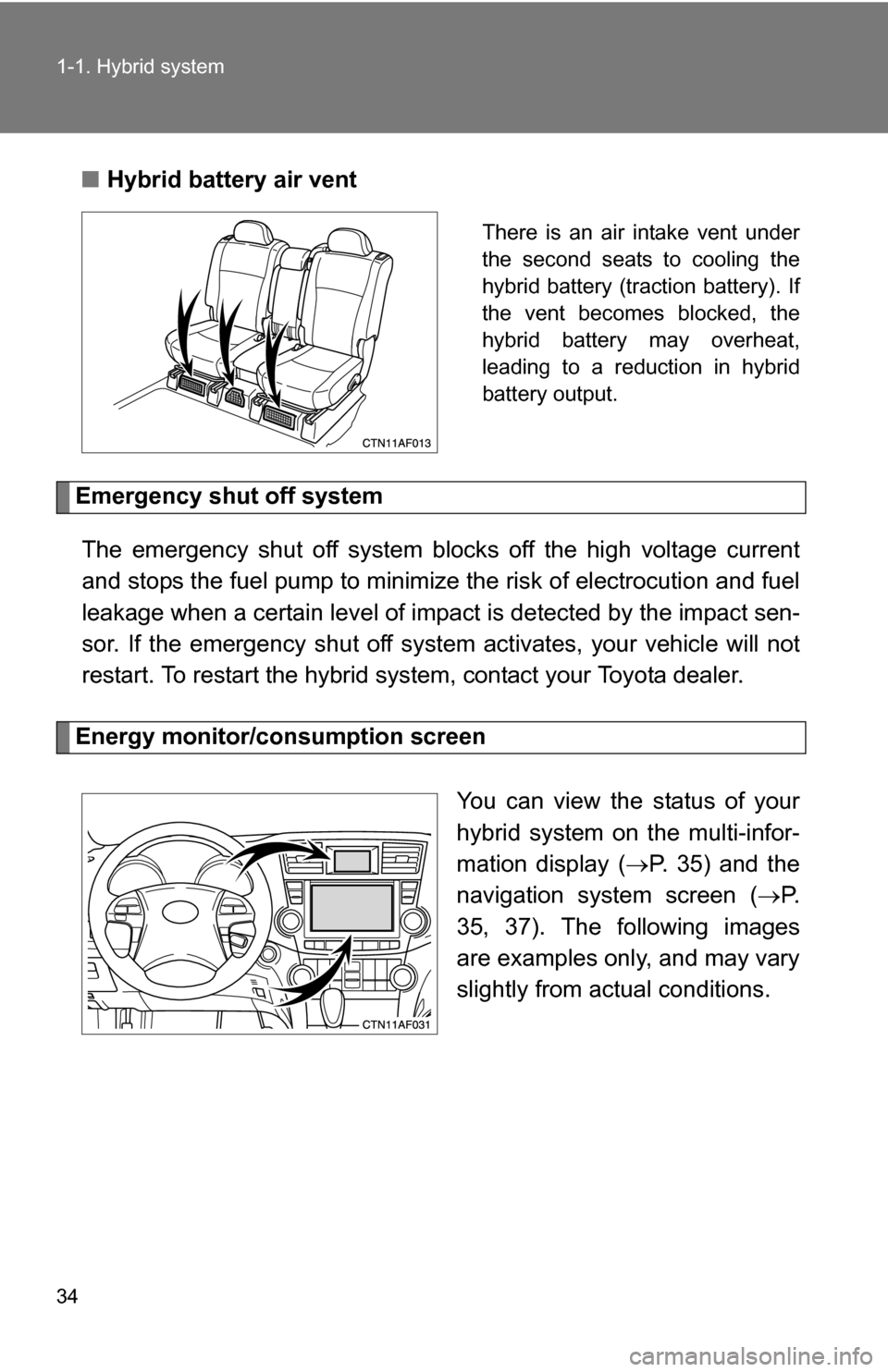
■Hybrid battery air vent
There is an air intake vent under
the second seats to cooling the
hybrid battery (traction battery). If
the vent becomes blocked, the
hybrid battery may overheat,
leading to a reduction in hybrid
battery output.
Emergency shut off system
The emergency shut off system blocks off the high voltage current
and stops the fuel pump to minimize the risk of electrocution and fuel
leakage when a certain level of impact is detected by the impact sen-
sor. If the emergency shut off syste m activates, your vehicle will not
restart. To restart the hybrid system, contact your Toyota dealer.
Energy monitor/consumption screen
You can view the status of your
hybrid system on the multi-infor-
mation display (P. 35) and the
navigation system screen ( P.
35, 37). The following images
are examples only, and may vary
slightly from actual conditions.
Page 49 of 580
49
1-3. Opening, closing and locking the doors
1
Before driving
■
Operation signals
A buzzer sounds and the emergency flashers flash to indicate that the doors
have been locked/unlocked. (Locked: Once; Unlocked: Twice)
■ Conditions affecting operation
The smart key system uses weak radio waves. In the following situations,
the communication between the electronic key and the vehicle may be
affected, preventing the smart key system and wireless remote control from
operating properly. (Ways of coping: P. 517)
● When the electronic key battery is depleted
● Near a TV tower, electronic power plant, gas station, radio station, large
display, airport or other facility that generates strong radio waves or elec-
trical noise
● When carrying a portable radio, ce llular phone, cordless phone or other
wireless communication devices
● When the electronic key has come into contact with, or is covered by a
metallic object
● When multiple electronic keys are in the vicinity
● When carrying or using the electronic key together with the following
devices that emit radio waves
• Another vehicle’s electronic key
• A wireless key that emits radio waves
• Personal computer
● If window tint with a metallic content or metallic objects are attached to
the rear window
■ Switching the door unlock function
It is possible to set which doors the entry function unlocks.
Turn the “POWER” switch to OFF.
When the indicator on the key surface is turned off, push and hold
, , or for approximately 5 seconds while pushing
on the key.
STEP1
STEP2
Page 133 of 580
133
1-8. Safety information
1
Before driving
■
Operating conditions (front airbags)
●The SRS front airbags will deploy if the severity of the frontal impact is
above the designed threshold level, comparable to an approximate 15
mph (25 km/h) collision when the vehicle impacts straight into a fixed bar-
rier that does not move or deform.
However, this threshold velocity will be considerably higher if the vehicle
strikes an object, such as a parked vehicle or sign pole, which can move or
deform on impact, or if the vehicle is involved in an underride collision (e.g.
a collision in which the front of the vehicle “underrides”, or goes under, the
bed of a truck, etc.).
● It is possible that in some collisions where the forward deceleration of the
vehicle is very close to the designed threshold level, the SRS front air-
bags and the seat belt pretensioners may not activate together.
● The SRS front passenger airbag will not activate if there is no passenger
sitting in the front passenger seat. However, the front passenger airbag
may deploy if luggage is put in the seat, or the seat belt is fastened, even
if the seat is unoccupied. ( P. 142)
■ Operating conditions (side airbags)
●The SRS side airbags are designed to inflate when the passenger com-
partment is subjected to a severe impact from the side.
● The SRS side airbag on the passenger seat will not activate if there is no
passenger sitting in the front passenger seat. However, the side airbag
on the passenger seat may deploy if luggage is put in the seat, or the
seat belt is fastened, even if the seat is unoccupied. ( P. 142)
■ Operating conditions (c urtain shield airbags)
The SRS curtain shield airbags are designed to inflate when the passenger
compartment is subjected to a severe impact from the side or vehicle roll-
over.
Page 134 of 580
134 1-8. Safety information
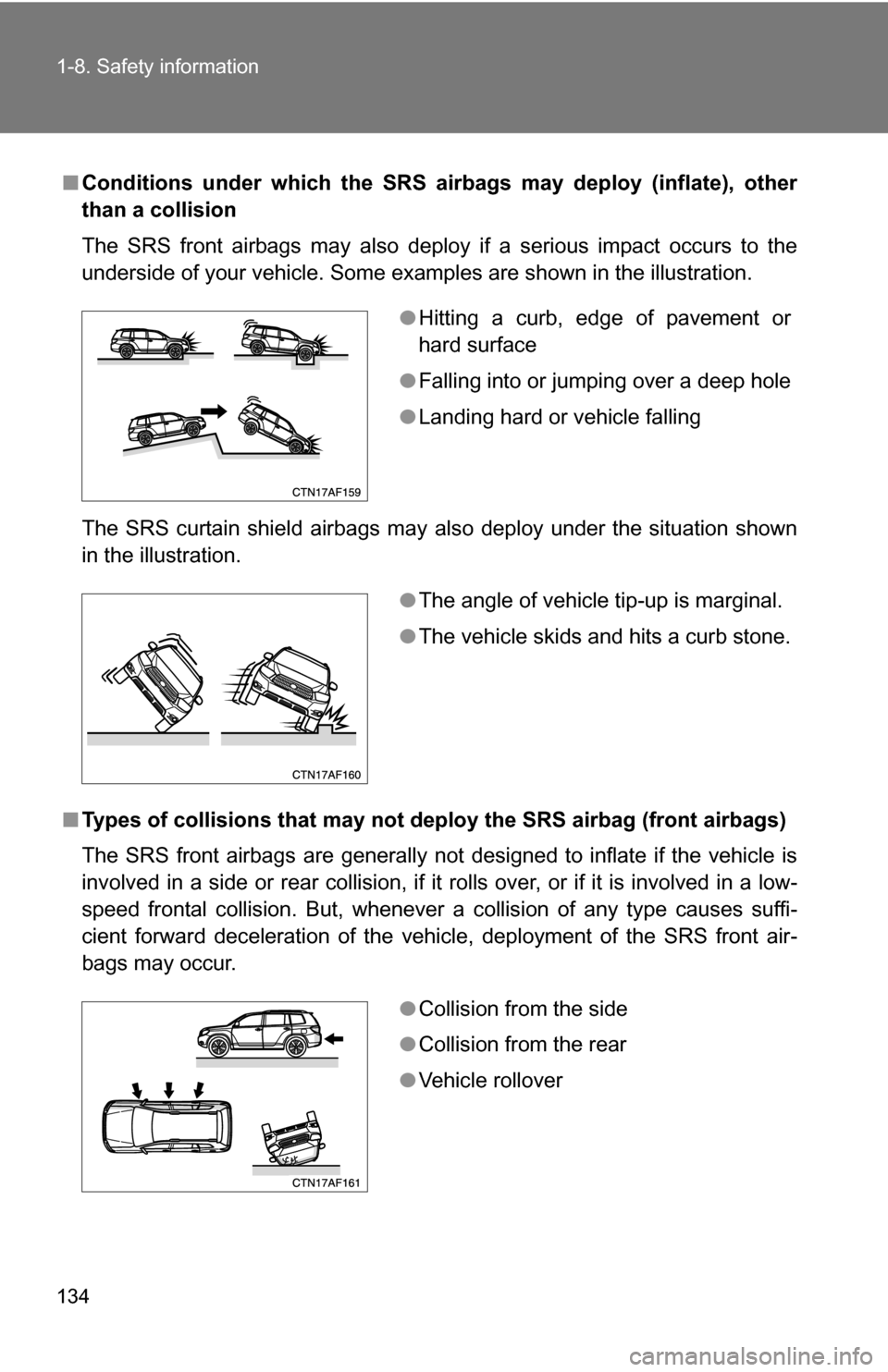
■Conditions under which the SRS airbags may deploy (inflate), other
than a collision
The SRS front airbags may also deploy if a serious impact occurs to the
underside of your vehicle. Some examples are shown in the illustration.
The SRS curtain shield airbags may also deploy under the situation shown
in the illustration.
■ Types of collisions that may not depl oy the SRS airbag (front airbags)
The SRS front airbags are generally not designed to inflate if the vehicle is
involved in a side or rear collision, if it rolls over, or if it is involved in a low-
speed frontal collision. But, whenever a collision of any type causes suffi-
cient forward deceleration of the vehicle, deployment of the SRS front air-
bags may occur.
● Hitting a curb, edge of pavement or
hard surface
● Falling into or jumping over a deep hole
● Landing hard or vehicle falling
●The angle of vehicle tip-up is marginal.
● The vehicle skids and hits a curb stone.
●Collision from the side
● Collision from the rear
● Vehicle rollover