TOYOTA HILUX 2013 (in English) Owner's Manual
HILUX 2013
TOYOTA
TOYOTA
https://www.carmanualsonline.info/img/14/48585/w960_48585-0.png
TOYOTA HILUX 2013 (in English) Owner's Manual
Page 270 of 644
270
3-2. Using the audio system
HILUX_OM_OM0K134E_(EE)
Using the radio
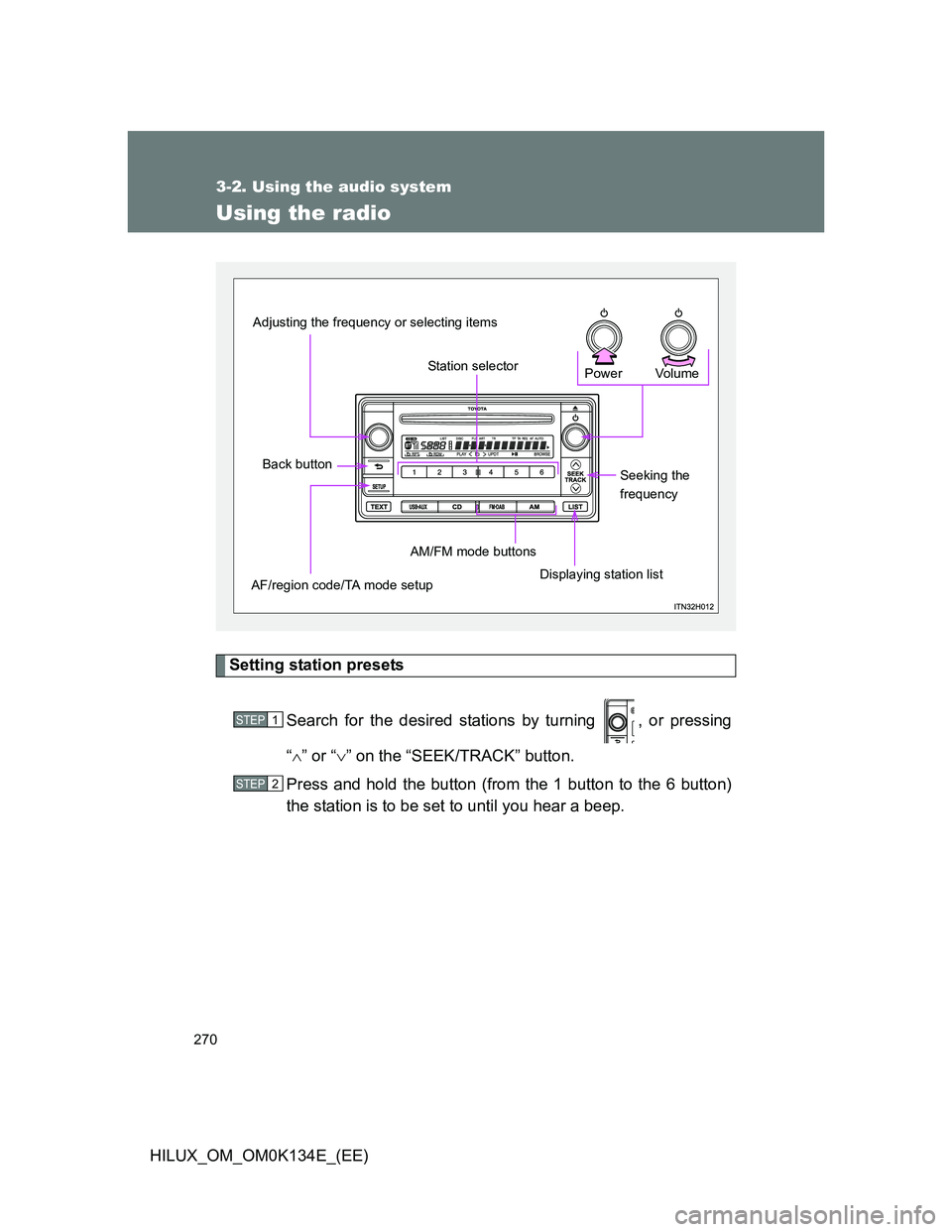
Setting station presets
Search for the desired stations by turning , or pressing
“” or “” on the “SEEK/TRACK” button.
Press and hold the button (from the 1 button to the 6 button)
the station is to be set to until you hear a beep.
Vo lu m e Power
Seeking the
frequency
Displaying station list AM/FM mode buttons
Station selector
Adjusting the frequency or selecting items
Back button
AF/region code/TA mode setup
STEP1
STEP2
Page 271 of 644
271 3-2. Using the audio system
3
Interior features
HILUX_OM_OM0K134E_(EE)
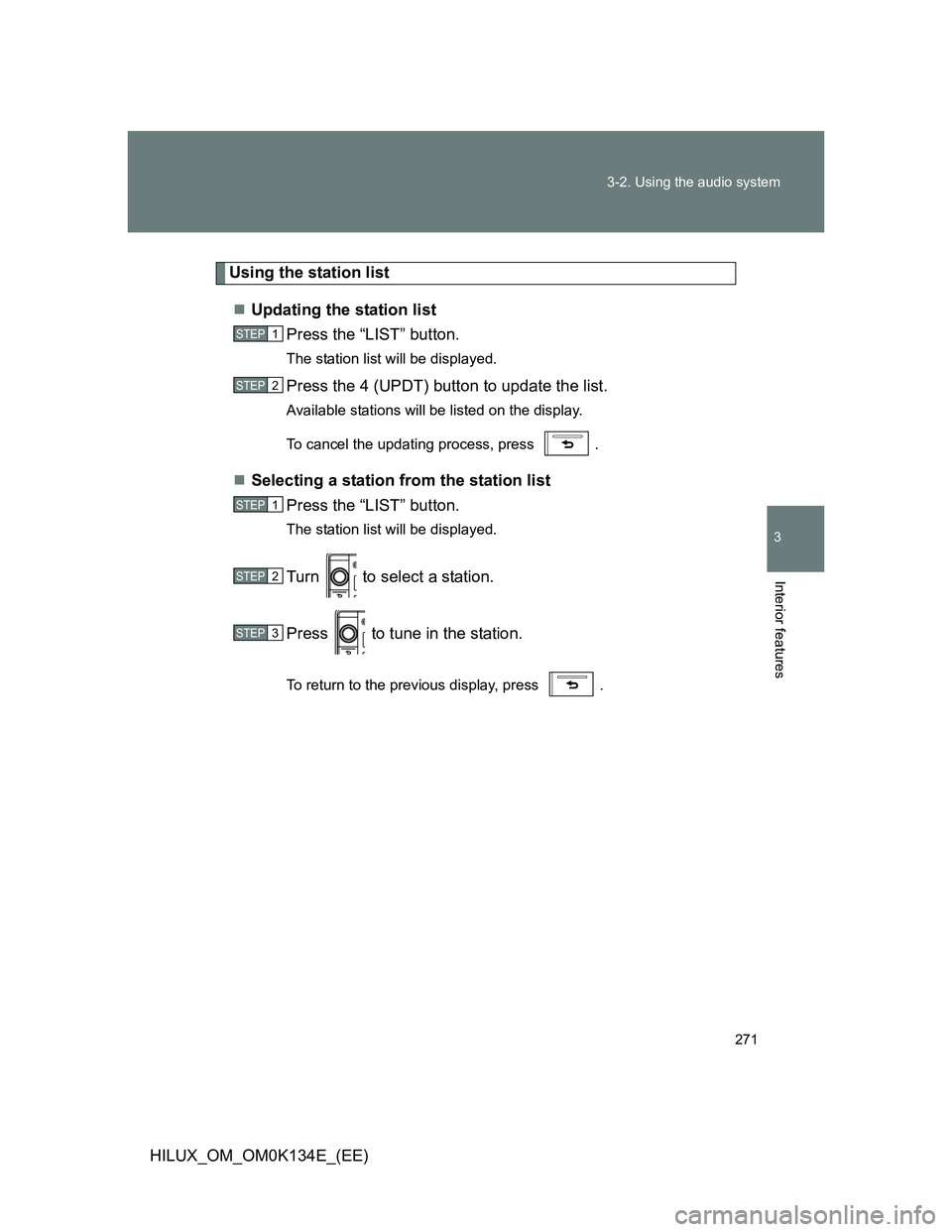
Using the station list
Updating the station list
Press the “LIST” button.
The station list will be displayed.
Press the 4 (UPDT) button to update the list.
Available stations will be listed on the display.
To cancel the updating process, press .
Selecting a station from the station list
Press the “LIST” button.
The station list will be displayed.
Turn to select a station.
Press to tune in the station.
To return to the previous display, press .
STEP1
STEP2
STEP1
STEP2
STEP3
Page 275 of 644
275
3-2. Using the audio system
3
Interior features
HILUX_OM_OM0K134E_(EE)
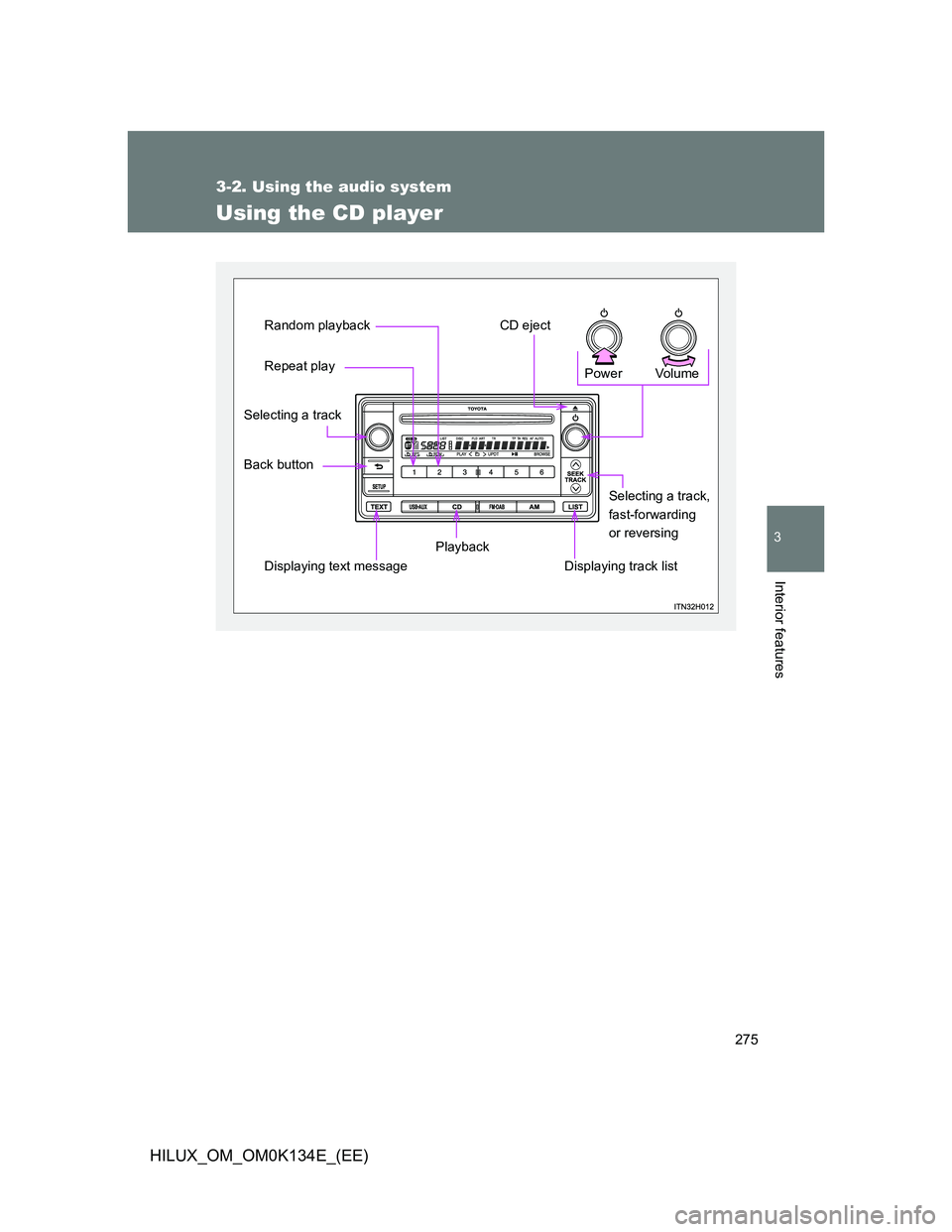
Using the CD player
Vo lu m e Power
Displaying track listSelecting a track,
fast-forwarding
or reversing
Playback
Displaying text message
Repeat play Random playback
CD eject
Back button Selecting a track
Page 276 of 644
276 3-2. Using the audio system
HILUX_OM_OM0K134E_(EE)
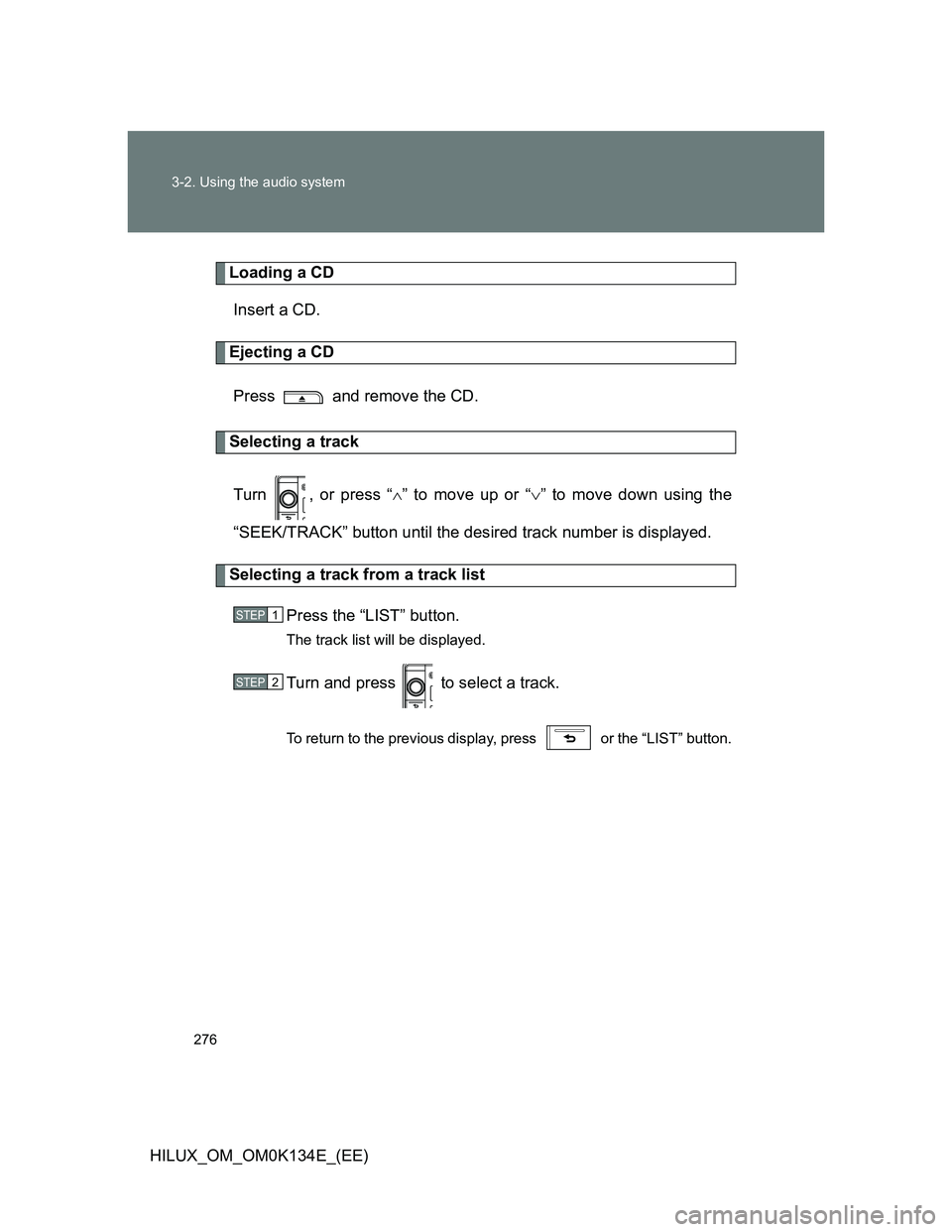
Loading a CD
Insert a CD.
Ejecting a CD
Press and remove the CD.
Selecting a track
Turn , or press “” to move up or “” to move down using the
“SEEK/TRACK” button until the desired track number is displayed.
Selecting a track from a track list
Press the “LIST” button.
The track list will be displayed.
Turn and press to select a track.
To return to the previous display, press or the “LIST” button.
STEP1
STEP2
Page 277 of 644
277 3-2. Using the audio system
3
Interior features
HILUX_OM_OM0K134E_(EE)
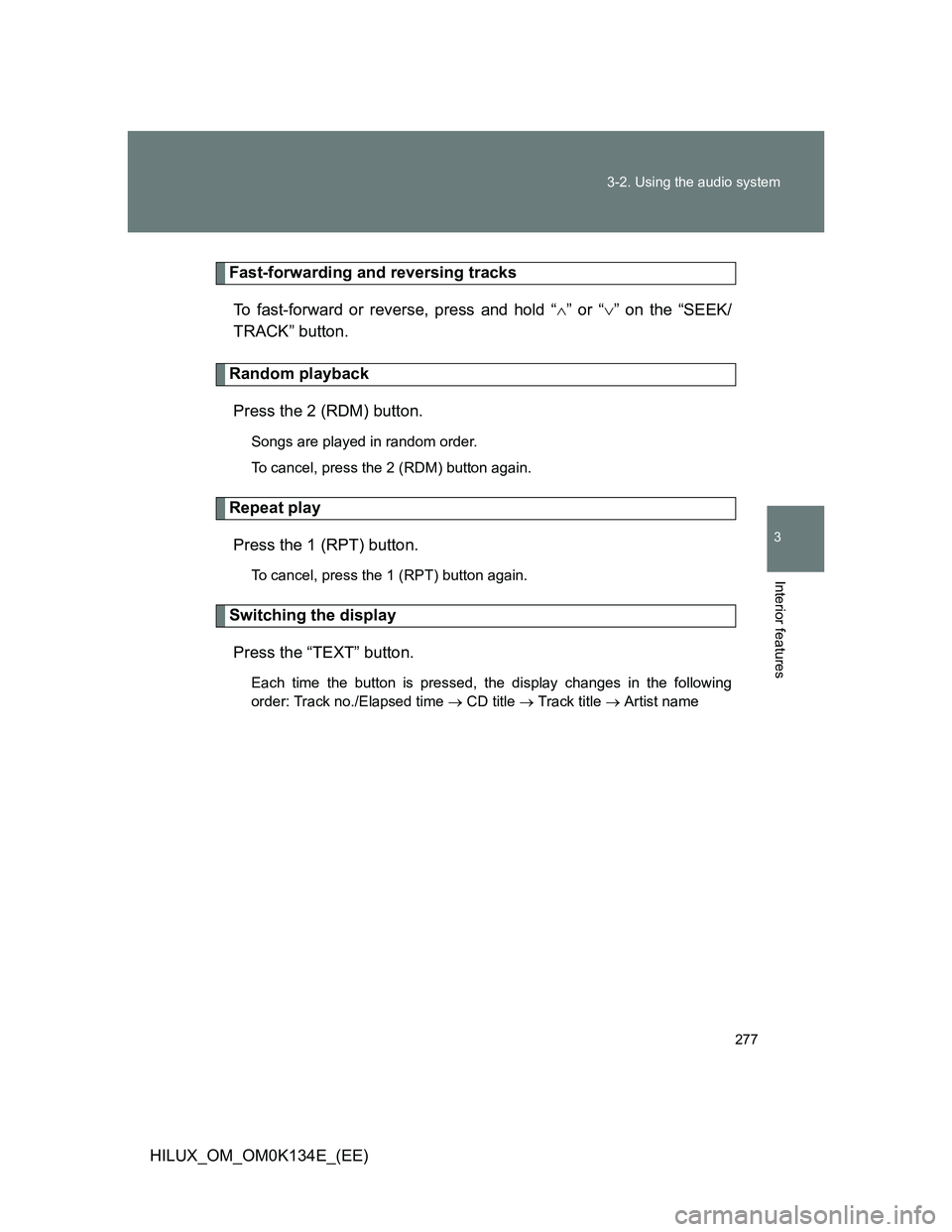
Fast-forwarding and reversing tracks
To fast-forward or reverse, press and hold “” or “” on the “SEEK/
TRACK” button.
Random playback
Press the 2 (RDM) button.
Songs are played in random order.
To cancel, press the 2 (RDM) button again.
Repeat play
Press the 1 (RPT) button.
To cancel, press the 1 (RPT) button again.
Switching the display
Press the “TEXT” button.
Each time the button is pressed, the display changes in the following
order: Track no./Elapsed time CD title Track title Artist name
Page 278 of 644
278 3-2. Using the audio system
HILUX_OM_OM0K134E_(EE)
CD player protection feature
To protect the internal components, playback is automatically stopped when
a problem is detected.
Display
Up to 12 characters can be displayed at a time.
If there are 13 or more characters, pressing and holding the “TEXT” button
for 1 second or more enables to display the remaining characters.
A maximum of 24 characters can be displayed.
If the “TEXT” button is pressed for more than 1 second again or has not
been operated for more than 6 seconds, the display will return to the first 12
characters.
Depending on the contents recorded, the characters may not be displayed
properly or may not be displayed at all.
Page 282 of 644
282
3-2. Using the audio system
HILUX_OM_OM0K134E_(EE)
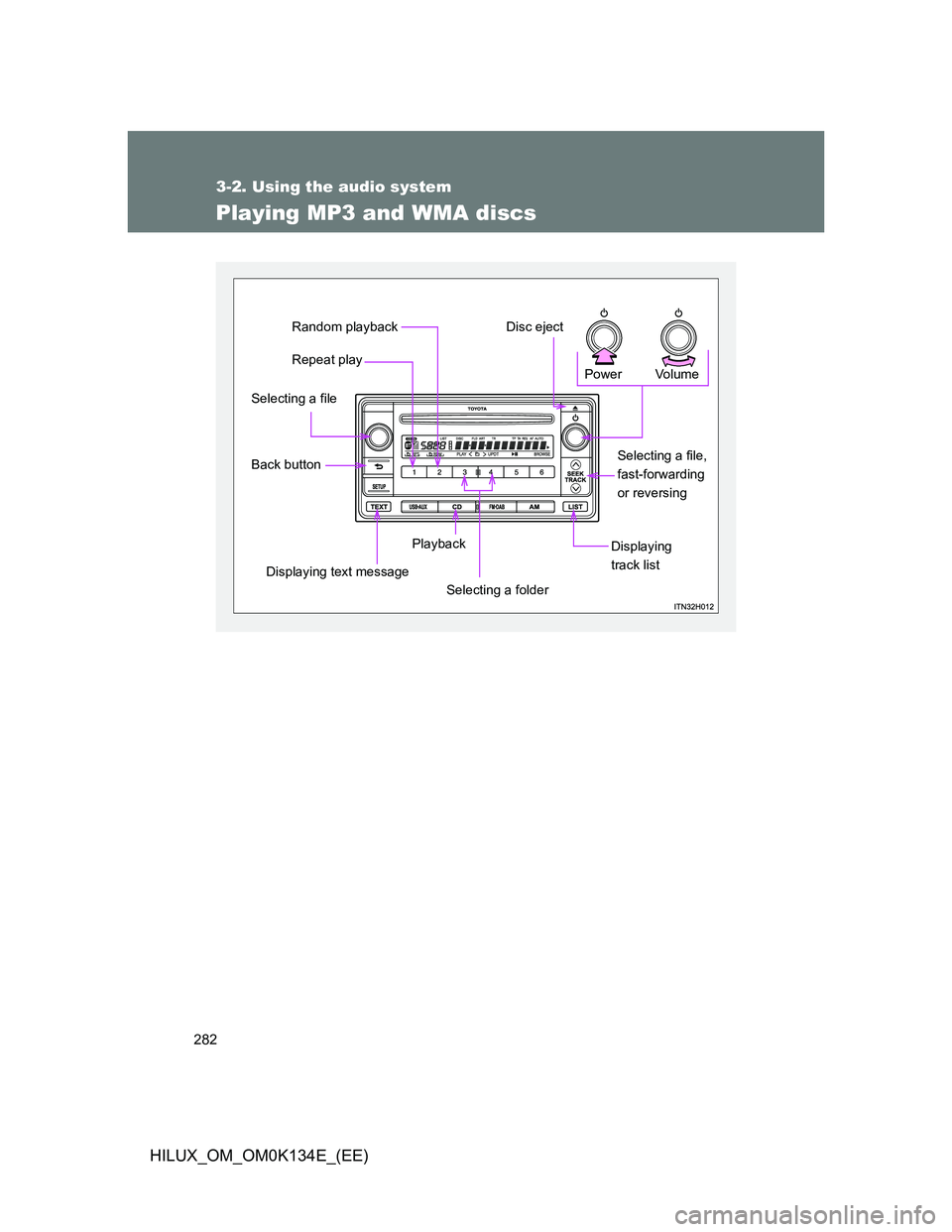
Playing MP3 and WMA discs
Vol u m e Power
Displaying
track listPlayback
Displaying text message
Back button Selecting a file
Repeat play Random playback
Disc eject
Selecting a file,
fast-forwarding
or reversing
Selecting a folder
Page 283 of 644
283 3-2. Using the audio system
3
Interior features
HILUX_OM_OM0K134E_(EE)
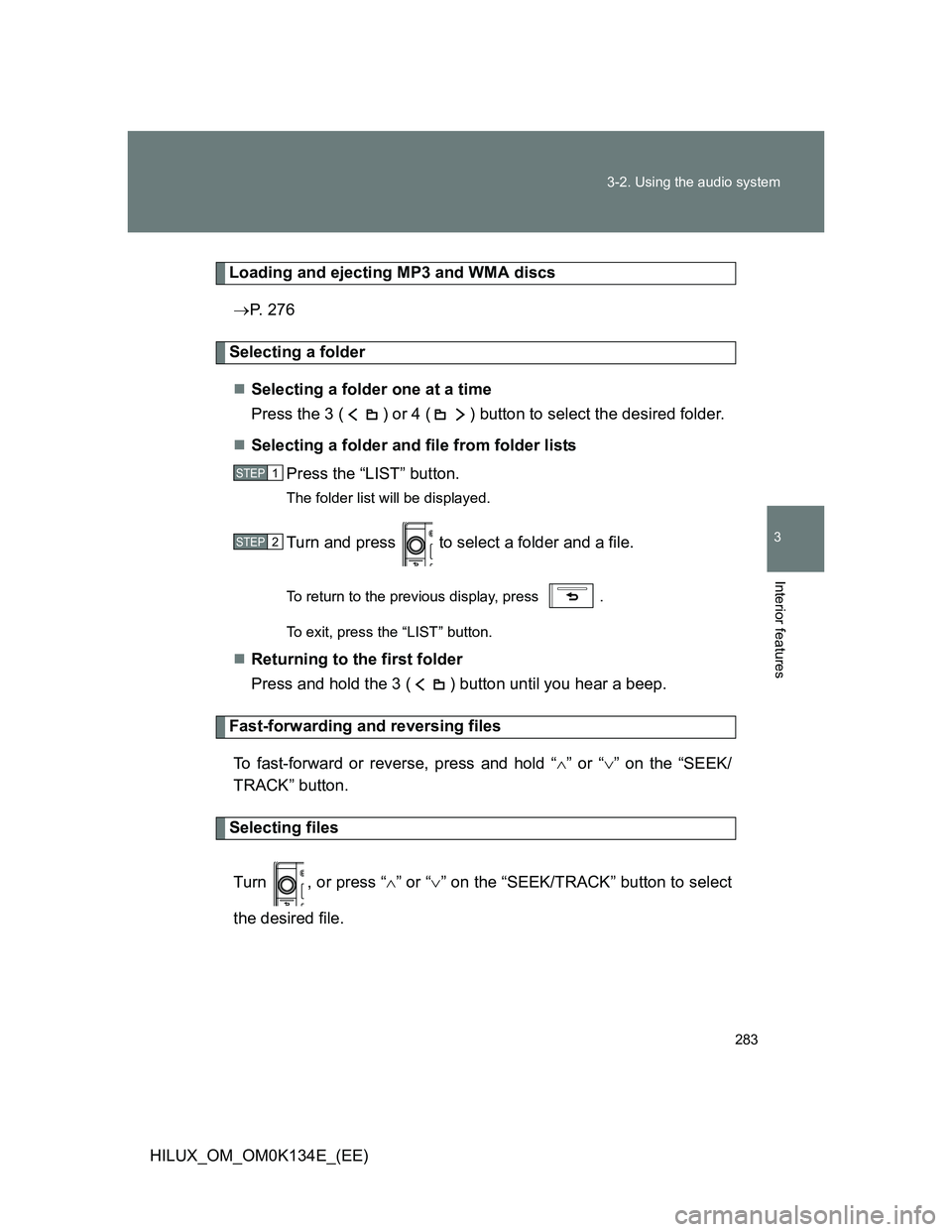
Loading and ejecting MP3 and WMA discs
P. 276
Selecting a folder
Selecting a folder one at a time
Press the 3 ( ) or 4 ( ) button to select the desired folder.
Selecting a folder and file from folder lists
Press the “LIST” button.
The folder list will be displayed.
Turn and press to select a folder and a file.
To return to the previous display, press .
To exit, press the “LIST” button.
Returning to the first folder
Press and hold the 3 ( ) button until you hear a beep.
Fast-forwarding and reversing files
To fast-forward or reverse, press and hold “” or “” on the “SEEK/
TRACK” button.
Selecting files
Turn , or press “” or “” on the “SEEK/TRACK” button to select
the desired file.
STEP1
STEP2
Page 284 of 644
284 3-2. Using the audio system
HILUX_OM_OM0K134E_(EE)
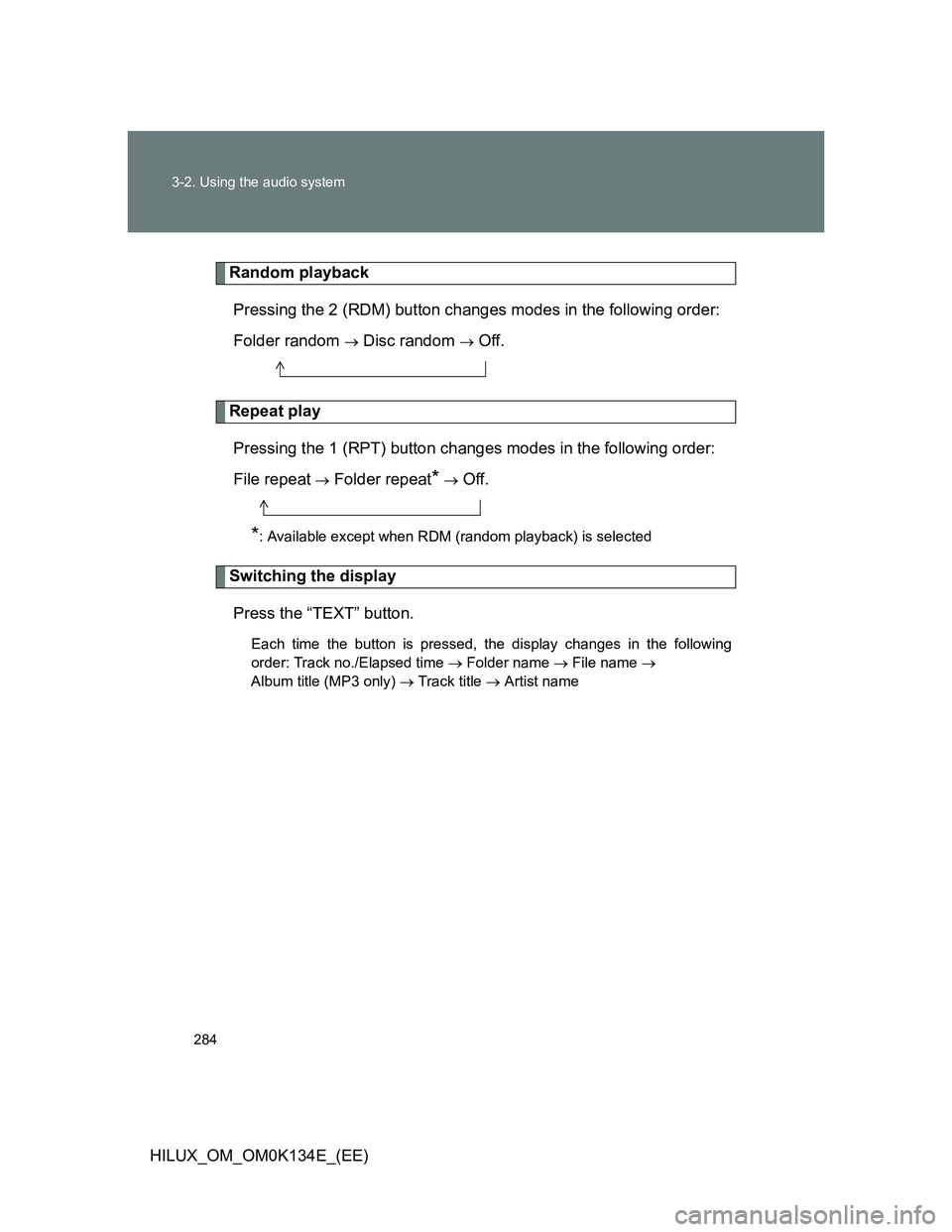
Random playback
Pressing the 2 (RDM) button changes modes in the following order:
Folder random
Disc random Off.
Repeat play
Pressing the 1 (RPT) button changes modes in the following order:
File repeat
Folder repeat* Off.
*: Available except when RDM (random playback) is selected
Switching the display
Press the “TEXT” button.
Each time the button is pressed, the display changes in the following
order: Track no./Elapsed time Folder name File name
Album title (MP3 only) Track title Artist name
Page 285 of 644
285 3-2. Using the audio system
3
Interior features
HILUX_OM_OM0K134E_(EE)
CD player protection feature
P. 278
Display
P. 278
Error messages
“ERROR”: This indicates a problem either in the CD or inside the
player.
“CD CHECK”: The CD may be dirty, damaged or inserted up-side down.
“WAIT”: Operation has stopped due to a high temperature inside
the player. Wait for a while and then press the “CD” but-
ton. Contact your Toyota dealer if the CD still cannot be
played.
“NO SUPPORT”: This indicates that the MP3/WMA file is not included in the
CD.