keys TOYOTA IQ 2013 Owners Manual
[x] Cancel search | Manufacturer: TOYOTA, Model Year: 2013, Model line: IQ, Model: TOYOTA IQ 2013Pages: 372, PDF Size: 7.77 MB
Page 2 of 372

TABLE OF CONTENTSIndex
2
1-1. Key informationKeys ..................................... 24
1-2. Opening, closing and locking the doors
Wireless remote control ....... 26
Side doors ............................ 28
Back door ............................. 31
1-3. Adjustable components (seats, mirrors, steering
wheel)
Front seats ........................... 35
Rear seats ............................ 38
Seat belts ............................. 41
Steering wheel ..................... 47
Anti-glare inside rear view mirror .................................. 48
Outside rear view mirrors ..... 50
1-4. Opening and closing the windows
Power windows .................... 53
1-5. Refueling Opening the fuel tank cap .... 56
1-6. Theft deterrent system Engine immobilizer system ................................ 60
Theft prevention labels ......... 62 1-7. Safety information
Correct driving posture ......... 63
SRS airbags ......................... 65
Front passenger occupant classification system ........... 79
Child restraint systems ......... 85
Installing child restraints ....... 90
2-1. Driving procedures Driving the vehicle .............. 102
Engine (ignition) switch....... 111
Automatic transmission ...... 114
Turn signal lever ................. 115
Parking brake ..................... 116
Horn .................................... 118
2-2. Instrument cluster Gauges and meters ............ 119
Indicators and warning lights ................................. 121
Multi-information display ..... 124
2-3. Operating the lights and wipers
Headlight switch ................. 130
Windshield wipers and washer .............................. 134
Rear window wiper and washer .............................. 137
2-4. Using other driving systems Driving assist systems ........ 139
1Before driving
2When driving
Page 4 of 372

TABLE OF CONTENTSIndex
4
4-3. Do-it-yourself maintenanceDo-it-yourself service precautions ...................... 194
Hood................................... 197
Positioning a floor jack ....... 199
Replacing the tire ............... 202
Engine compartment .......... 208
Tires ................................... 220
Tire inflation pressure......... 228
Wheels ............................... 232
Air conditioning filter ........... 234
Key battery ......................... 238
Checking and replacing fuses ................................ 240
Light bulbs .......................... 251
5-1. Essential information Emergency flashers ........... 264
If your vehicle needs to be towed .......................... 265
If you think something is wrong ............................... 271
Fuel pump shut off system .............................. 272 5-2. Steps to take in an emergency
If a warning light turns on or a warning buzzer
sounds... ........................... 273
If you have a flat tire ........... 284
If the engine will not start .... 301
If the shift lever cannot be shifted from P .............. 303
If you lose your keys ........... 304
If the vehicle battery is discharged ........................ 305
If your vehicle overheats..... 308
If the vehicle becomes stuck ................................. 311
If your vehicle has to be stopped in
an emergency................... 313
6-1. Specifications Maintenance data (fuel, oil level, etc.) ........... 316
Fuel information .................. 325
Tire information................... 328
6-2. Customization Customizable features ........ 339
Items to initialize ................. 341
5When trouble arises
6Vehicle specifications
Page 23 of 372
Before driving1
23
1-1. Key informationKeys ................................... 24
1-2. Opening, closing and locking the doors
Wireless remote control ..... 26
Side doors .......................... 28
Back door ........................... 31
1-3. Adjustable components (seats, mirrors,
steering wheel)
Front seats ......................... 35
Rear seats.......................... 38
Seat belts ........................... 41
Steering wheel ................... 47
Anti-glare inside rear view mirror ............................... 48
Outside rear view mirrors ... 50
1-4. Opening and closing the windows
Power windows .................. 53
1-5. Refueling Opening the fuel tank cap ................................... 56 1-6. Theft deterrent system
Engine immobilizer system ............................. 60
Theft prevention labels....... 62
1-7. Safety information Correct driving posture....... 63
SRS airbags ....................... 65
Front passenger occupant classification system ........ 79
Child restraint systems....... 85
Installing child restraints..... 90
Page 24 of 372
24
1-1. Key information
Keys
■Key number plate
Keep the plate in a safe place such as your wallet, not in the vehicle. In the
event that a key is lost, a new key can be made by your Scion dealer using
the key number plate. ( P. 304)
■ When riding in an aircraft
When bringing a wireless remote control key onto an aircraft, make sure you
do not press any buttons on the wireless remote control key while inside the
aircraft cabin. If you are carrying a wireless remote control key in your bag
etc, ensure that the buttons are not likely to be pressed accidentally. Press-
ing a button may cause the wireless remote control key to emit radio waves
that could interfere with the operation of the aircraft.
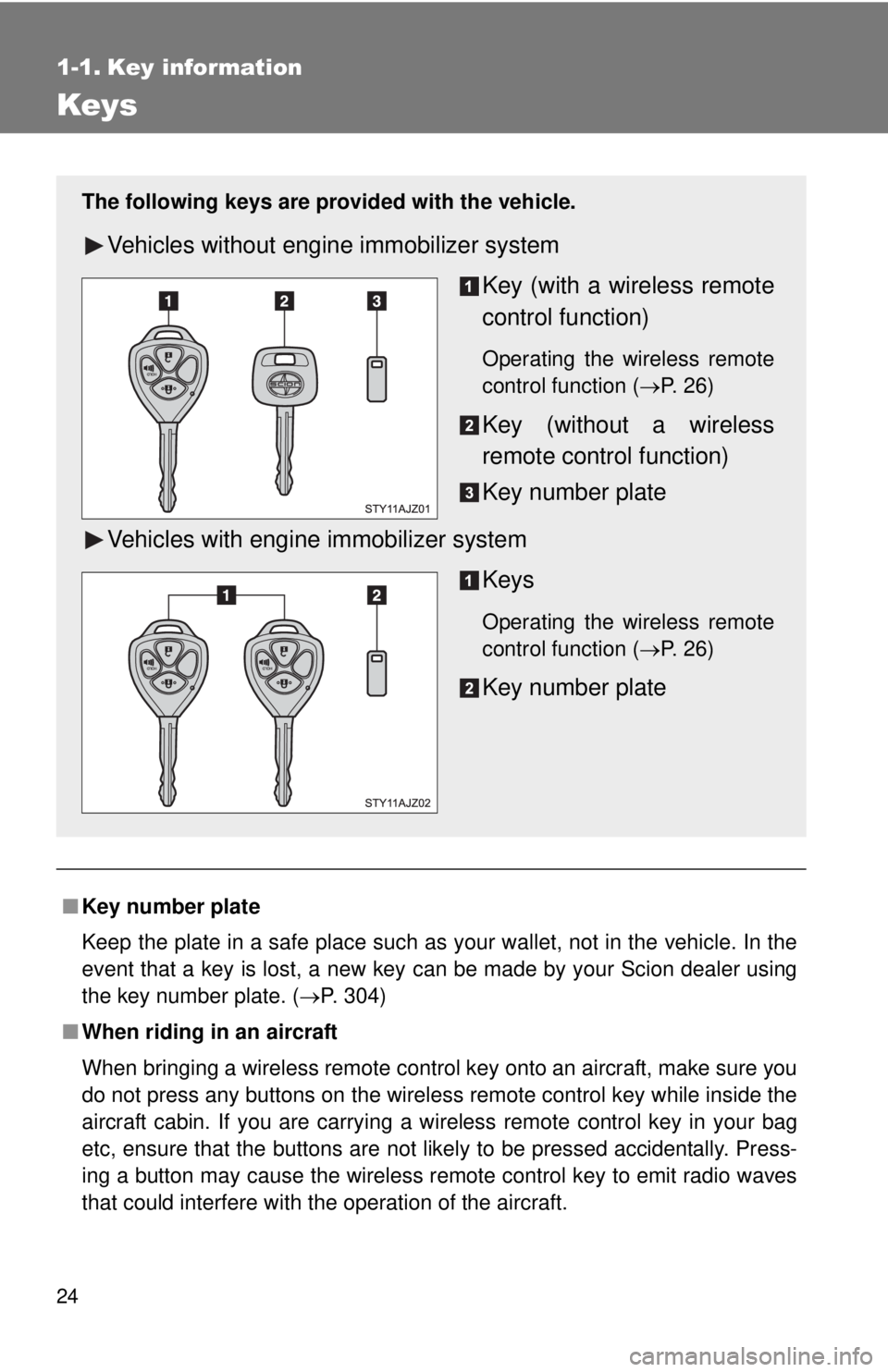
The following keys are provid ed with the vehicle.
Vehicles without engine immobilizer system
Key (with a wireless remote
control function)
Operating the wireless remote
control function (P. 26)
Key (without a wireless
remote control function)
Key number plate
Vehicles with engine immobilizer system Keys
Operating the wireless remote
control function (P. 26)
Key number plate
Page 25 of 372

25
1-1. Key information
1
Before driving
NOTICE
■
To prevent key damage (vehicles with engine immobilizer system)
● Do not subject the keys to strong shocks, expose them to high tempera-
tures by placing them in direct sunlight, or get them wet.
● Do not expose the keys to electromagnetic materials or attach any mate-
rial that blocks electromagnetic waves to the key surface.
Page 27 of 372

27
1-2. Opening, closing and locking the doors
1
Before driving
■
Conditions affecting operation
The wireless remote control function may not operate normally in the follow-
ing situations.
●Near a TV tower, radio station, elec tric power plant, airport, gas station or
other facility that generates strong radio waves
● When carrying a portable radio, cell ular phone or other wireless commu-
nication device
● When multiple wireless keys are in the vicinity
● When the wireless key has come into contact with, or is covered by a
metallic object
● When a wireless key (that emits radio waves) is being used nearby
● When the wireless key has been left near an electrical appliance such as
a personal computer
■ Customization that can be configured at Scion dealer
Settings (e.g. wireless remote control system) can be changed.
(Customizable features P. 339)
■Certification for wireless remote control
For vehicles sold in U.S.A.
FCC ID: MOZB21RG
FCC ID: MOZB23RG
FCC ID: MOZB41TG
This device complies with part 15 of the FCC Rules. Operation is subject to
the following two conditions: (1) This device may not cause harmful interfer-
ence, and (2) this device must accept any interference received, including
interference that may cause undesired operation.
FCC WARNING:
Changes or modifications not expressly approved by the party responsible
for compliance could void the user's authority to operate the equipment. For vehicles sold in Canada
This device complies with RSS-210 of Industry Canada.
Operation is subject to the following two conditions: (1) this device may not
cause interference, and (2) this device must accept any interference, includ-
ing interference that may cause undesired operation of the device.
Page 60 of 372
60
1-6. Theft deterrent system
Engine immobilizer system
: If equipped
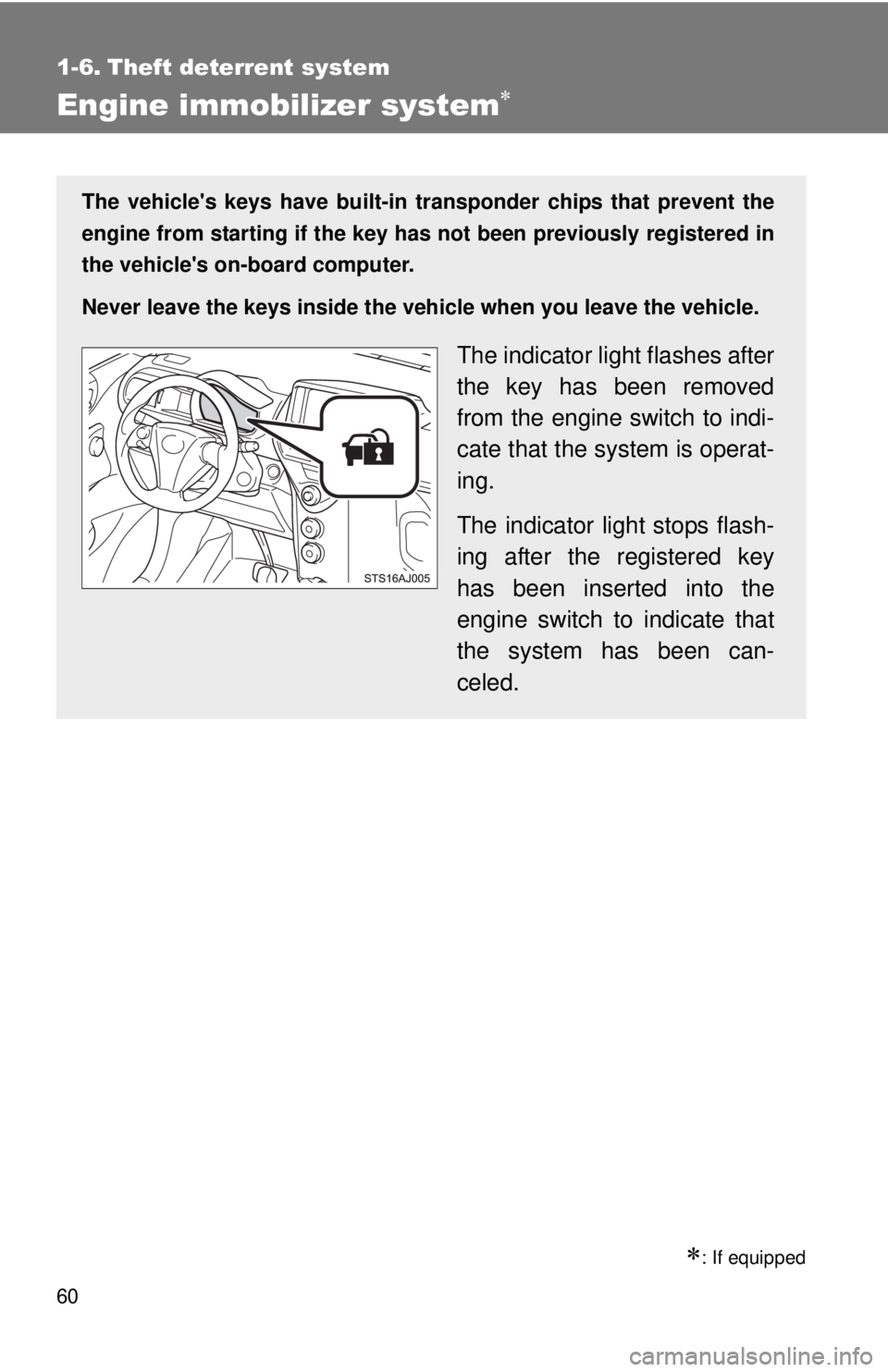
The vehicle's keys have built-in transponder chips that prevent the
engine from starting if the key has not been previously registered in
the vehicle's on-board computer.
Never leave the keys inside the vehicle when you leave the vehicle.
The indicator light flashes after
the key has been removed
from the engine switch to indi-
cate that the system is operat-
ing.
The indicator light stops flash-
ing after the registered key
has been inserted into the
engine switch to indicate that
the system has been can-
celed.
Page 77 of 372
77
1-7. Safety information
1
Before driving
CAUTION
■
SRS airbag precautions
●If a vinyl cover is put on the area where the SRS knee airbags will deploy,
be sure to remove it.
● Do not use seat accessories which cover the parts where the SRS side
airbags and SRS seat cushion airbags inflate as they may interfere with
inflation of the airbags. Such accessories may prevent the side airbags
and seat cushion airbags from activating correctly, disable the system or
cause the side airbags and seat cushion airbags to inflate accidentally,
resulting in death or serious injury.
● Do not strike or apply significant levels of force to the area of the SRS air-
bag components.
Doing so can cause the SRS airbags to malfunction.
● Do not touch any of the component parts immediately after the SRS air-
bags have deployed (inflated) as they may be hot.
● If breathing becomes difficult after the SRS airbag has deployed, open a
door or window to allow fresh air in, or leave the vehicle if it is safe to do
so. Wash off any residue as soon as possible to prevent skin irritation.
● If the areas where the SRS airbags are stored, such as the steering wheel
pad and front and rear pillar garnishes, are damaged or cracked, have
them replaced by your Scion dealer.
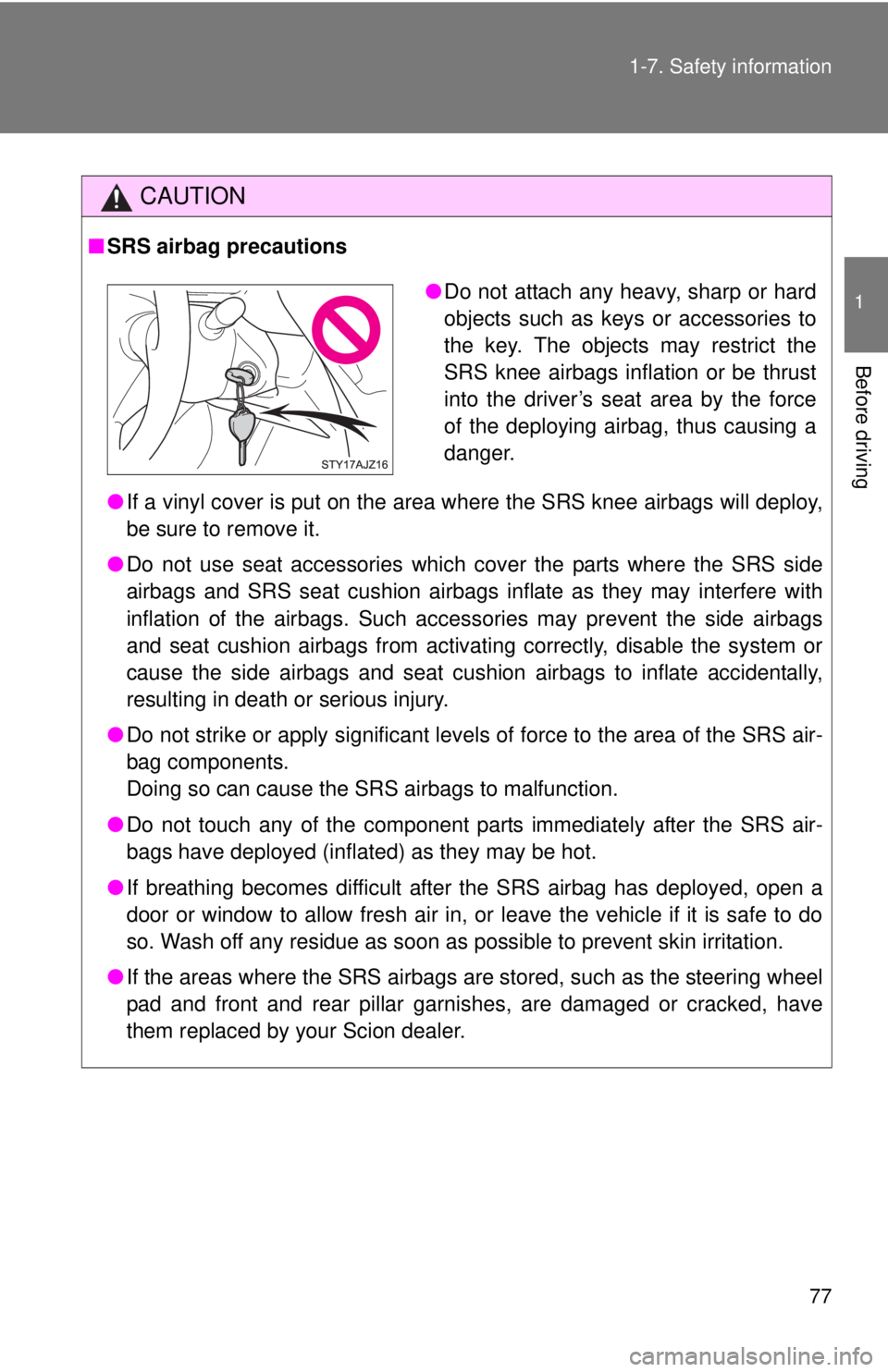
●Do not attach any heavy, sharp or hard
objects such as keys or accessories to
the key. The objects may restrict the
SRS knee airbags inflation or be thrust
into the driver’s seat area by the force
of the deploying airbag, thus causing a
danger.
Page 263 of 372
When trouble arises5
263
5-1. Essential informationEmergency flashers ......... 264
If your vehicle needs to be towed ........................ 265
If you think something is wrong ............................. 271
Fuel pump shut off system ........................... 272 5-2. Steps to take in
an emergency
If a warning light turns on or a warning buzzer
sounds... ........................ 273
If you have a flat tire......... 284
If the engine will not start ................................ 301
If the shift lever cannot be shifted from P............ 303
If you lose your keys ........ 304
If the vehicle battery is discharged ..................... 305
If your vehicle overheats ....................... 308
If the vehicle becomes stuck .............................. 311
If your vehicle has to be stopped in
an emergency ................ 313
Page 304 of 372
304
5-2. Steps to take in an emergency
If you lose your keys
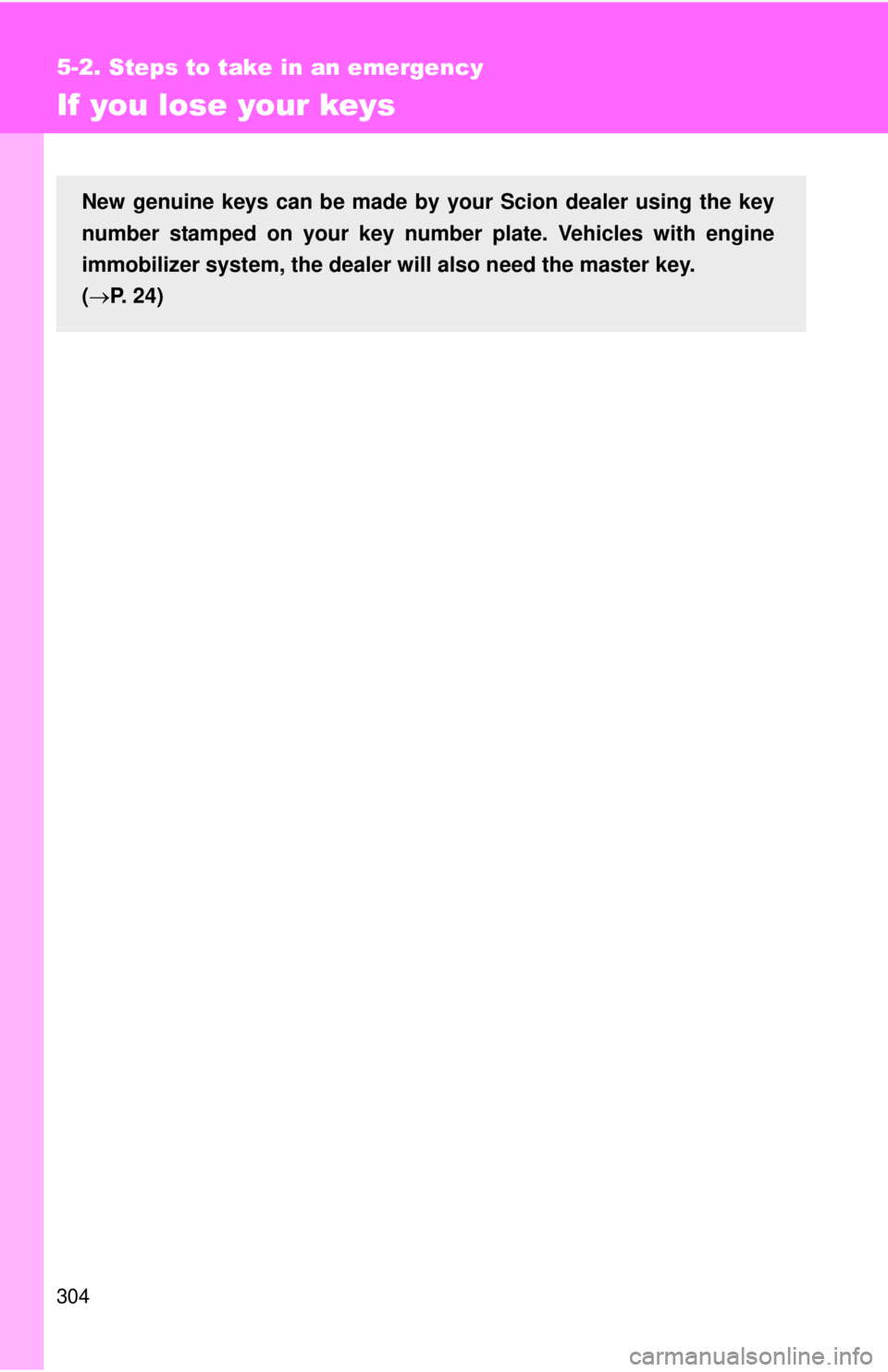
New genuine keys can be made by your Scion dealer using the key
number stamped on your key number plate. Vehicles with engine
immobilizer system, the dealer wi ll also need the master key.
( P. 24)