ad blue TOYOTA LAND CRUISER 2014 J200 Owner's Manual
[x] Cancel search | Manufacturer: TOYOTA, Model Year: 2014, Model line: LAND CRUISER, Model: TOYOTA LAND CRUISER 2014 J200Pages: 724, PDF Size: 11 MB
Page 414 of 724
414 3-3. Using the Bluetooth
® audio system
LC200_OM_OM60L09U_(U)
Switching the displayPress .
Each time the button is pressed, the display changes in the following
order: Elapsed time Album title Track title Artist name
Using the steering wheel audio switches
P. 3 9 8
■Bluetooth® audio system functions
Depending on the portable player that is connected to the system, certain
functions may not be available.
■ Display
P. 369
■ Error messages
“Memory Error”: This indicates a problem in the system.
Page 415 of 724
415
3-3. Using the Bluetooth® audio system
3
Interior features
LC200_OM_OM60L09U_(U)
Setting up a Bluetooth® enabled por table player
Registering a portable player in the Bluetooth® audio system allows
the system to function. The followin g functions can be used for reg-
istered portable players:
■ Functions and operation procedures
Pattern A
To enter the menu for each function, follow the steps below using a
voice command or :
●Registering a portable player
1. “Setup” 2. “Bluetooth Audio Setup (BT•A Setup)”
3. “Pair Audio Player (Pair Audio)”
● Selecting a portable player to be used
1. “Setup” 2. “Bluetooth Audio Setup (BT•A Setup)”
3. “Connect Audio Player (Connect)”
● Changing the registered nam e of a portable player
1. “Setup” 2. “Bluetooth Audio Setup (BT•A Setup)”
3. “Change Name”
● Listing the registered portable players
1. “Setup” 2. “Bluetooth Audio Setup (BT•A Setup)”
3. “List Audio Players (List Audios)”
● Changing the passkey
1. “Setup” 2. “Bluetooth Audio Setup (BT•A Setup)”
3. “Set Passkey”
● Deleting a registered portable player
1. “Setup” 2. “Bluetooth Audio Setup (BT•A Setup)”
3. “Delete Audio Play er (Delete Audio)”
Page 416 of 724
416 3-3. Using the Bluetooth
® audio system
LC200_OM_OM60L09U_(U)
Pattern BPress to select “BT•A MENU”.
Press the talk switch or select “BT•A Setup” using .
Select one of the following functions using a voice com-
mand or .
● Registering a portable player
“Pair Audio Player (Pair Audio)”
● Selecting a portable player to be used
“Connect Audio Player (Connect)”
● Changing the registered name
“Change Name”
● Listing the registered portable players
“List Audio Players (List Audios)”
● Changing the passkey
“Set Passkey”
● Deleting a registered portable player
“Delete Audio Player (Delete Audio)”
STEP1
STEP2
STEP3
Page 417 of 724
417
3-3. Using the Bluetooth
® audio system
3
Interior features
LC200_OM_OM60L09U_(U)
Registering a portable player
Select “Pair Audio Player (Pair Audio)” using a voice command or
, and perform the procedure for registering a portable player.
( P. 408)
Selecting a portable player to be used
Select “Connect Audio Player (Connect)” using a voice com-
mand or .
Pattern A Select the portable player to be used by either of the following
methods, and select “Confirm” by using a voice command or
:
a. Press the talk switch and say the name of the desired por- table player.
b. Press the talk switch and say “List Audio Players”. When
the name of the desired portable player is read aloud, press
the talk switch.
Pattern B
Select the portable player to be used using .
STEP1
STEP2
STEP2
Page 418 of 724
418 3-3. Using the Bluetooth
® audio system
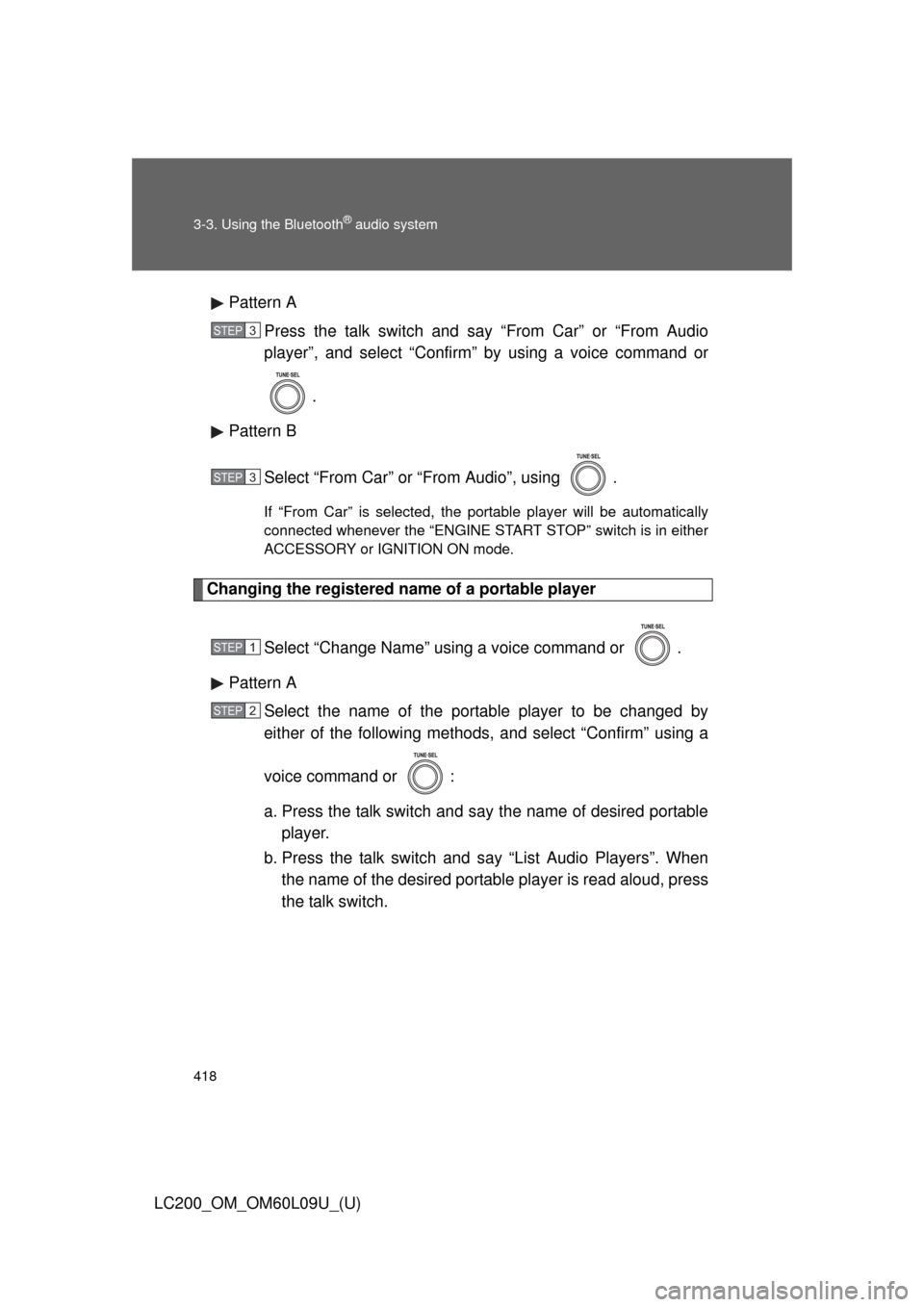
LC200_OM_OM60L09U_(U)Pattern A
Press the talk switch and say “From Car” or “From Audio
player”, and select “Confirm” by using a voice command or
.
Pattern B
Select “From Car” or “From Audio”, using .
If “From Car” is selected, the portable player will be automatically
connected whenever the “ENGINE START STOP” switch is in either
ACCESSORY or IGNITION ON mode.
Changing the registered name of a portable player
Select “Change Name” using a voice command or .
Pattern A Select the name of the portable player to be changed by
either of the following methods, and select “Confirm” using a
voice command or :
a. Press the talk switch and say the name of desired portableplayer.
b. Press the talk switch and say “List Audio Players”. When
the name of the desired portable player is read aloud, press
the talk switch.
STEP3
STEP3
STEP1
STEP2
Page 419 of 724
419
3-3. Using the Bluetooth
® audio system
3
Interior features
LC200_OM_OM60L09U_(U)
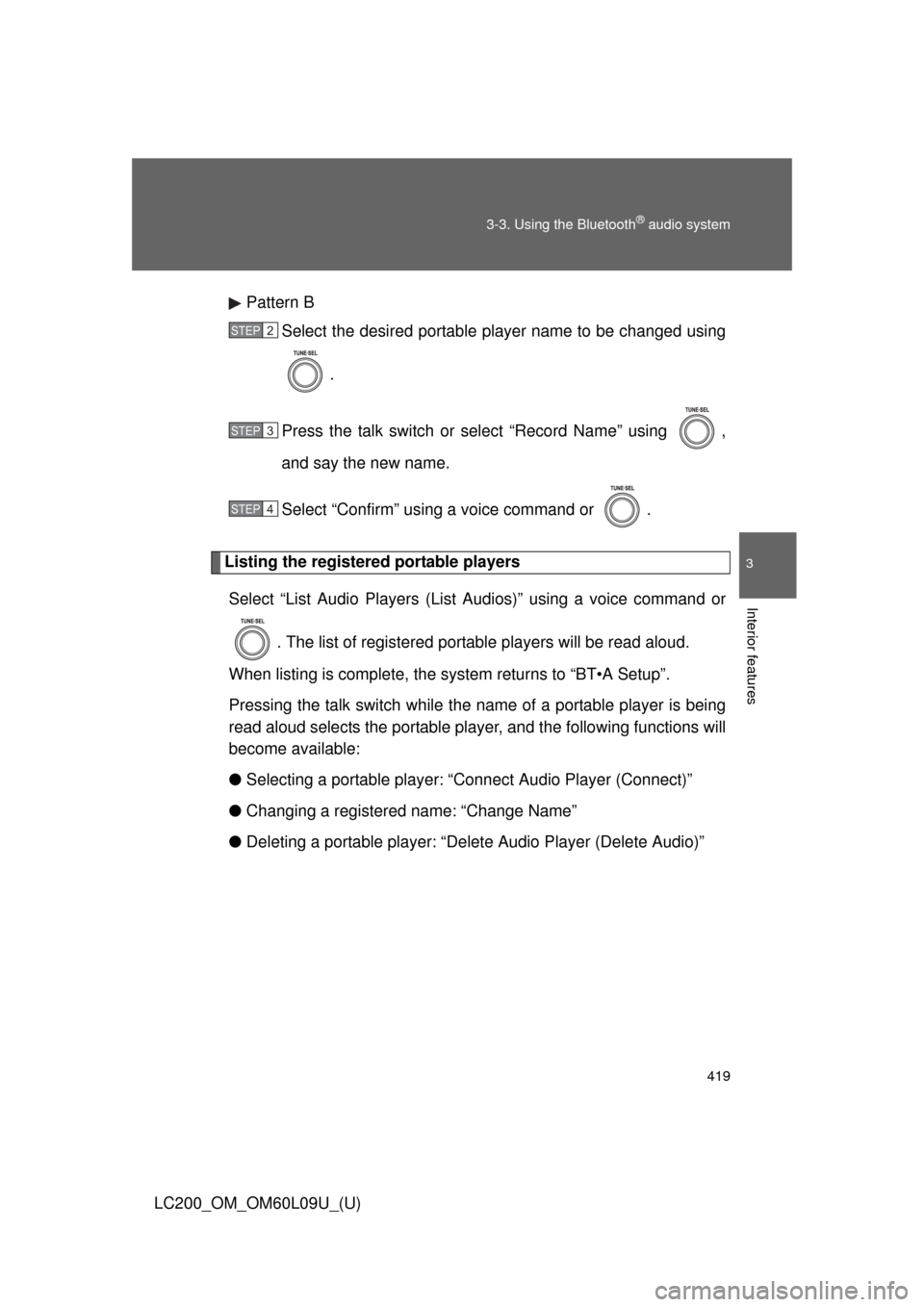
Pattern B
Select the desired portable player name to be changed using
.
Press the talk switch or select “Record Name” using ,
and say the new name.
Select “Confirm” using a voice command or .
Listing the registered portable players Select “List Audio Players (List Audios)” using a voice command or
. The list of registered portable players will be read aloud.
When listing is complete, the sy stem returns to “BT•A Setup”.
Pressing the talk switch while the name of a portable player is being
read aloud selects the portable player, and the following functions will
become available:
● Selecting a portable player: “Connect Audio Player (Connect)”
● Changing a registered name: “Change Name”
● Deleting a portable player: “Del ete Audio Player (Delete Audio)”
STEP2
STEP3
STEP4
Page 420 of 724
420 3-3. Using the Bluetooth
® audio system
LC200_OM_OM60L09U_(U)
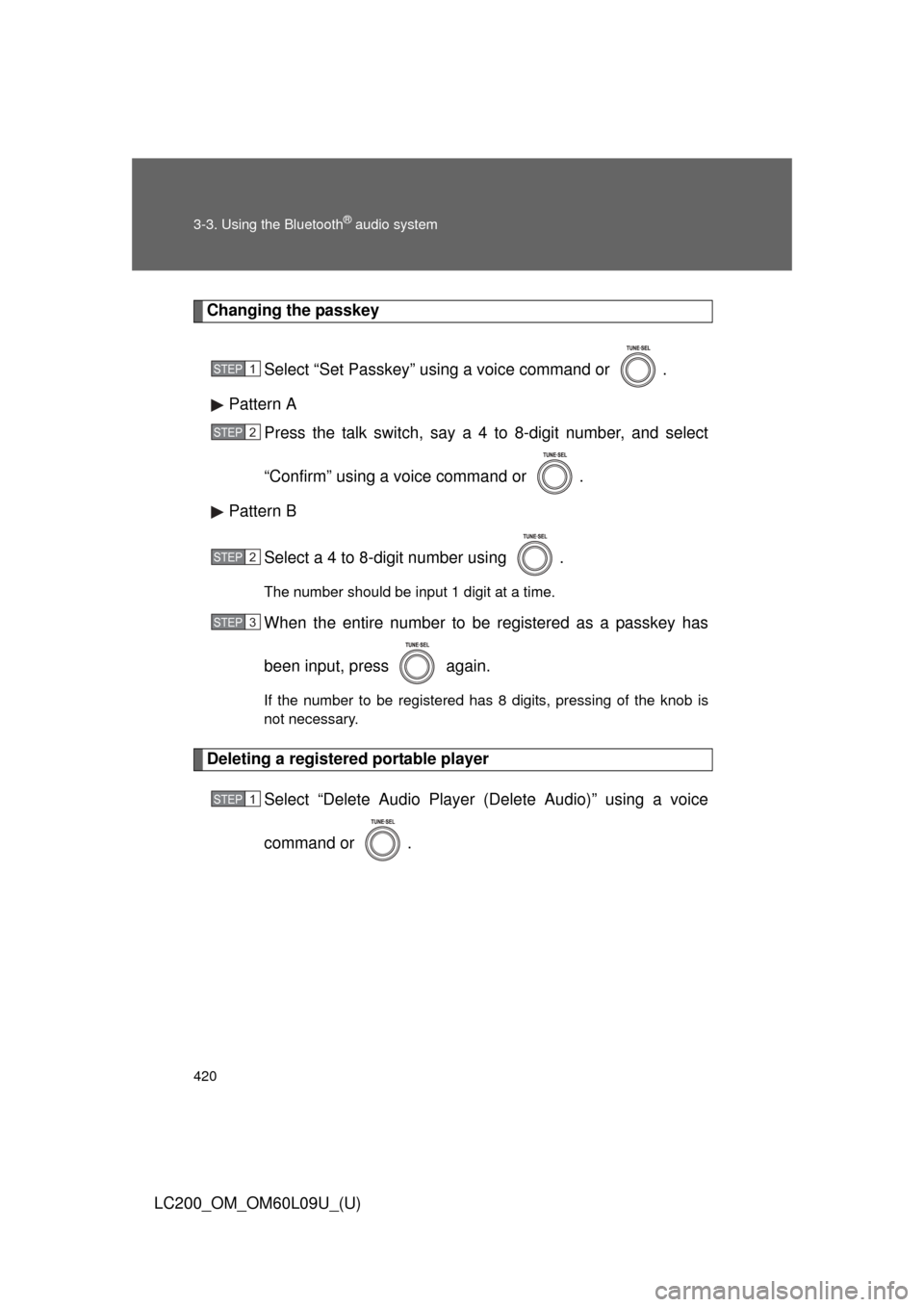
Changing the passkeySelect “Set Passkey” using a voice command or .
Pattern A Press the talk switch, say a 4 to 8-digit number, and select
“Confirm” using a voice command or .
Pattern B
Select a 4 to 8-digit number using .
The number should be input 1 digit at a time.
When the entire number to be registered as a passkey has
been input, press again.
If the number to be registered has 8 digits, pressing of the knob is
not necessary.
Deleting a registered portable player Select “Delete Audio Player (Delete Audio)” using a voice
command or .
STEP1
STEP2
STEP2
STEP3
STEP1
Page 421 of 724
421
3-3. Using the Bluetooth
® audio system
3
Interior features
LC200_OM_OM60L09U_(U)
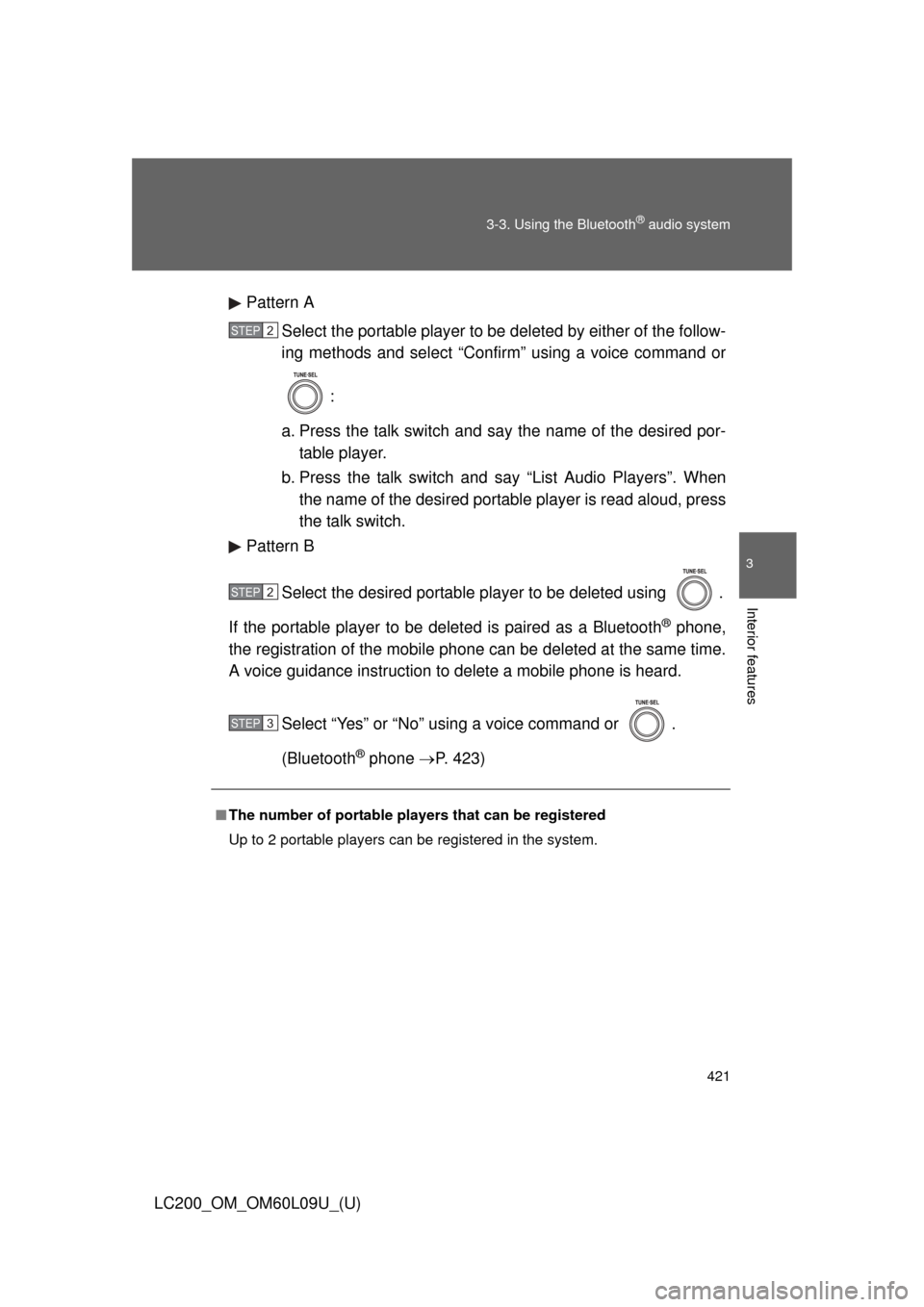
Pattern A
Select the portable player to be deleted by either of the follow-
ing methods and select “Confirm” using a voice command or
:
a. Press the talk switch and say the name of the desired por- table player.
b. Press the talk switch and say “List Audio Players”. When
the name of the desired portable player is read aloud, press
the talk switch.
Pattern B
Select the desired portable player to be deleted using .
If the portable player to be deleted is paired as a Bluetooth
® phone,
the registration of the mobile phone can be deleted at the same time.
A voice guidance instruction to delete a mobile phone is heard.
Select “Yes” or “No” using a voice command or .
(Bluetooth
® phone P. 423)
■The number of portable pl ayers that can be registered
Up to 2 portable players can be registered in the system.
STEP2
STEP2
STEP3
Page 422 of 724
422
3-3. Using the Bluetooth® audio system
LC200_OM_OM60L09U_(U)
Bluetooth® audio system setup
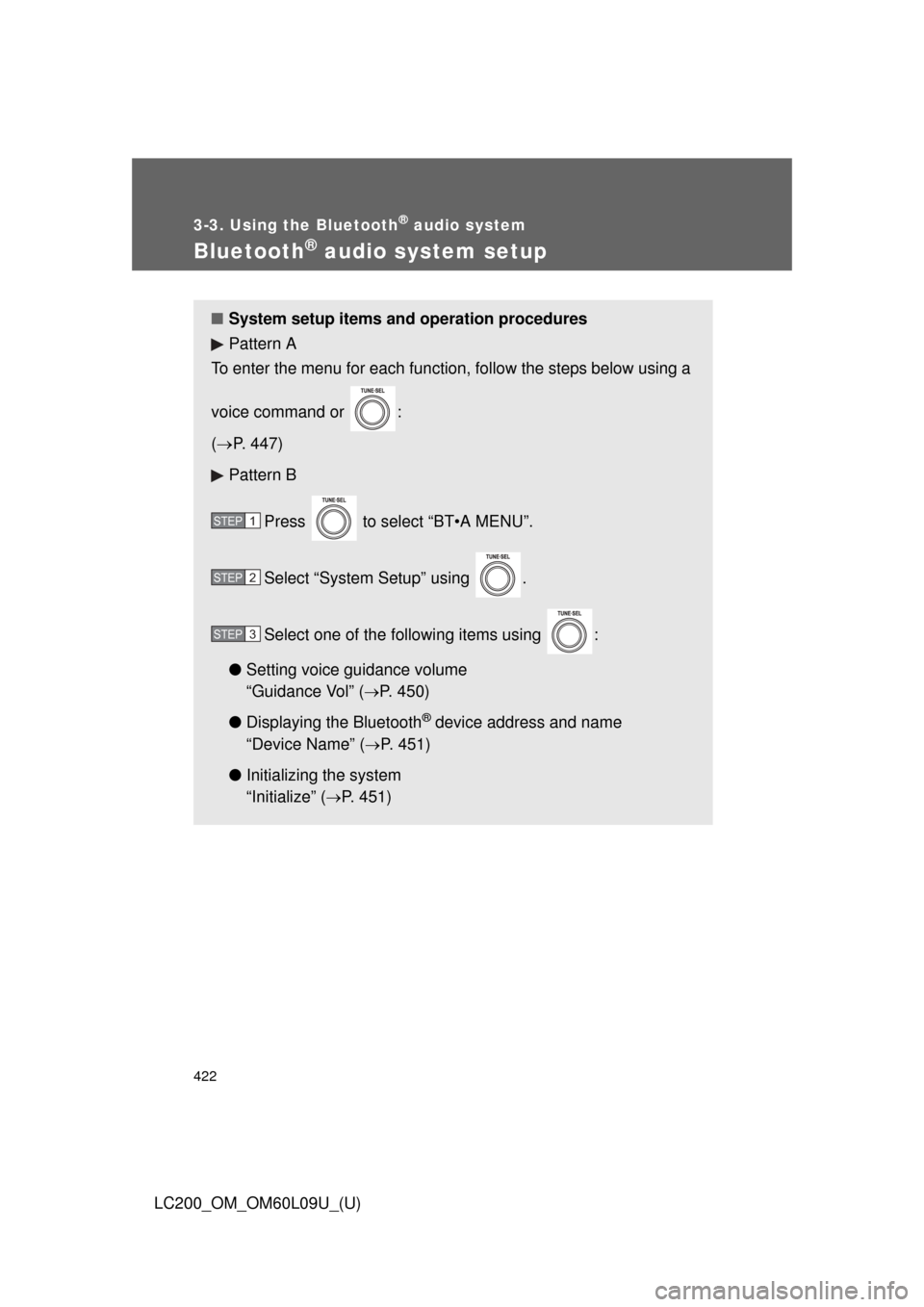
■System setup items and operation procedures
Pattern A
To enter the menu for each function, follow the steps below using a
voice command or :
( P. 447)
Pattern B
Press to select “BT•A MENU”.
Select “System Setup” using .
Select one of the following items using :
● Setting voice guidance volume
“Guidance Vol” (
P. 450)
● Displaying the Bluetooth
® device address and name
“Device Name” (
P. 451)
● Initializing the system
“Initialize” (
P. 451)
STEP1
STEP2
STEP3
Page 423 of 724
423
3
Interior features
LC200_OM_OM60L09U_(U)
3-4. Using the hands-free system (for cellular phone)
Hands-free system (for cellular phone)
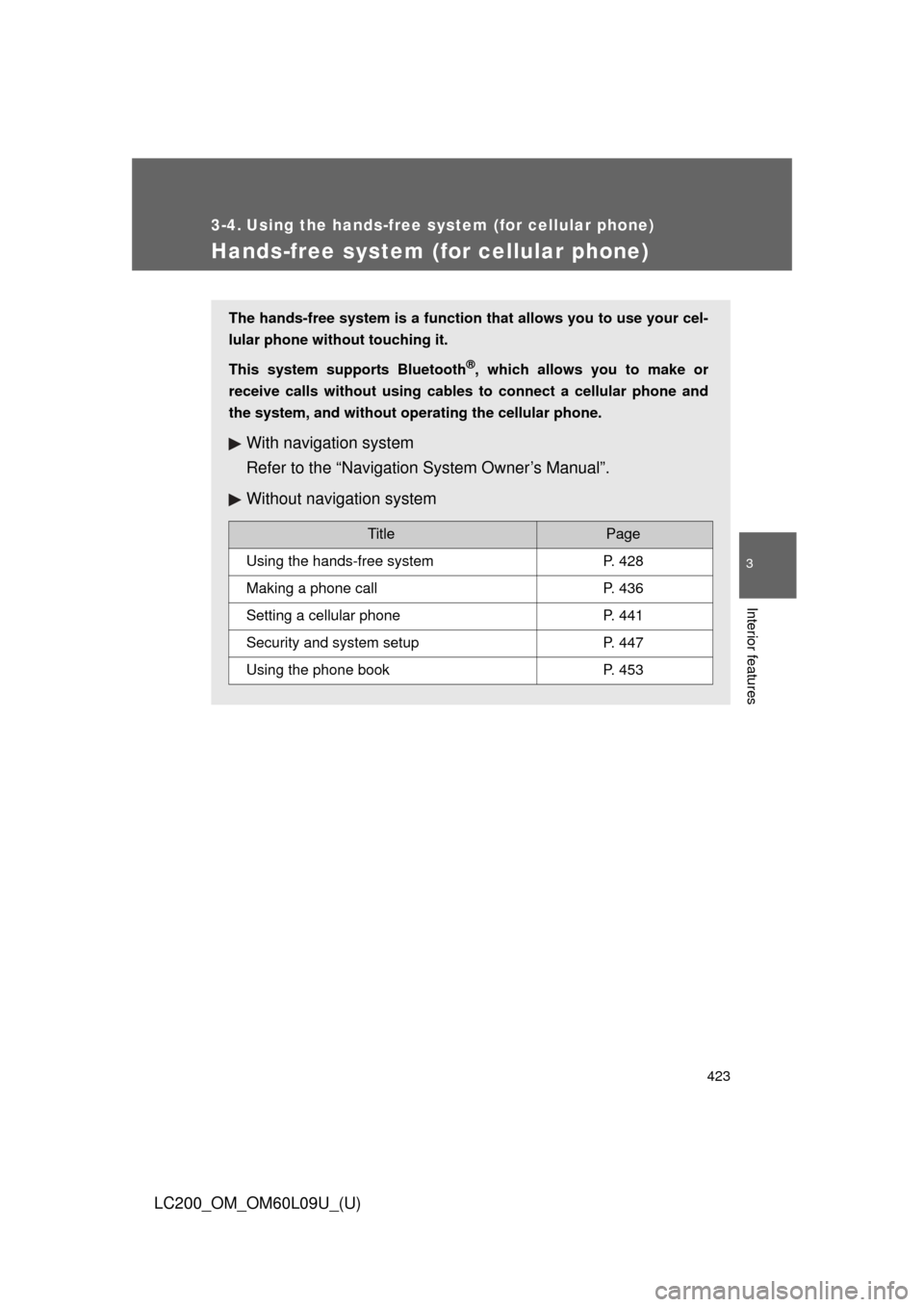
The hands-free system is a function that allows you to use your cel-
lular phone without touching it.
This system supports Bluetooth
®, which allows you to make or
receive calls without using cables to connect a cellular phone and
the system, and without oper ating the cellular phone.
With navigation system
Refer to the “Navigation System Owner’s Manual”.
Without navigation system
TitlePage
Using the hands-free systemP. 428
Making a phone callP. 436
Setting a cellular phoneP. 441
Security and system setupP. 447
Using the phone bookP. 453