reset TOYOTA MATRIX 2012 E140 / 2.G User Guide
[x] Cancel search | Manufacturer: TOYOTA, Model Year: 2012, Model line: MATRIX, Model: TOYOTA MATRIX 2012 E140 / 2.GPages: 516, PDF Size: 7.02 MB
Page 242 of 516
242 3-2. Using the audio system
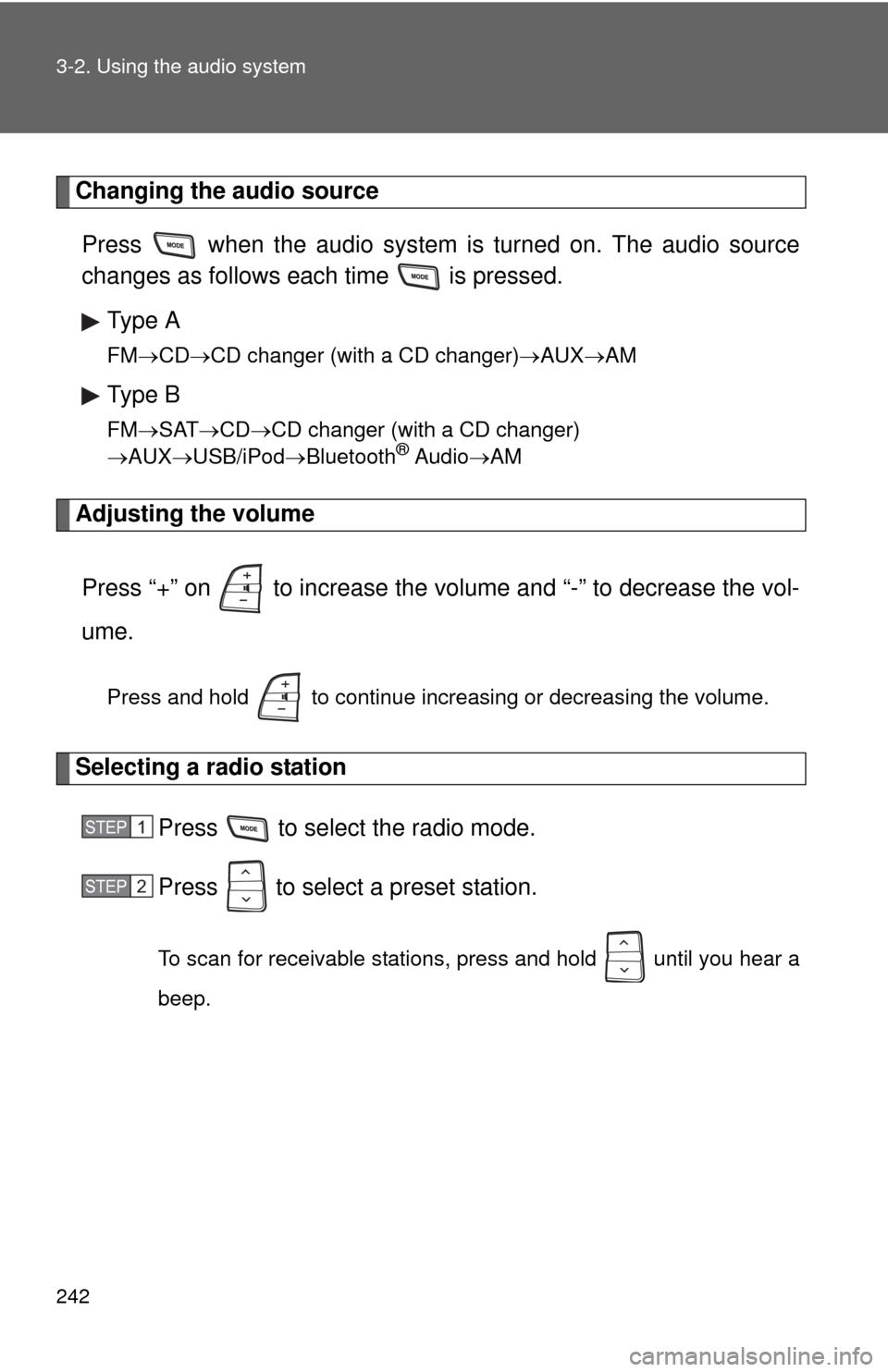
Changing the audio sourcePress when the audio system is turned on. The audio source
changes as follows each time is pressed. Type A
FM CD CD changer (with a CD changer) AUXAM
Type B
FMSAT CDCD changer (with a CD changer)
AUX USB/iPod Bluetooth® AudioAM
Adjusting the volume
Press “+” on to increase the volume and “-” to decrease the vol-
ume.
Press and hold to continue increasing or decreasing the volume.
Selecting a radio station Press to select the radio mode.
Press to select a preset station.
To scan for receivable stations, press and hold until you hear a
beep.
STEP1
STEP2
Page 251 of 516

251
3-3. Using the Bluetooth
® audio system
3
Interior features
Input the passkey into the portable player.
Refer to the manual that comes with the portable player for the oper-
ation of the portable player.
Guidance for registration completion is heard.
If the portable player has a Bluetooth
® phone, the phone can be reg-
istered at the same time. ( P. 270)
Menu list of the Bluetooth® audio system
“BT Audio Setup” can be canceled by pressing the on-hook switch or
saying the voice command, “Cancel”.
First menuSecond menuThird menuOperation details
Setup
(Setup) BT Audio
Setup
(BT audio
setup)Pair Audio
Players (Pair
audio player)
Registering a portable player
Select Audio
Player Selecting a portable player to
be used
Change Name Changing the registered
name of a portable player
List Audio
Players Listing the registered porta-
ble players
Set Passkey Changing the passkey
Delete Audio
Player Deleting a registered porta-
ble player
System
Setup Guidance Vol-
ume
Setting voice guidance vol-
ume
Device Name Displaying the Bluetooth
®
device address and name
Reset Setting Initializing the system
STEP6
Page 273 of 516
273
3-4. Using the hand
s-free phone system (for cellular phone)
3
Interior features
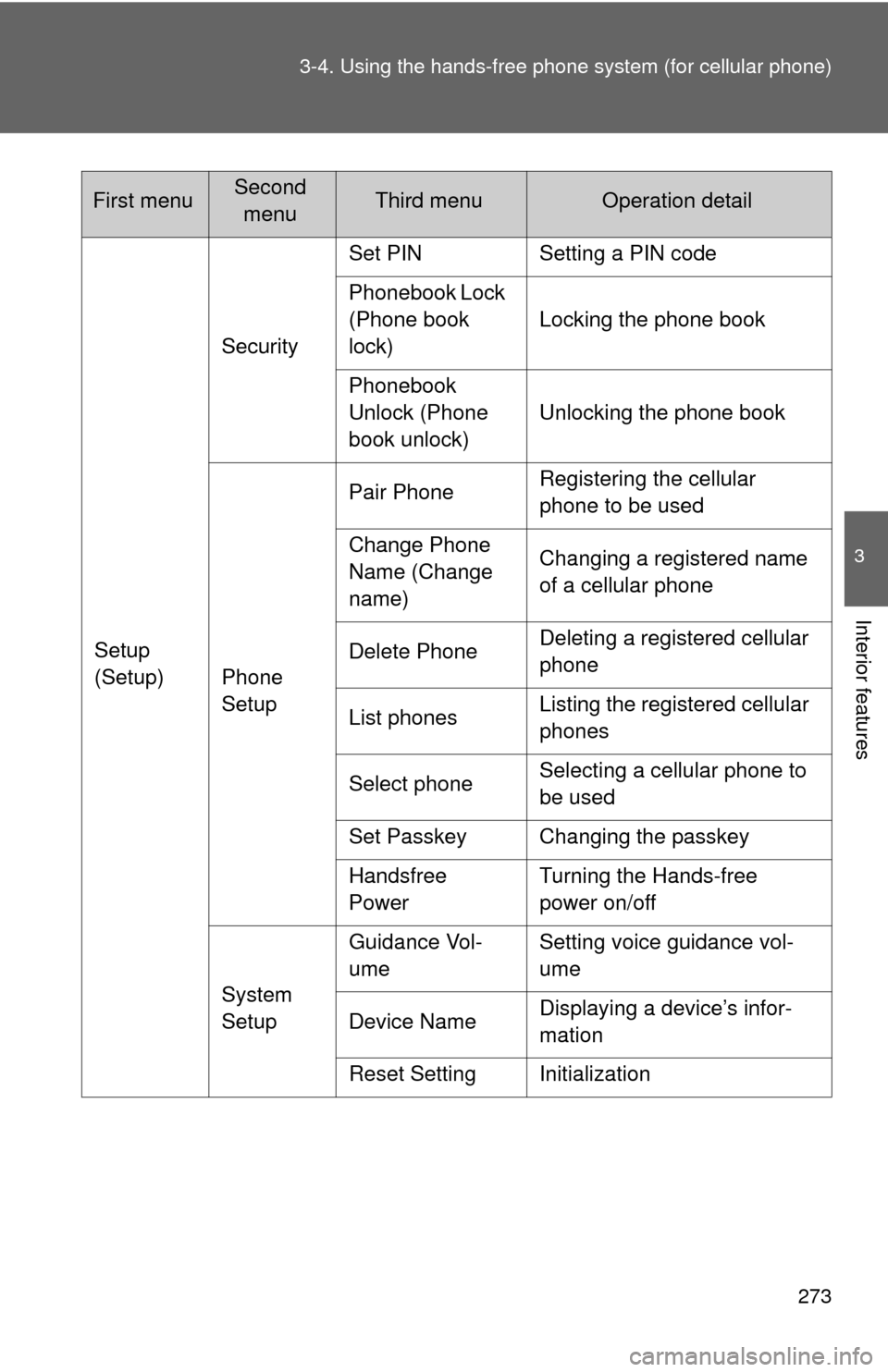
Setup
(Setup)Security
Set PIN Setting a PIN code
Phonebook Lock
(Phone book
lock)
Locking the phone book
Phonebook
Unlock (Phone
book unlock) Unlocking the phone book
Phone
Setup Pair Phone
Registering the cellular
phone to be used
Change Phone
Name (Change
name) Changing a registered name
of a cellular phone
Delete Phone Deleting a registered cellular
phone
List phones Listing the registered cellular
phones
Select phone Selecting a cellular phone to
be used
Set Passkey Changing the passkey
Handsfree
Power Turning the Hands-free
power on/off
System
Setup Guidance Vol-
ume
Setting voice guidance vol-
ume
Device Name Displaying a device’s infor-
mation
Reset Setting Initialization
First menuSecond menuThird menuOperation detail
Page 277 of 516
277
3-4. Using the hand
s-free phone system (for cellular phone)
3
Interior features
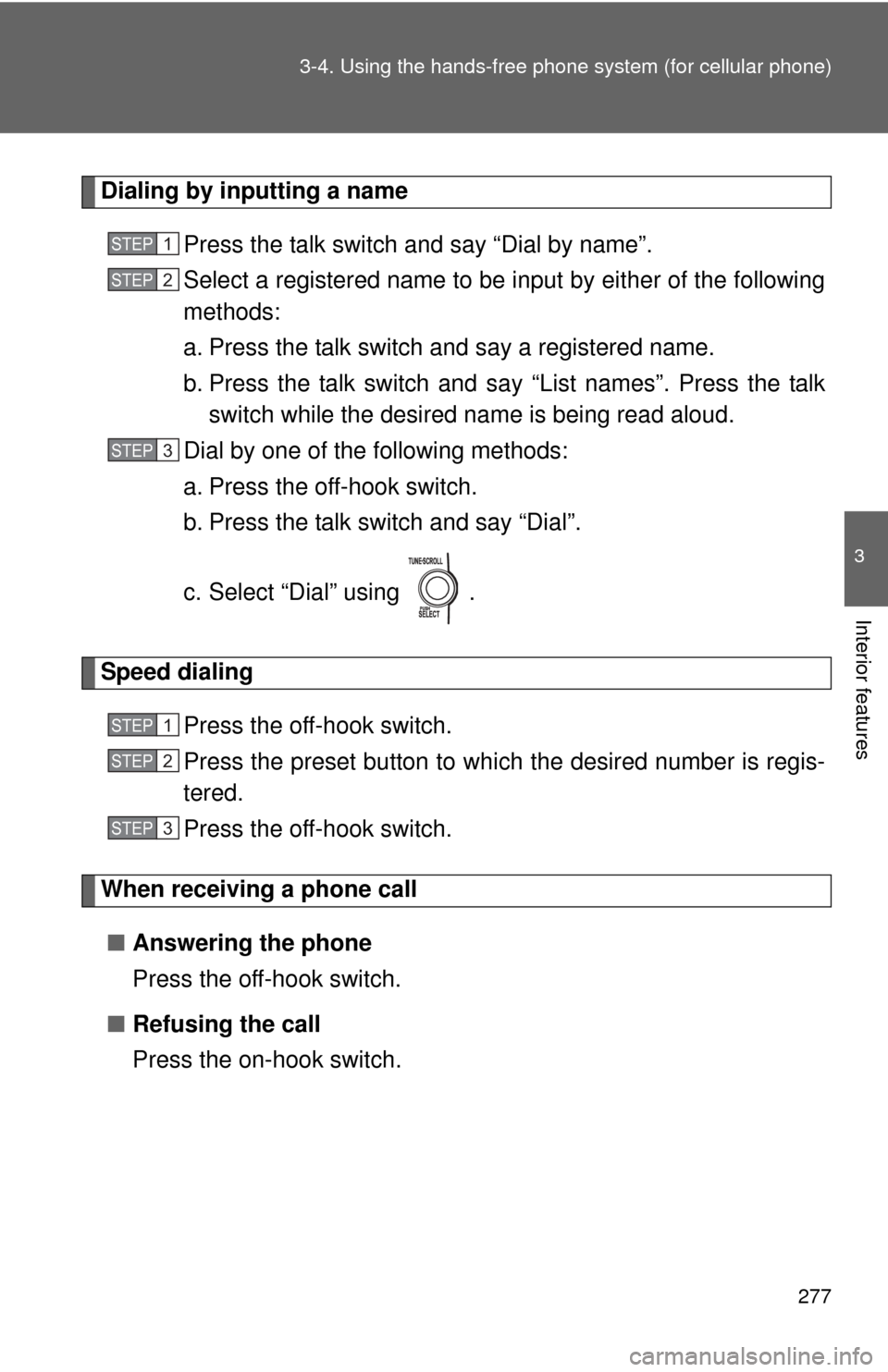
Dialing by inputting a name
Press the talk switch and say “Dial by name”.
Select a registered name to be input by either of the following
methods:
a. Press the talk switch and say a registered name.
b. Press the talk switch and sa y “List names”. Press the talk
switch while the desired name is being read aloud.
Dial by one of the following methods:
a. Press the off-hook switch.
b. Press the talk switch and say “Dial”.
c. Select “Dial” using .
Speed dialing
Press the off-hook switch.
Press the preset button to which the desired number is regis-
tered.
Press the off-hook switch.
When receiving a phone call■ Answering the phone
Press the off-hook switch.
■ Refusing the call
Press the on-hook switch.
STEP1
STEP2
STEP3
STEP1
STEP2
STEP3
Page 285 of 516
285
3-4. Using the hands-free phone system (for cellular phone)
3
Interior features
Security and system setup
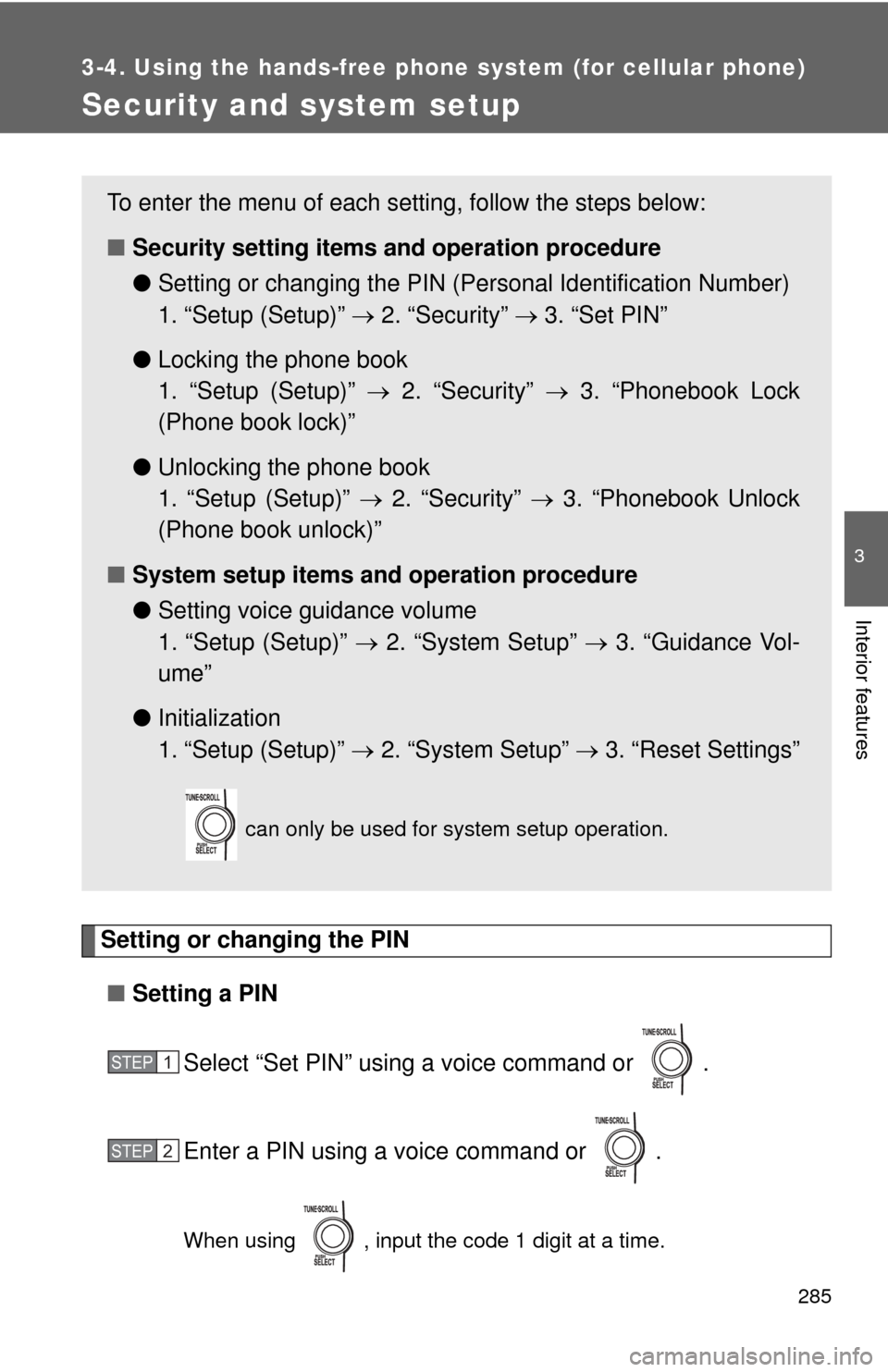
Setting or changing the PIN■ Setting a PIN
Select “Set PIN” using a voice command or .
Enter a PIN using a voice command or .
When using , input the code 1 digit at a time.
To enter the menu of each setting, follow the steps below:
■Security setting items and operation procedure
● Setting or changing t he PIN (Personal Identification Number)
1. “Setup (Setup)” 2. “Security” 3. “Set PIN”
● Locking the phone book
1. “Setup (Setup)” 2. “Security” 3. “Phonebook Lock
(Phone book lock)”
● Unlocking the phone book
1. “Setup (Setup)” 2. “Security” 3. “Phonebook Unlock
(Phone book unlock)”
■ System setup items and operation procedure
●Setting voice guidance volume
1. “Setup (Setup)” 2. “System Setup” 3. “Guidance Vol-
ume”
● Initialization
1. “Setup (Setup)” 2. “System Setup” 3. “Reset Settings”
can only be used for system setup operation.
STEP1
STEP2
Page 287 of 516
287
3-4. Using the hand
s-free phone system (for cellular phone)
3
Interior features
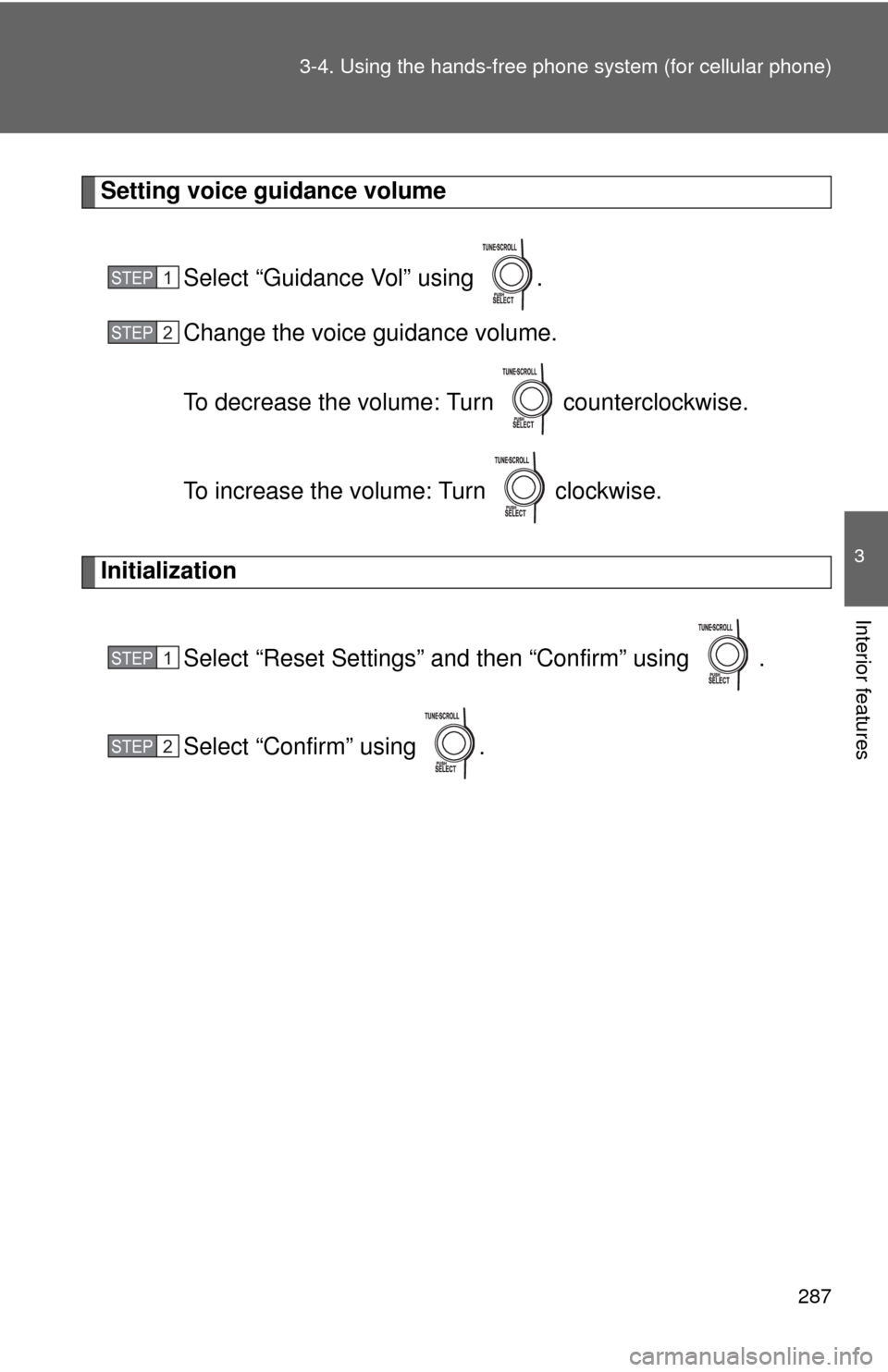
Setting voice guidance volume
Select “Guidance Vol” using .
Change the voice guidance volume.
To decrease the volume: Turn counterclockwise.
To increase the volume: Turn clockwise.
InitializationSelect “Reset Settings” and then “Confirm” using .
Select “Confirm” using .
STEP1
STEP2
STEP1
STEP2
Page 293 of 516
293
3-4. Using the hand
s-free phone system (for cellular phone)
3
Interior features
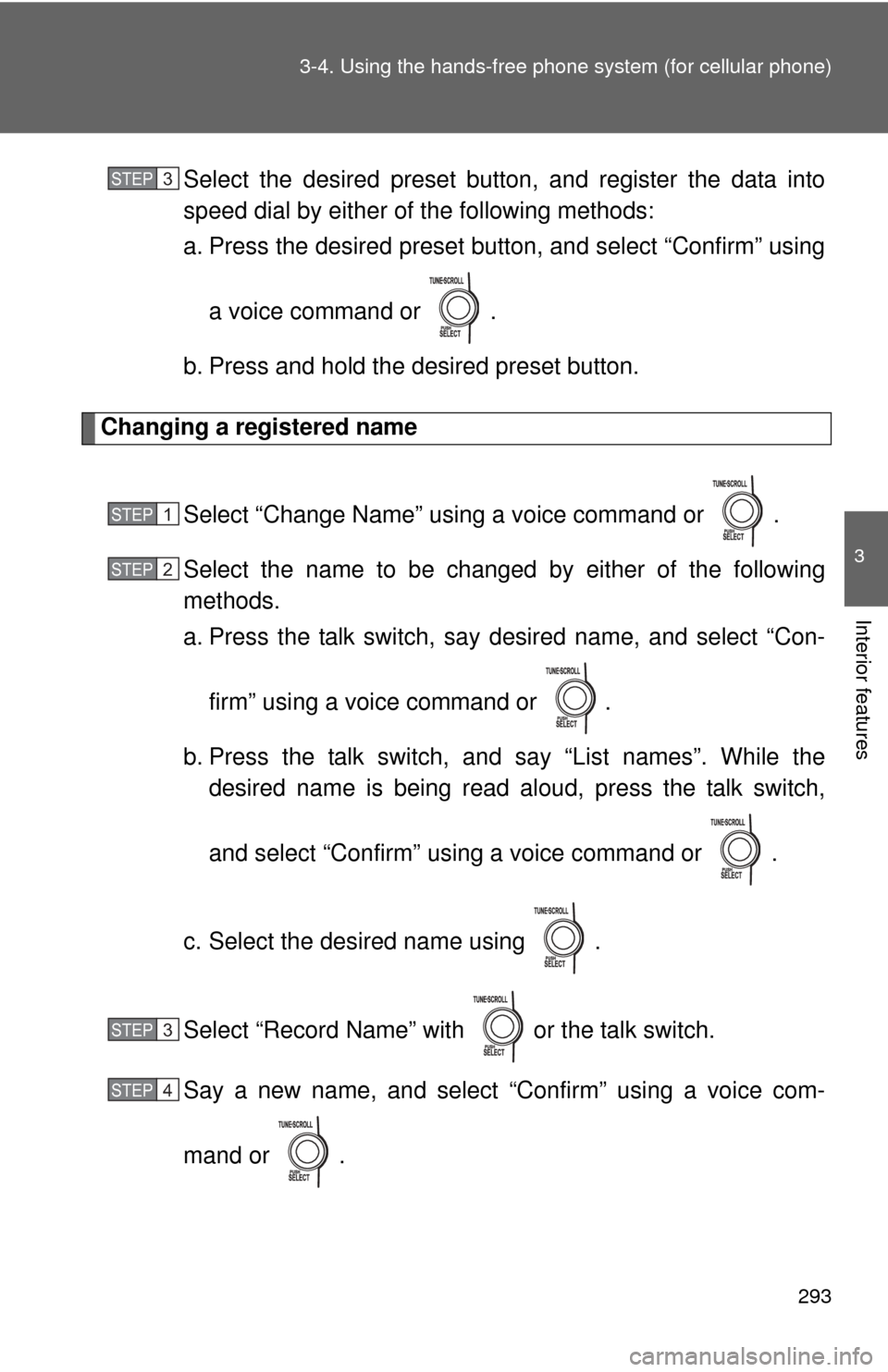
Select the desired preset butt on, and register the data into
speed dial by either of the following methods:
a. Press the desired pres et button, and select “Confirm” using
a voice command or .
b. Press and hold the desired preset button.
Changing a registered name
Select “Change Name” using a voice command or .
Select the name to be changed by either of the following
methods.
a. Press the talk switch, say desired name, and select “Con-
firm” using a voice command or
.
b. Press the talk switch, and say “List names”. While the desired name is being read aloud, press the talk switch,
and select “Confirm” using a voice command or .
c. Select the desired name using .
Select “Record Name” with or the talk switch.
Say a new name, and select “Confirm” using a voice com-
mand or .
STEP3
STEP1
STEP2
STEP3
STEP4
Page 294 of 516
294 3-4. Using the hands-free phone system (for cellular phone)
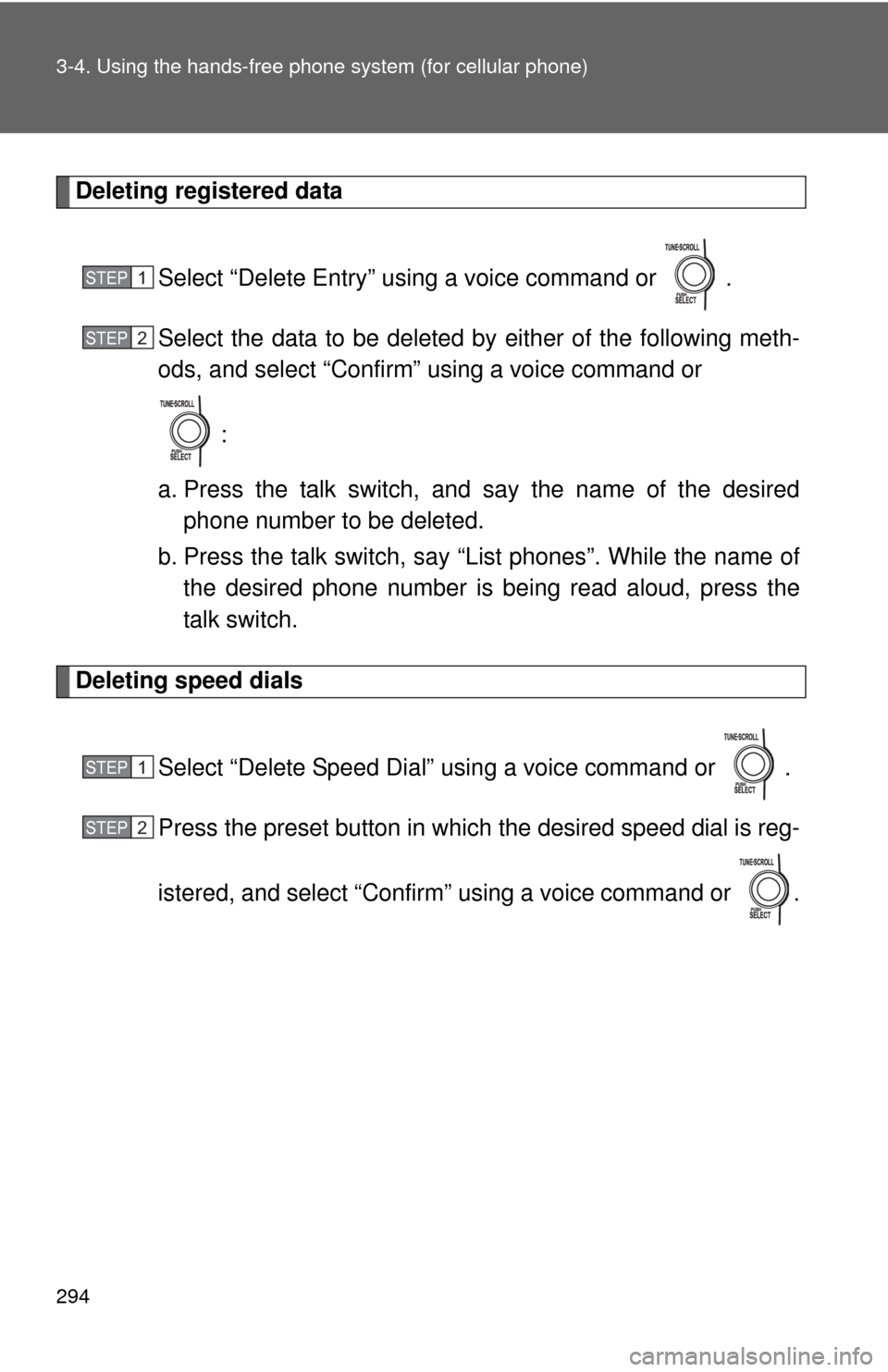
Deleting registered data
Select “Delete Entry” using a voice command or .
Select the data to be deleted by either of the following meth-
ods, and select “Confirm” using a voice command or
:
a. Press the talk switch, and say the name of the desired phone number to be deleted.
b. Press the talk switch, say “List phones”. While the name of the desired phone number is bei ng read aloud, press the
talk switch.
Deleting speed dials
Select “Delete Speed Dial” using a voice command or .
Press the preset button in which the desired speed dial is reg-
istered, and select “Confirm” using a voice command or .
STEP1
STEP2
STEP1
STEP2
Page 337 of 516
337
4-2. Maintenance
4
Maintenance and care
■
Reset the maintenance data (U.S.A. only)
After the required maintenance is performed according to the maintenance
schedule, please reset the maintenance data.
To reset the data, follow the procedures described below:
Turn the engine switch OFF with the trip meter A reading shown.
While pressing the trip meter reset button ( P. 132), turn the
engine switch to the “ON” position.
Continue to press and hold the button until the trip meter displays
000000.
■ Allow inspection and repairs to be performed by a Toyota dealer
● Toyota technicians are well-trained specialists and are kept up to date
with the latest service information. They are well informed about the
operations of all systems on your vehicle.
● Keep a copy of the repair order. It proves that the maintenance that has
been performed is under warranty coverage. If any problem should arise
while your vehicle is under warranty, your Toyota dealer will promptly
take care of it.
CAUTION
■Warning in handling of battery
●Engine exhaust, some of its constituents, and a wide variety of automobile
components contain or emit chemicals known to the State of California to
cause cancer and birth defects and other reproductive harm. Work in a
well ventilated area.
● Oils, fuels and fluids contained in vehicles as well as waste produced by
component wear contain or emit chemicals known to the State of
California to cause cancer and birth defects or other reproductive harm.
Avoid exposure and wash any affected area immediately.
● Battery posts, terminals and related accessories contain lead and lead
compounds which are known to cause brain damage. Wash your hands
after handling. ( P. 361)
STEP1
STEP2
STEP3
Page 367 of 516
367
4-3. Do-it-yourself maintenance
4
Maintenance and care
■
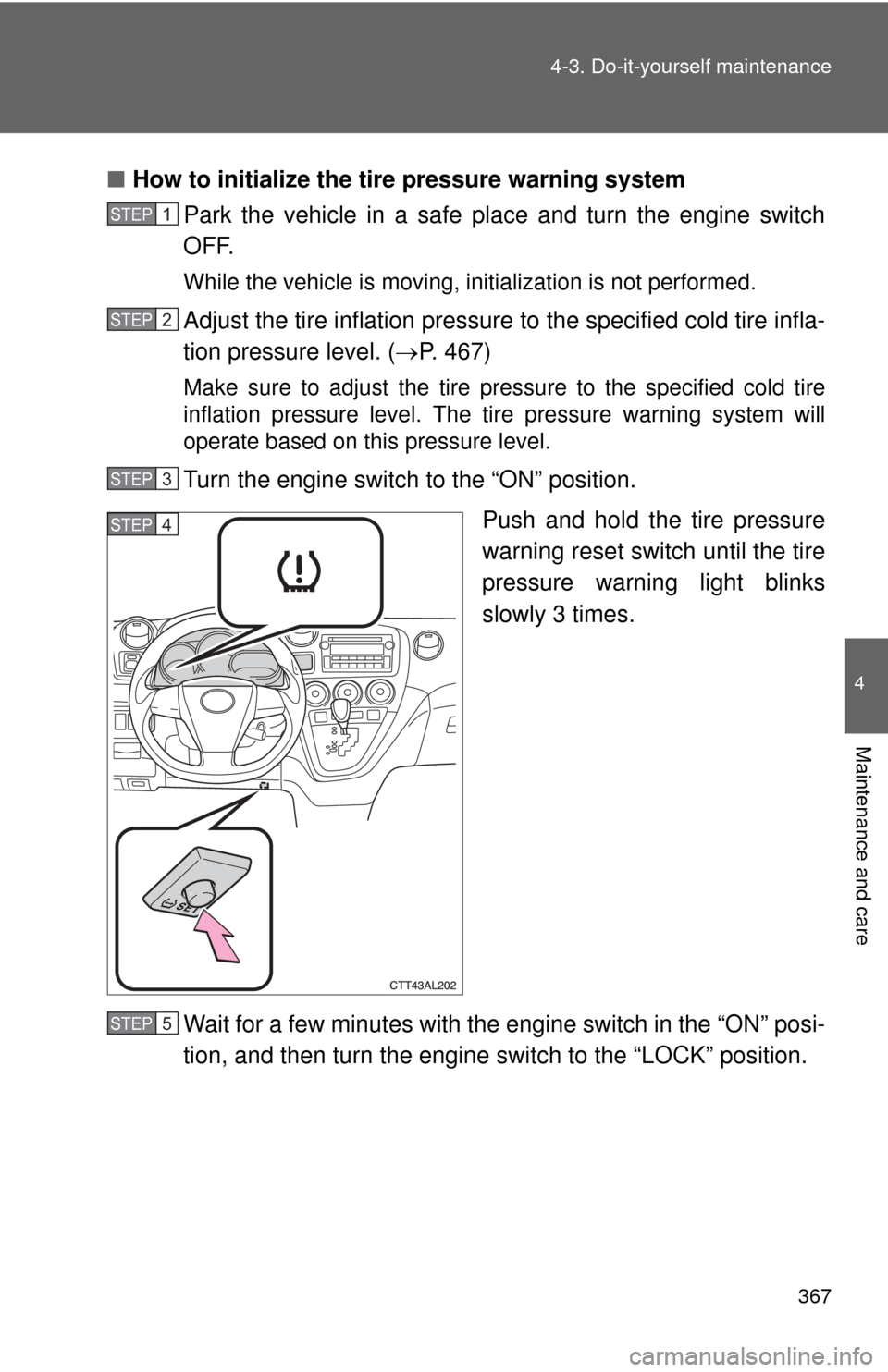
How to initialize the tire pressure warning system
Park the vehicle in a safe pl ace and turn the engine switch
OFF.
While the vehicle is moving, in itialization is not performed.
Adjust the tire inflation pressure to the specified cold tire infla-
tion pressure level. ( P. 467)
Make sure to adjust the tire pressure to the specified cold tire
inflation pressure level. The ti re pressure warning system will
operate based on this pressure level.
Turn the engine switch to the “ON” position.
Push and hold the tire pressure
warning reset switch until the tire
pressure warning light blinks
slowly 3 times.
Wait for a few minutes with the engine switch in the “ON” posi-
tion, and then turn the engine switch to the “LOCK” position.
STEP1
STEP2
STEP3
STEP4
STEP5