phone TOYOTA MATRIX 2013 E140 / 2.G Owner's Manual
[x] Cancel search | Manufacturer: TOYOTA, Model Year: 2013, Model line: MATRIX, Model: TOYOTA MATRIX 2013 E140 / 2.GPages: 500, PDF Size: 14.83 MB
Page 265 of 500
265 3-4. Using the hands-free phone system (for cellular phone)
3
Interior features
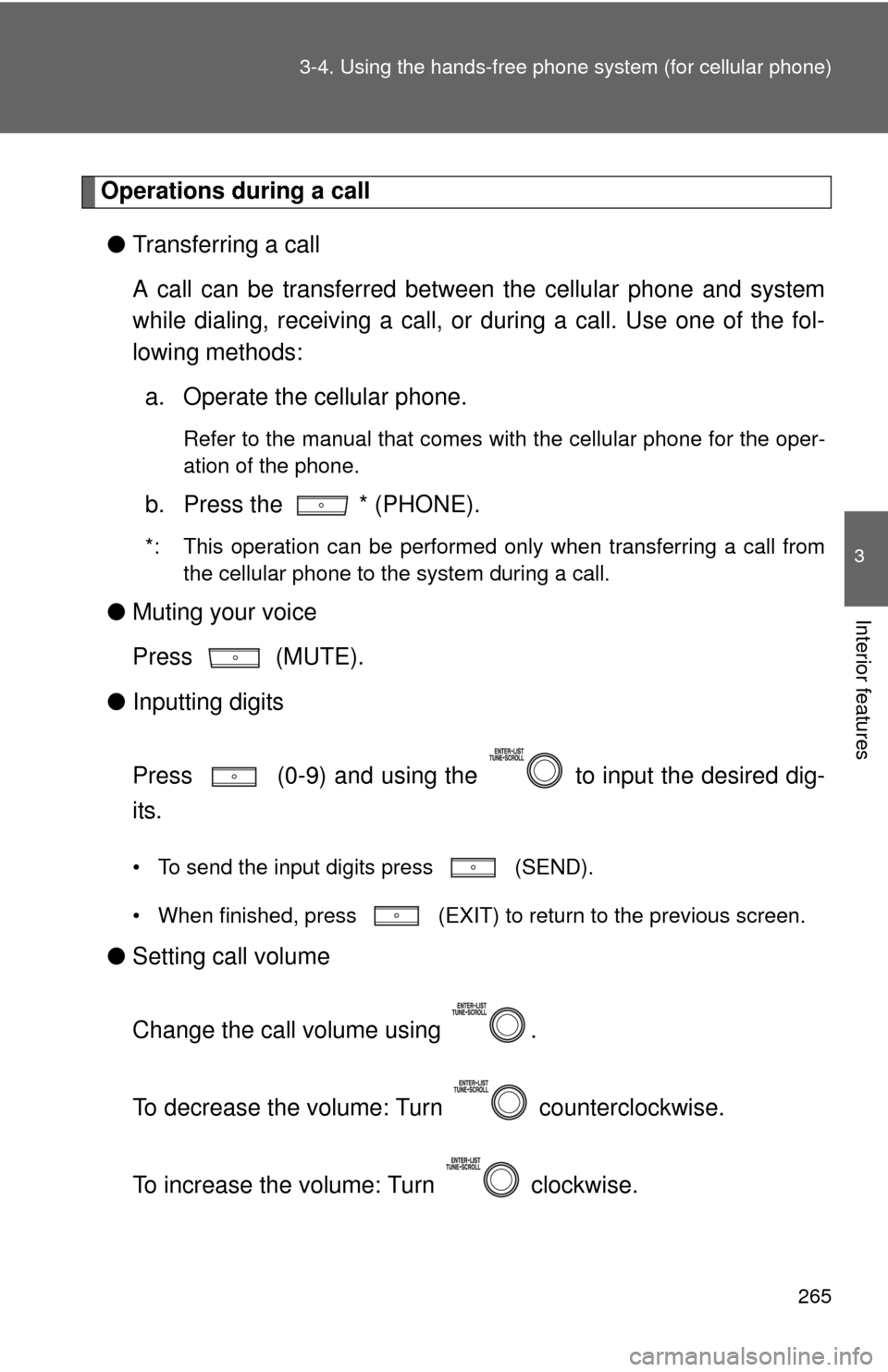
Operations during a call
●Transferring a call
A call can be transferred between the cellular phone and system
while dialing, receiving a call, or during a call. Use one of the fol-
lowing methods:
a. Operate the cellular phone.
Refer to the manual that comes with the cellular phone for the oper-
ation of the phone.
b. Press the * (PHONE).
*: This operation can be performed only when transferring a call from
the cellular phone to the system during a call.
●Muting your voice
Press (MUTE).
●Inputting digits
Press (0-9) and using the to input the desired dig-
its.
• To send the input digits press (SEND).
• When finished, press (EXIT) to return to the previous screen.
●Setting call volume
Change the call volume using .
To decrease the volume: Turn counterclockwise.
To increase the volume: Turn clockwise.
Page 266 of 500
266 3-4. Using the hands-free phone system (for cellular phone)
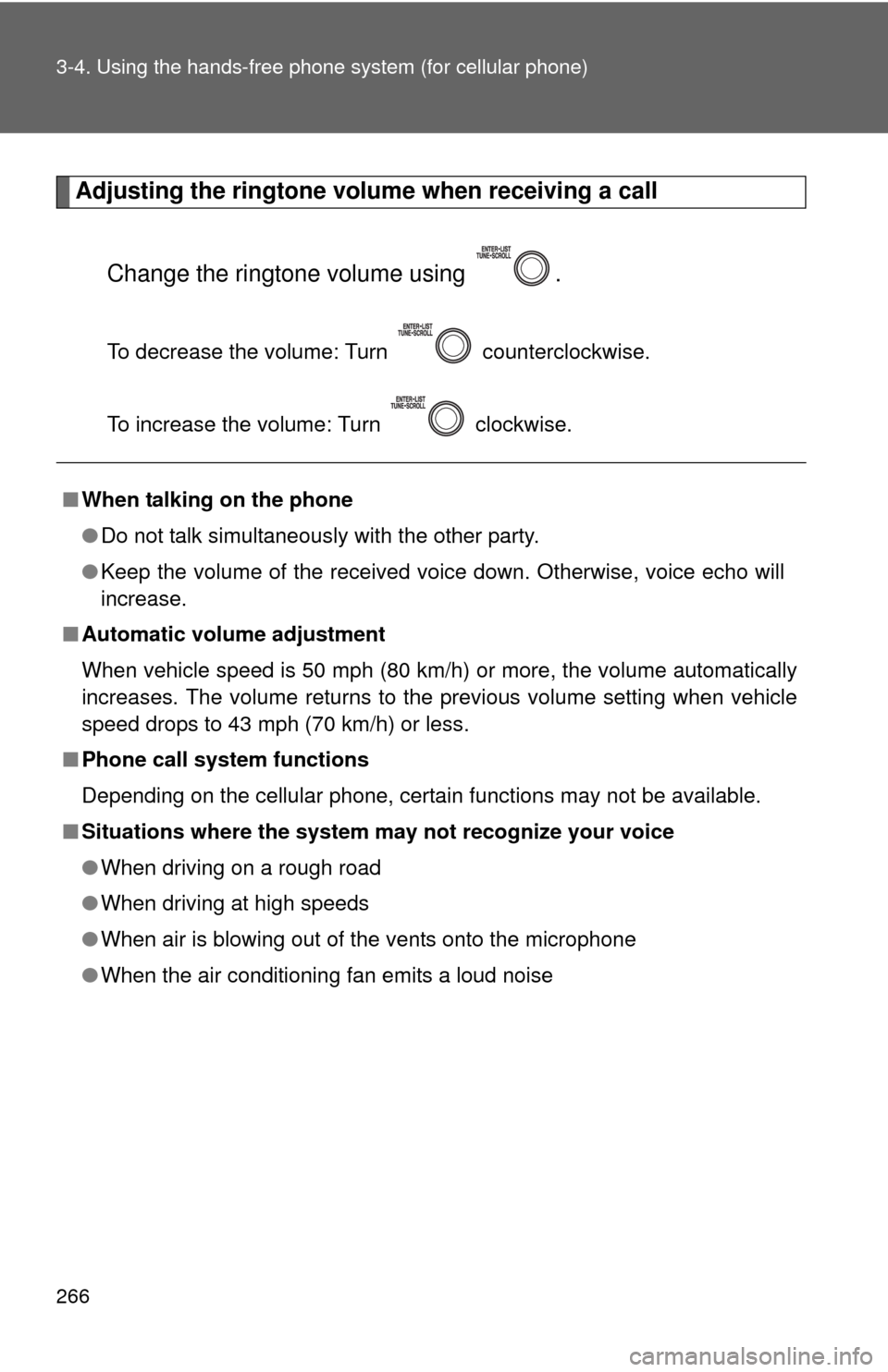
Adjusting the ringtone volume when receiving a call
Change the ringtone volume using .
To decrease the volume: Turn counterclockwise.
To increase the volume: Turn clockwise.
■When talking on the phone
●Do not talk simultaneously with the other party.
●Keep the volume of the received voice down. Otherwise, voice echo will
increase.
■Automatic volume adjustment
When vehicle speed is 50 mph (80 km/h) or more, the volume automatically
increases. The volume returns to the previous volume setting when vehicle
speed drops to 43 mph (70 km/h) or less.
■Phone call system functions
Depending on the cellular phone, certain functions may not be available.
■Situations where the system may not recognize your voice
●When driving on a rough road
●When driving at high speeds
●When air is blowing out of the vents onto the microphone
●When the air conditioning fan emits a loud noise
Page 267 of 500
267
3-4. Using the hands-free phone system (for cellular phone)
3
Interior features
Using the “SET UP” menu (“Bluetooth” menu)
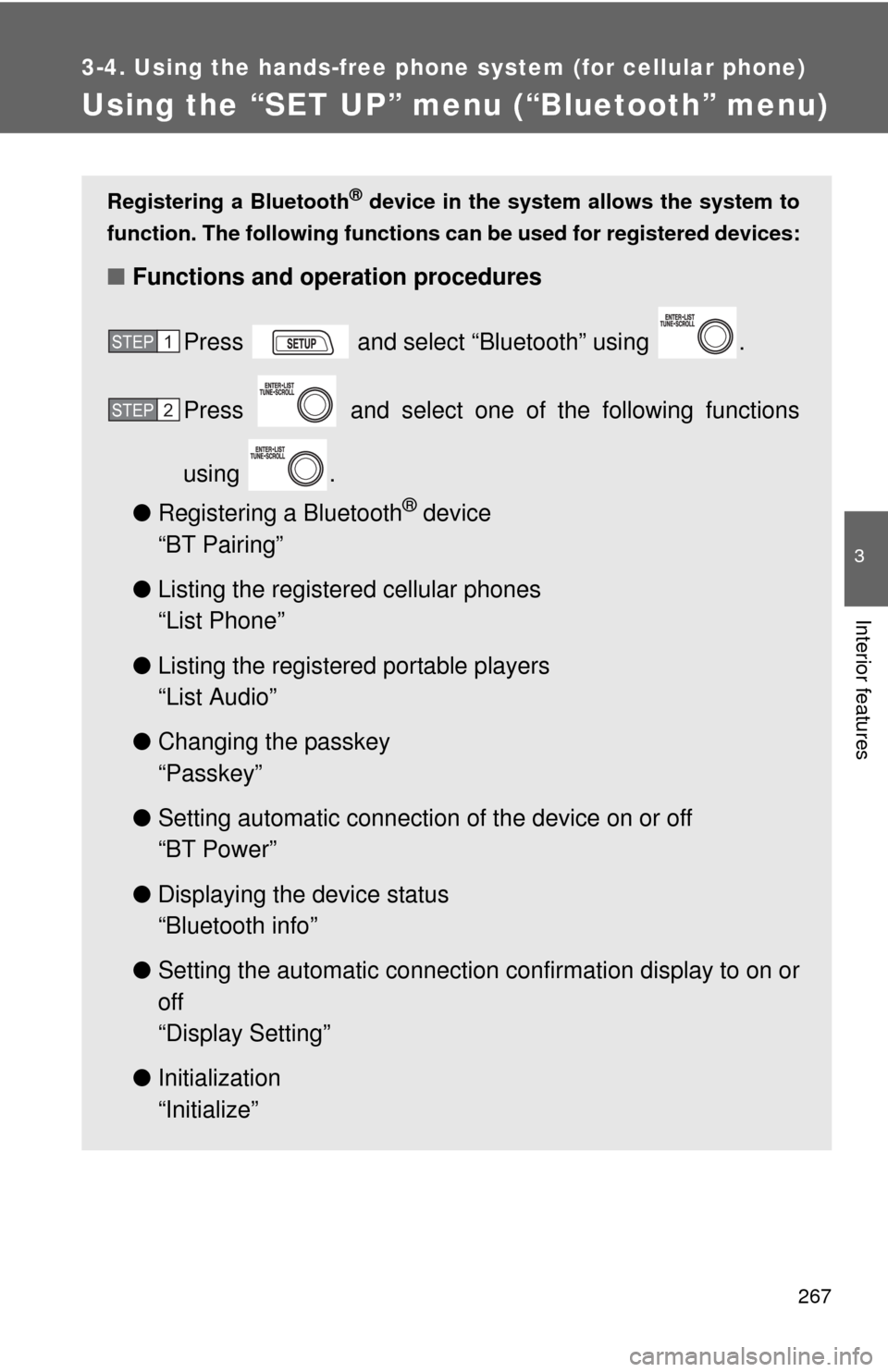
Registering a Bluetooth® device in the system allows the system to
function. The following functions can be used for registered devices:
■Functions and operation procedures
Press and select “Bluetooth” using .
Press and select one of the following functions
using .
●Registering a Bluetooth
® device
“BT Pairing”
●Listing the registered cellular phones
“List Phone”
●Listing the registered portable players
“List Audio”
●Changing the passkey
“Passkey”
●Setting automatic connection of the device on or off
“BT Power”
●Displaying the device status
“Bluetooth info”
●Setting the automatic connection confirmation display to on or
off
“Display Setting”
●Initialization
“Initialize”
STEP1
STEP2
Page 268 of 500
268 3-4. Using the hands-free phone system (for cellular phone)
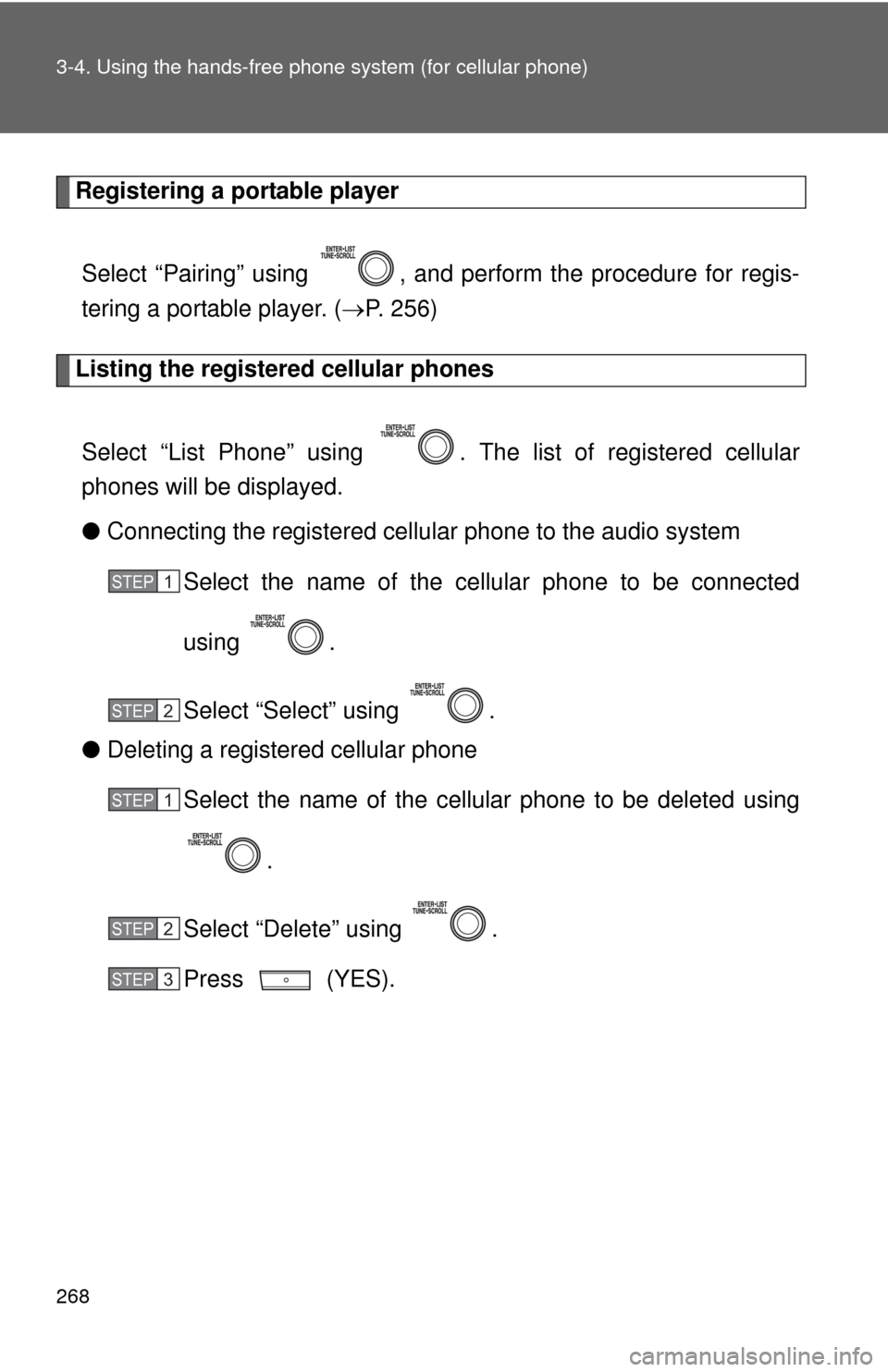
Registering a portable player
Select “Pairing” using , and perform the procedure for regis-
tering a portable player. (P. 256)
Listing the registered cellular phones
Select “List Phone” using . The list of registered cellular
phones will be displayed.
●Connecting the registered cellular phone to the audio system
Select the name of the cellular phone to be connected
using .
Select “Select” using .
●Deleting a registered cellular phone
Select the name of the cellular phone to be deleted using
.
Select “Delete” using .
Press (YES).
STEP1
STEP2
STEP1
STEP2
STEP3
Page 269 of 500
269 3-4. Using the hands-free phone system (for cellular phone)
3
Interior features
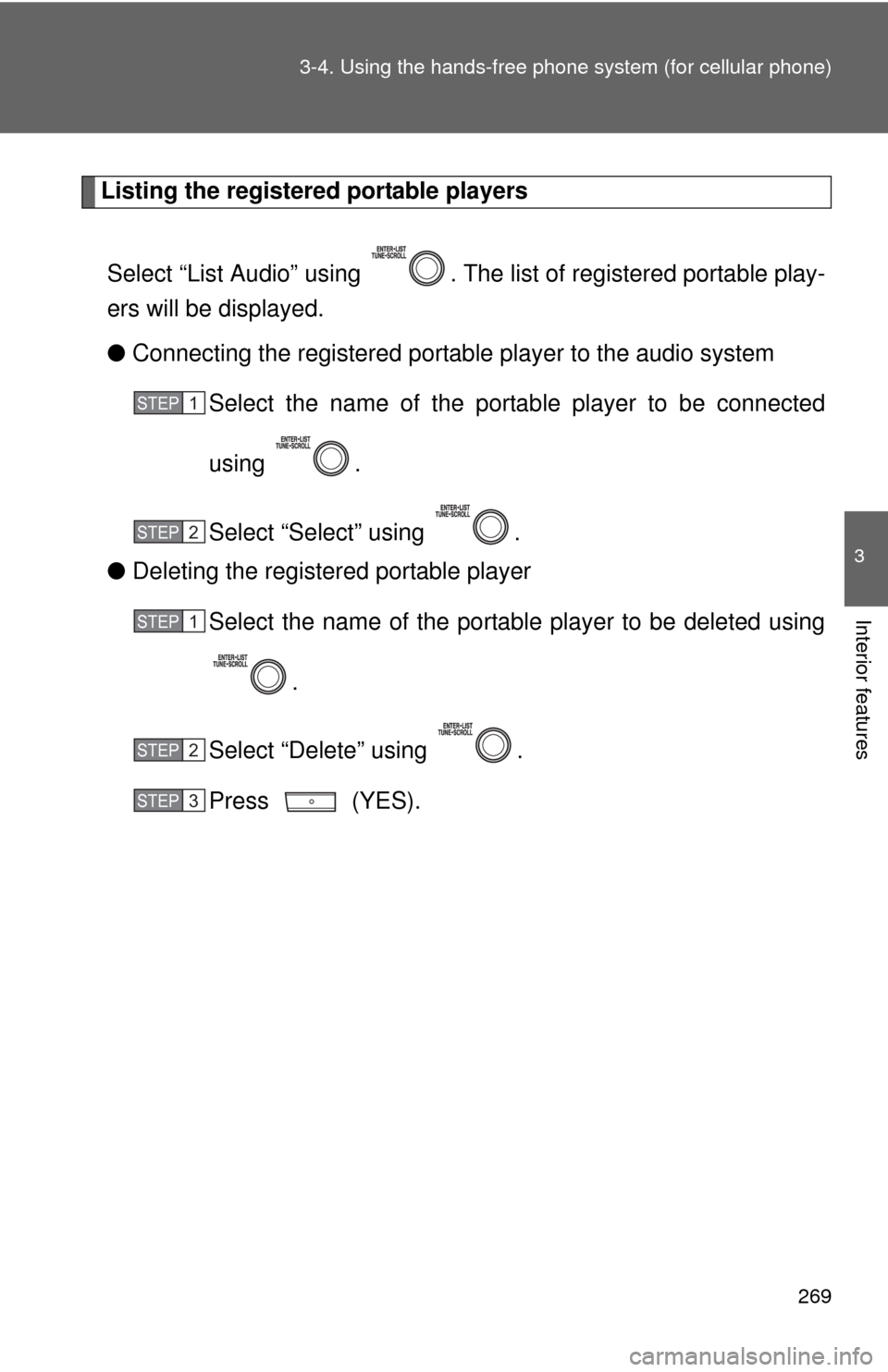
Listing the registered portable players
Select “List Audio” using . The list of registered portable play-
ers will be displayed.
●Connecting the registered portable player to the audio system
Select the name of the portable player to be connected
using .
Select “Select” using .
●Deleting the registered portable player
Select the name of the portable player to be deleted using
.
Select “Delete” using .
Press (YES).
STEP1
STEP2
STEP1
STEP2
STEP3
Page 270 of 500
270 3-4. Using the hands-free phone system (for cellular phone)
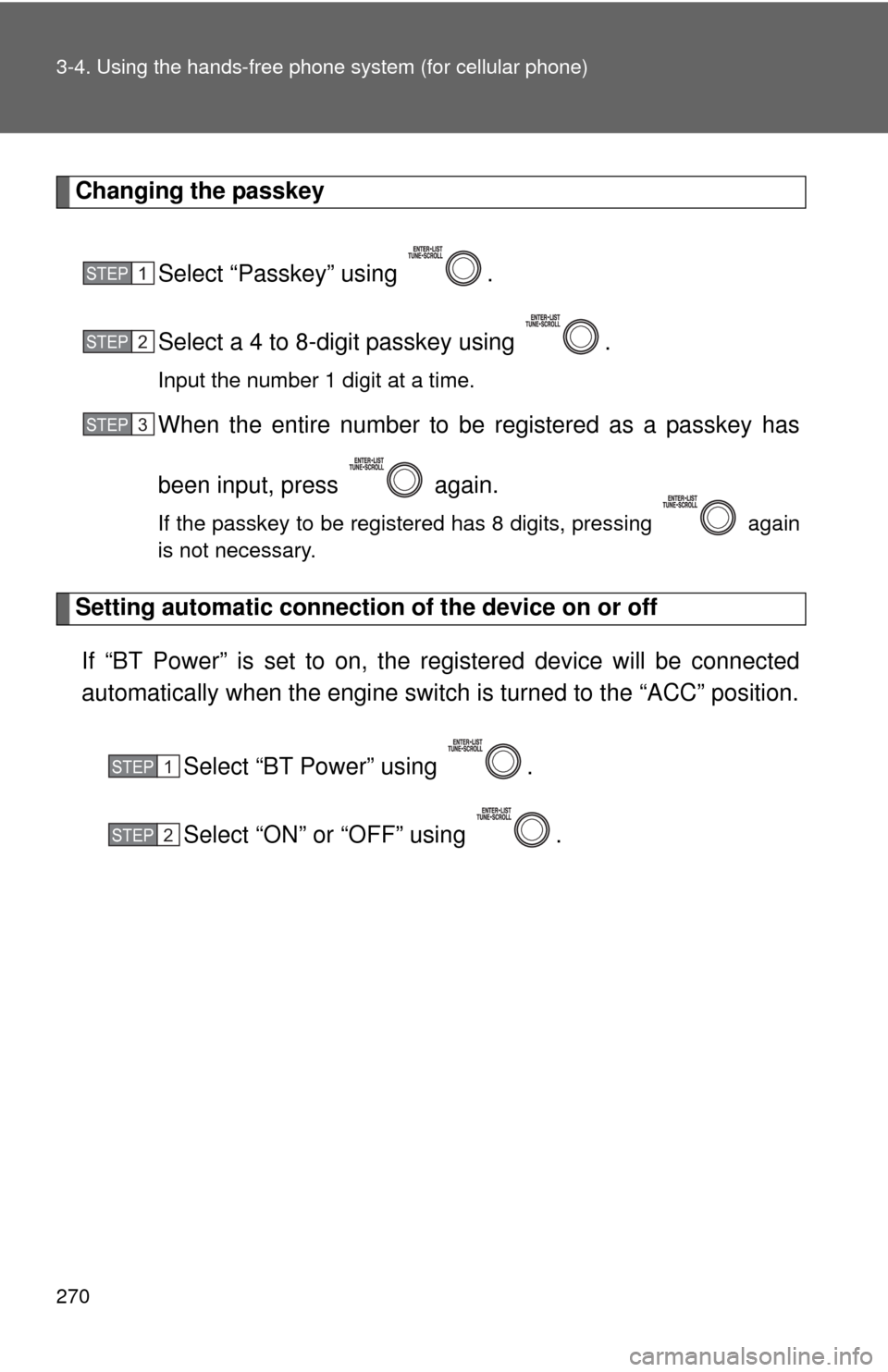
Changing the passkey
Select “Passkey” using .
Select a 4 to 8-digit passkey using .
Input the number 1 digit at a time.
When the entire number to be registered as a passkey has
been input, press again.
If the passkey to be registered has 8 digits, pressing again
is not necessary.
Setting automatic connection of the device on or off
If “BT Power” is set to on, the registered device will be connected
automatically when the engine switch is turned to the “ACC” position.
Select “BT Power” using .
Select “ON” or “OFF” using .
STEP1
STEP2
STEP3
STEP1
STEP2
Page 271 of 500
271 3-4. Using the hands-free phone system (for cellular phone)
3
Interior features
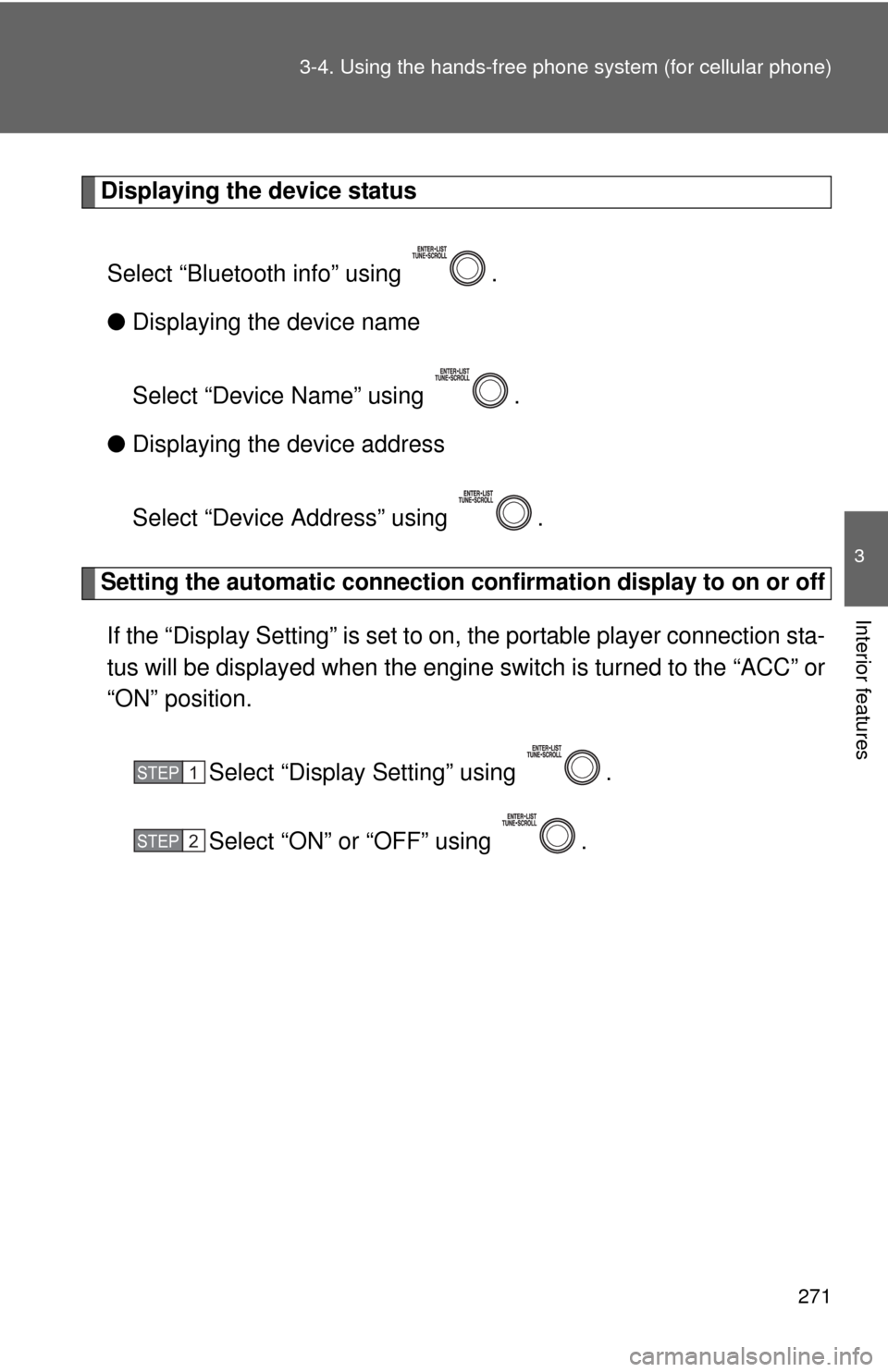
Displaying the device status
Select “Bluetooth info” using .
●Displaying the device name
Select “Device Name” using .
●Displaying the device address
Select “Device Address” using .
Setting the automatic connection confirmation display to on or off
If the “Display Setting” is set to on, the portable player connection sta-
tus will be displayed when the engine switch is turned to the “ACC” or
“ON” position.
Select “Display Setting” using .
Select “ON” or “OFF” using .
STEP1
STEP2
Page 272 of 500
272 3-4. Using the hands-free phone system (for cellular phone)
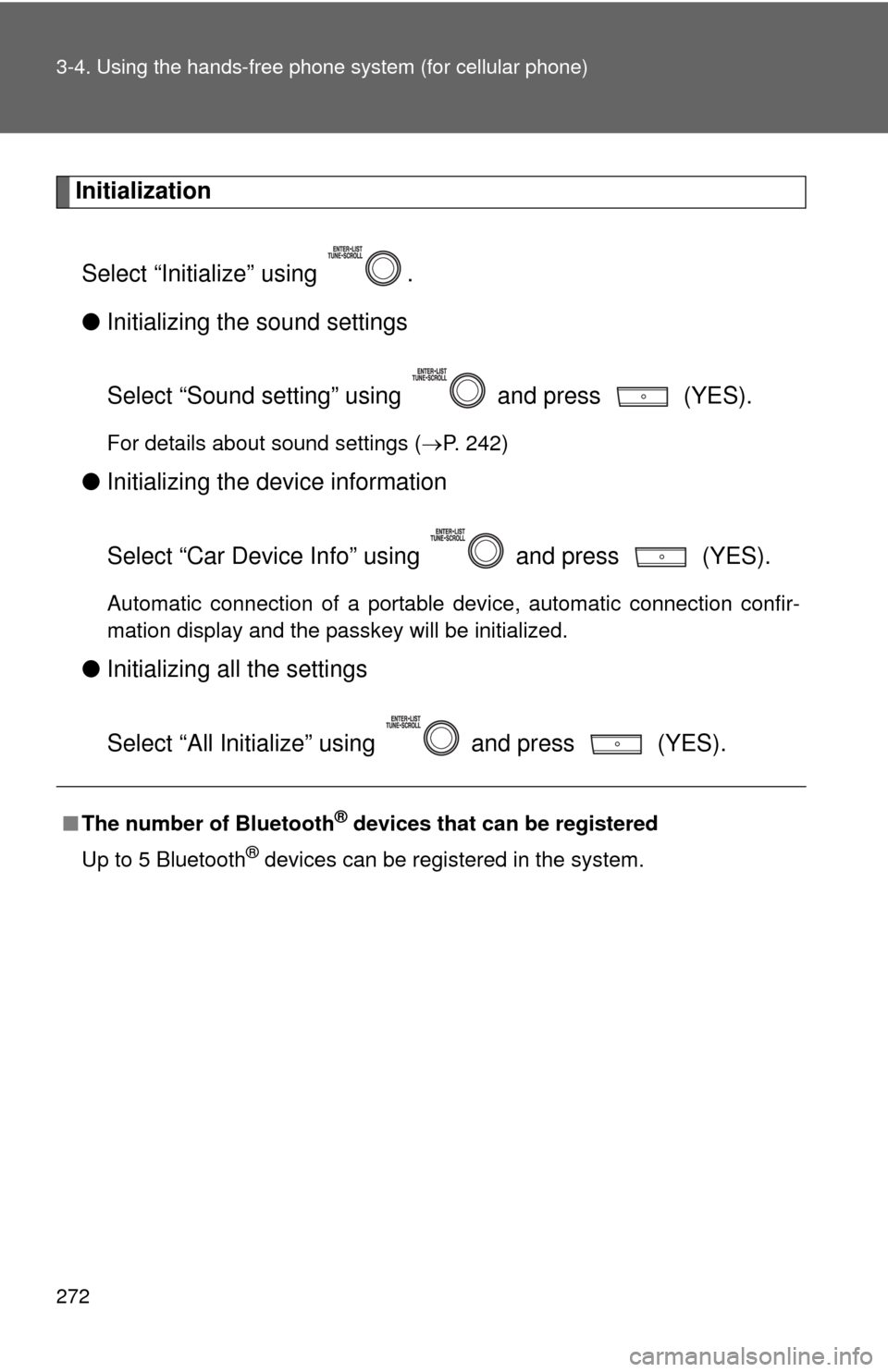
Initialization
Select “Initialize” using .
●Initializing the sound settings
Select “Sound setting” using and press (YES).
For details about sound settings (P. 242)
●Initializing the device information
Select “Car Device Info” using and press (YES).
Automatic connection of a portable device, automatic connection confir-
mation display and the passkey will be initialized.
●Initializing all the settings
Select “All Initialize” using and press (YES).
■The number of Bluetooth® devices that can be registered
Up to 5 Bluetooth
® devices can be registered in the system.
Page 273 of 500
273
3-4. Using the hands-free phone system (for cellular phone)
3
Interior features
Using the “SET UP” menu (“Phone” menu)
■Functions and operation procedures
To enter the menu of each function, press and follow
the steps below using :
●Adding a new phone number
1. “Phone” 2. “Phonebook” 3. “Add contacts”
●Setting speed dials
1. “Phone” 2. “Phonebook” 3. “Add SD”
●Deleting call histories
1. “Phone” 2. “Phonebook” 3. “Delete Call History”
●Deleting a registered phone number
1. “Phone” 2. “Phonebook” 3. “Delete contacts”
●Deleting another cellular phone’s phonebook
1. “Phone” 2. “Phonebook” 3. “Delete other PB”
●Setting call volume
1. “Phone” 2. “HF Sound Setting” 3. “Call Volume”
●Setting ringtone volume
1. “Phone” 2. “HF Sound Setting” 3. “Ringtone Volume”
●Setting ringtone
1. “Phone” 2. “HF Sound Setting” 3. “Ringtone”
●Transferring call histories
1. “Phone” 2. “Transfer Histories”
Page 274 of 500
274 3-4. Using the hands-free phone system (for cellular phone)
Adding a new phone number
Select “Add contacts” using .
●Transferring all contacts from the cellular phone
Select “Overwrite all contacts” using and press
(YES).
●Transferring one contact from the cellular phone
Select “Add one contact” using and press (YES).
Setting speed dials
Select “Add SD” using .
Select the desired data using .
Press and hold the desired preset button (from to
).
For details about setting speed dials from the call history: P. 2 6 4
For details about deleting speed dials: P. 2 6 4
STEP1
STEP2
STEP3