ESP TOYOTA PRIUS 2009 2.G User Guide
[x] Cancel search | Manufacturer: TOYOTA, Model Year: 2009, Model line: PRIUS, Model: TOYOTA PRIUS 2009 2.GPages: 508, PDF Size: 6.84 MB
Page 125 of 508
125
2-1. Driving procedures
2
When driving
PRIUS_U_(OM47614U)
CAUTION
■
When starting the vehicle
Always keep your foot on the brake pedal while stopped with the hybrid sys-
tem operating. This prevents the vehicle from creeping.
■ When driving the vehicle
● Do not drive if you are unfamiliar with the location of the brake and accel-
erator pedals to avoid depressing the wrong pedal.
• Accidentally depressing the accelerator pedal instead of the brake
pedal will result in sudden acceleration that may lead to an accident
that could result in death or serious injury.
• When backing up, you may twist your body around, leading to a diffi- culty in operating the pedals. Make sure to operate the pedals properly.
• Make sure to keep a correct driving posture even when moving the vehicle only slightly, allowing you to depress the brake and accelerator
pedals properly.
• Depress the brake pedal using your right foot. Depressing the brake pedal using your left foot may delay response in an emergency, result-
ing in an accident.
● The driver should pay attention to pedestrians when the vehicle is pow-
ered only by the electric motor (traction motor). Because there is no hybrid
system sounds, the pedestrians may misjudge the vehicle’s movement.
● Do not drive the vehicle over or st op the vehicle near flammable materials.
The exhaust system and exhaust gases can be extremely hot. this may
cause a fire if there is any flammable material nearby.
● Do not let the vehicle roll backwards while the shift lever is in a driving
position, or roll forward while the shift lever is in “R”.
Doing so may cause the hybrid system not to operate or lead to poor
brake and steering performance, resulting in an accident or damage to the
vehicle.
● If the smell of exhaust is noticed inside the vehicle, open the windows and
check that the back door is closed. Large amounts of exhaust in the vehi-
cle can cause driver drowsiness and an accident, resulting in death or a
serious health hazard. Have the vehicle inspected by your Toyota dealer
immediately.
Page 183 of 508
183
3-1. Using the touch screen
3
Interior features
PRIUS_U_(OM47614U)
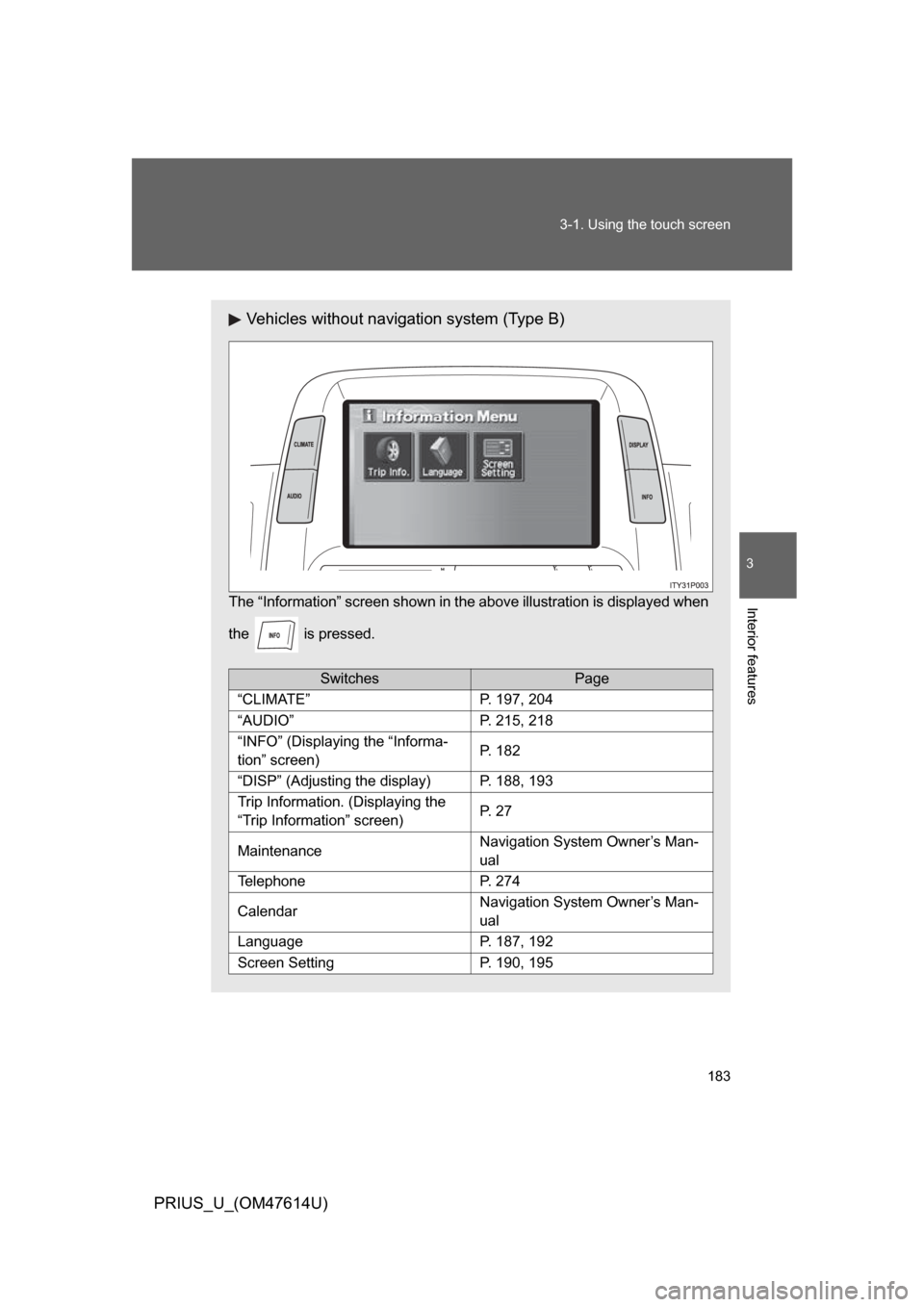
Vehicles without navigation system (Type B)
The “Information” screen shown in t
he above illustration is displayed when
the is pressed.
SwitchesPage
“CLIMATE”P. 197, 204
“AUDIO”P. 215, 218
“INFO” (Displaying the “Informa-
tion” screen)P. 182
“DISP” (Adjusting the display)P. 188, 193
Trip Information. (Displaying the
“Trip Information” screen)P. 2 7
MaintenanceNavigation System Owner’s Man-
ual
TelephoneP. 274
CalendarNavigation System Owner’s Man-
ual
LanguageP. 187, 192
Screen SettingP. 190, 195
Page 186 of 508
186 3-1. Using the touch screen
PRIUS_U_(OM47614U)
■To avoid damaging the touch screen
● Touch the screen lightly with your finger. If there is no response, remove
your finger from the screen and try again.
● Remove any dirt on the screen by wiping with a soft cloth. Do not use
detergent.
■ When using the touch screen
● If the screen is cold, the display may be dark, or the system may seem to
be operating slightly slower than normal.
● The screen may seem dark and hard to see when viewed through sun-
glasses. Change your angle of viewing, adjust the display on the “Dis-
play” screen or remove your sunglasses.
■ When the outside temperature drops below 37 °F (3 °C).
Also except the screen where outside temperature is displayed, outside tem-
perature and
* are displayed in the upper portion of the screen for a
few seconds.
*: may not be displayed depending on the display type.
Page 216 of 508
216 3-3. Using the audio system
PRIUS_U_(OM47614U)
■Using cellular phones
Interference may be heard through the audio system’s speakers if a cellular
phone is being used inside or close to the vehicle while the audio system is
operating.
CD player:Plays audio CDs, CD text, MP3 discs and WMA discs.
TitlePage
Using the radioP. 221
Using the CD playerP. 235
Playing MP3 and WMA discsP. 250
Optimal use of the audio systemP. 259
Using the AUX adapterP. 265
Using the steering wheel switchesP. 266
Page 219 of 508
219
3-3. Using the audio system
3
Interior features
PRIUS_U_(OM47614U)
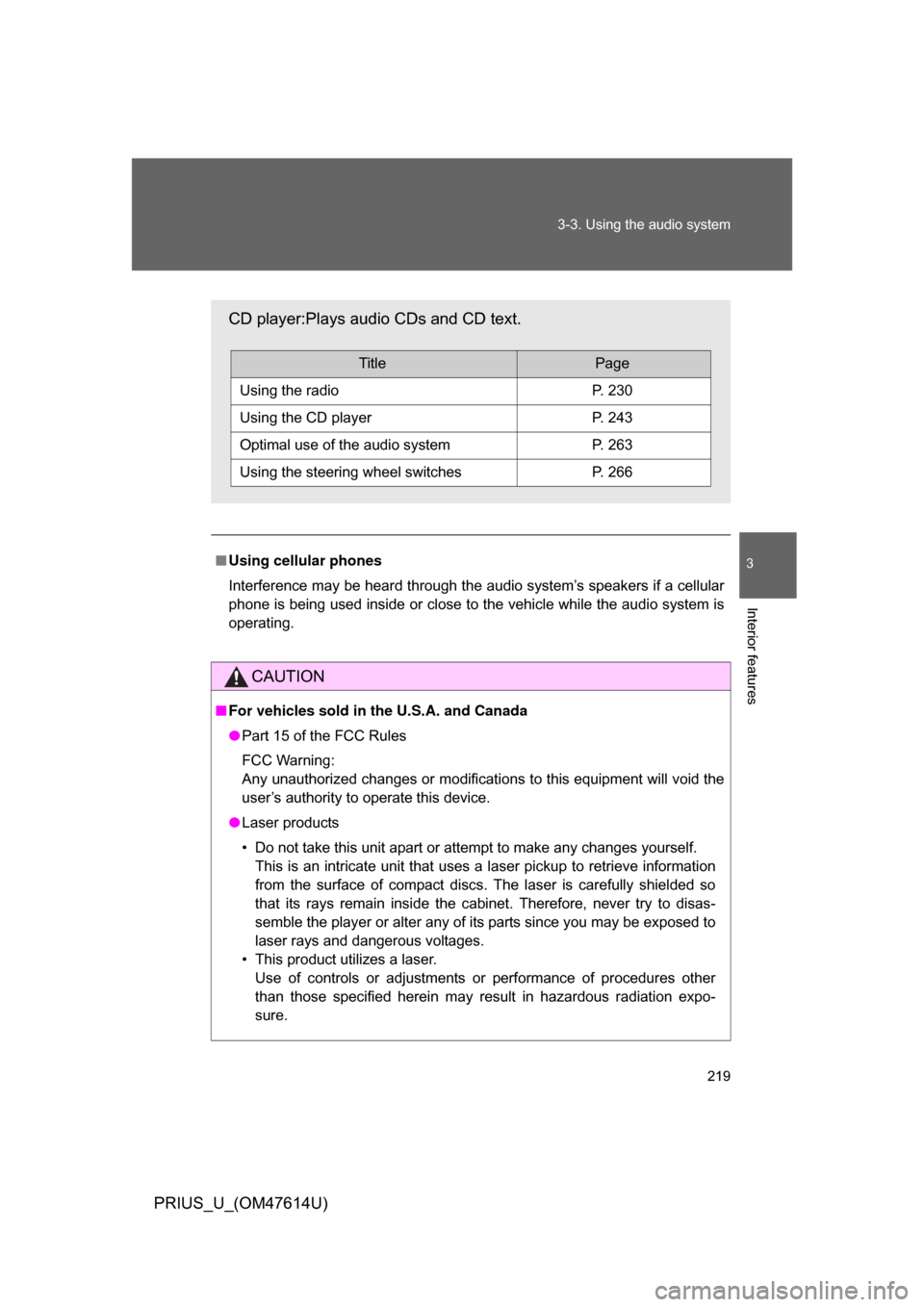
■
Using cellular phones
Interference may be heard through the audio system’s speakers if a cellular
phone is being used inside or close to the vehicle while the audio system is
operating.
CAUTION
■For vehicles sold in the U.S.A. and Canada
● Part 15 of the FCC Rules
FCC Warning:
Any unauthorized changes or modifications to this equipment will void the
user’s authority to operate this device.
● Laser products
• Do not take this unit apart or attempt to make any changes yourself.
This is an intricate unit that uses a laser pickup to retrieve information
from the surface of compact discs. The laser is carefully shielded so
that its rays remain inside the cabinet. Therefore, never try to disas-
semble the player or alter any of its parts since you may be exposed to
laser rays and dangerous voltages.
• This product utilizes a laser. Use of controls or adjustments or performance of procedures other
than those specified herein may result in hazardous radiation expo-
sure.
CD player:Plays audio CDs and CD text.
TitlePage
Using the radioP. 230
Using the CD playerP. 243
Optimal use of the audio systemP. 263
Using the steering wheel switchesP. 266
Page 271 of 508
271
3-4. Using the hands-free
system (for cellular phone)
3
Interior features
PRIUS_U_(OM47614U)
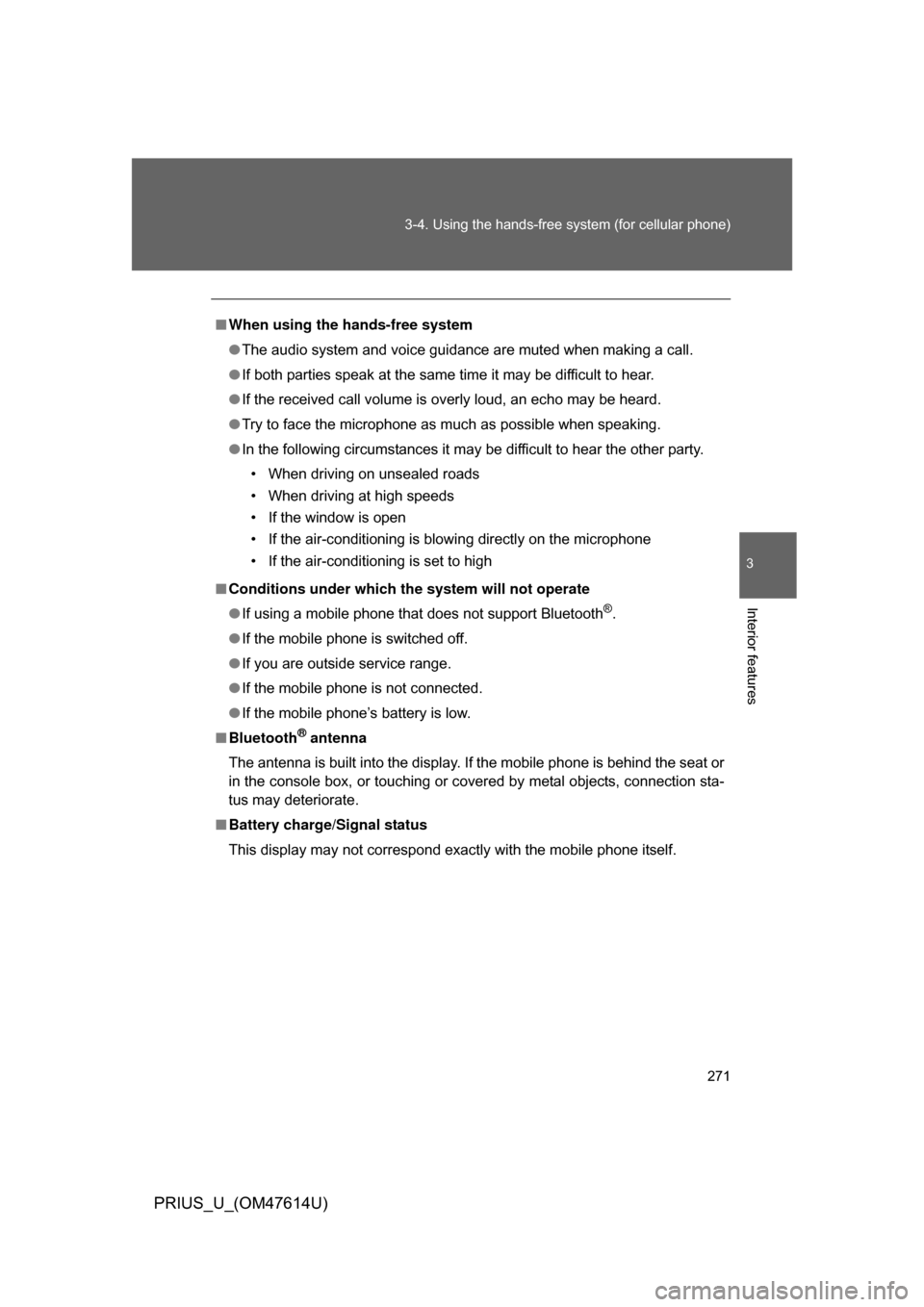
■When using the hands-free system
● The audio system and voice guidance are muted when making a call.
● If both parties speak at the same time it may be difficult to hear.
● If the received call volume is overly loud, an echo may be heard.
● Try to face the microphone as much as possible when speaking.
● In the following circumstances it may be difficult to hear the other party.
• When driving on unsealed roads
• When driving at high speeds
• If the window is open
• If the air-conditioning is blowing directly on the microphone
• If the air-conditioning is set to high
■ Conditions under which th e system will not operate
● If using a mobile phone that does not support Bluetooth
®.
● If the mobile phone is switched off.
● If you are outside service range.
● If the mobile phone is not connected.
● If the mobile phone’s battery is low.
■ Bluetooth
® antenna
The antenna is built into the display. If the mobile phone is behind the seat or
in the console box, or touching or covered by metal objects, connection sta-
tus may deteriorate.
■ Battery charge/Signal status
This display may not correspond exactly with the mobile phone itself.
Page 273 of 508
273
3-4. Using the hands-free
system (for cellular phone)
3
Interior features
PRIUS_U_(OM47614U)
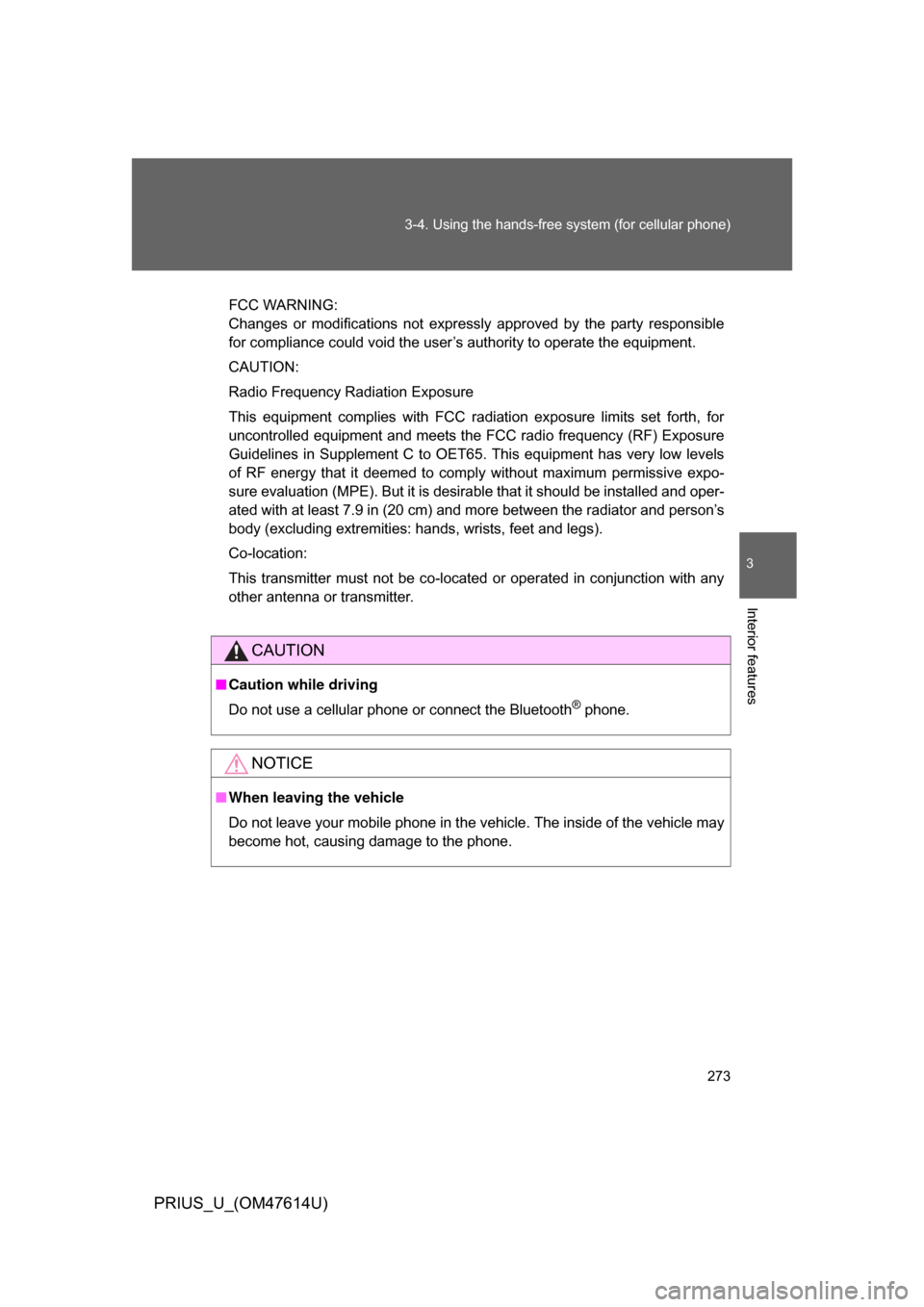
FCC WARNING:
Changes or modifications not expressly approved by the party responsible
for compliance could void the user’s authority to operate the equipment.
CAUTION:
Radio Frequency Radiation Exposure
This equipment complies with FCC radiation exposure limits set forth, for
uncontrolled equipment and meets the FCC radio frequency (RF) Exposure
Guidelines in Supplement C to OET65. This equipment has very low levels
of RF energy that it deemed to comply without maximum permissive expo-
sure evaluation (MPE). But it is desirable that it should be installed and oper-
ated with at least 7.9 in (20 cm) and more between the radiator and person’s
body (excluding extremities: hands, wrists, feet and legs).
Co-location:
This transmitter must not be co-located or operated in conjunction with any
other antenna or transmitter.
CAUTION
■Caution while driving
Do not use a cellular phone or connect the Bluetooth
® phone.
NOTICE
■When leaving the vehicle
Do not leave your mobile phone in the vehicle. The inside of the vehicle may
become hot, causing damage to the phone.
Page 340 of 508

340 3-7. Other interior features
PRIUS_U_(OM47614U)
■Before programming
● Install a new battery in the transmitter.
● The battery side of the transmitter must be pointed away from the
HomeLink
.
■ Certification for the garage door opener
This device complies with Part 15 of the FCC Rules and with RSS-210 of the
IC Rules.
Operation is subject to the following two conditions: (1) this device may not
cause harmful interference, and (2) this device must accept any interference
received, including interference that may cause undesired operation.
WARNING: This transmitter has been tested and complies with FCC and IC
rules. Changes or modifications not expressly approved by the party respon-
sible for compliance could void the user’s authority to operate the device.
CAUTION
■When programming a garage door or other remote control device
The garage door or other devices may operate, so ensure people and
objects are out of danger to prevent potential harm.
■ Conforming to federal safety standards
Do not use the HomeLink
Compatible Transceiver with any garage door
opener or device that lacks safety stop and reverse features as required by
federal safety standards.
This includes any garage door that cannot detect an obstruction object. A
door or device without these features increases the risk of death or serious
injury.
Page 346 of 508

346 4-1. Maintenance and care
PRIUS_U_(OM47614U)
NOTICE
■Cleaning detergents
Do not use the following types of detergent, as they may discolor the vehicle
interior or cause streaks or damage to painted surfaces.
● Non-seat portions: Organic substances such as benzine or gasoline, alka-
line or acidic solutions, dye, or bleach.
● Seats: Acidic solutions, such as thinner, benzine, or alcohol.
■ Preventing damage to leather surfaces
Observe the following precautions to avoid damage to and deterioration of
leather surfaces.
● Remove any dust or dirt on leather surfaces immediately.
● Do not expose the vehicle to direct sunlight for extended periods of time.
Park the vehicle in the shade, especially during summer.
● Do not place items made of vinyl, plastic, or that contain wax on the uphol-
stery, as they may stick to the leather surface if the vehicle interior heats
up significantly.
■ Water on the floor
Do not wash the vehicle floor with water.
Vehicle systems such as the audio system may be damaged if water comes
into contact with electrical components under the floor of the vehicle, and
may also cause the body to rust.
■ Cleaning the inside of the rear window
● Do not use glass cleaner to clean the rear window, as this may cause
damage to the rear window defogger heater wires. Use a cloth dampened
with lukewarm water to gently wipe the window clean. Wipe the window in
strokes running parallel to the heater wires.
● Be careful not to scratch or damage the heater wires or antenna.
Page 347 of 508
347
4
Maintenance and care
PRIUS_U_(OM47614U)
4-2. Maintenance
Maintenance requirements
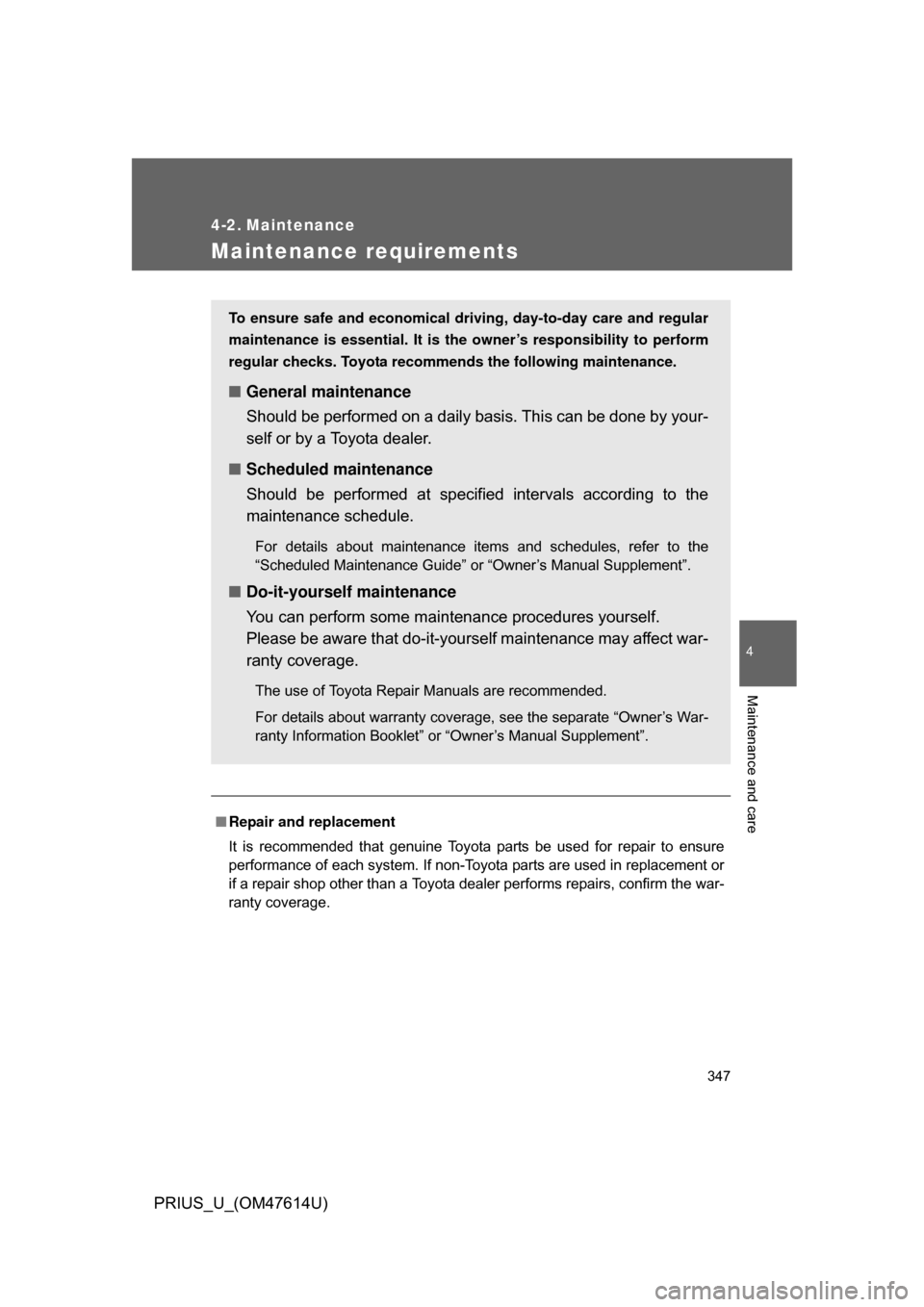
■Repair and replacement
It is recommended that genuine Toyota parts be used for repair to ensure
performance of each system. If non-Toyota parts are used in replacement or
if a repair shop other than a Toyota dealer performs repairs, confirm the war-
ranty coverage.
To ensure safe and economical driv ing, day-to-day care and regular
maintenance is essential. It is the owner’s responsibility to perform
regular checks. Toyota recommen ds the following maintenance.
■General maintenance
Should be performed on a daily basis. This can be done by your-
self or by a Toyota dealer.
■ Scheduled maintenance
Should be performed at specified intervals according to the
maintenance schedule.
For details about maintenance items and schedules, refer to the
“Scheduled Maintenance Guide” or “Owner’s Manual Supplement”.
■Do-it-yourself maintenance
You can perform some maintenance procedures yourself.
Please be aware that do-it-yourself maintenance may affect war-
ranty coverage.
The use of Toyota Repair Manuals are recommended.
For details about warranty coverage, see the separate “Owner’s War-
ranty Information Booklet” or “Owner’s Manual Supplement”.