reset TOYOTA PRIUS 2010 3.G User Guide
[x] Cancel search | Manufacturer: TOYOTA, Model Year: 2010, Model line: PRIUS, Model: TOYOTA PRIUS 2010 3.GPages: 616, PDF Size: 10.45 MB
Page 295 of 616
295
3-2. Using the audio system
3
Interior features
PRIUS_U (OM47668U) U.S.A.
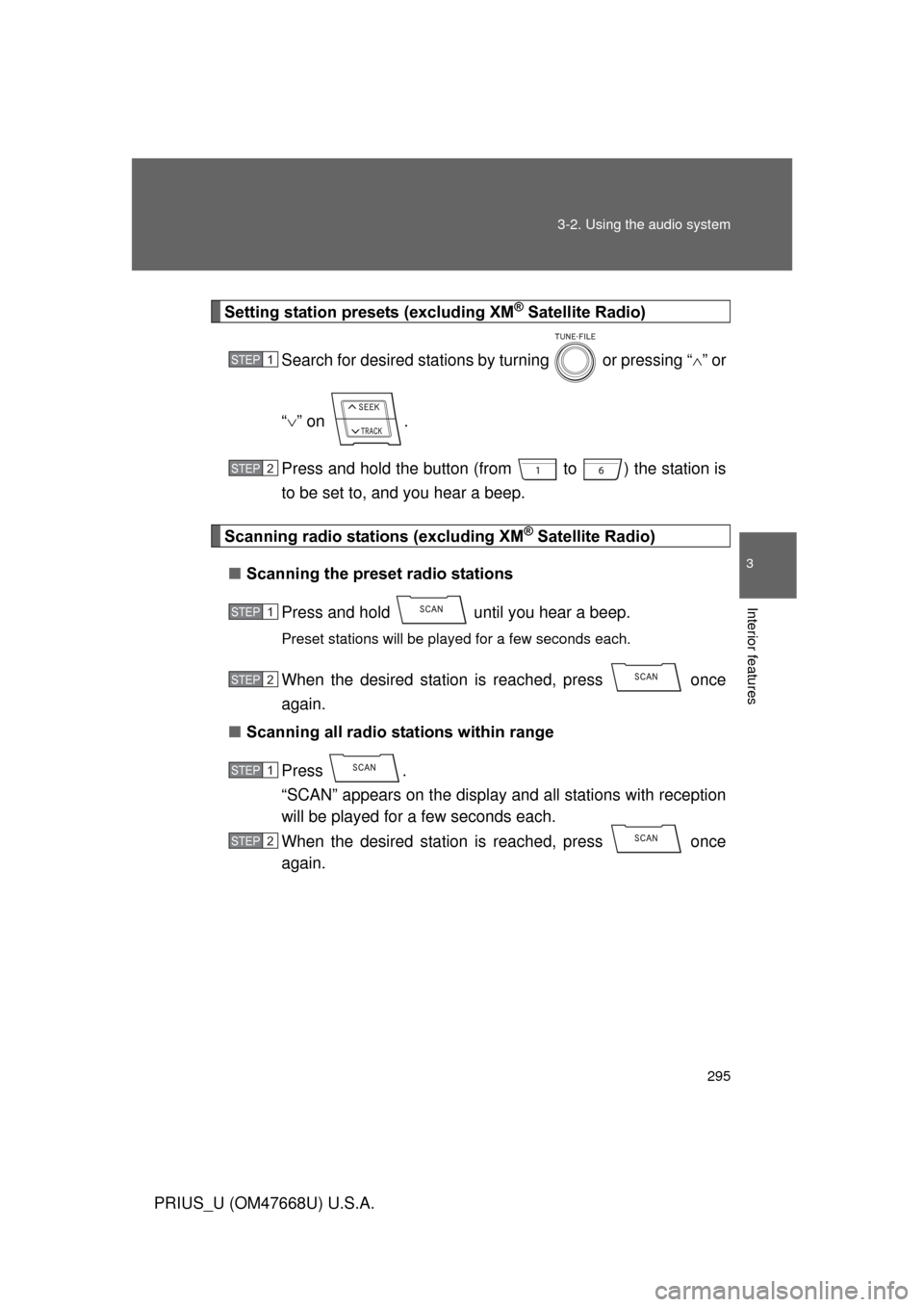
Setting station presets (excluding XM® Satellite Radio)
Search for desired stations by turning or pressing “ ” or
“ ” on .
Press and hold the button (fro m to ) the station is
to be set to, and you hear a beep.
Scanning radio stations (excluding XM® Satellite Radio)
■ Scanning the preset radio stations
Press and hold until you hear a beep.
Preset stations will be played for a few seconds each.
When the desired station is reached, press once
again.
■ Scanning all radio stations within range
Press .
“SCAN” appears on the display and all stations with reception
will be played for a few seconds each.
When the desired station is reached, press once
again.
STEP1
STEP2
STEP1
STEP2
STEP1
STEP2
Page 296 of 616
296 3-2. Using the audio system
PRIUS_U (OM47668U) U.S.A.
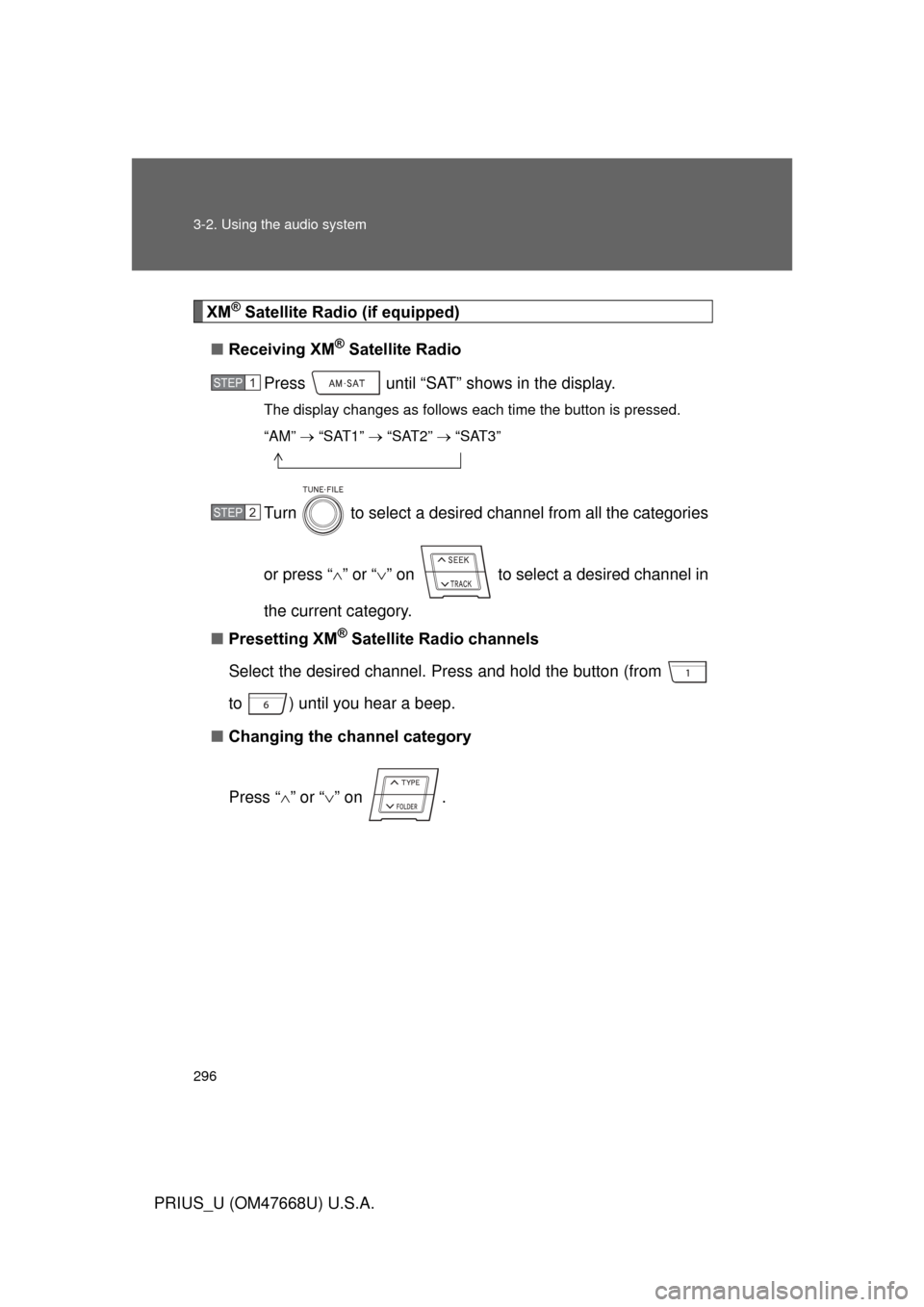
XM® Satellite Radio (if equipped)
■ Receiving XM
® Satellite Radio
Press until “SAT” shows in the display.
The display changes as follows each time the button is pressed.
“AM” “SAT1” “SAT2” “SAT3”
Turn to select a desired channel from all the categories
or press “ ” or “ ” on to select a desired channel in
the current category.
■ Presetting XM
® Satellite Radio channels
Select the desired channel. Press and hold the button (from
to ) until you hear a beep.
■ Changing the channel category
Press “ ” or “ ” on .
STEP1
STEP2
Page 297 of 616
297
3-2. Using the audio system
3
Interior features
PRIUS_U (OM47668U) U.S.A.
■
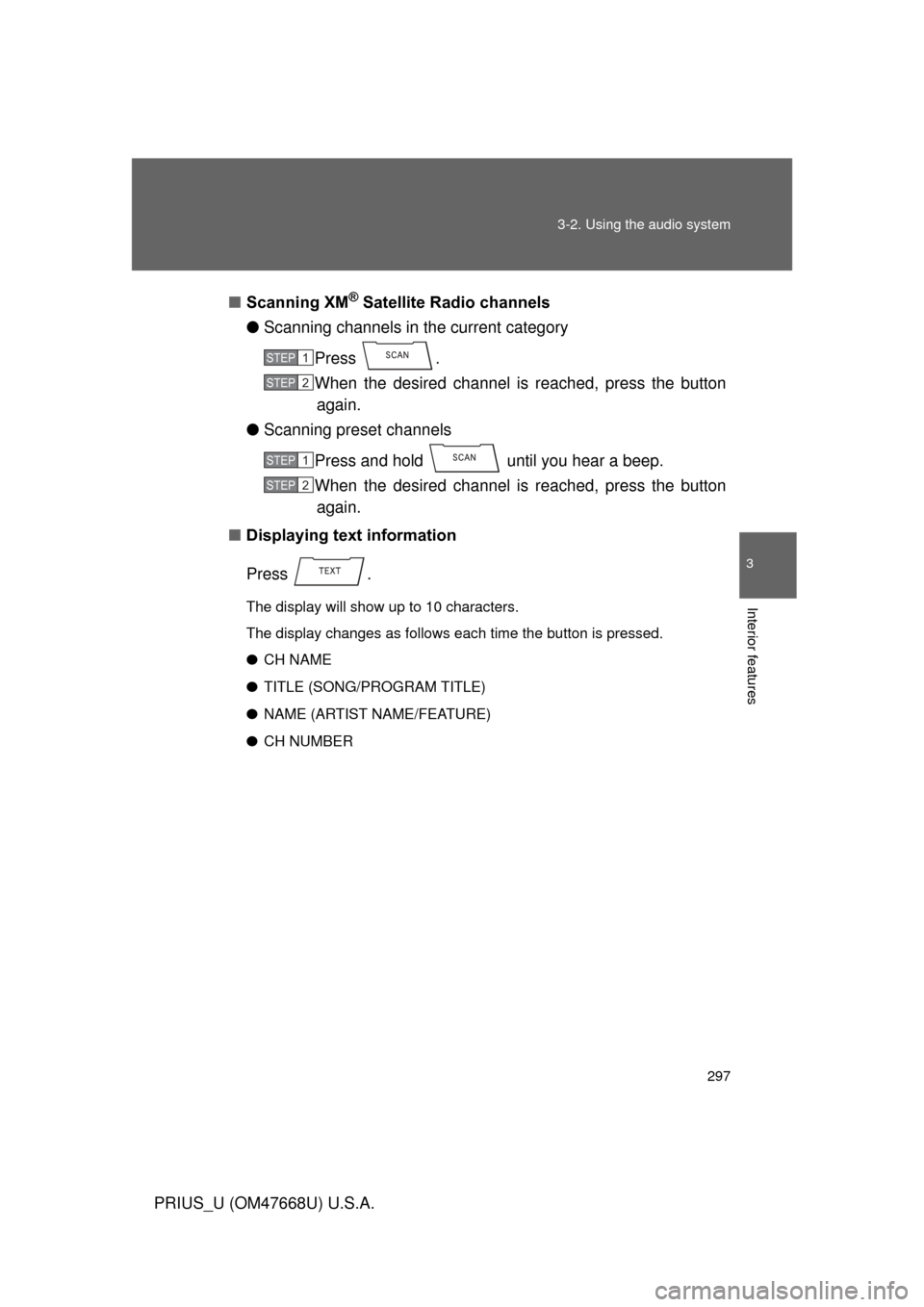
Scanning XM
® Satellite Radio channels
● Scanning channels in the current category
Press .
When the desired channel is reached, press the button again.
● Scanning preset channels
Press and hold until you hear a beep.
When the desired channel is reached, press the button again.
■ Displaying text information
Press .
The display will show up to 10 characters.
The display changes as follows each time the button is pressed.
● CH NAME
● TITLE (SONG/PROGRAM TITLE)
● NAME (ARTIST NAME/FEATURE)
● CH NUMBER
STEP1
STEP2
STEP1
STEP2
Page 298 of 616
298 3-2. Using the audio system
PRIUS_U (OM47668U) U.S.A.
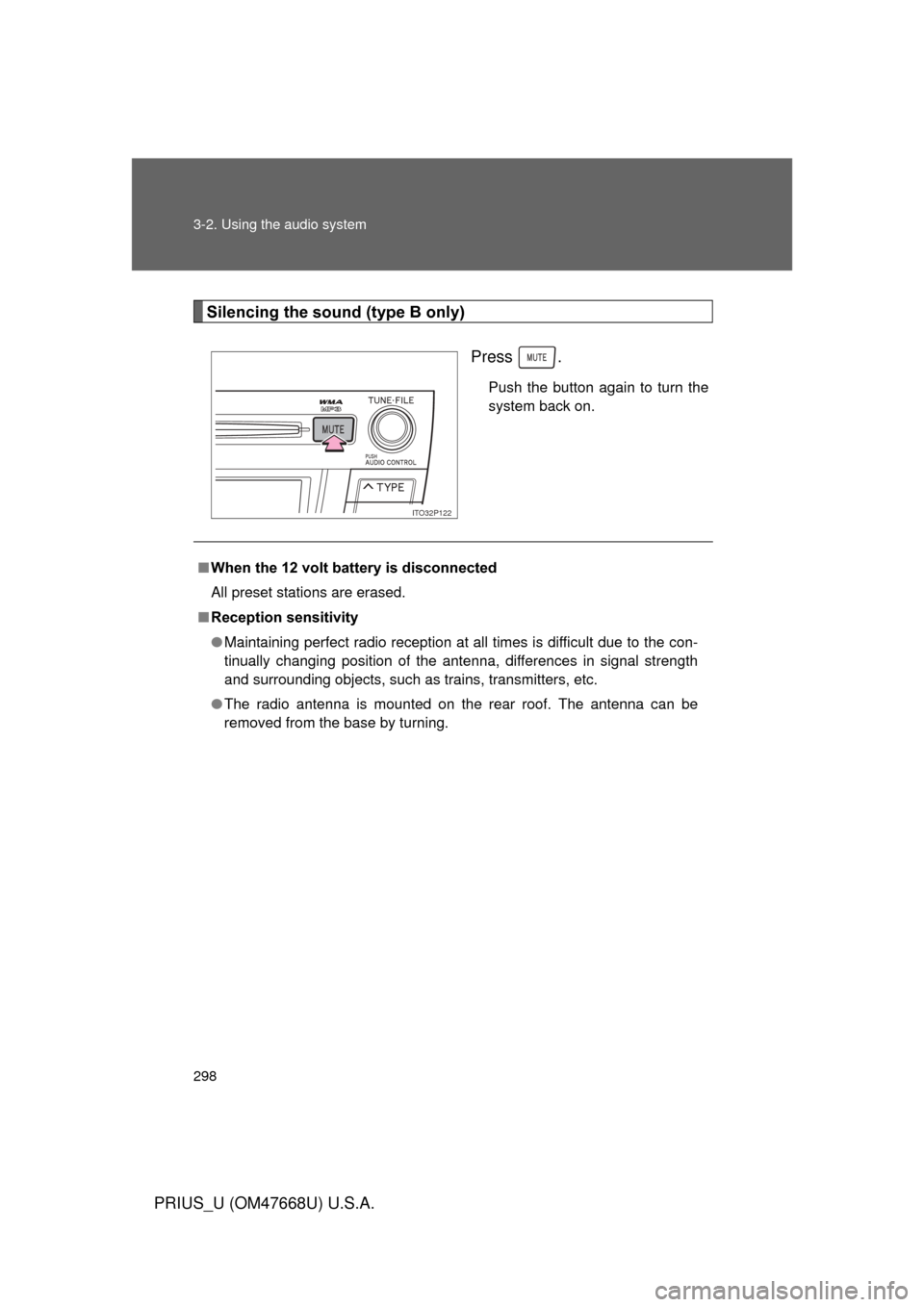
Silencing the sound (type B only)Press .
Push the button again to turn the
system back on.
ITO32P122
■When the 12 volt battery is disconnected
All preset stations are erased.
■ Reception sensitivity
● Maintaining perfect radio reception at all times is difficult due to the con-
tinually changing position of the antenna, differences in signal strength
and surrounding objects, such as trains, transmitters, etc.
● The radio antenna is mounted on the rear roof. The antenna can be
removed from the base by turning.
Page 340 of 616
340 3-3. Using the hands-free system (for cellular phone)
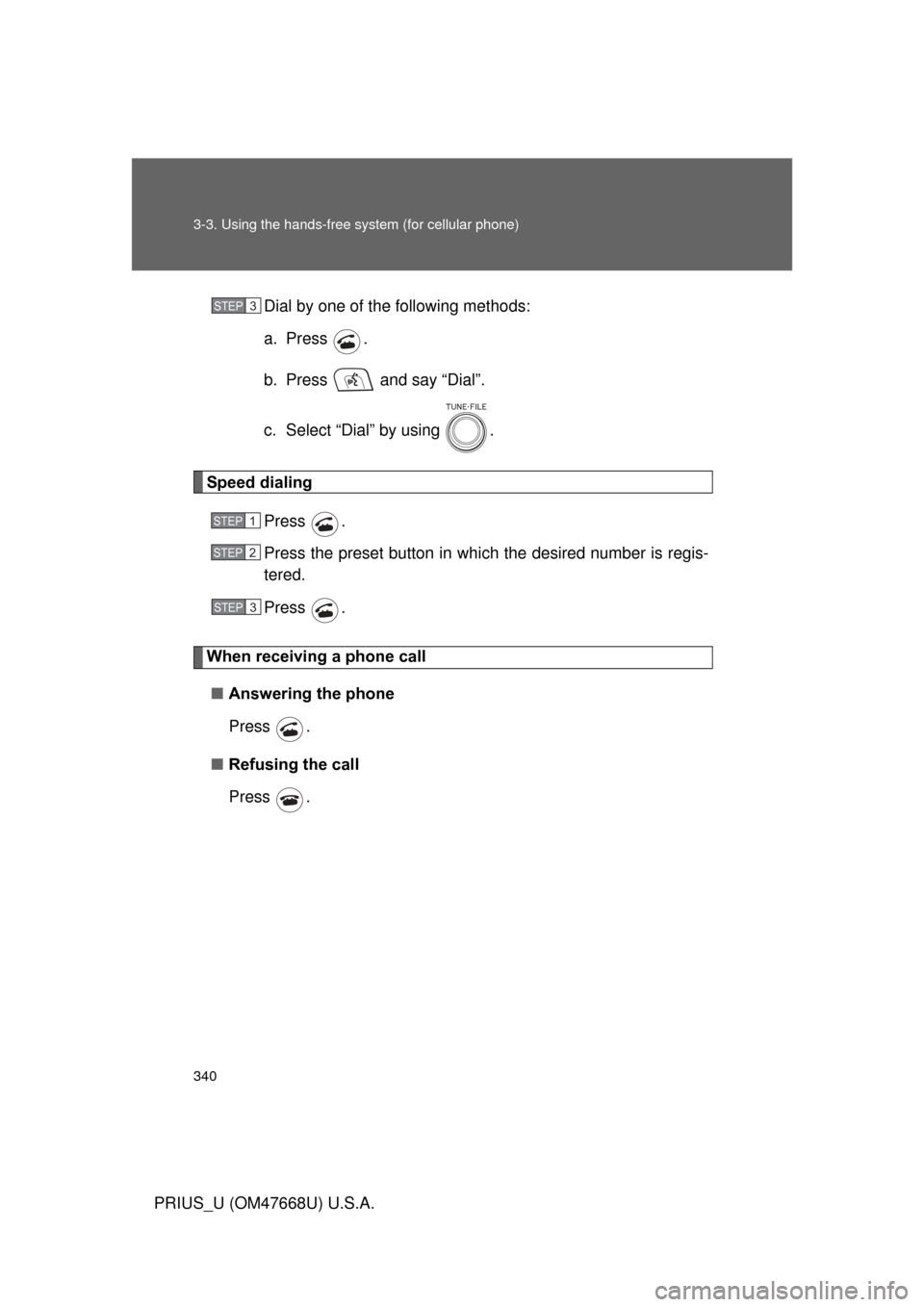
PRIUS_U (OM47668U) U.S.A.Dial by one of the following methods:
a. Press .
b. Press and say “Dial”.
c. Select “Dial” by using .
Speed dialing
Press .
Press the preset button in wh ich the desired number is regis-
tered.
Press .
When receiving a phone call
■ Answering the phone
Press .
■ Refusing the call
Press .
STEP3
STEP1
STEP2
STEP3
Page 359 of 616
359
3-3. Using the hands-free
system (for cellular phone)
3
Interior features
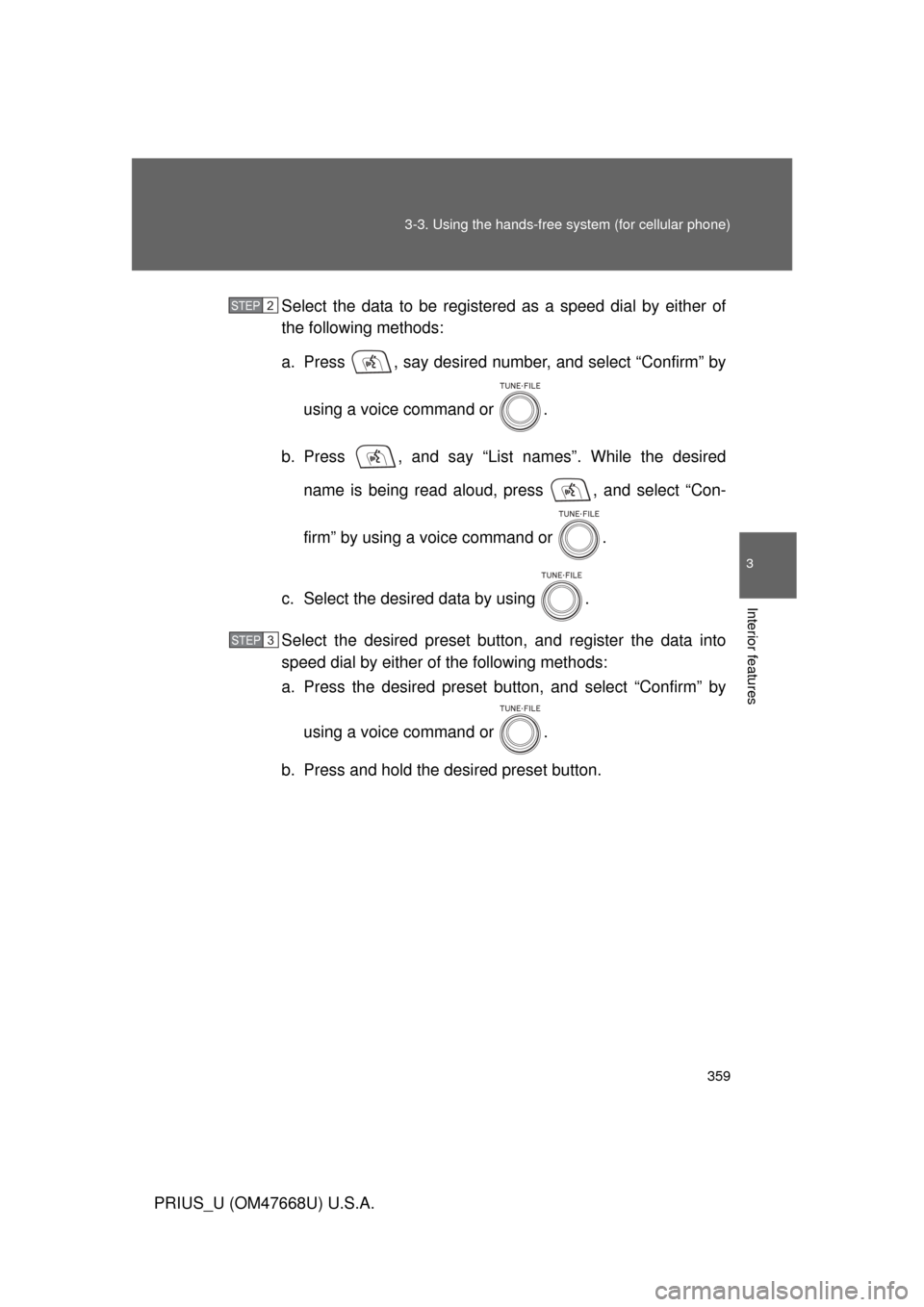
PRIUS_U (OM47668U) U.S.A.Select the data to be registered as a speed dial by either of
the following methods:
a. Press , say desired number, and select “Confirm” by
using a voice command or .
b. Press , and say “List names”. While the desired name is being read aloud, press , and select “Con-
firm” by using a voice command or .
c. Select the desired data by using .
Select the desired preset butt on, and register the data into
speed dial by either of the following methods:
a. Press the desired preset bu tton, and select “Confirm” by
using a voice command or .
b. Press and hold the desired preset button.
STEP2
STEP3
Page 362 of 616
362 3-3. Using the hands-free system (for cellular phone)
PRIUS_U (OM47668U) U.S.A.
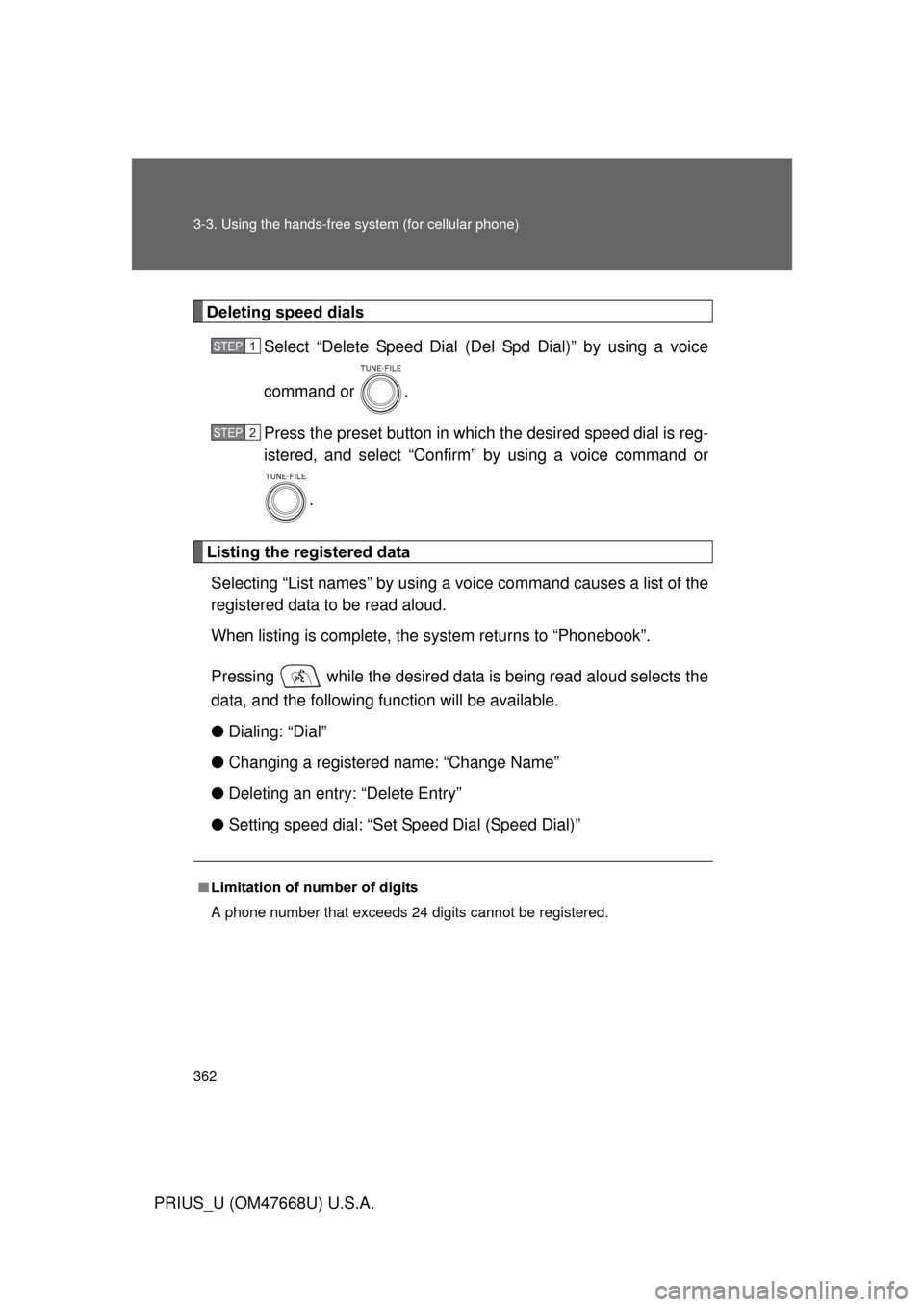
Deleting speed dialsSelect “Delete Speed Dial (Del Spd Dial)” by using a voice
command or .
Press the preset button in which the desired speed dial is reg-
istered, and select “Confirm” by using a voice command or
.
Listing the registered dataSelecting “List names” by using a vo ice command causes a list of the
registered data to be read aloud.
When listing is complete, the system returns to “Phonebook”.
Pressing while the desired data is being read aloud selects the
data, and the following f unction will be available.
● Dialing: “Dial”
● Changing a registered name: “Change Name”
● Deleting an entry: “Delete Entry”
● Setting speed dial: “Set Speed Dial (Speed Dial)”
■Limitation of number of digits
A phone number that exceeds 24 digits cannot be registered.
STEP1
STEP2
Page 428 of 616
428 4-3. Do-it-yourself maintenance
PRIUS_U (OM47668U) U.S.A.
■Engine oil consumption
● The amount of engine oil consumed depends on the oil viscosity, the
quality of the oil and the way the vehicle is driven.
● More oil is consumed under driving conditions such as high speeds, fre-
quent acceleration and deceleration.
● A new engine consumes more oil.
● When judging the amount of oil consumption, keep in mind that the oil
may have become diluted, making it difficult to judge the true level accu-
rately.
● Oil consumption: Max. 1.1 qt./600 miles, 0.9 Imp. qt./600 miles (1.0 L per
1000 km).
● If the vehicle consumes more than 1.1 qt. (1.0 L, 0.9 Imp.qt.) every 600
miles (1000 km), contact your Toyota dealer.
■ After changing the engine oil (U.S.A. only)
The oil change system should be rese t. Perform the following steps:
Turn the “POWER” switch OFF with the trip meter A shown.
Turn the “POWER” switch ON with the MPH or km/h button
( P. 183) held down.
Keep pressing the button until the odometer indicates “000000” and
the multi-information display indicates that the reset is complete.
STEP1
STEP2
STEP3
Page 443 of 616
443
4-3. Do-it-yourself maintenance
4
Maintenance and care
PRIUS_U (OM47668U) U.S.A.
■
How to initialize the tire pressure warning system
Park the vehicle in safe plac e and turn the “POWER” switch
OFF.
While the vehicle is moving, in itialization is not performed.
Adjust the tire inflation pressure to the specified cold tire infla-
tion pressure level. ( P. 565)
Make sure to adjust the tire pressure to the specified cold tire
inflation pressure level. The ti re pressure warning system will
operate based on this pressure level.
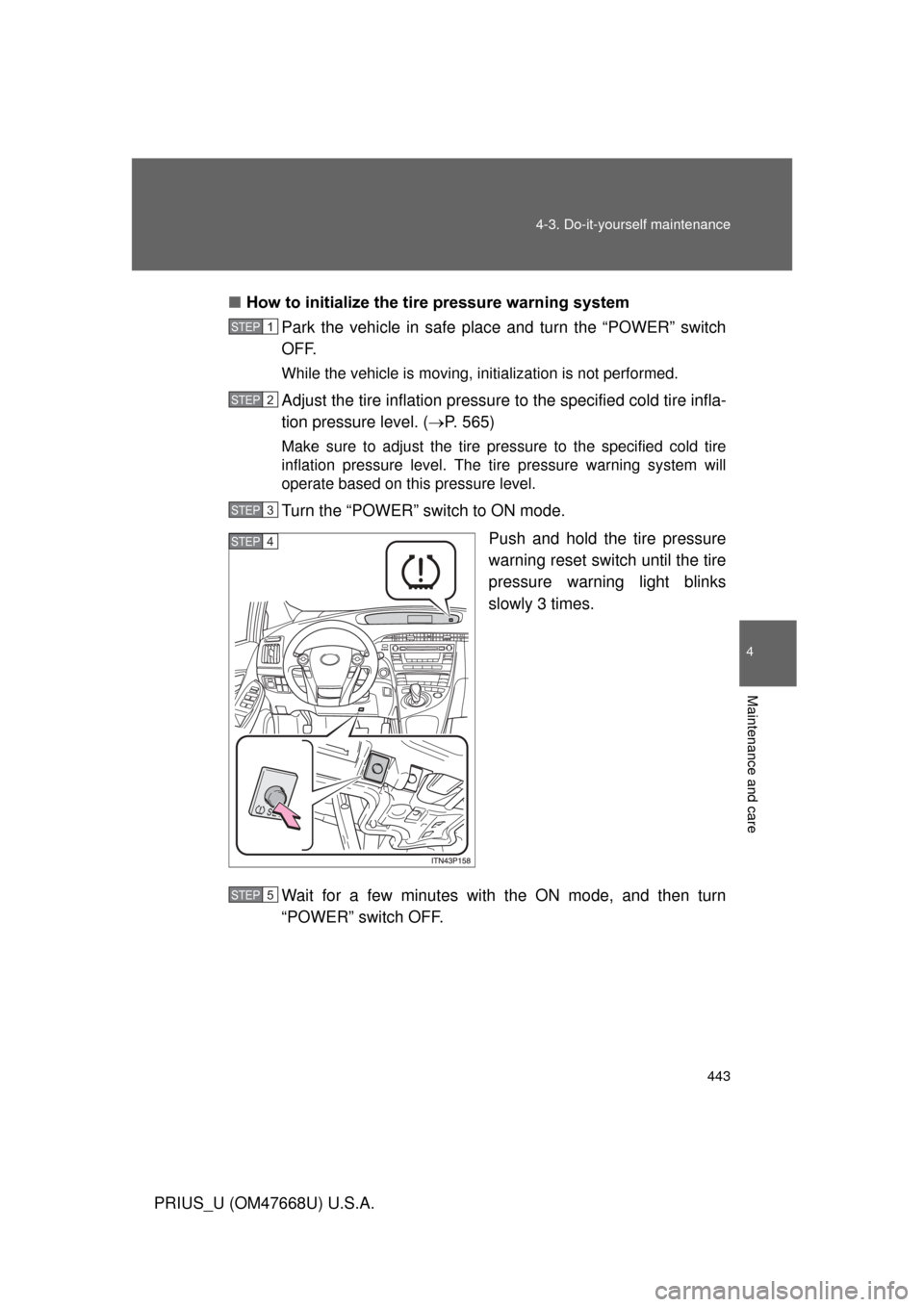
Turn the “POWER” switch to ON mode.
Push and hold the tire pressure
warning reset switch until the tire
pressure warning light blinks
slowly 3 times.
Wait for a few minutes with the ON mode, and then turn
“POWER” switch OFF.
STEP1
STEP2
STEP3
STEP4
STEP5
Page 447 of 616
447
4-3. Do-it-yourself maintenance
4
Maintenance and care
PRIUS_U (OM47668U) U.S.A.
■Initializing the tire pressure warning system
Initialize the tires with the tire inflat
ion pressure adjusted to the specified
level.
■If you push the tire pressure warning reset switch accidentally
If initialization is performed, adjust t he tire inflation pressure to the speci-
fied level and initialize the tire pressure warning system again.
■When the initialization of the tire pressure warning system has
failed
Initialization can be completed in a few minutes. However, in the following
cases, the settings have not been recorded and the system will not operate
properly. If repeated attempts to record tire inflation pressure settings are
unsuccessful, have the vehicle inspected by your Toyota dealer.
●
When operating the tire pressure warning reset switch, the tire pres-
sure warning light does not flash 3 times.
●After carrying out the initialization procedure, the tire pressure warn-
ing light blinks for 1 minute then stays on after driving 20 minutes.
■Routine tire inflation pressure checks
The tire pressure warning system doe s not replace routine tire inflation
pressure checks. Ma ke sure to check tire infl ation pressure as part of
your routine of daily vehicle checks.