wheel TOYOTA PRIUS 2012 3.G Workshop Manual
[x] Cancel search | Manufacturer: TOYOTA, Model Year: 2012, Model line: PRIUS, Model: TOYOTA PRIUS 2012 3.GPages: 636, PDF Size: 11.02 MB
Page 300 of 636

300 2-4. Using other driving systems
CAUTION
■Replacing tires
Make sure that all tires are of the specified size and of the same brand, tread
pattern and total load capacity. In addition, make sure that the tires are
inflated to the recommended tire inflation pressure level.
The ABS and VSC systems will not function correctly if different tires are
installed on the vehicle.
Contact your Toyota dealer for further information when replacing tires or
wheels.
■ Handling of tires and the suspension
Using tires with any kind of problem or modifying the suspension will affect
the driving assist systems, and may cause a system to malfunction.
Page 318 of 636
318 2-5. Driving information
■Before driving the vehicle
Perform the following according to the driving conditions:
●Do not try to forcibly open a window or move a wiper that is
frozen. Pour warm water over the frozen area to melt the ice.
Wipe away the water immediately to prevent it from freezing.
● To ensure proper operation of th e climate control system fan,
remove any snow that has accumulated on the air inlet vents
in front of the windshield.
● Check for and remove any excess ice or snow that may have
accumulated on the exterior lights, vehicle’s roof, chassis,
around the tires or on the brakes.
● Remove snow or mud from the bottom of your shoes before
getting in the vehicle.
■ When driving the vehicle
Accelerate the vehicle slowly, keep a safe distance between you
and the vehicle ahead, and drive at a reduced speed suitable to
road conditions.
■ When parking the vehicle
Park the vehicle and shift the shift position to P and block the
wheel under the vehicle without setting the parking brake. The
parking brake may freeze up, preventing it from being released.
If necessary, block the wheels to prevent inadvertent sliding or
creeping.
Page 320 of 636

320 2-5. Driving information
■Tire chain installation
Observe the following precautions when installing and removing chains:
●Install and remove tire chains in a safe location.
● Install tire chains on the front tires only. Do not install tire chains on the
rear tires.
● Install tire chains on front tires as tightly as possible. Retighten chains
after driving 1/4 - 1/2 mile (0.5 - 1.0 km).
● Install tire chains following the instructions provided with the tire chains.
CAUTION
■Driving with snow tires
Observe the following precautions to reduce the risk of accidents.
Failure to do so may result in a loss of vehicle control and cause death or
serious injury.
●Use tires of the size specified.
● Maintain the recommended level of air pressure.
● Do not drive in excess of 75 mph (120 km/h), regardless of the type of
snow tires being used.
● Use snow tires on all, not just some wheels.
Page 322 of 636
322
2-5. Driving information
Trailer towing
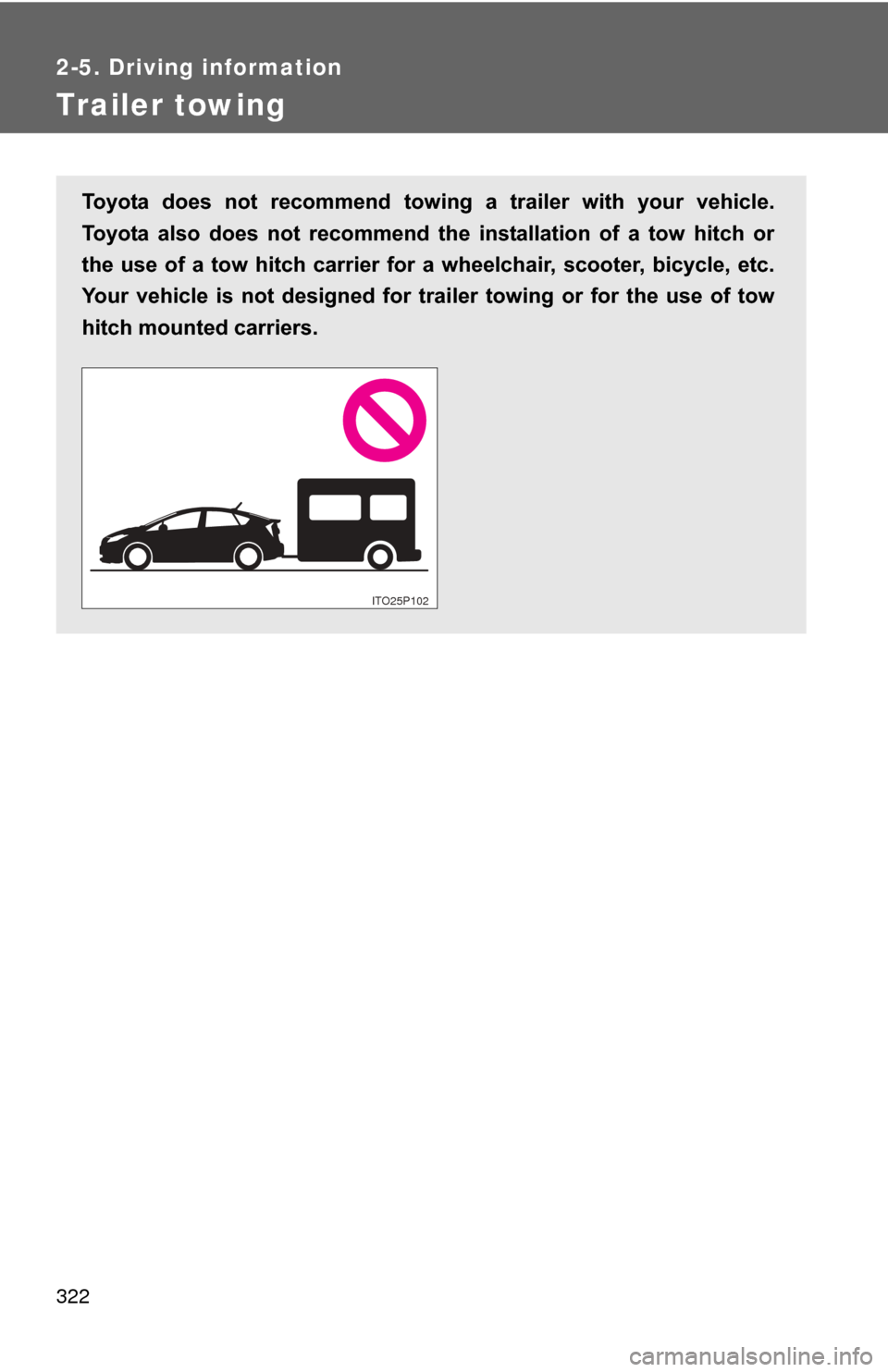
Toyota does not recommend towing a trailer with your vehicle.
Toyota also does not recommend the installation of a tow hitch or
the use of a tow hitch carrier for a wheelchair, scooter, bicycle, etc.
Your vehicle is not designed for trai ler towing or for the use of tow
hitch mounted carriers.
ITO25P102
Page 323 of 636
323
2-5. Driving information
2
When driving
Dinghy towing
NOTICE
■To avoid serious damage to your vehicle
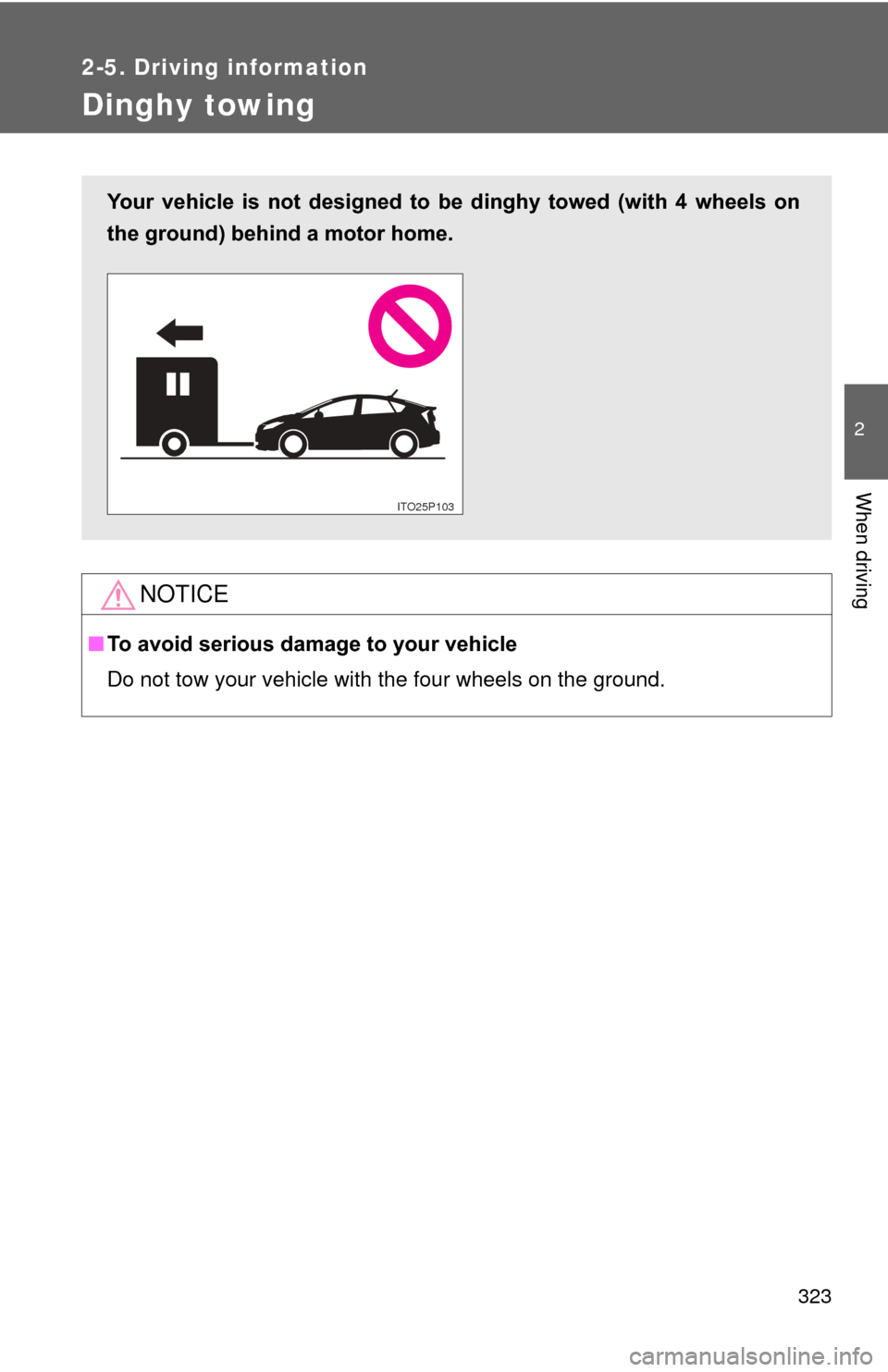
Do not tow your vehicle with the four wheels on the ground.
Your vehicle is not designed to be dinghy towed (with 4 wheels on
the ground) behind a motor home.
ITO25P10P
Page 325 of 636
Interior features3
325
3-1. Using the air conditioning system and defogger
Air conditioning system ........................... 326
Using the steering wheel climate remote control
switches ......................... 337
Solar Ventilation System ........................... 339
Remote Air Conditioning System ........................... 342
Rear window and outside rear view mirror defogger
switch ............................. 346
3-2. Using the audio system Audio system types .......... 347
Using the AUX port/USB port................................. 352 3-3. Using the interior lights
Interior lights list ............... 353
• Front interior lights ......... 354
• Personal lights ............... 355
• Rear interior light ........... 355
3-4. Using the storage features List of storage features .... 357
• Glove boxes ................... 358
• Console box ................... 359
• Cup holders ................... 360
• Bottle holders ................. 362
• Auxiliary boxes ............... 363
3-5. Other interior features Sun visors ........................ 364
Vanity mirrors ................... 365
Outside temperature display............................ 366
Power outlets ................... 367
Seat heaters..................... 369
Armrest ............................ 371
Floor mats ........................ 372
Luggage compartment features .......................... 374
Garage door opener......... 380
Safety Connect ................ 388
Page 337 of 636
337
3-1. Using the air conditioning system and defogger
3
Interior features
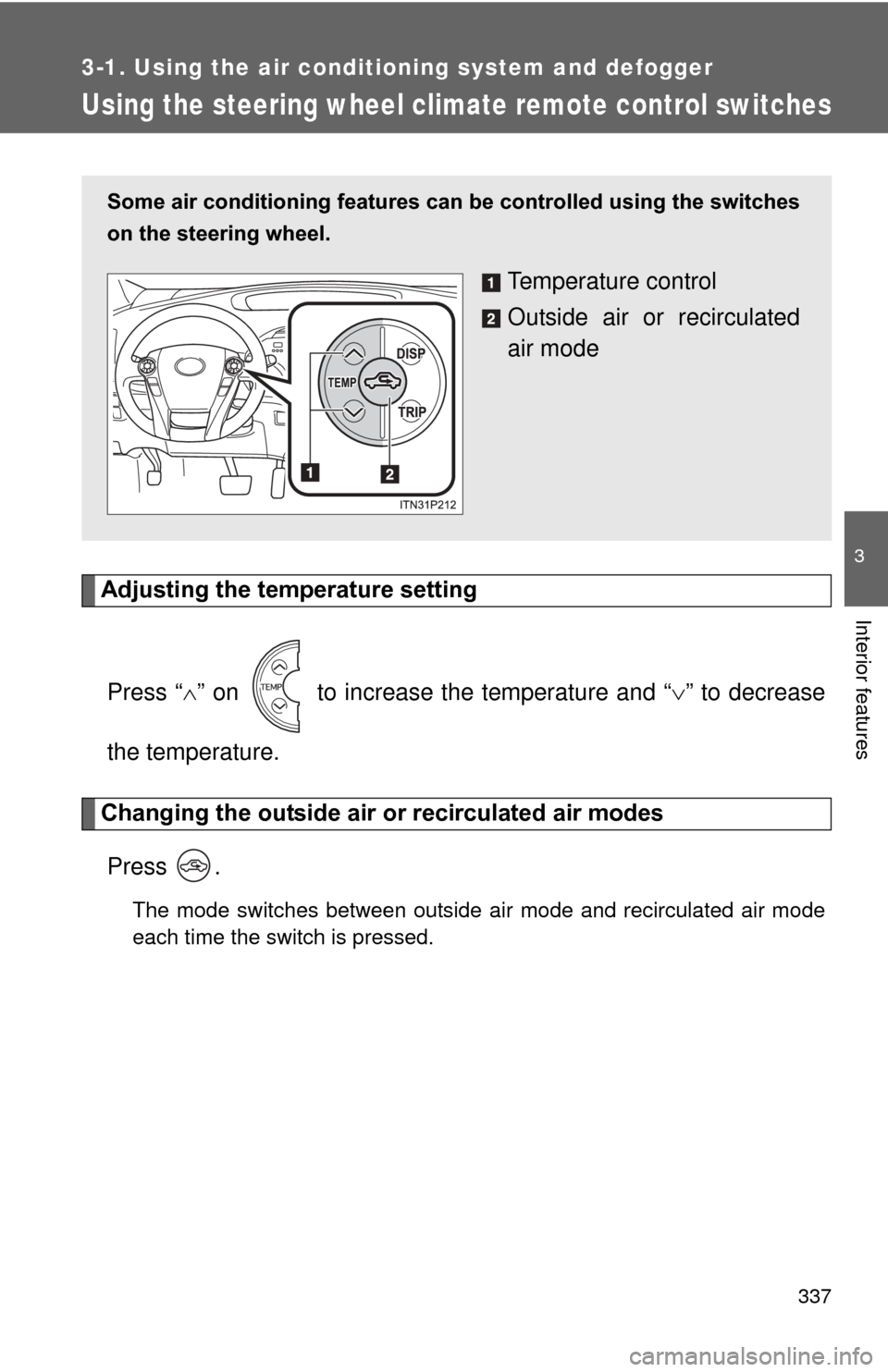
Using the steering wheel climate remote control switches
Adjusting the temperature settingPress “ ” on to increase the temperature and “ ” to decrease
the temperature.
Changing the outside air or recirculated air modes
Press .
The mode switches between outside air mode and recirculated air mode
each time the switch is pressed.
Some air conditioning features can be controlled using the switches
on the steering wheel.
Temperature control
Outside air or recirculated
air mode
Page 338 of 636
338 3-1. Using the air conditioning system and defogger
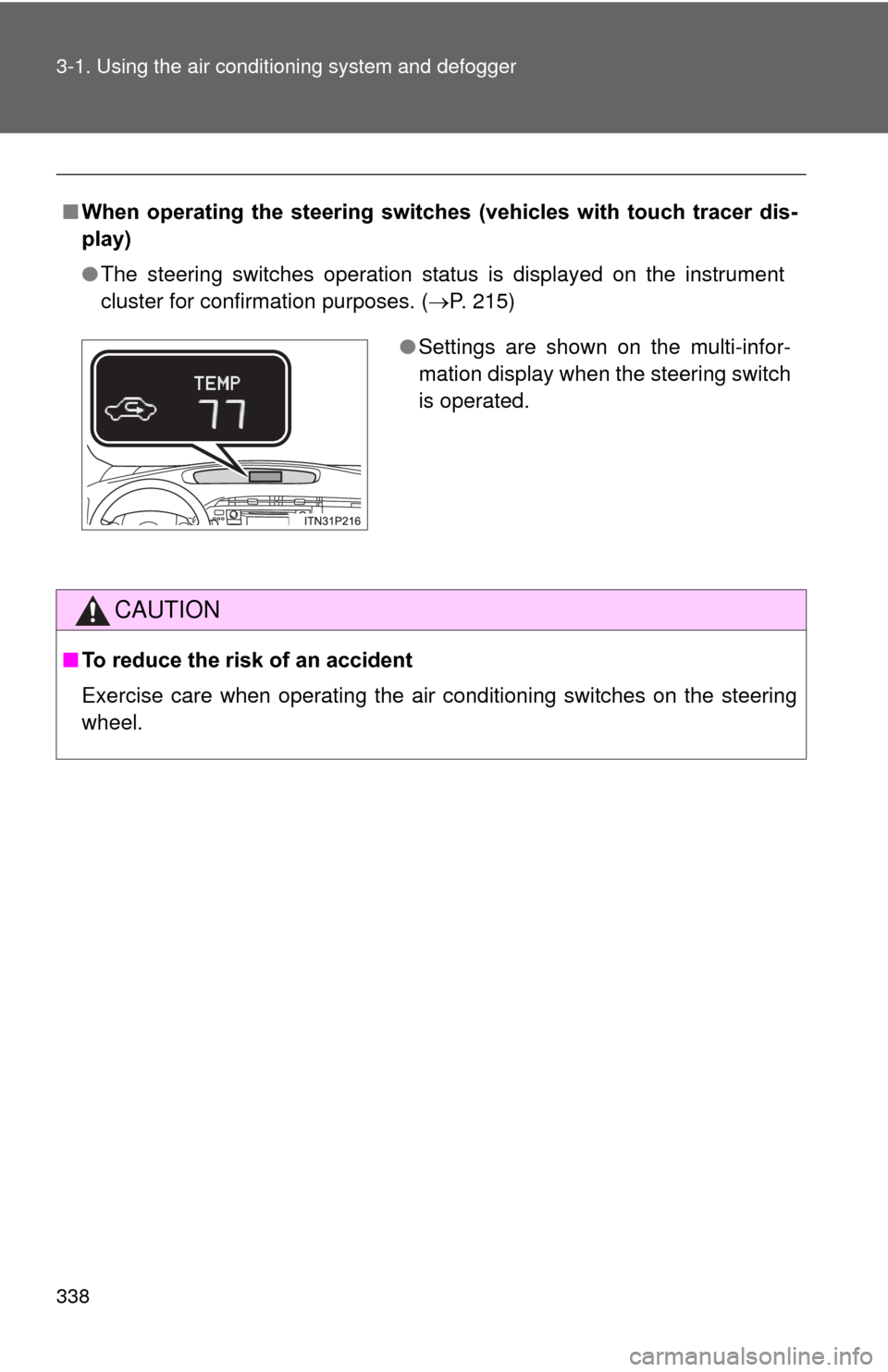
■When operating the steering switches (vehicles with touch tracer dis-
play)
●The steering switches operation status is displayed on the instrument
cluster for confirmation purposes. ( P. 215)
CAUTION
■To reduce the risk of an accident
Exercise care when operating the air conditioning switches on the steering
wheel.
●Settings are shown on the multi-infor-
mation display when the steering switch
is operated.
Page 348 of 636
348 3-2. Using the audio system
Steering wheel audio switchesSome audio features can be contro lled using the switches on the
steering wheel. For details, refer to the “Display Audio System
Owner’s Manual” or “Navigation System Owner’s Manual”.
Operation may differ and usage may not be possible with audio/navi-
gation systems that are not compatible with the steering switches in
this vehicle.
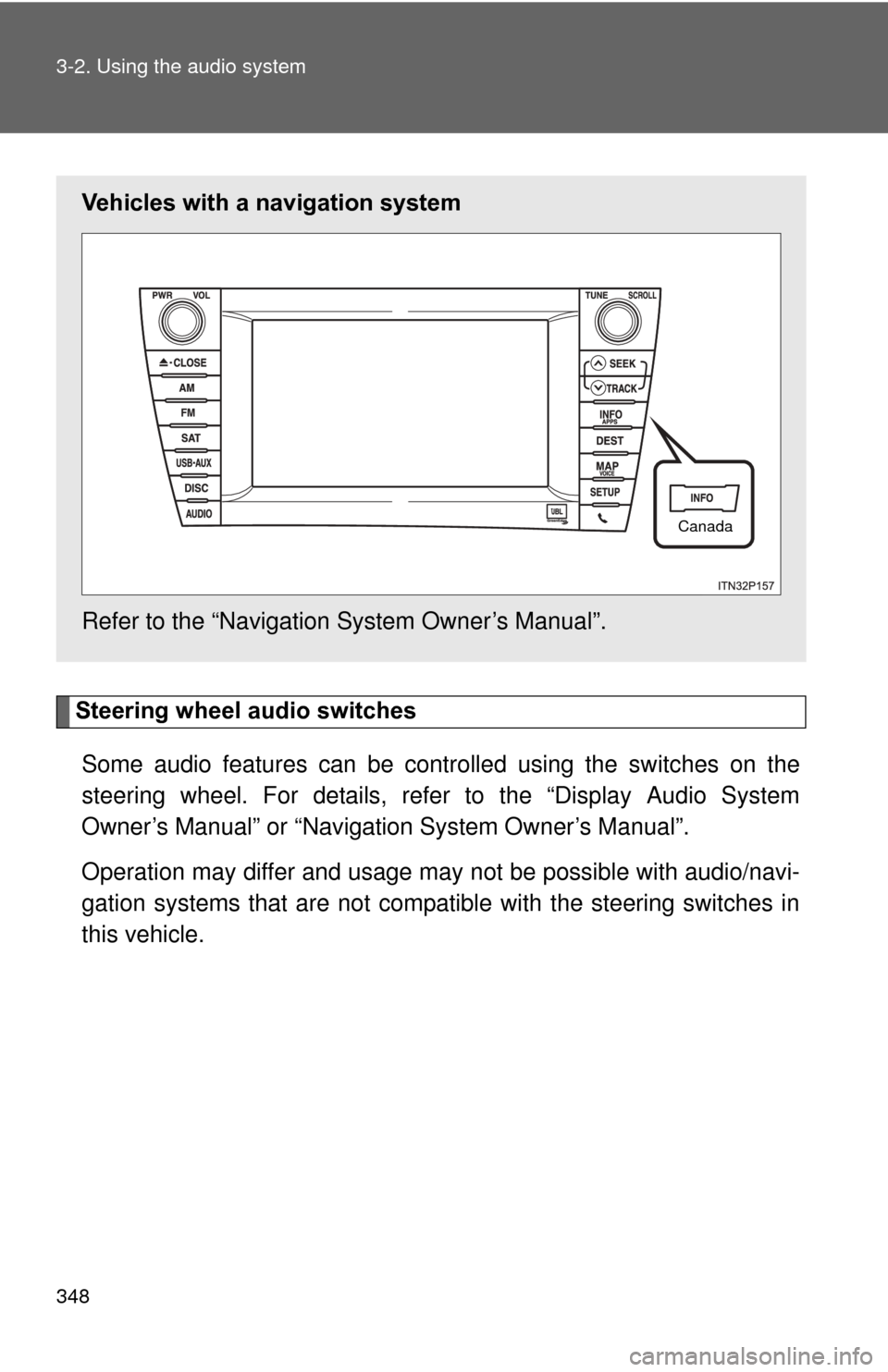
Vehicles with a navigation system
Refer to the “Navigation System Owner’s Manual”.
Canada
Page 395 of 636
Maintenance and care4
395
4-1. Maintenance and careCleaning and protecting the vehicle exterior ......... 396
Cleaning and protecting the vehicle interior .......... 399
4-2. Maintenance Maintenance requirements .................. 402
General maintenance....... 405
Emission inspection and maintenance (I/M)
programs........................ 409
4-3. Do-it-yourself maintenance Do-it-yourself service precautions .................... 410
Hood ................................ 413
Positioning a floor jack ..... 416
Engine compartment ........ 419
12-volt battery .................. 431
Tires ................................. 437
Tire inflation pressure ...... 447
Wheels ............................. 451
Electronic key battery....... 454
Checking and replacing fuses .............................. 456
Light bulbs........................ 467