phone TOYOTA PRIUS 2017 4.G Service Manual
[x] Cancel search | Manufacturer: TOYOTA, Model Year: 2017, Model line: PRIUS, Model: TOYOTA PRIUS 2017 4.GPages: 796, PDF Size: 20.13 MB
Page 486 of 796
4865-9. Bluetooth® phone
PRIUS_OM_OM47B54U_(U)■
Updating the contacts in a different way (From the “Call
History” screen)
For PBAP compatible Bluetooth
® phones, this functi
on is available
when “Automatic Transfer” is set to off. ( →P. 484)
Display the phone screen. (→ P. 468)
Select the “Call History” tab and select a contact not yet regis-
tered in the contact list.
Select “Update Contact”.
Select the desired contact.
Select a phone type for the phone number.
New contact data can be registered . Up to 4 numbers per person can
be registered. For PBAP compatible Bluetooth
® phones, this function
is available when “Automatic Transfer” is set to off. (→P. 484)
Select “New Contact”.
Enter the name and select “OK”.
Enter the phone number and select “OK”.
Select the phone type for the phone number.
To add another number to th is contact, select “Yes”.
■Registering a new contact in a different way (From the “Call
History” screen)
Display the phone screen. (→ P. 468)
Select the “Call History” tab and select a contact not yet regis-
tered in the contact list.
Select “Add to Contacts”.
Follow the steps in “Registering a new contact to the contact list”
from . ( →P. 486)
Registering a new contact to the contact list
1
2
3
4
5
1
2
3
4
5
1
2
3
4
2
Page 487 of 796
PRIUS_OM_OM47B54U_(U)
4875-9. Bluetooth® phone
5
Audio system
For PBAP compatible Bluetooth® phones, this function is available
when “Automatic Transfer” is set to off. ( →P. 484)
Select “Edit Contacts”.
Select the desired contact.
Select corresponding to the desired name or number.
For editing the name
Follow the steps in “Registering a new contact to the contact list”
from . ( →P. 486)
For editing the number
Follow the steps in “Registering a new contact to the contact list”
from . ( →P. 486)
■Editing the contacts in a different way (From the “Contact
Details” screen)
Display the phone screen. (→ P. 468)
Select the “Contacts”, “Call Histor y” tab or the “Favorites” tab and
select the desired contact.
Select “Edit Contacts”.
“E-mail Addresses”: Select to display all registered e-mail addresses for
the contact.
Follow the steps in “Editing the contact data” from .
( → P. 487)
Editing the contact data
1
2
3
4
2
4
3
1
2
3
43
Page 488 of 796
4885-9. Bluetooth® phone
PRIUS_OM_OM47B54U_(U)
For PBAP compatible Bluetooth® phones, this function is available
when “Automatic Transfer” is set to off. ( →P. 484)
Select “Delete Contacts”.
Select the desired contac t and select “Delete”.
Select “Yes” when the confirmation screen appears.
■Deleting the contact in a different way (From the “Contact
Details” screen) Display the phone screen. (→ P. 468)
Select the “Contacts”, “Call Histor y” tab or the “Favorites” tab and
select the desired contact.
Select “Delete Contacts”.
Select “Yes” when the confirmation screen appears.
Up to 15 contacts (maximum of 4 numbers per contact) can be regis-
tered in the favorites list.
■Registering the contacts in the favorites list Select “Add Favorite”.
Select the desired contact to add to the favorites list.
Dimmed contacts are already stored as a favorite.
Check that a confirmation scr een is displayed when the opera-
tion is complete.
Deleting the contact data
Favorites list setting
1
2
3
1
2
3
4
1
2
3
Page 489 of 796
PRIUS_OM_OM47B54U_(U)
4895-9. Bluetooth® phone
5
Audio system
When 15 contacts have already been registered to the favorites
list
When 15 contacts have already been registered to the favorites
list, a registered contact needs to be replaced.
Select “Yes” when the confirmation screen appears to replace a
contact.
Select the contact to be replaced.
Check that a confirmation screen is displayed when the opera-
tion is complete.
Registering contacts in the favorites list in a different way (from
the “Contacts” screen)
Display the phone screen. (→ P. 468)
Select the “Contacts” tab.
Select at the beginning of the desired contact list name to be
registered in the favorites list.
When selected, is changed to , and the contact is registered in
the favorites list.
Registering contacts in the favorites list in a different way (from
the “Contact Details” screen)
Display the phone screen. (→ P. 468)
Select the “Contacts” tab or the “Call History” tab and select the
desired contact.
Select “Add Favorite”.
Check that a confirmation scr een is displayed when the opera-
tion is complete.
1
2
3
1
2
3
1
2
3
4
Page 490 of 796
4905-9. Bluetooth® phone
PRIUS_OM_OM47B54U_(U)■
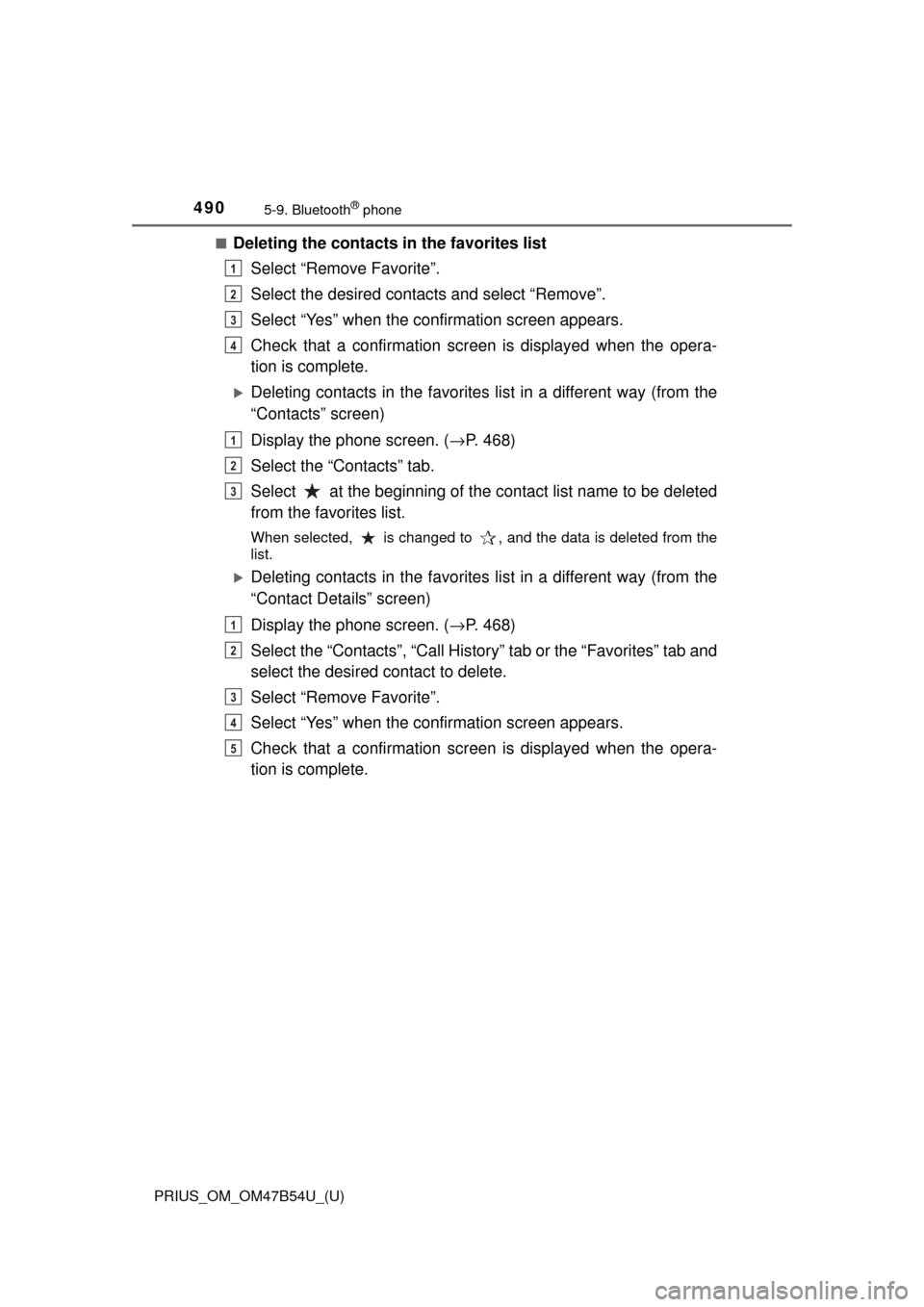
Deleting the contacts in the favorites list
Select “Remove Favorite”.
Select the desired contac ts and select “Remove”.
Select “Yes” when the confirmation screen appears.
Check that a confirmation scr een is displayed when the opera-
tion is complete.
Deleting contacts in the favorites list in a different way (from the
“Contacts” screen)
Display the phone screen. (→ P. 468)
Select the “Contacts” tab.
Select at the beginning of the contact list name to be deleted
from the favorites list.
When selected, is changed to , and the data is deleted from the
list.
Deleting contacts in the favorites list in a different way (from the
“Contact Details” screen)
Display the phone screen. (→ P. 468)
Select the “Contacts”, “Call Histor y” tab or the “Favorites” tab and
select the desired contact to delete.
Select “Remove Favorite”.
Select “Yes” when the confirmation screen appears.
Check that a confirmation scr een is displayed when the opera-
tion is complete.
1
2
3
4
1
2
3
1
2
3
4
5
Page 491 of 796
PRIUS_OM_OM47B54U_(U)
4915-9. Bluetooth® phone
5
Audio system
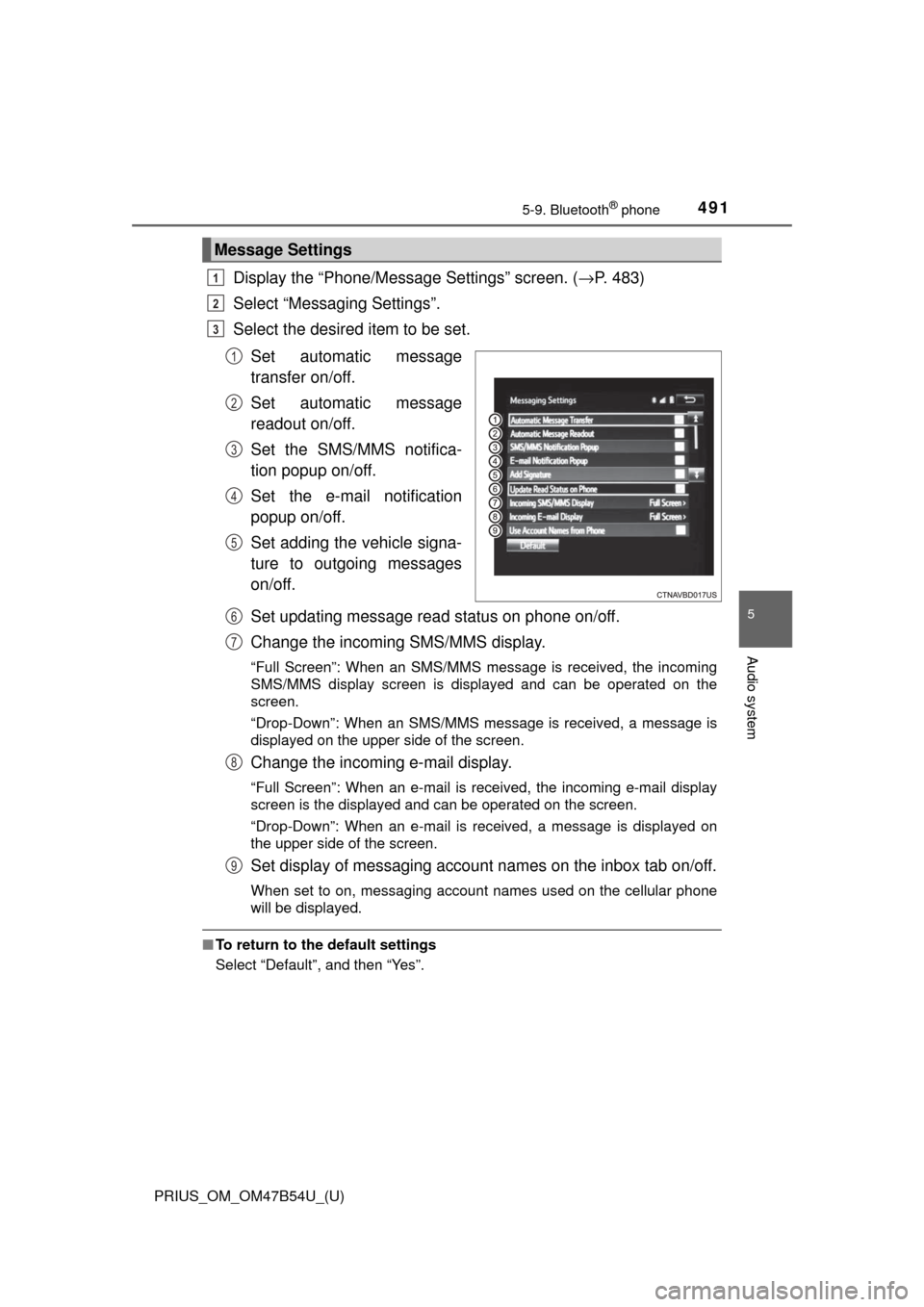
Display the “Phone/Message Settings” screen. (→P. 483)
Select “Messaging Settings”.
Select the desired item to be set.
Set automatic message
transfer on/off.
Set automatic message
readout on/off.
Set the SMS/MMS notifica-
tion popup on/off.
Set the e-mail notification
popup on/off.
Set adding the vehicle signa-
ture to outgoing messages
on/off.
Set updating message read status on phone on/off.
Change the incoming SMS/MMS display.
“Full Screen”: When an SMS/MMS message is received, the incoming
SMS/MMS display screen is displayed and can be operated on the
screen.
“Drop-Down”: When an SMS/MMS message is received, a message is
displayed on the upper side of the screen.
Change the incoming e-mail display.
“Full Screen”: When an e-mail is received, the incoming e-mail display
screen is the displayed and can be operated on the screen.
“Drop-Down”: When an e-mail is received, a message is displayed on
the upper side of the screen.
Set display of messaging account names on the inbox tab on/off.
When set to on, messaging account names used on the cellular phone
will be displayed.
■To return to the default settings
Select “Default”, and then “Yes”.
Message Settings
1
2
3
1
2
3
4
5
6
7
8
9
Page 492 of 796
4925-9. Bluetooth® phone
PRIUS_OM_OM47B54U_(U)■
Displaying the “Messaging Settings” screen in a different way
Display the phone screen. (→ P. 468)
Select .
Select “Settings”.
Select “Messaging Settings”.
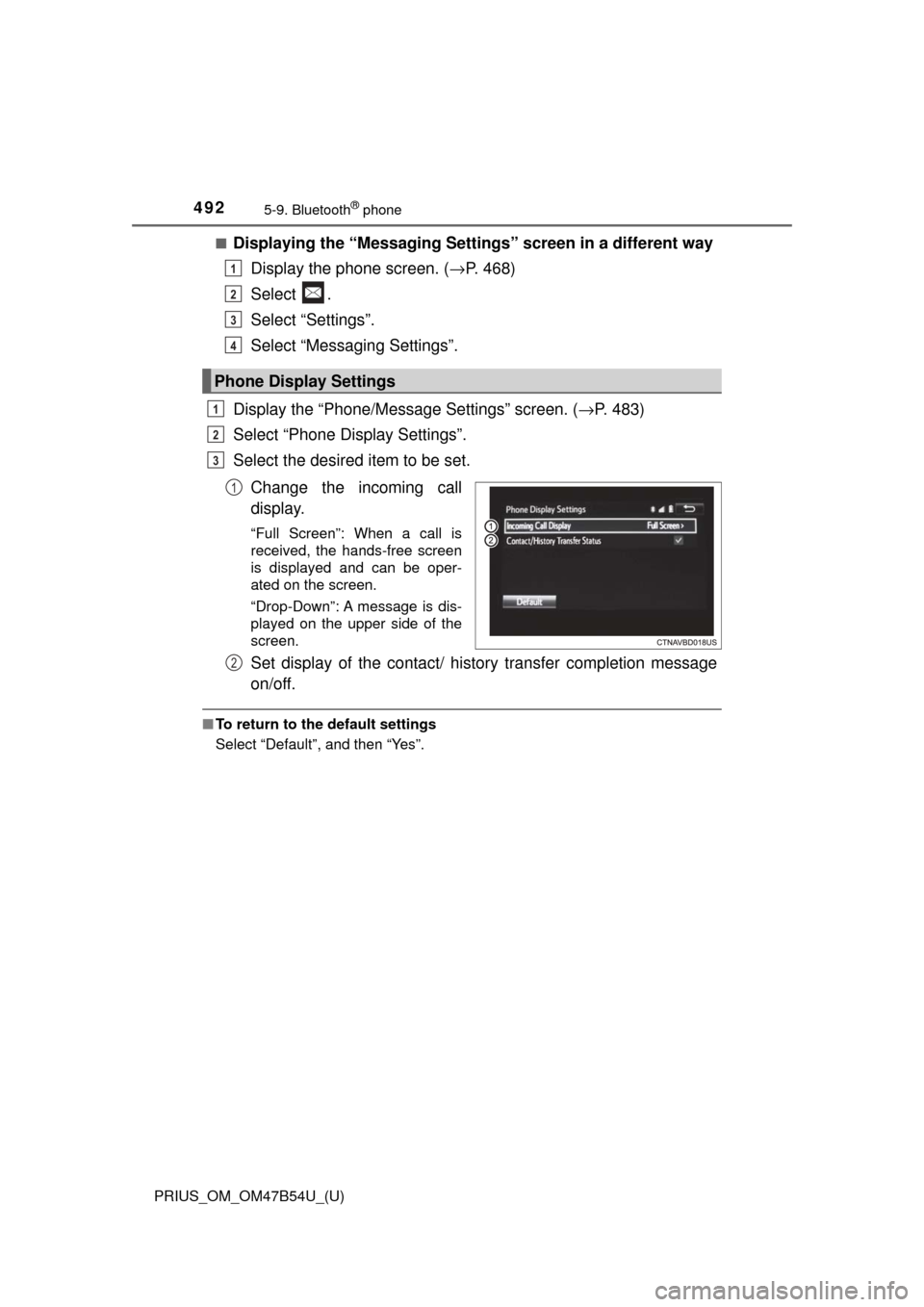
Display the “Phone/Message Settings” screen. ( →P. 483)
Select “Phone Display Settings”.
Select the desired item to be set.
Change the incoming call
display.
“Full Screen”: When a call is
received, the hands-free screen
is displayed and can be oper-
ated on the screen.
“Drop-Down”: A message is dis-
played on the upper side of the
screen.
Set display of the contact/ history transfer completion message
on/off.
■To return to the default settings
Select “Default”, and then “Yes”.
Phone Display Settings
1
2
3
4
1
2
3
1
2
Page 493 of 796
493
PRIUS_OM_OM47B54U_(U)
5-9. Bluetooth® phone
5
Audio system
What to do if... (Troubleshooting)
If there is a problem with the hands-free system or a Bluetooth®
device, first check the table below.
When using the hands-free system with a Bluetooth® device
The hands-free system or Bluetooth® device does not work.
The connected device may not be a compatible Bluetooth® cellular phone.
→ For a list of specific devices whic h operation has been confirmed
on this system, check with your To yota dealer or the following web-
site: http://www.toyota.com/entune/
The Bluetooth version of the connected cellular phone may be older than
the specified version.
→ Use a cellular phone with Bluetooth version 2.0 or higher (recom-
mended: Ver. 3.0 with EDR or higher). ( →P. 499)
Page 494 of 796
4945-9. Bluetooth® phone
PRIUS_OM_OM47B54U_(U)
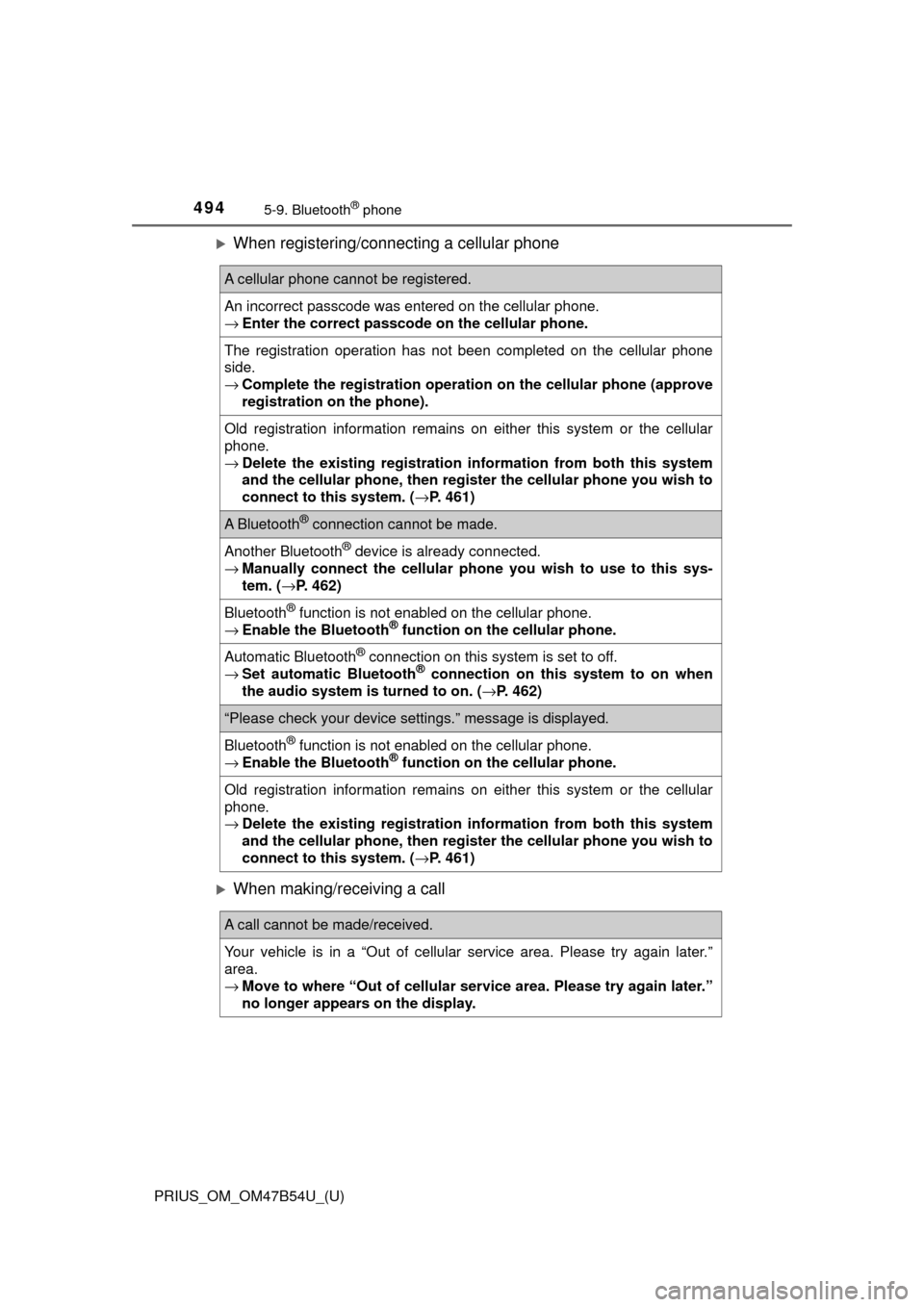
When registering/connecting a cellular phone
When making/receiving a call
A cellular phone cannot be registered.
An incorrect passcode was entered on the cellular phone.
→Enter the correct passcode on the cellular phone.
The registration operation has not been completed on the cellular phone
side.
→Complete the registration operation on the cellular phone (approve
registration on the phone).
Old registration information remains on either this system or the cellular
phone.
→Delete the existing registration information from both this system
and the cellular phone, then register the cellular phone you wish to
connect to this system. ( →P. 461)
A Bluetooth® connection cannot be made.
Another Bluetooth® device is already connected.
→ Manually connect the cellular phone you wish to use to this sys-
tem. ( →P. 462)
Bluetooth® function is not enabled on the cellular phone.
→ Enable the Bluetooth® function on the cellular phone.
Automatic Bluetooth® connection on this system is set to off.
→ Set automatic Bluetooth® connection on this system to on when
the audio system is turned to on. ( →P. 462)
“Please check your device settings.” message is displayed.
Bluetooth® function is not enabled on the cellular phone.
→ Enable the Bluetooth® function on the cellular phone.
Old registration information remains on either this system or the cellular
phone.
→Delete the existing registration information from both this system
and the cellular phone, then register the cellular phone you wish to
connect to this system. ( →P. 461)
A call cannot be made/received.
Your vehicle is in a “Out of cellular service area. Please try again later.”
area.
→ Move to where “Out of cellular ser vice area. Please try again later.”
no longer appears on the display.
Page 495 of 796
PRIUS_OM_OM47B54U_(U)
4955-9. Bluetooth® phone
5
Audio system
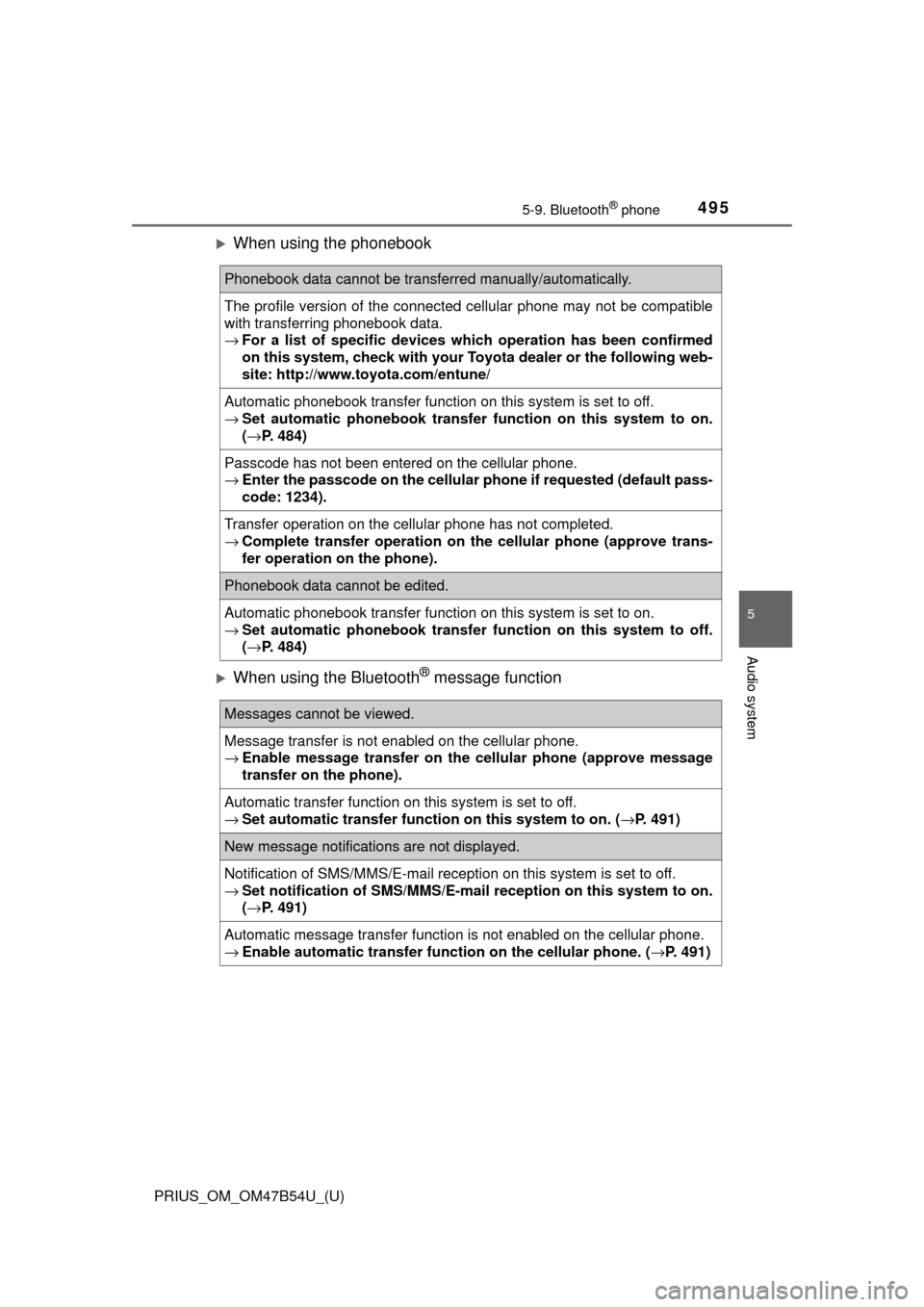
When using the phonebook
When using the Bluetooth® message function
Phonebook data cannot be transferred manually/automatically.
The profile version of the connected cellular phone may not be compatible
with transferring phonebook data.
→For a list of specific devices whic h operation has been confirmed
on this system, check with your To yota dealer or the following web-
site: http://www.toyota.com/entune/
Automatic phonebook transfer function on this system is set to off.
→ Set automatic phonebook transfer function on this system to on.
( → P. 484)
Passcode has not been entered on the cellular phone.
→ Enter the passcode on the cellular pho ne if requested (default pass-
code: 1234).
Transfer operation on the cellular phone has not completed.
→ Complete transfer operation on the cellular phone (approve trans-
fer operation on the phone).
Phonebook data cannot be edited.
Automatic phonebook transfer function on this system is set to on.
→ Set automatic phonebook transfer function on this system to off.
( → P. 484)
Messages cannot be viewed.
Message transfer is not enabled on the cellular phone.
→ Enable message transfer on the cellular phone (approve message
transfer on the phone).
Automatic transfer function on this system is set to off.
→ Set automatic transfer functi on on this system to on. (→P. 491)
New message notifications are not displayed.
Notification of SMS/MMS/E-mail reception on this system is set to off.
→Set notification of SMS/MMS/E-mail reception on this system to on.
(→ P. 491)
Automatic message transfer function is not enabled on the cellular phone.
→ Enable automatic transfer func tion on the cellular phone. (→P. 491)