ad blue TOYOTA PRIUS 2020 Owners Manual (in English)
[x] Cancel search | Manufacturer: TOYOTA, Model Year: 2020, Model line: PRIUS, Model: TOYOTA PRIUS 2020Pages: 728, PDF Size: 15.79 MB
Page 79 of 728
791-3. Emergency assistance
PRIUS_OM_OM47D44U_(U)
1
For safety and security
■Safety Connect Services Information
●Phone calls using the vehicles Bluetooth® technology will not be possible
when Safety Connect is active and in use.
● Safety Connect is available beginning Fall 2009 on select Toyot a models (in
the contiguous United States only). Contact with the Safety Con nect
response center is dependent upon the telematics device being i n operative
condition, cellular connection availability, and GPS satellite signal reception,
which can limit the ability to reach the response center or rec eive emer-
gency service support. Enrollment and Telematics Subscription S ervice
Agreement required. A variety of subscription terms is availabl e; charges
vary by subscription term selected and location.
● Automatic Collision Notification, Emergency Assistance and Stolen Vehicle
Location are available in the United States, including Hawaii a nd Alaska,
Puerto Rico and Canada, and Enhanced Roadside Assistance are av ailable
in the United States, Puerto Rico and Canada.
● Automatic Collision Notification, Emergency Assistance, Stolen Vehicle and
Enhanced Road Assistance are not available in the U.S. Virgin I slands.
For vehicles first sold in the U.S. Virgin Islands, no Safety C onnect services
will function in or outside the U.S. Virgin Islands.
● Safety Connect services are not subject to section 255 of the T elecommuni-
cations Act and the device is not TTY compatible.
■ Languages
The Safety Connect response center will offer support in multip le languages.
The Safety Connect system will offer voice prompts in English, Spanish, and
French. Please indicate your language of choice when enrolling.
■ When contacting the response center
You may be unable to contact the response center if the network is busy.
When the power switch is turned to ON mode, the red indicator l ight
comes on for 2 seconds then turns off. Afterward, the green ind icator
light comes on, indicating t hat the service is active.
The following indicator light patterns indicate specific system usage
conditions:
● Green indicator light on = Active service
● Green indicator light flashing = Safety Connect call in process
● Red indicator light (except at vehicle start-up) = System malfunction
(contact your Toyota dealer)
● No indicator light (off) = Saf ety Connect service not active
Safety Connect LED light Indicators
Page 121 of 728
PRIUS_OM_OM47D44U_(U)
1212. Instrument cluster
2
Instrument cluster
■Outside temperature display
●In the following situations, the correct outside temperature ma y not be dis-
played, or the display may take longer than normal to change.
• When stopped, or driving at low speeds (less than 12 mph [20 k m/h])
• When the outside temperature has changed suddenly (at the entr ance/
exit of a garage, tunnel, etc.)
● When “-” or “E” is displayed, the system may be malfunctioning.
Take your vehicle to your Toyota dealer.
■ Distance to empty
●This distance is computed based on your average fuel consumptio n. As a
result, the actual distance that can be driven may differ from that displayed.
● When only a small amount of fuel is added to the tank, the disp lay may not
be updated.
When refueling, turn the power switch off. If the vehicle is re fueled without
turning the power switch off, the display may not be updated.
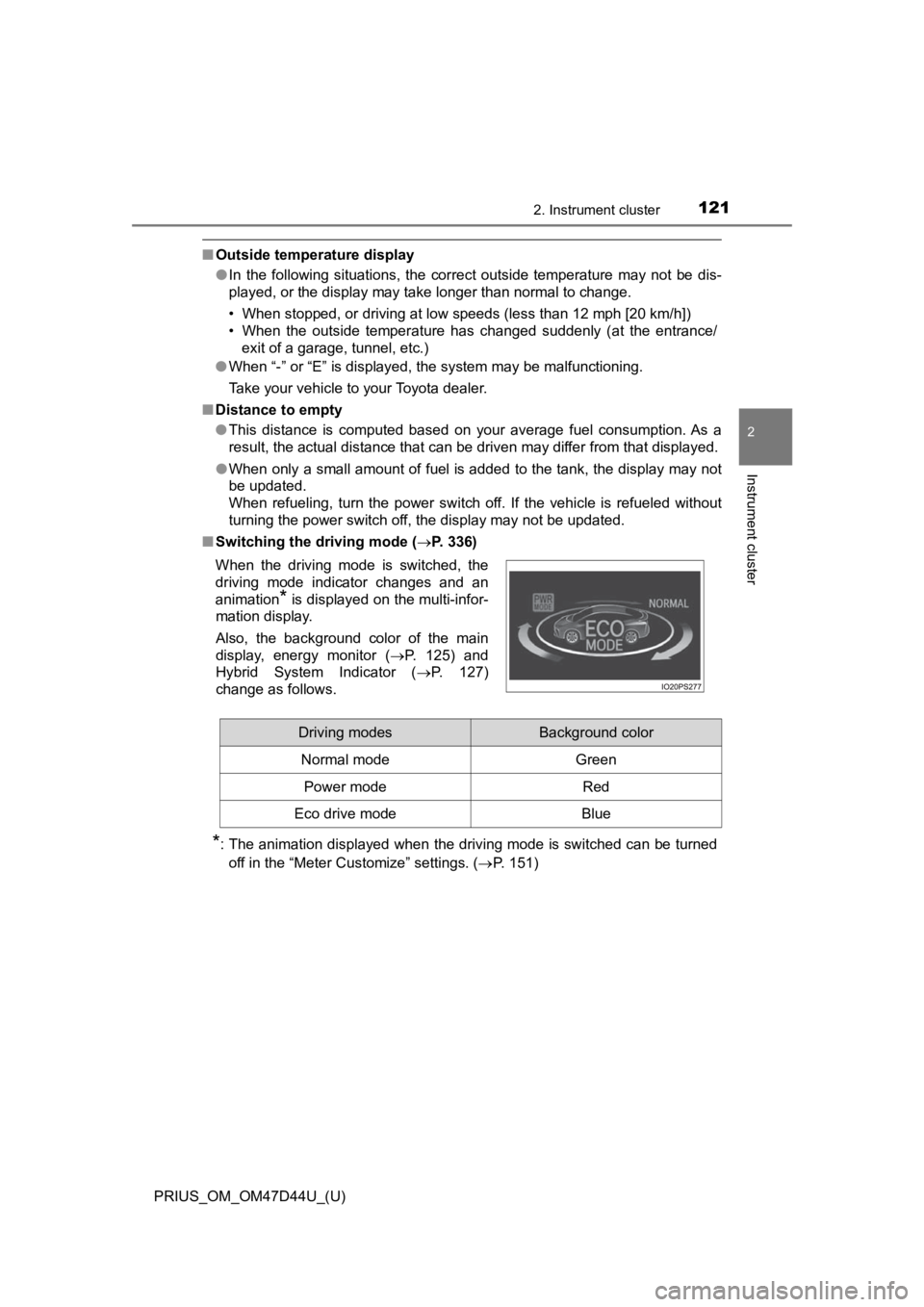
■ Switching the driving mode ( P. 336)
*: The animation displayed when the driving mode is switched can be turned
off in the “Meter Customize” settings. ( P. 151)
When the driving mode is switched, the
driving mode indicator changes and an
animation
* is displayed on the multi-infor-
mation display.
Also, the background color of the main
display, energy monitor ( P. 125) and
Hybrid System Indicator ( P. 127)
change as follows.
Driving modesBackground color
Normal mode Green
Power modeRed
Eco drive modeBlue
Page 128 of 728
128
PRIUS_OM_OM47D44U_(U)
2. Instrument cluster
EV indicator*2, 3
The EV indicator comes on when the vehicle is driven using only the
electric motor (traction motor) or the gasoline engine is stopped.
Hybrid battery (traction battery) status
P. 126
Eco score
P. 129
● By keeping the indicator within Eco area, more Eco-friendly dri v-
ing can be achieved.
● Charge area indicates regeneration
*4 status. Regenerated
energy will be used to charge the hybrid battery (traction battery).
*1: Not displayed on the sub-screen.
*2: Not displayed on the sub-screen or head-up display.
*3: The EV indicator function can be turned off in the “Meter Cust omize”
settings. ( P. 151)
*4: When used in this manual, “regeneration” refers to the conversion of
energy created by the movement of the vehicle into electrical e nergy.
■
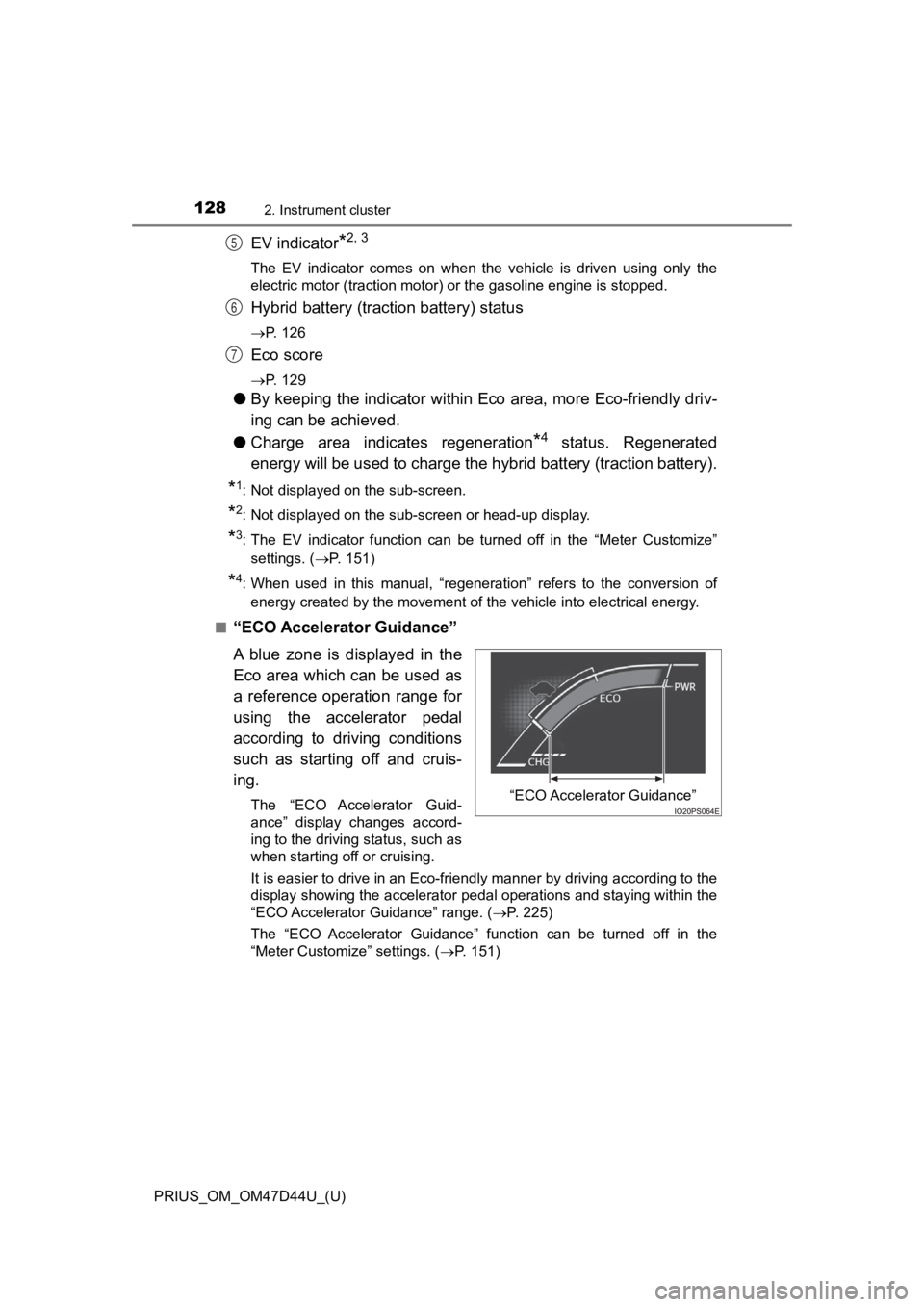
“ECO Accelerator Guidance”
A blue zone is displayed in the
Eco area which can be used as
a reference operation range for
using the accelerator pedal
according to driving conditions
such as starting off and cruis-
ing.
The “ECO Accelerator Guid-
ance” display changes accord-
ing to the driving status, such as
when starting off or cruising.
It is easier to drive in an Eco-friendly manner by driving according to the
display showing the accelerator pedal operations and staying wi thin the
“ECO Accelerator Guidance” range. ( P. 225)
The “ECO Accelerator Guidance” function can be turned off in the
“Meter Customize” settings. ( P. 151)
5
6
7
“ECO Accelerator Guidance”
Page 170 of 728
170
PRIUS_OM_OM47D44U_(U)
2. Instrument cluster
■Display the power consumption of the air conditioner
Display “Energy Monitor” screen.
Select on the upper right screen.
When you select the “ ”, and close the screen.
■Function summary
The energy monitor can be used to check the vehicle drive status,
hybrid system operation status and energy regeneration status.
■Flow of energy and display details
When energy is flowing, an arrow appears and a bright point of light
moves to show the direction of the flow of energy. When energy is
not flowing, the bright poin t of light are not displayed.
● The display when the engine is operating is in blue while the
engine is being warmed up and yellow afterwards.
● The arrow from the engine to the motor and tires is displayed i n
red.
● The arrow indicating energy consumption is displayed in yellow
and the arrow indicating energy regeneration or charging is dis -
played in green. Also, the hybrid battery (traction battery)
changes color accordingly.
● There are icons , , on the lower side of the
screen. The screen switches to each point of view when you
select it.
● When you select , this screen is displayed in the lower half of
the screen, it will be displayed together with the navigation
screen.
● These images are examples only, and may vary slightly from
actual conditions.
How to read the energy monitor
1
2
Page 711 of 728
711Alphabetical index
PRIUS_OM_OM47D44U_(U)
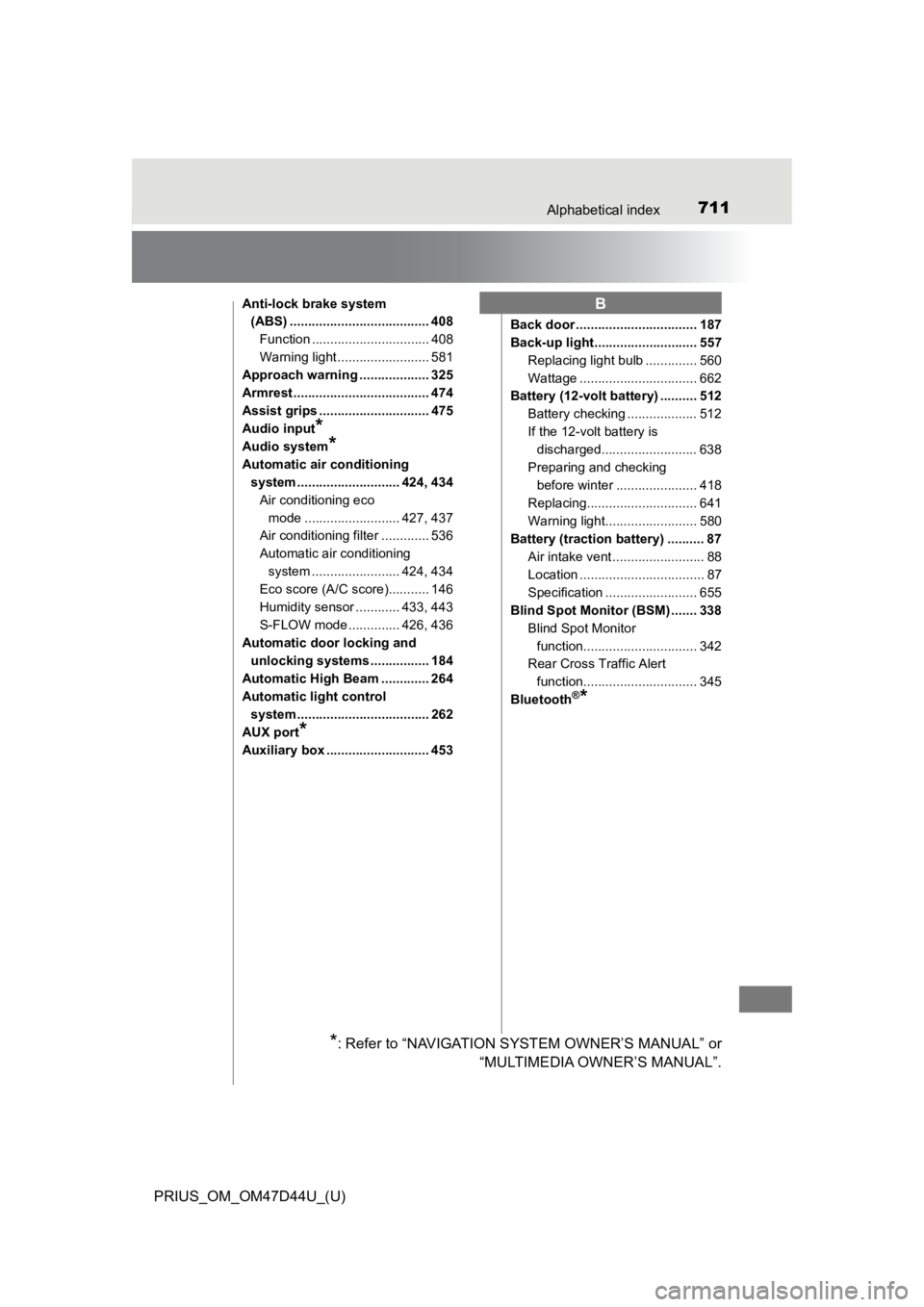
Anti-lock brake system (ABS) ...................................... 408
Function ................................ 408
Warning light ......................... 581
Approach warning ................... 325
Armrest ..................................... 474
Assist grips .............................. 475
Audio input
*
Audio system*
Automatic air conditioning system ............................ 424, 434
Air conditioning eco mode .......................... 427, 437
Air conditioning filter ............. 536
Automatic air conditioning
system ....... ................. 424, 434
Eco score (A/C score)........... 146
Humidity sensor ............ 433, 443
S-FLOW mode .............. 426, 436
Automatic door locking and
unlocking systems ................ 184
Automatic High Beam ............. 264
Automatic light control system .................................... 262
AUX port
*
Auxiliary box ............................ 453 Back door ................................. 187
Back-up light............................ 557
Replacing light bulb .............. 560
Wattage ................................ 662
Battery (12-volt battery) .......... 512
Battery checking ................... 512
If the 12-volt battery is discharged.......................... 638
Preparing and checking before winter ...................... 418
Replacing.............................. 641
Warning light......................... 580
Battery (traction battery) .......... 87 Air intake vent ......................... 88
Location .................................. 87
Specification ......................... 655
Blind Spot Monitor (BSM) ....... 338
Blind Spot Monitor function............................... 342
Rear Cross Traffic Alert
function............................... 345
Bluetooth
®*
B
*: Refer to “NAVIGATION SYSTEM OWNER’S MANUAL” or “MULTIMEDIA OWNER’S MANUAL”.