radio antenna TOYOTA PRIUS C 2018 Owners Manual (in English)
[x] Cancel search | Manufacturer: TOYOTA, Model Year: 2018, Model line: PRIUS C, Model: TOYOTA PRIUS C 2018Pages: 600, PDF Size: 10.14 MB
Page 142 of 600

1423-2. Opening, closing and locking the doors
PRIUS c_U (OM52G95U)■
Notes for the entry function
●Even when the electronic key is within the effective range (detection areas),
the system may not operate properly in the following cases:
• The electronic key is too close to the window or outside door handle, near
the ground, or in a high place when the doors are locked or unlocked.
• The electronic key is on the instrument panel, luggage cover or floor, in
the door pockets or glove box when the hybrid system is started or power
switch modes are changed.
● Do not exit the vehicle with the electronic key placed on the instrument
panel or near the door pockets. Depending on the radio wave reception con-
ditions, it may be detected by the antenna outside the cabin and the door
will become lockable from the outside, possibly trapping the electronic key
inside the vehicle.
● As long as the electronic key is within the effective range, the doors may be
locked or unlocked by anyone. However, only the doors detecting the elec-
tronic key can be used to unlock the vehicle.
● Whether or not the electronic key is inside the vehicle, the hybrid system
could be started if the electronic key is near the window.
● The doors may unlock if a large amount of water splashes on the door han-
dle, such as in the rain or in a car wash when the electronic key is within the
effective range. (The door will automatically be locked after approximately
60 seconds if the doors are not opened and closed.)
● The lock and unlock sensors may not work properly if they come into con-
tact with ice, snow, mud, etc. Clean the sensors and attempt to operate
them again.
● If the wireless remote control is used to lock the doors when the electronic
key is near the vehicle, there is a possibility that the door may not be
unlocked by the entry function. (Using the wireless remote control to unlock
the doors may resume the function.)
● If the door handle becomes wet while the electronic key is within the effec-
tive range, the door may lock and unlock repeatedly. In that case, follow the
following correction procedures to wash the vehicle:
• Place the electronic key in a location 6 ft. (2 m) or more away from the
vehicle. (Take care to ensure that the key is not stolen.)
• Set the electronic key to battery-saving mode to disable the smart key system. ( →P. 140)
Page 147 of 600

1473-2. Opening, closing and locking the doors
3
Operation of each component
PRIUS c_U (OM52G95U)
WARNING
■Caution regarding interfer ence with electronic devices
● People with implantable cardiac pacemakers, cardiac resynchronization
therapy-pacemakers or implantable card ioverter defibrillators should keep
away from the smart key system antennas. ( →P. 139)
The radio waves may affect the operation of such devices. If necessary,
the entry function can be disabled. Ask your Toyota dealer for details, such
as the frequency of radio waves and timing of the emitted radio waves.
Then, consult your doctor to see if you should disable the entry function.
● User of any electrical medical device other than implantable cardiac pace-
makers, cardiac resynchronization therapy-pacemakers or implantable
cardioverter defibrillators should consult the manufacturer of the devic\
e for
information about its operation under the influence of radio waves.
Radio waves could have unexpected effects on the operation of such
medical devices.
Ask your Toyota dealer for details for disabling the entry function.
Page 301 of 600
3015-5. Using the radio (Multimedia system)
5
Audio system
PRIUS c_U (OM52G95U)
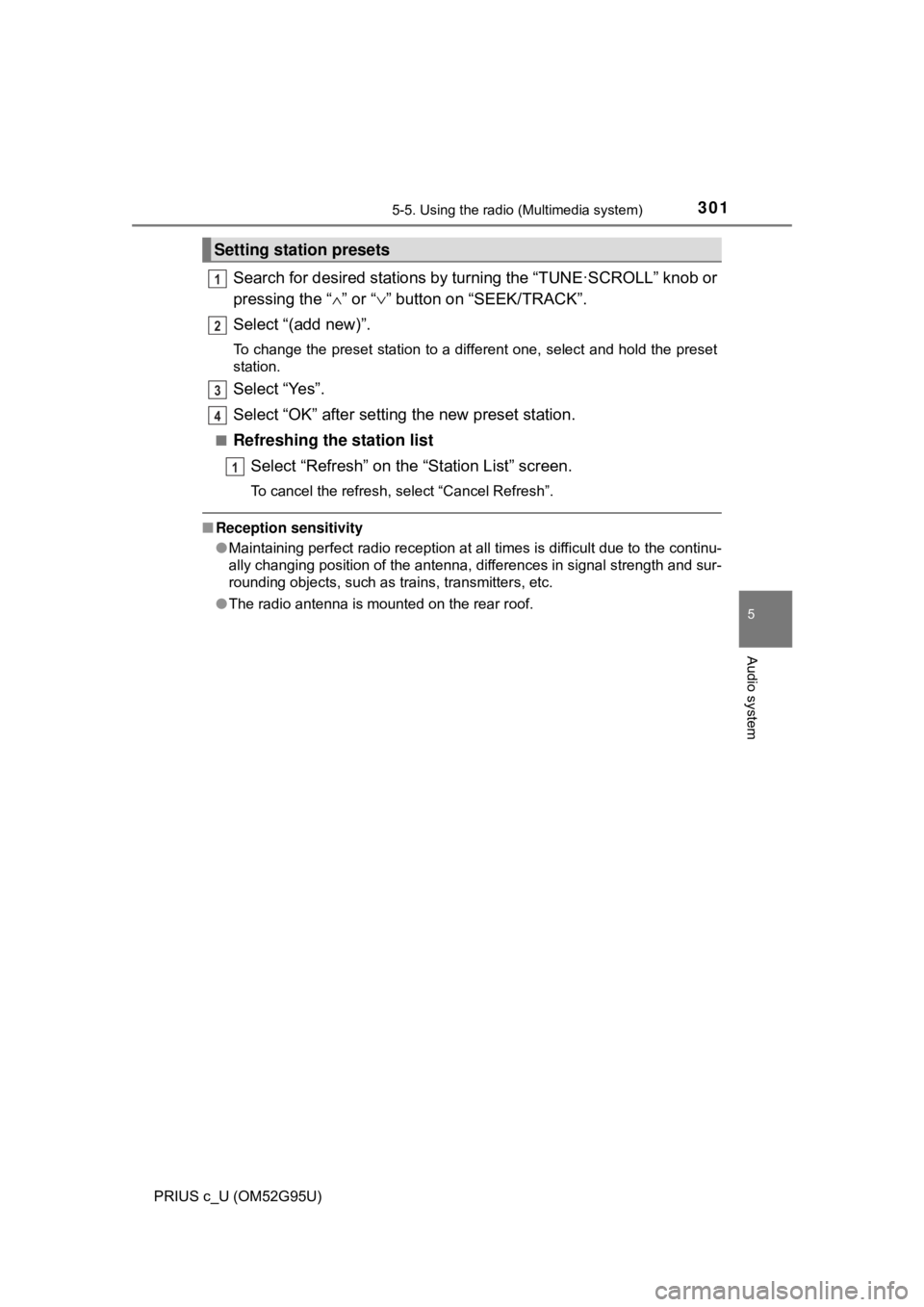
Search for desired stations by turning the “TUNE·SCROLL” knob or
pressing the “∧” or “ ∨” button on “SEEK/TRACK”.
Select “(add new)”.
To change the preset station to a different one, select and hold the preset
station.
Select “Yes”.
Select “OK” after setting the new preset station.
■Refreshing the station list Select “Refresh” on the “Station List” screen.
To cancel the refresh, select “Cancel Refresh”.
■Reception sensitivity
●Maintaining perfect radio reception at all times is difficult due to the continu-
ally changing position of the antenna, differences in signal strength and sur-
rounding objects, such as trains, transmitters, etc.
● The radio antenna is mounted on the rear roof.
Setting station presets
1
2
3
4
1
Page 371 of 600
3715-11. Bluetooth® (Multimedia system)
5
Audio system
PRIUS c_U (OM52G95U)
WARNING
■While driving
Do not use the portable audio player, cellular phone or connect a device to
the Bluetooth
® system.
■ Caution regarding interfer ence with electronic devices
● Your audio unit is fitted with Bluetooth
® antennas. People with implantable
cardiac pacemakers, cardiac resynchronization therapy-pacemakers or
implantable cardioverter defibrillators should maintain a reasonable dis-
tance between themselves and the Bluetooth
® antennas. The radio waves
may affect the operation of such devices.
● Before using Bluetooth
® devices, users of any electrical medical device
other than implantable cardiac pacemakers, cardiac resynchronization
therapy-pacemakers or implantable cardioverter defibrillators should con\
-
sult the manufacturer of the device for information about its operation
under the influence of radio waves. Radio waves could have unexpected
effects on the operation of such medical devices.
NOTICE
■ When leaving the vehicle
Do not leave your portable audio player or cellular phone in the vehicle. The
inside of the vehicle may become hot, causing damage to the portable
audio player or cellular phone.
Page 589 of 600
589
PRIUS c_U (OM52G95U)
Alphabetical index
Alphabetical index
A/C ............................................ 378
ABS ........................................... 266
Air conditioning filter .............. 451
Air conditioning systemAir conditioning filter ............. 451
Automatic air conditioning
system ......... ....................... 378
Airbags
Airbag operating conditions ............................. 47
Airbag precautions for
your child .............................. 42
Airbag warning light .............. 482
Curtain shield airbag operating conditions ............. 47
Curtain shield airbag precautions ........................... 45
Front passenger occupant classification syst em............. 52
General airbag
precautions ........................... 42
Indicators ................................ 52
Knee airbag precautions ......... 42
Locations of airbags................ 39
Modification and disposal of airbags ............... 46
Proper driving
posture ........................... 28, 42
Seat cushion airbag precautions ........................... 42
Side airbag operating conditions ............................. 47
Side airbag precautions .......... 42
SRS airbags............................ 39 Antenna .................................... 301
Anti-lock brake system ........... 266
Assist grips .............................. 398
Audio input .............................. 286
Audio system
*
Antenna ................................ 368
Audio input............................ 286
AUX port ............................... 286
CD player.............................. 302
Cord hook ............................. 286
iPod ...................................... 308
MP3/WMA disc ..................... 302
Optimal use .......................... 299
Portable music
player ................................. 286
Radio .................................... 300
Steering wheel audio switch ................................. 285
Type...................................... 282
USB memory ........................ 313
USB port ............................... 286
Automatic air conditioning system
Air conditioning filter ............. 451
Automatic air conditioning system .......... ...................... 378
Automatic High Beam ............. 247
AUX port ................................... 286
Auxiliary boxes ........................ 392
A
*: For vehicles with a navigation system, refer to the “NAVIGATION SYSTEM OWNER'S MANUAL”.