battery replacement TOYOTA PRIUS PRIME 2020 Owners Manual (in English)
[x] Cancel search | Manufacturer: TOYOTA, Model Year: 2020, Model line: PRIUS PRIME, Model: TOYOTA PRIUS PRIME 2020Pages: 792, PDF Size: 16.56 MB
Page 5 of 792
5
1
9 8
7
6 4 3
2
PRIUS PRIME_OM_OM47C77U_(U)
10
5
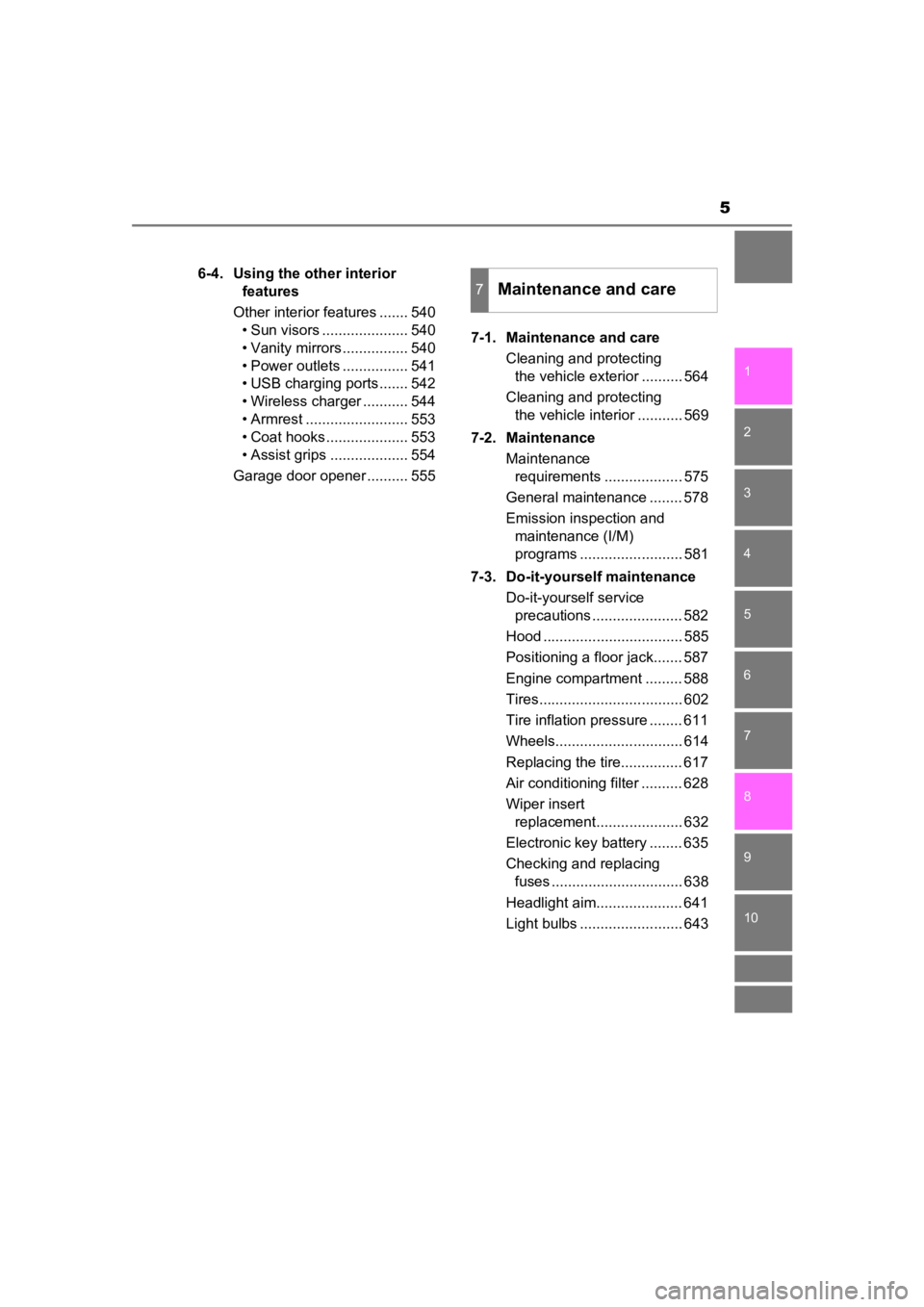
6-4. Using the other interior features
Other interior features ....... 540 • Sun visors ..................... 540
• Vanity mirrors................ 540
• Power outlets ................ 541
• USB charging ports....... 542
• Wireless charger ........... 544
• Armrest ......................... 553
• Coat hooks.................... 553
• Assist grips ................... 554
Garage door opener .......... 555 7-1. Maintenance and care
Cleaning and protecting the vehicle exterior .......... 564
Cleaning and protecting the vehicle interior ........... 569
7-2. Maintenance Maintenance requirements ................... 575
General maintenance ........ 578
Emission inspection and maintenance (I/M)
programs ......................... 581
7-3. Do-it-yourself maintenance Do-it-yourself service precautions ...................... 582
Hood .................................. 585
Positioning a floor jack....... 587
Engine compartment ......... 588
Tires................................... 602
Tire inflation pressure ........ 611
Wheels............................... 614
Replacing the tire............... 617
Air conditioning filter .......... 628
Wiper insert replacement..................... 632
Electronic key battery ........ 635
Checking and replacing fuses ................................ 638
Headlight aim..................... 641
Light bulbs ......................... 643
7Maintenance and care
Page 104 of 792
104
PRIUS PRIME_OM_OM47C77U_(U)
2-1. Plug-in hybrid system
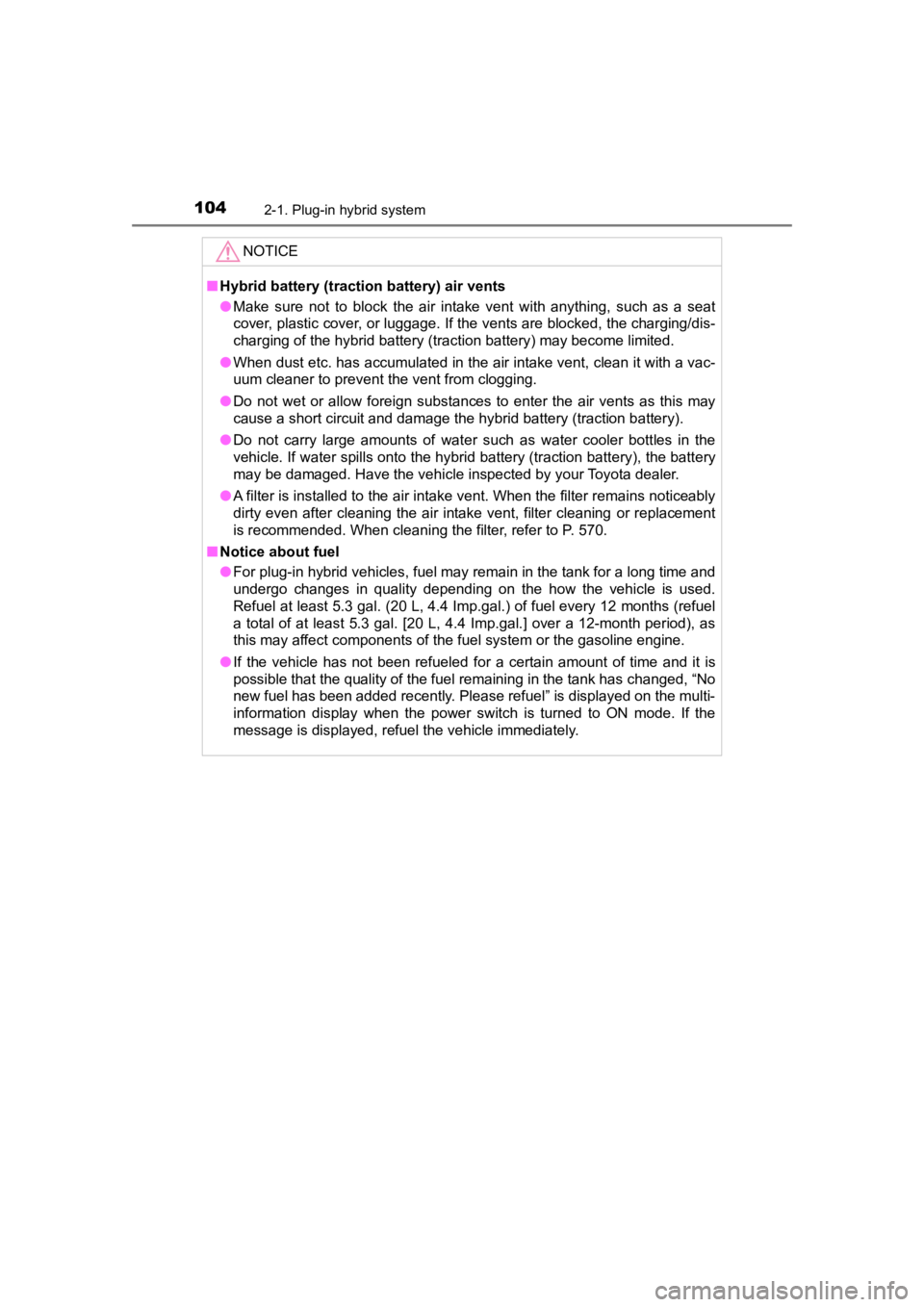
NOTICE
■Hybrid battery (traction battery) air vents
● Make sure not to block the air intake vent with anything, such as a seat
cover, plastic cover, or luggage. If the vents are blocked, the charging/dis-
charging of the hybrid battery (traction battery) may become limited.
● When dust etc. has accumulated in the air intake vent, clean it with a vac-
uum cleaner to prevent the vent from clogging.
● Do not wet or allow foreign substances to enter the air vents a s this may
cause a short circuit and damage the hybrid battery (traction battery).
● Do not carry large amounts of water such as water cooler bottle s in the
vehicle. If water spills onto the hybrid battery (traction batt ery), the battery
may be damaged. Have the vehicle inspected by your Toyota deale r.
● A filter is installed to the air intake vent. When the filter remains noticeably
dirty even after cleaning the air intake vent, filter cleaning or replacement
is recommended. When cleaning the filter, refer to P. 570.
■ Notice about fuel
● For plug-in hybrid vehicles, fuel may remain in the tank for a long time and
undergo changes in quality depending on the how the vehicle is used.
Refuel at least 5.3 gal. (20 L, 4.4 Imp.gal.) of fuel every 12 months (refuel
a total of at least 5.3 gal. [20 L, 4.4 Imp.gal.] over a 12-mon th period), as
this may affect components of the fuel system or the gasoline engine.
● If the vehicle has not been refueled for a certain amount of time and it is
possible that the quality of the fuel remaining in the tank has changed, “No
new fuel has been added recently. Please refuel” is displayed on the multi-
information display when the power switch is turned to ON mode. If the
message is displayed, refuel the vehicle immediately.
Page 199 of 792
PRIUS PRIME_OM_OM47C77U_(U)
1993. Instrument cluster
3
Instrument cluster
■The meters and display illuminate when
The power switch is in ON mode.
■ Adjusting the instrume nt cluster brightness (P. 194)
● The brightness levels that can be selected differ depending on whether the
tail lights are on and surrounding brightness levels, as shown in the table
below.
*: 22 levels of the brightness are displayed on the setting scree n. However,
the brightness setting will be the brightest when other than 1st level (the
darkest) is selected. If other than 1st or 22nd level is select ed, when the
tail lights are turned on in a dark place, the instrument clust er brightness
setting will be the selected level.
● If the taillights are illuminated in a dark environment, the in strument cluster
light dims. However, when the brightness of the instrument clus ter is set to
minimum or maximum (1st or 22nd level of the instrument cluster bright-
ness), even if the taillights are illuminated, the instrument c luster light will
not dim.
■ When disconnecting and reconnecting 12-volt battery terminals
The settings of the clock will be reset.
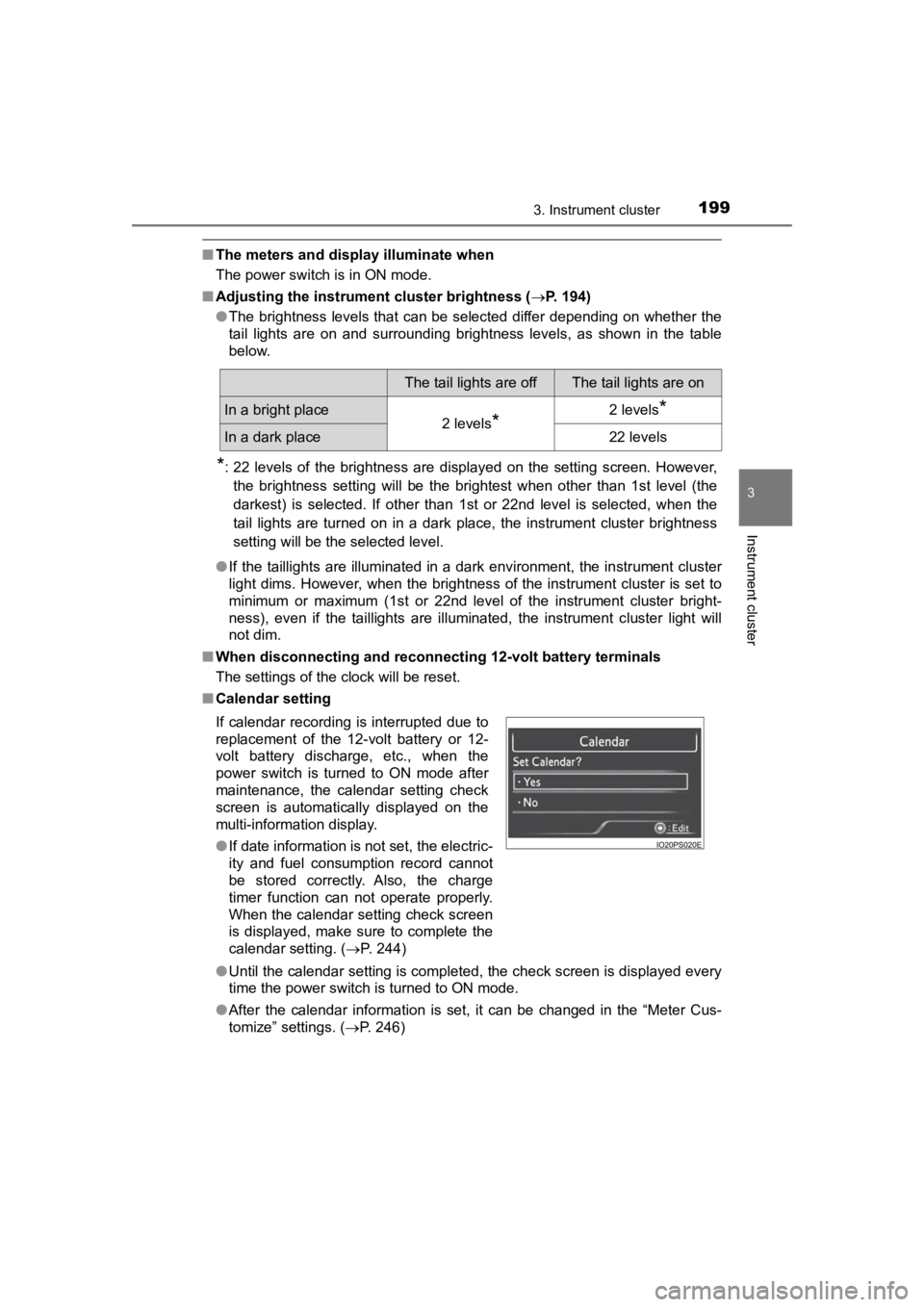
■ Calendar setting
●Until the calendar setting is completed, the check screen is di splayed every
time the power switch is turned to ON mode.
● After the calendar information is set, it can be changed in the “Meter Cus-
tomize” settings. ( P. 246)
The tail lights are offThe tail lights are on
In a bright place2 levels*2 levels*
In a dark place22 levels
If calendar recording is interrupted due to
replacement of the 12-volt battery or 12-
volt battery discharge, etc., when the
power switch is turned to ON mode after
maintenance, the calendar setting check
screen is automatically displayed on the
multi-information display.
● If date information is not set, the electric-
ity and fuel consumption record cannot
be stored correctly. Also, the charge
timer function can not operate properly.
When the calendar setting check screen
is displayed, make sure to complete the
calendar setting. ( P. 244)
Page 276 of 792

276
PRIUS PRIME_OM_OM47C77U_(U)
4-1. Key information
■Electronic key battery depletion
●The standard battery life is 1 to 2 years.
● If the battery becomes low, an alarm will sound in the cabin an d a message
will be displayed on the multi-information display when the hyb rid system
stops.
● As the electronic key always receives radio waves, the battery will become
depleted even if the electronic key is not used. The following symptoms indi-
cate that the electronic key battery may be depleted. Replace the battery
when necessary. ( P. 635)
• The smart key system or the wireless remote control does not o perate.
• The detection area becomes smaller.
• The LED indicator on the key surface does not turn on.
You can replace the battery by yourself ( P. 635). However, as there is a
danger that the electronic key may be damaged, it is recommende d that
replacement is carried out by your Toyota dealer.
● To avoid serious deterioration, do not leave the electronic key within 3 ft.
(1 m) of the following electrical appliances that produce a magnetic field:
•TVs
• Personal computers
• Cellular phones, cordless phones and battery chargers
• Table lamps
• Induction cookers
Page 563 of 792
563
PRIUS PRIME_OM_OM47C77U_(U)
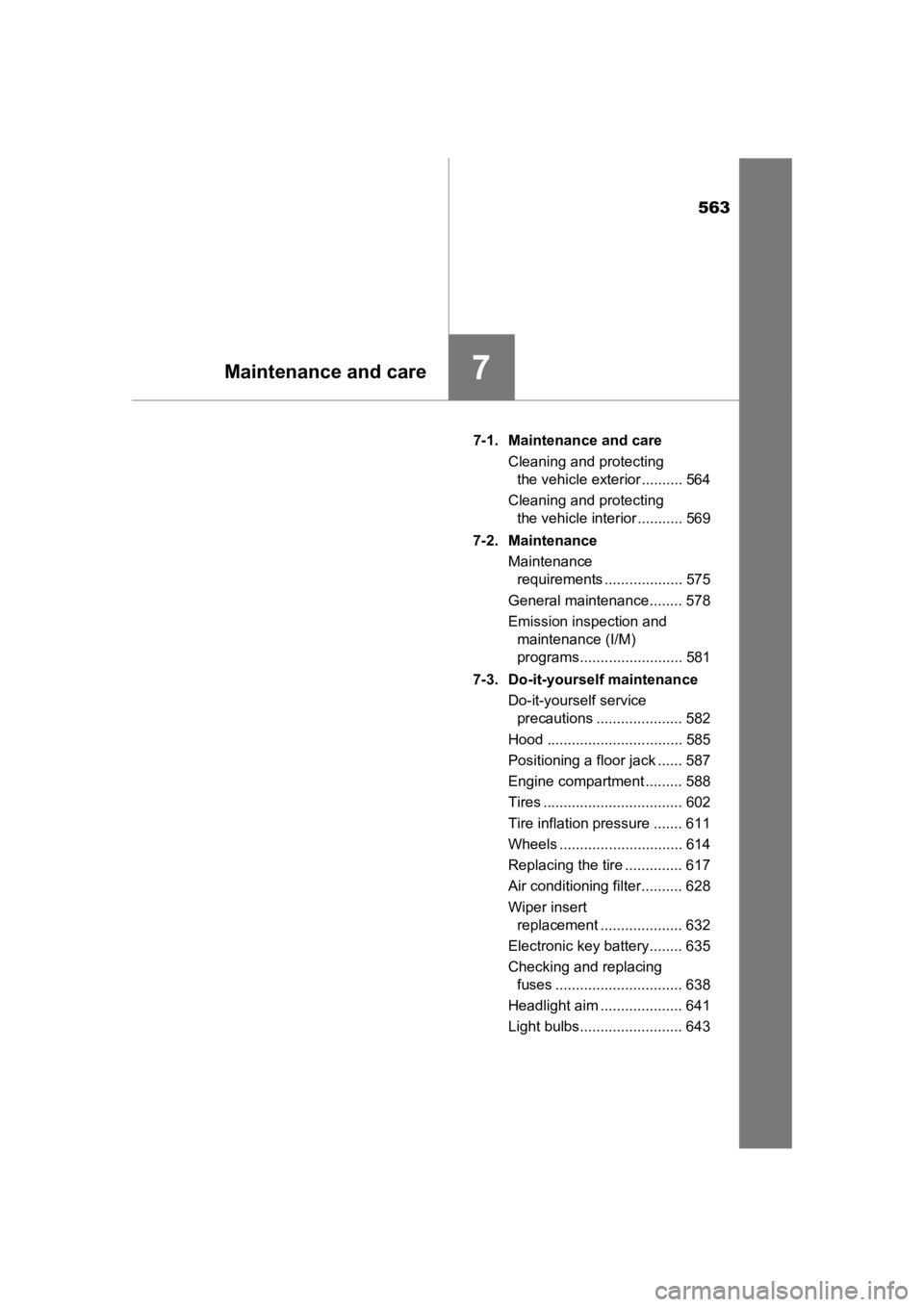
7Maintenance and care
7-1. Maintenance and careCleaning and protecting the vehicle exterior .......... 564
Cleaning and protecting the vehicle interior ........... 569
7-2. Maintenance Maintenance requirements ................... 575
General maintenance........ 578
Emission inspection and maintenance (I/M)
programs......................... 581
7-3. Do-it-yourself maintenance Do-it-yourself service precautions ..................... 582
Hood ................................. 585
Positioning a floor jack ...... 587
Engine compartment ......... 588
Tires .................................. 602
Tire inflation pressure ....... 611
Wheels .............................. 614
Replacing the tire .............. 617
Air conditioning filter.......... 628
Wiper insert replacement .................... 632
Electronic key battery........ 635
Checking and replacing fuses ............................... 638
Headlight aim .................... 641
Light bulbs......................... 643
Page 630 of 792

630
PRIUS PRIME_OM_OM47C77U_(U)
7-3. Do-it-yourself maintenance
■Checking interval
Inspect and replace the air conditioning filter according to the maintenance
schedule. In dusty areas or areas with heavy traffic flow, earl y replacement
may be required. (For scheduled maintenance information, please refer to the
“Scheduled Maintenance Guide” or “Owner’s Manual Supplement”.)
■ If air flow from the vents decreases dramatically
The filter may be clogged. Check the filter and replace if nece ssary.
WARNING
■When replacing the air conditioning filter
Observe the following precautions. Failure to do so may result in the air
conditioning system operating during the procedure, possibly re sulting in
injury.
● Check that the charging connector is not connected
The air conditioning may operate due to the “Climate Prep” (P. 157) or
“Traction Battery Cooler” (P. 136) setting.
● Do not use the Remote Air Conditioning System
Page 724 of 792
724
PRIUS PRIME_OM_OM47C77U_(U)
9-1. Specifications
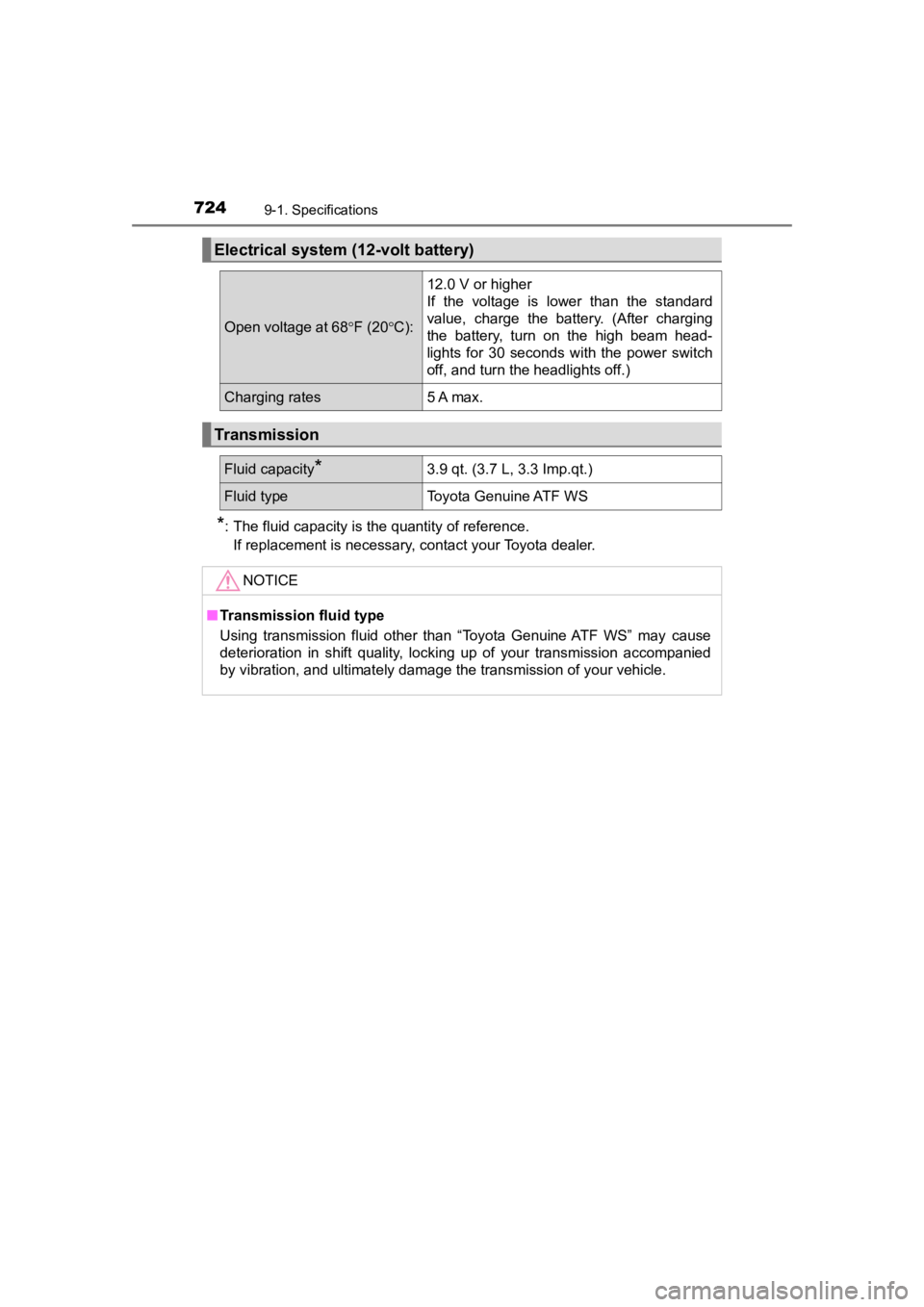
*: The fluid capacity is the quantity of reference.If replacement is necessary, contact your Toyota dealer.
Electrical system (12-volt battery)
Open voltage at 68 F (20 C):
12.0 V or higher
If the voltage is lower than the standard
value, charge the battery. (After charging
the battery, turn on the high beam head-
lights for 30 seconds with the power switch
off, and turn the headlights off.)
Charging rates5 A max.
Transmission
Fluid capacity*3.9 qt. (3.7 L, 3.3 Imp.qt.)
Fluid typeToyota Genuine ATF WS
NOTICE
■ Transmission fluid type
Using transmission fluid other than “Toyota Genuine ATF WS” may cause
deterioration in shift quality, locking up of your transmission accompanied
by vibration, and ultimately damage the transmission of your ve hicle.
Page 790 of 792

790Alphabetical index
PRIUS PRIME_OM_OM47C77U_(U)
Warning messages .................. 672
Warning reflector storage space ...................................... 537
Washer...................................... 362 Checking ............................... 600
Preparing and checking
before winter....................... 495
Switch ................................... 362
Washing and waxing ............... 564
Water-repellent coating........... 565
Weights..................................... 718 Cargo capacity ...................... 333
Load limits............................. 718
Wheels ...................................... 614
Replacing wheels.................. 617
Size ....................................... 725
Window glasses....................... 312
Window lock switch ................ 312 Windows................................... 312
Power windows..................... 312
Rear window
defogger ..................... 504, 515
Washer ................................. 362
Windshield wipers ................... 362 Handling the wiper arms ....... 568
Rain-sensing windshield wipers ................................. 364
Replacing the wiper insert .... 632
Winter driving tips ................... 495
Wiper insert replacement ....... 632
Wireless charger ..................... 544
Wireless remote control ......... 274
Battery-Saving Function ....... 292
Locking/Unlocking ................ 280
Panic mode........................... 275
Remote Air Conditioning System ............................... 522
Replacing the battery............ 635
WMA disc
*