navigation TOYOTA PRIUS PRIME 2021 Owners Manual (in English)
[x] Cancel search | Manufacturer: TOYOTA, Model Year: 2021, Model line: PRIUS PRIME, Model: TOYOTA PRIUS PRIME 2021Pages: 808, PDF Size: 74.05 MB
Page 7 of 808
7
1
9 8
7
6 4 3
2
PRIUS PRIME_OM_OM47D71U_(U)
10
5
What to do if...
(Troubleshooting) .................... 784
Alphabetical index...................... 788
Index
For vehicles with the navigation system, refer to the “NAVIGATION
SYSTEM OWNER’S MANUAL” for information regarding the equip-
ment listed below.
• Navigation system
• Audio system
• Rear view monitor system• Hands-free system
(for cellular phone)
For vehicles with the multimedia system, refer to the “MULTIMEDIA
OWNER’S MANUAL” for information regarding the equipment listed
below.
• Audio/visual system
• Rear view monitor system• Hands-free system
(for cellular phone)
Page 19 of 808
19Pictorial index
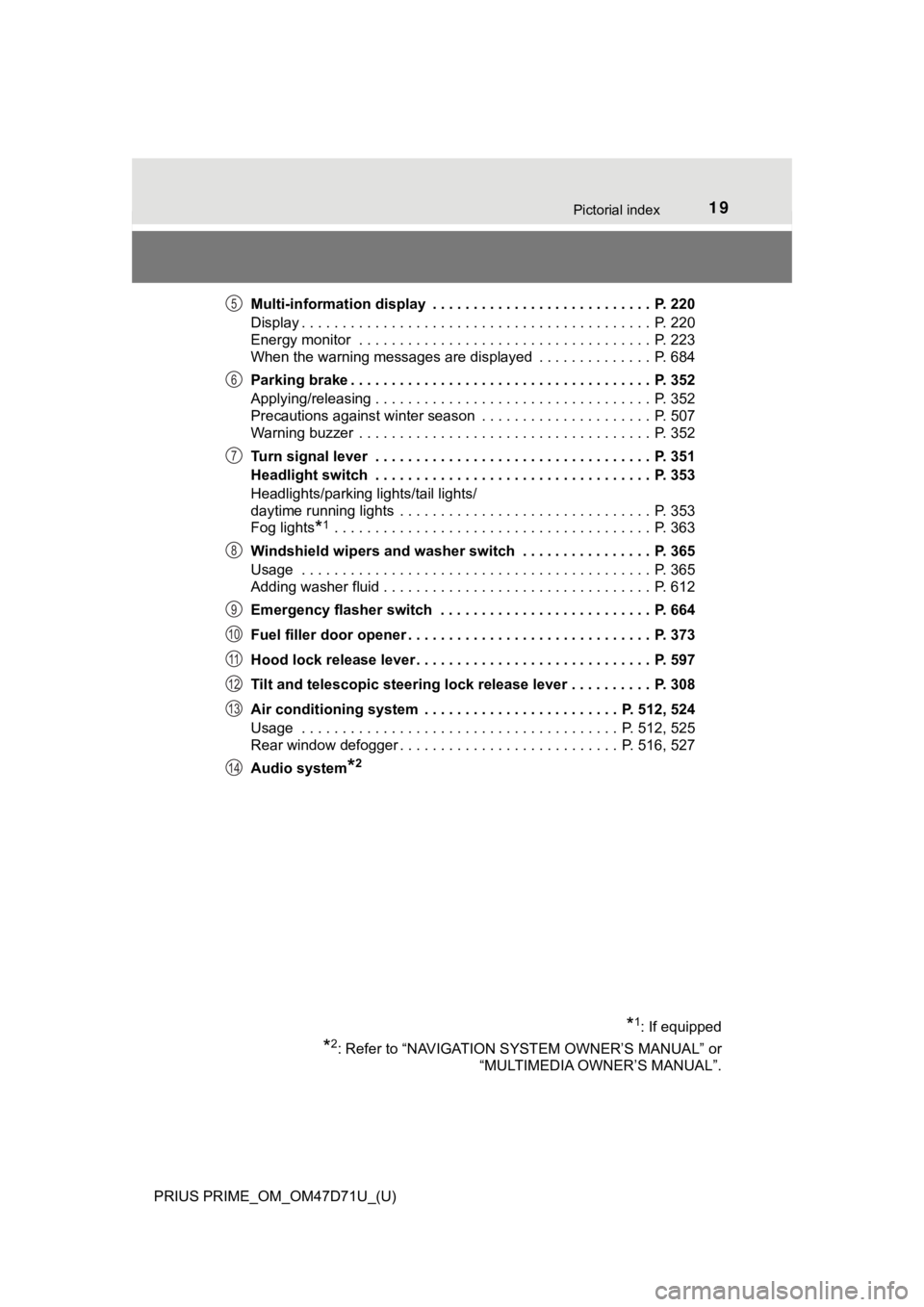
PRIUS PRIME_OM_OM47D71U_(U)Multi-information display . . . . . . . . . . . . . . . . . . . . . . . . . . . P. 220
Display . . . . . . . . . . . . . . . . . . . . . . . . . . . . . . . . . . . . . . . . . . . P. 220
Energy monitor . . . . . . . . . . . . . . . . . . . . . . . . . . . . . . . . . . . . P. 223
When the warning messages are displayed . . . . . . . . . . . . . . P. 684
Parking brake . . . . . . . . . . . . . . . . . . . . . . . . . . . . . . . . . . . . . P. 352
Applying/releasing . . . . . . . . . . . . . . . . . . . . . . . . . . . . . . . . . . P. 352
Precautions against winter season . . . . . . . . . . . . . . . . . . . . . P. 507
Warning buzzer . . . . . . . . . . . . . . . . . . . . . . . . . . . . . . . . . . . . P. 352
Turn signal lever . . . . . . . . . . . . . . . . . . . . . . . . . . . . . . . . . . P. 351
Headlight switch . . . . . . . . . . . . . . . . . . . . . . . . . . . . . . . . . . P. 353
Headlights/parking lights/tail lights/
daytime running lights . . . . . . . . . . . . . . . . . . . . . . . . . . . . . . . P. 353
Fog lights
*1 . . . . . . . . . . . . . . . . . . . . . . . . . . . . . . . . . . . . . . . P. 363
Windshield wipers and washer switch . . . . . . . . . . . . . . . . P. 365
Usage . . . . . . . . . . . . . . . . . . . . . . . . . . . . . . . . . . . . . . . . . . . P. 365
Adding washer fluid . . . . . . . . . . . . . . . . . . . . . . . . . . . . . . . . . P. 612
Emergency flasher switch . . . . . . . . . . . . . . . . . . . . . . . . . . P. 664
Fuel filler door opener . . . . . . . . . . . . . . . . . . . . . . . . . . . . . . P. 373
Hood lock release lever. . . . . . . . . . . . . . . . . . . . . . . . . . . . . P. 597
Tilt and telescopic steering lock release lever . . . . . . . . . . P. 308
Air conditioning system . . . . . . . . . . . . . . . . . . . . . . . . P. 512, 524
Usage . . . . . . . . . . . . . . . . . . . . . . . . . . . . . . . . . . . . . . . P. 512, 525
Rear window defogger . . . . . . . . . . . . . . . . . . . . . . . . . . . P. 516, 527
Audio system
*2
*1: If equipped
*2: Refer to “NAVIGATION SYSTEM OWNER’S MANUAL” or
“MULTIMEDIA OWNER’S MANUAL”.
5
6
7
8
9
10
11
12
13
14
Page 21 of 808
21Pictorial index
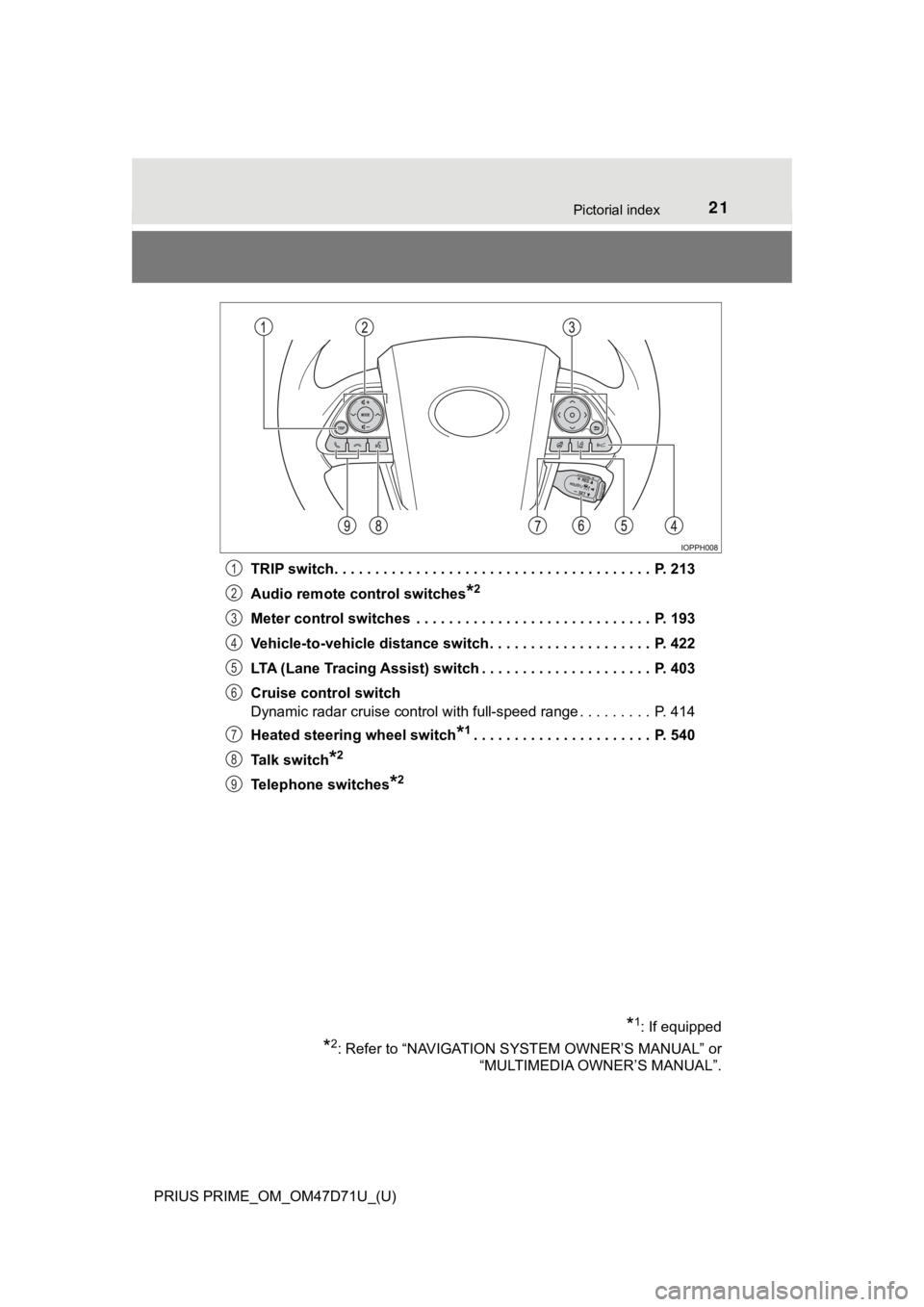
PRIUS PRIME_OM_OM47D71U_(U)TRIP switch. . . . . . . . . . . . . . . . . . . . . . . . . . . . . . . . . . . . . . . P. 213
Audio remote control switches
*2
Meter control switches . . . . . . . . . . . . . . . . . . . . . . . . . . . . . P. 193
Vehicle-to-vehicle distance switch . . . . . . . . . . . . . . . . . . . . P. 422
LTA (Lane Tracing Assist) switch . . . . . . . . . . . . . . . . . . . . . P. 403
Cruise control switch
Dynamic radar cruise control with full-speed range . . . . . . . . . P. 414
Heated steering wheel switch
*1. . . . . . . . . . . . . . . . . . . . . . P. 540
Talk switch
*2
Telephone switches*2
*1: If equipped
*2: Refer to “NAVIGATION SYSTEM OWNER’S MANUAL” or
“MULTIMEDIA OWNER’S MANUAL”.
1
2
3
4
5
6
7
8
9
Page 170 of 808
170
PRIUS PRIME_OM_OM47D71U_(U)
2-2. Charging
Setting operations related to the charging schedule are performed on
the “Charge Schedule” screen.
For details on how to operate the 11.6-inch display, refer to “NAVIGATION
SYSTEM OWNER’S MANUAL”.
■
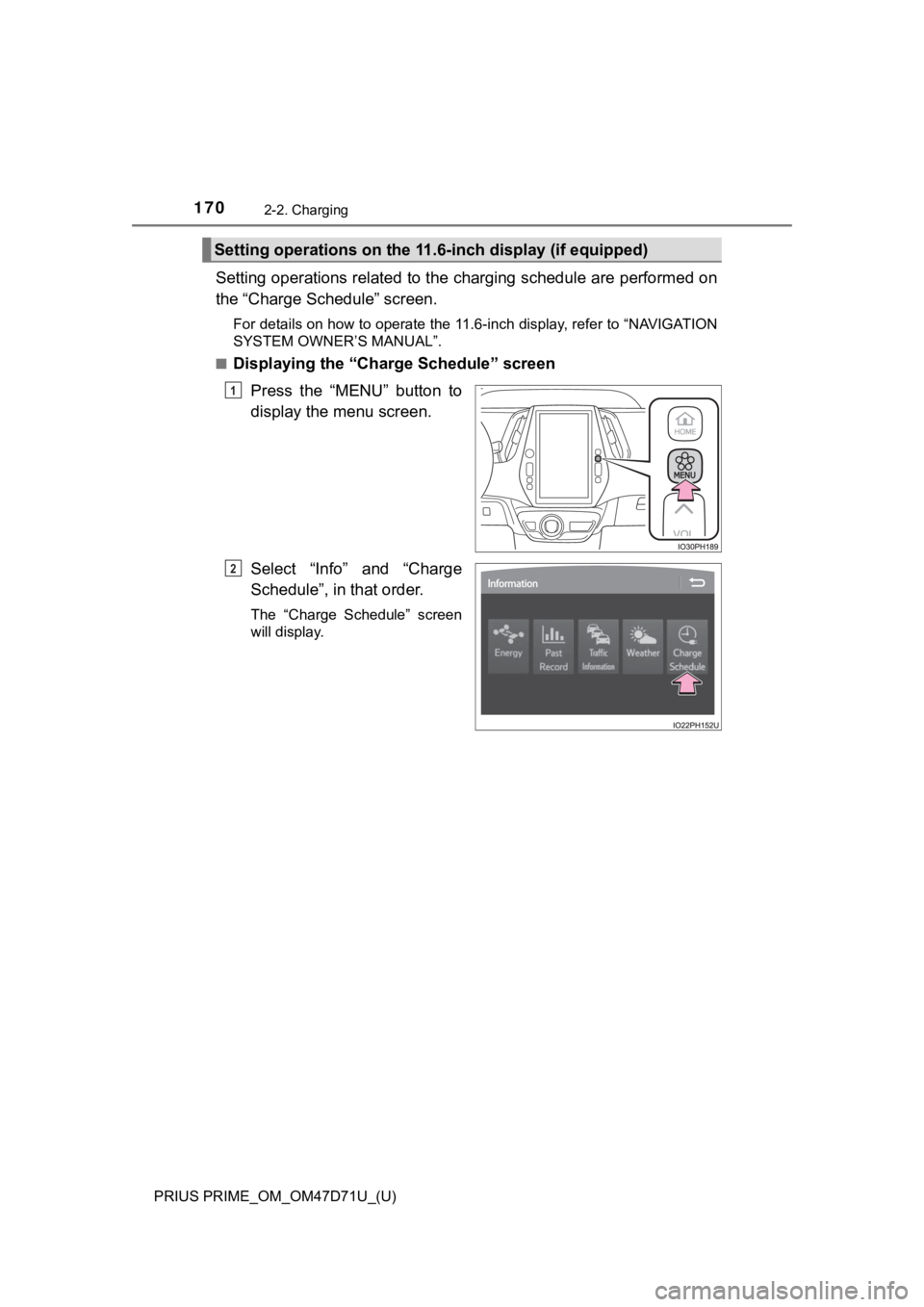
Displaying the “Charge Schedule” screen
Press the “MENU” button to
display the menu screen.
Select “Info” and “Charge
Schedule”, in that order.
The “Charge Schedule” screen
will display.
Setting operations on the 11.6-inch display (if equipped)
1
2
Page 200 of 808
200
PRIUS PRIME_OM_OM47D71U_(U)
3. Instrument cluster
■When the menu screen on the navigation system is operated (vehicles
with 11.6-inch display)
■Liquid crystal display
Small spots or light spots may appear on the display. This phenomenon is
characteristic of liquid crystal displays, and there is no problem continuing to
use the display.
■Pop-up display
Some functions, such as the driving mode select switch and air conditioning
system, are operation-linked and display pop-up screens on the multi-infor-
mation display. If the pop-up screens of these functions are not desired, they
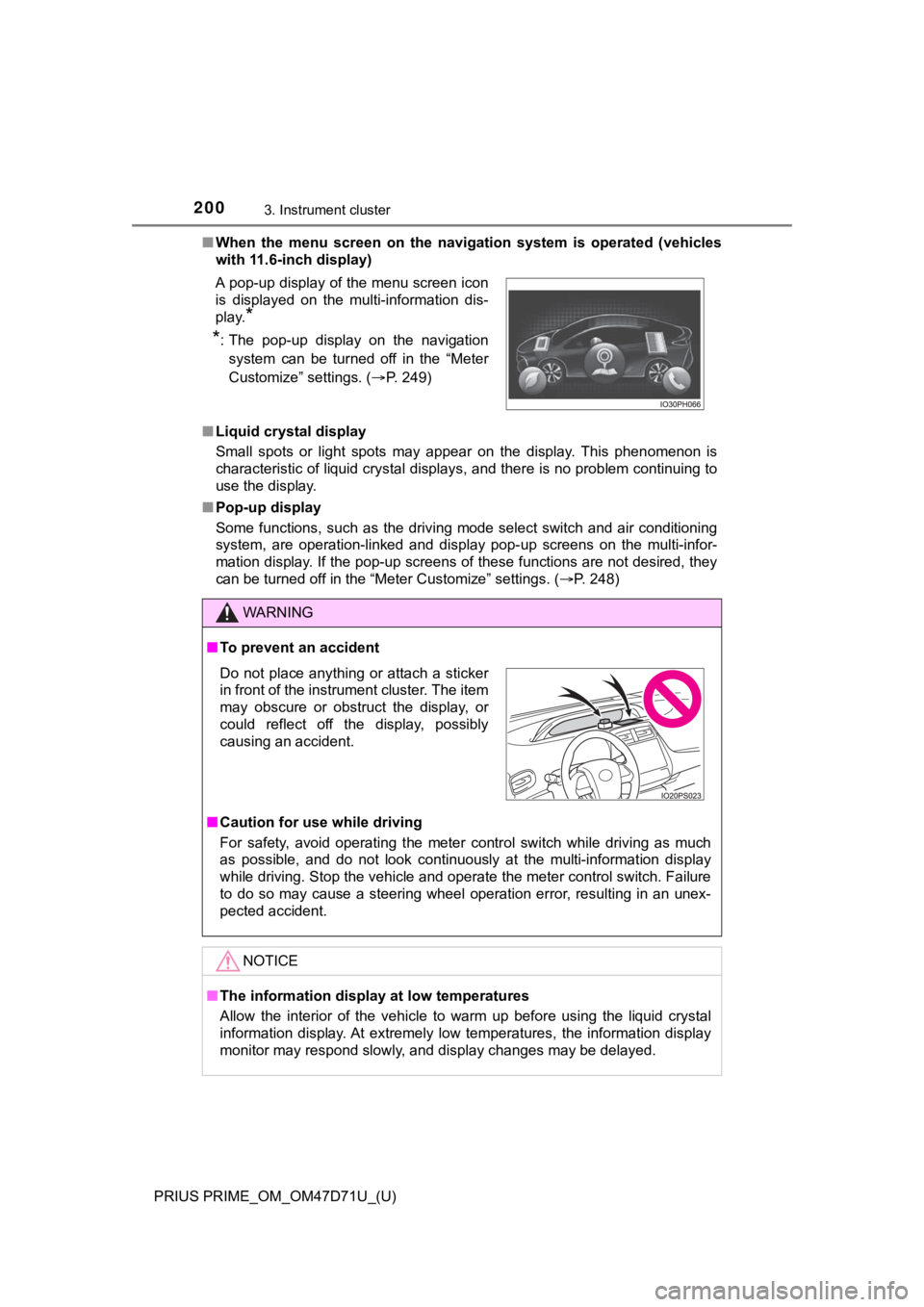
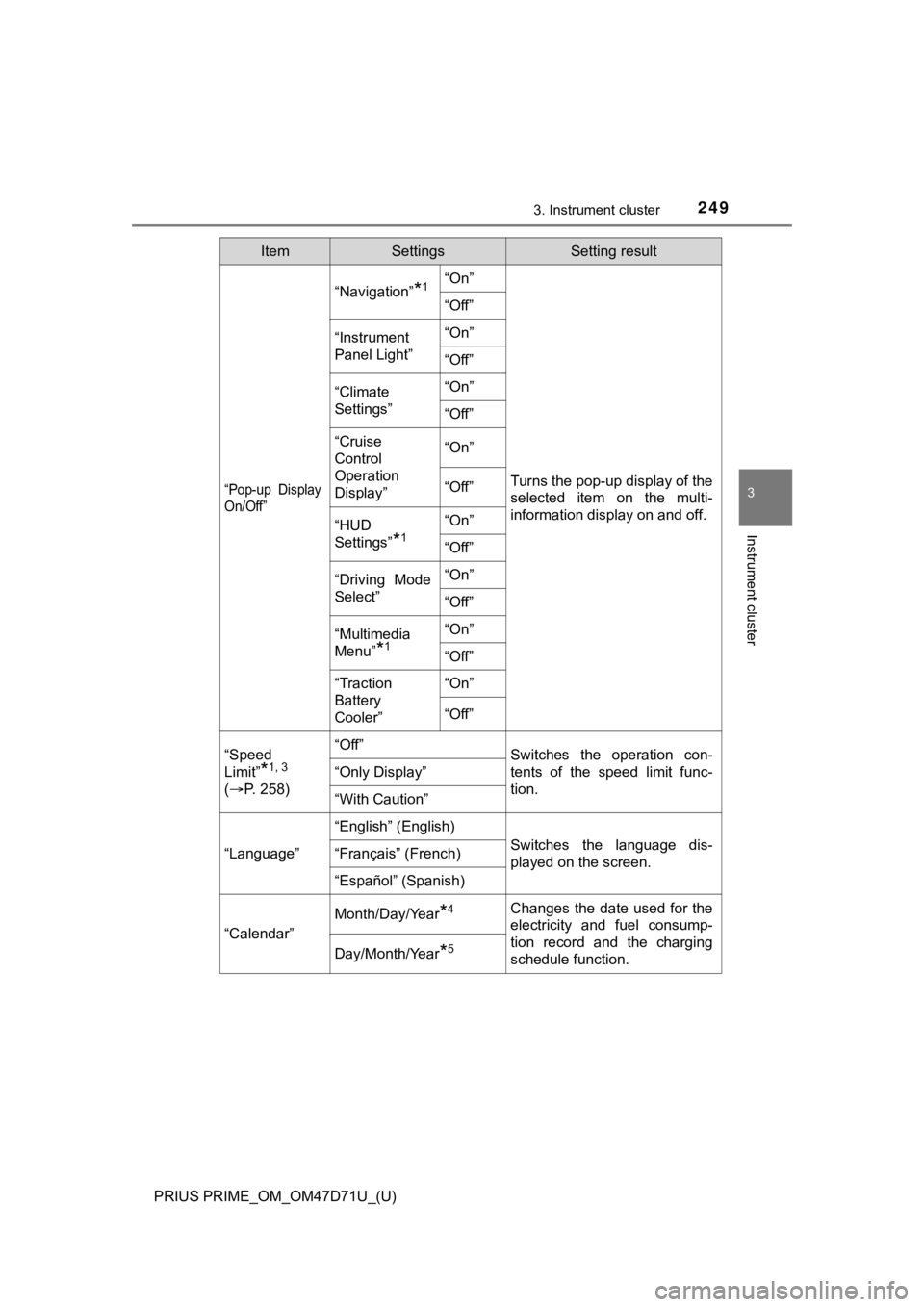
can be turned off in the “Meter Customize” settings. (P. 248) A pop-up display of the menu screen icon
is displayed on the multi-information dis-
play.
*
*
: The pop-up display on the navigation
system can be turned off in the “Meter
Customize” settings. (P. 249)
WARNING
■To prevent an accident
■Caution for use while driving
For safety, avoid operating the meter control switch while driving as much
as possible, and do not look continuously at the multi-information display
while driving. Stop the vehicle and operate the meter control switch. Failure
to do so may cause a steering wheel operation error, resulting in an unex-
pected accident.
NOTICE
■The information display at low temperatures
Allow the interior of the vehicle to warm up before using the liquid crystal
information display. At extremely low temperatures, the information display
monitor may respond slowly, and display changes may be delayed.
Do not place anything or attach a sticker
in front of the instrument cluster. The item
may obscure or obstruct the display, or
could reflect off the display, possibly
causing an accident.
Page 221 of 808
PRIUS PRIME_OM_OM47D71U_(U)
2213. Instrument cluster
3
Instrument cluster
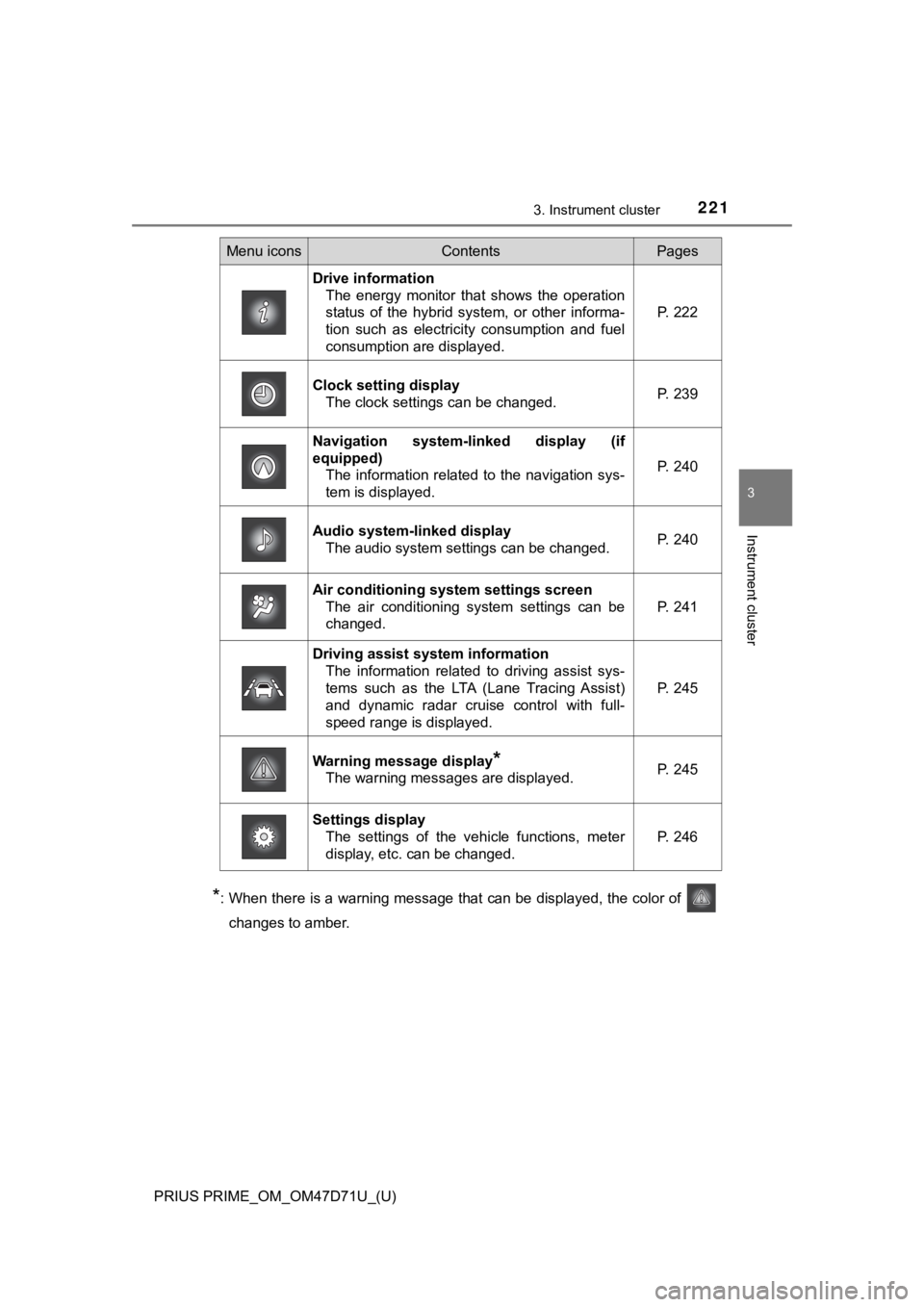
*: When there is a warning message that can be displayed, the color of
changes to amber.
Menu iconsContentsPages
Drive information
The energy monitor that shows the operation
status of the hybrid system, or other informa-
tion such as electricity consumption and fuel
consumption are displayed.P. 222
Clock setting display
The clock settings can be changed.P. 239
Navigation system-linked display (if
equipped)
The information related to the navigation sys-
tem is displayed.
P. 240
Audio system-linked display
The audio system settings can be changed.P. 240
Air conditioning system settings screen
The air conditioning system settings can be
changed.
P. 241
Driving assist system information
The information related to driving assist sys-
tems such as the LTA (Lane Tracing Assist)
and dynamic radar cruise control with full-
speed range is displayed.
P. 245
Warning message display*
The warning messages are displayed.P. 245
Settings display
The settings of the vehicle functions, meter
display, etc. can be changed.
P. 246
Page 232 of 808

232
PRIUS PRIME_OM_OM47D71U_(U)
3. Instrument cluster
■Remaining charge amount warning of hybrid battery (traction battery)
●The buzzer sounds intermittently when the hybrid battery (traction battery)
remains without charging while the shift position is in N, or the remaining
charge amount drops below a certain level.
If the remaining charge amount drops further, the buzzer sounds continu-
ously.
●When a warning message is shown on the multi-information display and the
buzzer sounds, follow the instructions displayed on the screen to perform
troubleshooting.
■About the Eco score
●After starting off, Eco score display does not start until the vehicle speed
exceeds approximately 19 mph (30 km/h).
●In addition to the vehicle driving status, the Eco score also evaluates the air
conditioning system usage condition (P. 243). The score displayed when
the hybrid system stops is the total result of the driving status after the
<004b005c00450055004c004700030056005c00560057004800500003005600570044005500570056000300440051004700030057004b004800030044004c005500030046005200510047004c0057004c00520051004c0051004a0003005800560044004a00
4800030046005200510047004c0057004c005200510011[
■“EV Energy” and “EV Distance” display
The rate at which the “EV Energy” and “EV Distance” remaining amount
decreases depends on the driving conditions of the vehicle. Also, the “EV
Energy” and “EV Distance” remaining amount may decrease due to system
power consumption even though the vehicle is not being driven.
■Predictive Efficient Drive (Predictive Deceleration Support)
(vehicles with 11.6-inch display)
When a predictive deceleration support point registered in the navigation sys-
tem is approached, the system turns off the Eco accelerator guide and
informs the driver of releasing the accelerator pedal early.
For details about Predictive Efficient Drive (Predictive Deceleration Support),
refer to “NAVIGATION SYSTEM OWNER’S MANUAL”.
Page 240 of 808
240
PRIUS PRIME_OM_OM47D71U_(U)
3. Instrument cluster
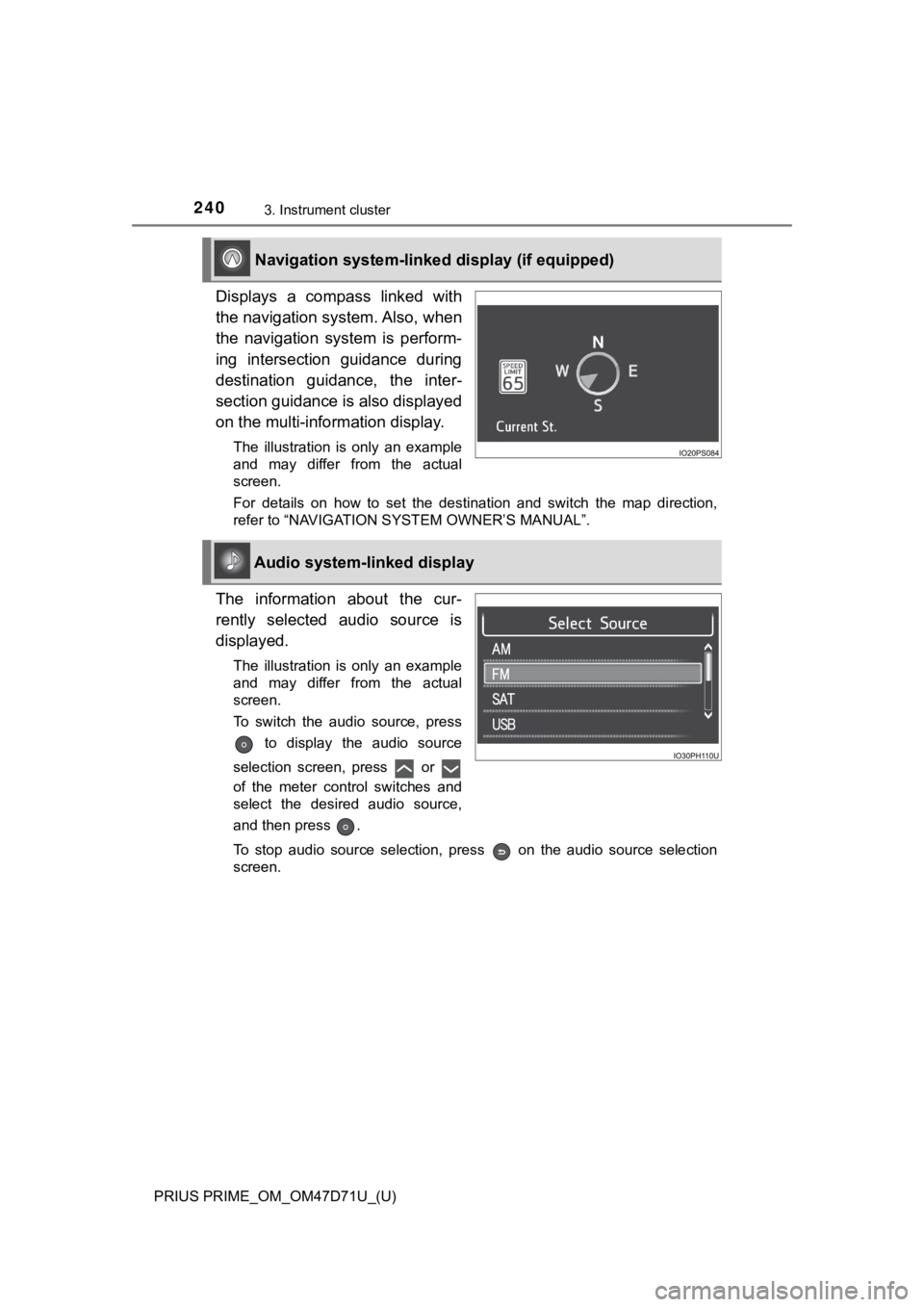
Displays a compass linked with
the navigation system. Also, when
the navigation system is perform-
ing intersection guidance during
destination guidance, the inter-
section guidance is also displayed
on the multi-information display.
The illustration is only an example
and may differ from the actual
screen.
For details on how to set the destination and switch the map direction,
refer to “NAVIGATION SYSTEM OWNER’S MANUAL”.
The information about the cur-
rently selected audio source is
displayed.
The illustration is only an example
and may differ from the actual
screen.
To switch the audio source, press
to display the audio source
selection screen, press or
of the meter control switches and
select the desired audio source,
and then press .
To stop audio source selection, press on the audio source selection
screen.
Navigation system-linked display (if equipped)
Audio system-linked display
Page 242 of 808
242
PRIUS PRIME_OM_OM47D71U_(U)
3. Instrument cluster
*1: “LO” is displayed if the temperature is adjusted to the lowest setting, and
<00b3002b002c00b40003004c005600030047004c00560053004f0044005c004800470003004c004900030057004b00480003005700480050005300480055004400570058005500480003004c0056000300440047004d005800560057004800470003005700
5200030057004b00480003004b004c004a004b004800560057[ setting.
*2: The selectable modes differ depending on whether a passenger is present.
(P. 514, 526)
■
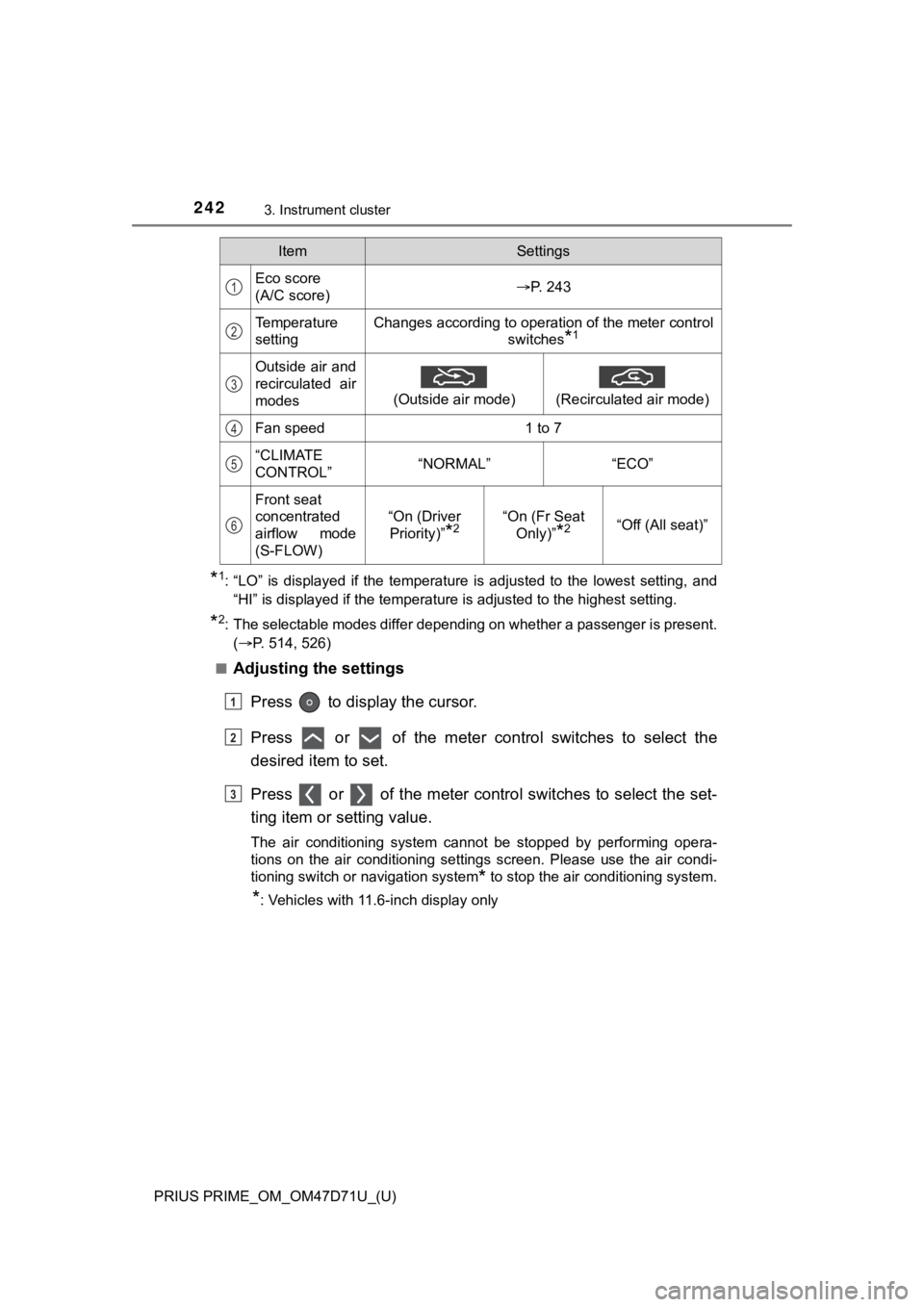
Adjusting the settings
Press to display the cursor.
Press or of the meter control switches to select the
desired item to set.
Press or of the meter control switches to select the set-
ting item or setting value.
The air conditioning system cannot be stopped by performing opera-
tions on the air conditioning settings screen. Please use the air condi-
tioning switch or navigation system
* to stop the air conditioning system.
*: Vehicles with 11.6-inch display only
ItemSettings
Eco score
(A/C score)P. 243
Temperature
settingChanges according to operation of the meter control
switches
*1
Outside air and
recirculated air
modes
(Outside air mode)
(Recirculated air mode)
Fan speed1 to 7
“CLIMATE
CONTROL”“NORMAL”“ECO”
Front seat
concentrated
airflow mode
(S-FLOW)
“On (Driver
Priority)”
*2“On (Fr Seat
Only)”
*2“Off (All seat)”
1
2
3
4
5
6
1
2
3
Page 249 of 808
PRIUS PRIME_OM_OM47D71U_(U)
2493. Instrument cluster
3
Instrument cluster
“Pop-up Display
On/Off”
“Navigation”*1“On”
Turns the pop-up display of the
selected item on the multi-
information display on and off.
“Off”
“Instrument
Panel Light”“On”
“Off”
“Climate
Settings”“On”
“Off”
“Cruise
Control
Operation
Display”“On”
“Off”
“HUD
Settings”
*1
“On”
“Off”
“Driving Mode
Select”“On”
“Off”
“Multimedia
Menu”
*1
“On”
“Off”
“Traction
Battery
Cooler”“On”
“Off”
“Speed
Limit”
*1, 3
(P. 2 5 8 )
“Off”Switches the operation con-
tents of the speed limit func-
tion.
“Only Display”
“With Caution”
“Language”
“English” (English)
Switches the language dis-
played on the screen.“Français” (French)
“Español” (Spanish)
“Calendar”
Month/Day/Year*4Changes the date used for the
electricity and fuel consump-
tion record and the charging
schedule function.
Day/Month/Year*5
ItemSettingsSetting result