Manual key TOYOTA PROACE 2018 Owners Manual
[x] Cancel search | Manufacturer: TOYOTA, Model Year: 2018, Model line: PROACE, Model: TOYOTA PROACE 2018Pages: 516, PDF Size: 90.91 MB
Page 1 of 516
TOYOTA MOTOR EUROPE has a presence on every continent,
a complete product range,
bringing together technology and a permanent spirit of innovation,
for a modern and creative approach to mobility.
We thank you and congratulate you on your choice.
Happy motoring!
At the wheel of your new vehicle,
getting to know each system,
each control, each setting,
makes your trips, your journeys
more comfortable and more enjoyable.
This Owner's Manual has been designed to help you to make the most of your vehicle in all situations and in complete safety.
Take the time to read through it so as to familiarise yourself with your vehicle.
This Owner's Manual covers all of the variations in equipment available across the whole range.
Your vehicle will be fitted with only some of the equipment described in this document, depending on its trim level, version and the specification for the country in which it was sold.
The descriptions and illustrations are given as indications only.
TOYOTA MOTOR EUROPE reserves the right to modify the technical characteristics, equipment and accessories without having to update this edition of the handbook.
This document forms an integral part of your vehicle.
Remember to pass it on to the new owner in the event of the sale of the vehicle.Key
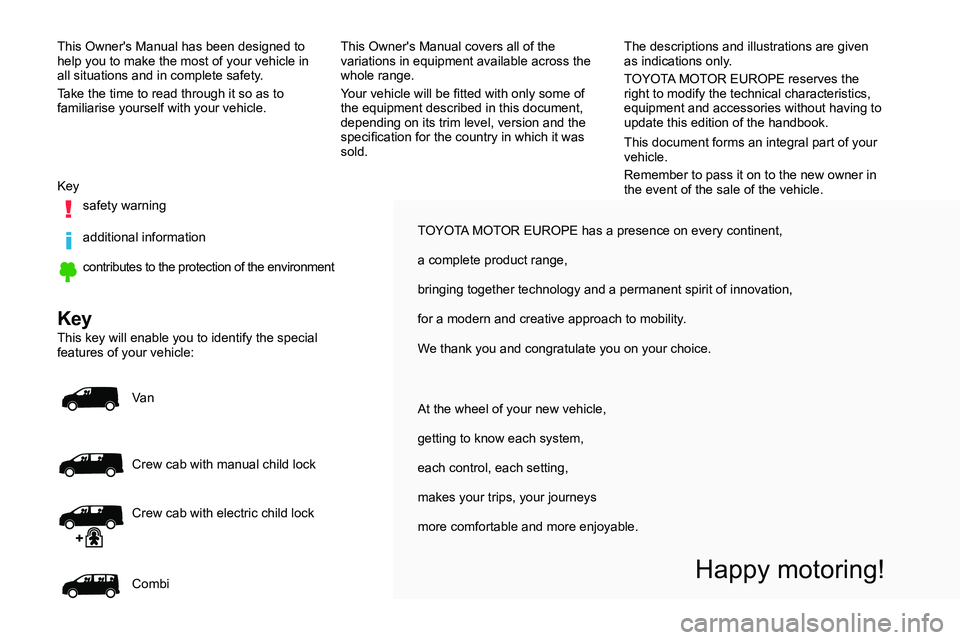
safety warning
additional information
contributes to the protection of the environment
Key
This key will enable you to identify the special features of your vehicle:
Va n
Crew cab with manual child lock
Combi
Crew cab with electric child lock
Page 2 of 516
.
.
Over view
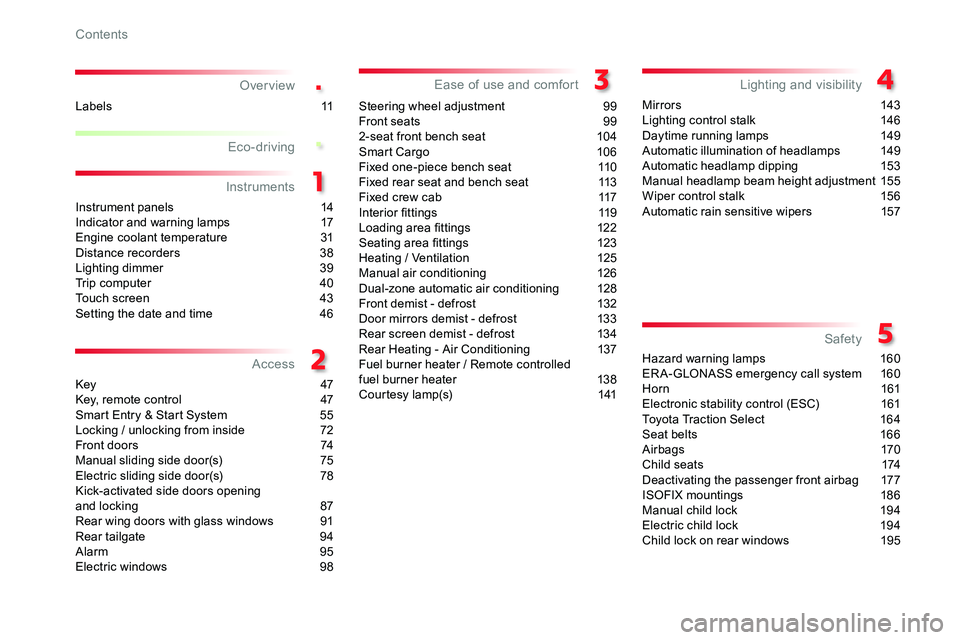
Instrument panels 14Indicator and warning lamps 17Engine coolant temperature 31Distance recorders 38Lighting dimmer 39Trip computer 40Touch screen 43Setting the date and time 46
Key 47Key, remote control 47Smart Entry & Start System 55Locking / unlocking from inside 72Front doors 74Manual sliding side door(s) 75Electric sliding side door(s) 78Kick-activated side doors openingand locking 87Rear wing doors with glass windows 91Rear tailgate 94Alarm 95Electric windows 98
Steering wheel adjustment 99Front seats 992-seat front bench seat 104Smart Cargo 10 6Fixed one-piece bench seat 110Fixed rear seat and bench seat 113Fixed crew cab 117Interior fittings 119Loading area fittings 122Seating area fittings 123Heating / Ventilation 125Manual air conditioning 126Dual-zone automatic air conditioning 128Front demist - defrost 132Door mirrors demist - defrost 133Rear screen demist - defrost 134Rear Heating - Air Conditioning 137Fuel burner heater / Remote controlledfuel burner heater 13 8Courtesy lamp(s) 141
Mir ror s 143Lighting control stalk 146Daytime running lamps 149Automatic illumination of headlamps 149Automatic headlamp dipping 153Manual headlamp beam height adjustment 155Wiper control stalk 156Automatic rain sensitive wipers 157
Hazard warning lamps 160ERA-GLONASS emergency call system 160Horn 161Electronic stability control (ESC) 161Toyota Traction Select 16 4Seat belts 166Airbags 170Child seats 174Deactivating the passenger front airbag 177ISOFIX mountings 186Manual child lock 194Electric child lock 194Child lock on rear windows 195
Eco-driving
Instruments
Access
Ease of use and comfortLighting and visibility
Safety
Labels 11
Contents
Page 3 of 516
.
.
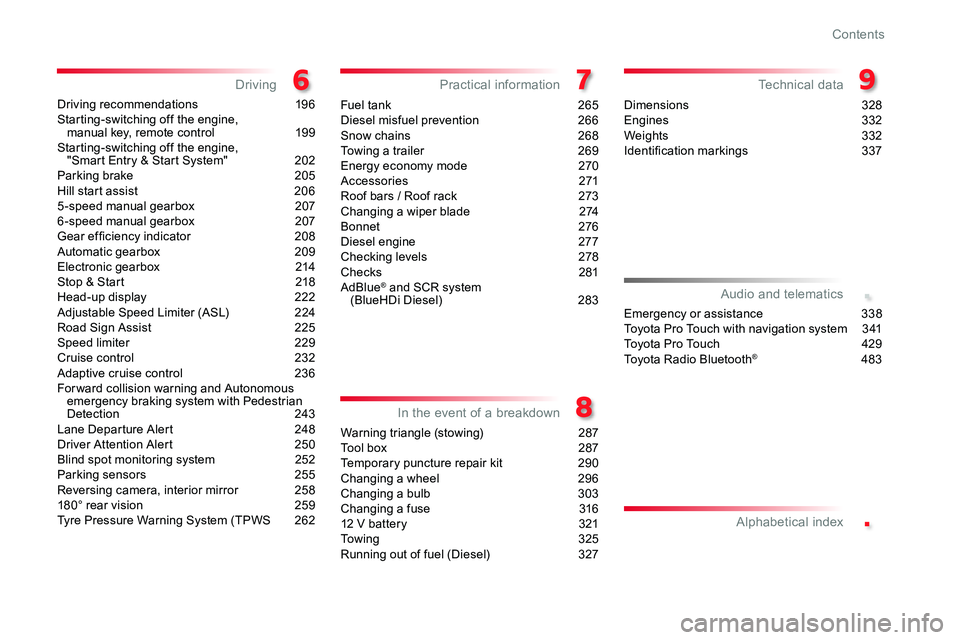
Driving recommendations 196Starting-switching off the engine, manual key, remote control 199Starting-switching off the engine, "Smart Entry & Start System" 202Parking brake 205Hill start assist 2065 -speed manual gearbox 2076 -speed manual gearbox 207Gear ef ficiency indicator 208Automatic gearbox 209Electronic gearbox 214Stop & Start 218Head-up display 222Adjustable Speed Limiter (ASL) 224Road Sign Assist 225Speed limiter 229Cruise control 232Adaptive cruise control 236For ward collision warning and Autonomous emergency braking system with Pedestrian Detection 243Lane Departure Alert 248Driver Attention Alert 250Blind spot monitoring system 252Parking sensors 255Reversing camera, interior mirror 258180° rear vision 259Tyre Pressure Warning System (TPWS 262
Fuel tank 265Diesel misfuel prevention 266Snow chains 268Towing a trailer 269Energy economy mode 270Accessories 271Roof bars / Roof rack 273Changing a wiper blade 274Bonnet 276Diesel engine 277Checking levels 278Checks 281AdBlue® and SCR system (BlueHDi Diesel) 283
Warning triangle (stowing) 287Tool box 287Temporary puncture repair kit 290Changing a wheel 296Changing a bulb 303Changing a fuse 31612 V battery 321Towing 325Running out of fuel (Diesel) 327
Dimensions 328Engines 332Weights 332Identification markings 337
DrivingPractical information
In the event of a breakdown
Technical data
Emergency or assistance 338Toyota Pro Touch with navigation system 3 41To y o t a P r o To u c h 429Toyota Radio Bluetooth® 483
Audio and telematics
Alphabetical index
Contents
Page 4 of 516
4
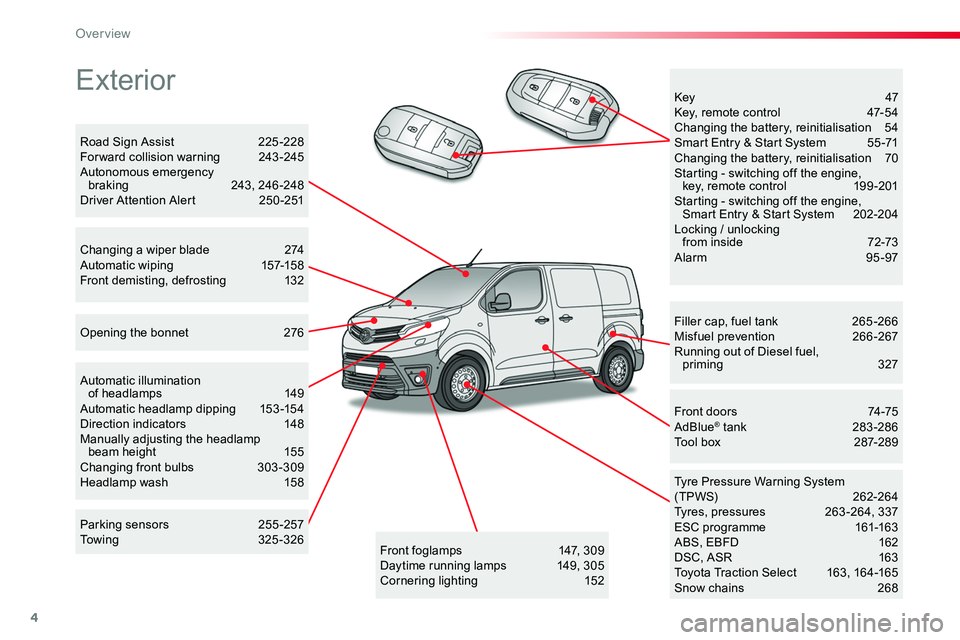
Exterior
Filler cap, fuel tank 265 -266Misfuel prevention 266-267Running out of Diesel fuel, priming 327
Tyre Pressure Warning System(TPWS) 262-264Tyres, pressures 263 -264, 337ESC programme 161-163ABS, EBFD 162DSC, ASR 163Toyota Traction Select 163, 164-165Snow chains 268
Front doors 74-75AdBlue® tank 283-286Tool box 287-289
Automatic illumination of headlamps 149Automatic headlamp dipping 153 -154Direction indicators 148Manually adjusting the headlamp beam height 155Changing front bulbs 303 -309Headlamp wash 158
Opening the bonnet 276
Key 47Key, remote control 47-54Changing the battery, reinitialisation 54Smart Entry & Start System 55 -71Changing the battery, reinitialisation 70Starting - switching off the engine, key, remote control 199 -201Starting - switching off the engine, Smart Entry & Start System 202-204Locking / unlocking from inside 72-73Alarm 95-97
Road Sign Assist 225 -228For ward collision warning 243 -245Autonomous emergency braking 243, 246 -248Driver Attention Alert 250 -251
Changing a wiper blade 274Automatic wiping 157-158Front demisting, defrosting 132
Front foglamps 147, 309Daytime running lamps 149, 305Cornering lighting 152
Parking sensors 255 -257Towing 325-326
Over view
Page 51 of 516
51
Power door locking*
Power door locking renders the exterior and interior door controls inoperative.It also deactivates the manual central control button.Therefore, never leave anyone inside the vehicle when it is power door locked.
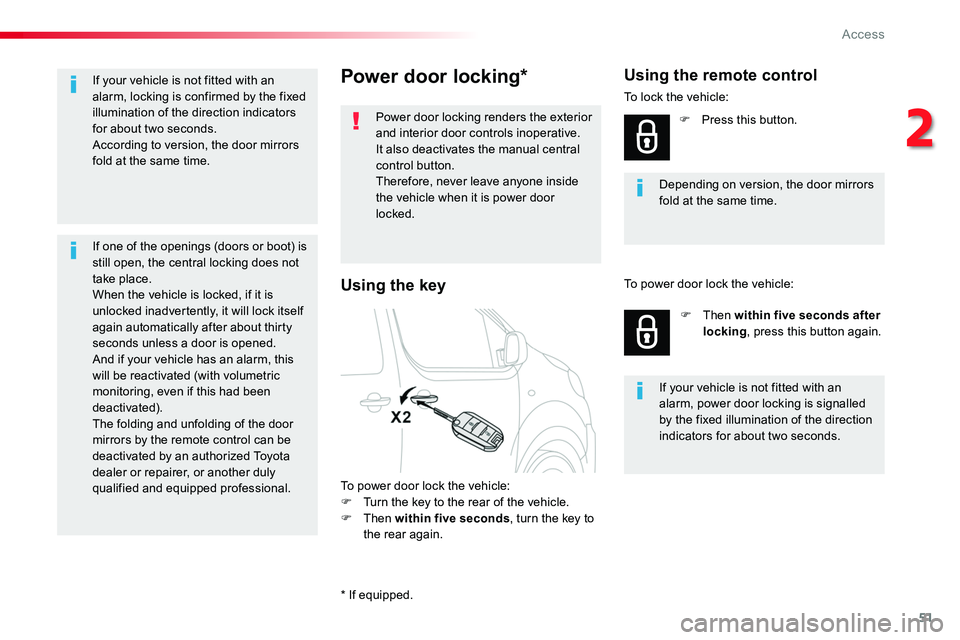
To power door lock the vehicle:F Turn the key to the rear of the vehicle.F Then within five seconds, turn the key to
the rear again.
Depending on version, the door mirrors fold at the same time.
Using the remote control
To lock the vehicle:
F Press this button.
F Then within five seconds after locking, press this button again.
If your vehicle is not fitted with an alarm, power door locking is signalled by the fixed illumination of the direction
indicators for about two seconds.
To power door lock the vehicle:Using the key
If your vehicle is not fitted with an alarm, locking is confirmed by the fixed illumination of the direction indicators for about two seconds.According to version, the door mirrors fold at the same time.
If one of the openings (doors or boot) is still open, the central locking does not take place.When the vehicle is locked, if it is unlocked inadvertently, it will lock itself again automatically after about thirty seconds unless a door is opened.And if your vehicle has an alarm, this will be reactivated (with volumetric monitoring, even if this had been deactivated).The folding and unfolding of the door mirrors by the remote control can be deactivated by an authorized Toyota dealer or repairer, or another duly qualified and equipped professional.
* If equipped.
2
Access
Page 72 of 516
72
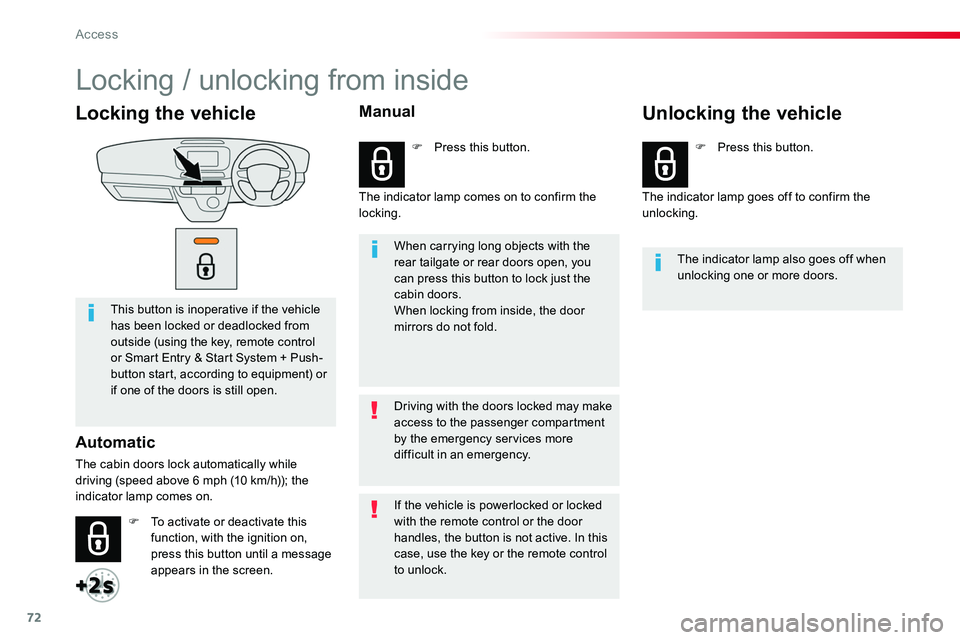
Locking the vehicle
This button is inoperative if the vehicle has been locked or deadlocked from outside (using the key, remote control or Smart Entry & Start System + Push-button start, according to equipment) or if one of the doors is still open.
Automatic
The cabin doors lock automatically while driving (speed above 6 mph (10 km/h)); the indicator lamp comes on.
When carrying long objects with the rear tailgate or rear doors open, you can press this button to lock just the cabin doors.When locking from inside, the door mirrors do not fold.
The indicator lamp also goes off when unlocking one or more doors.
Driving with the doors locked may make access to the passenger compartment by the emergency services more difficult in an emergency.
F To activate or deactivate this function, with the ignition on, press this button until a message appears in the screen.
F Press this button.F Press this button.
If the vehicle is powerlocked or locked with the remote control or the door handles, the button is not active. In this case, use the key or the remote control to unlock.
Manual
The indicator lamp comes on to confirm the locking.The indicator lamp goes off to confirm the unlocking.
Unlocking the vehicle
Locking / unlocking from inside
Access
Page 73 of 516
73
F Vehicle unlocked, press this button.
F Loading area locked, press this button.
For more information on the Key, Remote control or Smar t Entr y & Star t System, and in particular, programming the selective locking of the loading area, refer to the corresponding section.
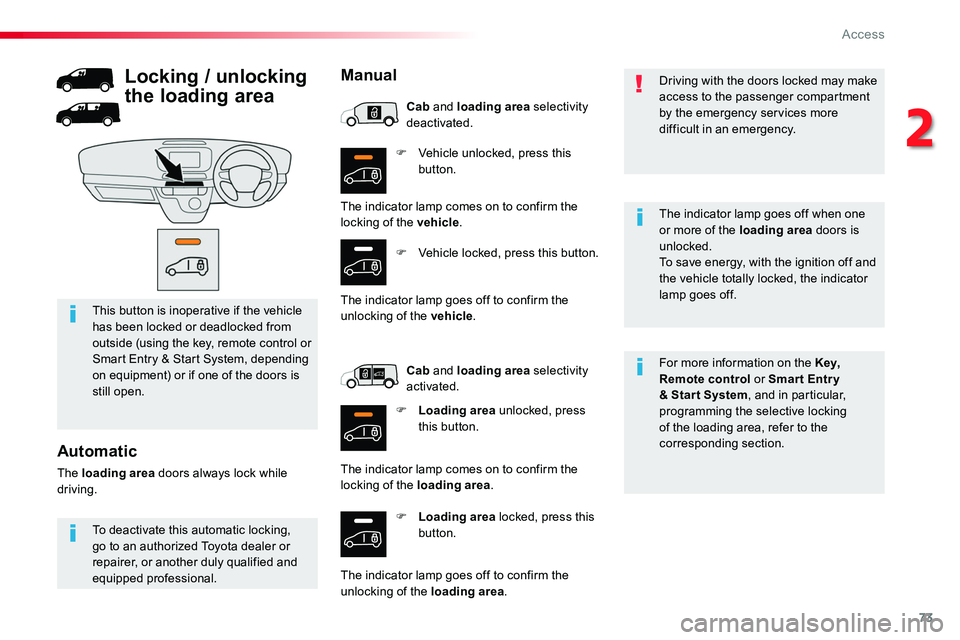
This button is inoperative if the vehicle has been locked or deadlocked from outside (using the key, remote control or Smart Entry & Start System, depending on equipment) or if one of the doors is still open.
Driving with the doors locked may make access to the passenger compartment by the emergency services more difficult in an emergency.
The indicator lamp goes off when one
or more of the loading area doors is unlocked.To save energy, with the ignition off and the vehicle totally locked, the indicator lamp goes off.
To deactivate this automatic locking, go to an authorized Toyota dealer or repairer, or another duly qualified and equipped professional.
Automatic
The loading area doors always lock while driving.
Locking / unlocking
the loading area
Manual
The indicator lamp comes on to confirm the locking of the vehicle.
F Vehicle locked, press this button.
The indicator lamp goes off to confirm the unlocking of the vehicle.
Cab and loading area selectivity deactivated.
Cab and loading area selectivity activated.
F Loading area unlocked, press this button.
The indicator lamp comes on to confirm the locking of the loading area.
The indicator lamp goes off to confirm the unlocking of the loading area.
2
Access
Page 75 of 516
75
Closing
F Push or pull the door to close it, then lock it.
For more information on the Key, Remote control or Smar t Entr y & Start System and in particular locking the vehicle, refer to the corresponding section.
When a door is not fully closed:- vehicle stationary and engine running, this warning lamp comes on, accompanied by an alert message for a few seconds,- vehicle moving (speed above 6 mph (10 km/h)), this warning lamp comes on, accompanied by an audible signal and an alert message for a few seconds.
Manual sliding side door(s)
From outside
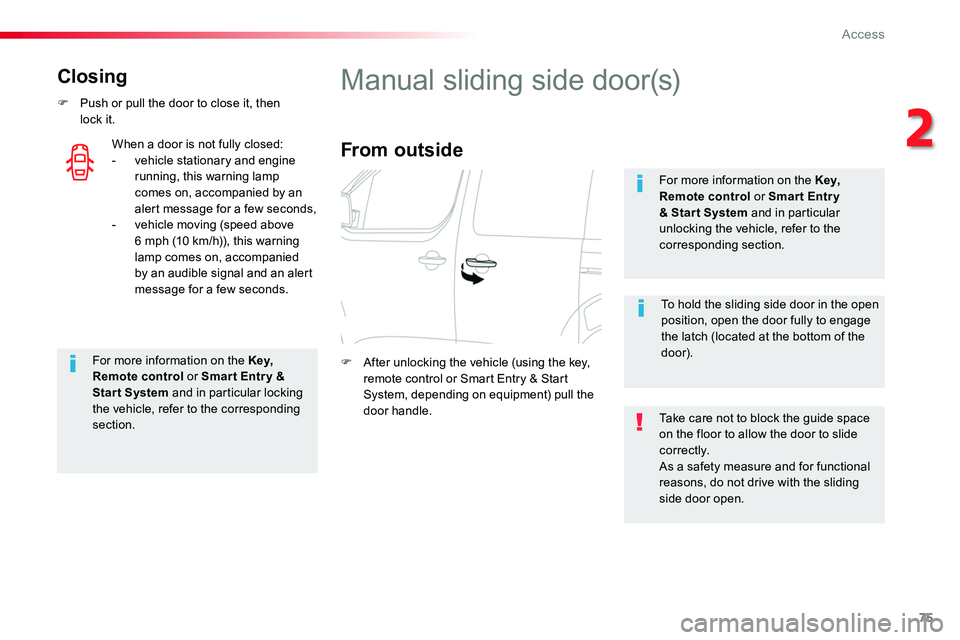
F After unlocking the vehicle (using the key, remote control or Smart Entry & Start System, depending on equipment) pull the door handle.Take care not to block the guide space on the floor to allow the door to slide c o r r e c t l y.As a safety measure and for functional reasons, do not drive with the sliding side door open.
For more information on the Key, Remote control or Smar t Entr y & Star t System and in particular unlocking the vehicle, refer to the corresponding section.
To hold the sliding side door in the open position, open the door fully to engage the latch (located at the bottom of the door).
2
Access
Page 98 of 516
98
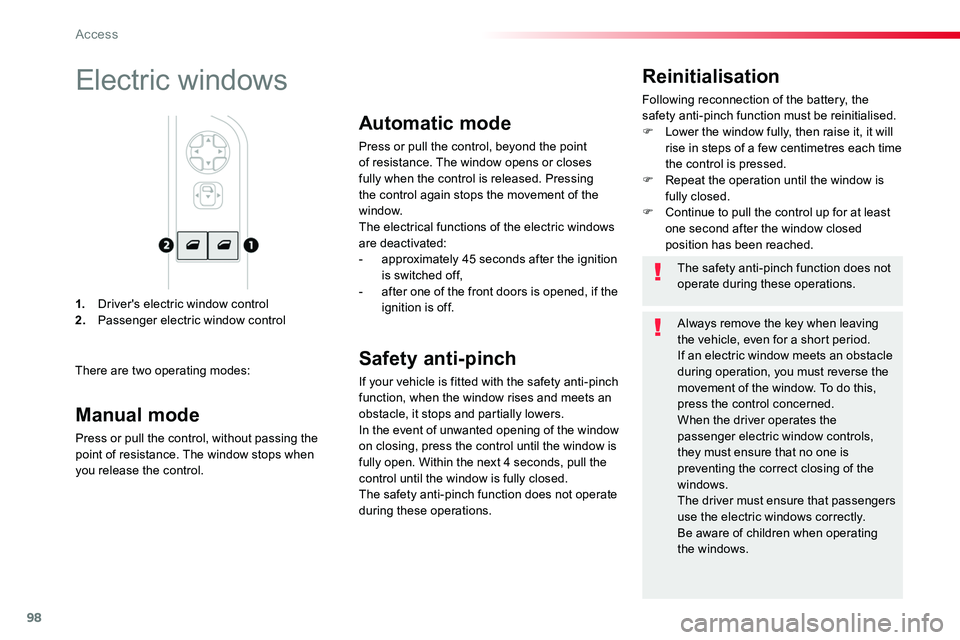
1. Driver's electric window control2. Passenger electric window control
Reinitialisation
Following reconnection of the battery, the safety anti-pinch function must be reinitialised.F Lower the window fully, then raise it, it will rise in steps of a few centimetres each time the control is pressed.F Repeat the operation until the window is fully closed.F Continue to pull the control up for at least one second after the window closed position has been reached.
Electric windows
There are two operating modes:
The safety anti-pinch function does not operate during these operations.
Always remove the key when leaving the vehicle, even for a short period.If an electric window meets an obstacle during operation, you must reverse the movement of the window. To do this, press the control concerned.When the driver operates the passenger electric window controls, they must ensure that no one is preventing the correct closing of the windows.The driver must ensure that passengers use the electric windows correctly.Be aware of children when operating the windows.
Manual mode
Press or pull the control, without passing the point of resistance. The window stops when you release the control.
Automatic mode
Press or pull the control, beyond the point of resistance. The window opens or closes fully when the control is released. Pressing the control again stops the movement of the window.
The electrical functions of the electric windows are deactivated:- approximately 45 seconds after the ignition is switched off,- after one of the front doors is opened, if the ignition is off.
Safety anti-pinch
If your vehicle is fitted with the safety anti-pinch function, when the window rises and meets an obstacle, it stops and partially lowers.In the event of unwanted opening of the window on closing, press the control until the window is fully open. Within the next 4 seconds, pull the control until the window is fully closed.The safety anti-pinch function does not operate during these operations.
Access
Page 142 of 516
142
Individual reading lamp
Rear
Courtesy lampsAutomatic operation
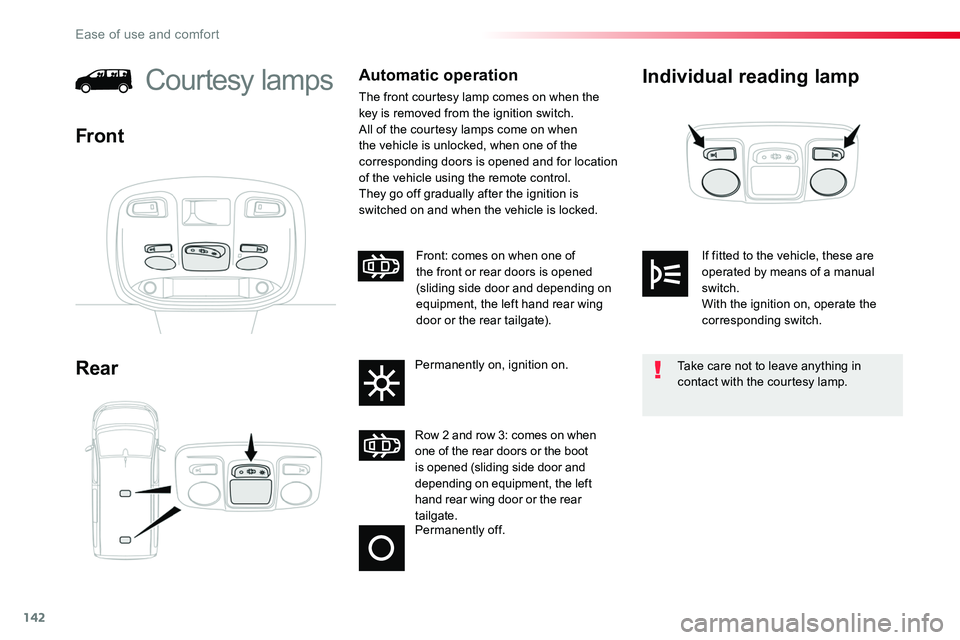
The front courtesy lamp comes on when the key is removed from the ignition switch.All of the courtesy lamps come on when the vehicle is unlocked, when one of the corresponding doors is opened and for location of the vehicle using the remote control.They go off gradually after the ignition is switched on and when the vehicle is locked.
Front
Permanently off.
Row 2 and row 3: comes on when one of the rear doors or the boot is opened (sliding side door and depending on equipment, the left hand rear wing door or the rear tailgate.
Front: comes on when one of the front or rear doors is opened (sliding side door and depending on equipment, the left hand rear wing door or the rear tailgate).
Permanently on, ignition on.Take care not to leave anything in contact with the courtesy lamp.
If fitted to the vehicle, these are operated by means of a manual switch.With the ignition on, operate the corresponding switch.
Ease of use and comfort