phone TOYOTA PROACE 2022 User Guide
[x] Cancel search | Manufacturer: TOYOTA, Model Year: 2022, Model line: PROACE, Model: TOYOTA PROACE 2022Pages: 360, PDF Size: 70.79 MB
Page 212 of 360
212
Energy economy mode
System which manages the duration of use of certain functions to conserve a sufficient level of charge in the battery.After switching off the engine and for a maximum cumulative period of around 40 minutes, you can continue to use functions such as the audio and telematics system, the wipers, the dipped beam
headlamps, the courtesy lamps, etc.
Switching to the mode
A message indicating that the vehicle has switched to economy mode is displayed on the instrument panel screen and the active functions are put on standby.
NOTIC E
If a telephone call is in progress at the time, it will be maintained for around 10 minutes using your audio system’s hands-free system.
Exiting the mode
These functions will be automatically reactivated the next time the vehicle is used.In order to restore the use of these functions immediately, start the engine and let it run:– for less than 10 minutes, to use the equipment for approximately 5 minutes,– for more than 10 minutes, to use the equipment for approximately 30 minutes.
Let the engine run for the duration specified to ensure that the battery charge is sufficient.Do not repeatedly and continuously restart the engine in order to charge the battery.
WARNI NG
A flat battery prevents the engine from starting.For more information on the 12 V battery, refer to the corresponding section.
Load reduction mode
System that manages the use of certain functions according to the level of charge remaining in the battery.When the vehicle is being driven, the load reduction function temporarily deactivates certain
functions, such as the air conditioning and the heated rear screen.The deactivated functions are reactivated automatically as soon as conditions permit.
Snow chains
In wintry conditions, snow chains improve traction as well as the behaviour of the vehicle when braking.
WARNI NG
The snow chains must be fitted only to the front wheels. They must never be fitted to "space-saver" type spare wheels.
NOTIC E
Take account of the legislation specific to each country on the use of snow chains and the maximum authorised speed.
Only use chains that have been designed for the type of wheel fitted to your vehicle.
Original tyre sizeType of chain
215/65 R1612 mm link
215/60 R17
225/55 R17
You can also use snow socks.For more information, contact a any authorized Toyota retailer or Toyota authorized repairer, or
any reliable repairer..
Page 265 of 360
265
Bluetooth® audio system
10
Bluetooth® audio system
NOTIC E
The different functions and settings described vary according to the version and configuration of your vehicle.
WARNI NG
As a safety measure and because it requires sustained attention by the driver, the pairing of a Bluetooth mobile telephone with the Bluetooth hands-free system of your audio system must be done with the vehicle stationary and the ignition on.
WARNI NG
Your audio system is coded in such a way that it will only operate in your vehicle.All work on the system must be carried out exclusively by a dealer or qualified workshop, to avoid any risk of electrocution, fire or mechanical faults.
NOTIC E
To avoid discharging the battery, the audio system may switch off after a few minutes if the engine is not running.
First steps
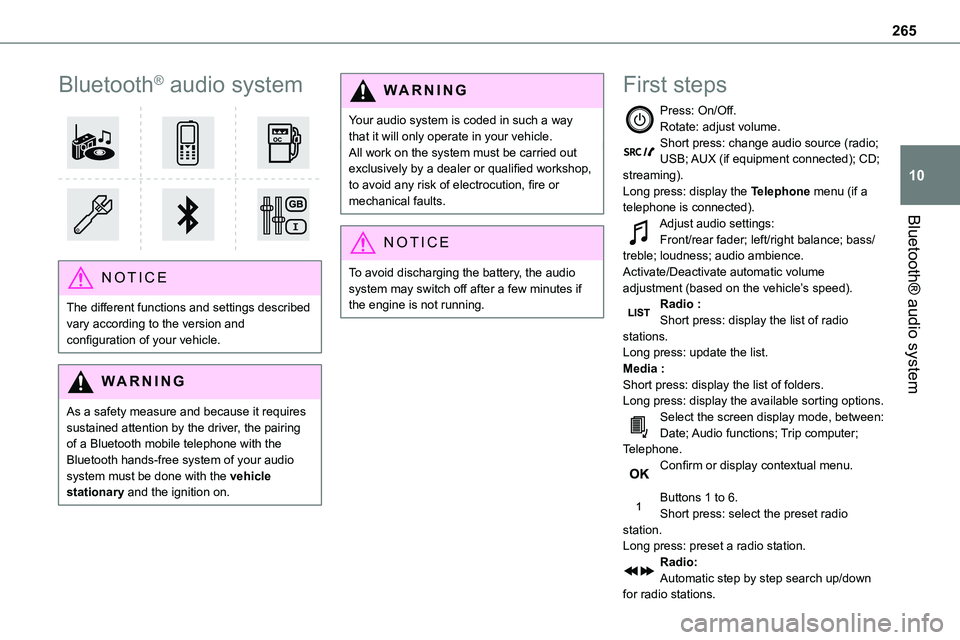
Press: On/Off.Rotate: adjust volume.Short press: change audio source (radio; USB; AUX (if equipment connected); CD; streaming).Long press: display the Telephone menu (if a telephone is connected).
Adjust audio settings:Front/rear fader; left/right balance; bass/treble; loudness; audio ambience.Activate/Deactivate automatic volume adjustment (based on the vehicle’s speed).Radio :Short press: display the list of radio stations.Long press: update the list.Media :Short press: display the list of folders.Long press: display the available sorting options.Select the screen display mode, between:Date; Audio functions; Trip computer; Telephone.Confirm or display contextual menu.
Buttons 1 to 6.Short press: select the preset radio station.Long press: preset a radio station.Radio:Automatic step by step search up/down for radio stations.
Page 266 of 360
266
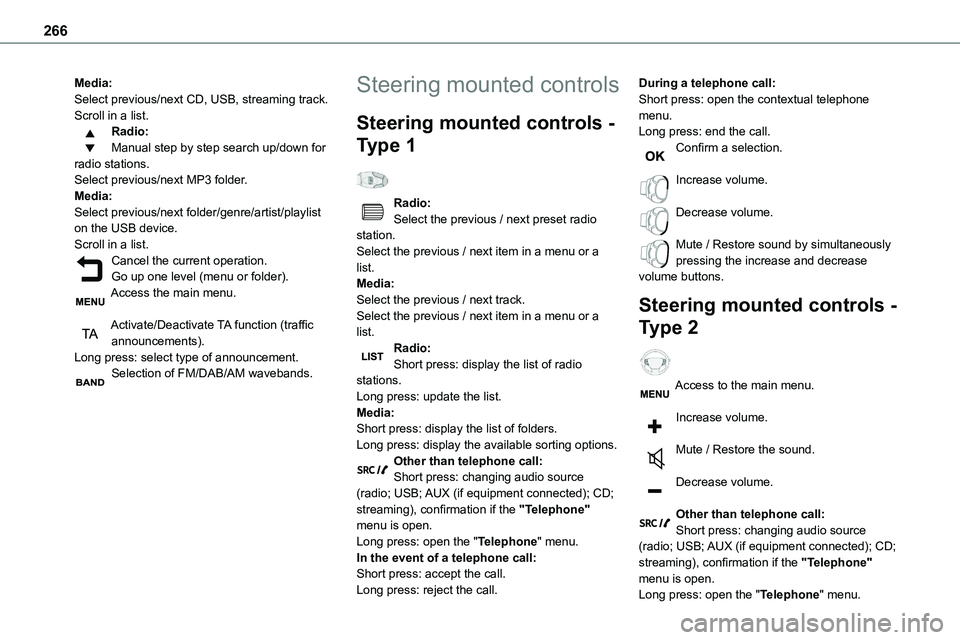
Media:Select previous/next CD, USB, streaming track.Scroll in a list.Radio:Manual step by step search up/down for radio stations.Select previous/next MP3 folder.Media:Select previous/next folder/genre/artist/playlist
on the USB device.Scroll in a list.Cancel the current operation.Go up one level (menu or folder).Access the main menu.
Activate/Deactivate TA function (traffic announcements).Long press: select type of announcement.Selection of FM/DAB/AM wavebands.
Steering mounted controls
Steering mounted controls -
Type 1
Radio:Select the previous / next preset radio
station.Select the previous / next item in a menu or a list.Media:Select the previous / next track.Select the previous / next item in a menu or a list.Radio:Short press: display the list of radio stations.Long press: update the list.Media:Short press: display the list of folders.Long press: display the available sorting options.Other than telephone call:Short press: changing audio source (radio; USB; AUX (if equipment connected); CD; streaming), confirmation if the "Telephone" menu is open.Long press: open the "Telephone" menu.In the event of a telephone call:Short press: accept the call.Long press: reject the call.
During a telephone call:Short press: open the contextual telephone menu.Long press: end the call.Confirm a selection.
Increase volume.
Decrease volume.
Mute / Restore sound by simultaneously pressing the increase and decrease volume buttons.
Steering mounted controls -
Type 2
Access to the main menu.
Increase volume.
Mute / Restore the sound.
Decrease volume.
Other than telephone call:Short press: changing audio source (radio; USB; AUX (if equipment connected); CD; streaming), confirmation if the "Telephone" menu is open.Long press: open the "Telephone" menu.
Page 267 of 360
267
Bluetooth® audio system
10
In the event of a telephone call:Short press: accept the call.Long press: reject the call.During a telephone call:Short press: open the contextual telephone menu.Long press: end the call.Start voice recognition on your smartphone via the system.
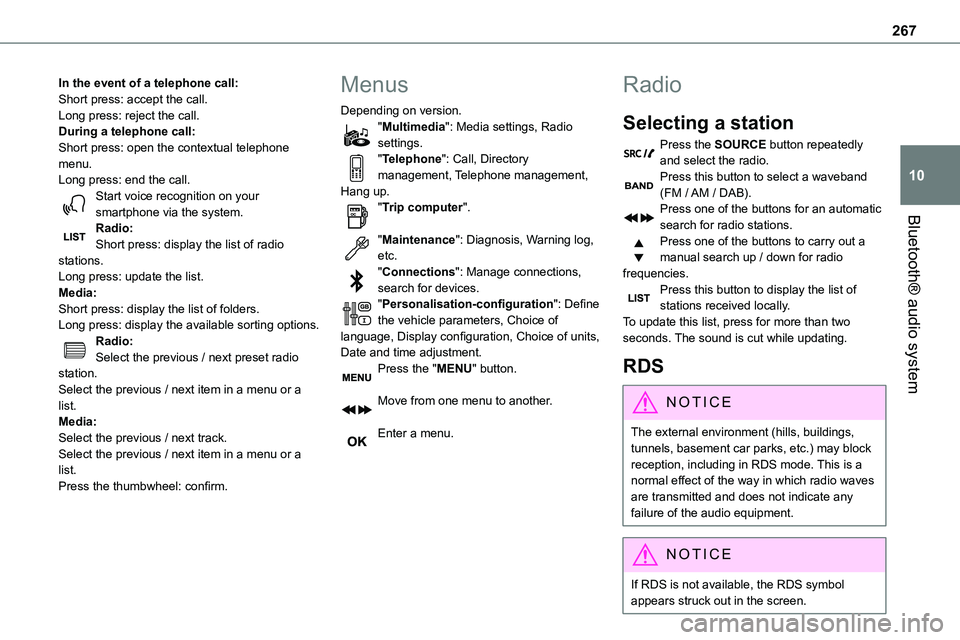
Radio:Short press: display the list of radio stations.Long press: update the list.Media:Short press: display the list of folders.Long press: display the available sorting options.Radio:Select the previous / next preset radio station.Select the previous / next item in a menu or a list.Media:Select the previous / next track.Select the previous / next item in a menu or a list.Press the thumbwheel: confirm.
Menus
Depending on version."Multimedia": Media settings, Radio settings."Telephone": Call, Directory management, Telephone management, Hang up."Trip computer".
"Maintenance": Diagnosis, Warning log, etc."Connections": Manage connections, search for devices."Personalisation-configuration": Define the vehicle parameters, Choice of language, Display configuration, Choice of units, Date and time adjustment.Press the "MENU" button.
Move from one menu to another.
Enter a menu.
Radio
Selecting a station
Press the SOURCE button repeatedly and select the radio.Press this button to select a waveband (FM / AM / DAB).Press one of the buttons for an automatic
search for radio stations.Press one of the buttons to carry out a manual search up / down for radio frequencies.Press this button to display the list of stations received locally.To update this list, press for more than two seconds. The sound is cut while updating.
RDS
NOTIC E
The external environment (hills, buildings, tunnels, basement car parks, etc.) may block reception, including in RDS mode. This is a normal effect of the way in which radio waves are transmitted and does not indicate any failure of the audio equipment.
NOTIC E
If RDS is not available, the RDS symbol appears struck out in the screen.
Page 272 of 360
272
Bluetooth® audio streaming
Streaming allows music files on the telephone to be played via the vehicle's loudspeakers.Connect the telephone.(Refer to the "Pairing a Bluetooth® telephone" section).Activate the streaming source by pressing SOURCE.In certain cases, play of the audio files must be
initiated from the keypad.Audio files can be selected using the buttons on the audio system control panel and the steering mounted controls. The contextual information can be displayed in the screen.If the telephone supports the function. The audio quality depends on the quality of transmission by the telephone.
Connecting Apple® players
Connect the Apple® player to the USB port using a suitable cable (not supplied).Play starts automatically.Control is via the audio system.The classifications available are those of the portable device connected (artists / albums / genres / playlists).The version of software in the audio system may not be compatible with the generation of your Apple® player.
Information and advice
The CD player can play files with “.mp3”, “.wma”, “.wav” and “.aac” file extensions, with a bit rate of 32 to 320 Kbps.It also supports TAG mode (ID3 tag, WMA TAG).No other file types (“.mp”4, etc.) can be read.Files of the ".wma" type should be to the wma 9 standard.The sampling rates supported are 11, 22, 44 and
48 kHz.Via the USB port, the system can play audio files with the extension ".mp3”, “.wma”, “.wav”, “.cbr”, “.vbr" with a bit rate of 32 to 320 Kbps.No other file types (“.mp4”, etc.) can be read.Files of the ".wma" type should be to the wma 9 standard.The sampling rates supported are 11, 22, 44 and 48 kHz.File names should have fewer than 20 characters, avoiding special characters (e.g. « ? ; ù) so as to avoid any reading or display problems.In order to be able to play a burned CDR or CDRW, select standards ISO 9660 level 1, 2, or Joliet, if possible, when burning the CD.If the disc is burned in another format, it may not be played correctly.It is recommended that the same burning standard be always used on an individual disc, with the lowest speed possible (4x maximum) for the best acoustic quality.
In the particular case of a multi-session CD, the Joliet standard is recommended.To protect the system, do not use a USB hub.
WARNI NG
Use only USB memory sticks formatted FAT 32 (File Allocation Table).
NOTIC E
It is recommended that you use genuine Apple® USB cables for correct operation.
Page 273 of 360
273
Bluetooth® audio system
10
Telephone
Pairing a Bluetooth®
telephone
WARNI NG
As a safety measure and because they require prolonged attention on the part of the driver, the operations for pairing of the Bluetooth mobile telephone with the Bluetooth hands-free system of your audio system must be carried out with the vehicle stationary and the ignition on.
NOTIC E
Activate the telephone's Bluetooth function and ensure that it is "visible to all" (telephone configuration).
NOTIC E
The services available depend on the network, the SIM card and the compatibility of the Bluetooth telephone used.Check the instructions for your telephone and with your service provider for the services to which you have access.
Procedure from the telephone
Select the name of the system in the list of devices detected.
Procedure from the system
Press the MENU button.
Select "Connections".
Confirm with OK.
Select "Search for a device".
Confirm with OK.
A window is displayed with a search in progress message.In the list of devices detected, select a telephone to pair. Only one telephone can be paired at a time.
Completing the pairing
WARNI NG
To complete the pairing, whichever procedure is used (from the telephone or from the system), ensure that the code is the same in
the system and in the telephone.
If pairing fails, the number of attempts is not restricted.
A message appears in the screen confirming the pairing.
Information and advice
The "Telephone" menu gives access to the following functions in particular: "Directory", if your telephone equipment is fully compatible, "Call log", "View paired devices".Depending on the type of telephone, you may be
asked to accept or confirm access by the system to each of these functions.
NOTIC E
Go to the Brand's website for more information (compatibility, more help, etc.).
Managing connections
NOTIC E
The telephone connection automatically includes hands free operation and audio streaming.The ability of the system to connect to just one profile depends on the telephone. Both profiles may connect by default.
Press the MENU button.
Select "Connections".
Page 274 of 360
274
Press OK to confirm.
Select "Bluetooth Connections management" and confirm. The list of paired telephones is displayed.Press OK to confirm.
Indicates that a device is connected.
NOTIC E
A number indicates the profile of the connection with the system:– 1 for media or 1 for telephone.– 2 for media and telephone.
Indicates connection of the audio steaming profile.Indicates connection of the hands-free telephone profile.Select a telephone.
Press OK to confirm.
Then select and confirm:
– "Connect telephone" / "Disconnect telephone" : to connect / disconnect the
telephone or the hands-free kit only.– "Connect media player" / "Disconnect media player" : to connect / disconnect streaming only.
– "Connect telephone + media player" / "Disconnect telephone + media player" : to connect / disconnect the telephone (hands-free kit and streaming).– "Delete connection": to delete the pairing.
NOTIC E
When you delete a pairing in the system, remember to delete it from your telephone as well.
Press OK to confirm.
Receiving a call
An incoming call is announced by a ring and a superimposed display in the screen.Select the "YES" tab in the screen using the buttons.Confirm with OK.
Press this button at the steering mounted controls to accept the call.
Making a call
In the "Telephone" menu.Select "Call".Select "Dial".
OrSelect "Directory".OrSelect "Calls list".
Confirm with OK.
Press this button for more than two seconds for access to your directory, then navigate using the thumb wheel.
Ending a call
In the "Telephone" menu.Select "End call".
Confirm with OK to end the call.During a call, press one of these buttons for more than two seconds.
NOTIC E
The system accesses the telephone's contacts directory, depending on its compatibility, and while it is connected via Bluetooth.
NOTIC E
With certain telephones connected by Bluetooth you can send a contact to the directory of the audio system.Contacts imported in this way are saved in a permanent directory visible to all, whatever the telephone connected.The menu for the directory is not accessible if it is empty.
Page 275 of 360
275
Bluetooth® audio system
10
Managing calls
During a call, press OK to display the contextual menu.
End call
In the contextual menu, select "Hang up" to end the call.Confirm with OK.
Microphone off
(so that the caller cannot hear)In the contextual menu:
– select "Micro OFF" to switch off the microphone.– deselect "Micro OFF" to switch the microphone on.Confirm with OK.
Telephone mode
In the contextual menu:
– select "Telephone mode" to transfer the call to the telephone (for example, to leave the vehicle while continuing a conversation).– deselect "Telephone mode" to transfer the call to the vehicle.Confirm with OK.
If the contact has been cut off, when you reconnect on returning to the vehicle, the Bluetooth connection will be restored automatically and sound returned to the system (depending on the compatibility of the telephone).In some cases, the Telephone mode must be activated from the telephone.
Interactive voice response
From the contextual menu, select "DTMF tones" and confirm to use the digital keypad to navigate in the interactive voice response menu.Confirm with OK.
Consultation call
From the contextual menu, select "Switch" and validate to return to a call left on hold.Confirm with OK.
Directory
To access the directory, press and hold SRC/TEL.Select "Directory" to see the list of contacts.Confirm with OK.
To modify the contacts saved in the system, press MENU then select "Telephone" and confirm.Select "Directory management" and confirm.You can:– "Consult an entry",– "Delete an entry",– "Delete all entries".The system accesses the telephone's
contacts directory, depending on its compatibility, and while it is connected via Bluetooth.With certain telephones connected by Bluetooth you can send a contact to the directory of the audio system.Contacts imported in this way are saved in a permanent directory visible to all, whatever the telephone connected.The menu for the directory is not accessible if it is empty.
Voice recognition
This function allows you to use your smartphone's voice recognition via the system.To start voice recognition, depending on the type of steering mounted controls:Make a long press on the end of the lighting control stalk.ORPress this button.
Page 276 of 360
276
NOTIC E
Voice recognition requires the use of a compatible smartphone first connected to the vehicle by Bluetooth.
Frequently asked
questions
The following information groups together the answers to the most frequently asked questions concerning your audio system.With the engine off, the audio system switches off after a few minutes of use.When the engine is switched off, the audio system operating time depends on the state of charge of the battery.The switch-off is normal: the audio system switches to economy mode and switches off to avoid discharging the vehicle's battery.► Start the vehicle’s engine to increase the charge of the battery.The message "the audio system is overheated" is displayed onscreen.To protect the installation if the ambient temperature is too high, the audio system switches to an automatic thermal protection mode, in which the volume may be decreased or the CD player stopped.► Switch the audio system off for a few minutes to allow the system to cool.
Radio
There is a difference in sound quality between the different audio sources (radio, CD, etc.).For optimal listening quality, the audio settings (Volume, Bass, Treble, Ambience and Loudness) can be adjusted to different audio sources, resulting in audible differences when switching between sources (radio, CD, etc.).
► Check that the audio settings (Volume, Bass, Treble, Ambience and Loudness) are appropriate to the sources being listened to. We recommend setting the audio functions (Bass, Treble, Fr-Re balance and Le-Ri balance) to the middle position, setting the musical ambience to "None", setting loudness correction to "Active" in CD mode and "Inactive" in Radio mode.The preset stations do not function (no sound, 87.5 MHz is displayed, etc.).The wrong waveband is selected.► Press the BAND button to return to the waveband (FM, FM2, DAB, AM) on which the stations are preset.Traffic announcement (TA) is shown but I receive no traffic information.The radio station is not part of the regional traffic information network.► Tune to a radio station that broadcasts traffic information.The reception quality of the tuned radio station gradually deteriorates or the station
presets are inoperative (no sound, 87.5 MHz is displayed, etc.).The vehicle is too far from the selected station’s transmitter, or no transmitter is present in the geographical area.► Activate the RDS function to allow the system to check for a more powerful transmitter in the area.The environment (hills, buildings, tunnels,
basement car parks, etc.) may block reception, including in RDS mode.This is a perfectly normal phenomenon, and is not indicative of an audio system malfunction.The aerial is absent or has been damaged (for example when going through an automatic car wash or in an underground car park).► Have the aerial checked by a dealer.The sound intermittently cuts out for 1 or 2 seconds in radio mode.During this brief sound cut-out, the RDS searches for another frequency giving better reception of the station.► Switch off the RDS function if the phenomenon occurs too frequently and always on the same route.
Media
The Bluetooth connection is cut.The battery in the peripheral device may not be sufficiently charged.► Charge the battery in the peripheral device.The message "USB device error" is displayed in the screen.
Page 277 of 360
277
Bluetooth® audio system
10
The USB stick has not been recognised, or may be corrupted.► Reformat the USB memory stick.The CD is systematically ejected or is not played.The CD is upside down, cannot be read, does not contain audio files or contains audio files of a format not recognised by the audio system.The CD is protected by an anti-pirating system
not recognised by the audio system.► Check that the CD is inserted in the player the right way up.► Check the condition of the CD: the CD cannot be played if it is too badly damaged.► Check the content in the case of a burned CD: read the recommendations in the "Audio" section.Due to poor quality, certain burned CDs will not be played by the audio system.The CD audio quality is is poor.The CD is scratched or of poor quality.► Insert good quality CDs and store them in suitable conditions.The audio settings (bass, treble, ambience) are unsuitable.► Return bass and treble settings to 0, without selecting an ambience.I am unable to play the music files on my smartphone via the USB port.Depending on the smartphone, access by the audio system to music on the smartphone may have to be approved on the latter.
► Manually activate the MTP profile on the smartphone (USB settings menu).
Telephone
I am unable to access my voicemail.Few telephones or service providers allow the use of this function.► Call your voicemail, via the telephone menu, using the number provided by your operator.
I am unable to access my directory of contacts.► Check the compatibility of your telephone.You did not grant access to your contacts when pairing the telephone.► Accept or confirm access by the system to the contacts on your telephone.I am unable to continue a conversation when getting into my vehicle.Handset mode is activated.► Deselect handset mode to transfer the call to the vehicle.I am unable to pair my telephone by Bluetooth.Telephones (models, versions of operating systems) have their own specificities in the pairing procedure and some telephones are not compatible.► Before starting the pairing procedure, delete the telephone pairing from the system and the system pairing from the telephone, in order to view the compatibility of the telephones.