ESP TOYOTA PROACE VERSO 2020 Owners Manual
[x] Cancel search | Manufacturer: TOYOTA, Model Year: 2020, Model line: PROACE VERSO, Model: TOYOTA PROACE VERSO 2020Pages: 418, PDF Size: 39.32 MB
Page 393 of 418
393
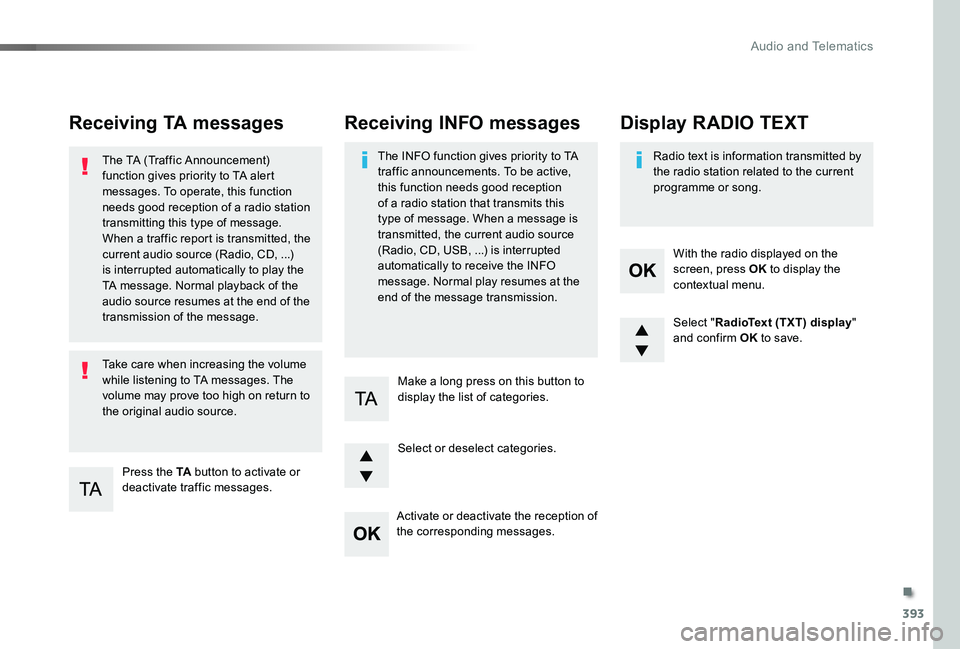
Receiving TA messages
Press the TA button to activate or deactivate traffic messages.
The TA (Traffic Announcement) function gives priority to TA alert messages. To operate, this function needs good reception of a radio station transmitting this type of message. When a traffic report is transmitted, the current audio source (Radio, CD, ...) is interrupted automatically to play the TA message. Normal playback of the audio source resumes at the end of the transmission of the message.
Take care when increasing the volume while listening to TA messages. The volume may prove too high on return to the original audio source.
Select "RadioText (TXT) display" and confirm OK to save.
Select or deselect categories.
With the radio displayed on the screen, press OK to display the contextual menu.
Make a long press on this button to display the list of categories.
Receiving INFO messages
The INFO function gives priority to TA traffic announcements. To be active, this function needs good reception of a radio station that transmits this type of message. When a message is transmitted, the current audio source
(Radio, CD, USB, ...) is interrupted automatically to receive the INFO message. Normal play resumes at the end of the message transmission.
Radio text is information transmitted by the radio station related to the current programme or song.
Display RADIO TEXT
Activate or deactivate the reception of the corresponding messages.
.
Audio and Telematics
Page 395 of 418
395
Select "Multimedia" and confirm.
Select "DAB / FM auto tracking" and confirm
Long press: select the desired categories of announcements from Transport, News, Entertainment and Flash special (availability according to the station).
Change of station within the same "multiplex service".
Press the "Menu" button.
Start a search for the previous / next "multiplex service".
Change band (FM1, FM2, DAB, ...)
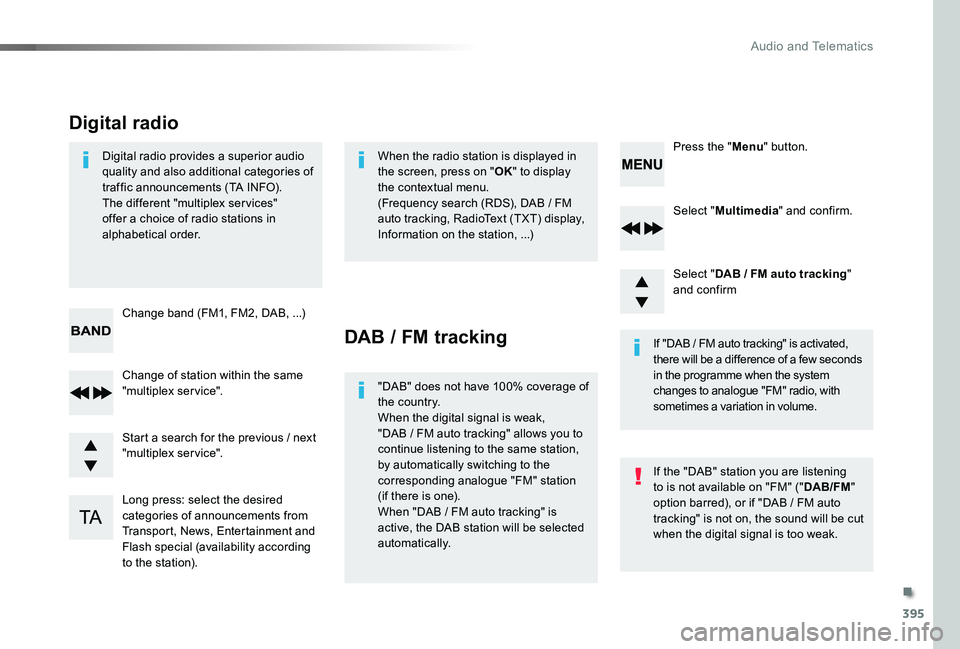
Digital radio provides a superior audio quality and also additional categories of traffic announcements (TA INFO).The different "multiplex ser vices" offer a choice of radio stations in alphabetical order.
Digital radio
When the radio station is displayed in the screen, press on "OK" to display the contextual menu.(Frequency search (RDS), DAB / FM auto tracking, RadioText (TXT) display, Information on the station, ...)
DAB / FM tracking
"DAB" does not have 100% coverage of the country.When the digital signal is weak, "DAB / FM auto tracking" allows you to continue listening to the same station, by automatically switching to the corresponding analogue "FM" station (if there is one).When "DAB / FM auto tracking" is active, the DAB station will be selected automatically.
If "DAB / FM auto tracking" is activated, there will be a difference of a few seconds in the programme when the system changes to analogue "FM" radio, with sometimes a variation in volume.
If the "DAB" station you are listening to is not available on "FM" ("DAB/FM" option barred), or if "DAB / FM auto tracking" is not on, the sound will be cut when the digital signal is too weak.
.
Audio and Telematics
Page 404 of 418
404
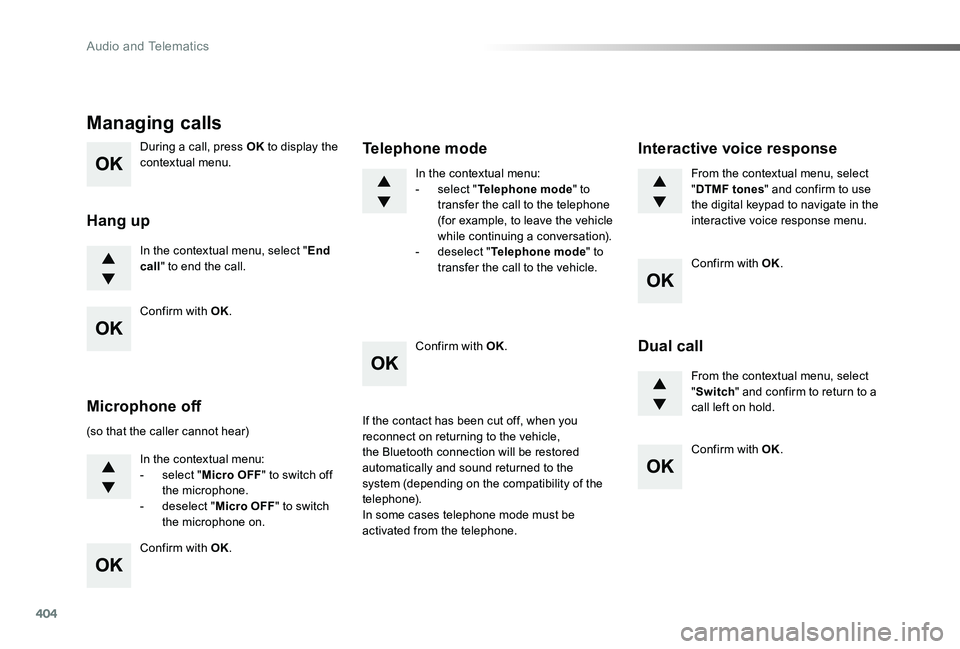
During a call, press OK to display the contextual menu.
In the contextual menu, select "End call" to end the call.
Managing calls
Hang up
(so that the caller cannot hear)
In the contextual menu:- select "Micro OFF" to switch off the microphone.- deselect "Micro OFF" to switch the microphone on.
In the contextual menu:- select "Telephone mode" to transfer the call to the telephone (for example, to leave the vehicle while continuing a conversation).- deselect "Telephone mode" to transfer the call to the vehicle.
Microphone off
Telephone mode
If the contact has been cut off, when you reconnect on returning to the vehicle,
the Bluetooth connection will be restored automatically and sound returned to the system (depending on the compatibility of the telephone).In some cases telephone mode must be activated from the telephone.
From the contextual menu, select "DTMF tones" and confirm to use the digital keypad to navigate in the interactive voice response menu.
From the contextual menu, select "Switch" and confirm to return to a call left on hold.
Interactive voice response
Dual call
Confirm with OK.
Confirm with OK.
Confirm with OK.
Confirm with OK.
Confirm with OK.
Audio and Telematics