manual radio set TOYOTA PROACE VERSO 2020 Owners Manual
[x] Cancel search | Manufacturer: TOYOTA, Model Year: 2020, Model line: PROACE VERSO, Model: TOYOTA PROACE VERSO 2020Pages: 418, PDF Size: 39.32 MB
Page 6 of 418
6
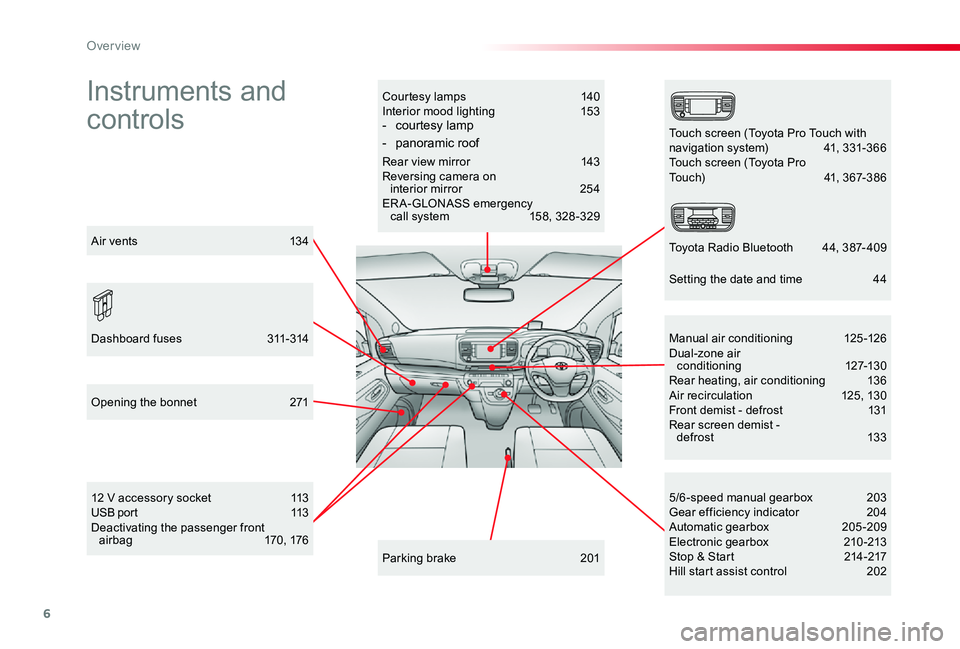
Instruments and
controls
Courtesy lamps 140Interior mood lighting 153- courtesy lamp
- panoramic roof
Rear view mirror 143Reversing camera on interior mirror 254ERA-GLONASS emergency call system 158, 328 -329
12 V accessory socket 113USB port 113Deactivating the passenger front airbag 170, 176
5/6 -speed manual gearbox 203Gear efficiency indicator 204Automatic gearbox 205-209Electronic gearbox 210 -213Stop & Start 214-217Hill start assist control 202
Manual air conditioning 125-126Dual-zone air conditioning 127-130Rear heating, air conditioning 136Air recirculation 125, 130Front demist - defrost 131Rear screen demist - def rost 13 3
Parking brake 201
Opening the bonnet 271
Dashboard fuses 311-314
Touch screen (Toyota Pro Touch withnavigation system) 41, 331-366Touch screen (Toyota ProTouch) 41, 367-386
Toyota Radio Bluetooth 44, 387- 409Air vents 134
Setting the date and time 44
Over view
Page 350 of 418
350
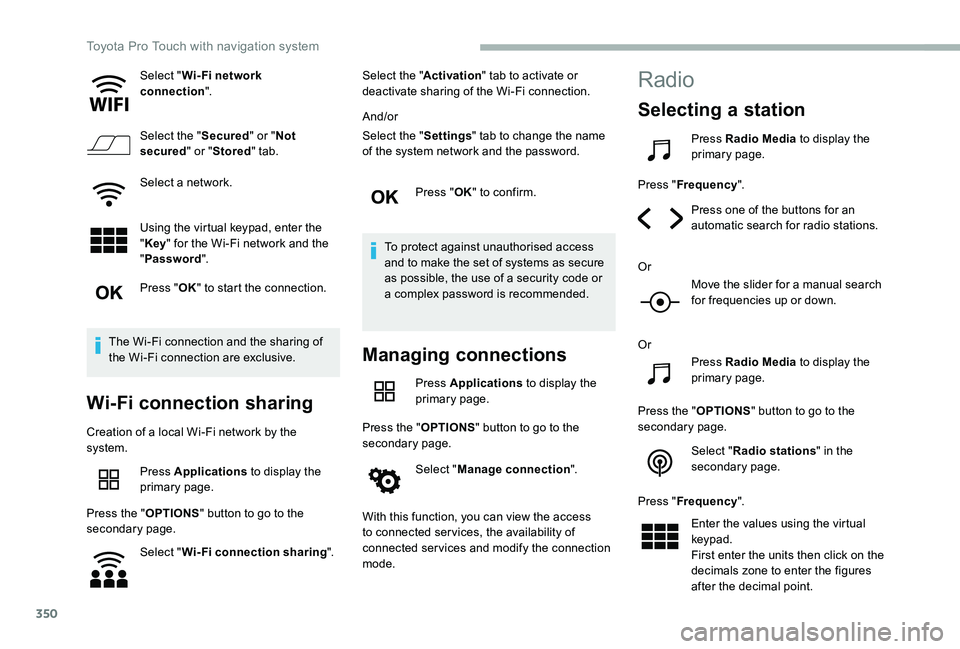
Select "Wi- Fi network connection".
Select the "Secured" or "Not secured" or "Stored" tab.
Select a network.
Using the virtual keypad, enter the "Key" for the Wi-Fi network and the
"Password".
Press "OK" to start the connection.
The Wi-Fi connection and the sharing of the Wi-Fi connection are exclusive.
Wi-Fi connection sharing
Creation of a local Wi-Fi network by the system.
Press Applications to display the primary page.
Press the "OPTIONS" button to go to the secondary page.
Select "Wi-Fi connection sharing".
Select the "Activation" tab to activate or deactivate sharing of the Wi-Fi connection.
And/or
Select the "Settings" tab to change the name of the system network and the password.
Press "OK" to confirm.
To protect against unauthorised access and to make the set of systems as secure as possible, the use of a security code or a complex password is recommended.
Managing connections
Press Applications to display the primary page.
Press the "OPTIONS" button to go to the secondary page.
Select "Manage connection".
With this function, you can view the access to connected ser vices, the availability of connected services and modify the connection mode.
Radio
Selecting a station
Press Radio Media to display the primary page.
Press "Frequency".
Press one of the buttons for an automatic search for radio stations.
Or
Move the slider for a manual search for frequencies up or down.
Or
Press Radio Media to display the primary page.
Press the "OPTIONS" button to go to the secondary page.
Select "Radio stations" in the secondary page.
Press "Frequency".
Enter the values using the virtual keypad.First enter the units then click on the decimals zone to enter the figures after the decimal point.
Toyota Pro Touch with navigation system
Page 371 of 418
371
Applications
Viewing photos
Insert a USB memory stick in the USB socket.
To protect the system, do not use a USB hub.
The system can read folders and image files in the formats: .tiff ; .gif ; .jpg/jpeg ; .bmp ; .png.
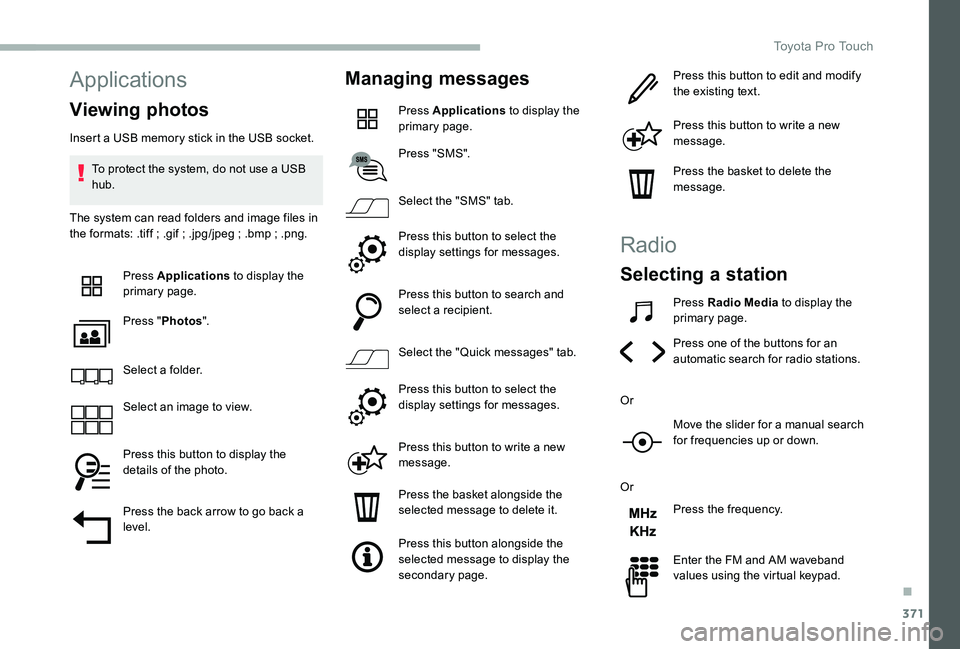
Press Applications to display the primary page.
Press "Photos".
Select a folder.
Select an image to view.
Press this button to display the details of the photo.
Press the back arrow to go back a level.
Managing messages
Press Applications to display the primary page.
Press "SMS".
Select the "SMS" tab.
Press this button to select the display settings for messages.
Press this button to search and select a recipient.
Select the "Quick messages" tab.
Press this button to select the display settings for messages.
Press this button to write a new message.
Press the basket alongside the selected message to delete it.
Press this button alongside the selected message to display the secondary page.
Press this button to edit and modify the existing text.
Press this button to write a new message.
Press the basket to delete the message.
Radio
Selecting a station
Press Radio Media to display the primary page.
Press one of the buttons for an automatic search for radio stations.
Or
Move the slider for a manual search for frequencies up or down.
Or
Press the frequency.
Enter the FM and AM waveband values using the virtual keypad.
.
Toyota Pro Touch
Page 388 of 418
388
First steps
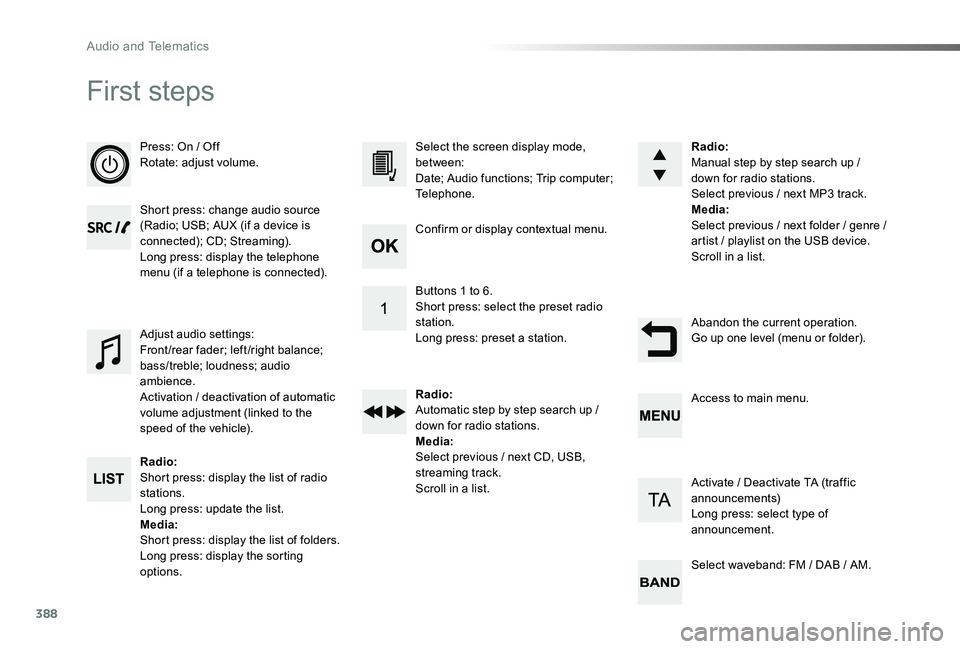
Press: On / OffRotate: adjust volume.
Short press: change audio source (Radio; USB; AUX (if a device is connected); CD; Streaming).Long press: display the telephone menu (if a telephone is connected).
Radio:Short press: display the list of radio stations.Long press: update the list.Media:Shor t press: display the list of folders.Long press: display the sorting options.
Select the screen display mode, between:Date; Audio functions; Trip computer; Telephone.
Adjust audio settings:Front /rear fader; left /right balance; bass/treble; loudness; audio ambience.Activation / deactivation of automatic volume adjustment (linked to the speed of the vehicle).
Radio:Manual step by step search up / down for radio stations.Select previous / next MP3 track.Media:Select previous / next folder / genre / artist / playlist on the USB device.Scroll in a list.
Abandon the current operation.Go up one level (menu or folder).
Confirm or display contextual menu.
Buttons 1 to 6.Short press: select the preset radio station.Long press: preset a station.
Radio:Automatic step by step search up / down for radio stations.Media:Select previous / next CD, USB, streaming track.Scroll in a list.
Access to main menu.
Activate / Deactivate TA (traffic announcements)Long press: select type of announcement.
Select waveband: FM / DAB / AM.
Audio and Telematics