break TOYOTA PROACE VERSO 2022 Owners Manual
[x] Cancel search | Manufacturer: TOYOTA, Model Year: 2022, Model line: PROACE VERSO, Model: TOYOTA PROACE VERSO 2022Pages: 360, PDF Size: 70.79 MB
Page 3 of 360
3
Contents
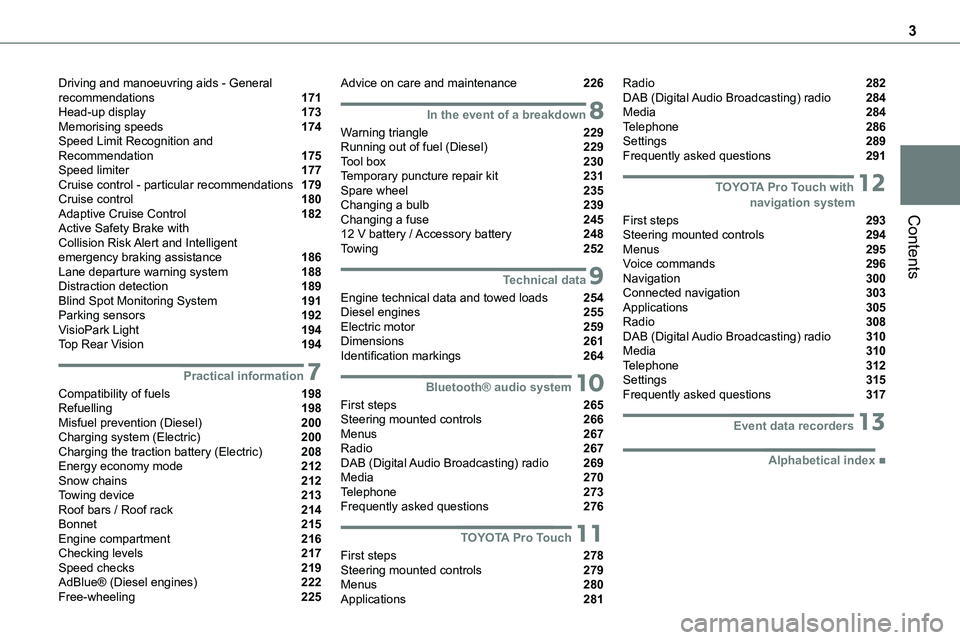
Driving and manoeuvring aids - General recommendations 171Head-up display 173Memorising speeds 174Speed Limit Recognition and Recommendation 175Speed limiter 177Cruise control - particular recommendations 179Cruise control 180Adaptive Cruise Control 182Active Safety Brake with Collision Risk Alert and Intelligent emergency braking assistance 186Lane departure warning system 188Distraction detection 189Blind Spot Monitoring System 191Parking sensors 192VisioPark Light 194Top Rear Vision 194
7Practical information
Compatibility of fuels 198Refuelling 198Misfuel prevention (Diesel) 200Charging system (Electric) 200Charging the traction battery (Electric) 208Energy economy mode 212Snow chains 212Towing device 213Roof bars / Roof rack 214Bonnet 215Engine compartment 216Checking levels 217Speed checks 219AdBlue® (Diesel engines) 222Free-wheeling 225
Advice on care and maintenance 226
8In the event of a breakdown
Warning triangle 229Running out of fuel (Diesel) 229Tool box 230Temporary puncture repair kit 231Spare wheel 235Changing a bulb 239Changing a fuse 24512 V battery / Accessory battery 248Towing 252
9Technical data
Engine technical data and towed loads 254Diesel engines 255Electric motor 259Dimensions 261Identification markings 264
10Bluetooth® audio system
First steps 265Steering mounted controls 266Menus 267Radio 267DAB (Digital Audio Broadcasting) radio 269Media 270Telephone 273Frequently asked questions 276
11TOYOTA Pro Touch
First steps 278Steering mounted controls 279Menus 280Applications 281
Radio 282DAB (Digital Audio Broadcasting) radio 284Media 284Telephone 286Settings 289Frequently asked questions 291
12 TOYOTA Pro Touch with navigation system
First steps 293Steering mounted controls 294Menus 295Voice commands 296Navigation 300Connected navigation 303Applications 305Radio 308DAB (Digital Audio Broadcasting) radio 310Media 310Telephone 312Settings 315Frequently asked questions 317
13Event data recorders
■Alphabetical index
Page 50 of 360
50
Alarm
(Depending on version)
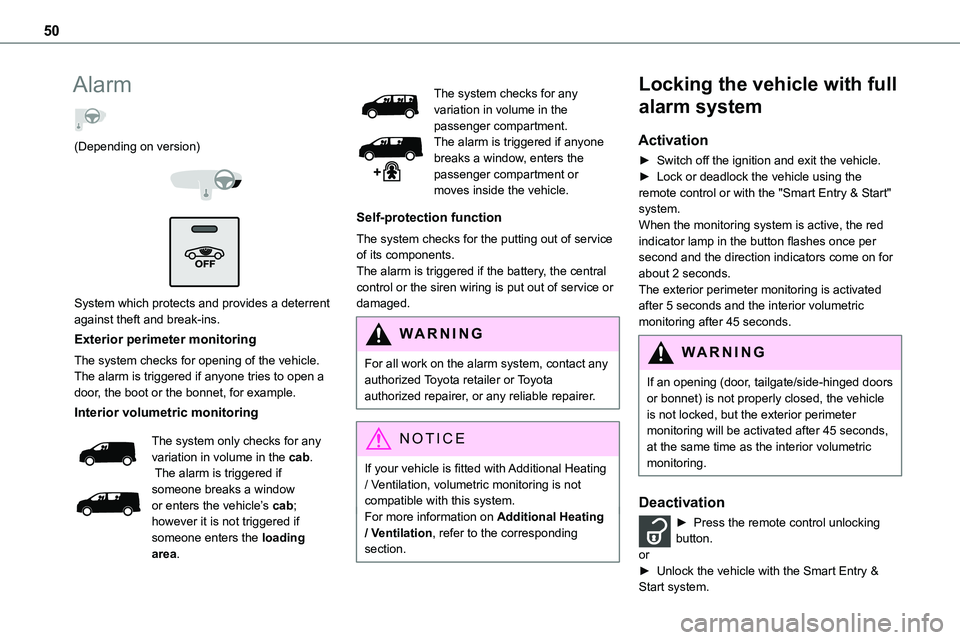
System which protects and provides a deterrent against theft and break-ins.
Exterior perimeter monitoring
The system checks for opening of the vehicle.The alarm is triggered if anyone tries to open a door, the boot or the bonnet, for example.
Interior volumetric monitoring
The system only checks for any variation in volume in the cab. The alarm is triggered if someone breaks a window or enters the vehicle’s cab; however it is not triggered if
someone enters the loading area.
The system checks for any variation in volume in the passenger compartment.The alarm is triggered if anyone breaks a window, enters the passenger compartment or moves inside the vehicle.
Self-protection function
The system checks for the putting out of service of its components.The alarm is triggered if the battery, the central control or the siren wiring is put out of service or damaged.
WARNI NG
For all work on the alarm system, contact any authorized Toyota retailer or Toyota authorized repairer, or any reliable repairer.
NOTIC E
If your vehicle is fitted with Additional Heating / Ventilation, volumetric monitoring is not compatible with this system.For more information on Additional Heating / Ventilation, refer to the corresponding section.
Locking the vehicle with full
alarm system
Activation
► Switch off the ignition and exit the vehicle.► Lock or deadlock the vehicle using the remote control or with the "Smart Entry & Start" system.
When the monitoring system is active, the red indicator lamp in the button flashes once per second and the direction indicators come on for about 2 seconds.The exterior perimeter monitoring is activated after 5 seconds and the interior volumetric monitoring after 45 seconds.
WARNI NG
If an opening (door, tailgate/side-hinged doors or bonnet) is not properly closed, the vehicle is not locked, but the exterior perimeter monitoring will be activated after 45 seconds, at the same time as the interior volumetric monitoring.
Deactivation
► Press the remote control unlocking
button.or► Unlock the vehicle with the Smart Entry & Start system.
Page 57 of 360
57
Ease of use and comfort
3
WARNI NG
Prolonged use of heated seats is not recommended for those with sensitive skin.There is a risk of burns for people whose perception of heat is impaired (illness, taking medication, etc.).To keep the heated pad intact and to prevent a short circuit:
– Do not place heavy or sharp objects on the seat.– Do not kneel or stand on the seat.– Do not spill liquids onto the seat.– Never use the heating function if the seat is wet.
EC O
Do not use the function when the seat is not occupied.Reduce the heating intensity as soon as possible.When the seat and passenger compartment have reached a satisfactory temperature, switch the function off; reducing electricity consumption in turn decreases fuel consumption.
Electric lumbar
adjustment
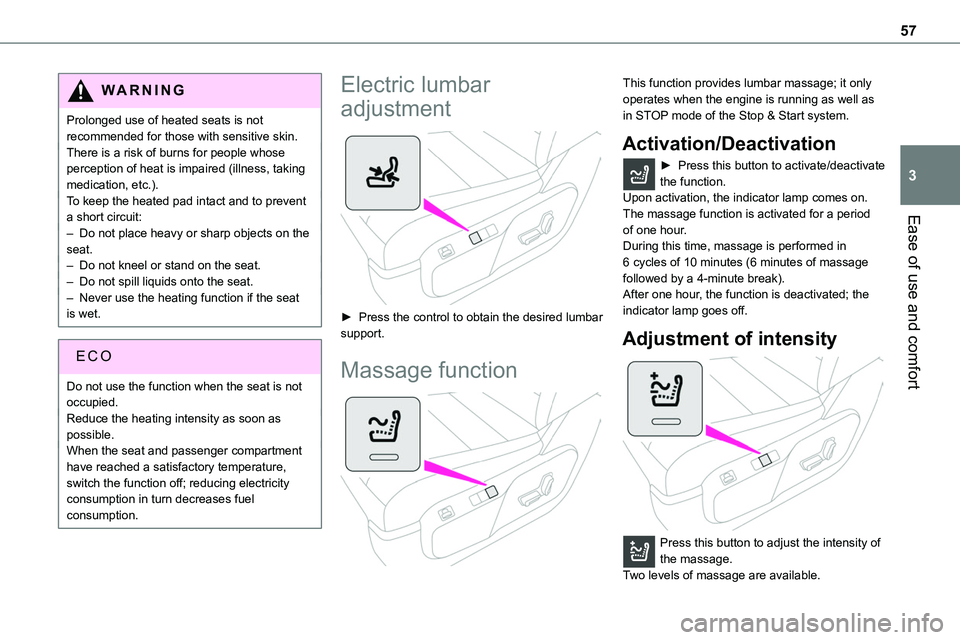
► Press the control to obtain the desired lumbar support.
Massage function
This function provides lumbar massage; it only operates when the engine is running as well as in STOP mode of the Stop & Start system.
Activation/Deactivation
► Press this button to activate/deactivate the function.Upon activation, the indicator lamp comes on. The massage function is activated for a period
of one hour.During this time, massage is performed in 6 cycles of 10 minutes (6 minutes of massage followed by a 4-minute break).After one hour, the function is deactivated; the indicator lamp goes off.
Adjustment of intensity
Press this button to adjust the intensity of the massage.Two levels of massage are available.
Page 111 of 360
111
Safety
5
General safety
recommendations
WARNI NG
Do not remove the labels attached in different places on your vehicle. They include safety warnings as well as identification information
for the vehicle.
WARNI NG
For all work on your vehicle, use a qualified workshop that has the technical information, skills and equipment required, all of which any authorized Toyota retailer or Toyota authorized repairer, or any reliable repairer is able to provide.
WARNI NG
Depending on country regulations, certain safety equipment may be mandatory: high visibility safety vests, warning triangles, breathalysers, spare bulbs, spare fuses, fire extinguisher, first aid kit, mud flaps at the rear of the vehicle, etc.
WARNI NG
Installing electrical accessories:– The fitting of electrical equipment or accessories not approved by TOYOTA may cause excessive current consumption and faults and failures with the electrical system of your vehicle. Contact any authorized Toyota retailer or Toyota authorized repairer, or any
reliable repairer for information on the range of approved accessories.– As a safety measure, access to the diagnostic socket, used for the vehicle's electronic systems, is reserved strictly for any authorized Toyota retailer or Toyota authorized repairer, or any reliable repairer, equipped with the special tools required (risk of malfunctions of the vehicle's electronic systems that could cause breakdowns or serious accidents). The Manufacturer cannot be held responsible if this advice is not followed.– Any modification or adaptation not intended or authorised by TOYOTA or carried out without meeting the technical requirements defined by the Manufacturer will result in the suspension of the commercial warranty.
W ARNI NG
Installation of accessory radio communication transmittersBefore installing a radio communication transmitter with an external aerial, you must without fail contact any authorized Toyota retailer or Toyota authorized repairer, or any reliable repairer for the specification of
transmitters which can be fitted (frequency, maximum power, aerial position, specific installation requirements), in line with the Vehicle Electromagnetic Compatibility Directive (2004/104/EC).
NOTIC E
Declarations of conformity for radio equipmentThe relevant certificates are available on the https://www.toyota-tech.eu/RED website.
Page 150 of 360
150
Driving recommendations
► Observe the driving regulations and remain vigilant whatever the traffic conditions.► Monitor your environment and keep your hands on the wheel to be able to react to anything that may happen any time.► Drive smoothly, anticipate the need for braking and maintain a longer safety distance,
especially in bad weather.► Stop the vehicle to carry out operations that require close attention (such as adjustments).► During long trips, take a break every two hours.To ensure the durability of the vehicle and for safety reasons, remember that certain precautionary measures must be taken when driving the vehicle:
Manoeuvre cautiously, at low speed
Manoeuvre slowly.Before turning, check that there are no obstacles at mid-height along the sides.Before reversing, check that there are no obstacles, particularly at high level behind the vehicle.Be aware of the external dimensions, if ladders are fitted.
Drive the vehicle carefully
Take corners gently.Anticipate the need to brake as the stopping distance is increased, particularly on wet or icy roads.
Be aware of the effect of side winds on the vehicle.
Maintenance
Inflate to the minimum pressure indicated on the label, or even over-inflate by 0.2 to 0.3 bar for long journeys.
Important!
WARNI NG
Never leave the engine running in a closed space without sufficient ventilation. Internal combustion engines emit toxic exhaust gases such as carbon monoxide. Danger of poisoning and death!
WARNI NG
In very severe wintry conditions (temperature below -23°C), let the engine run for 4 minutes before moving off, to ensure the correct operation and durability of the mechanical components of your vehicle (engine and gearbox).
WARNI NG
Never drive with the parking brake applied. Risk of overheating and damaging the braking system!
WARNI NG
Do not park the vehicle or leave the engine running on a flammable surface (e.g. dry grass, dead leaves).The vehicle exhaust system is very hot, even several minutes after the engine stops. Risk of fire!
WARNI NG
Never drive on surfaces covered with vegetation (tall grass, accumulation of dead leaves, crops, debris) such as a field, a country lane overgrown with bushes or a grassy verge.This vegetation could come into contact with the vehicle's exhaust system or other systems which are very hot. Risk of fire!
WARNI NG
Make sure you do not leave any item in the passenger compartment which could act like a magnifying glass under the effect of the sun's rays and cause a fire - risk of fire or damage to interior surface!
Page 152 of 360
152
Before setting off
Nose weight
► Distribute the load in the trailer so that the heaviest items are as close as possible to the axle and the nose weight (at the point where it joins your vehicle) approaches the maximum permitted without exceeding it.
Tyres
► Check the tyre pressures of the towing vehicle and of the trailer, observing the recommended pressures.
Lighting
► Check the electrical signalling on the trailer and the headlamp beam height of your vehicle.
NOTIC E
If a genuine TOYOTA towing device is used, the rear parking sensors will be deactivated automatically to avoid the audible signal.
When driving
Cooling
Towing a trailer uphill causes the coolant temperature to increase. The maximum towable load depends on the gradient and the exterior
temperature. The fan’s cooling capacity does not increase with engine speed.► Reduce speed and lower the engine speed to limit the amount of heating produced.
In all cases, pay attention to the coolant temperature.If this warning lamp and the STOP warning lamp come on, stop the vehicle and switch off the engine as soon as possible.
Brakes
Braking distances are increased when towing a trailer. To avoid overheating the brakes, the use
of engine braking is recommended.
Side wind
Bear in mind that the vehicle will be more susceptible to wind when towing.
Anti-theft protection
Electronic immobiliser
The remote control contains an electronic chip which has a special code. When the ignition is switched on, this code must be recognised in order for starting to be possible.A few seconds after switching off the ignition, this system locks the engine control system, therefore preventing the engine from being started in the event of a break-in.In the event of a fault, you are informed by illumination of this warning lamp, an audible signal and a message on the screen.The vehicle will not start; contact any authorized Toyota retailer or Toyota authorized repairer, or any reliable repairer as soon as possible.
Starting/switching off the
engine
Starting
The parking brake must be applied.
► With a manual gearbox, place the gear lever in neutral, fully depress the clutch pedal and
keep the pedal down until the engine starts.► With an automatic gearbox, place the selector in position P then depress the brake pedal.
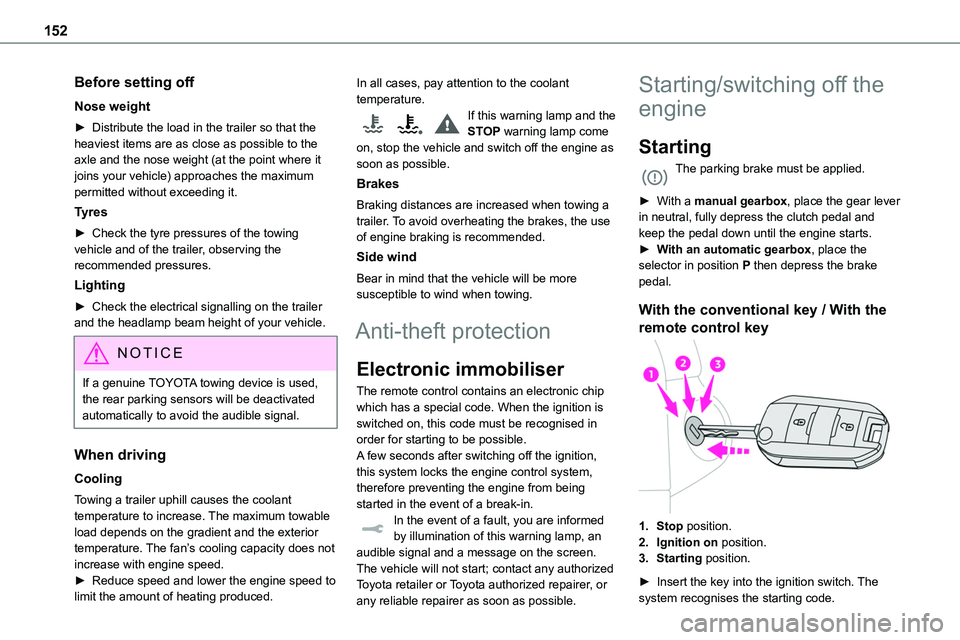
With the conventional key / With the
remote control key
1.Stop position.
2.Ignition on position.
3.Starting position.
► Insert the key into the ignition switch. The system recognises the starting code.
Page 159 of 360
159
Driving
6
► Release the brake pedal and depress the accelerator pedal.
NOTIC E
With an automatic gearbox or drive selector, if the brake does not release automatically, check that the front doors are properly closed.
WARNI NG
When stationary with the engine running, do not depress the accelerator pedal unnecessarily. Risk of parking brake release.
Automatic application
With the vehicle stationary, the parking brake is applied automatically when the engine is switched off.
WARNI NG
It is not applied automatically if the engine stalls or enters STOP mode with Stop & Start.
NOTIC E
In automatic mode, the parking brake can be manually applied or released at any time using the control.
Special cases
Immobilising the vehicle with the
engine running
To immobilise the vehicle with the engine running, briefly pull the control lever.
Parking the vehicle with the brake
released
WARNI NG
In very cold conditions (ice), applying the parking brake is not recommended.To immobilise the vehicle, engage a gear or place the chocks against one of the wheels.
NOTIC E
With an automatic gearbox or drive selector, mode P is automatically selected when the ignition is switched off. The wheels are blocked.For more information on Free-wheeling, refer to the corresponding section.
NOTIC E
With an automatic gearbox or drive selector, while mode N is selected, opening the driver’s door triggers an audible signal. It stops when the driver's door closes again.
Deactivating automatic
operation
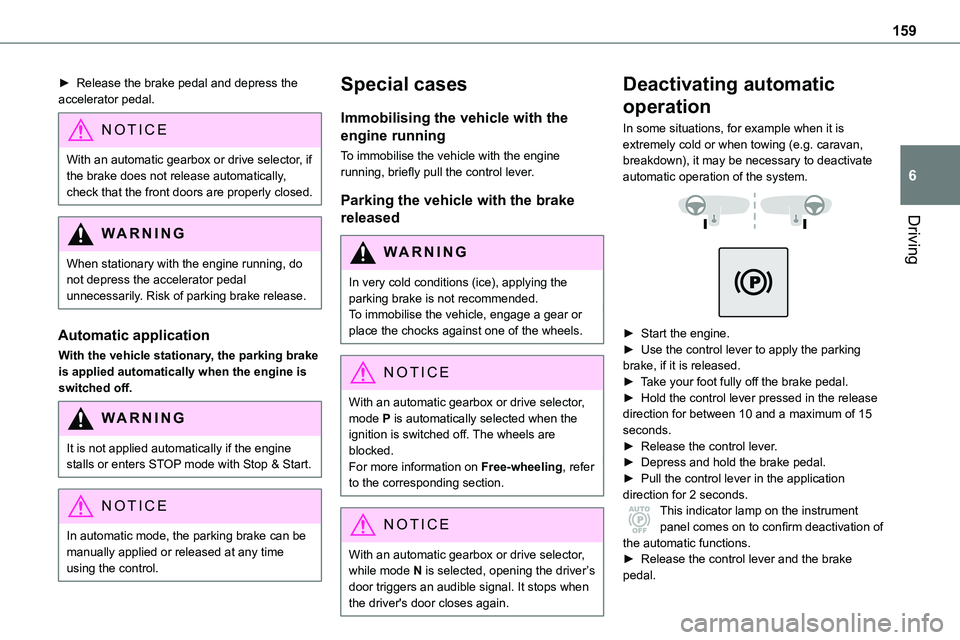
In some situations, for example when it is extremely cold or when towing (e.g. caravan, breakdown), it may be necessary to deactivate automatic operation of the system.
► Start the engine.► Use the control lever to apply the parking brake, if it is released.► Take your foot fully off the brake pedal.► Hold the control lever pressed in the release direction for between 10 and a maximum of 15 seconds.► Release the control lever.► Depress and hold the brake pedal.► Pull the control lever in the application direction for 2 seconds.This indicator lamp on the instrument panel comes on to confirm deactivation of
the automatic functions.► Release the control lever and the brake pedal.
Page 171 of 360
171
Driving
6
values read by the wheel's speed sensors can take several minutes.The alert may be delayed at speeds below 25 mph (40 km/h), or when adopting a sporty driving mode.
NOTIC E
The alert is kept active until the system is reinitialised.
Reinitialisation
Reinitialise the system after adjusting one or more tyre pressures and after changing one or more wheels.
WARNI NG
Before reinitialising the system, make sure that the pressures of the four tyres are correct for the conditions of use of the vehicle and conform to the values written on the tyre pressure label.Check the pressures of the four tyres before performing the reinitialisation.The system does not advise if a pressure is incorrect at the time of reinitialisation.
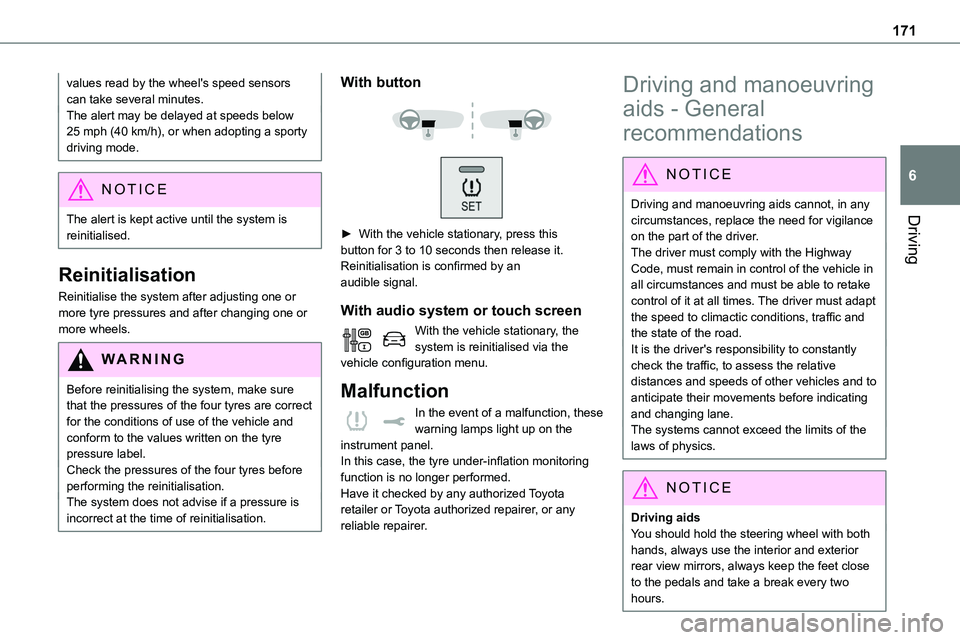
With button
► With the vehicle stationary, press this button for 3 to 10 seconds then release it. Reinitialisation is confirmed by anaudible signal.
With audio system or touch screen
With the vehicle stationary, the system is reinitialised via the vehicle configuration menu.
Malfunction
In the event of a malfunction, these warning lamps light up on the
instrument panel.In this case, the tyre under-inflation monitoring function is no longer performed.Have it checked by any authorized Toyota retailer or Toyota authorized repairer, or any reliable repairer.
Driving and manoeuvring
aids - General
recommendations
NOTIC E
Driving and manoeuvring aids cannot, in any circumstances, replace the need for vigilance
on the part of the driver.The driver must comply with the Highway Code, must remain in control of the vehicle in all circumstances and must be able to retake control of it at all times. The driver must adapt the speed to climactic conditions, traffic and the state of the road.It is the driver's responsibility to constantly check the traffic, to assess the relative distances and speeds of other vehicles and to anticipate their movements before indicating and changing lane.The systems cannot exceed the limits of the laws of physics.
NOTIC E
Driving aids
You should hold the steering wheel with both hands, always use the interior and exterior rear view mirrors, always keep the feet close to the pedals and take a break every two hours.
Page 185 of 360
185
Driving
6
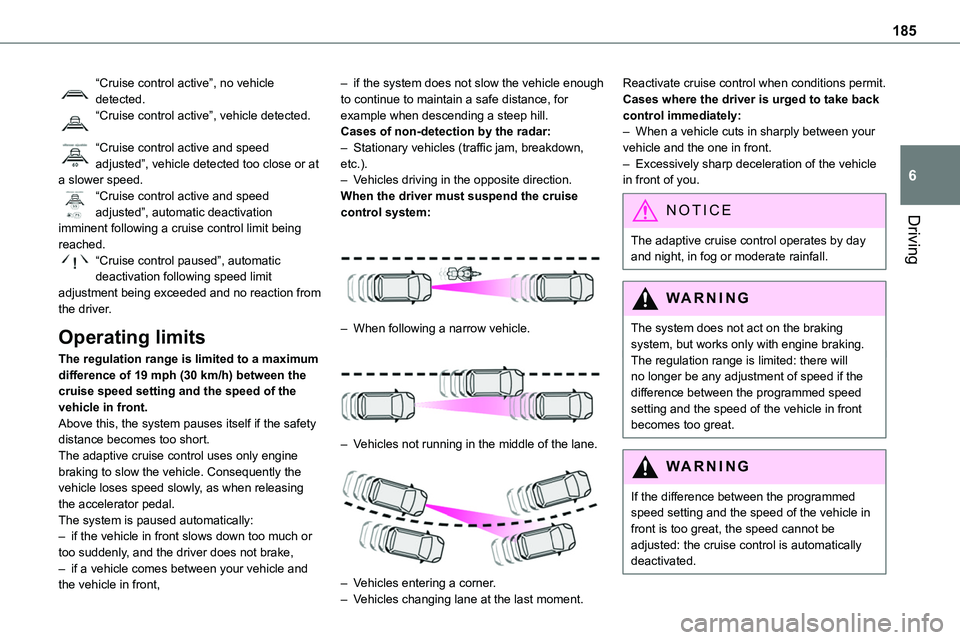
“Cruise control active”, no vehicle detected.“Cruise control active”, vehicle detected.
“Cruise control active and speed adjusted”, vehicle detected too close or at a slower speed.“Cruise control active and speed adjusted”, automatic deactivation
imminent following a cruise control limit being reached.“Cruise control paused”, automatic deactivation following speed limit adjustment being exceeded and no reaction from the driver.
Operating limits
The regulation range is limited to a maximum difference of 19 mph (30 km/h) between the cruise speed setting and the speed of the vehicle in front.Above this, the system pauses itself if the safety distance becomes too short.The adaptive cruise control uses only engine braking to slow the vehicle. Consequently the vehicle loses speed slowly, as when releasing the accelerator pedal.The system is paused automatically:– if the vehicle in front slows down too much or too suddenly, and the driver does not brake,– if a vehicle comes between your vehicle and the vehicle in front,
– if the system does not slow the vehicle enough to continue to maintain a safe distance, for example when descending a steep hill.Cases of non-detection by the radar:– Stationary vehicles (traffic jam, breakdown, etc.).– Vehicles driving in the opposite direction.When the driver must suspend the cruise control system:
– When following a narrow vehicle.
– Vehicles not running in the middle of the lane.
– Vehicles entering a corner.– Vehicles changing lane at the last moment.
Reactivate cruise control when conditions permit.Cases where the driver is urged to take back control immediately:– When a vehicle cuts in sharply between your vehicle and the one in front.– Excessively sharp deceleration of the vehicle in front of you.
NOTIC E
The adaptive cruise control operates by day and night, in fog or moderate rainfall.
WARNI NG
The system does not act on the braking system, but works only with engine braking.The regulation range is limited: there will no longer be any adjustment of speed if the difference between the programmed speed setting and the speed of the vehicle in front becomes too great.
WARNI NG
If the difference between the programmed speed setting and the speed of the vehicle in front is too great, the speed cannot be adjusted: the cruise control is automatically deactivated.
Page 189 of 360
189
Driving
6
Detection - Alert
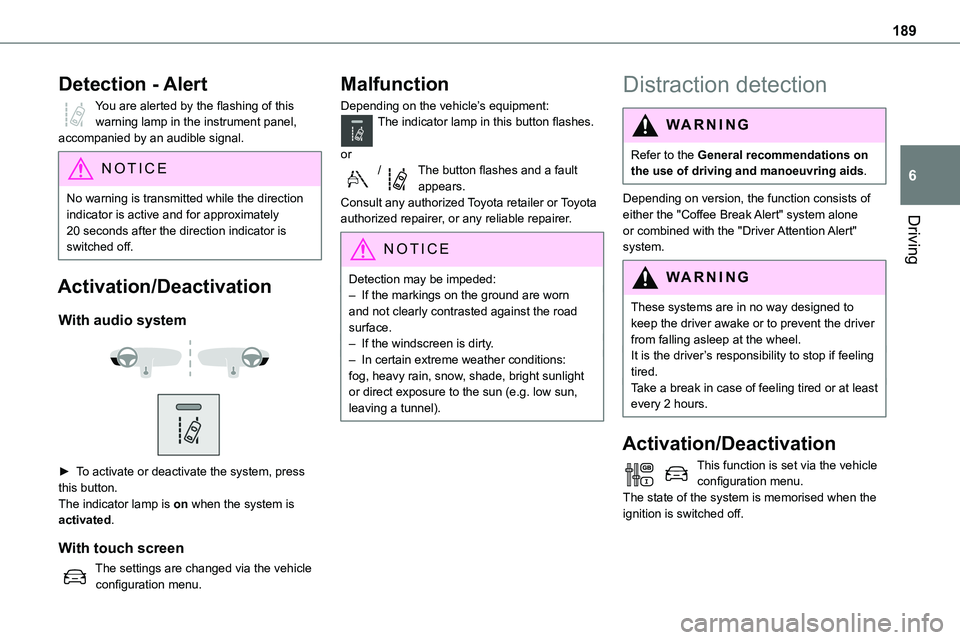
You are alerted by the flashing of this warning lamp in the instrument panel, accompanied by an audible signal.
NOTIC E
No warning is transmitted while the direction indicator is active and for approximately 20 seconds after the direction indicator is switched off.
Activation/Deactivation
With audio system
► To activate or deactivate the system, press this button.The indicator lamp is on when the system is activated.
With touch screen
The settings are changed via the vehicle configuration menu.
Malfunction
Depending on the vehicle’s equipment:The indicator lamp in this button flashes.
or/The button flashes and a fault appears.Consult any authorized Toyota retailer or Toyota authorized repairer, or any reliable repairer.
NOTIC E
Detection may be impeded:– If the markings on the ground are worn and not clearly contrasted against the road surface.– If the windscreen is dirty.– In certain extreme weather conditions: fog, heavy rain, snow, shade, bright sunlight or direct exposure to the sun (e.g. low sun, leaving a tunnel).
Distraction detection
WARNI NG
Refer to the General recommendations on the use of driving and manoeuvring aids.
Depending on version, the function consists of either the "Coffee Break Alert" system alone or combined with the "Driver Attention Alert" system.
WARNI NG
These systems are in no way designed to keep the driver awake or to prevent the driver from falling asleep at the wheel. It is the driver’s responsibility to stop if feeling tired.Take a break in case of feeling tired or at least every 2 hours.
Activation/Deactivation
This function is set via the vehicle configuration menu.The state of the system is memorised when the ignition is switched off.