display TOYOTA RAV4 2013 XA40 / 4.G Owner's Manual
[x] Cancel search | Manufacturer: TOYOTA, Model Year: 2013, Model line: RAV4, Model: TOYOTA RAV4 2013 XA40 / 4.GPages: 624, PDF Size: 9.82 MB
Page 309 of 624
RAV4_OM_OM42809U_(U)
3095-2. Using the audio system
5
Interior features
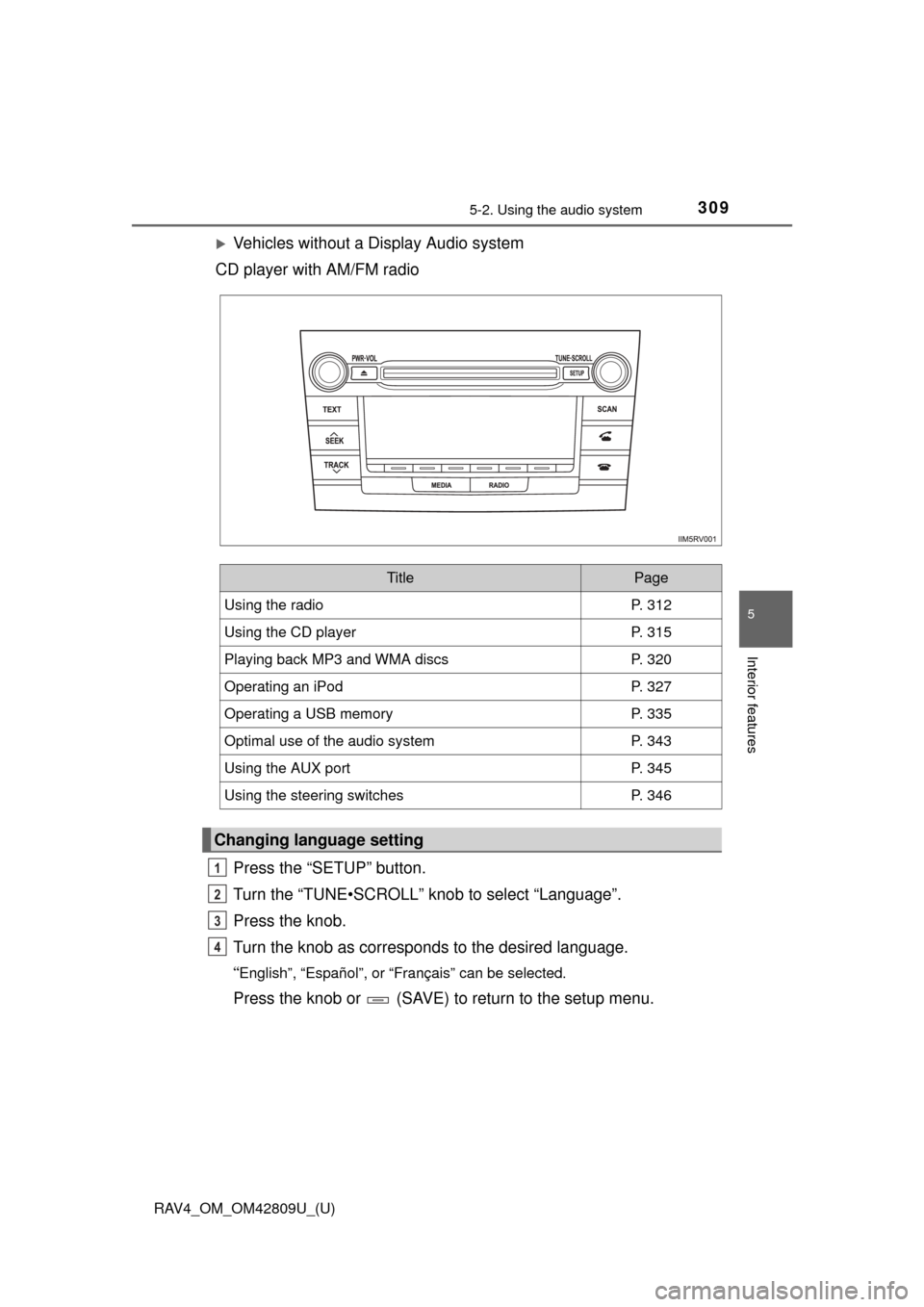
Vehicles without a Display Audio system
CD player with AM/FM radio
Press the “SETUP” button.
Turn the “TUNE•SCROLL” knob to select “Language”.
Press the knob.
Turn the knob as corresponds to the desired language.
“English”, “Español”, or “Français” can be selected.
Press the knob or (SAVE) to return to the setup menu.
TitlePage
Using the radioP. 312
Using the CD playerP. 315
Playing back MP3 and WMA discsP. 320
Operating an iPodP. 327
Operating a USB memoryP. 335
Optimal use of the audio systemP. 343
Using the AUX portP. 345
Using the steering switchesP. 346
Changing language setting
1
2
3
4
Page 310 of 624
310
RAV4_OM_OM42809U_(U)
5-2. Using the audio system
■Using cellular phones
Interference may be heard through the audio system’s speakers if a cellular
phone is being used inside or close to the vehicle while the audio system is
operating.
CAUTION
■Certification for the disc player
●Part 15 of the FCC Rules
FCC Warning:
Changes or modifications not expressly approved by the party responsi-
ble for compliance could void the user’s authority to operate the device.
● Laser products
• Do not take this unit apart or attempt to make any changes yourself.
This is an intricate unit that uses a laser pickup to retrieve information
from the surface of compact discs. The laser is carefully shielded so
that its rays remain inside the cabinet. Therefore, never try to disassem-
ble the player or alter any of its parts since you may be exposed to laser
rays and dangerous voltages.
• This product utilizes a laser. Use of controls or adjustments or performance of procedures other than
those specified herein may result in hazardous radiation exposure.
■ Certification for the Display Audio system
FCC ID: BABFT0017A
FCC ID: BABFT0032A
IC: 2024B-FT0017A
IC: 2024B-FT0032A
For vehicles sold in the U.S.A. and Puerto Rico
This device complies with part 15 of the FCC Rules. Operation is subject to
the following two conditions: (1) This device may not cause harmful interfer-
ence, and (2) this device must accept any interference received, including
interference that may cause undesired operation.
Page 312 of 624
312
RAV4_OM_OM42809U_(U)
5-2. Using the audio system
Using the radio
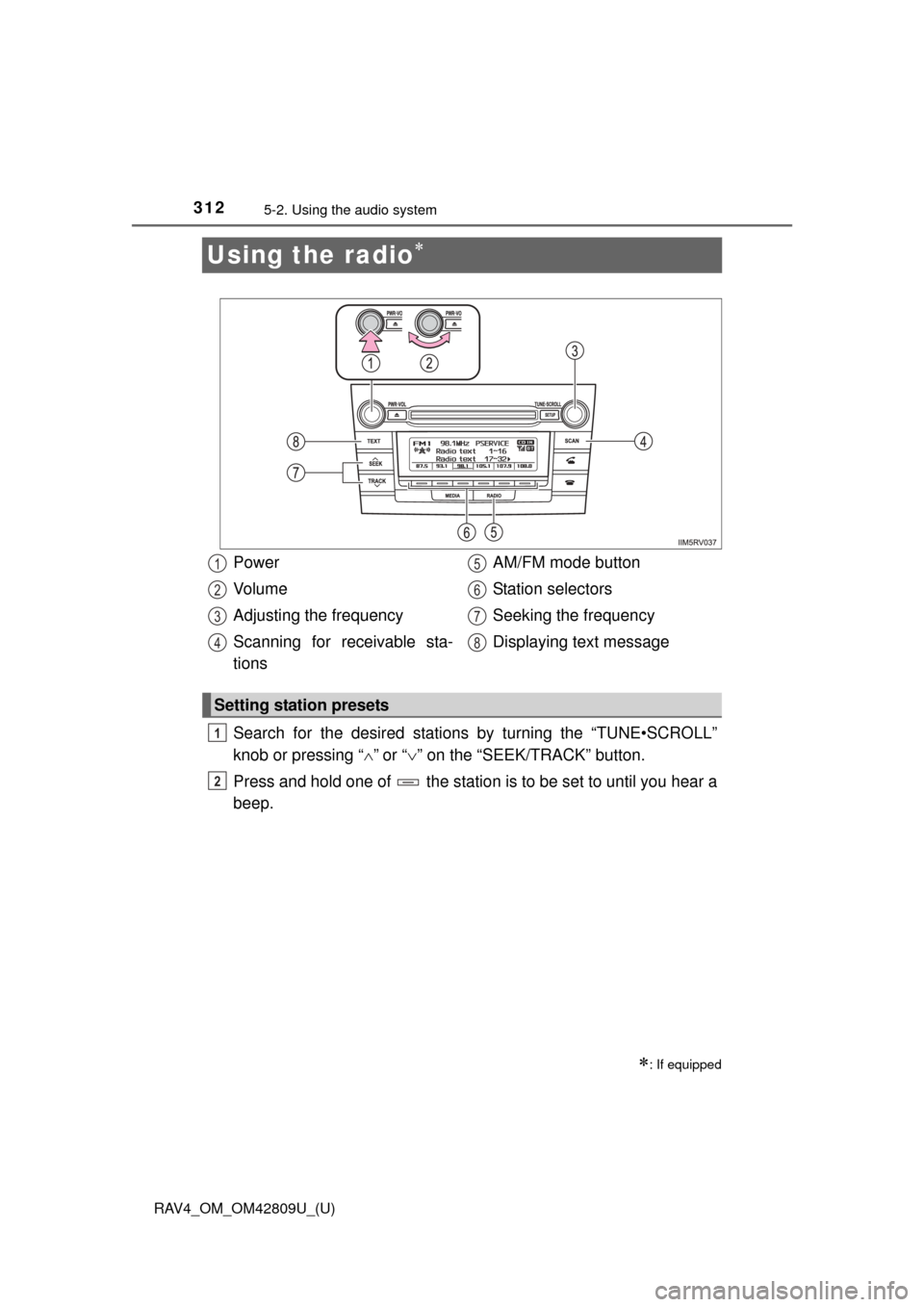
Search for the desired stations by turning the “TUNE•SCROLL”
knob or pressing “”
or “ ” on the “SEEK/TRACK” button.
Press and hold one of the station is to be set to until you hear a
beep.
: If equipped
Power
Vo l u m e
Adjusting the frequency
Scanning for receivable sta-
tions AM/FM mode button
Station selectors
Seeking the frequency
Displaying text message
Setting station presets
1
2
3
4
5
6
7
8
1
2
Page 313 of 624
RAV4_OM_OM42809U_(U)
3135-2. Using the audio system
5
Interior features
■Scanning the preset radio stationsPress and hold the “SCAN” button until you hear a beep.
Preset stations will be played for 5 seconds each.
To cancel, press the button again.
When the desired station is reached, press the button again.
■Scanning all the radio stations within rangePress the “SCAN” button.
All the stations with reception will be played for 5 seconds each.
To cancel, press the button again.
When the desired station is reached, press the button again.
Press the “TEXT” button to display or hide the radio texts.
If there are following texts, is displayed.
Press the button to display the remaining texts.
Scanning radio stations
Switching the display
1
2
1
2
Page 315 of 624
315
RAV4_OM_OM42809U_(U)
5-2. Using the audio system
5
Interior features
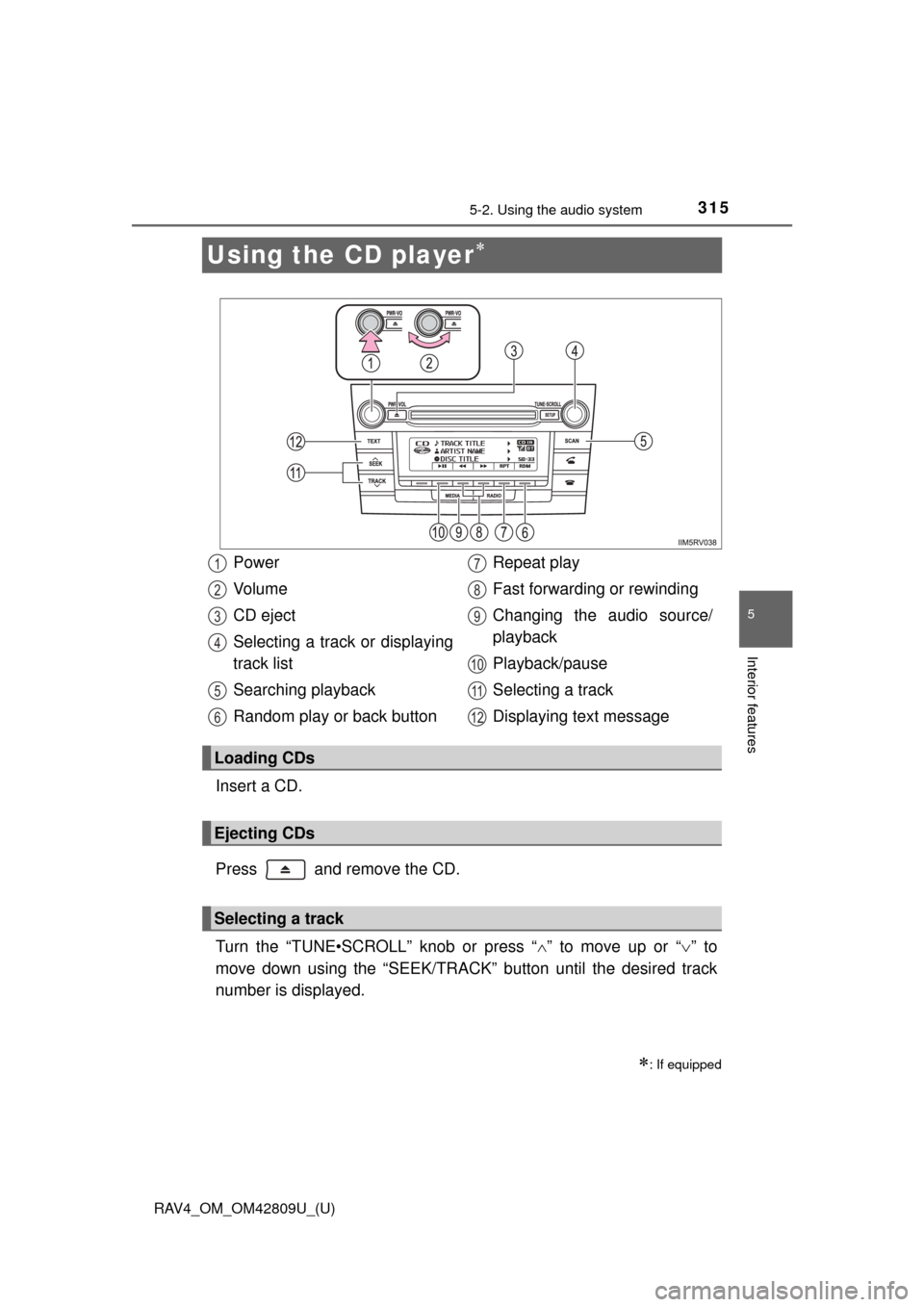
Using the CD player
Insert a CD.
Press and remove the CD.
Turn the “TUNE•SCROLL” knob or press “” to move up or “ ” to
move down using the “SEEK/TRACK” button until the desired track
number is displayed.
: If equipped
Power
Vo l u m e
CD eject
Selecting a track or displaying
track list
Searching playback
Random play or back button Repeat play
Fast forwarding or rewinding
Changing the audio source/
playback
Playback/pause
Selecting a track
Displaying text message
Loading CDs
Ejecting CDs
Selecting a track
1
2
3
4
5
6
7
8
9
10
11
12
Page 316 of 624
316
RAV4_OM_OM42809U_(U)
5-2. Using the audio system
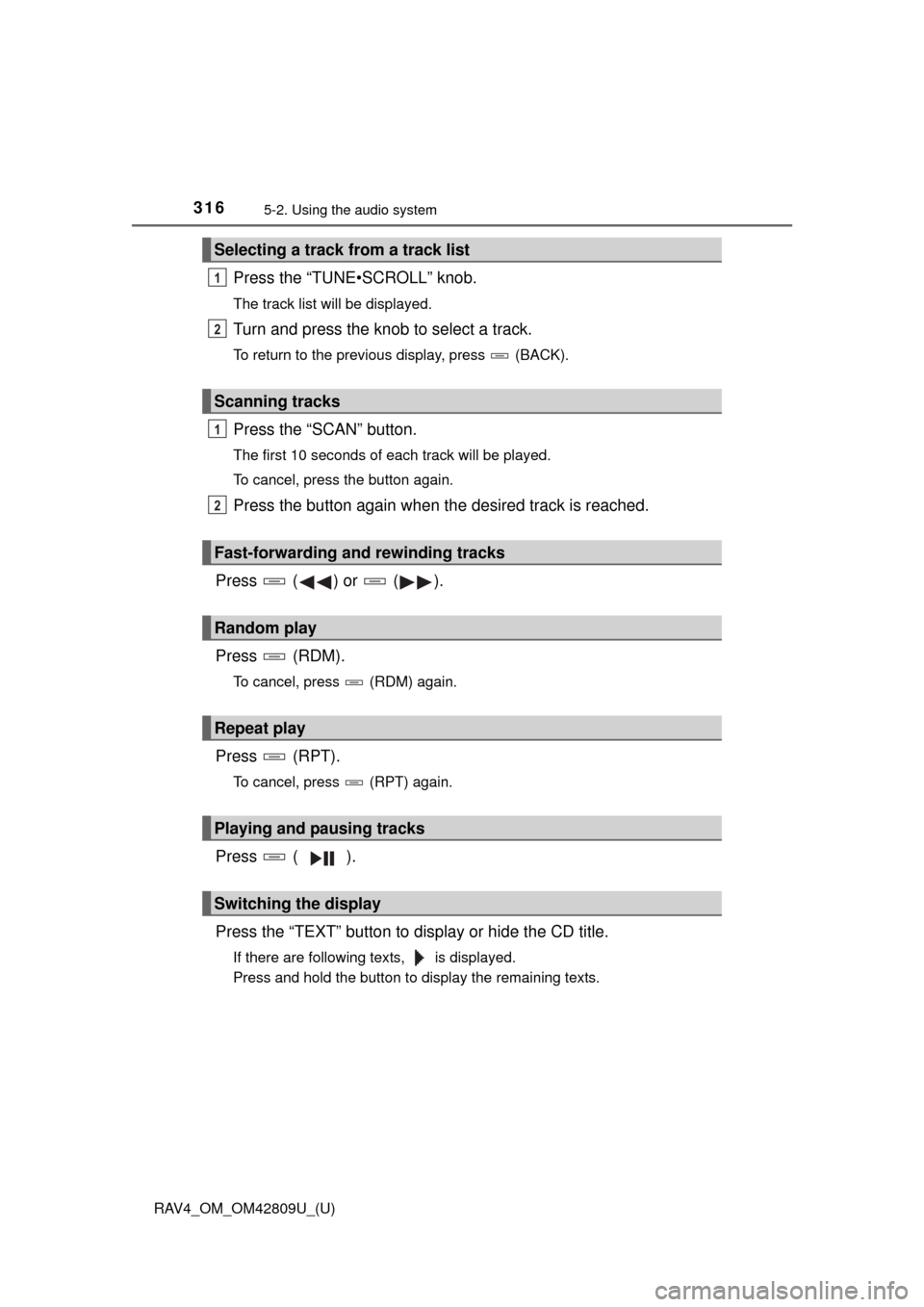
Press the “TUNE•SCROLL” knob.
The track list will be displayed.
Turn and press the knob to select a track.
To return to the previous display, press (BACK).
Press the “SCAN” button.
The first 10 seconds of each track will be played.
To cancel, press the button again.
Press the button again when the desired track is reached.
Press ( ) or ( ).
Press (RDM).
To cancel, press (RDM) again.
Press (RPT).
To cancel, press (RPT) again.
Press ( ).
Press the “TEXT” button to display or hide the CD title.
If there are following texts, is displayed.
Press and hold the button to display the remaining texts.
Selecting a track from a track list
Scanning tracks
Fast-forwarding and rewinding tracks
Random play
Repeat play
Playing and pausing tracks
Switching the display
1
2
1
2
Page 317 of 624
RAV4_OM_OM42809U_(U)
3175-2. Using the audio system
5
Interior features
■Display
Depending on the contents recorded, the characters may not be displayed
properly or may not be displayed at all.
■ Error messages
“ERROR”:
This indicates a problem either in the CD or inside the player.
“CD CHECK”:
The CD may be dirty, damaged or inserted up-side down.
“WAIT”:
Operation has stopped due to a high temperature inside the player. Wait for a
while and then press the “MEDIA” button. If the CD still cannot be played
back, contact your Toyota dealer.
■ Discs that can be used
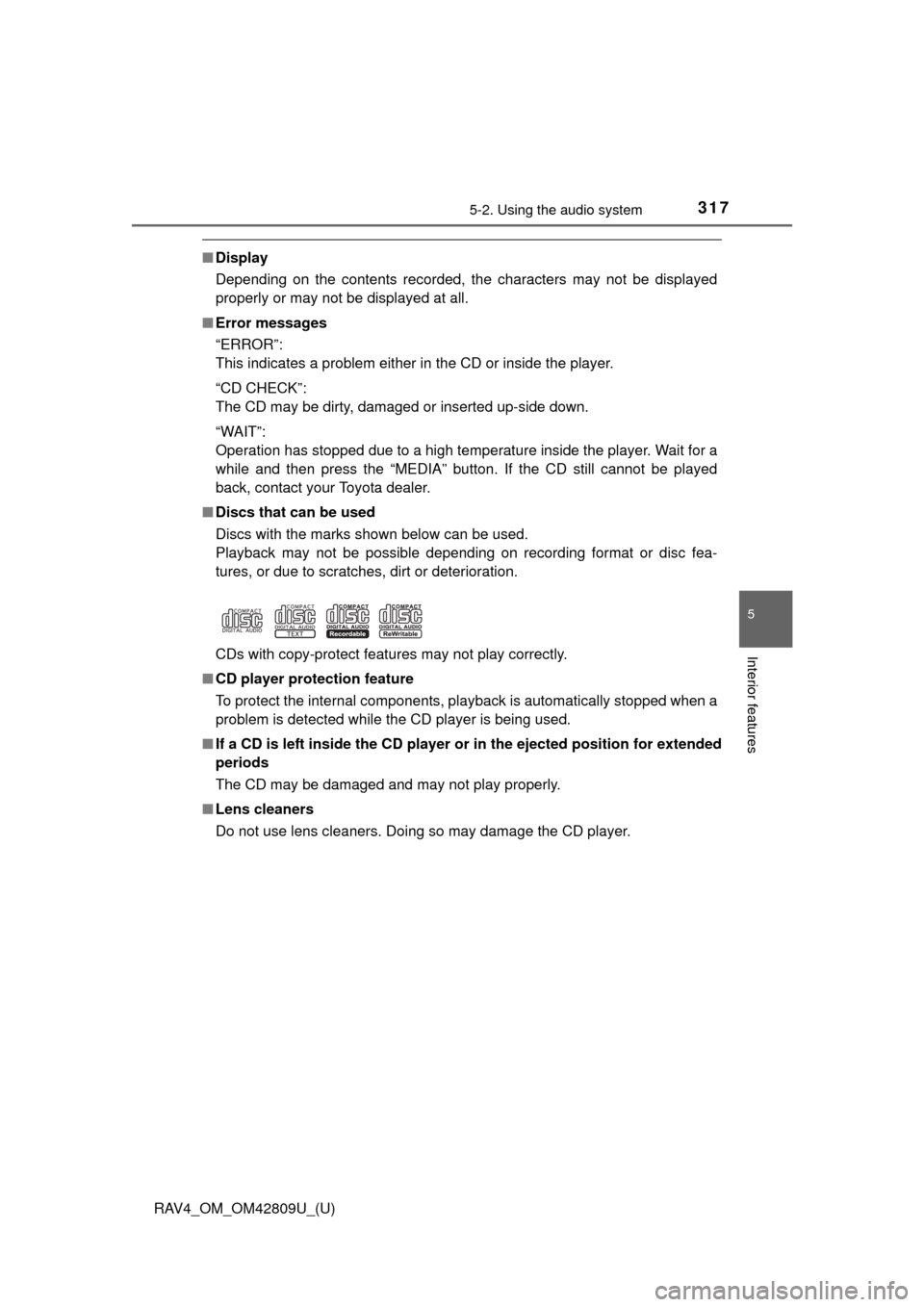
Discs with the marks shown below can be used.
Playback may not be possible depending on recording format or disc fea-
tures, or due to scratches, dirt or deterioration.
CDs with copy-protect features may not play correctly.
■ CD player protection feature
To protect the internal components, playback is automatically stopped when a
problem is detected while the CD player is being used.
■ If a CD is left inside the CD player or in the ejected position for extended
periods
The CD may be damaged and may not play properly.
■ Lens cleaners
Do not use lens cleaners. Doing so may damage the CD player.
Page 320 of 624
320
RAV4_OM_OM42809U_(U)
5-2. Using the audio system
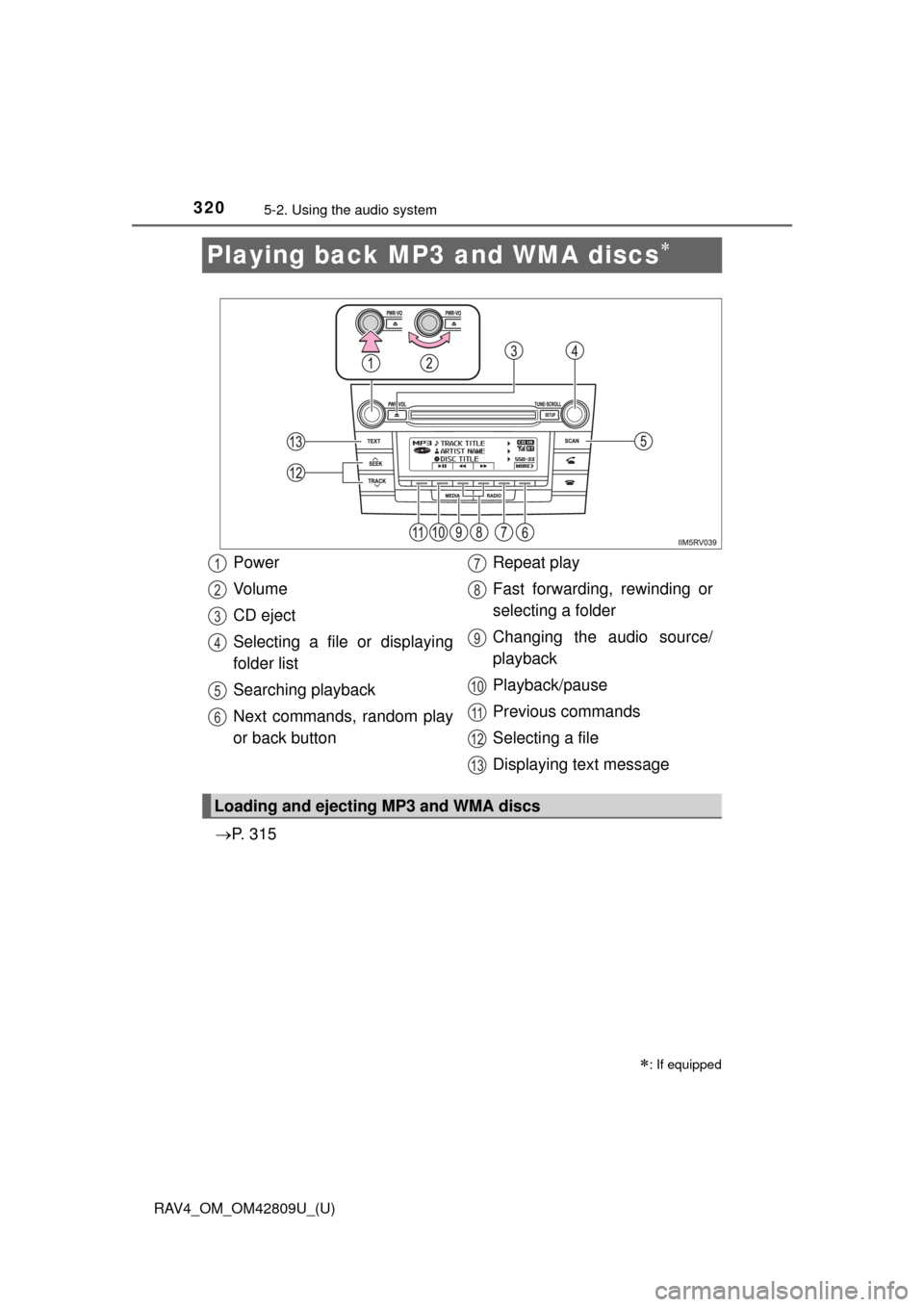
Playing back MP3 and WMA discs
P. 3 1 5
: If equipped
Power
Vo l u m e
CD eject
Selecting a file or displaying
folder list
Searching playback
Next commands, random play
or back button Repeat play
Fast forwarding, rewinding or
selecting a folder
Changing the audio source/
playback
Playback/pause
Previous commands
Selecting a file
Displaying text message
Loading and ejecting MP3 and WMA discs
1
2
3
4
5
6
7
8
9
10
11
12
13
Page 321 of 624
RAV4_OM_OM42809U_(U)
3215-2. Using the audio system
5
Interior features
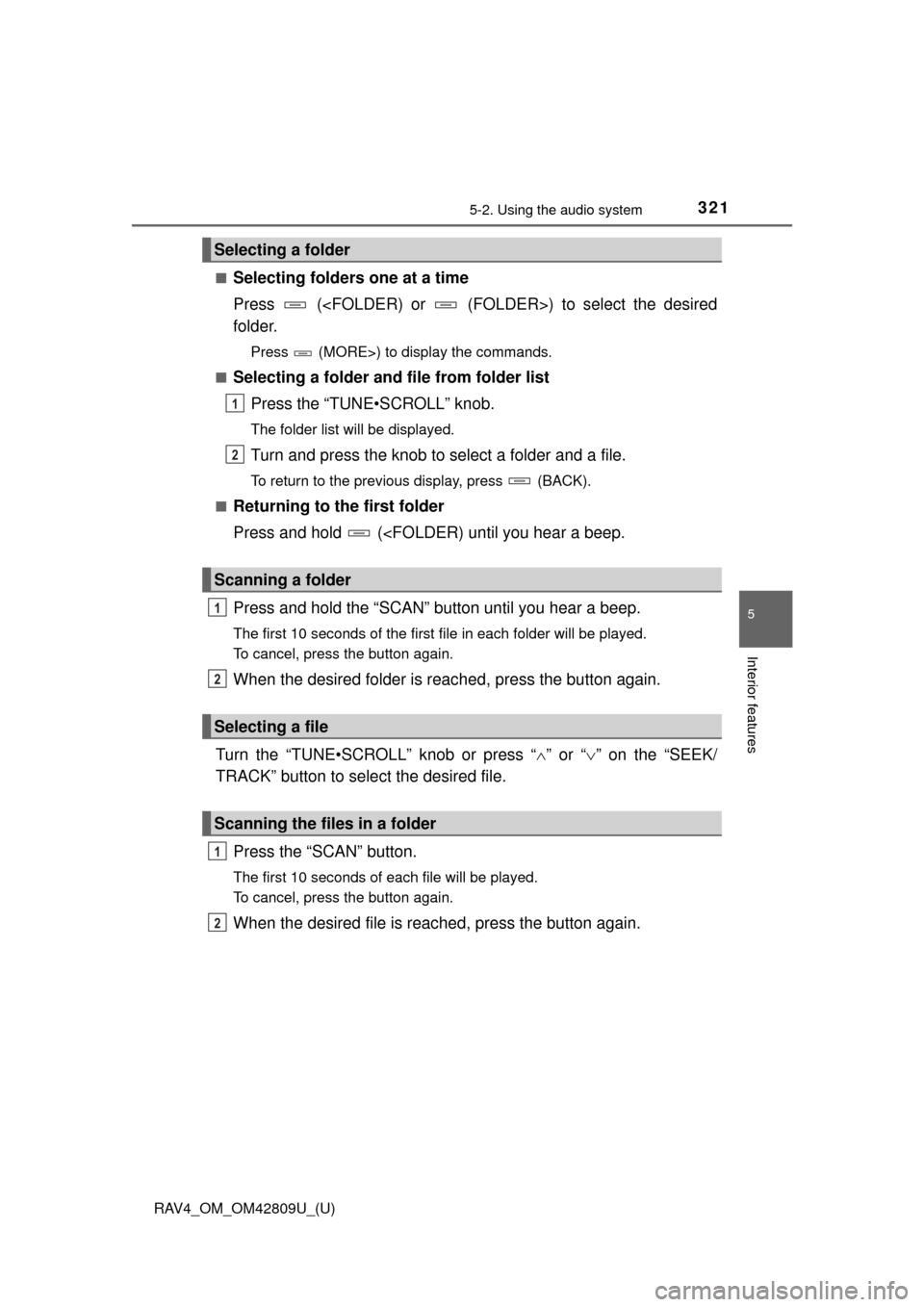
■Selecting folders one at a time
Press (
folder.
Press (MORE>) to display the commands.
■
Selecting a folder and file from folder list Press the “TUNE•SCROLL” knob.
The folder list will be displayed.
Turn and press the knob to select a folder and a file.
To return to the previous display, press (BACK).
■
Returning to the first folder
Press and hold (
The first 10 seconds of the first file in each folder will be played.
To cancel, press the button again.
When the desired folder is reached, press the button again.
Turn the “TUNE•SCROLL” knob or press “ ” or “ ” on the “SEEK/
TRACK” button to select the desired file.
Press the “SCAN” button.
The first 10 seconds of each file will be played.
To cancel, press the button again.
When the desired file is reac hed, press the button again.
Selecting a folder
Scanning a folder
Selecting a file
Scanning the files in a folder
1
2
1
2
1
2
Page 322 of 624
322
RAV4_OM_OM42809U_(U)
5-2. Using the audio system
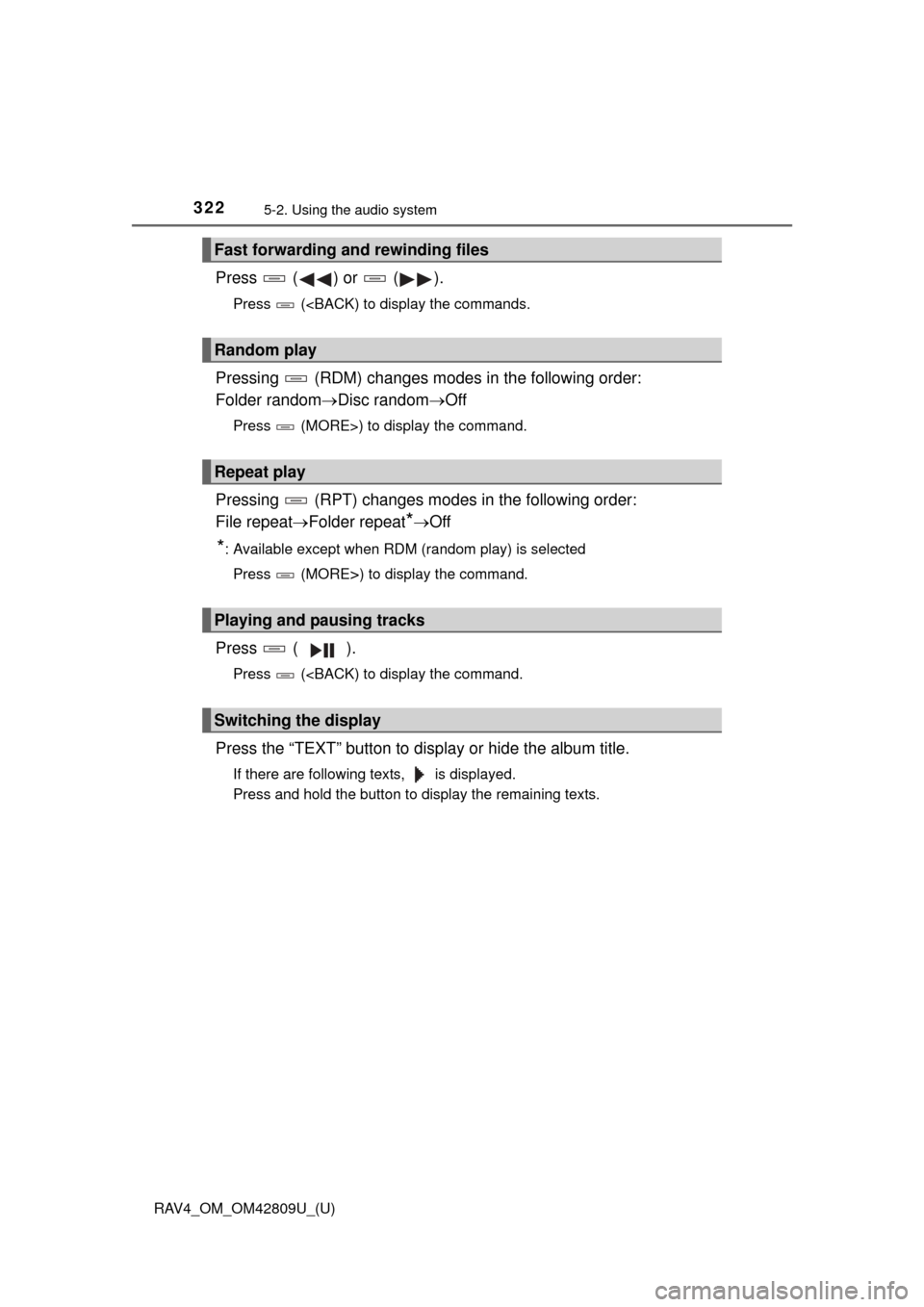
Press ( ) or ( ).
Press (
Folder randomDisc random Off
Press (MORE>) to display the command.
Pressing (RPT) changes modes in the following order:
File repeat Folder repeat
*Off
*: Available except when RDM (random play) is selected
Press (MORE
>) to display the command.
Press ( ).
Press (
If there are following texts, is displayed.
Press and hold the button to display the remaining texts.
Fast forwarding and rewinding files
Random play
Repeat play
Playing and pausing tracks
Switching the display