heating TOYOTA RAV4 2023 User Guide
[x] Cancel search | Manufacturer: TOYOTA, Model Year: 2023, Model line: RAV4, Model: TOYOTA RAV4 2023Pages: 574, PDF Size: 17.31 MB
Page 322 of 574

3224-5. Using the driving support systems
■Secondary Collision Brake
operating conditions
The system operates when the SRS
airbag sensor detects a collision
while the vehicle is in motion. How-
ever, the system does not operate
when the components are dam-
aged.
■Secondary Collision Brake
automatic cancellation
The system is automatically can-
celed in any of th e following situa-
tions.
●The vehicle speed is below 6 mph
(10 km/h)
●A certain amount of time elapses
during operation
●The accelerator pedal is
depressed a large amount
■If a message about AWD is
shown on the multi-information
display (AWD models)
Perform the following actions.
●“AWD System Overheated
Switching to 2WD Mode”
AWD system is overheated. Stop
the vehicle in a safe place with the
engine running.
*
If the message disappears after a
while, there is n o problem. If the
message remains, have the vehicle
inspected by your Toyota dealer
immediately.
●“AWD System Overheated 2WD
Mode Engaged”
AWD system has been temporarily
released and switched to front-
wheel drive due to overheating.
Stop the vehicle in a safe place with
the engine running.
*
If the message disappears after a
while, AWD system will automati-
cally recover. If the message
remains, have the vehicle inspected by your Toyota dea
ler immediately.
●“AWD System Malfunction 2WD
Mode Engaged Visit Your Dealer”
A malfunction oc curs in the AWD
system. Have the vehicle inspected
by your Toyota dea ler immediately.
*: When stopping the vehicle, do not
stop the engine until the display
message has turned off.
WARNING
■The ABS does not operate
effectively when
●The limits of tire gripping perfor-
mance have been exceeded
(such as excessively worn tires
on a snow-covered road).
●The vehicle hydroplanes while
driving at high speed on wet or
slick roads.
■Stopping distance when the
ABS is operating may exceed
that of normal conditions
The ABS is not designed to
shorten the vehicle’s stopping dis-
tance. Always maintain a safe dis-
tance from the veh icle in front of
you, especially in the following sit-
uations:
●When driving on dirt, gravel or
snow-covered roads
●When driving with tire chains
●When driving over bumps in the
road
●When driving over roads with
potholes or uneven surfaces
Page 334 of 574
3345-1. Using the air conditioning system and defogger
ror defoggers automatically turn off
after approximat ely 60 minutes.
However, the rear window and rear
view mirror defoggers might auto-
matically turn o ff after approxi-
mately 15 minutes depending on
conditions including the outside
temperature and charging system
conditions.
■For quick cooling
Press the “MAX A/C” switch.
The air conditioning will automati-
cally turn on.
At this time, the fo llowing will occur:
●The recirculated air mode will be
set
●The windshield defogger will turn
off
●The air flow mode will change to
the upper body mode
■Operation of the air condition-
ing system in Eco drive mode
In Eco drive mode, the air condition-
ing system is controlled to prioritize
fuel efficiency by regulating the
engine speed and compressor oper-
ation to restrict t he heating/cooling
capacity.
To improve air con ditioning perfor-
mance, perform t he following opera-
tions:
●Adjust the fan speed
●Adjust the temperature setting
●Turn off Eco drive mode ( P.310)
■Fogging up of the windows
●The windows will easily fog up
when the humidity in the vehicle is
high. Turning the “A/C” switch on
will dehumidify the air from the
outlets and defog the windshield
effectively.
●If you turn the “A/C” switch off, the
windows may fog up more easily.
●The windows may fog up if the
recirculated air mode is used.
■When driving on dusty roads
Close all windows. If dust thrown up
by the vehicle is still drawn into the
vehicle after closing the windows, it
is recommended that the air intake
mode be set to outside air mode
and the fan speed to any setting
except off.
■Outside/recirculated air mode
Setting to the recir culated air mode
temporarily is recommended in pre-
venting dirty air from entering the
vehicle interior and helping to cool
the vehicle when the outside air
temperature is high.
■When the outside temperature
falls to nearly 32°F (0°C)
The dehumidification function may
not operate even when the “A/C”
switch is pressed.
■Ventilation and air conditioning
odors
●To let fresh air in, set the air condi-
tioning system to the outside air
mode.
●During use, various odors from
inside and outside the vehicle may
enter into and accumulate in the
air conditioning system. This may
then cause odor to be emitted
from the vents.
●To reduce potential odors from
occurring:
It is recommended that the air
conditioning system be set to out-
side air mode prior to turning the
vehicle off.
●When parking, the system auto-
matically switches to outside air
mode to encourage better air cir-
culation throughout the vehicle,
helping to reduce odors that occur
when starting the vehicle.
■Air conditioning system opera-
tions when the engine is
stopped due to the Stop & Start
system (vehicles with Stop &
Start system)
When the engine is stopped due to
Page 335 of 574
3355-1. Using the air conditioning system and defogger
5
Interior features
the Stop & Start system operations,
the air conditioning cooling, heating
and dehumidification functions turn
off and only ambient temperature air
is blown, and there is a possibility
that the blowing of ambient tem-
perature air will stop. To prevent the
air conditioning system from turning
off, press the Stop & Start cancel
switch to deactivate the system.
■When the windshield is fogged
up and the engine is stopped
due to the Stop & Start system
(vehicles with Stop & Start sys-
tem)
Press the windshield defogger
switch to restart the engine and
defog the windshield.
If the windshield continuously fogs
up, press the Stop & Start cancel
switch and refrain from using the
Stop & Start system.
■When an odor c omes from the
air conditioning system while
the engine is stopped due to the
Stop & Start system (vehicles
with Stop & Start system)
Press the Stop & Start cancel switch
to restart the engine.
■Air conditioning filter
P.420
■Air conditioning system refrig-
erant
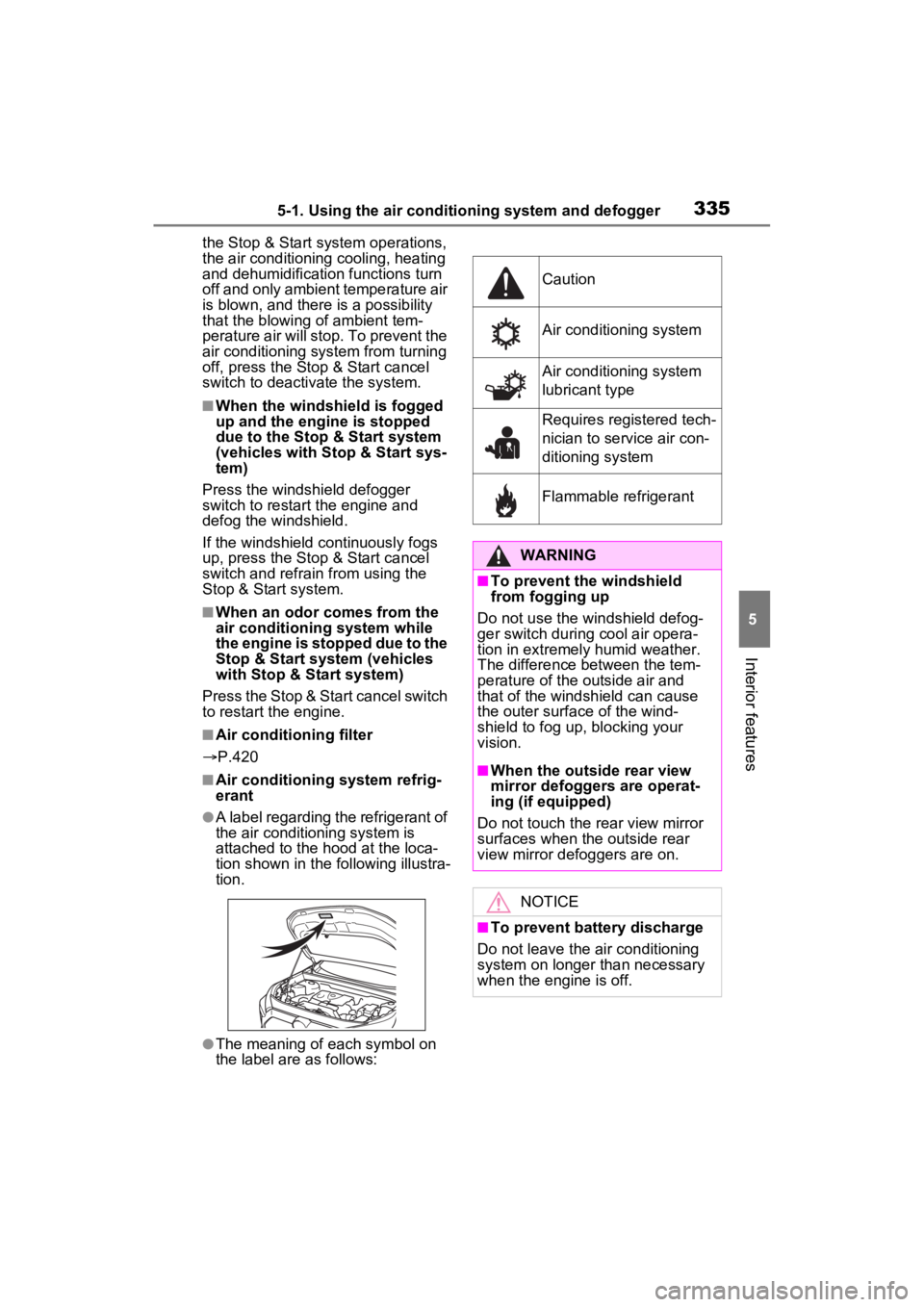
●A label regarding the refrigerant of
the air conditioning system is
attached to the ho od at the loca-
tion shown in the f ollowing illustra-
tion.
●The meaning of each symbol on
the label are as follows:
Caution
Air conditioning system
Air conditioning system
lubricant type
Requires registered tech-
nician to service air con-
ditioning system
Flammable refrigerant
WARNING
■To prevent the windshield
from fogging up
Do not use the windshield defog-
ger switch during cool air opera-
tion in extremel y humid weather.
The difference between the tem-
perature of the outside air and
that of the windshield can cause
the outer surface of the wind-
shield to fog up, blocking your
vision.
■When the outside rear view
mirror defoggers are operat-
ing (if equipped)
Do not touch the rear view mirror
surfaces when the outside rear
view mirror def oggers are on.
NOTICE
■To prevent battery discharge
Do not leave the air conditioning
system on longer than necessary
when the engine is off.
Page 340 of 574

3405-1. Using the air conditioning system and defogger
the temperature setting or the
inside temperature.
■When the outside temperature
exceeds 75°F (24°C) and the air
conditioning system is on
●In order to reduce the air condi-
tioning power consumption, the air
conditioning system may switch to
recirculated air mode automati-
cally. This may also reduce fuel
consumption.
●Recirculated air mode is selected
as a default mode when the
engine switch is turned to ON.
●It is possible to switch to outside
air mode at any time by pressing
the outside/recirculated air mode
switch.
■Operation of the air condition-
ing system in Eco drive mode
●In Eco drive mode, the air condi-
tioning system is controlled as fol-
lows to prioritize fuel efficiency:
• Engine speed and compressor operation controlled to restrict
heating/cooling capacity
• Fan speed restr icted when auto-
matic mode is selected
●To improve air conditioning perfor-
mance, perform the following
operations:
• Adjust the fan speed
• Turn off Eco drive mode ( P.310)
• Turn off Eco air conditioning mode
●When the driving mode is set to
Eco driving mode, the Eco air con-
ditioning mode will be turned on
automatically. Even in this case,
the Eco air conditioning mode can
be turned off by pressing the Eco
air conditioning mode switch.
■When the outside temperature
falls to nearly 32°F (0°C)
The dehumidification function may
not operate even when “A/C” switch
is pressed.
■Ventilation and air conditioning
odors
●To let fresh air in, set the air condi- tioning system to the outside air
mode.
●During use, various odors from
inside and outside the vehicle may
enter into and accumulate in the
air conditioning system. This may
then cause odor
to be emitted
from the vents.
●To reduce potential odors from
occurring:
• It is recommended that the air conditioning system be set to out-
side air mode prior to turning the
vehicle off.
• The start timing of the blower may be delayed for a short period of
time immediately after the air con-
ditioning system is started in auto-
matic mode.
●When parking, the system auto-
matically switches to outside air
mode to encourage better air cir-
culation throughout the vehicle,
helping to reduce odors that occur
when starting the vehicle.
■Air conditioning system opera-
tions when the engine is
stopped due to the Stop & Start
system (vehicles with Stop &
Start system)
When the engine is stopped due to
Stop & Start system operations, the
automatic air conditioning cooling,
heating and dehumidification func-
tions turn off and the fan speed is
decreased according to the outside
temperature etc. or air blowing
stops. To stop the air conditioning
system from turning off, press the
Stop & Start cancel switch and
refrain from using the Stop & Start
system.
■When the windshield is fogged
up and the engine is stopped
due to the Stop & Start system
(vehicles with Stop & Start sys-
tem)
Press the windshield defogger
switch to restart the engine and
defog the windshield.
If the windshield continuously fogs
Page 346 of 574
3465-1. Using the air conditioning system and defogger
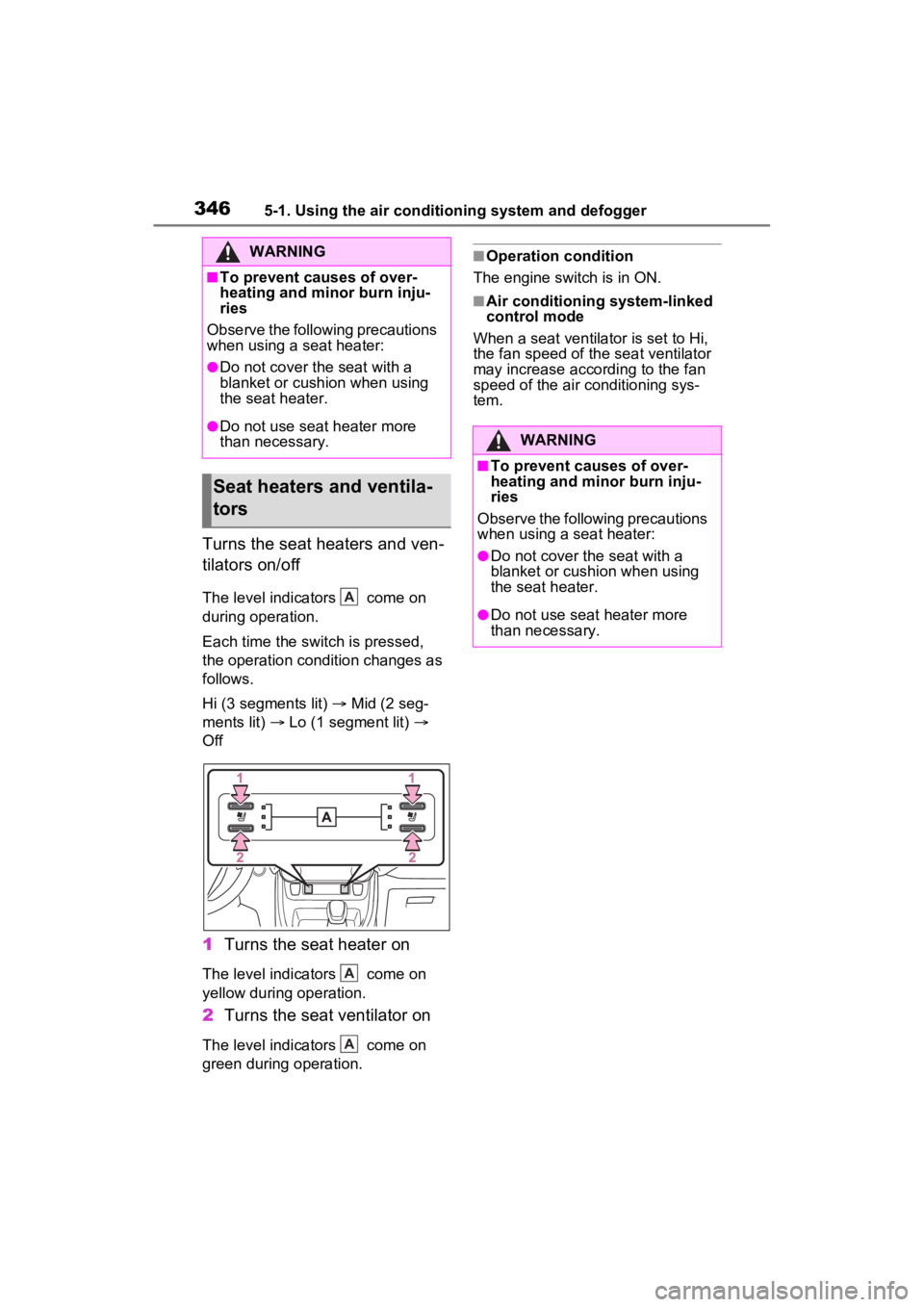
Turns the seat heaters and ven-
tilators on/off
The level indicators come on
during operation.
Each time the switch is pressed,
the operation condition changes as
follows.
Hi (3 segments lit) Mid (2 seg-
ments lit) Lo (1 segment lit)
Off
1 Turns the seat heater on
The level indicators come on
yellow during operation.
2Turns the seat ventilator on
The level indicators come on
green during operation.
■Operation condition
The engine switch is in ON.
■Air conditioning system-linked
control mode
When a seat ventilator is set to Hi,
the fan speed of the seat ventilator
may increase according to the fan
speed of the air conditioning sys-
tem.
WARNING
■To prevent causes of over-
heating and minor burn inju-
ries
Observe the following precautions
when using a seat heater:
●Do not cover the seat with a
blanket or cushion when using
the seat heater.
●Do not use seat heater more
than necessary.
Seat heaters and ventila-
tors
A
A
A
WARNING
■To prevent causes of over-
heating and minor burn inju-
ries
Observe the following precautions
when using a seat heater:
●Do not cover the seat with a
blanket or cushion when using
the seat heater.
●Do not use seat heater more
than necessary.
Page 364 of 574
3645-4. Using the other interior features
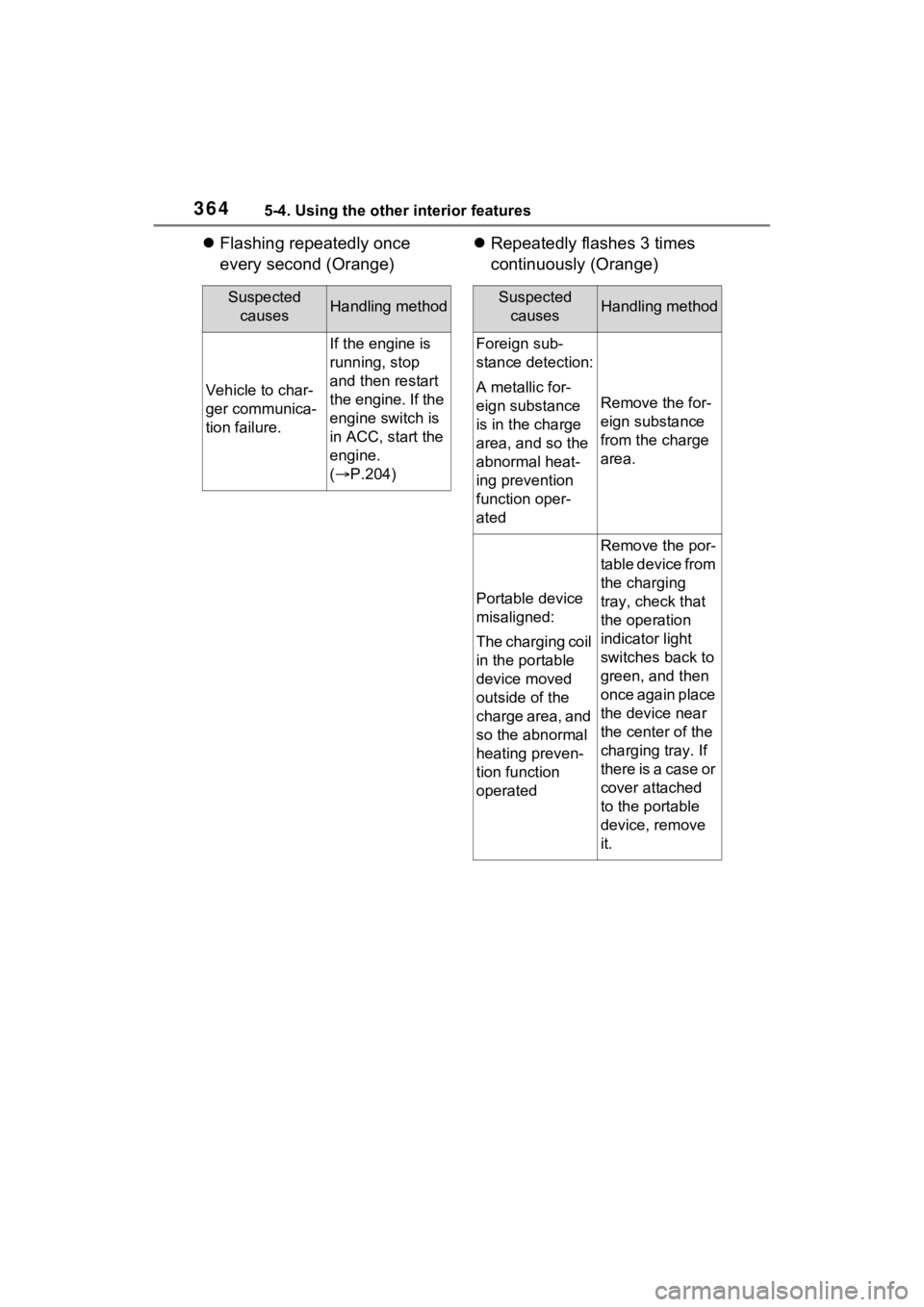
Flashing repeatedly once
every second (Orange)
Repeatedly flashes 3 times
continuously (Orange)
Suspected
causesHandling method
Vehicle to char-
ger communica-
tion failure.
If the engine is
running, stop
and then restart
the engine. If the
engine switch is
in ACC, start the
engine.
( P.204)
Suspected
causesHandling method
Foreign sub-
stance detection:
A metallic for-
eign substance
is in the charge
area, and so the
abnormal heat-
ing prevention
function oper-
ated
Remove the for-
eign substance
from the charge
area.
Portable device
misaligned:
The charging coil
in the portable
device moved
outside of the
charge area, and
so the abnormal
heating preven-
tion function
operated
Remove the por-
table device from
the charging
tray, check that
the operation
indicator light
switches back to
green, and then
once again place
the device near
the center of the
charging tray. If
there is a case or
cover attached
to the portable
device, remove
it.
Page 367 of 574
3675-4. Using the other interior features
5
Interior features
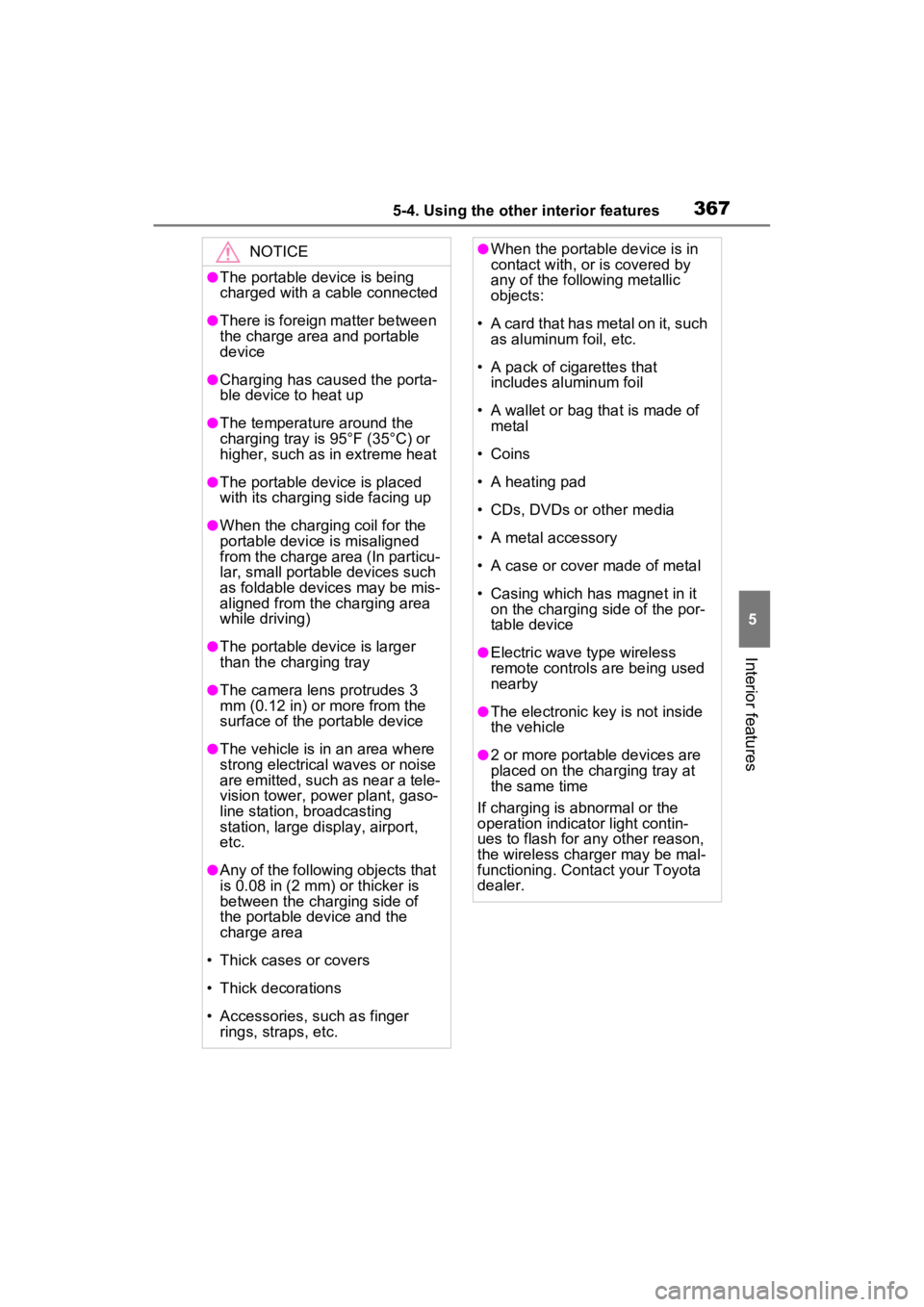
NOTICE
●The portable device is being
charged with a cable connected
●There is foreign matter between
the charge area and portable
device
●Charging has caused the porta-
ble device to heat up
●The temperature around the
charging tray is 95°F (35°C) or
higher, such as in extreme heat
●The portable device is placed
with its charging side facing up
●When the charging coil for the
portable device is misaligned
from the charge area (In particu-
lar, small portable devices such
as foldable devices may be mis-
aligned from the charging area
while driving)
●The portable device is larger
than the charging tray
●The camera lens protrudes 3
mm (0.12 in) or more from the
surface of the portable device
●The vehicle is in an area where
strong electrical waves or noise
are emitted, such as near a tele-
vision tower, power plant, gaso-
line station, broadcasting
station, large display, airport,
etc.
●Any of the following objects that
is 0.08 in (2 mm) or thicker is
between the charging side of
the portable device and the
charge area
• Thick cases or covers
• Thick decorations
• Accessories, such as finger rings, straps, etc.
●When the portable device is in
contact with, or is covered by
any of the following metallic
objects:
• A card that has metal on it, such as aluminum foil, etc.
• A pack of cigarettes that includes aluminum foil
• A wallet or bag that is made of metal
• Coins
• A heating pad
• CDs, DVDs or other media
• A metal accessory
• A case or cover made of metal
• Casing which has magnet in it on the charging side of the por-
table device
●Electric wave type wireless
remote controls are being used
nearby
●The electronic key is not inside
the vehicle
●2 or more portable devices are
placed on the charging tray at
the same time
If charging is abnormal or the
operation indicator light contin-
ues to flash for any other reason,
the wireless char ger may be mal-
functioning. Contact your Toyota
dealer.
Page 448 of 574
4507-2. Steps to take in an emergency
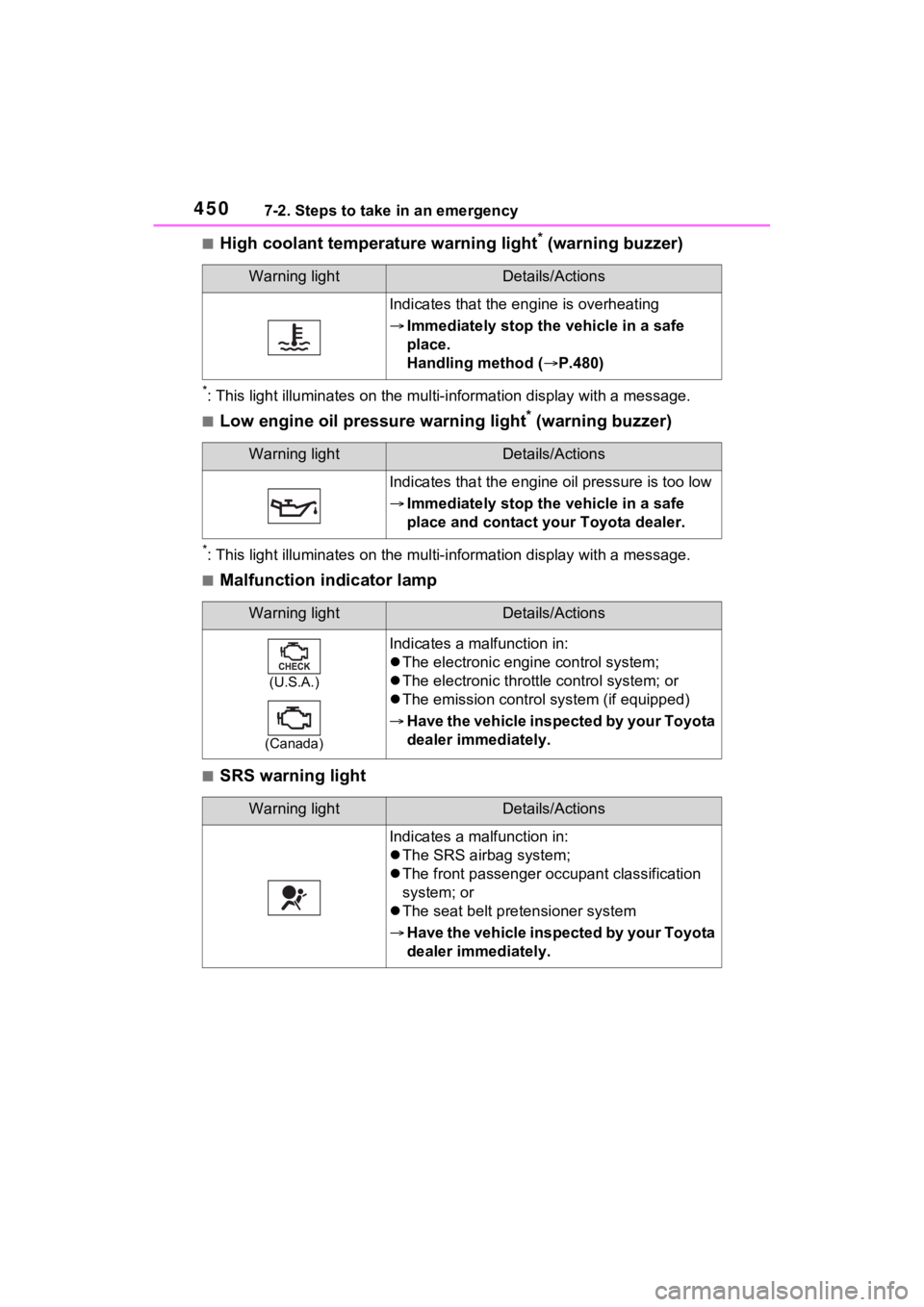
■High coolant temperature warning light* (warning buzzer)
*: This light illuminates on the mu lti-information display with a message.
■Low engine oil pressure warning light* (warning buzzer)
*: This light illuminates on the mu lti-information display with a message.
■Malfunction indicator lamp
■SRS warning light
Warning lightDetails/Actions
Indicates that the engine is overheating
Immediately stop the vehicle in a safe
place.
Handling method ( P.480)
Warning lightDetails/Actions
Indicates that the engine oil pressure is too low
Immediately stop the vehicle in a safe
place and contact your Toyota dealer.
Warning lightDetails/Actions
(U.S.A.)
(Canada)
Indicates a malfunction in:
The electronic engi ne control system;
The electronic throttle control system; or
The emission control s ystem (if equipped)
Have the vehicle inspected by your Toyota
dealer immediately.
Warning lightDetails/Actions
Indicates a malfunction in:
The SRS airbag system;
The front passenger o ccupant classification
system; or
The seat belt pretensioner system
Have the vehicle inspected by your Toyota
dealer immediately.
Page 478 of 574
4807-2. Steps to take in an emergency
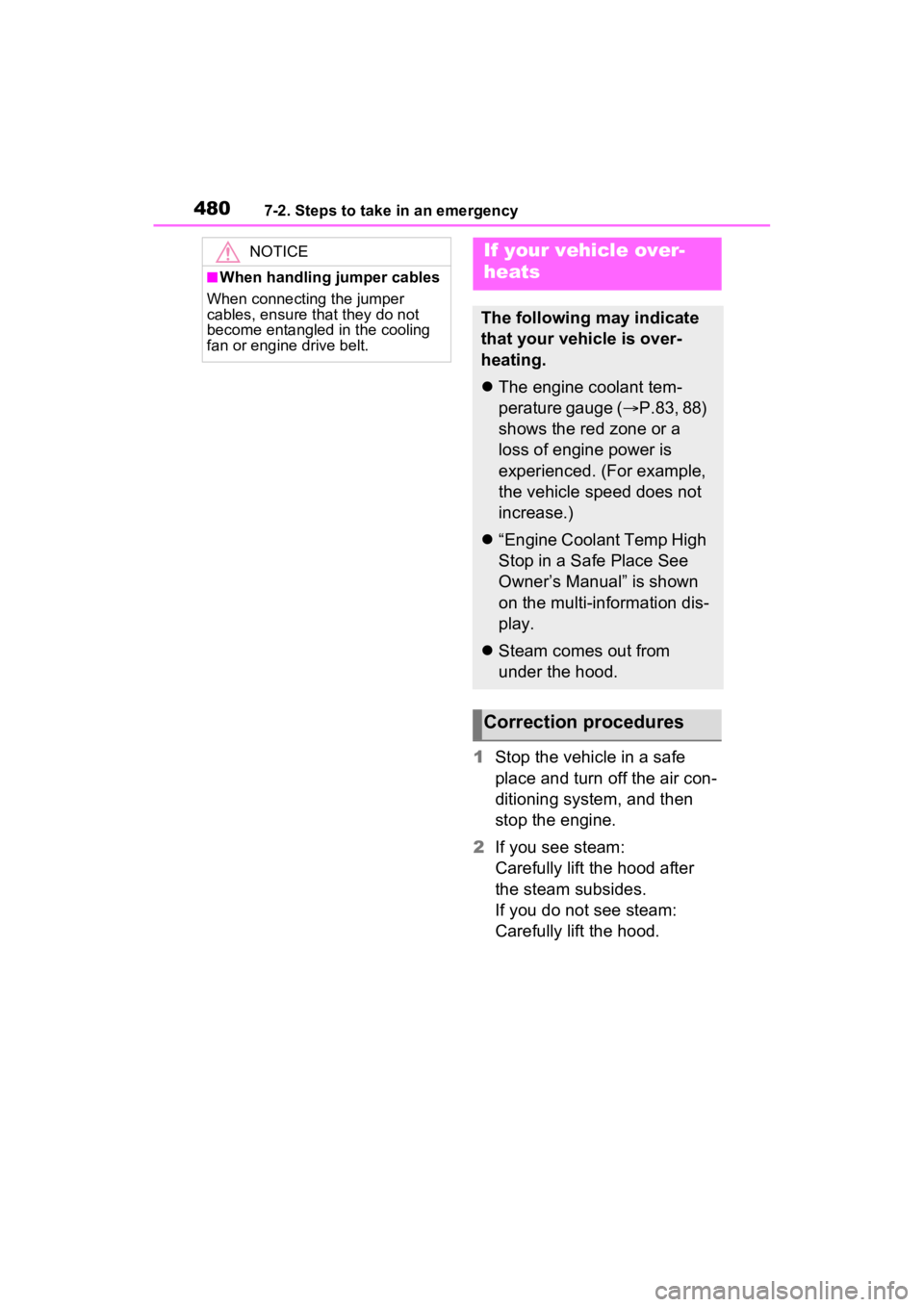
1Stop the vehicle in a safe
place and turn off the air con-
ditioning system, and then
stop the engine.
2 If you see steam:
Carefully lift the hood after
the steam subsides.
If you do not see steam:
Carefully lift the hood.
NOTICE
■When handling jumper cables
When connecting the jumper
cables, ensure that they do not
become entangled in the cooling
fan or engine drive belt.
If your vehicle over-
heats
The following may indicate
that your vehicle is over-
heating.
The engine coolant tem-
perature gauge ( P.83, 88)
shows the red zone or a
loss of engine power is
experienced. (For example,
the vehicle speed does not
increase.)
“Engine Coolant Temp High
Stop in a Safe Place See
Owner’s Manual” is shown
on the multi-information dis-
play.
Steam comes out from
under the hood.
Correction procedures
Page 543 of 574

Alphabetical Index545
Checking .............................. 400
Preparing and checking before
winter.................................. 325
Warning light ........................ 450
Cooling system ...................... 400 Engine overheating .............. 480
Cruise control Dynamic radar cruise control with full-speed range .......... 264
Cup holders ............................ 351
Current fuel economy ...... 95, 105
Curtain shield airbags ............. 33
Customizable features ........... 509
D
Daytime running light system220 Replacing light bulbs ............ 432
Deck board .............................. 354
Defogger Outside rear view mirrors ... 333, 340
Rear window ................ 333, 340
Windshield.................... 333, 340
Differential .............................. 491
Digital Rear-view Mirror ......... 156
Dimensions ............................. 486
Dinghy towing ........................ 201
Display BSM (Blind Spot Monitor)..... 276
Consumption screen ............ 111
Drive information .................... 97
Driving information ......... 95, 106
Dynamic radar cruise control with full-speed range .......... 264
Intuitive parking assist .......... 280
LTA (Lane-Tracing Assist) ... 255
Multi-informatio n display 93, 102
RCTA (Rear Cross Traffic Alert) function............................... 289
Warning messages .............. 459
Do-it-yourself maintenance . 388, 393 Door lock
Back door .............................125
Side doors ............................119
Smart key system .................139
Wireless remote control........116
Doors Automatic door locking and unlocking system ................124
Back door .............................125
Door glasses ........................167
Door lock ..............................119
Open door warning buzzer ...124
Outside rear view mirrors .....165
Rear door child-protectors ....124
Side doors ............................119
Downhill assist control system ...............................................316
Drive information ......................97
Driver’s seat belt reminder light ...............................................455
Driver’s seat position memory ...............................................147Driving position memory .......147
Memory recall function .........149
Drive-Start Control (DSC) Sudden start restraint control184
Driving Break-in tips .........................180
Correct posture .......................27
Driving mode select switch ...310
Procedures ...........................179
Winter drive tips....................325
Driving informatio n display ...95,
106
Driving mode select switch ...310
Driving position memory .......147 Memory recall function .........149
Driving support system informa- tion display......................97, 106
DSC (Drive-Start Control) Sudden start restraint control184