fuel cap TOYOTA RAV4 2023 Owners Manual
[x] Cancel search | Manufacturer: TOYOTA, Model Year: 2023, Model line: RAV4, Model: TOYOTA RAV4 2023Pages: 574, PDF Size: 17.31 MB
Page 3 of 574
3TABLE OF CONTENTS
1
2
3
4
5
6
7
8
9
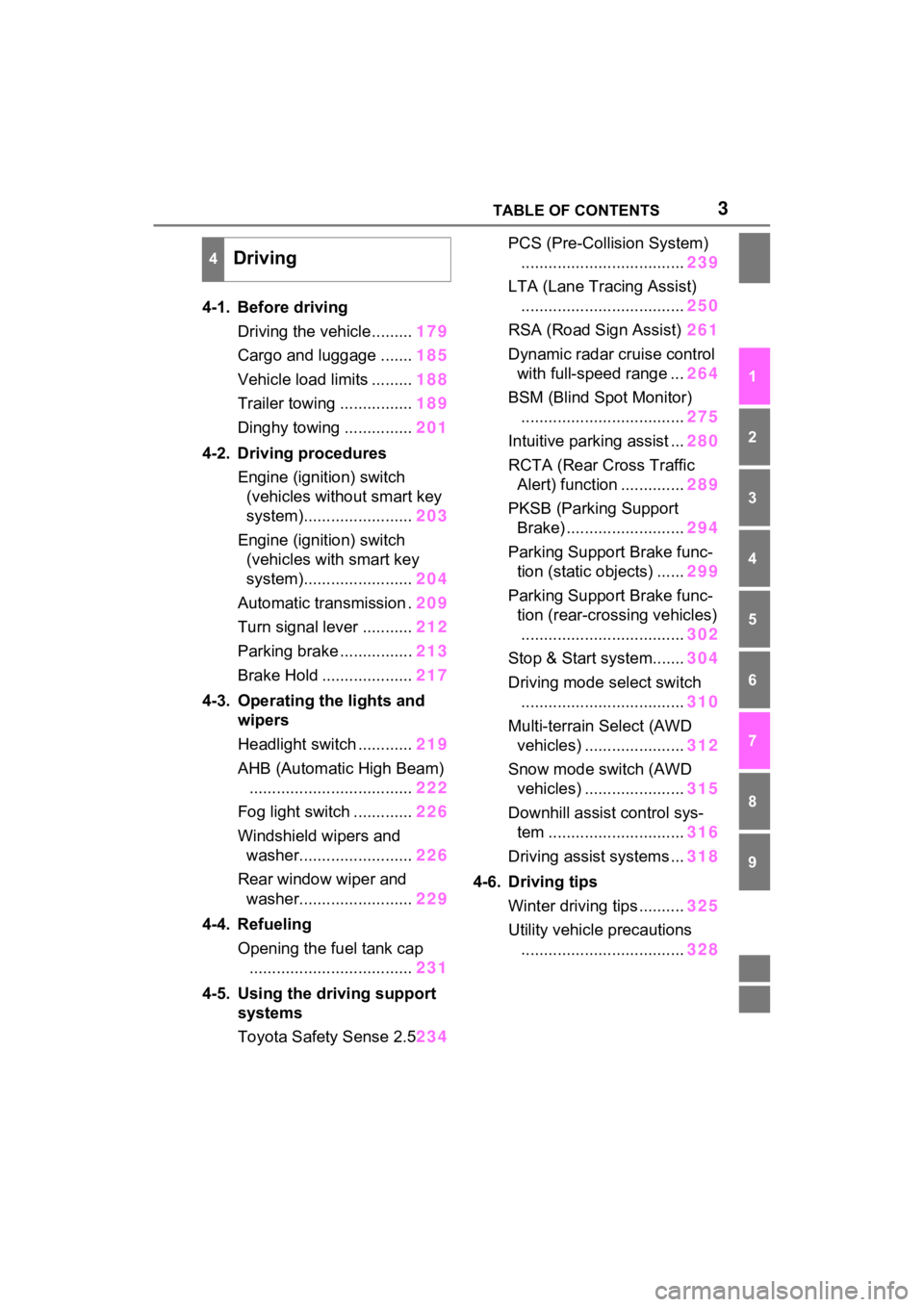
4-1. Before drivingDriving the vehicle......... 179
Cargo and luggage ....... 185
Vehicle load limits ......... 188
Trailer towing ................ 189
Dinghy towing ............... 201
4-2. Driving procedures Engine (ignition) switch (vehicles without smart key
system)........................ 203
Engine (ignition) switch (vehicles with smart key
system)........................ 204
Automatic transmission . 209
Turn signal lever ........... 212
Parking brake ................ 213
Brake Hold .................... 217
4-3. Operating the lights and wipers
Headlight switch ............ 219
AHB (Automatic High Beam) .................................... 222
Fog light switch ............. 226
Windshield wipers and washer......................... 226
Rear window wiper and washer......................... 229
4-4. Refueling Opening the fuel tank cap.................................... 231
4-5. Using the driving support
systems
Toyota Safety Sense 2.5 234PCS (Pre-Collision System)
.................................... 239
LTA (Lane Tracing Assist) .................................... 250
RSA (Road Sign Assist) 261
Dynamic radar cruise control with full-speed range ... 264
BSM (Blind Spot Monitor) .................................... 275
Intuitive parking assist ... 280
RCTA (Rear Cross Traffic Alert) function .............. 289
PKSB (Parking Support Brake) .......................... 294
Parking Support Brake func- tion (static objects) ...... 299
Parking Support Brake func- tion (rear-crossing vehicles)
.................................... 302
Stop & Start system....... 304
Driving mode s elect switch
.................................... 310
Multi-terrain Select (AWD vehicles) ...................... 312
Snow mode switch (AWD vehicles) ...................... 315
Downhill assist control sys- tem .............................. 316
Driving assist systems ... 318
4-6. Driving tips Winter driving tips .......... 325
Utility vehicle precautions .... ...
............................. 328
4Driving
Page 15 of 574
15Pictorial index
Precautions against winter season ......................................P.325
To prevent freezing (windshield wiper de-icer)
*...................P.344
Precautions against car wash (R ain-sensing windshield wipers)
*
............................................................... ..............................P.381
Replacing the wiper insert ..................................... ...............P.422
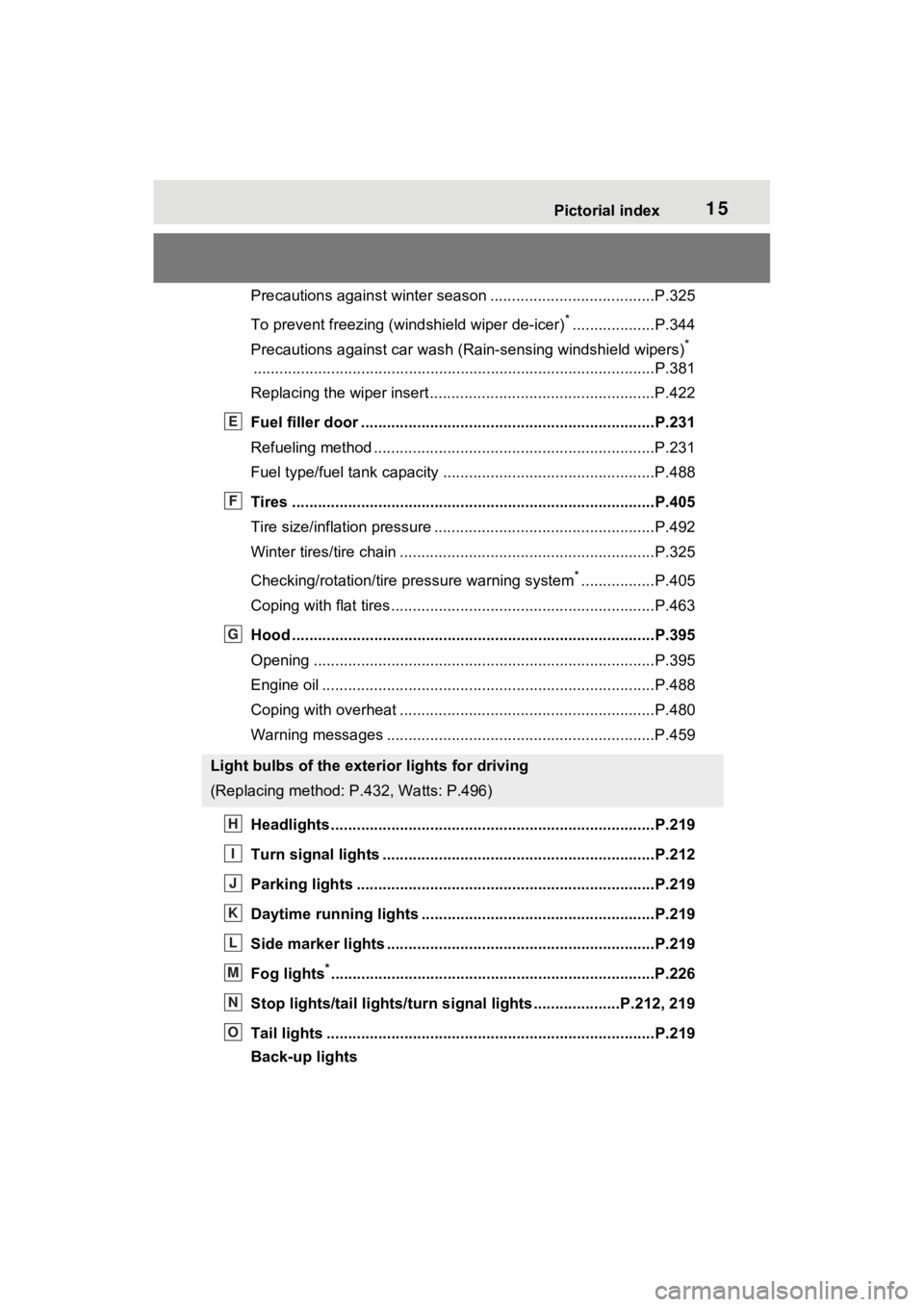
Fuel filler door ............................................... .....................P.231
Refueling method ............................................... ..................P.231
Fuel type/fuel tan k capacity .................................................P.488
Tires ....................................................................................P.405
Tire size/inflation pressure ................................... ................P.492
Winter tires/tire chain ........................................ ...................P.325
Checking/rotation/tire pressure warning system
*.................P.405
Coping with flat tires......................................... ....................P.463
Hood ....................................................................................P.395
Opening ........................................................ .......................P.395
Engine oil ..................................................... ........................P.488
Coping with overheat ........................................... ................P.480
Warning messages ..............................................................P.459
Headlights..................................................... ......................P.219
Turn signal lights ...............................................................P.212
Parking lights .....................................................................P.219
Daytime running lights .. ....................................................P.219
Side marker lights ............................................. .................P.219
Fog lights
*............................................................... ............P.226
Stop lights/tail lights/turn s ignal lights ....................P.212, 219
Tail lights .................................................... ........................P.219
Back-up lights
Light bulbs of the exterior lights for driving
(Replacing method: P .432, Watts: P.496)
E
F
G
H
I
J
K
L
M
N
O
Page 177 of 574
177
4
4
Driving
Driving
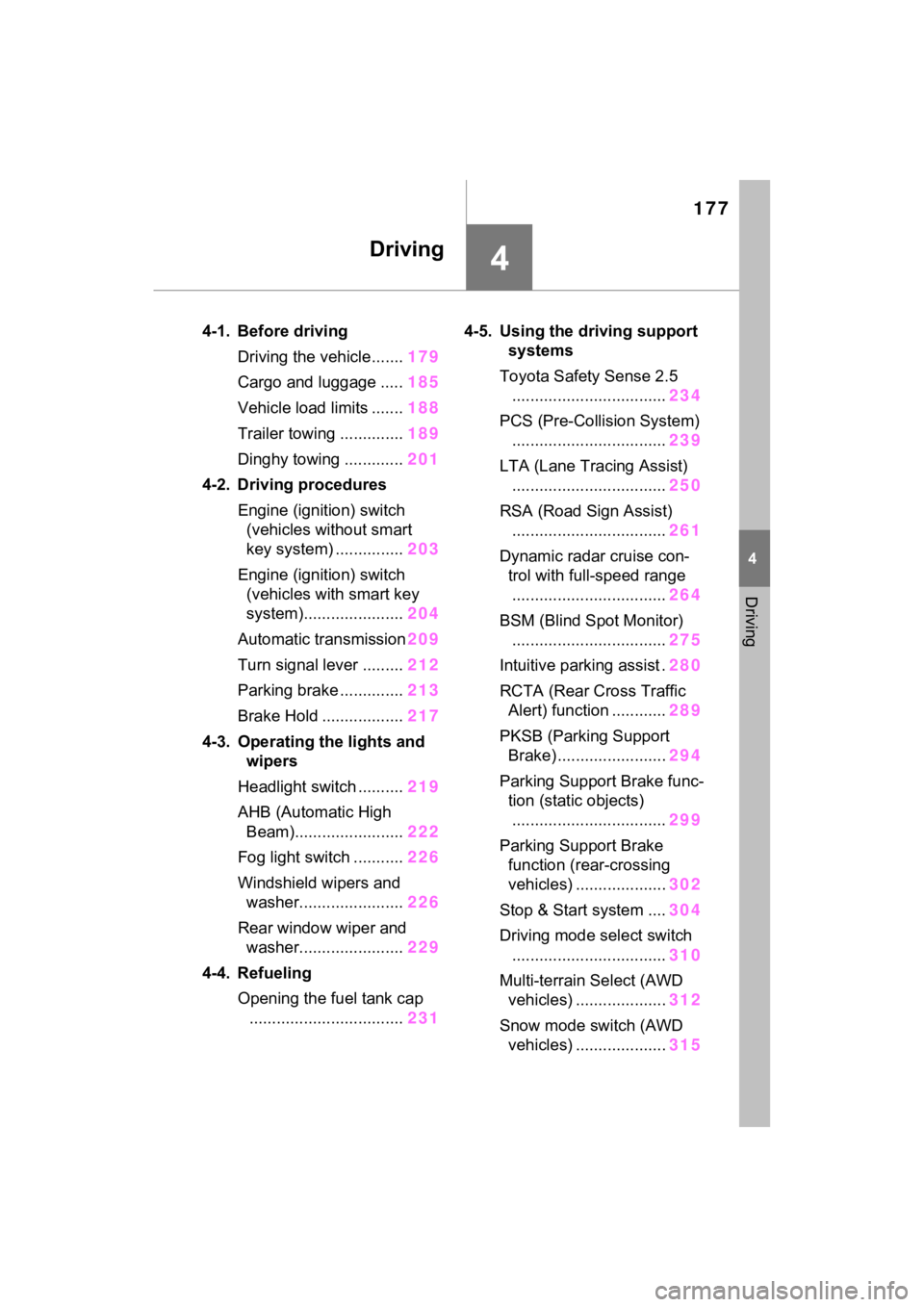
4-1. Before drivingDriving the vehicle....... 179
Cargo and luggage ..... 185
Vehicle load limits ....... 188
Trailer towing .............. 189
Dinghy towing ............. 201
4-2. Driving procedures Engine (ignition) switch (vehicles without smart
key system) ............... 203
Engine (ignition) switch (vehicles with smart key
system)...................... 204
Automatic transmission 209
Turn signal lever ......... 212
Parking brake .............. 213
Brake Hold .................. 217
4-3. Operating the lights and wipers
Headlight switch .......... 219
AHB (Automatic High Beam)........................ 222
Fog light switch ........... 226
Windshield wipers and washer....................... 226
Rear window wiper and washer....................... 229
4-4. Refueling Opening the fuel tank cap.................................. 2314-5. Using the dr
iving support
systems
Toyota Safety Sense 2.5 .................................. 234
PCS (Pre-Collision System) .................................. 239
LTA (Lane Tracing Assist) .................................. 250
RSA (Road Sign Assist) .................................. 261
Dynamic radar cruise con- trol with full-speed range
.................................. 264
BSM (Blind Spot Monitor) .................................. 275
Intuitive parking assist . 280
RCTA (Rear Cross Traffic Alert) function ............ 289
PKSB (Parking Support Brake) ........................ 294
Parking Support Brake func- tion (static objects)
.................................. 299
Parking Support Brake function (rear-crossing
vehicles) .................... 302
Stop & Start system .... 304
Driving mode select switch .................................. 310
Multi-terrain Select (AWD vehicles) .................... 312
Snow mode switch (AWD vehicles) .................... 315
Page 203 of 574
2034-2. Driving procedures
4
Driving
4-2.Driving procedures
1Pull the parking brake switch
to check that the parking
brake is set. ( P.213)
The parking brake indicator will
come on.
2 Check that the shift lever is
set in P.
3 Firmly depress the brake
pedal.
4 Turn the engine switch to
START to start the engine.
■If the engine does not start
The engine immobilizer system may
not have been deactivated. ( P.70)
Contact your Toyota dealer.
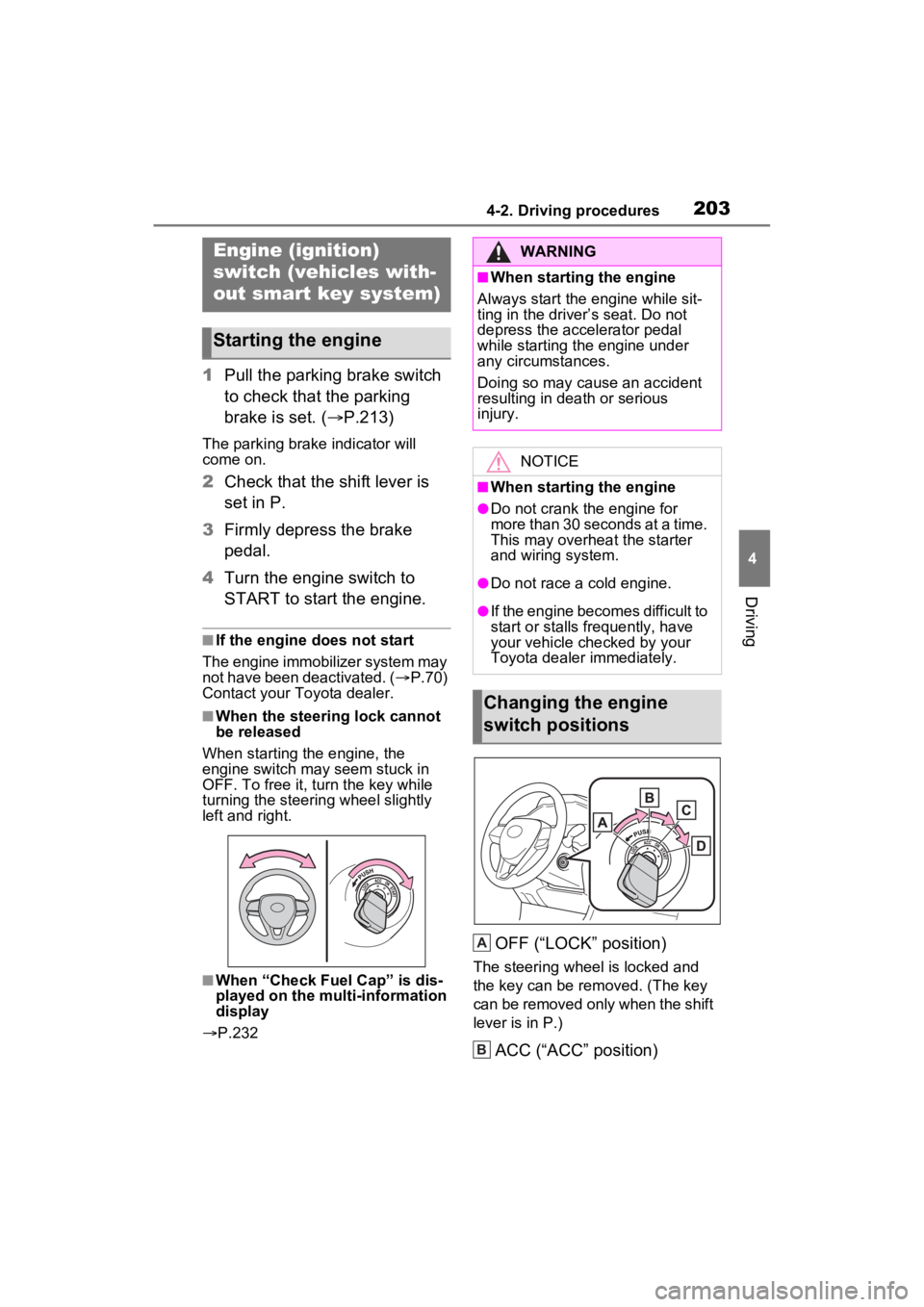
■When the steering lock cannot
be released
When starting the engine, the
engine switch may seem stuck in
OFF. To free it, turn the key while
turning the steerin g wheel slightly
left and right.
■When “Check Fuel Cap” is dis-
played on the multi-information
display
P.232
OFF (“LOCK” position)
The steering wheel is locked and
the key can be re moved. (The key
can be removed only when the shift
lever is in P.)
ACC (“ACC” position)
Engine (ignition)
switch (vehicles with-
out smart key system)
Starting the engine
WARNING
■When starting the engine
Always start the engine while sit-
ting in the driver’s seat. Do not
depress the accelerator pedal
while starting the engine under
any circumstances.
Doing so may cause an accident
resulting in dea th or serious
injury.
NOTICE
■When starting the engine
●Do not crank the engine for
more than 30 seconds at a time.
This may overheat the starter
and wiring system.
●Do not race a cold engine.
●If the engine becomes difficult to
start or stalls frequently, have
your vehicle checked by your
Toyota dealer immediately.
Changing the engine
switch positions
A
B
Page 205 of 574
2054-2. Driving procedures
4
Driving
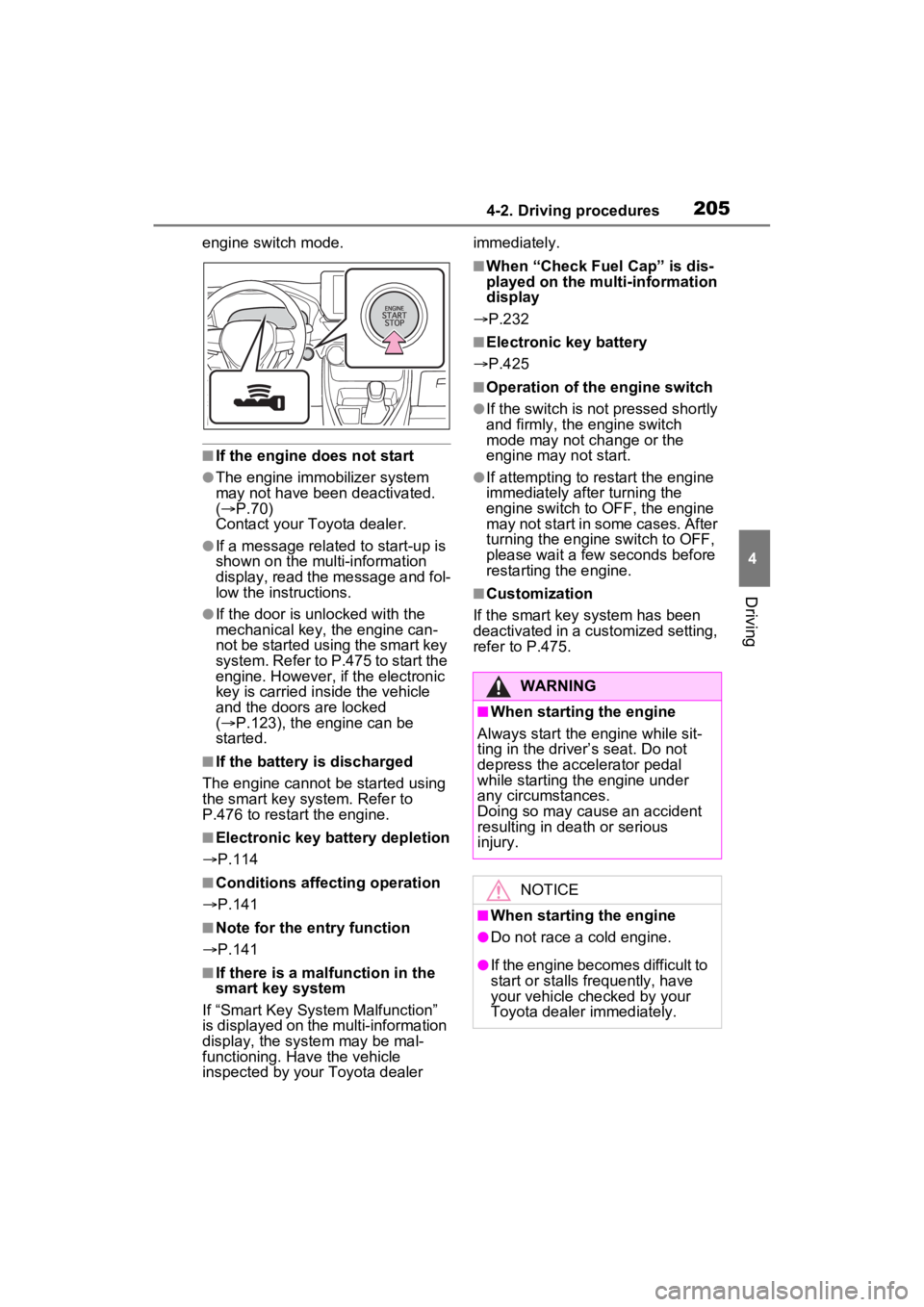
engine switch mode.
■If the engine does not start
●The engine immobilizer system
may not have been deactivated.
( P.70)
Contact your Toyota dealer.
●If a message related to start-up is
shown on the multi-information
display, read the message and fol-
low the instructions.
●If the door is unlocked with the
mechanical key, the engine can-
not be started using the smart key
system. Refer to P.475 to start the
engine. However, if the electronic
key is carried inside the vehicle
and the doors are locked
( P.123), the engine can be
started.
■If the battery is discharged
The engine cannot be started using
the smart key system. Refer to
P.476 to restart the engine.
■Electronic key battery depletion
P.114
■Conditions affecting operation
P.141
■Note for the entry function
P.141
■If there is a mal function in the
smart key system
If “Smart Key System Malfunction”
is displayed on the multi-information
display, the system may be mal-
functioning. Have the vehicle
inspected by your Toyota dealer immediately.
■When “Check Fuel Cap” is dis-
played on the multi-information
display
P.232
■Electronic key battery
P.425
■Operation of the engine switch
●If the switch is not pressed shortly
and firmly, the engine switch
mode may not change or the
engine may not start.
●If attempting to restart the engine
immediately after turning the
engine switch to OFF, the engine
may not start in some cases. After
turning the engine switch to OFF,
please wait a few seconds before
restarting the engine.
■Customization
If the smart key system has been
deactivated in a customized setting,
refer to P.475.
WARNING
■When starting the engine
Always start the engine while sit-
ting in the driver’s seat. Do not
depress the accelerator pedal
while starting the engine under
any circumstances.
Doing so may cause an accident
resulting in dea th or serious
injury.
NOTICE
■When starting the engine
●Do not race a cold engine.
●If the engine becomes difficult to
start or stalls frequently, have
your vehicle checked by your
Toyota dealer immediately.
Page 231 of 574
2314-4. Refueling
4
Driving
4-4.Refueling
Close all the doors and win-
dows, and turn the engine
switch to OFF.
Confirm the type of fuel.
■Fuel types
P.497
■Fuel tank opening for unleaded
gasoline
To help prevent incorrect fueling,
your vehicle has a fuel tank opening
that only accommodates the spe-
cial nozzle on unle aded fuel pumps.
■If the malfunction indicator
lamp illuminates
The malfunction indicator lamp may
illuminate erroneous ly if refueling is
performed repeatedly when the fuel
tank is nearly full.
Opening the fuel tank
cap
Perform the following steps
to open the fuel tank cap:
Before refueling the vehi-
cle
WARNING
■When refueling the vehicle
Observe the following precautions
while refueling the vehicle. Failure
to do so may result in death or
serious injury.
●After exiting the vehicle and
before opening the fuel door,
touch an unpainted metal sur-
face to discharge any static
electricity. It is important to dis-
charge static electricity before
refueling because sparks result-
ing from static electricity can
cause fuel vapors to ignite while
refueling.
●Always hold the grips on the
fuel tank cap and turn it slowly
to remove it.
A whooshing sound may be
heard when the f uel tank cap is
loosened. Wait until the sound
cannot be heard before fully
removing the cap. In hot
weather, pressurized fuel may
spray out of the filler neck and
cause injury.
●Do not allow anyone that has
not discharged static electricity
from their body to come close to
an open fuel tank.
●Do not inhale vaporized fuel.
Fuel contains substances that
are harmful if inhaled.
●Do not smoke while refueling
the vehicle.
Doing so may cause the fuel to
ignite and cause a fire.
●Do not return to the vehicle or
touch any person or object that
is statically charged. This may
cause static electricity to build
up, resulting in a possible igni-
tion hazard.
Page 232 of 574
2324-4. Refueling
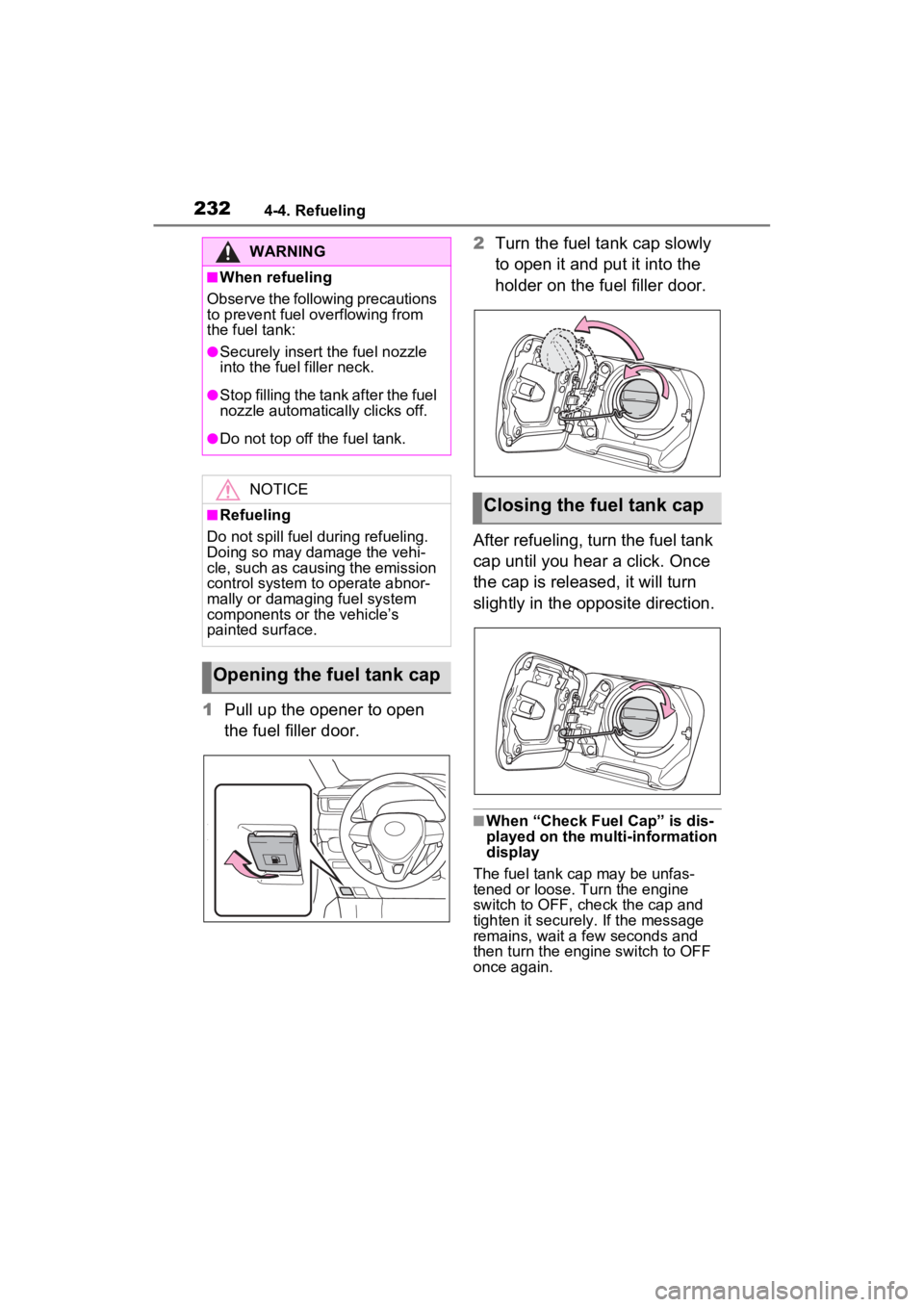
1Pull up the opener to open
the fuel filler door. 2
Turn the fuel tank cap slowly
to open it and put it into the
holder on the fuel filler door.
After refueling, turn the fuel tank
cap until you hear a click. Once
the cap is released, it will turn
slightly in the opposite direction.
■When “Check Fuel Cap” is dis-
played on the multi-information
display
The fuel tank cap may be unfas-
tened or loose. Turn the engine
switch to OFF, check the cap and
tighten it securely. If the message
remains, wait a few seconds and
then turn the engine switch to OFF
once again.
WARNING
■When refueling
Observe the following precautions
to prevent fuel overflowing from
the fuel tank:
●Securely insert the fuel nozzle
into the fuel filler neck.
●Stop filling the tank after the fuel
nozzle automatically clicks off.
●Do not top off the fuel tank.
NOTICE
■Refueling
Do not spill fuel during refueling.
Doing so may damage the vehi-
cle, such as causing the emission
control system to operate abnor-
mally or damaging fuel system
components or the vehicle’s
painted surface.
Opening the fuel tank cap
Closing the fuel tank cap
Page 233 of 574

2334-4. Refueling
4
Driving
WARNING
■When replacing the fuel tank
cap
Do not use anything but a genu-
ine Toyota fuel tank cap designed
for your vehicle. Doing so may
cause a fire or other incident
which may result in death or seri-
ous injury.
Page 334 of 574

3345-1. Using the air conditioning system and defogger
ror defoggers automatically turn off
after approximat ely 60 minutes.
However, the rear window and rear
view mirror defoggers might auto-
matically turn o ff after approxi-
mately 15 minutes depending on
conditions including the outside
temperature and charging system
conditions.
■For quick cooling
Press the “MAX A/C” switch.
The air conditioning will automati-
cally turn on.
At this time, the fo llowing will occur:
●The recirculated air mode will be
set
●The windshield defogger will turn
off
●The air flow mode will change to
the upper body mode
■Operation of the air condition-
ing system in Eco drive mode
In Eco drive mode, the air condition-
ing system is controlled to prioritize
fuel efficiency by regulating the
engine speed and compressor oper-
ation to restrict t he heating/cooling
capacity.
To improve air con ditioning perfor-
mance, perform t he following opera-
tions:
●Adjust the fan speed
●Adjust the temperature setting
●Turn off Eco drive mode ( P.310)
■Fogging up of the windows
●The windows will easily fog up
when the humidity in the vehicle is
high. Turning the “A/C” switch on
will dehumidify the air from the
outlets and defog the windshield
effectively.
●If you turn the “A/C” switch off, the
windows may fog up more easily.
●The windows may fog up if the
recirculated air mode is used.
■When driving on dusty roads
Close all windows. If dust thrown up
by the vehicle is still drawn into the
vehicle after closing the windows, it
is recommended that the air intake
mode be set to outside air mode
and the fan speed to any setting
except off.
■Outside/recirculated air mode
Setting to the recir culated air mode
temporarily is recommended in pre-
venting dirty air from entering the
vehicle interior and helping to cool
the vehicle when the outside air
temperature is high.
■When the outside temperature
falls to nearly 32°F (0°C)
The dehumidification function may
not operate even when the “A/C”
switch is pressed.
■Ventilation and air conditioning
odors
●To let fresh air in, set the air condi-
tioning system to the outside air
mode.
●During use, various odors from
inside and outside the vehicle may
enter into and accumulate in the
air conditioning system. This may
then cause odor to be emitted
from the vents.
●To reduce potential odors from
occurring:
It is recommended that the air
conditioning system be set to out-
side air mode prior to turning the
vehicle off.
●When parking, the system auto-
matically switches to outside air
mode to encourage better air cir-
culation throughout the vehicle,
helping to reduce odors that occur
when starting the vehicle.
■Air conditioning system opera-
tions when the engine is
stopped due to the Stop & Start
system (vehicles with Stop &
Start system)
When the engine is stopped due to
Page 340 of 574

3405-1. Using the air conditioning system and defogger
the temperature setting or the
inside temperature.
■When the outside temperature
exceeds 75°F (24°C) and the air
conditioning system is on
●In order to reduce the air condi-
tioning power consumption, the air
conditioning system may switch to
recirculated air mode automati-
cally. This may also reduce fuel
consumption.
●Recirculated air mode is selected
as a default mode when the
engine switch is turned to ON.
●It is possible to switch to outside
air mode at any time by pressing
the outside/recirculated air mode
switch.
■Operation of the air condition-
ing system in Eco drive mode
●In Eco drive mode, the air condi-
tioning system is controlled as fol-
lows to prioritize fuel efficiency:
• Engine speed and compressor operation controlled to restrict
heating/cooling capacity
• Fan speed restr icted when auto-
matic mode is selected
●To improve air conditioning perfor-
mance, perform the following
operations:
• Adjust the fan speed
• Turn off Eco drive mode ( P.310)
• Turn off Eco air conditioning mode
●When the driving mode is set to
Eco driving mode, the Eco air con-
ditioning mode will be turned on
automatically. Even in this case,
the Eco air conditioning mode can
be turned off by pressing the Eco
air conditioning mode switch.
■When the outside temperature
falls to nearly 32°F (0°C)
The dehumidification function may
not operate even when “A/C” switch
is pressed.
■Ventilation and air conditioning
odors
●To let fresh air in, set the air condi- tioning system to the outside air
mode.
●During use, various odors from
inside and outside the vehicle may
enter into and accumulate in the
air conditioning system. This may
then cause odor
to be emitted
from the vents.
●To reduce potential odors from
occurring:
• It is recommended that the air conditioning system be set to out-
side air mode prior to turning the
vehicle off.
• The start timing of the blower may be delayed for a short period of
time immediately after the air con-
ditioning system is started in auto-
matic mode.
●When parking, the system auto-
matically switches to outside air
mode to encourage better air cir-
culation throughout the vehicle,
helping to reduce odors that occur
when starting the vehicle.
■Air conditioning system opera-
tions when the engine is
stopped due to the Stop & Start
system (vehicles with Stop &
Start system)
When the engine is stopped due to
Stop & Start system operations, the
automatic air conditioning cooling,
heating and dehumidification func-
tions turn off and the fan speed is
decreased according to the outside
temperature etc. or air blowing
stops. To stop the air conditioning
system from turning off, press the
Stop & Start cancel switch and
refrain from using the Stop & Start
system.
■When the windshield is fogged
up and the engine is stopped
due to the Stop & Start system
(vehicles with Stop & Start sys-
tem)
Press the windshield defogger
switch to restart the engine and
defog the windshield.
If the windshield continuously fogs