maintenance reset TOYOTA RAV4 PRIME 2021 Owners Manual
[x] Cancel search | Manufacturer: TOYOTA, Model Year: 2021, Model line: RAV4 PRIME, Model: TOYOTA RAV4 PRIME 2021Pages: 618, PDF Size: 24.18 MB
Page 179 of 618
1793-1. Instrument cluster
3
Vehicle status information and indicators
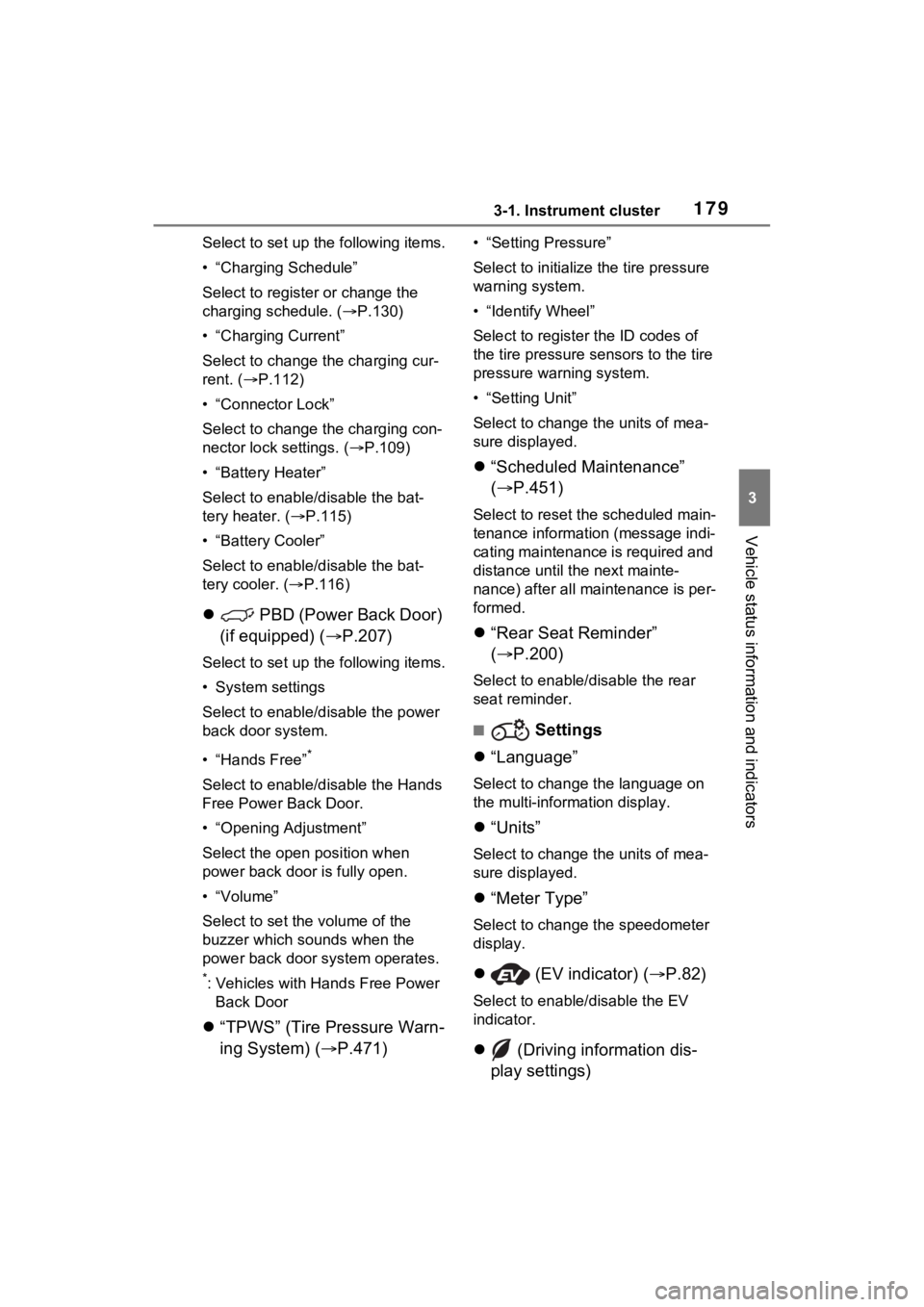
Select to set up the following items.
• “Charging Schedule”
Select to register or change the
charging schedule. ( P.130)
• “Charging Current”
Select to change the charging cur-
rent. ( P.112)
• “Connector Lock”
Select to change the charging con-
nector lock settings. ( P.109)
• “Battery Heater”
Select to enable/disable the bat-
tery heater. ( P.115)
• “Battery Cooler”
Select to enable/disable the bat-
tery cooler. ( P.116)
PBD (Power Back Door)
(if equipped) ( P.207)
Select to set up the following items.
• System settings
Select to enable/disable the power
back door system.
• “Hands Free”
*
Select to enable/disable the Hands
Free Power Back Door.
• “Opening Adjustment”
Select the open position when
power back door is fully open.
•“Volume”
Select to set the volume of the
buzzer which sounds when the
power back door system operates.
*: Vehicles with Hands Free Power
Back Door
“TPWS” (Tire Pressure Warn-
ing System) ( P.471)
• “Setting Pressure”
Select to initialize the tire pressure
warning system.
• “Identify Wheel”
Select to register the ID codes of
the tire pressure se nsors to the tire
pressure warning system.
• “Setting Unit”
Select to change the units of mea-
sure displayed.
“Scheduled Maintenance”
( P.451)
Select to reset the scheduled main-
tenance information (message indi-
cating maintenance is required and
distance until the next mainte-
nance) after all ma intenance is per-
formed.
“Rear Seat Reminder”
( P.200)
Select to enable/disable the rear
seat reminder.
■ Settings
“Language”
Select to change the language on
the multi-information display.
“Units”
Select to change the units of mea-
sure displayed.
“Meter Type”
Select to change the speedometer
display.
(EV indicator) ( P.82)
Select to enable/disable the EV
indicator.
(Driving information dis-
play settings)
Page 451 of 618
4517-2. Maintenance
7
Maintenance and care
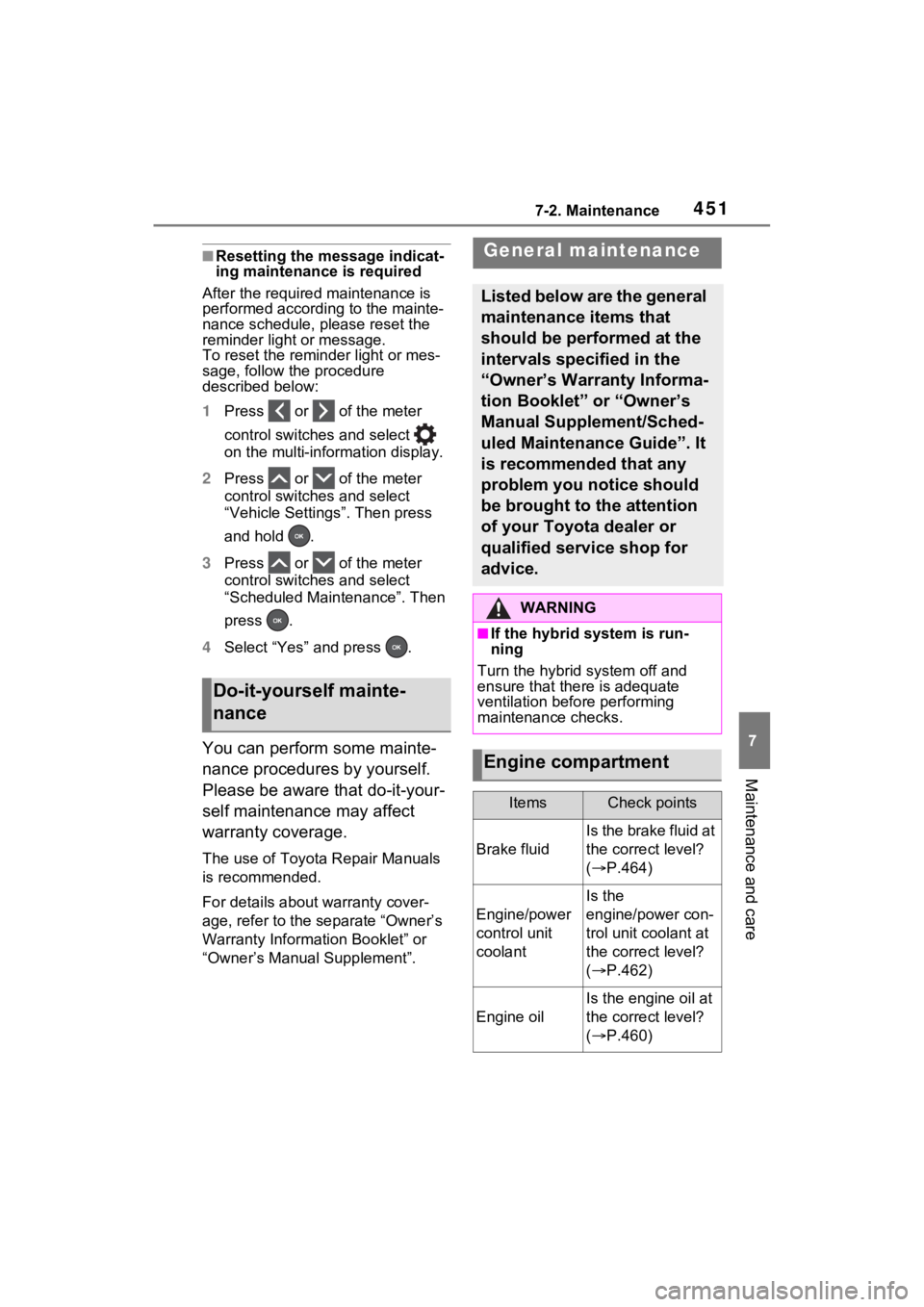
■Resetting the message indicat-
ing maintenance is required
After the required maintenance is
performed according to the mainte-
nance schedule, please reset the
reminder light or message.
To reset the reminder light or mes-
sage, follow the procedure
described below:
1 Press or of the meter
control switches and select
on the multi-information display.
2 Press or of the meter
control switches and select
“Vehicle Settings”. Then press
and hold .
3 Press or of the meter
control switches and select
“Scheduled Maintenance”. Then
press .
4 Select “Yes” and press .
You can perform some mainte-
nance procedures by yourself.
Please be aware that do-it-your-
self maintenance may affect
warranty coverage.
The use of Toyota Repair Manuals
is recommended.
For details about warranty cover-
age, refer to the separate “Owner’s
Warranty Information Booklet” or
“Owner’s Manual Supplement”.
Do-it-yourself mainte-
nance
General maintenance
Listed below are the general
maintenance items that
should be performed at the
intervals specified in the
“Owner’s Warranty Informa-
tion Booklet” or “Owner’s
Manual Supplement/Sched-
uled Maintenance Guide”. It
is recommended that any
problem you notice should
be brought to the attention
of your Toyota dealer or
qualified service shop for
advice.
WARNING
■If the hybrid system is run-
ning
Turn the hybrid system off and
ensure that there is adequate
ventilation before performing
maintenance checks.
Engine compartment
ItemsCheck points
Brake fluid
Is the brake fluid at
the correct level?
( P.464)
Engine/power
control unit
coolant
Is the
engine/power con-
trol unit coolant at
the correct level?
( P.462)
Engine oil
Is the engine oil at
the correct level?
( P.460)
Page 476 of 618
4767-3. Do-it-yourself maintenance
• Vehicle is driven on unpaved
roads
• Vehicle is driven near other vehi-
cles and system cannot recog-
nize tire pressure warning valve
and transmitters of your vehicle
over those of other vehicles.
• If the vehicle is driven in heavy traffic or another situation where
other vehicles are driven close by,
it may take time for the system to
recognize the tire pressure warn-
ing valve and tran smitters of your
vehicle over those of other vehi-
cles.
●If initialization does not complete
after driving for 1 hour or more,
park the vehicle in a safe place for
approximately 20 minutes and
then drive the vehicle again.
●If the vehicle is reversed during
initialization, the data up to that
point is reset, so perform the ini-
tialization procedure again from
the beginning.
●In the following si tuations, initial-
ization will not be started or was
not completed properly and the
system will not ope rate properly.
Perform the initialization proce-
dure again.
• If, when attempting to start initial- ization, the tire pressure warning
light does not b link 3 times.
• If, when the vehicle has been driven for about 20 minutes after
performing initialization, the tire
pressure warning light blinks for
approximately 1 minute and then
illuminates.
If initialization cannot be completed
after performing t he above proce-
dure, contact your Toyota dealer.
Every tire pressure warning
valve and transmitter has a
unique ID code. When replacing
a tire pressure warning valve
and transmitter, it is necessary
to register the ID code.
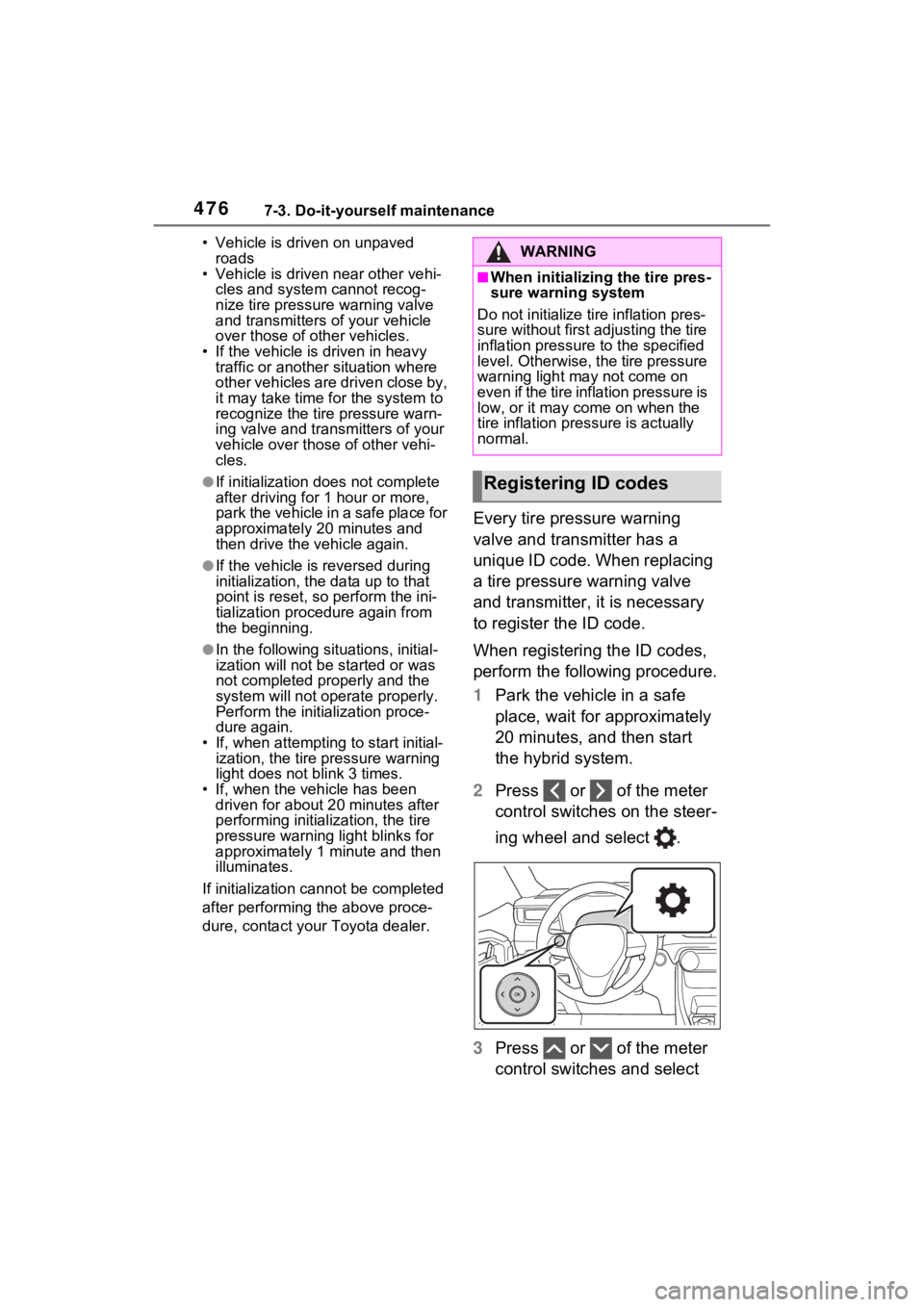
When registering the ID codes,
perform the following procedure.
1 Park the vehicle in a safe
place, wait for approximately
20 minutes, and then start
the hybrid system.
2 Press or of the meter
control switches on the steer-
ing wheel and select .
3 Press or of the meter
control switches and select
WARNING
■When initializing the tire pres-
sure warning system
Do not initialize tire inflation pres-
sure without first adjusting the tire
inflation pressure to the specified
level. Otherwise, the tire pressure
warning light may not come on
even if the tire inflation pressure is
low, or it may c ome on when the
tire inflation pre ssure is actually
normal.
Registering ID codes
Page 478 of 618
4787-3. Do-it-yourself maintenance
ing system will be operational
when the tire pressure warning
light turns off.
●If the warning light does not turn
off even after several minutes
have elapsed, ID code registration
may not have bee n canceled cor-
rectly. To cancel registration, per-
form the ID code registration start
procedure again and then turn the
power switch off before driving.
■If ID codes are not registered
properly
●In the following situations, ID code
registration may take longer than
usual to be completed or may not
be possible. Normally, registra-
tion completes within approxi-
mately 30 minutes.
If ID code registration is not com-
plete after driving for approxi-
mately 30 minutes, continue
driving for a while.
• Vehicle is not parked for approxi- mately 20 minutes or more before
driving
• Vehicle is not driven at approxi- mately 25 mph ( 40 km/h) or more
• Vehicle is driven on unpaved
roads
• Vehicle is driven near other vehi- cles and system cannot recog-
nize tire pressure warning valve
and transmitters of your vehicle
over those of other vehicles
• Wheel with tire p ressure warning
valve and transmitter installed is
inside or near the vehicle
If registration does not complete
after driving for 1 hour or more, per-
form the ID code registration proce-
dure again from the beginning.
●If the vehicle is reversed during
registration, the data up to that
point is reset, so perform the reg-
istration procedure again from the
beginning.
●In the following situations, ID code
registration will not be started or
was not completed properly and
the system will no t operate prop- erly. Perform the ID code registra-
tion procedure again.
• If, when attempt ing to start ID
code registration, the tire pressure
warning light does not blink slowly
3 times.
• If, when the veh icle has been
driven for about 20 minutes after
performing ID code registration,
the tire pressure warning light
blinks for approximately 1 minute
and then illuminates.
●If ID code registration cannot be
completed after performing the
above procedure, contact your
Toyota dealer.
Your vehicle is equipped with
tire pressure warning system
with the function to have ID
codes registered for a second
wheel set, for example a winter
set. You can register a second
wheel set by yourself or your
Toyota dealer.
After registration of a second
wheel set, either of these two
wheel sets can be selected for
usage with the tire pressure
warning system.
■Operating conditions for
the function
This function will perform the
change of wheel set only if a
second wheel set has been
registered. If no second wheel
set has been registered, no
change will be made when
selecting this function in the
menu.
Only a change between both
Selecting wheel set
Page 525 of 618
5258-2. Steps to take in an emergency
8
When trouble arises
recharge the 12-volt battery.
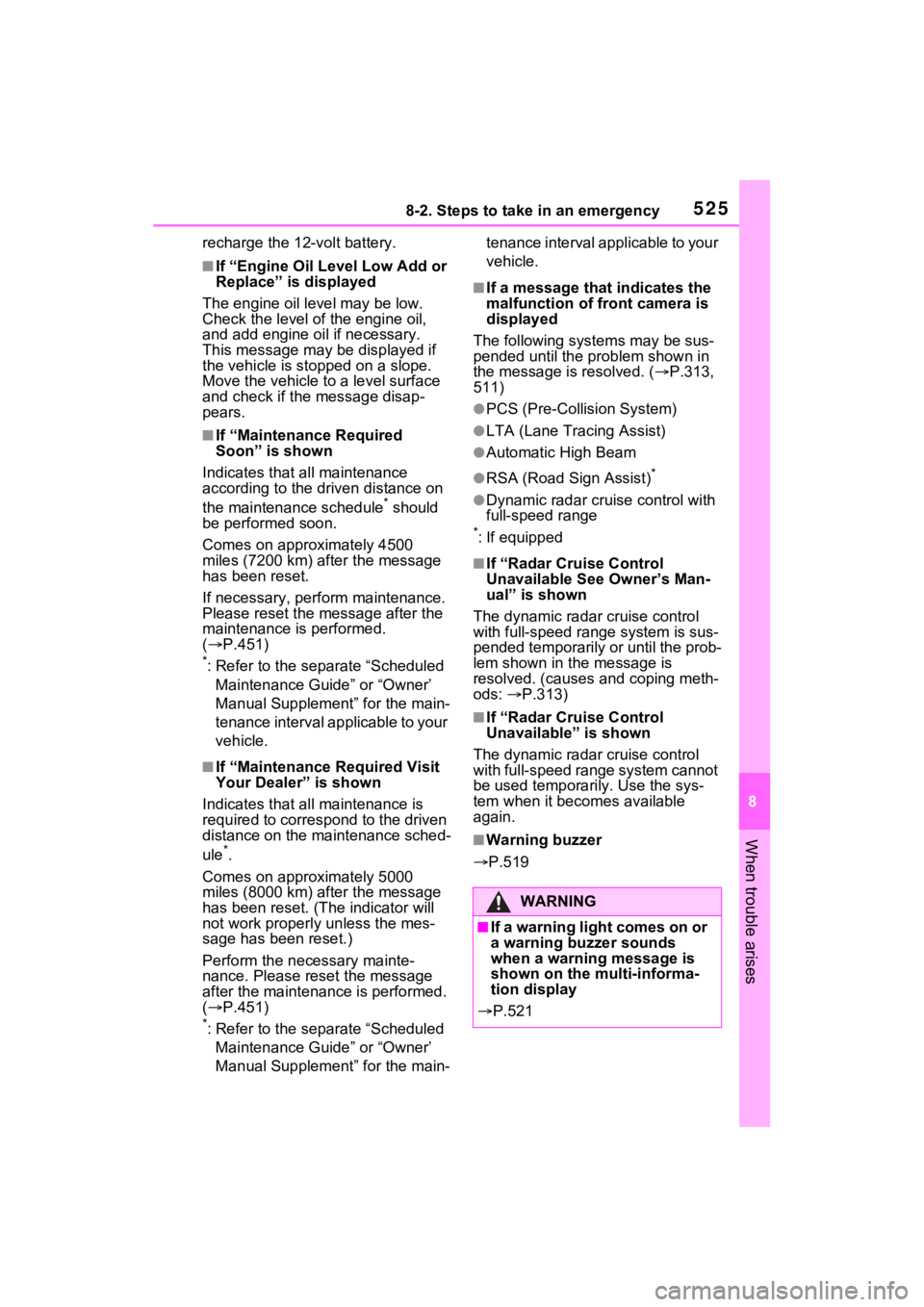
■If “Engine Oil Level Low Add or
Replace” is displayed
The engine oil level may be low.
Check the level of the engine oil,
and add engine oil if necessary.
This message may be displayed if
the vehicle is sto pped on a slope.
Move the vehicle to a level surface
and check if the message disap-
pears.
■If “Maintenance Required
Soon” is shown
Indicates that all maintenance
according to the dr iven distance on
the maintenance schedule
* should
be performed soon.
Comes on approximately 4500
miles (7200 km) after the message
has been reset.
If necessary, perf orm maintenance.
Please reset the message after the
maintenance is performed.
( P.451)
*: Refer to the separate “Scheduled
Maintenance Guide” or “Owner’
Manual Supplement” for the main-
tenance interval applicable to your
vehicle.
■If “Maintenance Required Visit
Your Dealer” is shown
Indicates that all maintenance is
required to correspond to the driven
distance on the maintenance sched-
ule
*.
Comes on approximately 5000
miles (8000 km) after the message
has been reset. (The indicator will
not work properly unless the mes-
sage has been reset.)
Perform the necessary mainte-
nance. Please reset the message
after the maintenance is performed.
( P.451)
*: Refer to the separate “Scheduled
Maintenance Guide” or “Owner’
Manual Supplement” for the main- tenance interval applicable to your
vehicle.
■If a message that indicates the
malfunction of front camera is
displayed
The following systems may be sus-
pended until the problem shown in
the message is resolved. (P.313,
511)
●PCS (Pre-Collision System)
●LTA (Lane Tracing Assist)
●Automatic High Beam
●RSA (Road Sign Assist)*
●Dynamic radar cruise control with
full-speed range
*: If equipped
■If “Radar Cruise Control
Unavailable See Owner’s Man-
ual” is shown
The dynamic radar cruise control
with full-speed range system is sus-
pended temporarily or until the prob-
lem shown in the message is
resolved. (causes and coping meth-
ods: P.313)
■If “Radar Cruise Control
Unavailable” is shown
The dynamic radar cruise control
with full-speed range system cannot
be used temporarily. Use the sys-
tem when it becomes available
again.
■Warning buzzer
P.519
WARNING
■If a warning light comes on or
a warning buzzer sounds
when a warning message is
shown on the multi-informa-
tion display
P.521
Page 609 of 618
Alphabetical Index609
Warning light ........................ 513
Power switch .......................... 279 Auto power off function ........ 283
Changing the power switch modes ................................ 283
If your vehicle has to be stopped in an emergency................. 505
Starting the hybrid system.... 279
Power windows Catch protection function ..... 246
Door lock linked window opera-tion ..................................... 247
Jam protection function ........ 246
Operation ............................. 246
Window lock switch .............. 248
Pre-Collision System (PCS) Enabling/disabling the pre-colli-sion system ........................ 317
Function ............................... 315
Warning light ........................ 514
Warning message ........ 313, 526
Predictive efficient drive .......... 85
R
Radar cruise control Dynamic radar cruise control with full-speed range .......... 336
Radiator ................................... 463
RCTA (Rear Cross Traffic Alert) RCTA Function............. 347, 353
Warning message ................ 348
Rear Cross Traffic Alert (RCTA) ............................................... 347
Rear passengers’ seat belt reminder light ....................... 519
Rear seat ................................. 225 Folding down the rear seatbacks........................................... 226
Head restraints ..................... 230
Seat heaters ......................... 408
Rear side marker lights Light switch .......................... 295 Replacing light bulbs ............497
Rear turn signal lights Replacing light bulbs ............497
Turn signal lever . ..................289
Wattage ................................556
Rear view mirror Digital Rear-view Mirror ........234
Inside rear view mirror ..........233
Outside rear view mirrors .....244
Rear window defogger ...........398
Rear window wiper .................304
Refueling ............ .....................306
Capacity ...............................551
Fuel types .....................551, 557
If the fuel filler door cannot be opened ...............................536
Opening the fuel tank cap ....307
Regenerative braking ...............82
Remote Air Conditioning System ...............................................405
Replacing Electronic key battery ...........493
Fuses....................................495
Light bulbs ............................497
Tires .....................................527
Wiper insert ..........................489
Reporting safety defects for U.S. owners ...................................584
Resetting the message indicat- ing maintenance is required 451
Road accident cautions ...........89
Road Sign Assist ....................333
RSA (Road Sign Assist) .........333
S
Safety Connect .........................66
Seat belt reminder light..518, 519
Seat belts...................................29 Adjusting the seat belt shoulder anchor height........................31
Automatic Locking Retractor (ALR) ....................................31