Tpws TOYOTA RAV4 PRIME 2023 Owners Manual
[x] Cancel search | Manufacturer: TOYOTA, Model Year: 2023, Model line: RAV4 PRIME, Model: TOYOTA RAV4 PRIME 2023Pages: 662, PDF Size: 25.4 MB
Page 195 of 662

1953-1. Instrument cluster
3
Vehicle status information and indicators
power back door system operates.
*: Vehicles with Hands Free Power Back Door
“TPWS” (Tire Pressure Warn-
ing System) (if equipped)
( P.500)
• “Setting Pressure”
Select to initialize the tire pressure
warning system.
• “Identify Wheel”
Select to register the ID codes of
the tire pressure s ensors to the tire
pressure warning system.
• “Setting Unit”
Select to change t he units of mea-
sure displayed.
“Scheduled Maintenance”
( P.479)
Select to reset the scheduled main-
tenance information (message indi-
cating maintenance is required and
distance until the next mainte-
nance) after all maintenance is per-
formed.
“Rear Seat Reminder”
( P.224)
Select to enable/disable the rear
seat reminder.
■ Settings
“Language”
Select to change the language on
the multi-inform ation display.
“Units”
Select to change t he units of mea-
sure displayed.
“Meter Type”
Select to change the speedometer display.
(EV indicator) ( P.80)
Select to enable/disable the EV
indicator.
(Driving information dis-
play settings)
Select to set up t he following items.
• “Hybrid System”
Select to enable/disable the ECO
Accelerator Guidance (P.187).
• “Fuel Economy”
Select to change the display on
Fuel Economy ( P.186).
• “Power Consumption”
Select to change the display on
Power Consumption ( P.186).
(Audio settings) (if
equipped)
Select to enable/disable
screen.
(Vehicle information dis-
play settings)
• “Display Contents”
Select to set up t he following items.
“Energy monitor”:
Select to enable/disable the Energy
monitor ( P.212)
“AWD”:
Select to enable /disable the AWD
system display ( P.191).
• “Drive Info Type”
Select to change the drive informa-
tion type display between trip and
total. ( P.190).
• “Drive Info Items”
Page 206 of 662

2063-1. Instrument cluster
when the system recognizes
excess speed and Do Not Enter
sign.
“Notification Level”
Select to change e ach notification
level used to notify the driver when
the system recognizes a speed limit
sign.
■ Vehicle Settings
“Charging Settings”
Select to set up the following items.
• “Charging Schedule”
Select to register or change the
charging schedule. ( P.128)
• “Charging Current”
Select to change the charging cur-
rent. ( P.111)
• “Battery Cooler”
Select to enable/disable the bat-
tery cooler. ( P.114)
• “Battery Heater”
Select to enable/disable the bat-
tery heater. ( P.113)
DRCC
Select to change the curve speed
reduction function setting.
PBD (Power Back Door)
( P.229)
Select to set up the following items.
• System settings
Select to enable/disable the power
back door system.
• “Hands Free”
Select to enable/disable the Hands
Free Power Back Door.
• “Opening Adjustment” Select the open position when
power back door is fully open.
•“Volume”
Select to set the volume of the
buzzer which sounds when the
power back door system operates.
“TPWS” (Tire Pressure Warn-
ing System) (if equipped)
( P.500)
• “Setting Pressure”
Select to initialize the tire pres-
sure warning system.
• “Identifying Each Wheel & Posi- tion”
Select to change the tire pressure
warning system sensor ID code
set. To enable this function, a
second set of tire pressure warn-
ing system sensor ID codes must
be registered by a Toyota dealer.
For information regarding chang-
ing the registered ID code set,
contact your Toyota dealer.
• “Pressure unit setting” Select to change the units of
measure displayed.
Rear Seat Reminder
( P.224)
Select to enable/disable the
rear seat reminder function.
■ Settings
“Language”
Select to change the lan-
guage on the multi-informa-
tion display.
“Units”
Select to change the unit of
measure for fuel consump-
tion.
Page 499 of 662
5017-3. Do-it-yourself maintenance
7
Maintenance and care
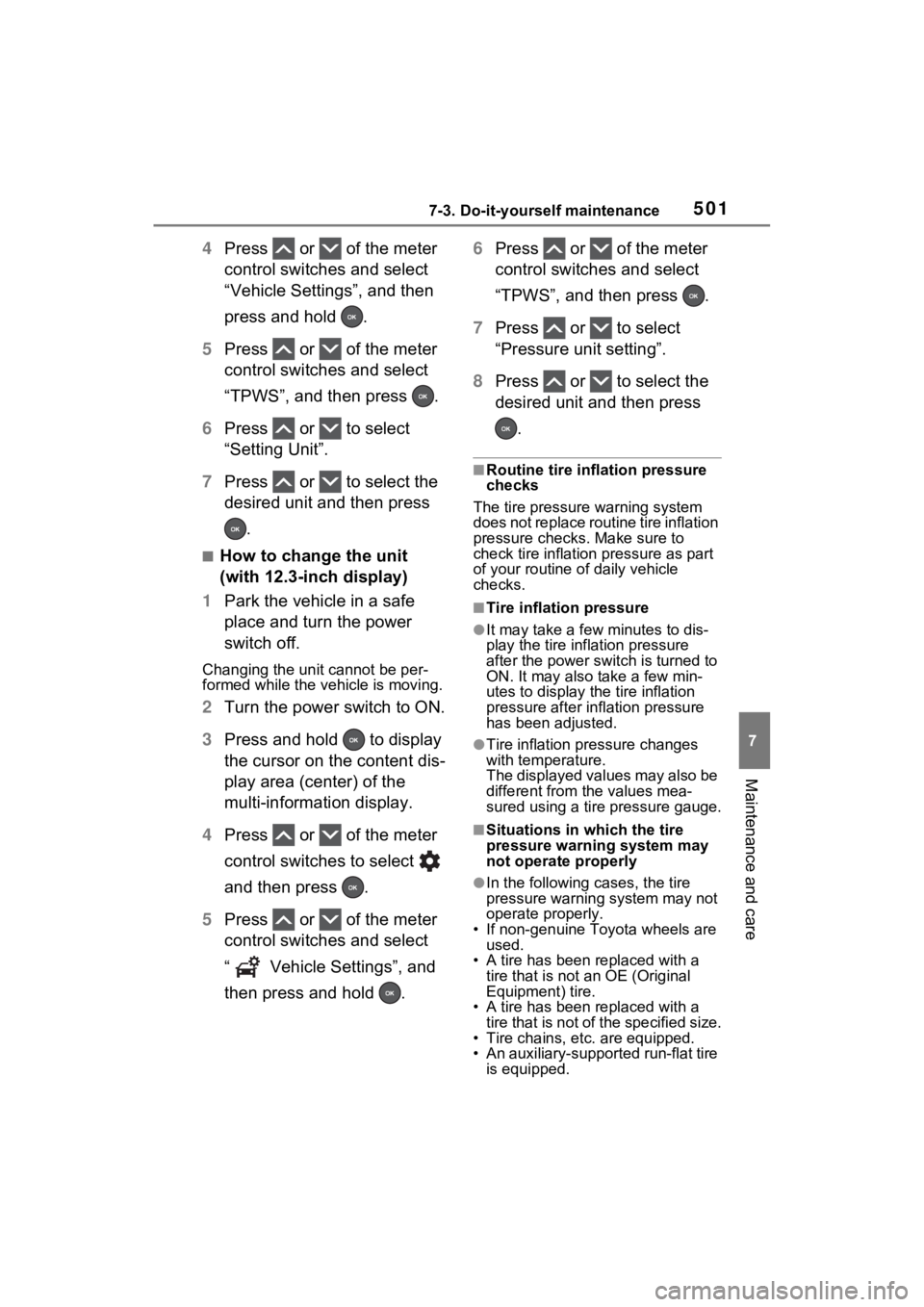
4Press or of the meter
control switches and select
“Vehicle Settings”, and then
press and hold .
5 Press or of the meter
control switches and select
“TPWS”, and then press .
6 Press or to select
“Setting Unit”.
7 Press or to select the
desired unit and then press
.
■How to change the unit
(with 12.3-inch display)
1 Park the vehicle in a safe
place and turn the power
switch off.
Changing the unit cannot be per-
formed while the vehicle is moving.
2Turn the power switch to ON.
3 Press and hold to display
the cursor on the content dis-
play area (center) of the
multi-information display.
4 Press or of the meter
control switches to select
and then press .
5 Press or of the meter
control switches and select
“ Vehicle Settings”, and
then press and hold . 6
Press or of the meter
control switches and select
“TPWS”, and then press .
7 Press or to select
“Pressure unit setting”.
8 Press or to select the
desired unit and then press
.
■Routine tire inflation pressure
checks
The tire pressure warning system
does not replace routine tire inflation
pressure checks . Make sure to
check tire inflation pressure as part
of your routine o f daily vehicle
checks.
■Tire inflation pressure
●It may take a few minutes to dis-
play the tire inflation pressure
after the power switch is turned to
ON. It may also take a few min-
utes to display the tire inflation
pressure after infl ation pressure
has been adjusted.
●Tire inflation pressure changes
with temperature.
The displayed values may also be
different from the values mea-
sured using a tire pressure gauge.
■Situations in which the tire
pressure warning system may
not operate properly
●In the following cases, the tire
pressure warning system may not
operate properly.
• If non-genuine Toyota wheels are
used.
• A tire has been replaced with a tire that is not an OE (Original
Equipment) tire.
• A tire has been replaced with a tire that is not of the specified size.
• Tire chains, etc. are equipped.
• An auxiliary-support ed run-flat tire
is equipped.
Page 501 of 662
5037-3. Do-it-yourself maintenance
7
Maintenance and care■The tire pressure warning
system must be initialized
in the following circum-
stances:
When rotating the tires.
When changing the tire.
After registering the ID codes.
( P.506)
When changing between two
registered wheel sets.
When the tire pressure warning
system is initialized, the current
tire inflation pressure is set as the benchmark pressure.
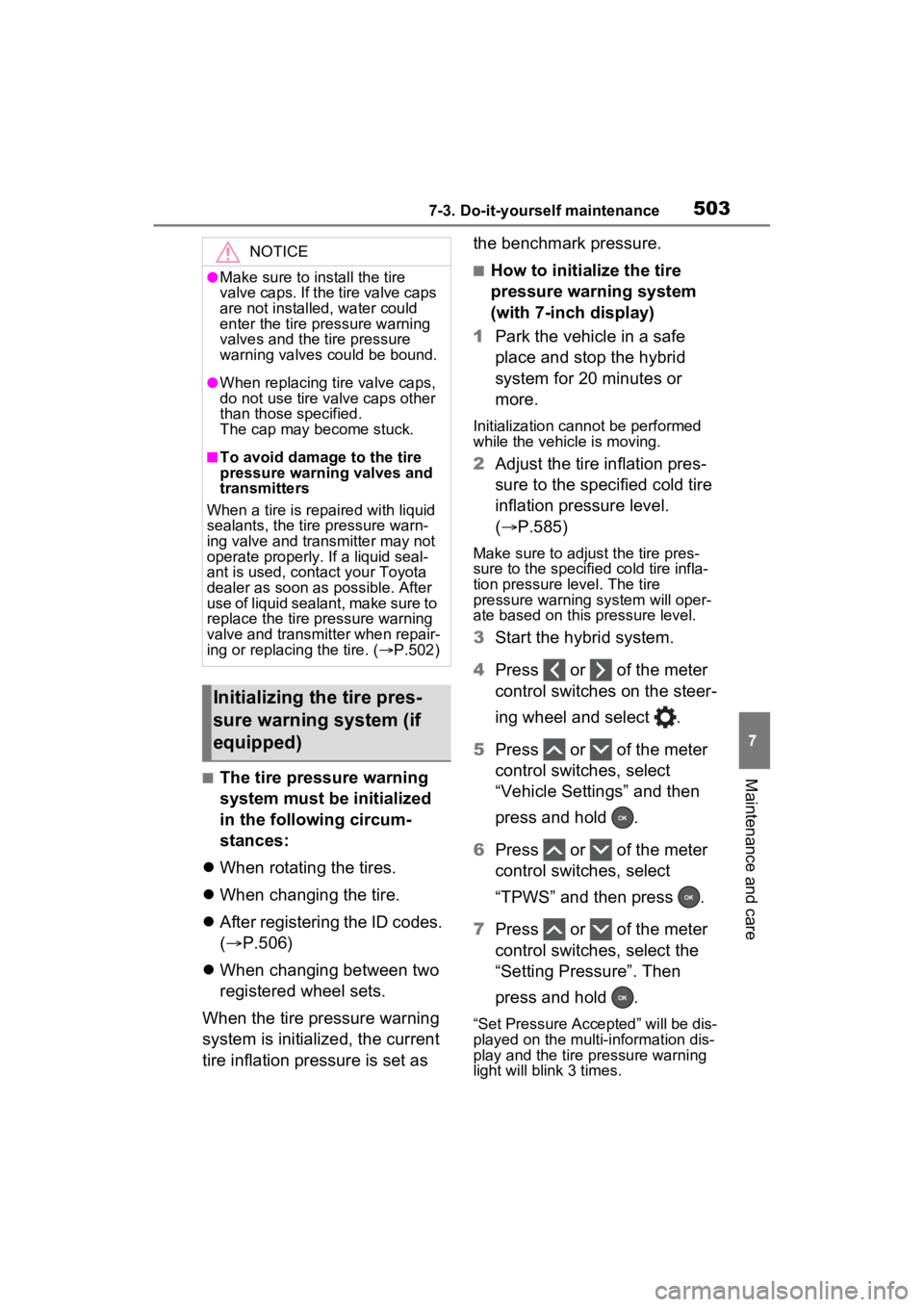
■How to initialize the tire
pressure warning system
(with 7-inch display)
1 Park the vehicle in a safe
place and stop the hybrid
system for 20 minutes or
more.
Initialization cannot be performed
while the vehicle is moving.
2Adjust the tire inflation pres-
sure to the specified cold tire
inflation pressure level.
( P.585)
Make sure to adjust the tire pres-
sure to the specifie d cold tire infla-
tion pressure level. The tire
pressure warning system will oper-
ate based on this pressure level.
3Start the hybrid system.
4 Press or of the meter
control switches on the steer-
ing wheel and select .
5 Press or of the meter
control switches, select
“Vehicle Settings” and then
press and hold .
6 Press or of the meter
control switches, select
“TPWS” and then press .
7 Press or of the meter
control switches, select the
“Setting Pressure”. Then
press and hold .
“Set Pressure Accepted” will be dis-
played on the multi-information dis-
play and the tire pressure warning
light will blink 3 times.
NOTICE
●Make sure to install the tire
valve caps. If the tire valve caps
are not installed, water could
enter the tire pressure warning
valves and the tire pressure
warning valves could be bound.
●When replacing ti re valve caps,
do not use tire valve caps other
than those specified.
The cap may become stuck.
■To avoid damage to the tire
pressure warning valves and
transmitters
When a tire is repaired with liquid
sealants, the tire pressure warn-
ing valve and transmitter may not
operate properly. If a liquid seal-
ant is used, conta ct your Toyota
dealer as soon as possible. After
use of liquid sealant, make sure to
replace the tire pressure warning
valve and transmitter when repair-
ing or replacing the tire. ( P.502)
Initializing the tire pres-
sure warning system (if
equipped)
Page 502 of 662
5047-3. Do-it-yourself maintenance
When the message disappears, ini-
tialization is complete.
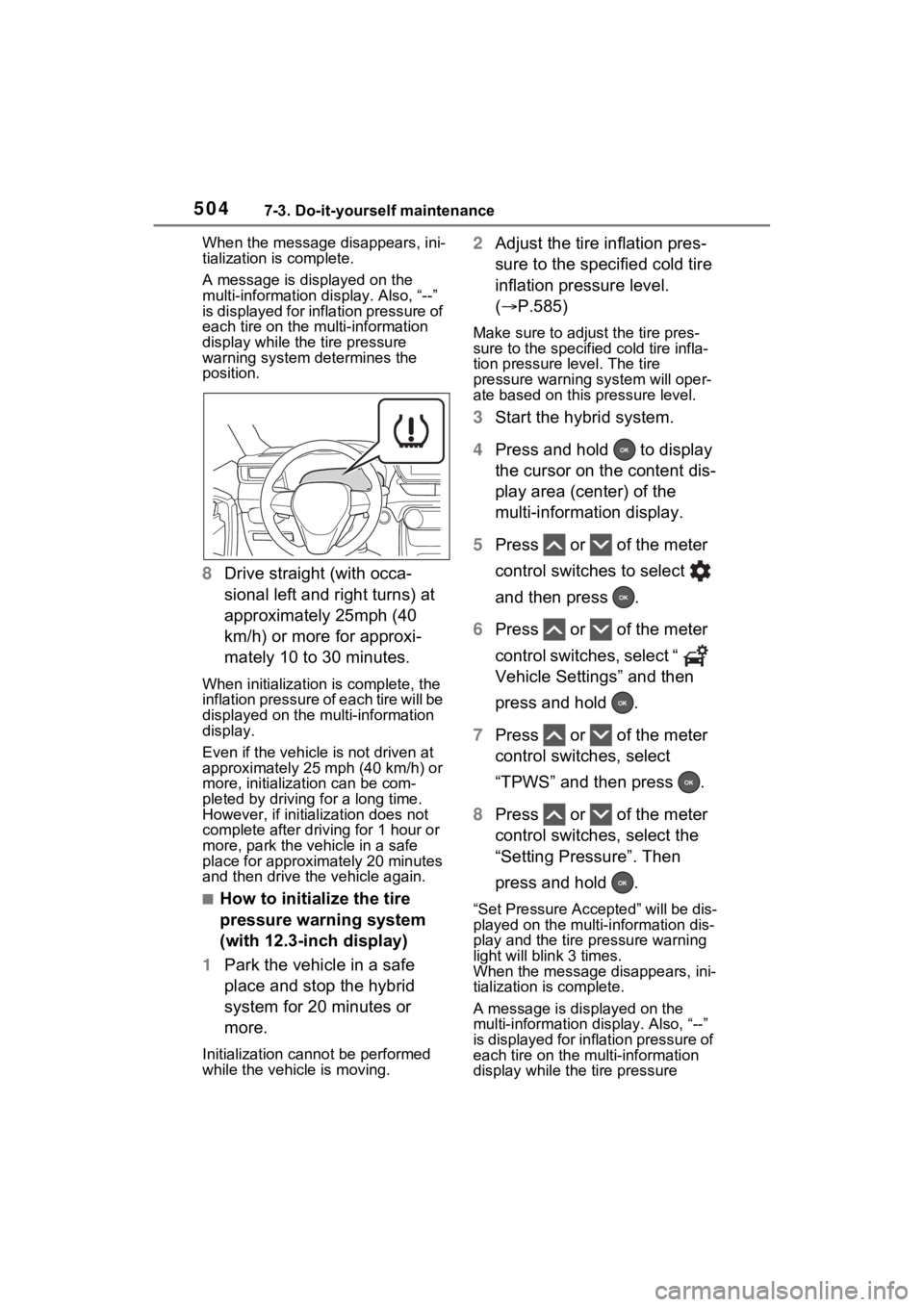
A message is displayed on the
multi-information di splay. Also, “--”
is displayed for inflation pressure of
each tire on the multi-information
display while the tire pressure
warning system determines the
position.
8 Drive straight (with occa-
sional left and right turns) at
approximately 25mph (40
km/h) or more for approxi-
mately 10 to 30 minutes.
When initialization is complete, the
inflation pressure of each tire will be
displayed on the multi-information
display.
Even if the vehicle is not driven at
approximately 25 mph (40 km/h) or
more, initializat ion can be com-
pleted by driving for a long time.
However, if initia lization does not
complete after driving for 1 hour or
more, park the vehicle in a safe
place for approximately 20 minutes
and then drive th e vehicle again.
■How to initialize the tire
pressure warning system
(with 12.3-inch display)
1 Park the vehicle in a safe
place and stop the hybrid
system for 20 minutes or
more.
Initialization cannot be performed
while the vehicle is moving.
2Adjust the tire inflation pres-
sure to the specified cold tire
inflation pressure level.
( P.585)
Make sure to adjust the tire pres-
sure to the specifie d cold tire infla-
tion pressure level. The tire
pressure warning system will oper-
ate based on this pressure level.
3Start the hybrid system.
4 Press and hold to display
the cursor on the content dis-
play area (center) of the
multi-information display.
5 Press or of the meter
control switches to select
and then press .
6 Press or of the meter
control switches, select “
Vehicle Settings” and then
press and hold .
7 Press or of the meter
control switches, select
“TPWS” and then press .
8 Press or of the meter
control switches, select the
“Setting Pressure”. Then
press and hold .
“Set Pressure Accepted” will be dis-
played on the multi-information dis-
play and the tire pressure warning
light will blink 3 times.
When the message disappears, ini-
tialization is complete.
A message is displayed on the
multi-information di splay. Also, “--”
is displayed for inflation pressure of
each tire on the m ulti-information
display while the tire pressure
Page 504 of 662
5067-3. Do-it-yourself maintenance
then drive the vehicle again.
●If the vehicle is reversed during
initialization, the data up to that
point is reset, so perform the ini-
tialization procedure again from
the beginning.
●In the following situations, initial-
ization will not be started or was
not completed properly and the
system will not ope rate properly.
Perform the initialization proce-
dure again.
• If, when attempting to start initial-
ization, the tire pressure warning
light does not blink 3 times.
• If, when the vehicle has been
driven for about 20 minutes after
performing initialization, the tire
pressure warning light blinks for
approximately 1 minute and then
illuminates.
If initialization cannot be completed
after performing the above proce-
dure, contact your Toyota dealer.
Every tire pressure warning
valve and transmitter has a
unique ID code. When replacing
a tire pressure warning valve
and transmitter, it is necessary to register the ID code.
When registering the ID codes,
perform the following procedure.
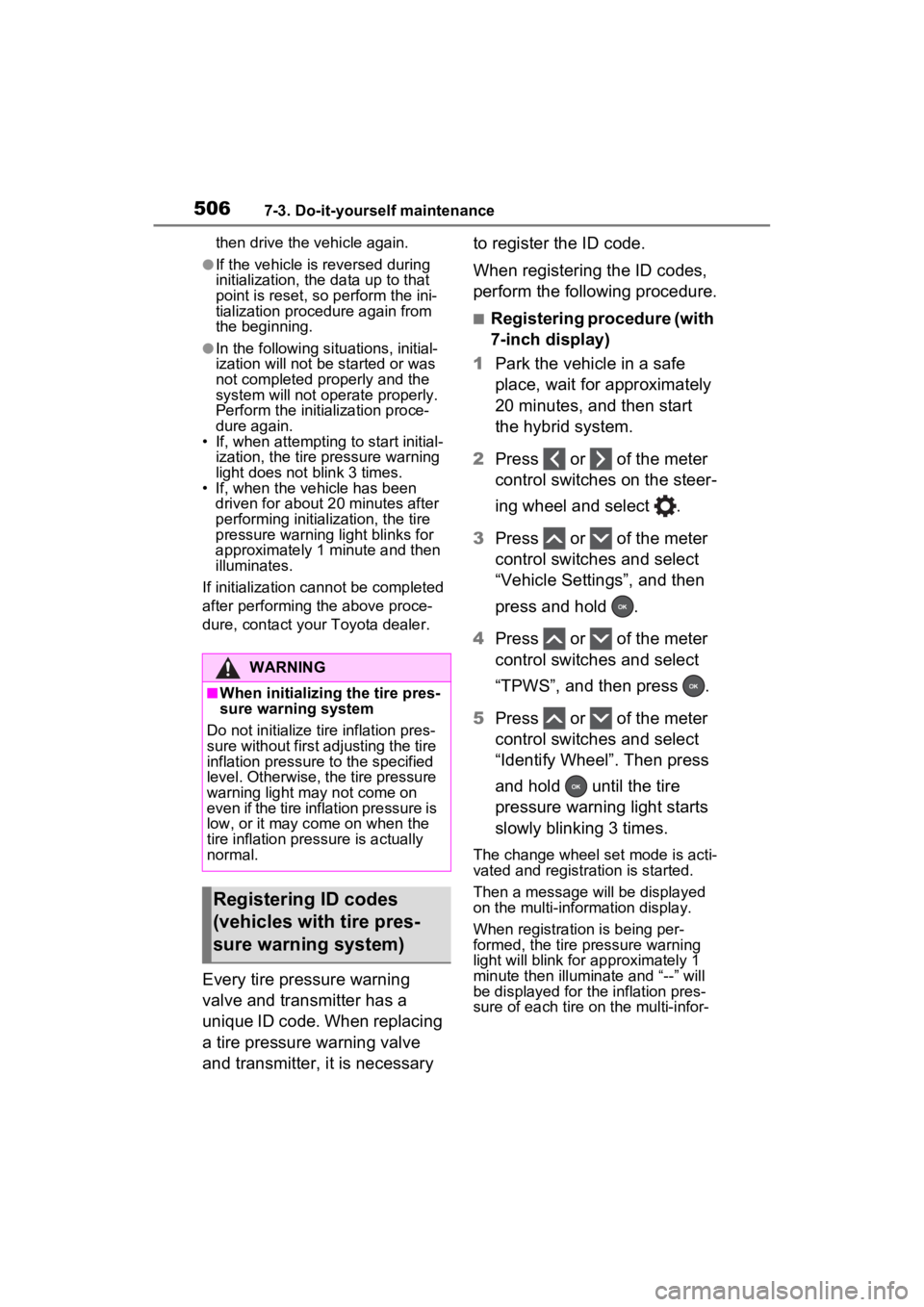
■Registering procedure (with
7-inch display)
1 Park the vehicle in a safe
place, wait for approximately
20 minutes, and then start
the hybrid system.
2 Press or of the meter
control switches on the steer-
ing wheel and select .
3 Press or of the meter
control switches and select
“Vehicle Settings”, and then
press and hold .
4 Press or of the meter
control switches and select
“TPWS”, and then press .
5 Press or of the meter
control switches and select
“Identify Wheel”. Then press
and hold until the tire
pressure warning light starts
slowly blinking 3 times.
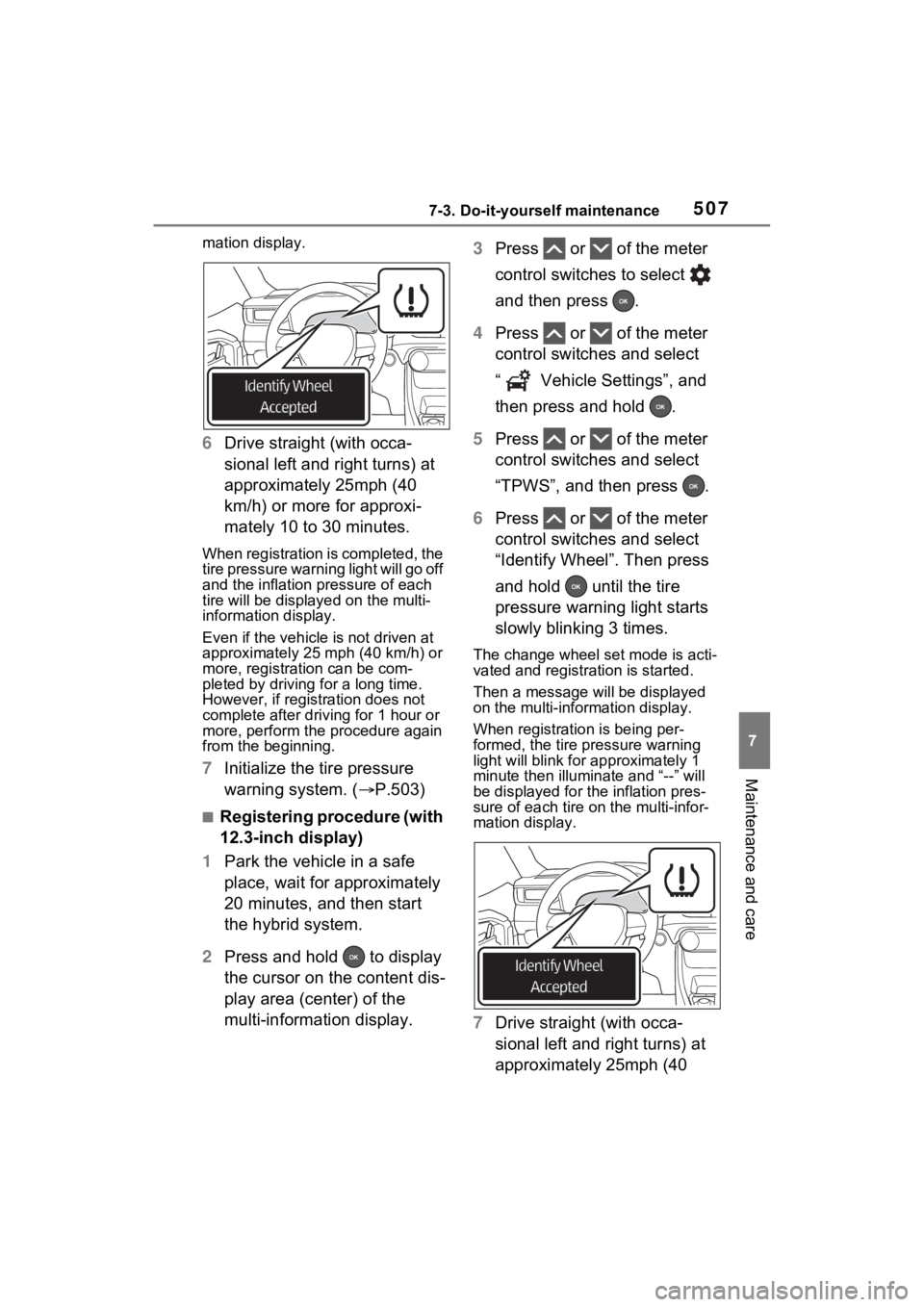
The change wheel set mode is acti-
vated and registra tion is started.
Then a message will be displayed
on the multi-information display.
When registration is being per-
formed, the tire pressure warning
light will blink for approximately 1
minute then illuminate and “--” will
be displayed for the inflation pres-
sure of each tire on the multi-infor-
WARNING
■When initializing the tire pres-
sure warning system
Do not initialize tire inflation pres-
sure without first adjusting the tire
inflation pressure to the specified
level. Otherwise, the tire pressure
warning light may not come on
even if the tire inflation pressure is
low, or it may c ome on when the
tire inflation pressure is actually
normal.
Registering ID codes
(vehicles with tire pres-
sure warning system)
Page 505 of 662
5077-3. Do-it-yourself maintenance
7
Maintenance and care
mation display.
6Drive straight (with occa-
sional left and right turns) at
approximately 25mph (40
km/h) or more for approxi-
mately 10 to 30 minutes.
When registration is completed, the
tire pressure warning light will go off
and the inflation pressure of each
tire will be displayed on the multi-
information display.
Even if the vehicle is not driven at
approximately 25 mph (40 km/h) or
more, registration can be com-
pleted by driving for a long time.
However, if registration does not
complete after driving for 1 hour or
more, perform the procedure again
from the beginning.
7 Initialize the tire pressure
warning system. ( P.503)
■Registering procedure (with
12.3-inch display)
1 Park the vehicle in a safe
place, wait for approximately
20 minutes, and then start
the hybrid system.
2 Press and hold to display
the cursor on the content dis-
play area (center) of the
multi-information display. 3
Press or of the meter
control switches to select
and then press .
4 Press or of the meter
control switches and select
“ Vehicle Settings”, and
then press and hold .
5 Press or of the meter
control switches and select
“TPWS”, and then press .
6 Press or of the meter
control switches and select
“Identify Wheel”. Then press
and hold until the tire
pressure warning light starts
slowly blinking 3 times.
The change wheel set mode is acti-
vated and registra tion is started.
Then a message will be displayed
on the multi-information display.
When registration is being per-
formed, the tire pressure warning
light will blink for approximately 1
minute then illumi nate and “--” will
be displayed for the inflation pres-
sure of each tire o n the multi-infor-
mation display.
7 Drive straight (with occa-
sional left and right turns) at
approximately 25mph (40