display TOYOTA SEQUOIA 2011 2.G Manual PDF
[x] Cancel search | Manufacturer: TOYOTA, Model Year: 2011, Model line: SEQUOIA, Model: TOYOTA SEQUOIA 2011 2.GPages: 688, PDF Size: 14.76 MB
Page 375 of 688
375
3-4. Using the rear audio/video system
3
Interior features
NOTICE
■
Cleaning the screen
Wipe the screen with a dry soft cloth.
If the screen is wiped with a rough cloth, the surface of the screen may be
scratched.
■ To prevent damage to the remote controller
●Keep the remote controller away from direct sunlight, heat and high
humidity.
● Do not drop or knock the remote controller against hard objects.
● Do not sit on or place heavy objects on the remote controller.
■ DVD player
Never try to disassemble or oil any part of the DVD player. Do not insert any-
thing other than a disc into the slot.
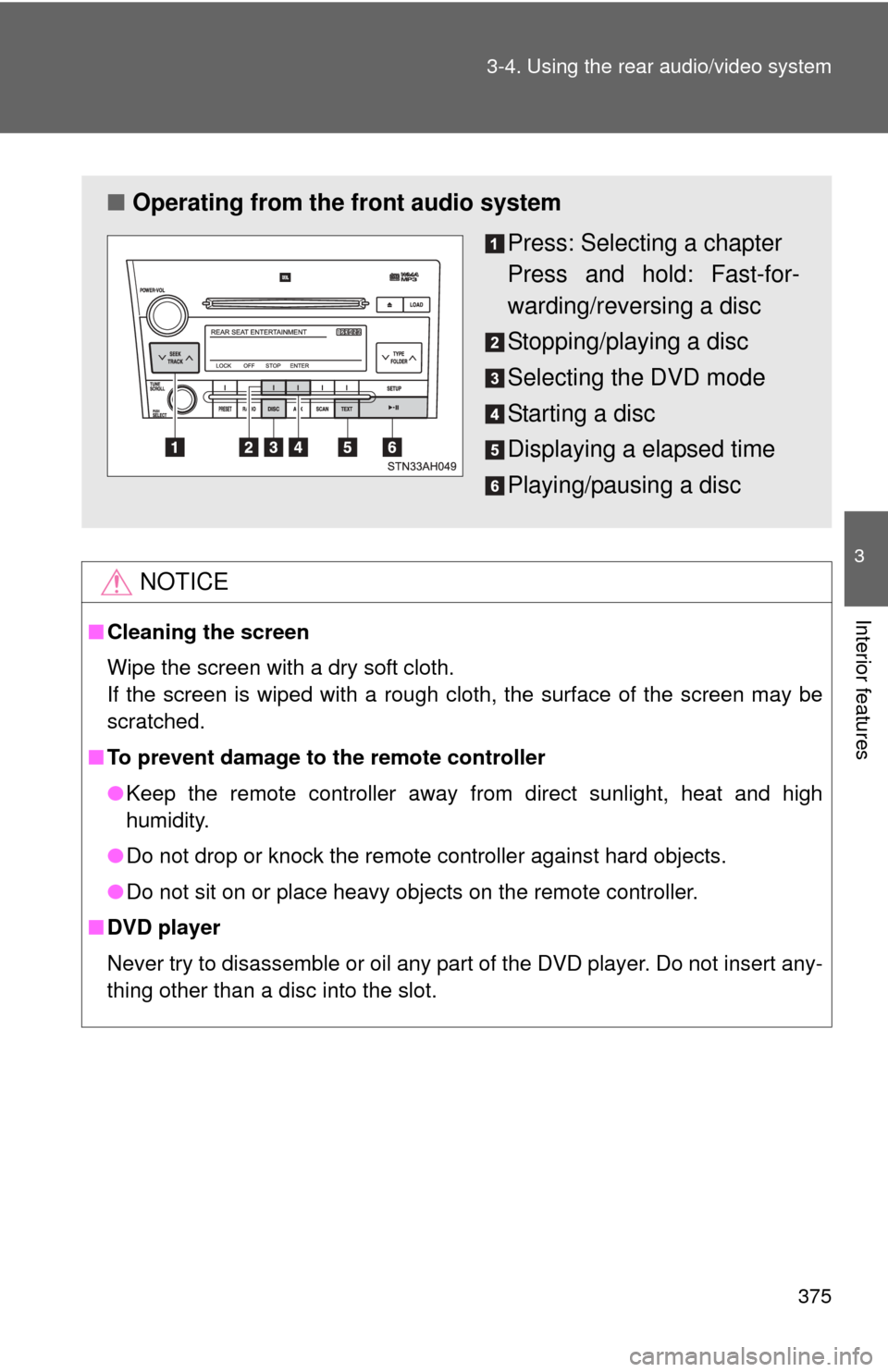
■ Operating from the front audio system
Press: Selecting a chapter
Press and hold: Fast-for-
warding/reversing a disc
Stopping/playing a disc
Selecting the DVD mode
Starting a disc
Displaying a elapsed time
Playing/pausing a disc
Page 376 of 688
376 3-4. Using the rear audio/video system
Turning on/off the control icon screenPress or to turn on the control icon screen.
Press or once again or select to turn off the control
icon screen.
Turning on the title selection screenPress or select to turn on the title selection screen. For
the operation of the title selectio n screen, see the separate manual
for the DVD disc.
Turning on the menu screen
Press or select to turn on the menu screen. For the oper-
ation of the menu screen, see the separate manual for the DVD disc.
Returning to the previous screen
Select to return to the previous screen. For the operation of the
menu screen, see the separate manual for the DVD disc.
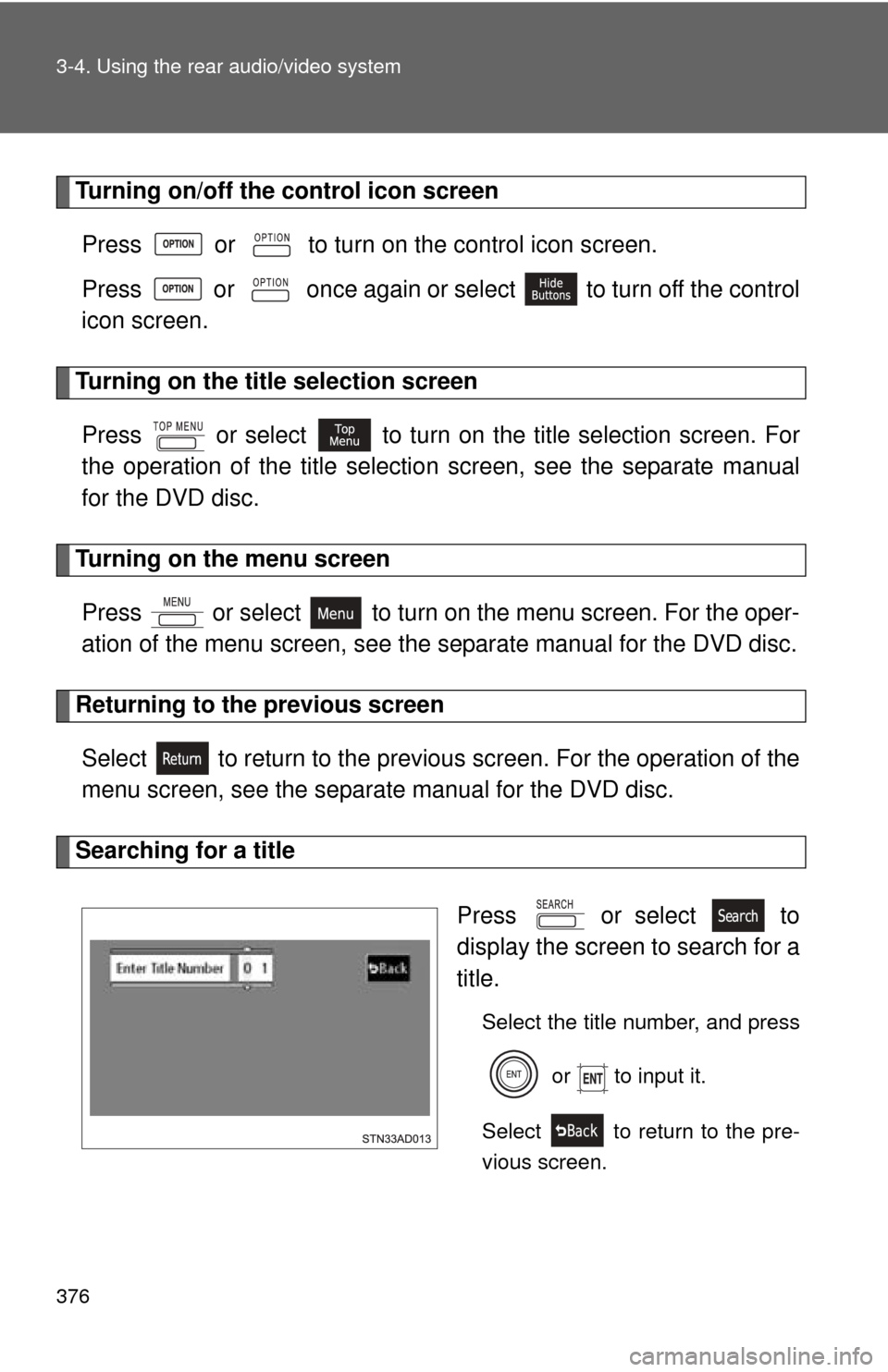
Searching for a title
Press or select to
display the screen to search for a
title.
Select the title number, and press or to input it.
Select to return to the pre-
vious screen.
Page 377 of 688
377
3-4. Using the rear audio/video system
3
Interior features
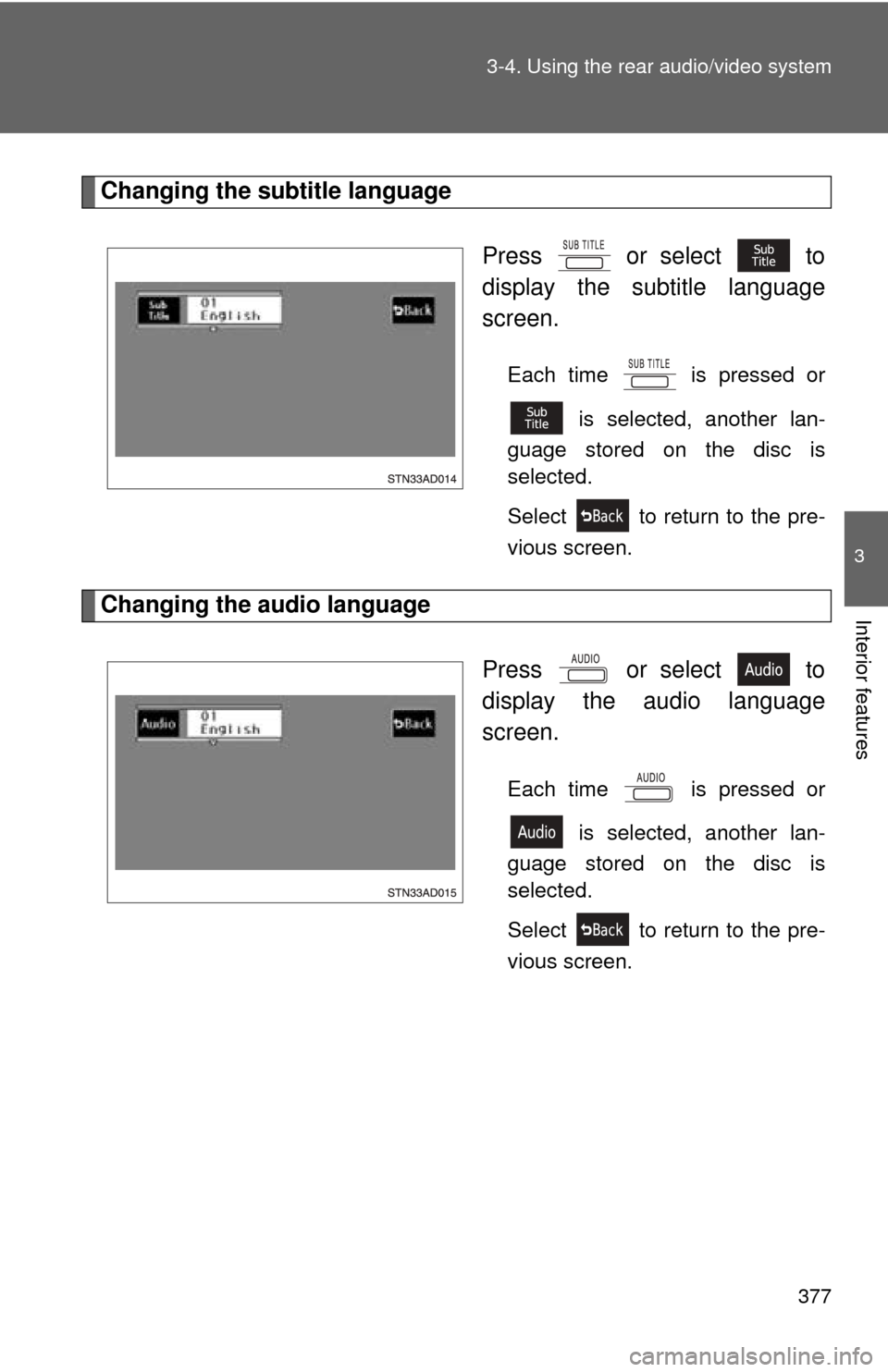
Changing the subtitle language
Press or select to
display the subtitle language
screen.
Each time is pressed or is selected, another lan-
guage stored on the disc is
selected.
Select to return to the pre-
vious screen.
Changing the audio language
Press or select to
display the audio language
screen.
Each time is pressed or is selected, another lan-
guage stored on the disc is
selected.
Select to return to the pre-
vious screen.
Page 378 of 688
378 3-4. Using the rear audio/video system
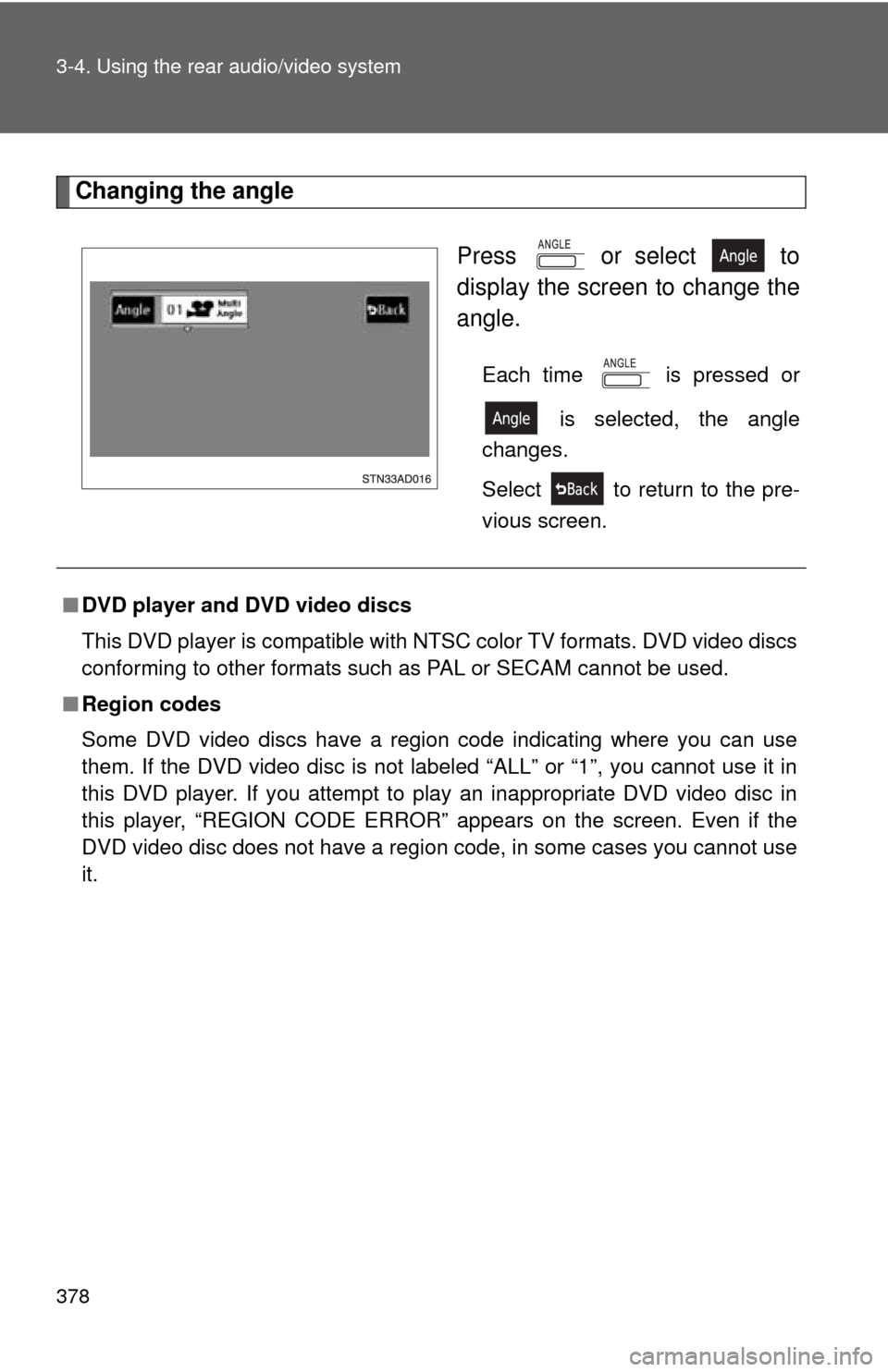
Changing the angle Press or select to
display the screen to change the
angle.
Each time is pressed or is selected, the angle
changes.
Select to return to the pre-
vious screen.
■ DVD player and DVD video discs
This DVD player is compatible with NTSC color TV formats. DVD video discs
conforming to other formats such as PAL or SECAM cannot be used.
■ Region codes
Some DVD video discs have a region code indicating where you can use
them. If the DVD video disc is not labeled “ALL” or “1”, you cannot use it in
this DVD player. If you attempt to play an inappropriate DVD video disc in
this player, “REGION CODE ERROR” appears on the screen. Even if the
DVD video disc does not have a region code, in some cases you cannot use
it.
Page 382 of 688
382 3-4. Using the rear audio/video system
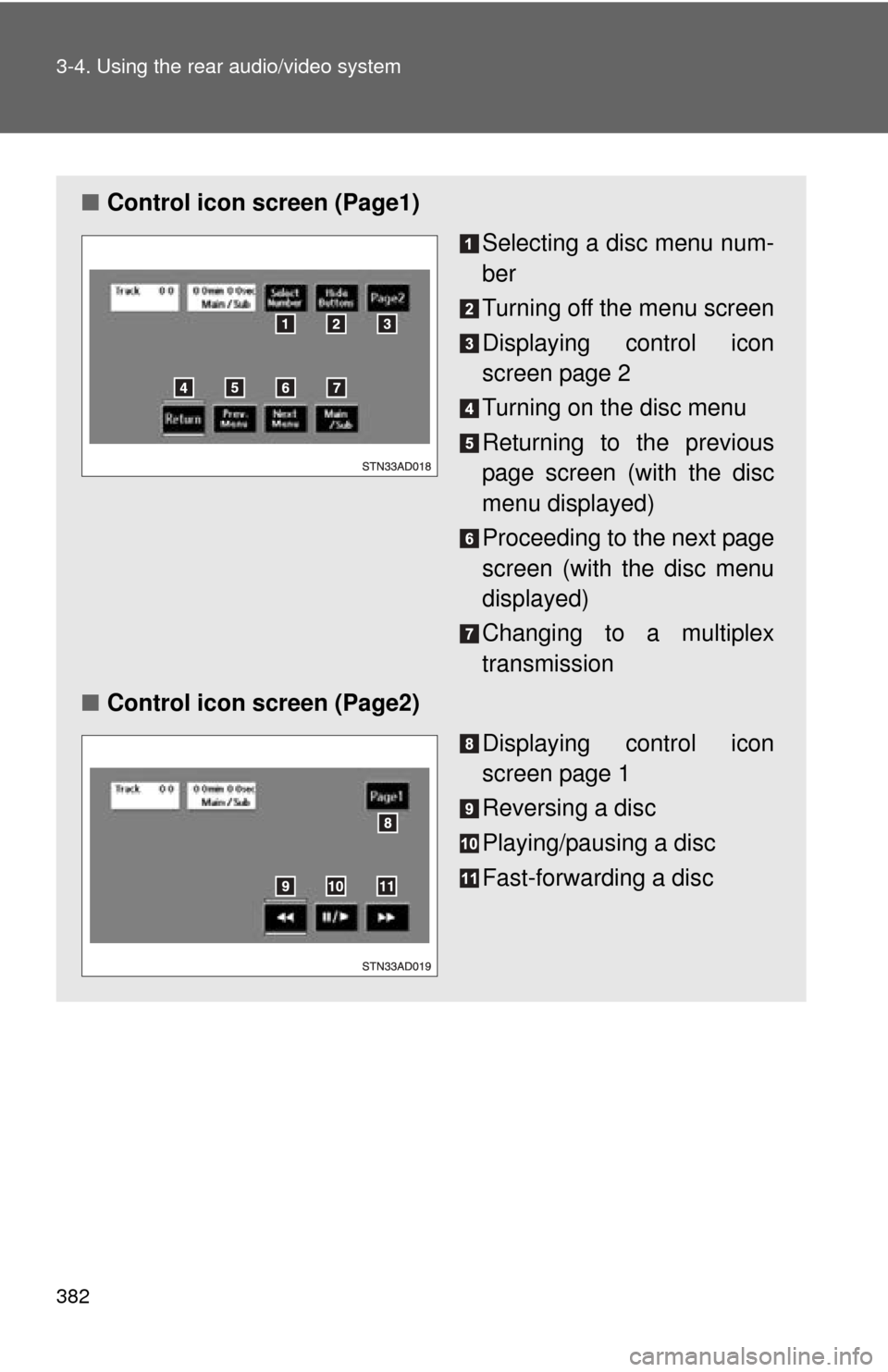
■Control icon screen (Page1)
Selecting a disc menu num-
ber
Turning off the menu screen
Displaying control icon
screen page 2
Turning on the disc menu
Returning to the previous
page screen (with the disc
menu displayed)
Proceeding to the next page
screen (with the disc menu
displayed)
Changing to a multiplex
transmission
■ Control icon screen (Page2)
Displaying control icon
screen page 1
Reversing a disc
Playing/pausing a disc
Fast-forwarding a disc
Page 383 of 688
383
3-4. Using the rear audio/video system
3
Interior features
Selecting a disc menu number
Select
to display the disc menu number search screen.
Select the disc menu number, and press or to input it.
Select to return to the previous screen.
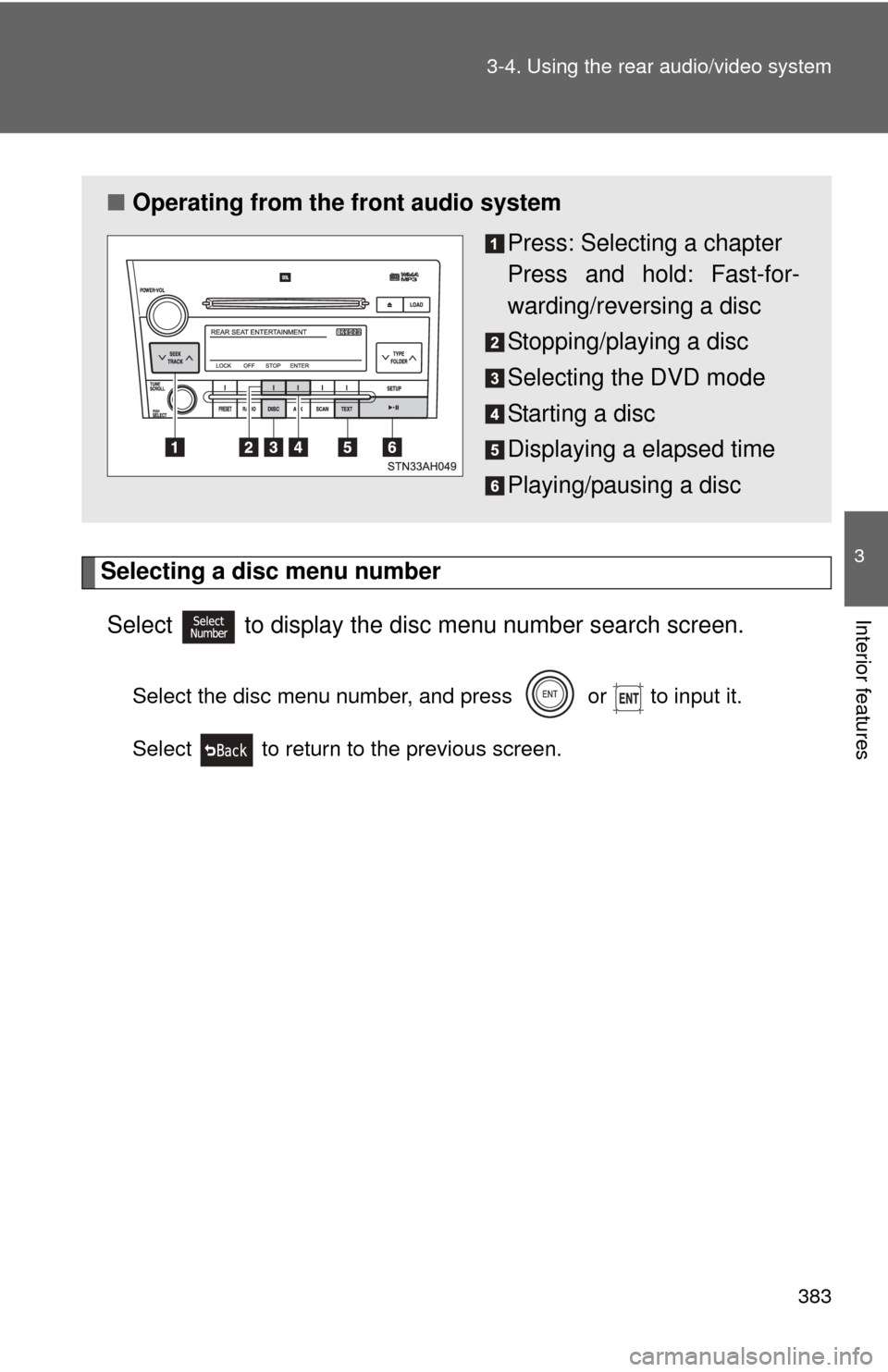
■ Operating from the front audio system
Press: Selecting a chapter
Press and hold: Fast-for-
warding/reversing a disc
Stopping/playing a disc
Selecting the DVD mode
Starting a disc
Displaying a elapsed time
Playing/pausing a disc
Page 384 of 688
384
3-4. Using the rear audio/video system
Using the DVD player (audio CD/CD text)
Repeat play■ Repeating a track
Select .
Random playback
■ Playing all of the tracks on a CD in random order
Select .
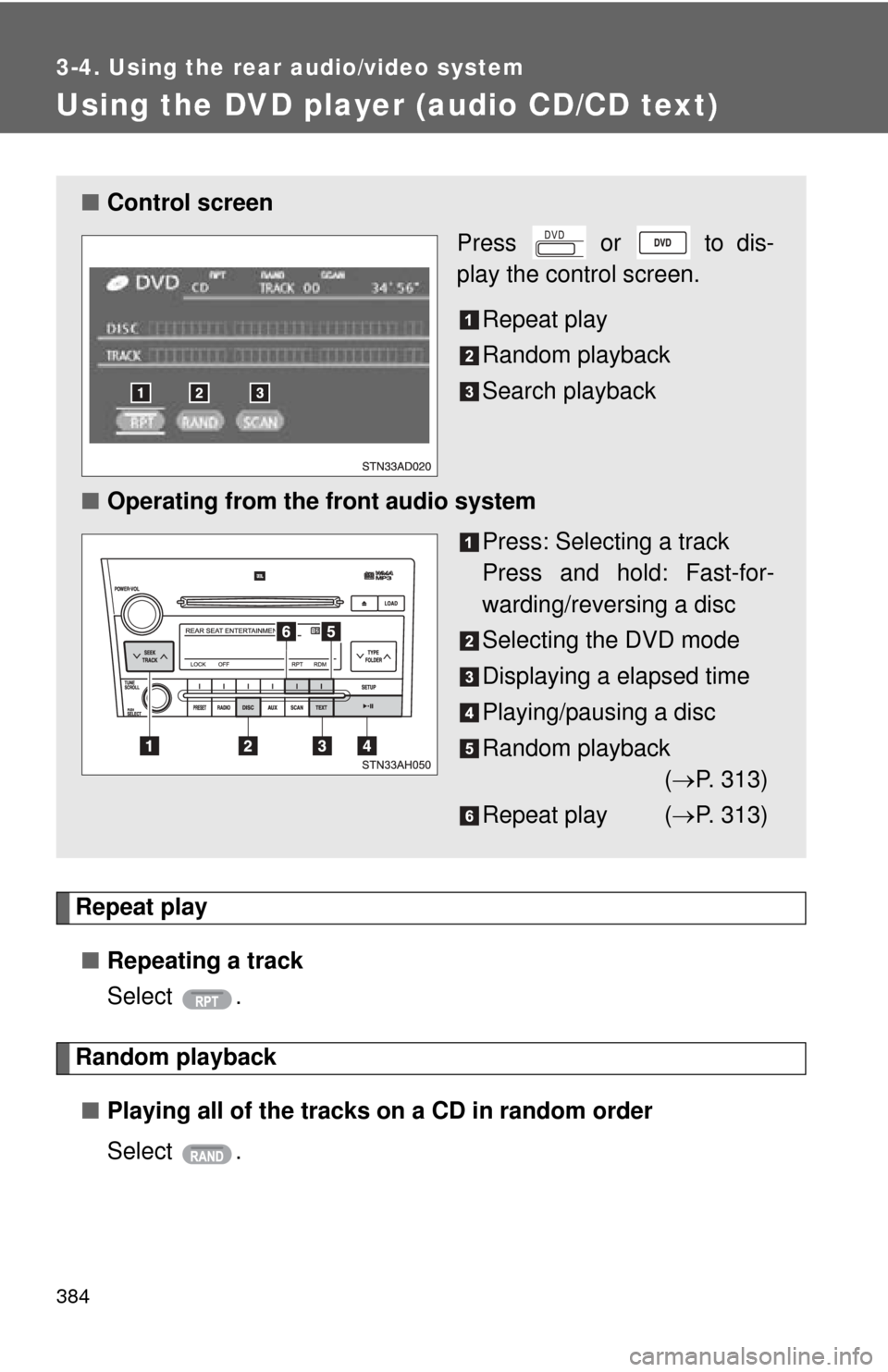
■Control screen
Press or to dis-
play the control screen.
Repeat play
Random playback
Search playback
■ Operating from the front audio system
Press: Selecting a track
Press and hold: Fast-for-
warding/reversing a disc
Selecting the DVD mode
Displaying a elapsed time
Playing/pausing a disc
Random playback( P. 313)
Repeat play ( P. 313)
Page 386 of 688
386
3-4. Using the rear audio/video system
Using the DVD player (MP3 discs)
Repeat play■ Repeating a file
Select .
■ Repeating all of the files in the folder
Select , and press and hold or .
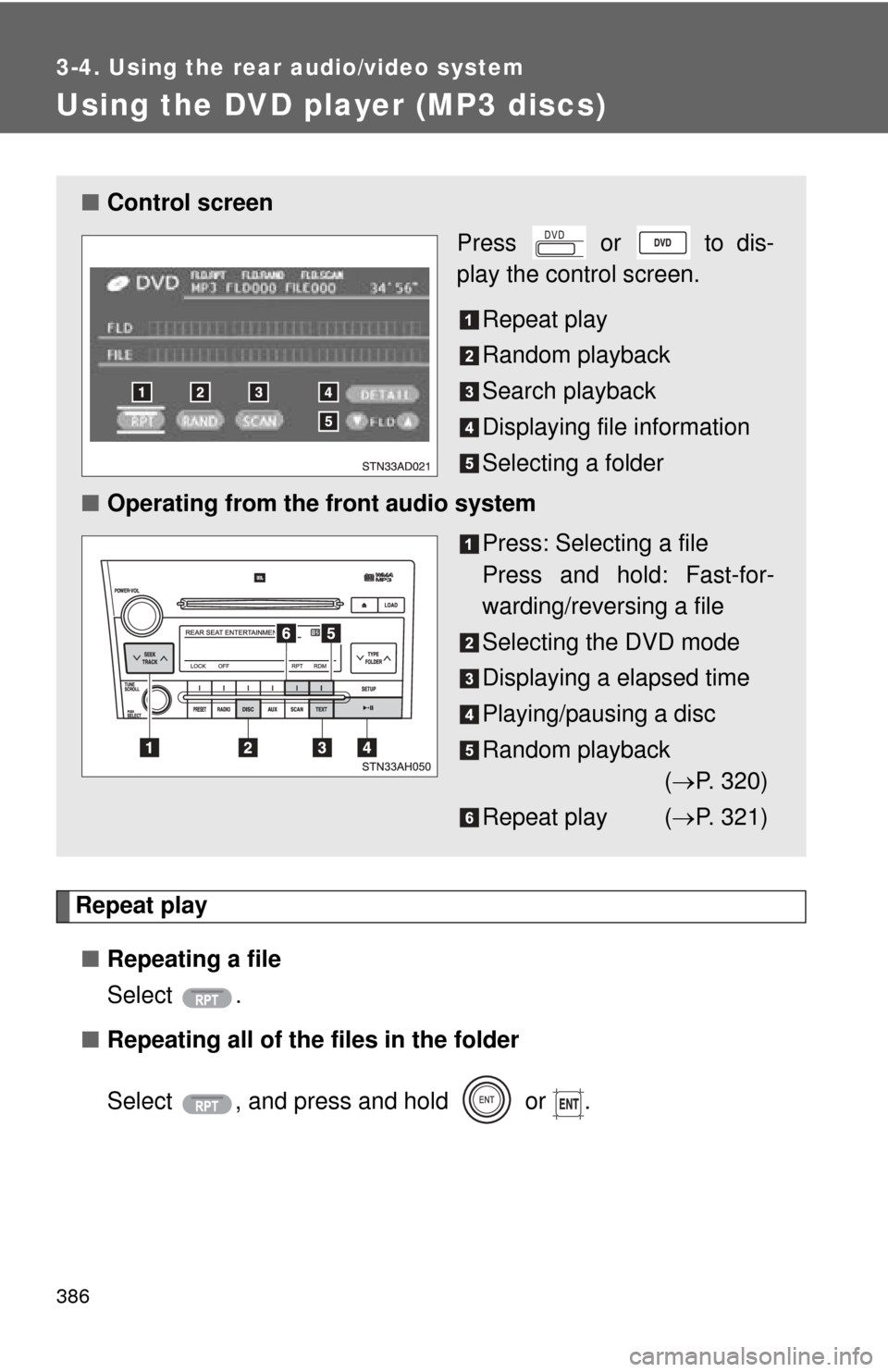
■Control screen
Press or to dis-
play the control screen.
Repeat play
Random playback
Search playback
Displaying file information
Selecting a folder
■ Operating from the front audio system
Press: Selecting a file
Press and hold: Fast-for-
warding/reversing a file
Selecting the DVD mode
Displaying a elapsed time
Playing/pausing a disc
Random playback( P. 320)
Repeat play ( P. 321)
Page 387 of 688
387
3-4. Using the rear audio/video system
3
Interior features
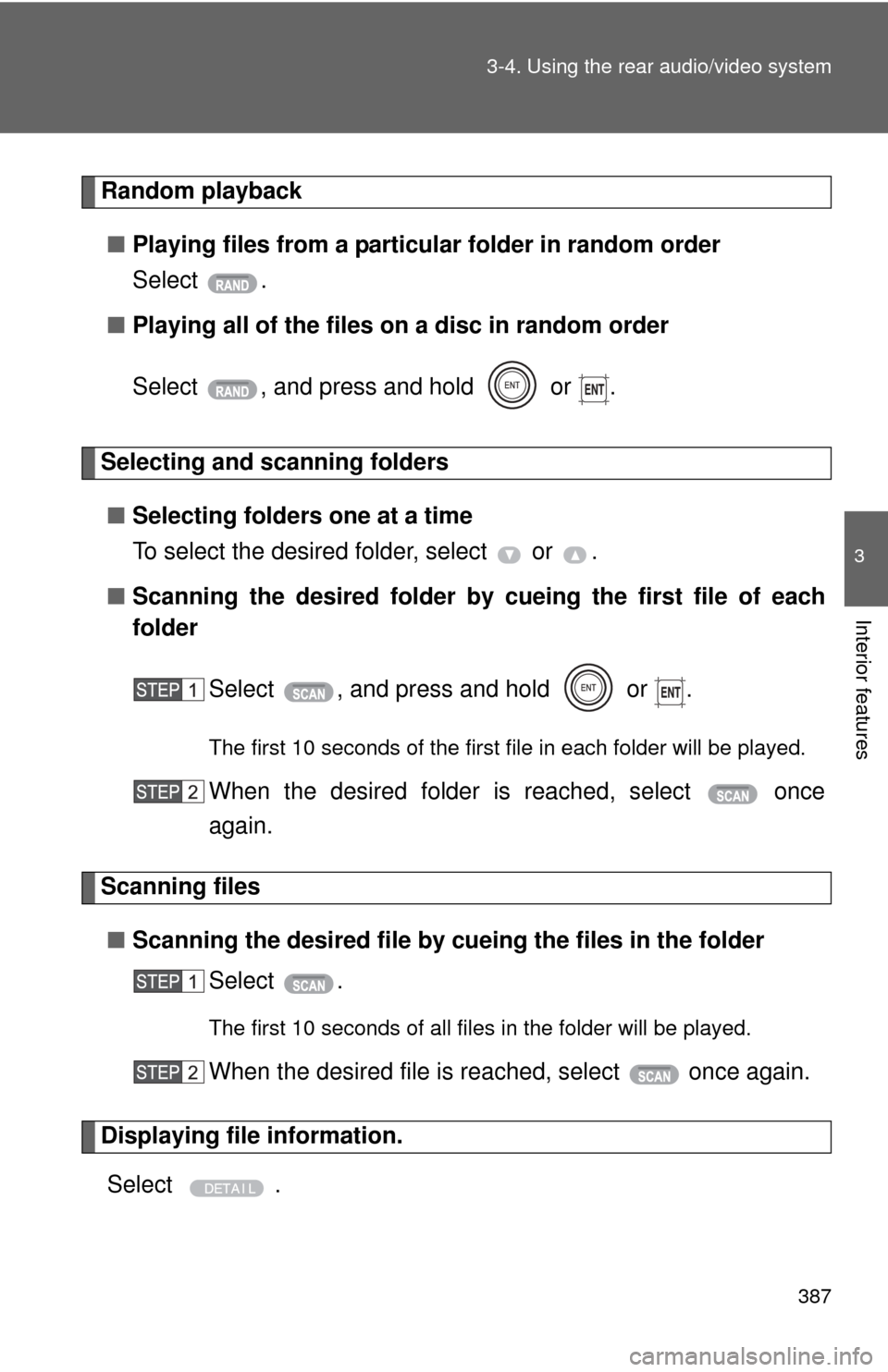
Random playback
■ Playing files from a particular folder in random order
Select .
■ Playing all of the files on a disc in random order
Select , and press and hold or .
Selecting and scanning folders
■ Selecting folders one at a time
To select the desired folder, select or .
■ Scanning the desired folder by cueing the first file of each
folder
Select , and press and hold or .
The first 10 seconds of the first file in each folder will be played.
When the desired folder is reached, select once
again.
Scanning files■ Scanning the desired file by cueing the files in the folder
Select .
The first 10 seconds of all files in the folder will be played.
When the desired file is reached, select once again.
Displaying file information.
Select .
Page 391 of 688
391
3-4. Using the rear audio/video system
3
Interior features
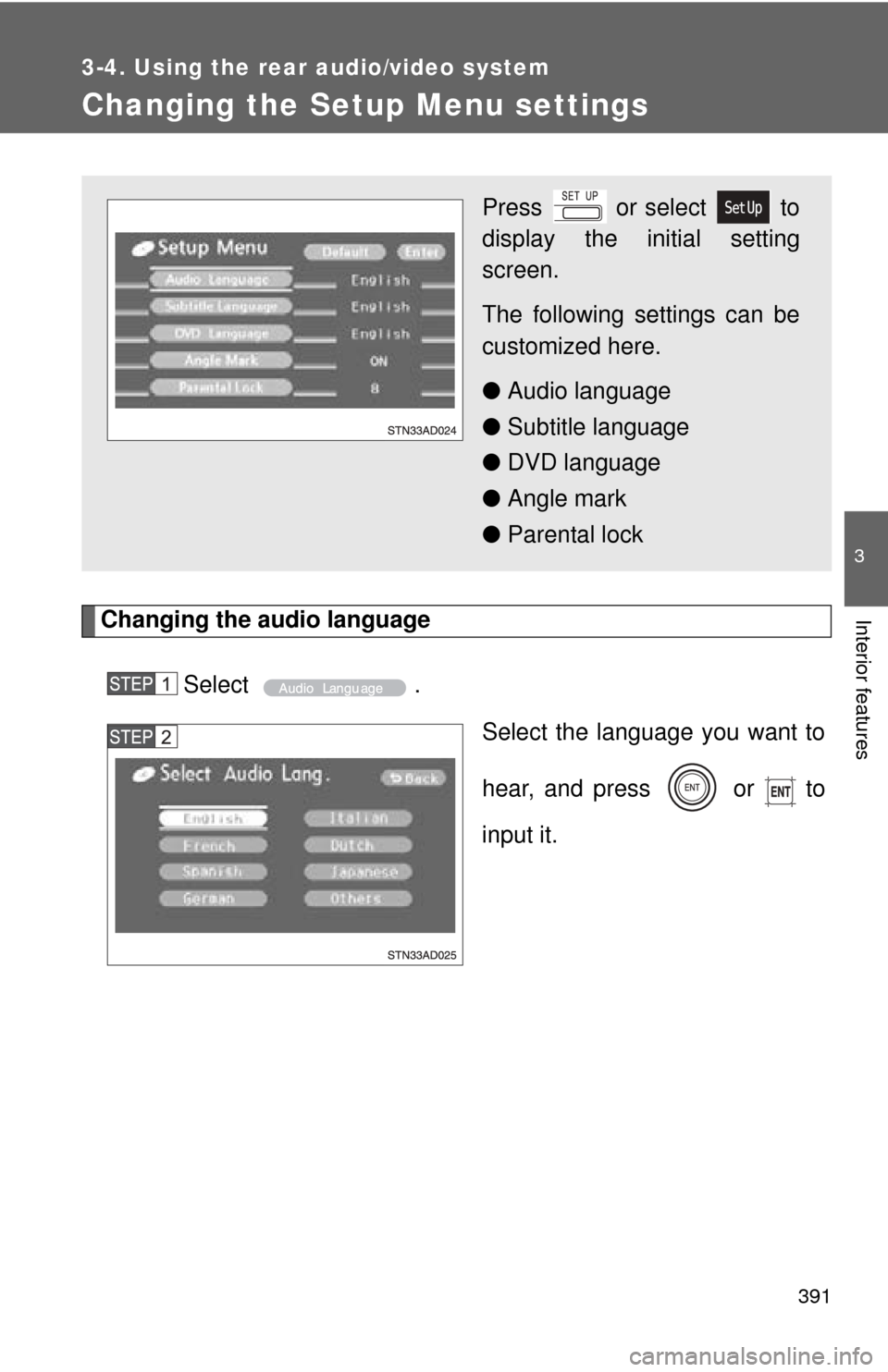
Changing the Setup Menu settings
Changing the audio languageSelect . Select the language you want to
hear, and press or to
input it.
Press or select to
display the initial setting
screen.
The following settings can be
customized here.
●Audio language
● Subtitle language
● DVD language
● Angle mark
● Parental lock