inflation pressure TOYOTA SEQUOIA 2020 Owners Manual (in English)
[x] Cancel search | Manufacturer: TOYOTA, Model Year: 2020, Model line: SEQUOIA, Model: TOYOTA SEQUOIA 2020Pages: 588, PDF Size: 12.33 MB
Page 5 of 588

5
1
8 7
6
5
4
3
2
9
SEQUOIA_OM_USA_OM0C021U_20MY6-1. Maintenance and care
Cleaning and protecting the vehicle exterior .......... 398
Cleaning and protecting the vehicle interior ........... 401
6-2. Maintenance Maintenance requirements ................... 404
General maintenance ........ 406
Emission inspection and maintenance (I/M)
programs ......................... 409
6-3. Do-it-yourself maintenance
Do-it-yourself service precautions ..................... 410
Hood.................................. 413
Engine compartment ......... 414
Tires .................................. 425
Tire inflation pressure........ 436
Wheels .............................. 439
Air conditioning filter .......... 442
Electronic key battery ........ 444
Checking and replacing fuses ............................... 446
Light bulbs ......................... 449 7-1. Essential information
Emergency flashers ........... 458
If your vehicle has to be stopped in an
emergency....................... 459
If the vehicle is trapped in rising water .................. 461
7-2. Steps to take in an emergency
If your vehicle needs to be towed .......................... 462
If you think something is wrong............................... 467
Fuel pump shut off system ............................. 468
If a warning light turns on or a warning buzzer
sounds ............................. 469
If a warning message is displayed ......................... 477
If you have a flat tire .......... 489
If the engine will not start ................................. 503
If the electronic key does not operate properly ........ 505
If the vehicle battery is discharged ....................... 507
If your vehicle overheats.... 511
If the vehicle becomes stuck ................................ 514
6Maintenance and care7When trouble arises
Page 17 of 588
17Pictorial index
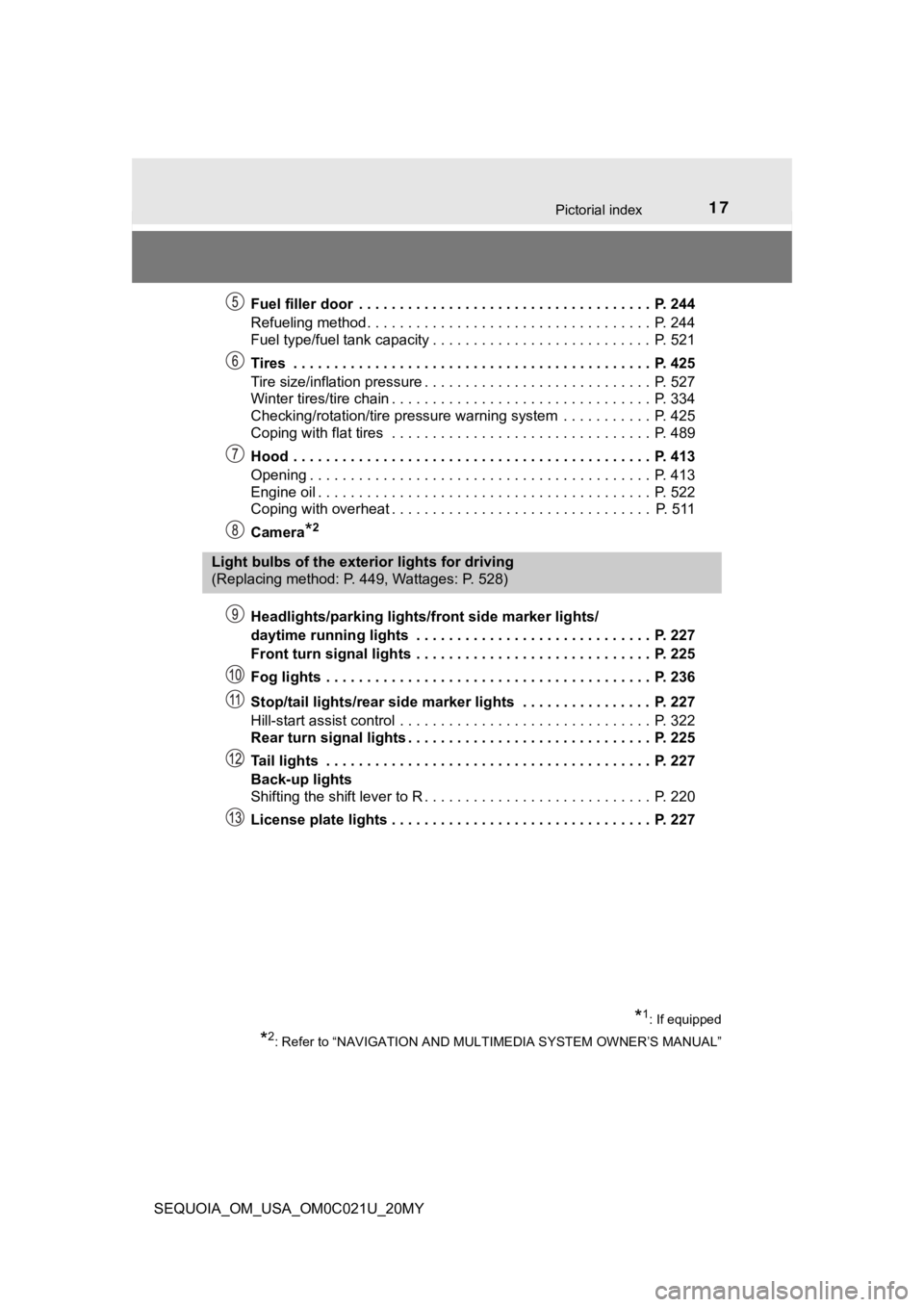
SEQUOIA_OM_USA_OM0C021U_20MYFuel filler door . . . . . . . . . . . . . . . . . . . . . . . . . . . . . . . . . . . . P. 244
Refueling method . . . . . . . . . . . . . . . . . . . . . . . . . . . . . . . . . . . P. 244
Fuel type/fuel tank capacity . . . . . . . . . . . . . . . . . . . . . . . . . . . P. 521
Tires . . . . . . . . . . . . . . . . . . . . . . . . . . . . . . . . . . . . . . . . . . . . P. 425
Tire size/inflation pressure . . . . . . . . . . . . . . . . . .
. . . . . . . . . . P. 527
Winter tires/tire chain . . . . . . . . . . . . . . . . . . . . . . . . . . . . . . . . P. 334
Checking/rotation/tire pressure warning system . . . . . . . . . . . P. 425
Coping with flat tires . . . . . . . . . . . . . . . . . . . . . . . . . . . . . . . . P. 489
Hood . . . . . . . . . . . . . . . . . . . . . . . . . . . . . . . . . . . . . . . . . . . . P. 413
Opening . . . . . . . . . . . . . . . . . . . . . . . . . . . . . . . . . . . . . . . . . . P. 413
Engine oil . . . . . . . . . . . . . . . . . . . . . . . . . . . . . . . . . . . . . . . . . P. 522
Coping with overheat . . . . . . . . . . . . . . . . . . . . . . . . . . . . . . . . P. 511
Camera
*2
Headlights/parking lights/front side marker lights/
daytime running lights . . . . . . . . . . . . . . . . . . . . . . . . . . . . . P. 227
Front turn signal lights . . . . . . . . . . . . . . . . . . . . . . . . . . . . . P. 225
Fog lights . . . . . . . . . . . . . . . . . . . . . . . . . . . . . . . . . . . . . . . . P. 236
Stop/tail lights/rear side marker lights . . . . . . . . . . . . . . . . P. 227
Hill-start assist control . . . . . . . . . . . . . . . . . . . . . . . . . . . . . . . P. 322
Rear turn signal lights . . . . . . . . . . . . . . . . . . . . . . . . . . . . . . P. 225
Tail lights . . . . . . . . . . . . . . . . . . . . . . . . . . . . . . . . . . . . . . . . P. 227
Back-up lights
Shifting the shift lever to R . . . . . . . . . . . . . . . . . . . . . . . . . . . . P. 220
License plate lights . . . . . . . . . . . . . . . . . . . . . . . . . . . . . . . . P. 227
Light bulbs of the exterior lights for driving
(Replacing method: P. 449, Wattages: P. 528)
*1: If equipped
*2: Refer to “NAVIGATION AND MULTIMEDIA SYSTEM OWNER’S MANUAL”
Page 98 of 588
982. Instrument cluster
SEQUOIA_OM_USA_OM0C021U_20MY
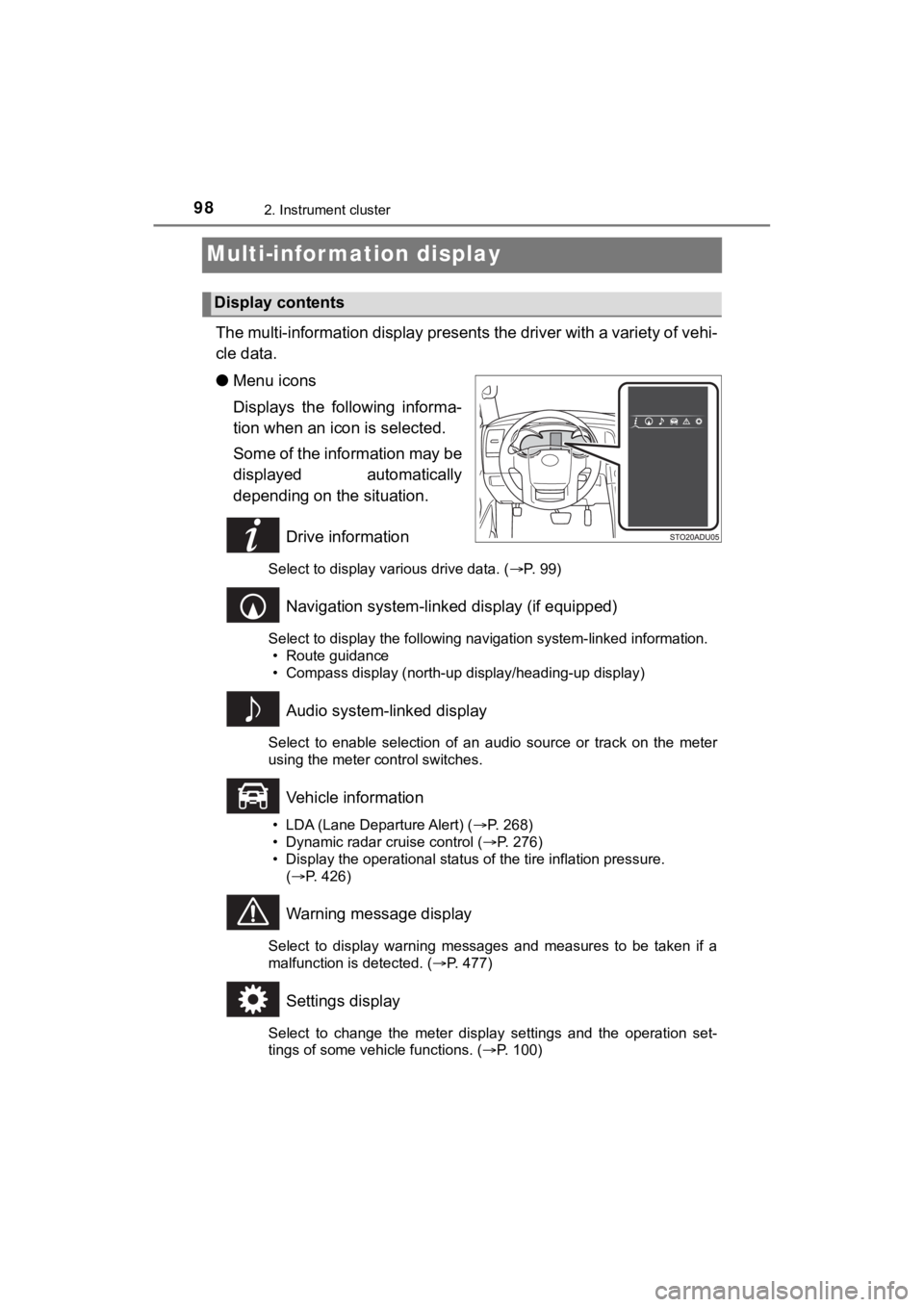
Multi-infor mation display
The multi-information display presents the driver with a variety of vehi-
cle data.
● Menu icons
Displays the following informa-
tion when an icon is selected.
Some of the information may be
displayed automatically
depending on the situation.
Drive information
Select to display various drive data. ( P. 99)
Navigation system-linked display (if equipped)
Select to display the following navigation system-linked information.
• Route guidance
• Compass display (north-up display/heading-up display)
Audio system-linked display
Select to enable selection of an audio source or track on the m eter
using the meter control switches.
Vehicle information
• LDA (Lane Departure Alert) ( P. 268)
• Dynamic radar cruise control ( P. 276)
• Display the operational status of the tire inflation pressure.
( P. 426)
Warning message display
Select to display warning messages and measures to be taken if a
malfunction is detected. ( P. 477)
Settings display
Select to change the meter display settings and the operation set-
tings of some vehicle functions. ( P. 100)
Display contents
Page 102 of 588

1022. Instrument cluster
SEQUOIA_OM_USA_OM0C021U_20MY
■Setting items
●“Vehicle Settings” and “Meter Settings” setting items are not s electable
during driving and cannot be operated.
Also, the settings screen is temporarily canceled in the follow ing situations.
• A warning message is displayed.
• The vehicle starts off.
● Settings for functions not equipped to the vehicle are not disp layed.
● When a function is turned off, the related settings for that fu nction are not
selectable.
■ Pop-up display
In some situations, such as when a switch operation is performe d, a pop-up
display will be temporarily displayed on the multi-information display.
■ When disconnecting and reco nnecting battery terminals
The drive information will be reset.
■ Trip Summary display
When the engine switch is turned off, each of the following wil l be displayed
on the multi-information display, and will extinguish after approximately
30 seconds.
● Distance traveled
● Average fuel economy
● Driving range
■ Tire inflation pressure
●It may take a few minutes to display the tire inflation pressur e after the
engine switch is turned to ON. It may also take a few minutes t o display the
tire inflation pressure after inflation pressure has been adjusted.
● “---” may be displayed if the tire position information cannot be determined
due to unfavorable radio wave conditions.
● Tire inflation pressure changes with temperature. The displayed values may
also be different from the values measured using a tire pressur e gauge.
■ Liquid crystal display
Small spots or light spots may appear on the display. This phen omenon is
characteristic of liquid crystal displays, and there is no prob lem continuing to
use the display.
Page 266 of 588

2664-5. Using the driving support systems
SEQUOIA_OM_USA_OM0C021U_20MY●
In some situations such as the following, sufficient braking fo rce may not be
obtained, preventing the system from performing properly:
• If the braking functions cannot operate to their full extent, such as when
the brake parts are extremely cold, extremely hot, or wet
• If the vehicle is not properly maintained (brakes or tires are excessively
worn, improper tire inflation pressure, etc.)
• When the vehicle is being driven on a gravel road or other sli ppery sur-
face
● Some pedestrians such as the following may not be detected by t he radar
sensor and camera sensor, preventing the system from operating properly:
• Pedestrians shorter than approximately 3.2 ft. (1 m) or taller than approx-
imately 6.5 ft. (2 m)
• Pedestrians wearing oversized clothing (a rain coat, long skir t, etc.), mak-
ing their silhouette obscure
• Pedestrians who are carrying large baggage, holding an umbrella, etc., hiding part of their body
• Pedestrians who are bending forward or squatting
• Pedestrians who are pushing a stroller, wheelchair, bicycle or other vehi-
cle
• Groups of pedestrians which are close together
• Pedestrians who are wearing white and look extremely bright
• Pedestrians in the dark, such as at night or while in a tunnel
• Pedestrians whose clothing appears to be nearly the same color or
brightness as their surroundings
• Pedestrians near walls, fences, guardrails, or large objects
• Pedestrians who are on a metal object (manhole cover, steel plate, etc.)
on the road
• Pedestrians who are walking fast
• Pedestrians who are changing speed abruptly
• Pedestrians running out from behind a vehicle or a large objec t
• Pedestrians who are extremely close to the side of the vehicle (outside
rear view mirror, etc.)
Page 328 of 588

3284-5. Using the driving support systems
SEQUOIA_OM_USA_OM0C021U_20MY
WARNING
■When the TRAC/VSC/Trailer Sway Control systems is turned off
Be especially careful and drive at a speed appropriate to the r oad condi-
tions. As these are the systems to help ensure vehicle stabilit y and driving
force, do not turn the TRAC/VSC/Trailer Sway Control systems of f unless
necessary.
■ Replacing tires
Make sure that all tires are of the specified size, brand, trea d pattern and
total load capacity. In addition, make sure that the tires are inflated to the
recommended tire inflation pressure level.
The ABS, TRAC, Trailer Sway Control and VSC systems will not function
correctly if different tires are installed on the vehicle.
Contact your Toyota dealer for further information when replaci ng tires or
wheels.
■ Handling of tires and the suspension
Using tires with any kind of problem or modifying the suspensio n will affect
the driving assist systems, and may cause a system to malfuncti on.
■ Trailer Sway Control precaution
The Trailer Sway Control system is not able to reduce trailer sway in all situ-
ations. Depending on many factors such as the conditions of the vehicle,
trailer, road surface, and driving environment, the Trailer Swa y Control sys-
tem may not be effective. Refer to your trailer owner’s manual for informa-
tion on how to tow your trailer properly.
■ If trailer sway occurs
Observe the following precautions.
Failing to do so may cause death or serious injury.
● Firmly grip the steering wheel. Steer straight ahead.
Do not try to control trailer swaying by turning the steering w heel.
● Begin releasing the accelerator pedal immediately but very grad ually to
reduce speed.
Do not increase speed. Do not apply vehicle brakes.
If you make no extreme correction with the steering or brakes, your vehicle
and trailer should stabilize. ( P. 209)
Page 397 of 588

397
Maintenance and care6
SEQUOIA_OM_USA_OM0C021U_20MY6-1. Maintenance and care
Cleaning and protecting the vehicle exterior .......... 398
Cleaning and protecting the vehicle interior ........... 401
6-2. Maintenance Maintenance requirements ................... 404
General maintenance........ 406
Emission inspection and maintenance (I/M)
programs......................... 409
6-3. Do-it-yourself maintenance
Do-it-yourself service precautions ..................... 410
Hood ................................. 413
Engine compartment ......... 414
Tires .................................. 425
Tire inflation pressure ....... 436
Wheels .............................. 439
Air conditioning filter.......... 442
Electronic key battery........ 444
Checking and replacing fuses ............................... 446
Light bulbs......................... 449
Page 408 of 588
4086-2. Maintenance
SEQUOIA_OM_USA_OM0C021U_20MY
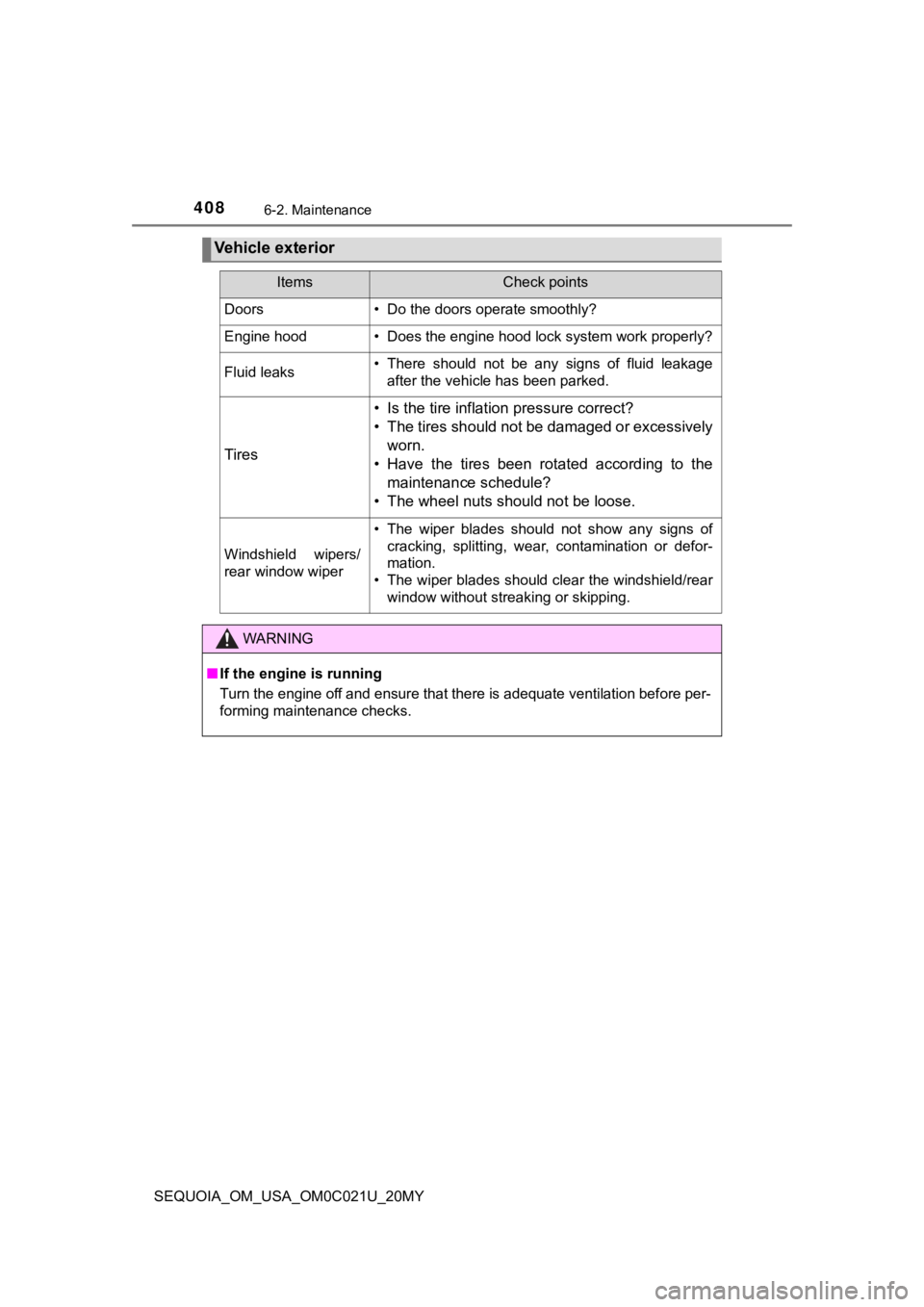
Vehicle exterior
ItemsCheck points
Doors• Do the doors operate smoothly?
Engine hood• Does the engine hood lock system work properly?
Fluid leaks• There should not be any signs of fluid leakageafter the vehicle has been parked.
Tires
• Is the tire inflation pressure correct?
• The tires should not be damaged or excessively
worn.
• Have the tires been rotated according to the maintenance schedule?
• The wheel nuts should not be loose.
Windshield wipers/
rear window wiper
• The wiper blades should not show any signs of cracking, splitting, wear, contamination or defor-
mation.
• The wiper blades should clear the windshield/rear
window without streaking or skipping.
WARNING
■If the engine is running
Turn the engine off and ensure that there is adequate ventilati on before per-
forming maintenance checks.
Page 411 of 588
4116-3. Do-it-yourself maintenance
6
Maintenance and care
SEQUOIA_OM_USA_OM0C021U_20MY
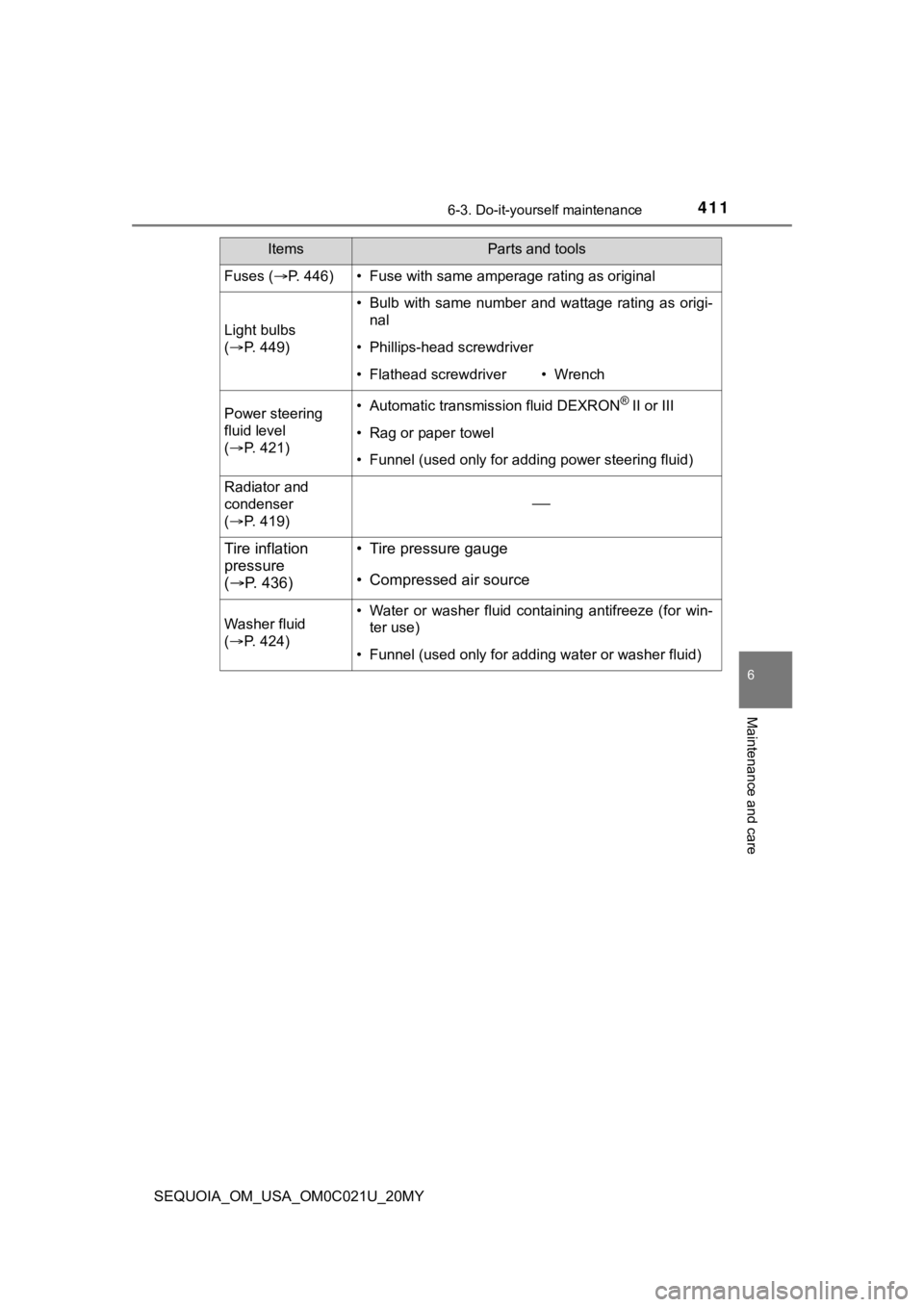
ItemsParts and tools
Fuses (P. 446)• Fuse with same amperage rating as original
Light bulbs
( P. 4 4 9 )
• Bulb with same number and wattage rating as origi-
nal
• Phillips-head screwdriver
• Flathead screwdriver• Wrench
Power steering
fluid level
( P. 4 2 1 )• Automatic transmission fluid DEXRON® II or III
• Rag or paper towel
• Funnel (used only for adding power steering fluid)
Radiator and
condenser
( P. 4 1 9 )
Tire inflation
pressure
( P. 436)• Tire pressure gauge
• Compressed air source
Washer fluid
( P. 4 2 4 )• Water or washer fluid containing antifreeze (for win-
ter use)
• Funnel (used only for adding water or washer fluid)
Page 427 of 588
4276-3. Do-it-yourself maintenance
6
Maintenance and care
SEQUOIA_OM_USA_OM0C021U_20MY
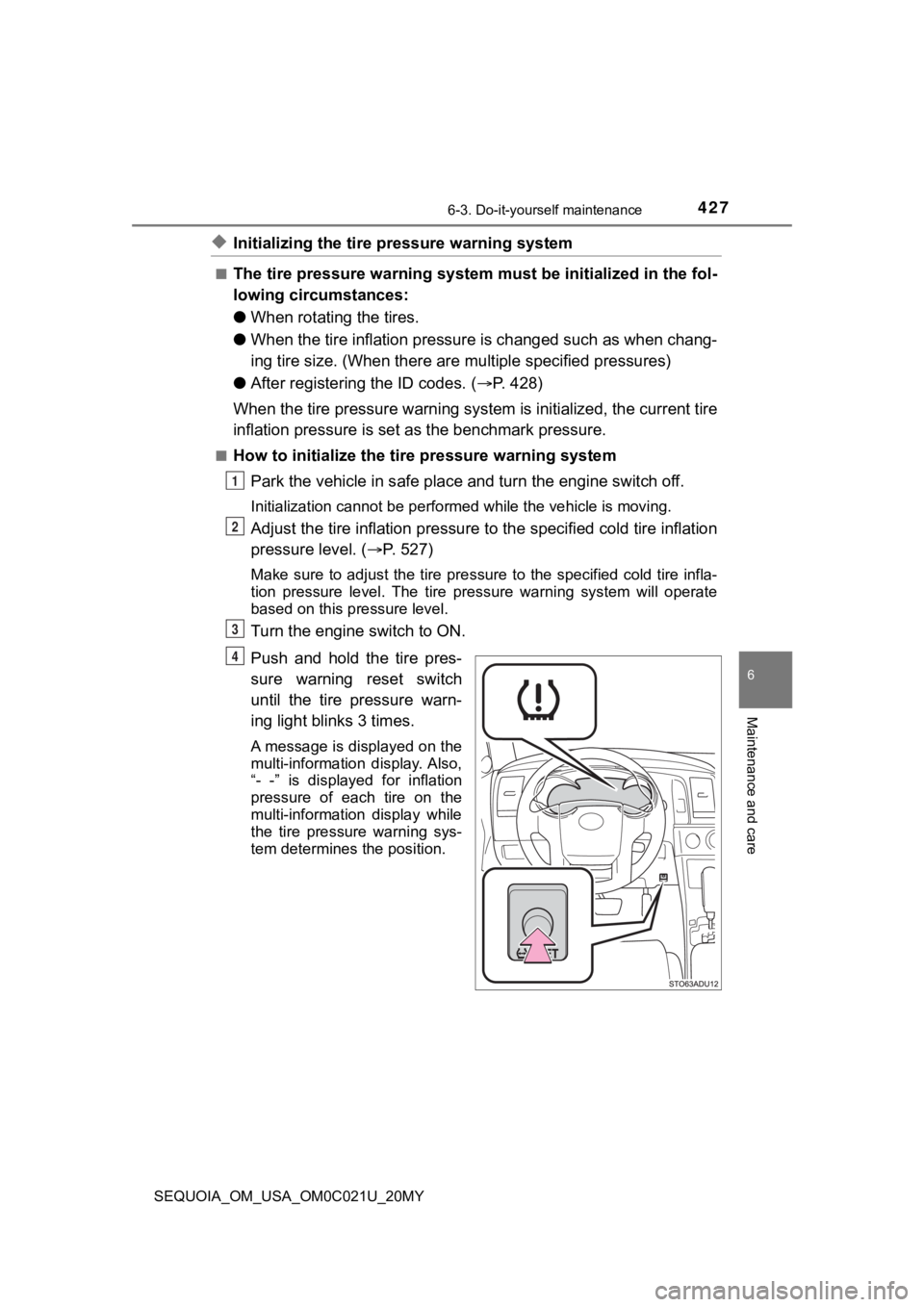
◆Initializing the tire pressure warning system
■The tire pressure warning system must be initialized in the fol-
lowing circumstances:
● When rotating the tires.
● When the tire inflation pressure is changed such as when chang-
ing tire size. (When there are multiple specified pressures)
● After registeri ng the ID codes. ( P. 428)
When the tire pressure warning sy stem is initialized, the current tire
inflation pressure is set as the benchmark pressure.
■How to initialize the tire pressure warning system
Park the vehicle in s afe place and turn the engine switch off.
Initialization cannot be perfo rmed while the vehicle is moving.
Adjust the tire inflation pressure to the specified cold tire i nflation
pressure level. ( P. 527)
Make sure to adjust the tire pre ssure to the specified cold tire infla-
tion pressure level. The tire pressure warning system will oper ate
based on this pr essure level.
Turn the engine switch to ON.
Push and hold the tire pres-
sure warning reset switch
until the tire pressure warn-
ing light blinks 3 times.
A message is displayed on the
multi-information display. Also,
“- -” is displayed for inflation
pressure of each tire on the
multi-information display while
the tire pressure warning sys-
tem determines the position.
1
2
3
4