park TOYOTA SIENNA 2018 Accessories, Audio & Navigation (in English)
[x] Cancel search | Manufacturer: TOYOTA, Model Year: 2018, Model line: SIENNA, Model: TOYOTA SIENNA 2018Pages: 435, PDF Size: 11.83 MB
Page 1 of 435
1
SIENNA_Navi+MM_OM08021U_(U)
17.08.16 10:05
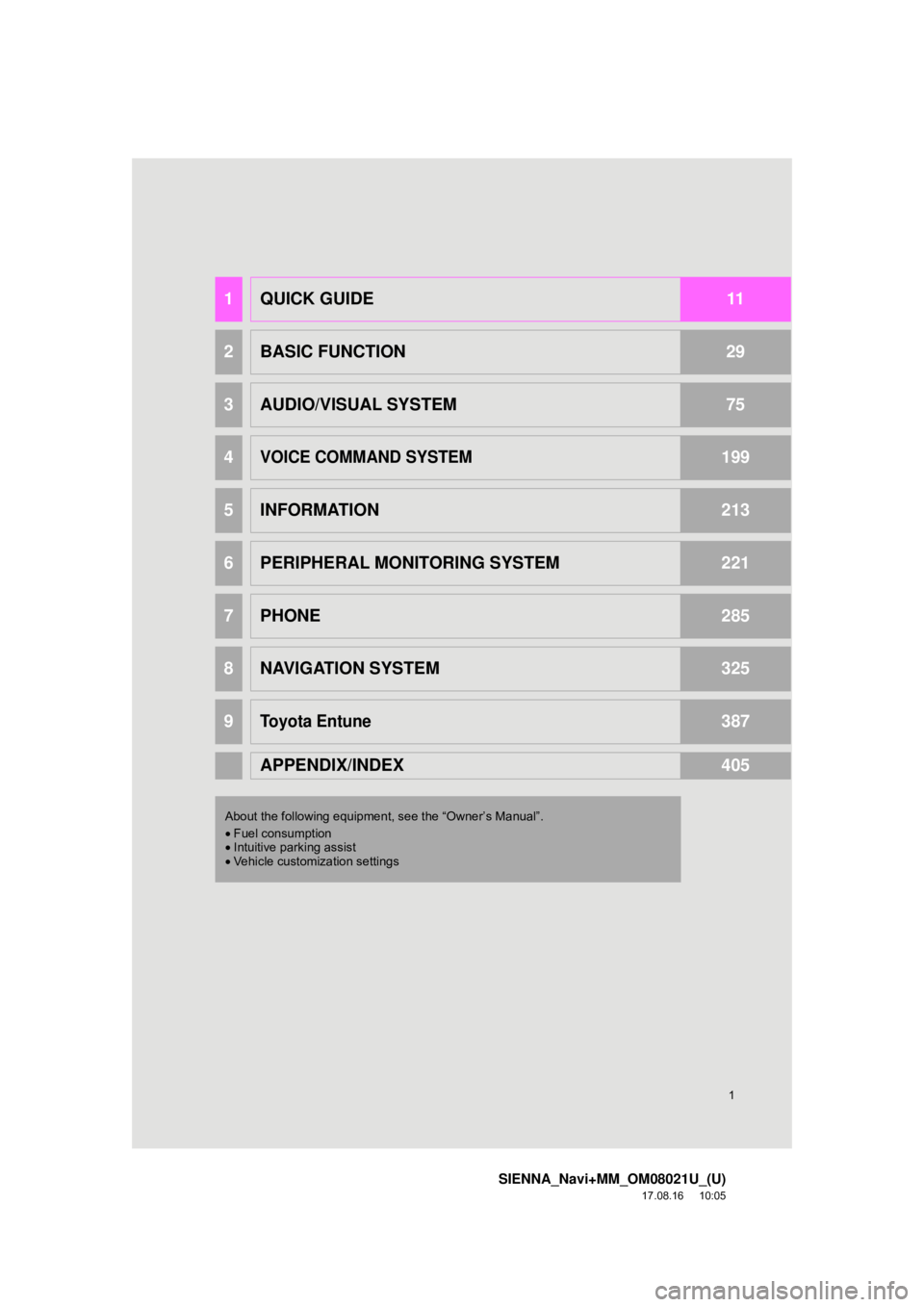
1QUICK GUIDE11
2BASIC FUNCTION29
3AUDIO/VISUAL SYSTEM75
4VOICE COMMAND SYSTEM199
5INFORMATION213
6PERIPHERAL MONITORING SYSTEM221
7PHONE285
8NAVIGATION SYSTEM325
9Toyota Entune387
APPENDIX/INDEX405
About the following equipmen t, see the “Owner’s Manual”.
• Fuel consumption
• Intuitive parking assist
• Vehicle customization settings
Page 9 of 435
9
SIENNA_Navi+MM_OM08021U_(U)
17.08.16 10:05
1
2
3
4
5
6
7
8
9
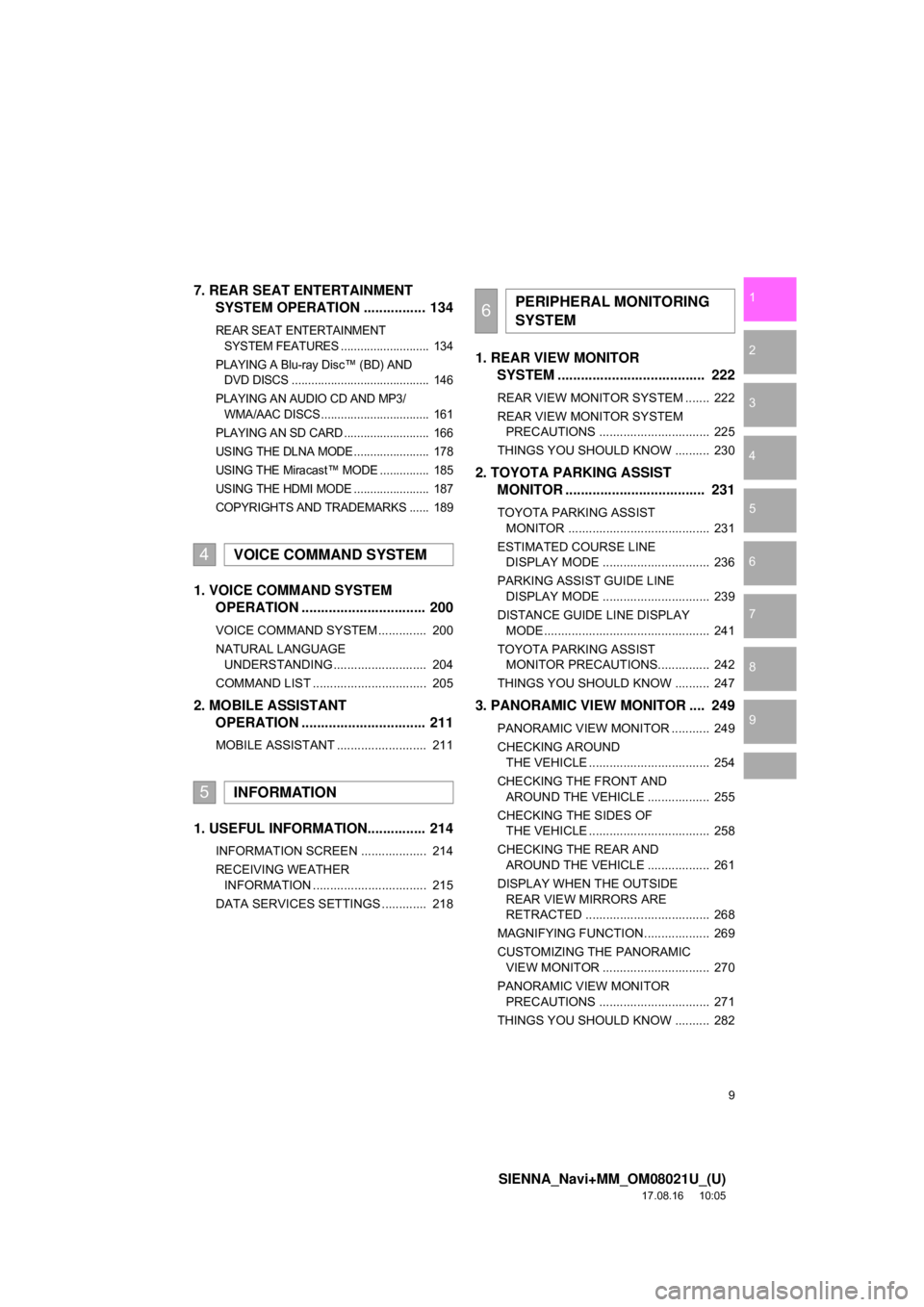
7. REAR SEAT ENTERTAINMENT SYSTEM OPERATION ................ 134
REAR SEAT ENTERTAINMENT
SYSTEM FEATURES ........................... 134
PLAYING A Blu-ray Disc™ (BD) AND DVD DISCS .......................................... 146
PLAYING AN AUDIO CD AND MP3/ WMA/AAC DISCS ................................. 161
PLAYING AN SD CARD .......................... 166
USING THE DLNA MODE....................... 178
USING THE Miracast™ MODE ............... 185
USING THE HDMI MODE ....................... 187
COPYRIGHTS AND TRADEMARKS ...... 189
1. VOICE COMMAND SYSTEM OPERATION ................................ 200
VOICE COMMAND SYSTEM .............. 200
NATURAL LANGUAGE
UNDERSTANDING ........................... 204
COMMAND LIST ................................. 205
2. MOBILE ASSISTANT OPERATION ................................ 211
MOBILE ASSISTANT .......................... 211
1. USEFUL INFORMATION............... 214
INFORMATION SCREEN ................... 214
RECEIVING WEATHER
INFORMATION ................................. 215
DATA SERVICES SETTINGS ............. 218
1. REAR VIEW MONITOR SYSTEM ....... ............................ ... 222
REAR VIEW MONITOR SYSTEM ....... 222
REAR VIEW MONITOR SYSTEM
PRECAUTIONS ................................ 225
THINGS YOU SHOULD KNOW .......... 230
2. TOYOTA PARKING ASSIST MONITOR .................................... 231
TOYOTA PARKING ASSIST
MONITOR ......................................... 231
ESTIMATED COURSE LINE DISPLAY MODE ............................... 236
PARKING ASSIST GUIDE LINE DISPLAY MODE ............................... 239
DISTANCE GUIDE LINE DISPLAY MODE ................................................ 241
TOYOTA PARKING ASSIST MONITOR PRECAUTIONS............... 242
THINGS YOU SHOULD KNOW .......... 247
3. PANORAMIC VIEW MONITOR .... 249
PANORAMIC VIEW MONITOR ........... 249
CHECKING AROUND THE VEHICLE ................................... 254
CHECKING THE FRONT AND AROUND THE VEHICLE .................. 255
CHECKING THE SIDES OF THE VEHICLE ................................... 258
CHECKING THE REAR AND AROUND THE VEHICLE .................. 261
DISPLAY WHEN THE OUTSIDE REAR VIEW MIRRORS ARE
RETRACTED .................................... 268
MAGNIFYING FUNCTION ................... 269
CUSTOMIZING THE PANORAMIC VIEW MONITOR ............................... 270
PANORAMIC VIEW MONITOR PRECAUTIONS ................................ 271
THINGS YOU SHOULD KNOW .......... 282
4VOICE COMMAND SYSTEM
5INFORMATION
6PERIPHERAL MONITORING
SYSTEM
Page 30 of 435
30
SIENNA_Navi+MM_OM08021U_(U)
17.08.16 10:05
1. BASIC INFORMATION BEFORE OPERATION
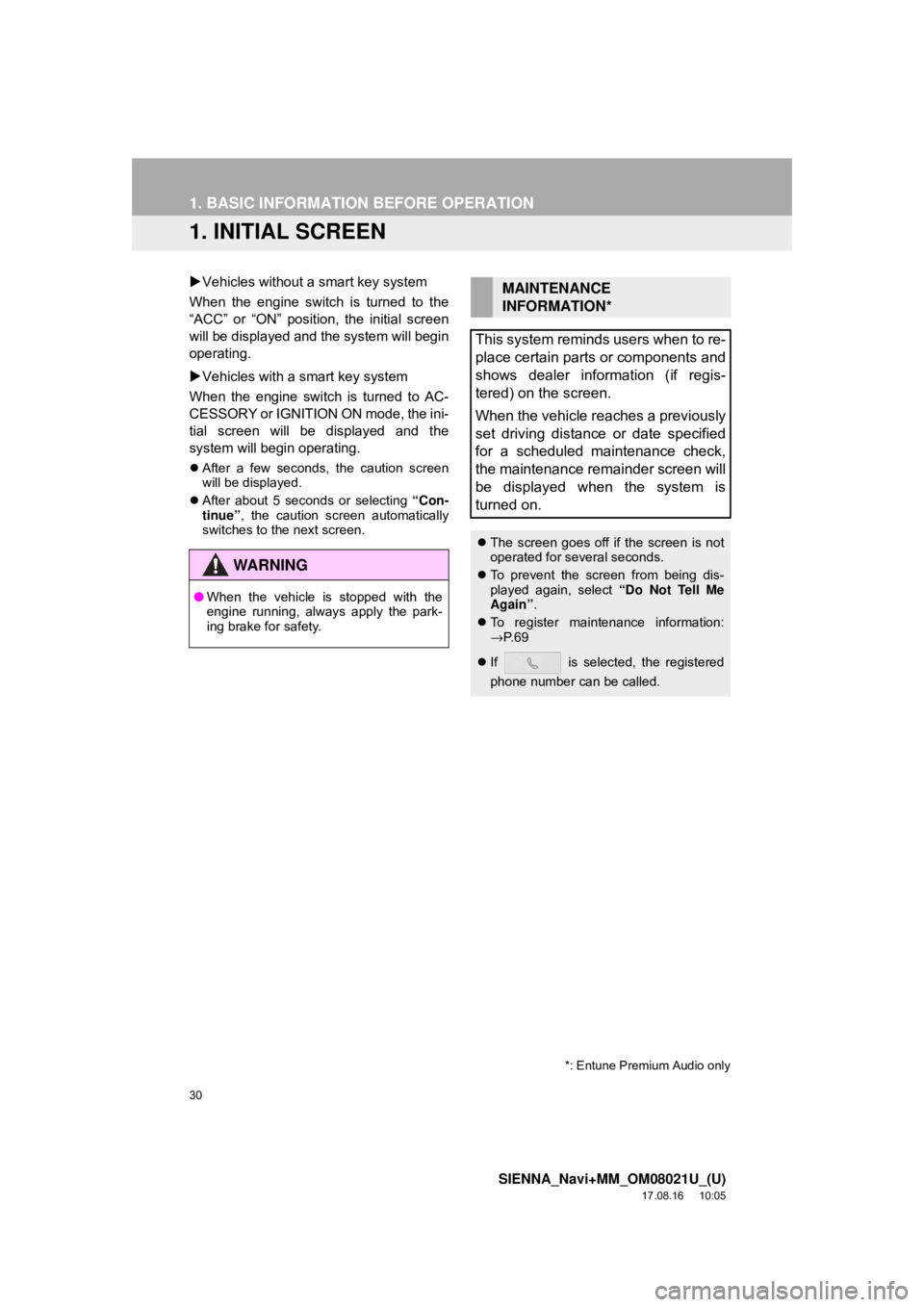
1. INITIAL SCREEN
Vehicles without a smart key system
When the engine switch is turned to the
“ACC” or “ON” position, the initial screen
will be displayed and the system will begin
operating.
Vehicles with a smart key system
When the engine switch is turned to AC-
CESSORY or IGNITION ON mode, the ini-
tial screen will be displayed and the
system will begin operating.
After a few seconds, the caution screen
will be displayed.
After about 5 seconds or selecting “Con-
tinue” , the caution screen automatically
switches to the next screen.
WA R N I N G
● When the vehicle is stopped with the
engine running, always apply the park-
ing brake for safety.
MAINTENANCE
INFORMATION*
This system reminds users when to re-
place certain parts or components and
shows dealer information (if regis-
tered) on the screen.
When the vehicle reaches a previously
set driving distance or date specified
for a scheduled maintenance check,
the maintenance remainder screen will
be displayed when the system is
turned on.
The screen goes off if the screen is not
operated for several seconds.
To prevent the screen from being dis-
played again, select “Do Not Tell Me
Again” .
To register maintenance information:
→P. 6 9
If is selected, the registered
phone number can be called.
*: Entune Premium Audio only
Page 205 of 435
205
1. VOICE COMMAND SYSTEM OPERATION
SIENNA_Navi+MM_OM08021U_(U)
17.08.16 10:05
VOICE COMMAND SYSTEM
4
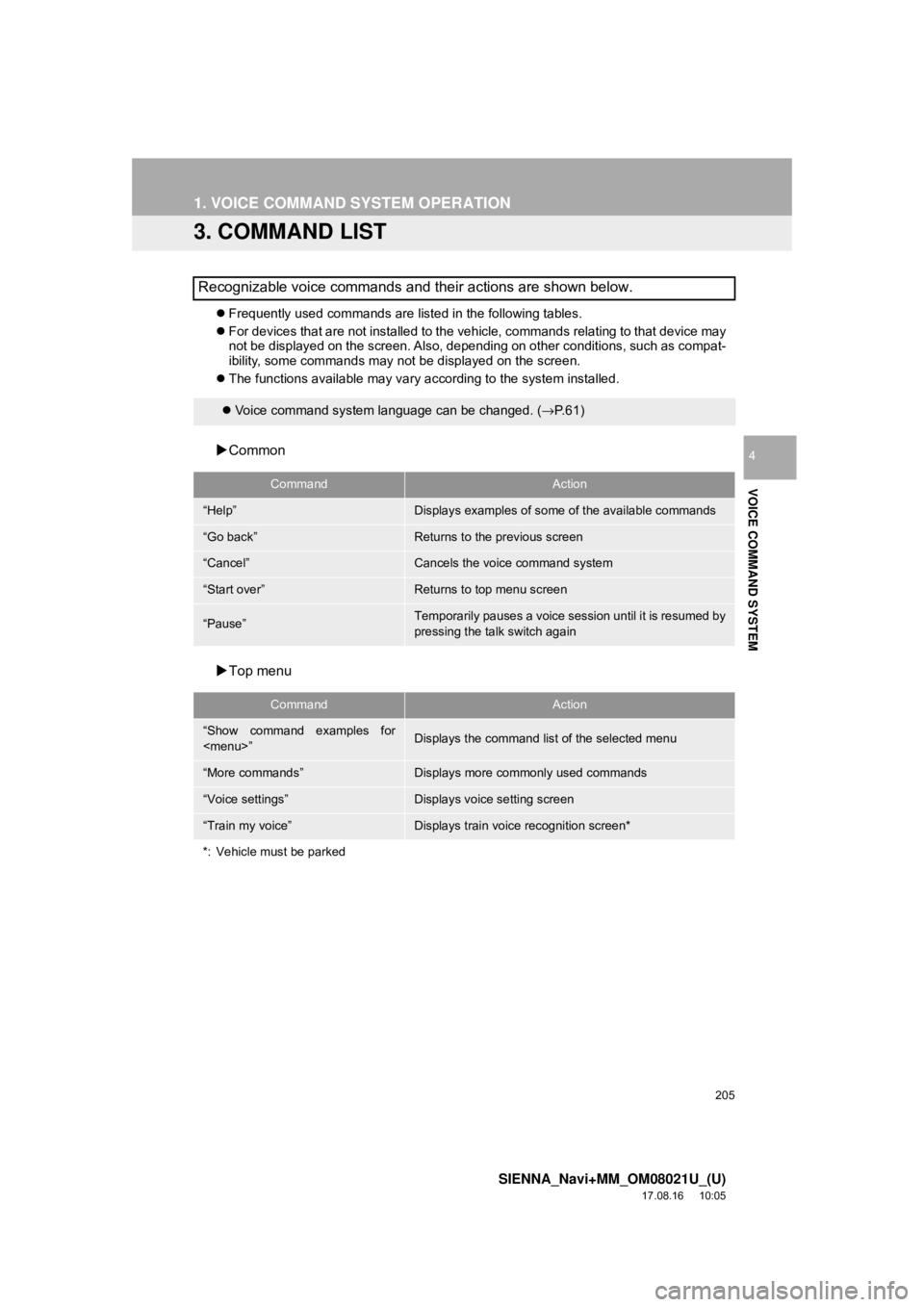
3. COMMAND LIST
Frequently used commands are listed in the following tables.
For devices that are not installed to the vehicle, commands relating to that device may
not be displayed on the screen. Also, depending on other conditions, such as compat-
ibility, some commands may not be displayed on the screen.
The functions available may vary according to the system installed.
Common
Top menu
Recognizable voice commands and their actions are shown below.
Voice command system language can be changed. ( →P.61)
CommandAction
“Help”Displays examples of some of the available commands
“Go back”Returns to the previous screen
“Cancel”Cancels the voice command system
“Start over”Returns to top menu screen
“Pause”Temporarily pauses a voice sess ion until it is resumed by
pressing the talk switch again
CommandAction
“Show command examples for
Page 220 of 435
220
SIENNA_Navi+MM_OM08021U_(U)
17.08.16 10:05
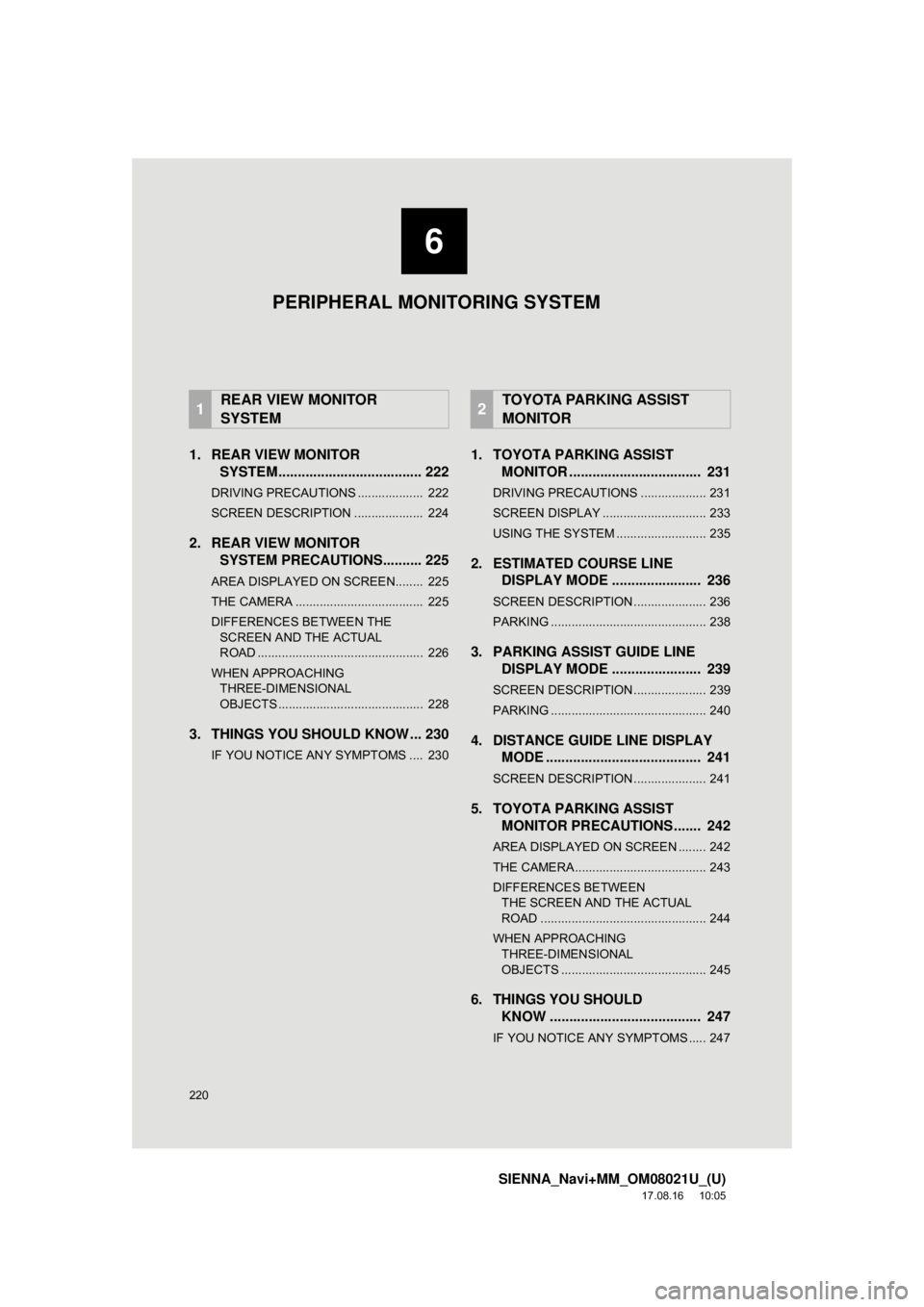
1. REAR VIEW MONITORSYSTEM..................................... 222
DRIVING PRECAUTIONS ................... 222
SCREEN DESCRIPTION .................... 224
2. REAR VIEW MONITOR
SYSTEM PRECAUTIO NS.......... 225
AREA DISPLAYED ON SCREEN........ 225
THE CAMERA ..................................... 225
DIFFERENCES BETWEEN THE
SCREEN AND THE ACTUAL
ROAD ................................................ 226
WHEN APPROACHING THREE-DIMENSIONAL
OBJECTS .......................................... 228
3. THINGS YOU SHOULD KNOW ... 230
IF YOU NOTICE ANY SYMPTOMS .... 230
1. TOYOTA PARKING ASSIST MONITOR .................................. 231
DRIVING PRECAUTIONS ................... 231
SCREEN DISPLAY .............................. 233
USING THE SYSTEM .......................... 235
2. ESTIMATED COURSE LINEDISPLAY MODE ....................... 236
SCREEN DESCRIPTION ..................... 236
PARKING ............................................. 238
3. PARKING ASSIST GUIDE LINEDISPLAY MODE ....................... 239
SCREEN DESCRIPTION ..................... 239
PARKING ............................................. 240
4. DISTANCE GUIDE LINE DISPLAYMODE ........................................ 241
SCREEN DESCRIPTION ..................... 241
5. TOYOTA PARKING ASSIST
MONITOR PRECAUTIONS ....... 242
AREA DISPLAYED ON SCREEN ........ 242
THE CAMERA ...................................... 243
DIFFERENCES BETWEEN
THE SCREEN AND THE ACTUAL
ROAD ................................................ 244
WHEN APPROACHING THREE-DIMENSIONAL
OBJECTS .......................................... 245
6. THINGS YOU SHOULD KNOW ....................................... 247
IF YOU NOTICE ANY SYMPTOMS ..... 247
1REAR VIEW MONITOR
SYSTEM2TOYOTA PARKING ASSIST
MONITOR
6
PERIPHERAL MONITORING SYSTEM
Page 221 of 435
6
221
SIENNA_Navi+MM_OM08021U_(U)
17.08.16 10:05
1
2
3
4
5
6
7
8
9
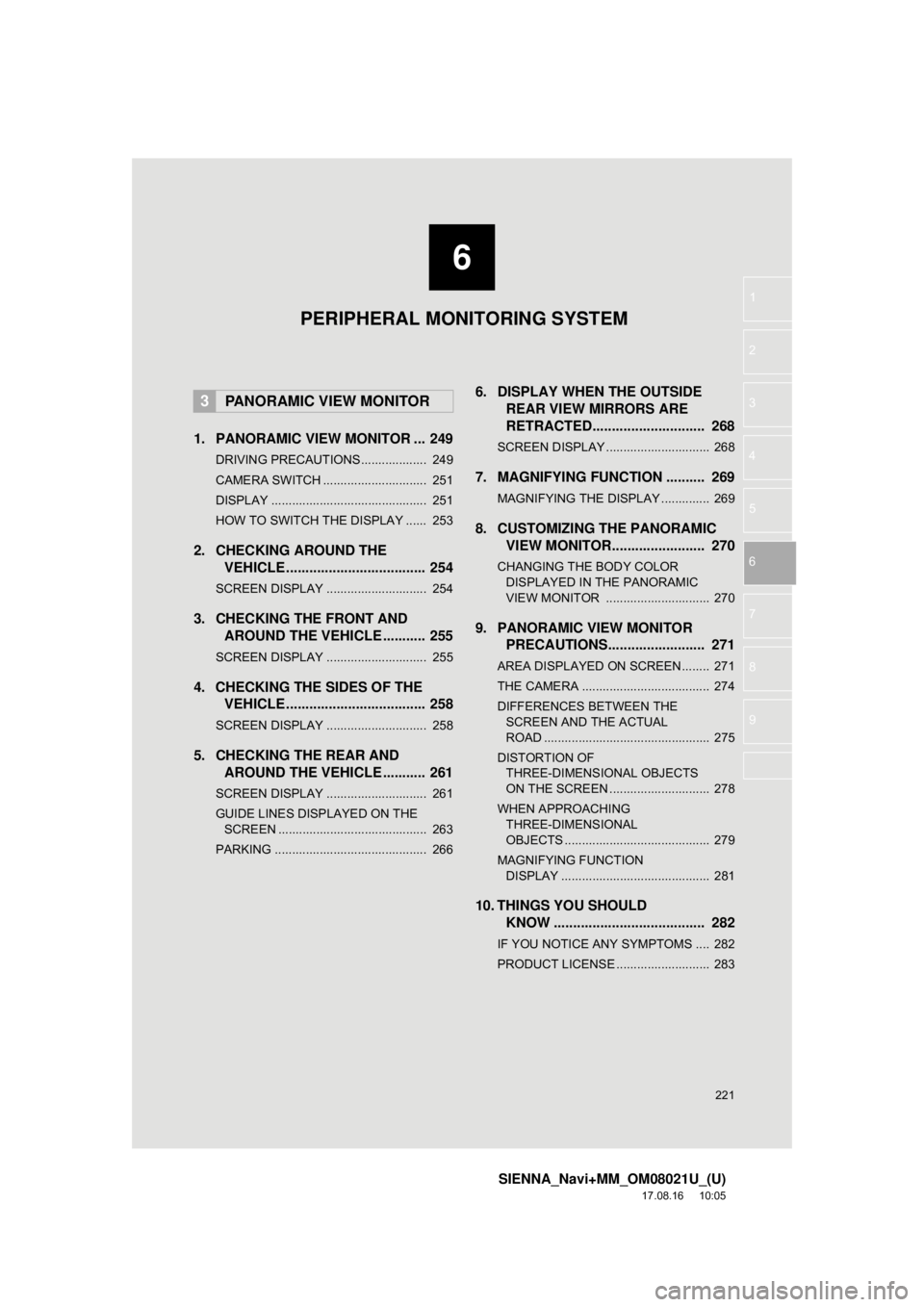
1. PANORAMIC VIEW MONITOR ... 249
DRIVING PRECAUTIONS ................... 249
CAMERA SWITCH .............................. 251
DISPLAY ............................................. 251
HOW TO SWITCH THE DISPLAY ...... 253
2. CHECKING AROUND THE VEHICLE .................................... 254
SCREEN DISPLAY ............................. 254
3. CHECKING THE FRONT AND
AROUND THE VEHICLE ........... 255
SCREEN DISPLAY ............................. 255
4. CHECKING THE SIDES OF THEVEHICLE .................................... 258
SCREEN DISPLAY ............................. 258
5. CHECKING THE REAR AND
AROUND THE VEHICLE ........... 261
SCREEN DISPLAY ............................. 261
GUIDE LINES DISPLAYED ON THE
SCREEN ........................................... 263
PARKING ............................................ 266
6. DISPLAY WHEN THE OUTSIDE REAR VIEW MIRRORS ARE
RETRACTED.............. ............... 268
SCREEN DISPLAY .............................. 268
7. MAGNIFYING FUNCTION .......... 269
MAGNIFYING THE DISPLAY .............. 269
8. CUSTOMIZING THE PANORAMIC
VIEW MONITOR........................ 270
CHANGING THE BODY COLOR
DISP LAYED IN THE PANORAMIC
VIEW MONITOR .............................. 270
9. PANORAMIC VIEW MONITOR PRECAUTIONS......................... 271
AREA DISPLAYED ON SCREEN........ 271
THE CAMERA ..................................... 274
DIFFERENCES BETWEEN THE
SCREEN AND THE ACTUAL
ROAD ................................................ 275
DISTORTION OF THREE-DIMENSIONAL OBJECTS
ON THE SCREEN ............................. 278
WHEN APPROACHING THREE-DIMENSIONAL
OBJECTS .......................................... 279
MAGNIFYING FUNCTION DISPLAY ........................................... 281
10. THINGS YOU SHOULD KNOW ....................................... 282
IF YOU NOTICE ANY SYMPTOMS .... 282
PRODUCT LICENSE ........................... 283
3PANORAMIC VIEW MONITOR
PERIPHERAL MONITORING SYSTEM
Page 222 of 435
222
SIENNA_Navi+MM_OM08021U_(U)
17.08.16 10:05
1. REAR VIEW MONITOR SYSTEM
1. REAR VIEW MONITOR SYSTEM*
The rear view monitor system assists
the driver by displaying an image of the
view behind the vehicle with fixed
guide lines on the screen while backing
up, for example while parking.
INFORMATION
●The screen illustrations used in this text
are intended as examples, and may dif-
fer from the image that is actually dis-
played on the screen.
DRIVING PRECAUTIONS
The rear view monitor system is a sup-
plemental device intended to assist the
driver when backing up. When backing
up, be sure to visually check all around
the vehicle both directly and using the
mirrors before proceeding. If you do
not, you may hit another vehicle, and
could possibly cause an accident.
Pay attention to the following precau-
tions when using the rear view monitor
system.
*: If equipped
WA R N I N G
●Never depend on the rear view monitor
system entirely when backing up. The
image and the position of the guide lines
displayed on the screen may differ from
the actual state.
Use caution, just as you would when
backing up any vehicle.
● Be sure to back up slowly, depressing
the brake pedal to control vehicle speed.
● The instructions given are only guide
lines. When and how much to turn the
steering wheel will vary according to
traffic conditions, road surface condi-
tions, vehicle condition, etc. when park-
ing. It is necessary to be fully aware of
this before using the rear view monitor
system.
● When parking, be sure to check that the
parking space will accommodate your
vehicle before maneuvering into it.
● Do not use the rear view monitor system
in the following cases:
• On icy or slick road surfaces, or in
snow
• When using tire chains or emergency tires
• When the back door is not closed com- pletely
• On roads that are not flat or straight,
such as curves or slopes
Page 226 of 435
226
1. REAR VIEW MONITOR SYSTEM
SIENNA_Navi+MM_OM08021U_(U)
17.08.16 10:05
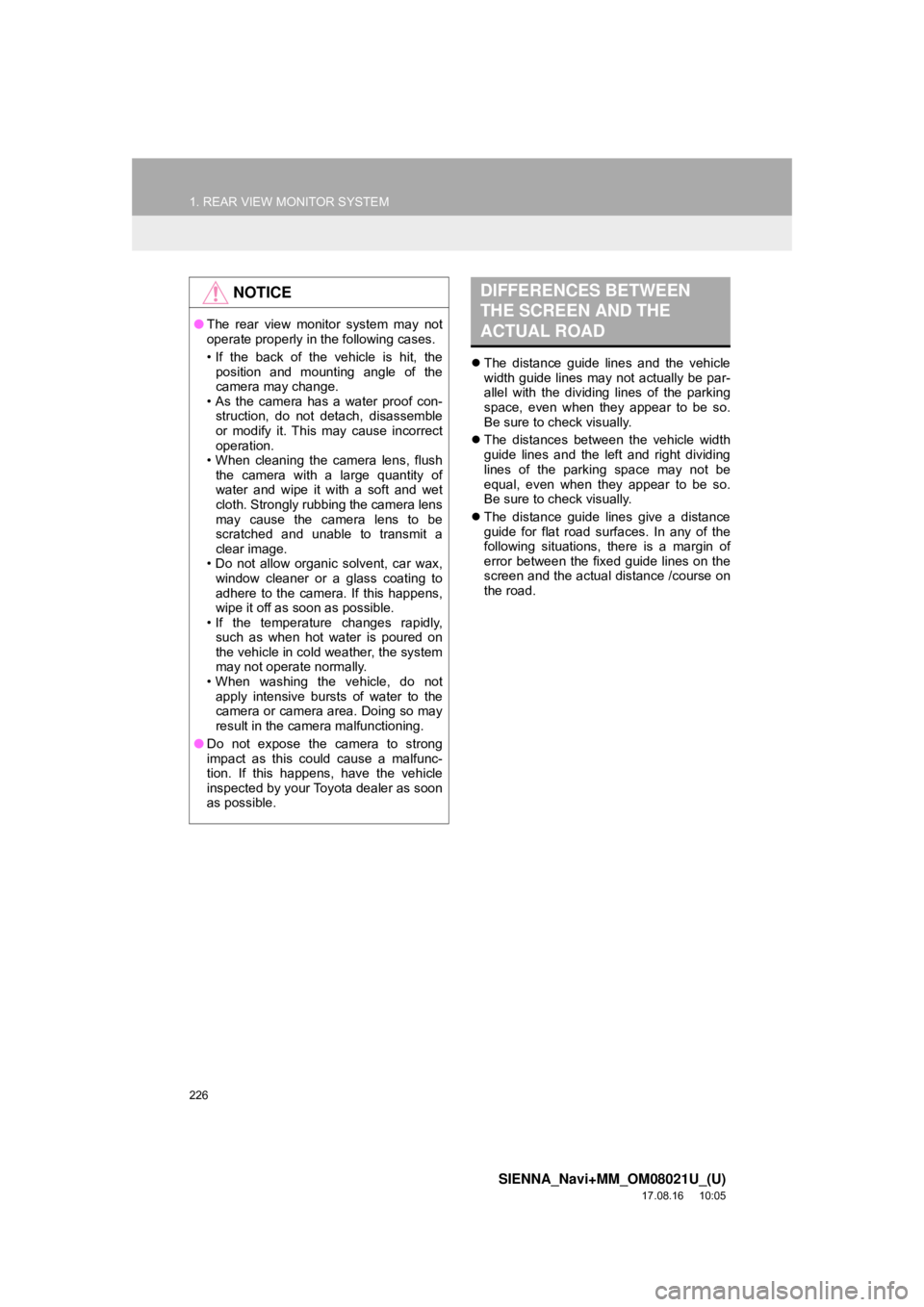
The distance guide lines and the vehicle
width guide lines may not actually be par-
allel with the dividing lines of the parking
space, even when they appear to be so.
Be sure to check visually.
The distances between the vehicle width
guide lines and the left and right dividing
lines of the parking space may not be
equal, even when they appear to be so.
Be sure to check visually.
The distance guide lines give a distance
guide for flat road surfaces. In any of the
following situations, there is a margin of
error between the fixed guide lines on the
screen and the actual distance /course on
the road.
NOTICE
●The rear view monitor system may not
operate properly in the following cases.
• If the back of the vehicle is hit, the
position and mounting angle of the
camera may change.
• As the camera has a water proof con-
struction, do not detach, disassemble
or modify it. This may cause incorrect
operation.
• When cleaning the camera lens, flush the camera with a large quantity of
water and wipe it with a soft and wet
cloth. Strongly rubbing the camera lens
may cause the camera lens to be
scratched and unable to transmit a
clear image.
• Do not allow organic solvent, car wax, window cleaner or a glass coating to
adhere to the camera. If this happens,
wipe it off as soon as possible.
• If the temperature changes rapidly,
such as when hot water is poured on
the vehicle in cold weather, the system
may not operate normally.
• When washing the vehicle, do not apply intensive bursts of water to the
camera or camera area. Doing so may
result in the camera malfunctioning.
● Do not expose the camera to strong
impact as this could cause a malfunc-
tion. If this happens, have the vehicle
inspected by your Toyota dealer as soon
as possible.
DIFFERENCES BETWEEN
THE SCREEN AND THE
ACTUAL ROAD
Page 229 of 435
229
1. REAR VIEW MONITOR SYSTEM
SIENNA_Navi+MM_OM08021U_(U)
17.08.16 10:05
PERIPHERAL MONITORING SYSTEM
6
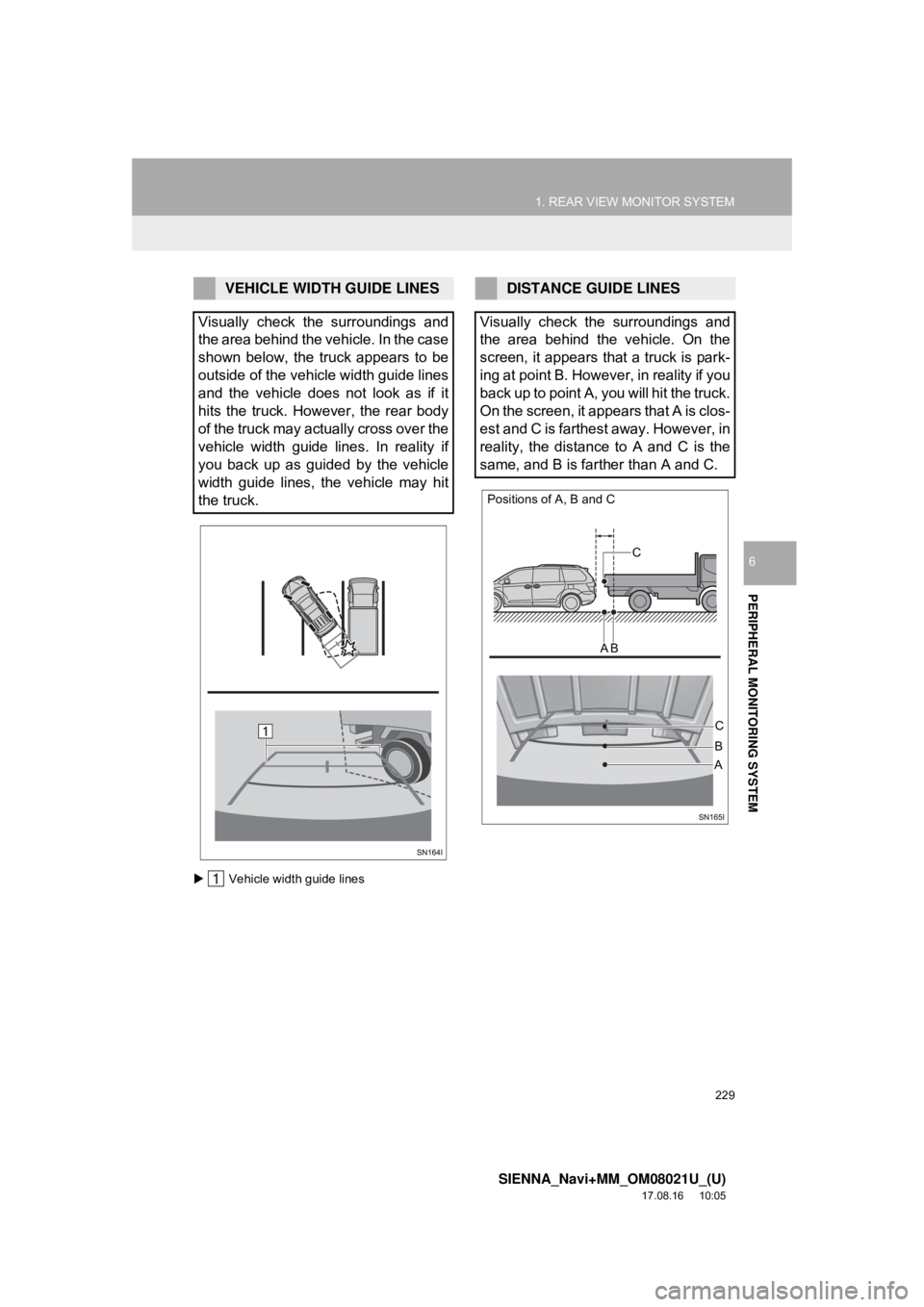
Vehicle width guide lines
VEHICLE WIDTH GUIDE LINES
Visually check the surroundings and
the area behind the vehicle. In the case
shown below, the truck appears to be
outside of the vehicle width guide lines
and the vehicle does not look as if it
hits the truck. However, the rear body
of the truck may actually cross over the
vehicle width guide lines. In reality if
you back up as guided by the vehicle
width guide lines, the vehicle may hit
the truck.DISTANCE GUIDE LINES
Visually check the surroundings and
the area behind the vehicle. On the
screen, it appears that a truck is park-
ing at point B. However, in reality if you
back up to point A, you will hit the truck.
On the screen, it appears that A is clos-
est and C is farthest away. However, in
reality, the distance to A and C is the
same, and B is farther than A and C.
Positions of A, B and C
C
A B
C
AB
Page 231 of 435
231
SIENNA_Navi+MM_OM08021U_(U)
17.08.16 10:05
PERIPHERAL MONITORING SYSTEM
6
2. TOYOTA PARKING ASSIST MONITOR
1. TOYOTA PARKING ASSIST MONITOR*
The parking assist monitor assists the
driver by displaying an image of the
view behind the vehicle while backing
up, for example while parking. When
the display is changed to the wide rear
view mode, a wider lateral view behind
the vehicle will be displayed.
INFORMATION
●The screen illustrations used in this text
are intended as examples, and may dif-
fer from the image that is actually dis-
played on the screen.
DRIVING PRECAUTIONS
The parking assist monitor is a supple-
mental device intended to assist the
driver when backing up. When backing
up, be sure to visually check all around
the vehicle both directly and using the
mirrors before proceeding. If you do
not, you may hit another vehicle, and
could possibly cause an accident.
Pay attention to the following precau-
tions when using the parking assist
monitor.
*: If equipped
WA R N I N G
●Never depend on the parking assist
monitor entirely when backing up. The
image and the position of the guide lines
displayed on the screen may differ from
the actual state.
Use caution, just as you would when
backing up any vehicle.
● Be sure to back up slowly, depressing
the brake pedal to control vehicle speed.
● If you seem likely to hit nearby vehicles,
obstacles, people or mount the shoulder,
depress the brake pedal to stop the
vehicle.