audio TOYOTA SIENNA 2019 Accessories, Audio & Navigation (in English)
[x] Cancel search | Manufacturer: TOYOTA, Model Year: 2019, Model line: SIENNA, Model: TOYOTA SIENNA 2019Pages: 441, PDF Size: 9.89 MB
Page 427 of 441
427
SIENNA_Navi+MM_OM08027U_(U)
18.05.08 11:51
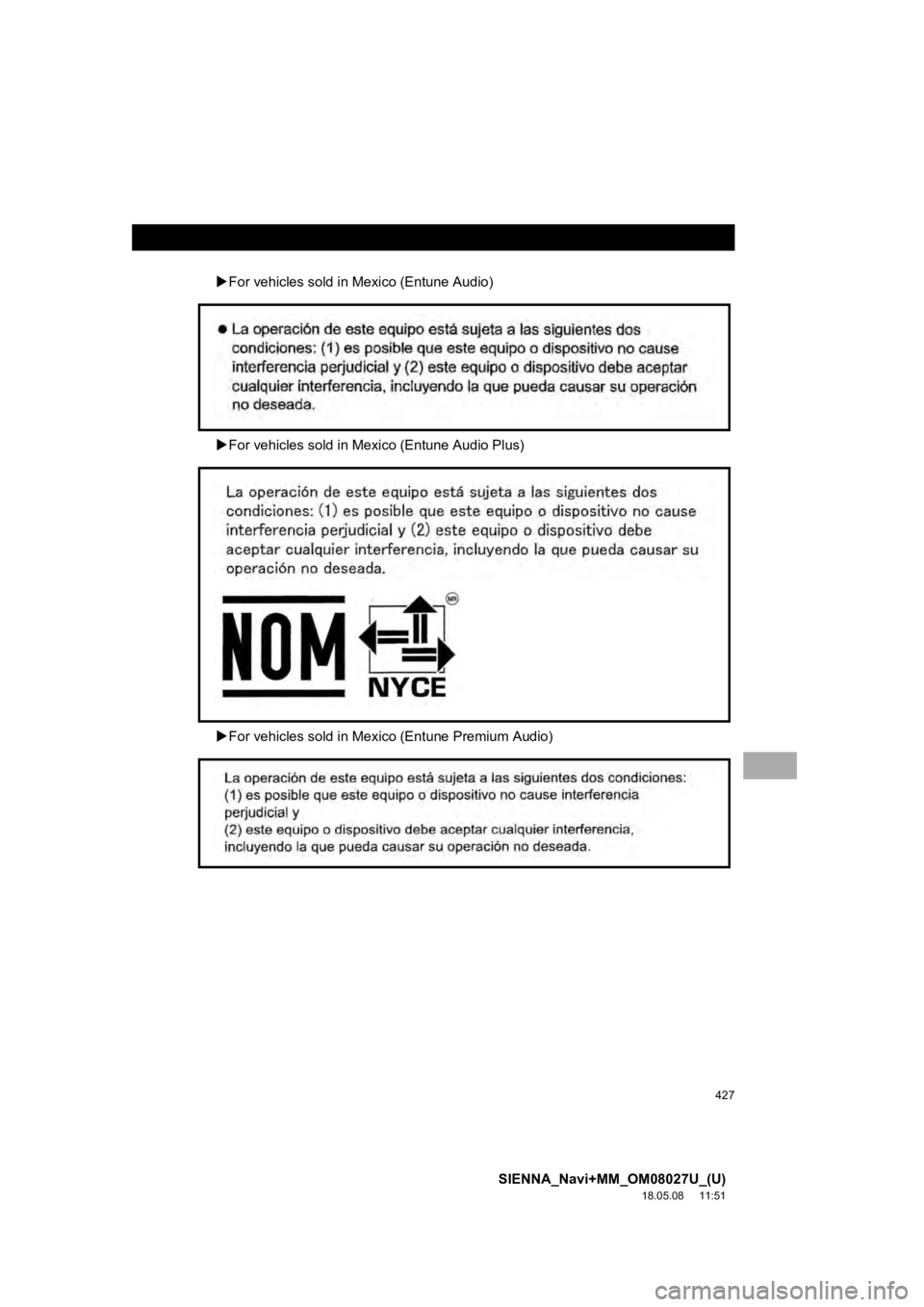
For vehicles sold in Mexico (Entune Audio)
For vehicles sold in Mexico (Entune Audio Plus)
For vehicles sold in Mexic o (Entune Premium Audio)
Page 428 of 441

428
SIENNA_Navi+MM_OM08027U_(U)
18.05.08 11:51
APPENDIX
Gracenote (Entune Audio/Entune Audio Plus)
Gracenote, the Gracenote logo and logotype, “Powered by Graceno te” and Gracenote
MusicID are either registered trademarks or trademarks of Gracenote, Inc. in the United
States and/or other countries.
Page 430 of 441
430
SIENNA_Navi+MM_OM08027U_(U)
18.05.08 11:51
APPENDIX
Gracenote (Entune Premium Audio)
Gracenote, the Gracenote logo and logotype, “Powered by Graceno te”, MusicID, Playlist
Plus and MediaVOCS are either registered trademarks or trademar ks of Gracenote, Inc.
in the United States and/or other countries
Page 434 of 441

434
ALPHABETICAL INDEX
SIENNA_Navi+MM_OM08027U_(U)
18.05.08 11:51
A
AM/FM/SiriusXM (SXM) radio ................... 91Available HD Radio™ technology ......... 98
Caching a radio program ....................... 94
Displaying the radio id ......................... 101
HD Radio™ troubleshooting guide ........ 99
If the satellite radio tuner malfunctions..................................... 102
Overview ............................................... 91
Presetting a station................................ 94
Radio broadcast data system ................ 97
Radio options ........................................ 97
Selecting a station from the list ............. 96
Using HD Radio™ technology............... 98
Apple CarPlay ........................................... 62
Audio settings ......................................... 125 Audio settings screen .......................... 125
Audio/visual remote controls ................... 122
Audio/visual system .................................. 79
AUX......................................................... 119 Overview ............................................. 119
B
Basic function...................................... 12, 29
Basic information before operation ........... 30
Basic operation ................................. 82, 332
Bluetooth
® audio ..................................... 114
Overview ............................................. 114
Registering/connecting a Bluetooth
®
device .............................................. 118 Bluetooth
® phone message function.......306
Calling the message sender ................310
Checking received messages..............307
Displaying the message screen...........306
Receiving a message ..........................306
Replying to a message (Dictation reply) ................................308
Replying to a message (Quick reply).....................................309
Buttons overview .......................................12
C
CD ...........................................................10 4
Overview..............................................104
Checking around the vehicle ...................260 Screen display .....................................260
Checking the front and around the vehicle .................................................261
Screen display .....................................261
Checking the rear and around the vehicle .................................................267
Guide lines displayed on the screen ..............................................269
Parking ................................................272
Screen display .....................................267
Checking the sides of the vehicle............264 Screen display .....................................264
Clock settings ............................................67
Command list ..........................................211
Connectivity settings .................................43
Copyrights and trademarks .....................194
Customizing the panoramic view monitor.................................................276
Changing the body color displayed in the panoramic view monitor .........276
ALPHABETICAL INDEX
Page 437 of 441
437
SIENNA_Navi+MM_OM08027U_(U)
18.05.08 11:51
Playing a Blu-ray Disc™ (BD) and DVD discs ........................................... 151
BD/DVD video discs ............................ 162
Operating the disc menu ..................... 152
Option screen ...................................... 152
Playing/pausing a disc ........................ 152
Remote controller ................................ 151
Turning on the BD/DVD mode ............ 152
Playing an audio CD and MP3/WMA/AAC discs ......................... 166
Control screen ..................................... 166
Fast forwarding or rewinding a track/file ........................................... 167
MP3/WMA/AAC files ........................... 168
Random playback ............................... 167
Remote controller ................................ 166
Repeat play ......................................... 167
Selecting a folder ................................ 167
Selecting a track/file ............................ 167
Turning on the CD mode ..................... 167
Playing an SD card ................................. 171 Deleting the BD history data ............... 179
Fast forwarding or rewinding a chapter/track/file .............................. 172
Formatting the SD card ....................... 179
Main menu .......................................... 171
Playing music ...................................... 172
Playing still pictures............................. 173
Playing video ....................................... 175
Playing/pausing a SD card media ....... 172
Remote controller ................................ 171
SD card information ............................ 179
Selecting a chapter/track/file ............... 172Q
Quick guide ............................................... 11
Quick reference................... 21, 82, 292, 332 Map screen.......................................... 332
R
Radio operation......................................... 91
Rear seat entertainment system features ............................................... 139
Disc slot ............................................... 141
Discs that can be used ........................ 149
Display................................................. 140
Headphone jacks................................. 147
Operating from the front seats............. 148
Remote controller ................................ 142
SD card slot ......................................... 142
SD card that can be used .................... 150
Rear seat entertainment system operation ............................................. 139
Rear view monitor system ....................... 228
Driving precautions.............................. 228
Screen description............................... 230
Rear view monitor system precautions .......................................... 231
Area displayed on screen .................... 231
Differences between the screen and the actual road ................................. 232
The camera ......................................... 231
When approaching three-dimensional objects ................ 234
Receiving a call using the Bluetooth
®
hands-free system ............................... 302
Incoming calls...................................... 302
Page 438 of 441

438
ALPHABETICAL INDEX
SIENNA_Navi+MM_OM08027U_(U)
18.05.08 11:51
Receiving weather information................ 221Displaying weather screen .................. 221
Weather guidance service ................... 223
Registering favorite destinations ............... 24
Registering home ...................................... 23
Registering/connecting a Bluetooth
®
device .................................................... 43
Profiles .................................................. 47
Registering a Bluetooth
® audio
player for the first time ....................... 45
Registering a Bluetooth
® phone for the
first time ............................................. 43
Route guidance ....................................... 361
Route guidance screen ........................... 361 During freeway driving......................... 363
Screen for route guidance ................... 361
Turn list screen .................................... 365
Turn-by-turn arrow screen ................... 366
When approaching an intersection ...... 365
Route options operation .......................... 368
Adjacent road ...................................... 371
Detour setting ...................................... 370
Reordering destinations ...................... 368
Selecting route type............................. 369
Setting route preferences .................... 369
S
Screen adjustment ....................................40
Setting Bluetooth® details .........................49
Bluetooth® settings screen ....................49
Connecting a Bluetooth® device............50
Deleting a Bluetooth® device.................53
Editing the Bluetooth® device
information .........................................53
Registering a Bluetooth
® device............52
Setting Bluetooth® system.....................55
Setting home as the destination ................26
Setup ...............................125, 311, 379, 408
“Setup” screen...........................................21
Some basics......................................84, 293
About the contacts in the contact list.....................................................296
Audio screen adjustment .......................89
Disc slot .................................................85
Registering/connecting a Bluetooth
®
phone ...............................................294
Selecting an audio source .....................84
Sound settings .......................................87
Turning the system on and off ...............84
USB/AUX port........................................86
Using the phone switch/ microphone ......................................294
Voice command system ................90, 295
When selling or disposing of the vehicle ..............................................296
Starting route guidance ...........................356 A route from the Toyota Entune center (Vehicles with DCM) .............360
Confirm destination screen ..................357
Route overview screen ........................357
Steering switches ....................................122
Page 439 of 441

439
SIENNA_Navi+MM_OM08027U_(U)
18.05.08 11:51
T
Talking on the Bluetooth® hands-free
system ................................................. 303
Incoming call waiting ........................... 305
Things you should know ......... 236, 253, 288
If you notice any symptoms ........................ 236, 253, 288
Product license.................................... 289
Tips for operating the audio/visual system ................................................. 128
Tips for the navigation system ................ 389
Touch screen gestures ............................. 32
Touch screen operation ............................ 33
Toyota Entune ........................................ 393
Toyota Entune app suite connect ........... 404 Entering keyword operation ................ 407
Using Toyota Entune app suite connect ............................................ 404
Toyota Entune app suite connect settings ................................................ 408
Toyota Entune app suite connect settings screen ................................ 408
Toyota Entune operation ........................ 404
Toyota Entune-overview ......................... 394
Toyota parking assist monitor ................. 237 Driving precautions ............................. 237
Screen display..................................... 239
Using the system....................... .......... 241Toyota parking assist monitor
precautions .......................................... 248
Area displayed on screen .................... 248
Differences between the screen and the actual road ................................. 250
The camera ......................................... 249
When approaching three-dimensional objects ............................................. 251
Traffic information ................................... 342 Displaying traffic information on the map .................................................. 345
Traffic settings......................................... 383 Avoid traffic.......................................... 384
My traffic routes ................................... 385
Screen for traffic settings..................... 383
Troubleshooting ...................................... 323
Type A: Function achieved by using a smart phone or DCM ........................... 395
Before using the function..................... 397
Preparation before using Toyota Entune app suite connect ................ 398
Type B: Function achieved by using DCM and the system ...... ..................... 399
Before using the function..................... 400
Destination assist connect................... 400
Type C: Function achieved by using DCM .................................................... 402
Safety connect..................................... 402
Typical voice guidance prompts.............. 367